

AI digital signage that runs on a sentence
Control every screen with a sentence.
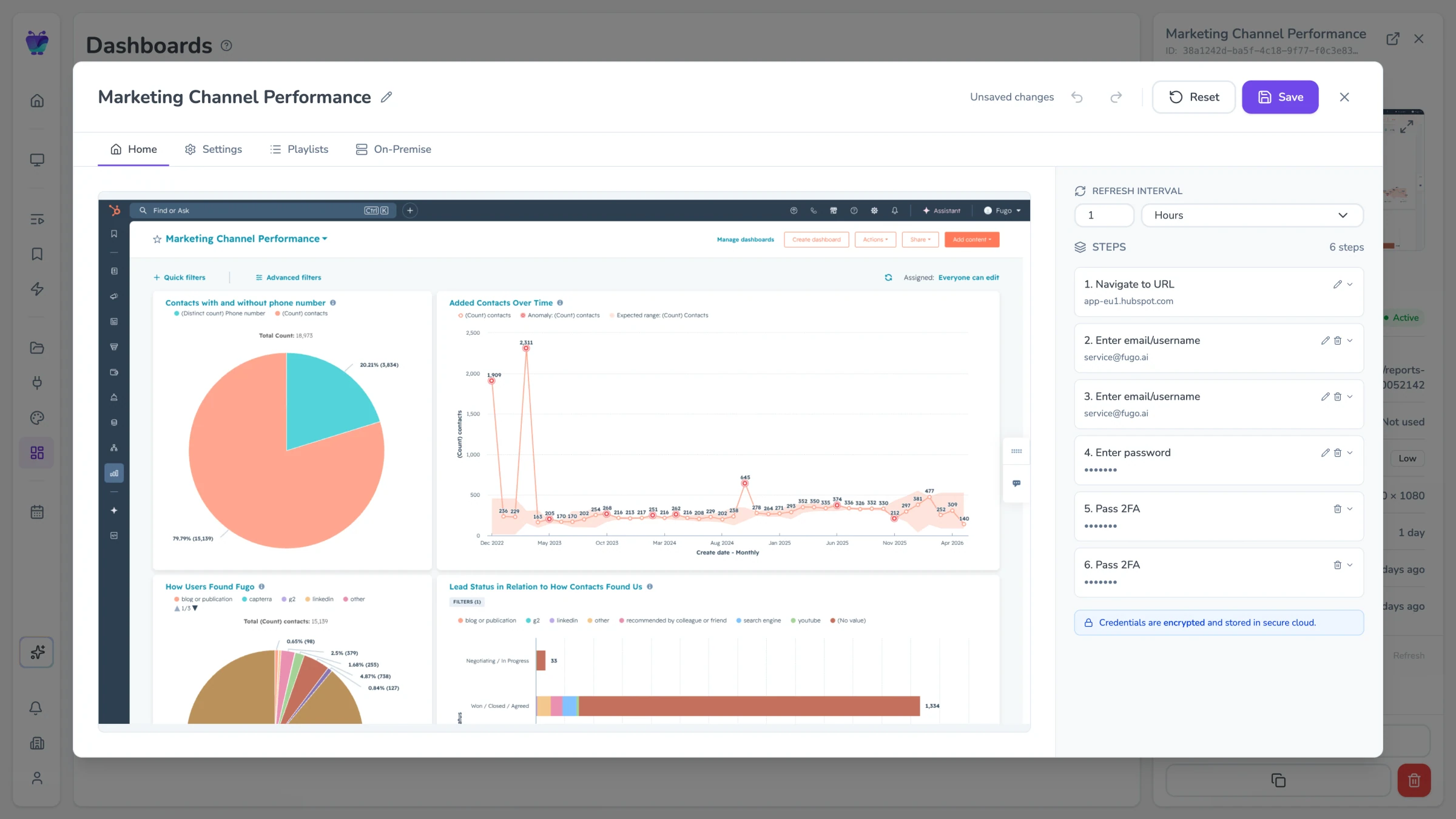

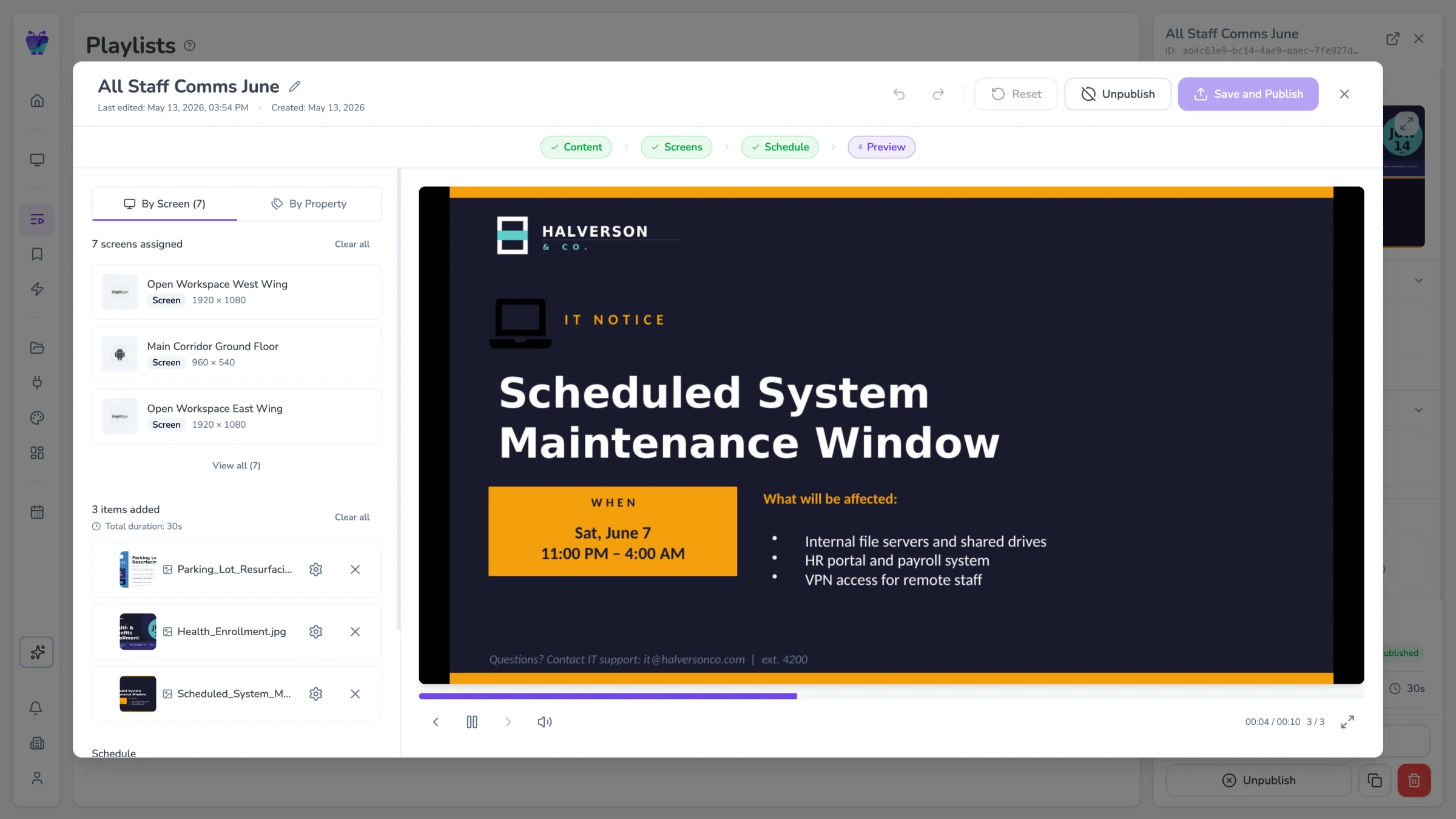
Managing screens still means too many clicks
Checking screen status, finding playlists, updating content — it all takes more steps than it should. And reacting to real-world events on your screens? That is still entirely manual.
AI that knows your signage account inside and out
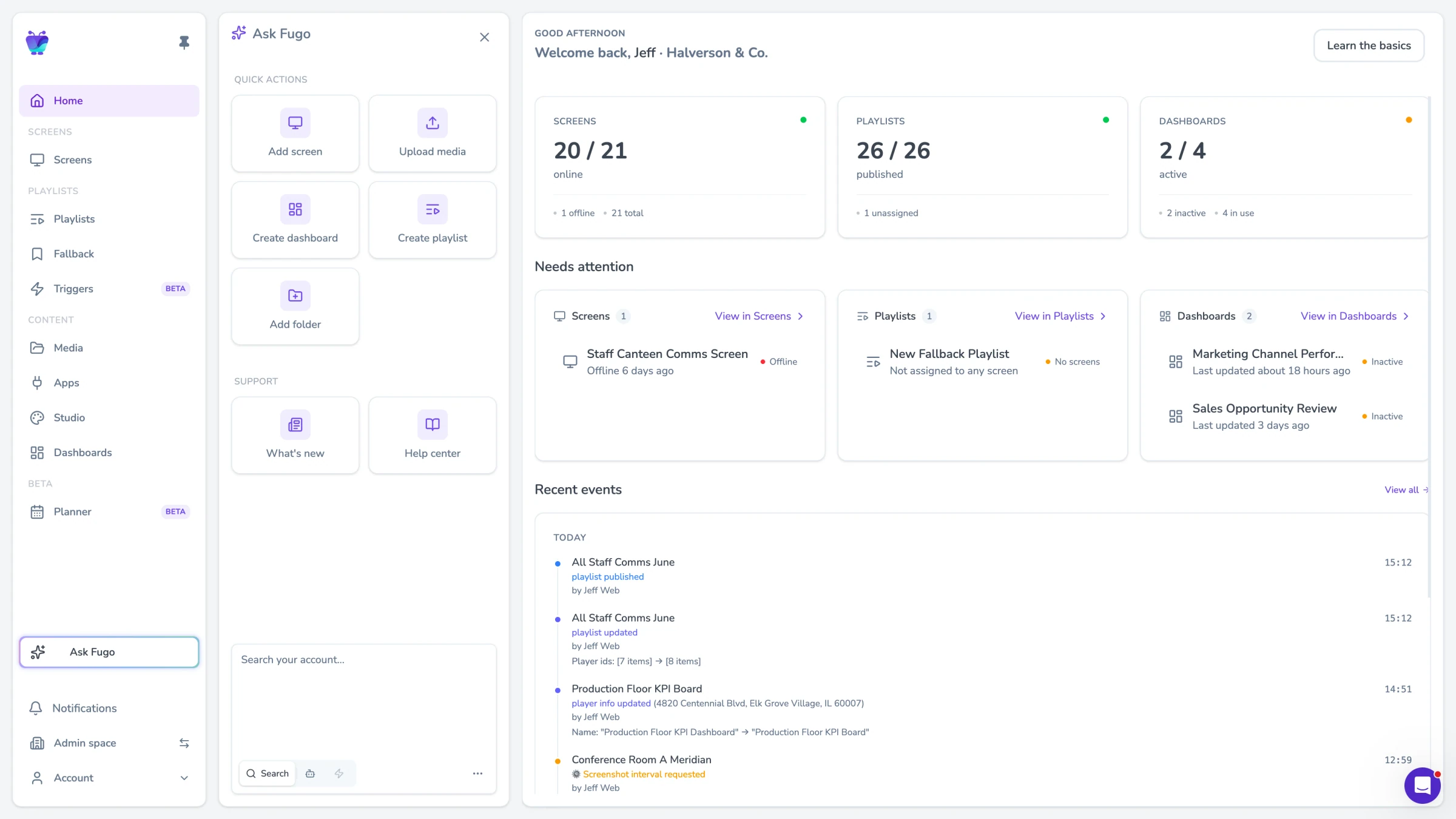
Fugo's AI lives in your CMS sidebar. It understands your screens, playlists, dashboards, and content — so you can ask questions, take actions, and set up automations without leaving the page you are on.
Ask anything about your account
Get instant answers about your screens, content, and playlists.
Take actions with natural language
Control your signage by describing what you want to happen.
Automate with AI triggers
Set up rules in plain English that decide what plays on screen.
Four ways AI works inside Fugo
From answering questions to controlling your account programmatically, AI is woven throughout the Fugo CMS.
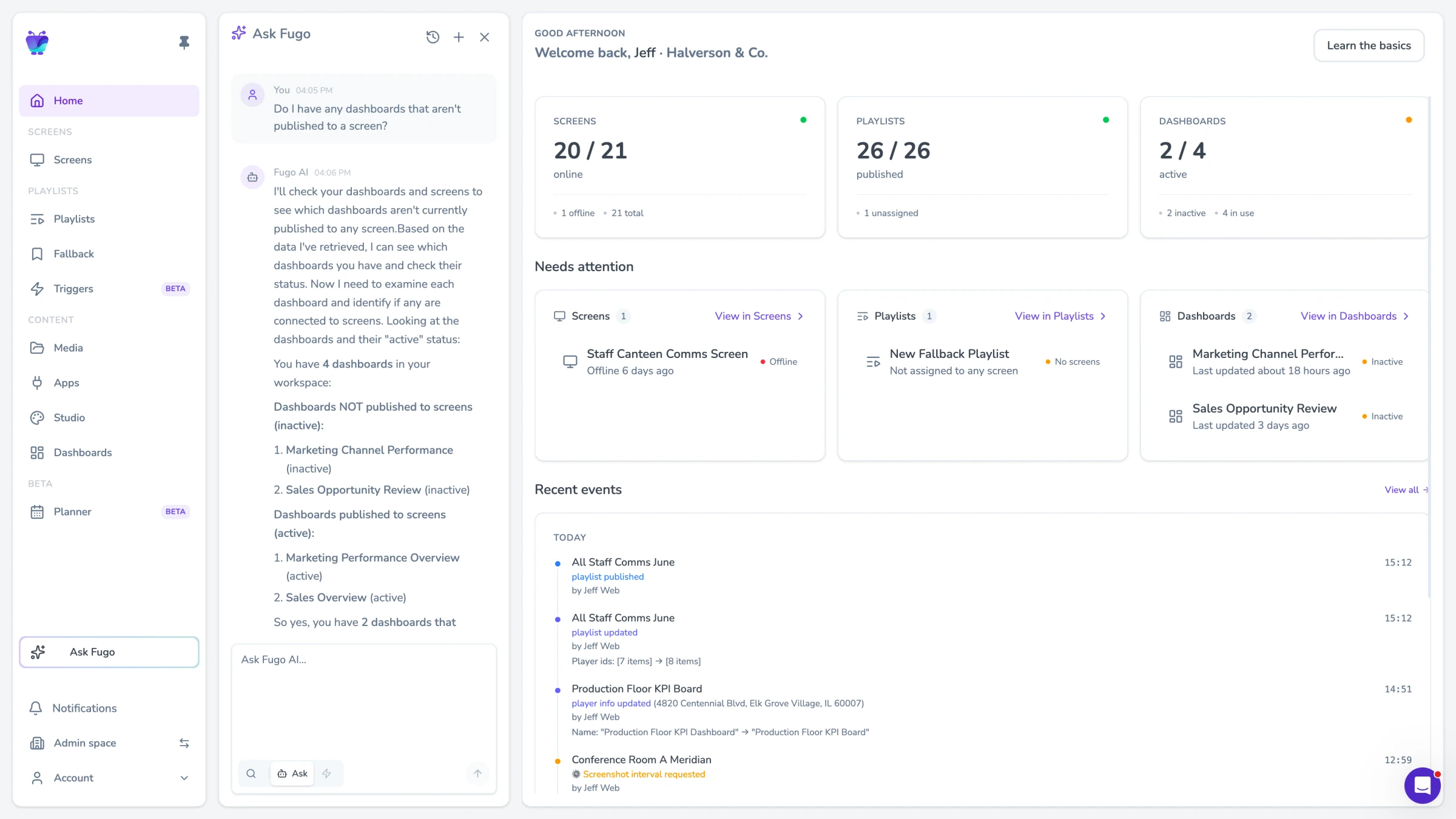
Ask Fugo
Open the AI sidebar and ask anything about your signage account. "Which screens are offline?" "Show me playlists updated this week." "What content is on the lobby screen?" Ask Fugo queries your screens, playlists, dashboards, content, and team members in real time — and returns answers with clickable links to the entities it finds.
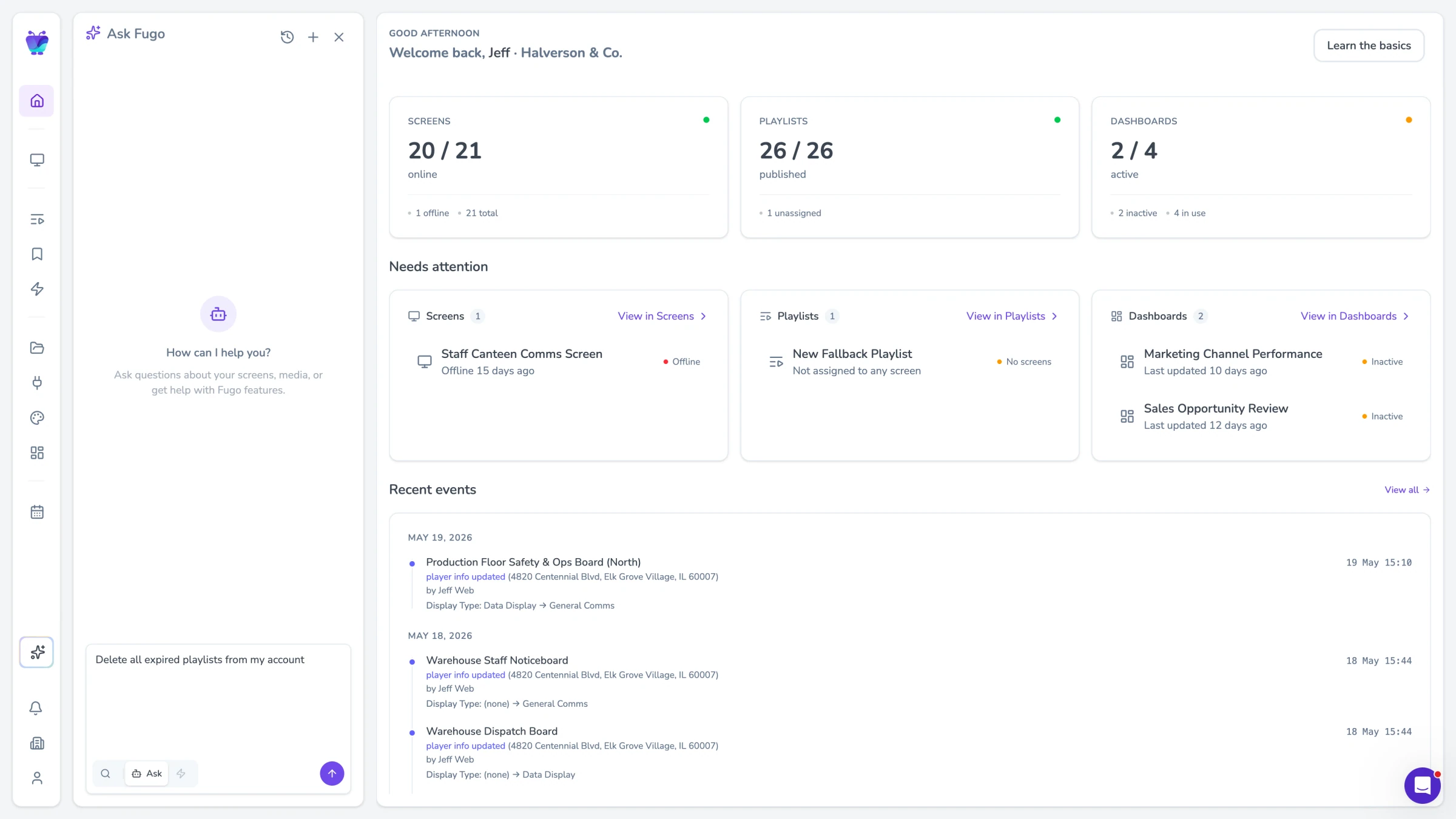
Actions
Go beyond questions and tell Fugo what to do. "Publish the Q2 dashboard to all lobby screens." "Remove the holiday playlist from the break room." Actions let you control your signage account using natural language, with a confirmation step before anything changes — so you stay in control while moving faster.
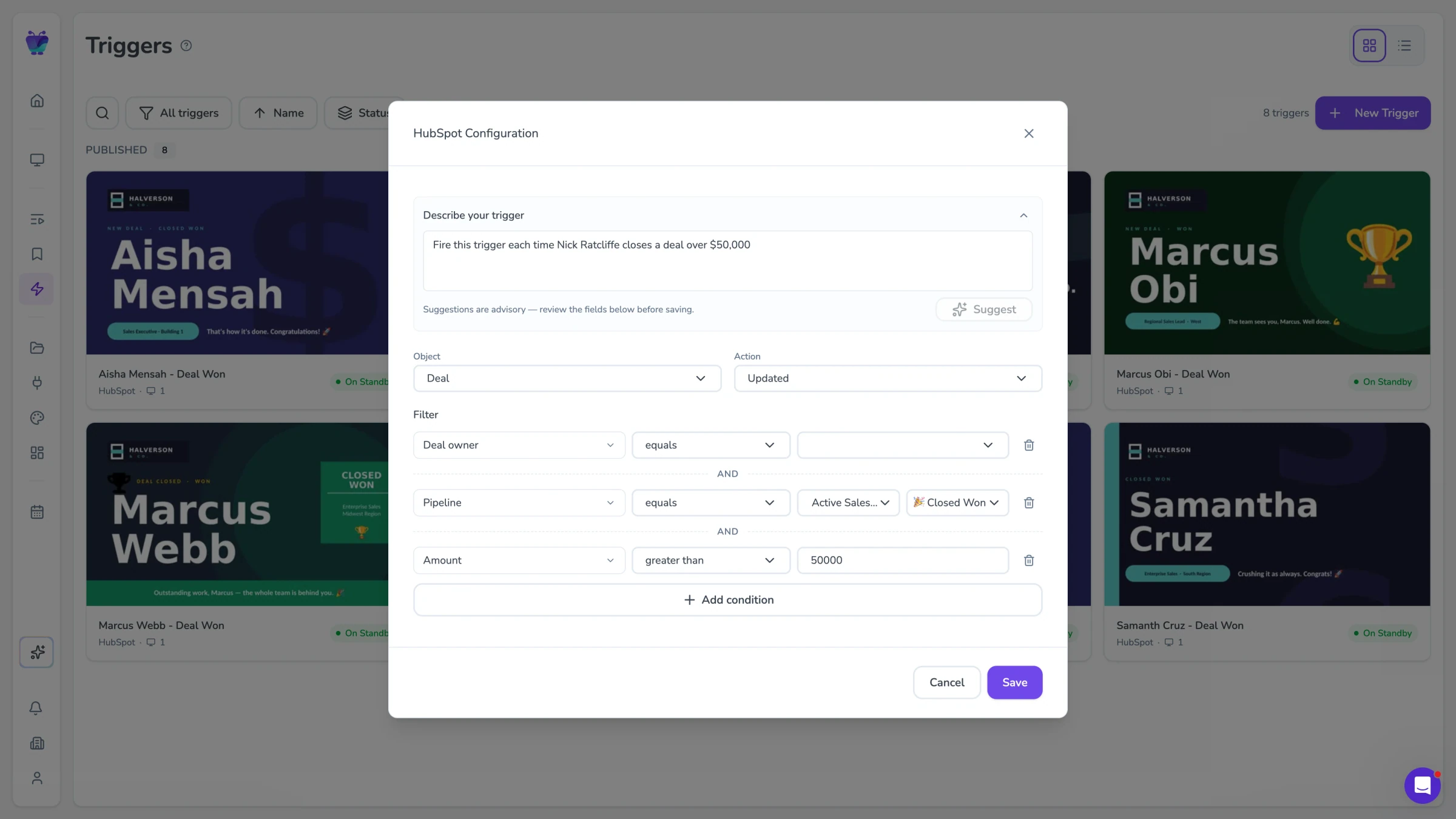
AI triggers
Write trigger rules in plain English instead of configuring complex logic. "When it is raining outside, show the umbrella promo." "After 6pm, switch to the evening menu." Fugo uses AI to interpret your intent and determine when content should play — turning natural language into real-time screen automation.
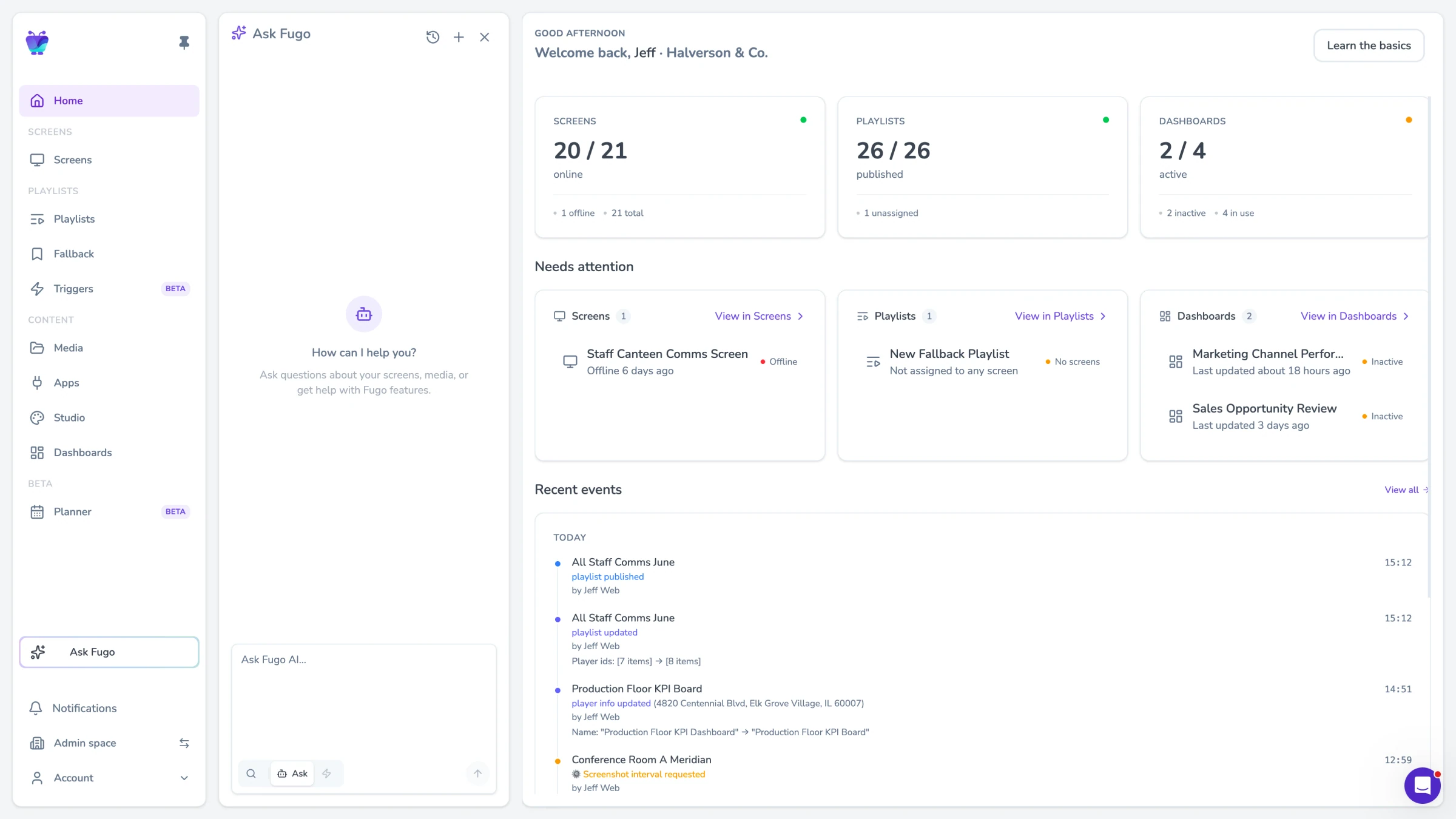
MCP integration
Connect your Fugo account to external AI tools like Claude, ChatGPT, or custom agents using the Model Context Protocol (MCP). This gives AI assistants direct access to your signage data and actions — so you can manage screens from wherever you already work, whether that is a chat interface, an automation platform, or your own code.
AI digital signage for every team that uses screens
Whether you manage 5 screens or 500, AI removes the friction between knowing what you want and making it happen.
Sales & revenue teams
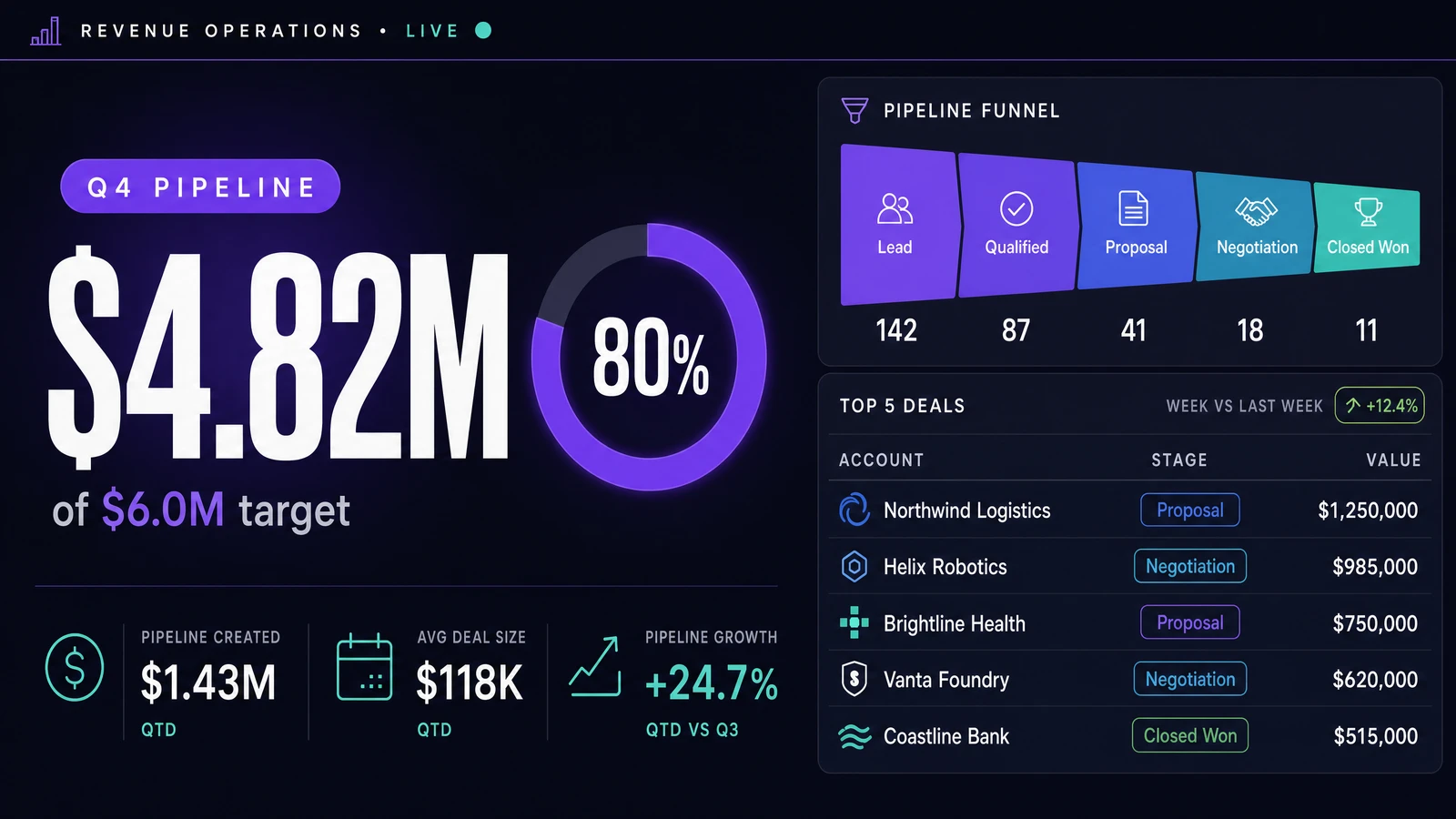
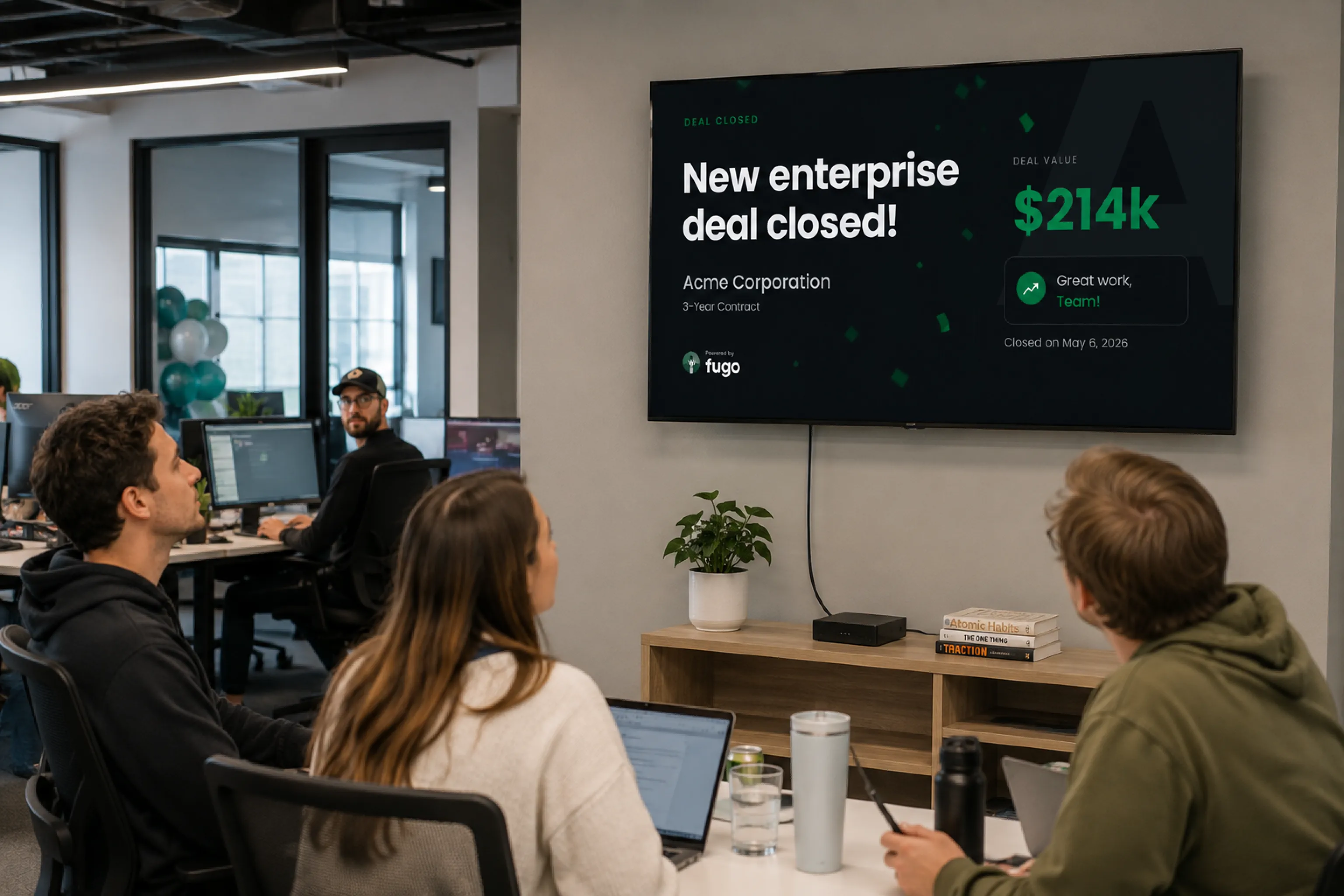
Ask Fugo which leaderboard is live on the sales floor, then update it with a single command. Set up AI triggers that automatically show celebration content when a deal closes in your CRM. No more Friday afternoon slide updates.
Frequently asked questions
Common questions about AI in Fugo
What is ask Fugo?
What can AI actions do?
How do AI triggers work?
What is MCP and how does it work with Fugo?
Do I need technical skills to use AI features?
Are AI features available on all plans?
Is my data safe when using AI features?
What is coming next for AI in Fugo?
Built on signage that already scales
AI digital signage in Fugo sits on top of the platform teams already run every day — Design Studio, live TV dashboards, remote multi-site management, uptime monitoring and the hardware you already own.