
Fugo

Securely display any dashboard on your workplace TV screens

Opening dashboards in browser tabs doesn't work on TV screens. Fugo handles the hard parts - authentication, refresh, and playback - so your dashboards stay visible without babysitting.

HOW IT WORKS

Set up your TV dashboard in 3 steps

Fugo pairing PIN displayed on a TV screen
1

Pair your screen to Fugo

Install the Fugo app on your TV or media player to link it to your Fugo account. It just takes minutes & works with most smart TVs and media players.

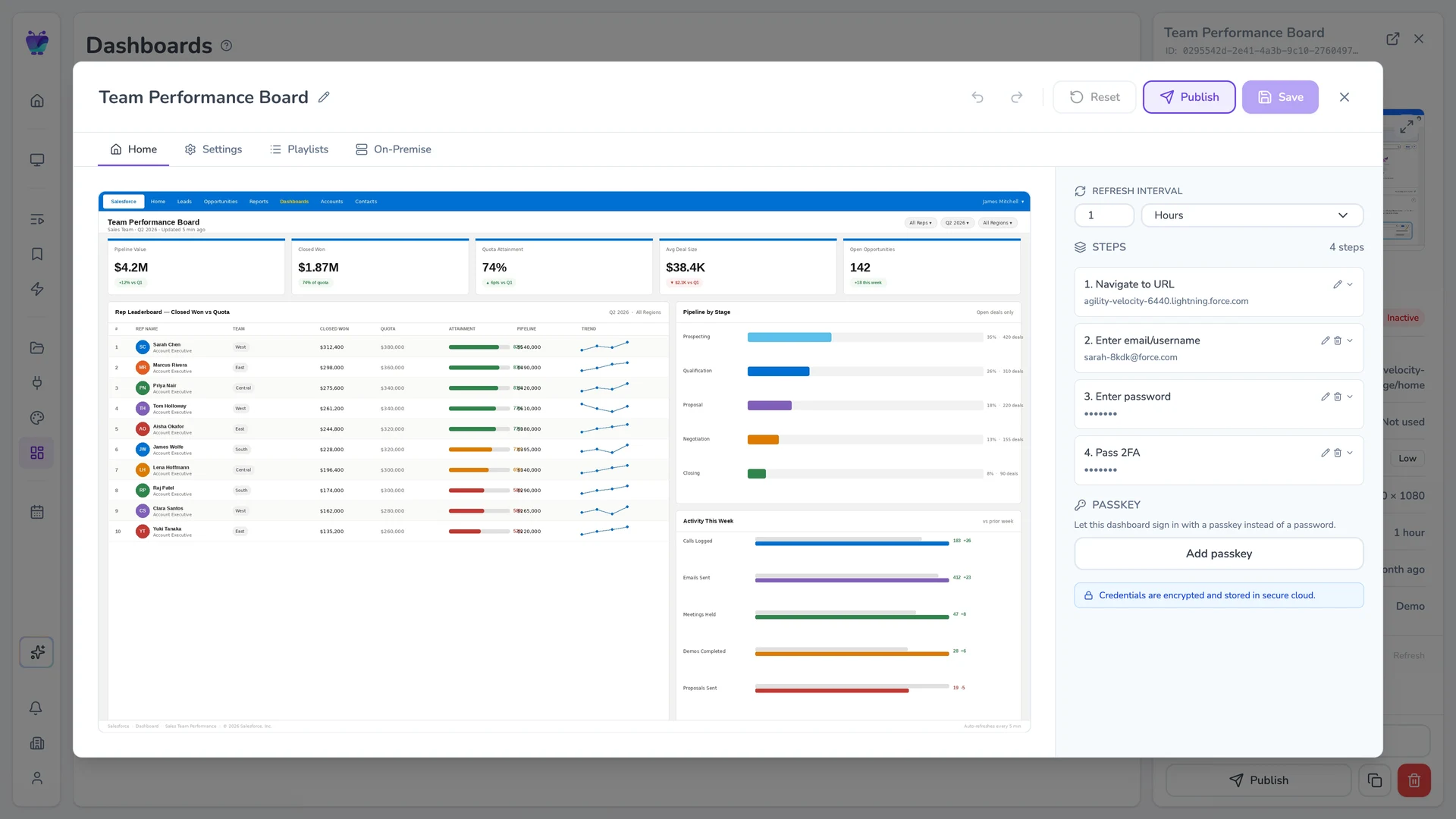
Fugo dashboard edit modal with a connected dashboard open and settings panel visible
2

Give Fugo access to your dashboard

Enter your dashboard URL and login details. Fugo securely handles authentication so your credentials never live on the screen.

Tableau dashboard running on a Fugo-connected TV screen
3

Run your dashboard on your screens

Fugo loads your dashboard for display on TVs and keeps it updated automatically at the interval you choose across one or many screens.

FEATURES

Built for secure, controlled dashboard playback

Dashboard creation modal with Tableau credentials input

Work with the security your organization already uses

Fugo run dashboards on TV screens without forcing you to weaken your authentication or network controls.

  • Supports SSO and two-factor authentication
  • Credentials never live on the TV
  • Works behind firewalls using proxy and whitelist options
  • Maintains stable sessions for dashboards that require login
Dashboard screen targeting

Decide exactly where dashboards show up

Target dashboards to the right teams and locations without configuring each screen individually.

  • Assign dashboards to specific screens or screen groups
  • Manage screens centrally with playlists and groups
  • Update one screen or hundreds at once
  • Connect unlimited dashboard URLs
Dashboard advanced settings panel for tuning resolution, scroll, and timing for large-screen viewing

Adjust dashboards for large-screen viewing

TVs aren't laptops. Fugo gives you options to congifure your dashboards so they're readable at a distance.

  • Crop the dashboard to show only the relevant section
  • Set scroll position and pause timing for long dashboards
  • Match dashboard output to your screen's resolution
  • Fine-tune performance settings for reliable playback
FLEXIBLE INFRASTRUCTURE

Deploy across cloud & on-premise setups

Choose the deployment model that aligns with your security, network, and compliance requirements.

Cloud-hosted dashboards

Fugo renders dashboards in our secure cloud environment and delivers them to your screens. No local processing or infrastructure required.

Player-local dashboards

Dashboards render directly on your media player within your network. Ideal for lower-latency or high-refresh environments.

On-prem dashboards

Run the Fugo dashboard service inside your own infrastructure. Designed for air-gapped environments and strict compliance requirements.

USE CASES

Built for the places work happens

A command center, a factory line, or a revenue team floor - dashboards belong where work is happening.

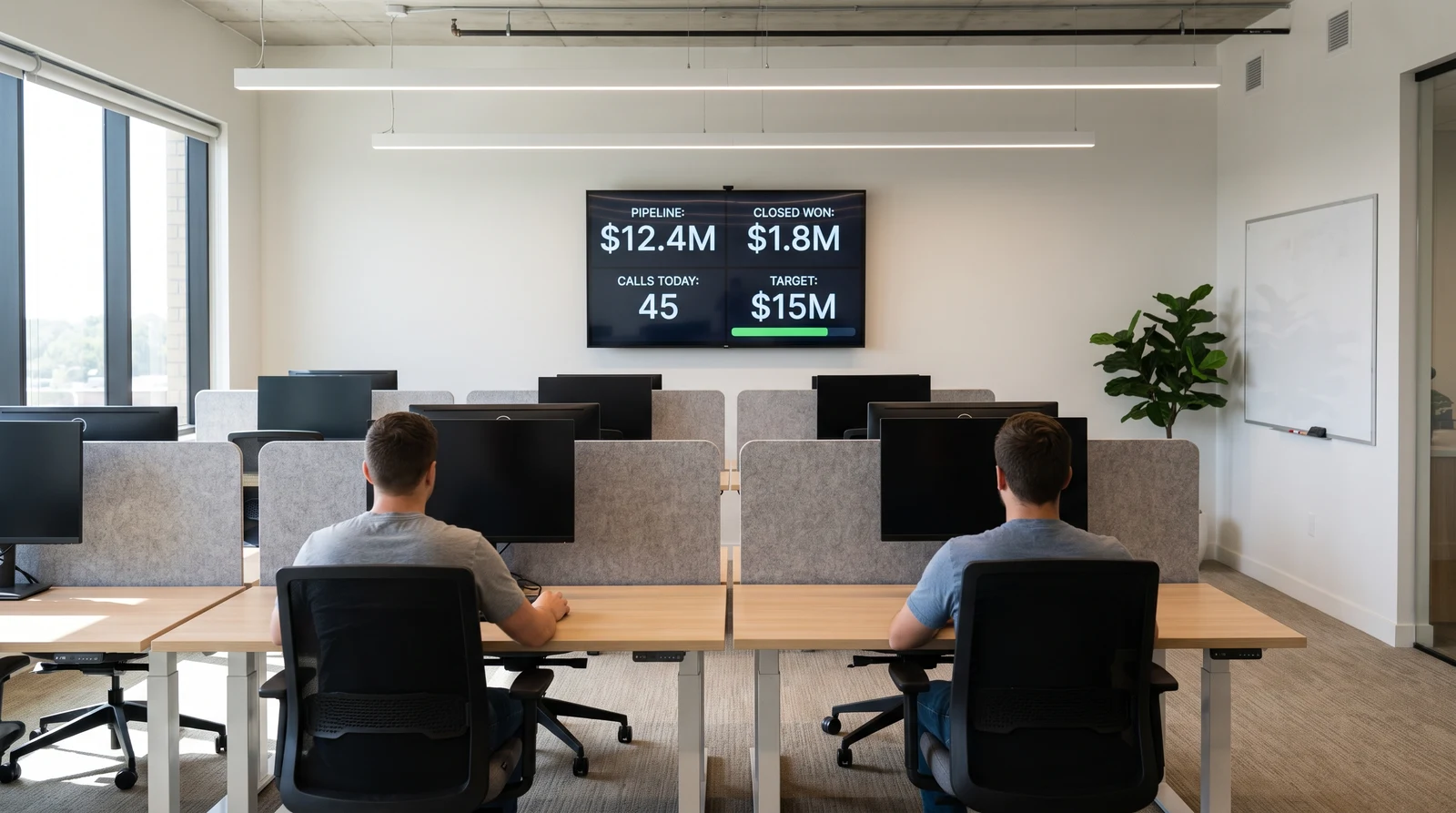
Sales and RevOps dashboards on a wall-mounted screen

Sales & revOps dashboards

Pipeline health, quota tracking, and leaderboard metrics displayed where revenue teams work.

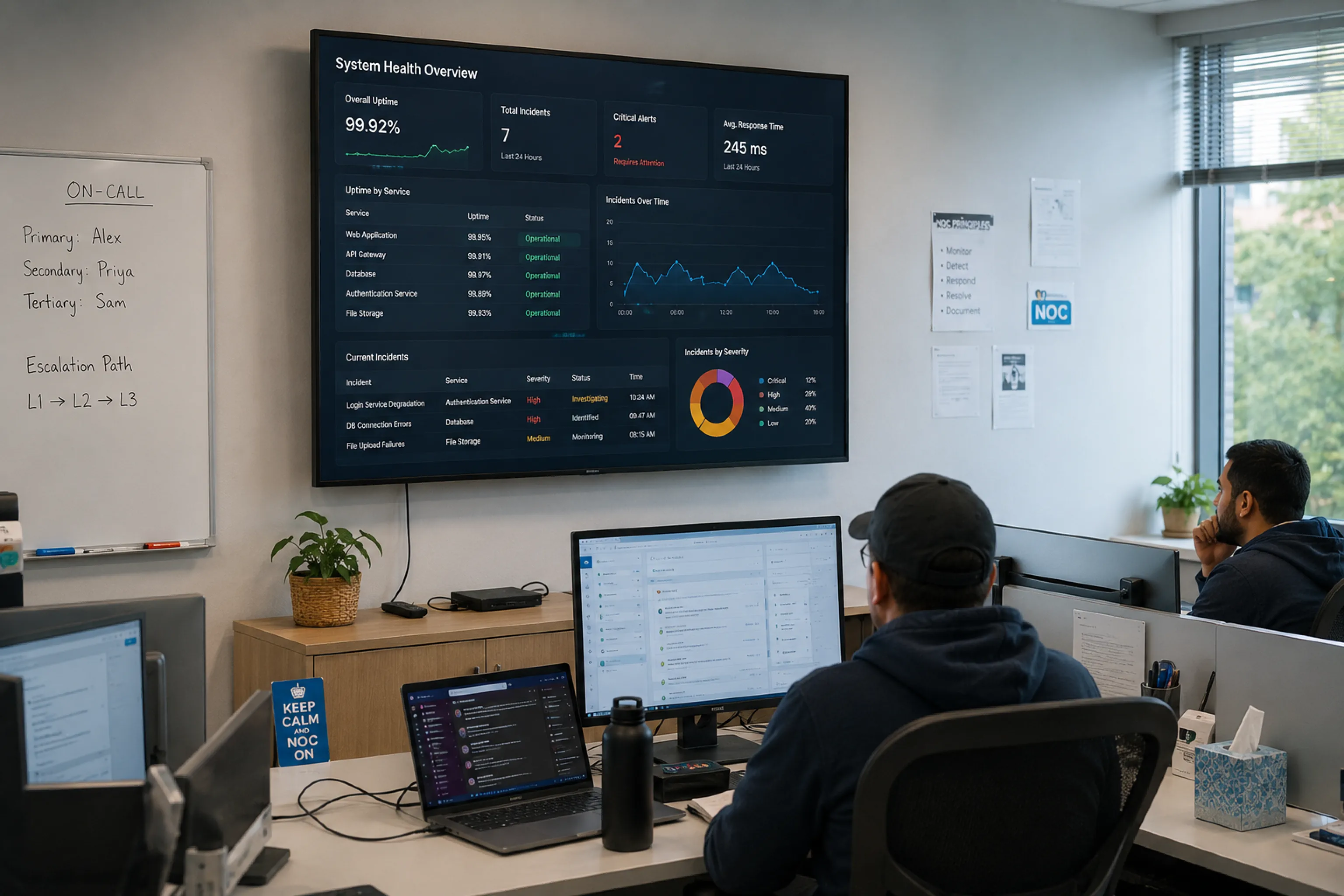
Operations center with a wall of monitoring dashboards

Operations centers

Monitoring dashboards for NOCs, SOCs, and command centers that run around the clock.

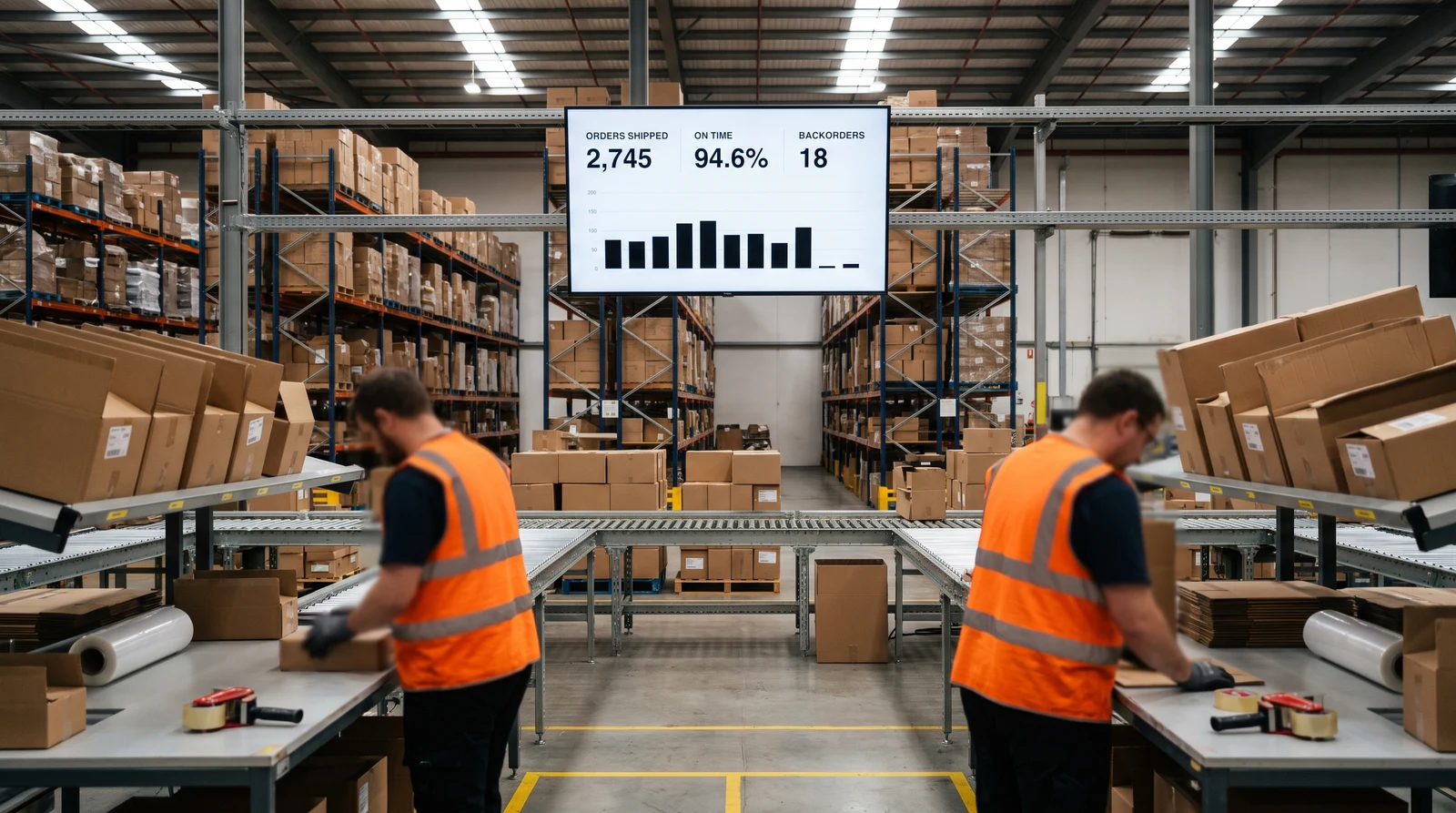
Warehouse supervisor reviewing fulfillment dashboards on a wall screen

Logistics & fulfillment areas

Shipping status, order volume, and inventory metrics shown directly on warehouse floors.

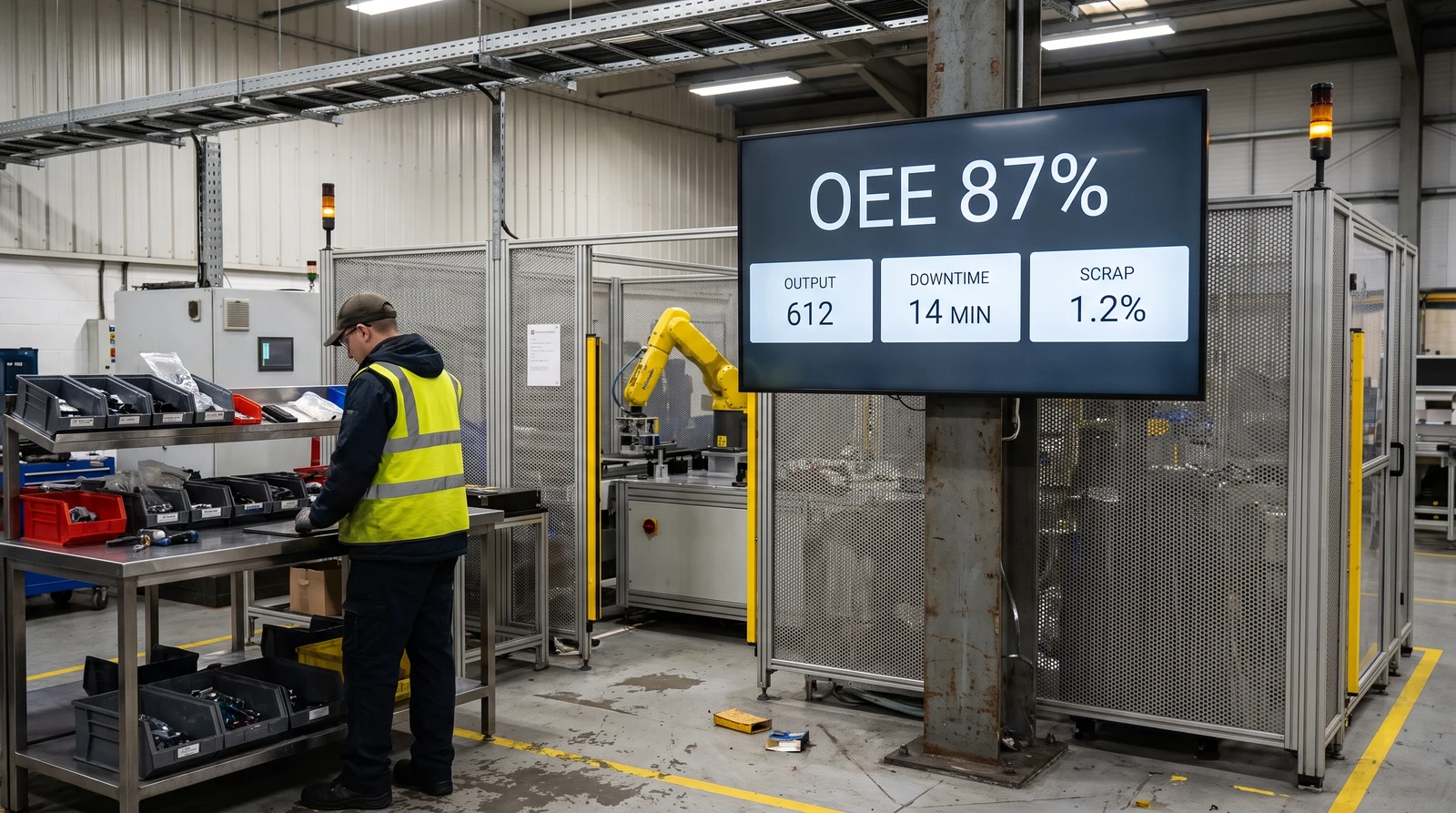
Manufacturing floor screen showing production output and quality dashboards

Manufacturing floors

Production output, quality control, and OEE dashboards visible to line workers.

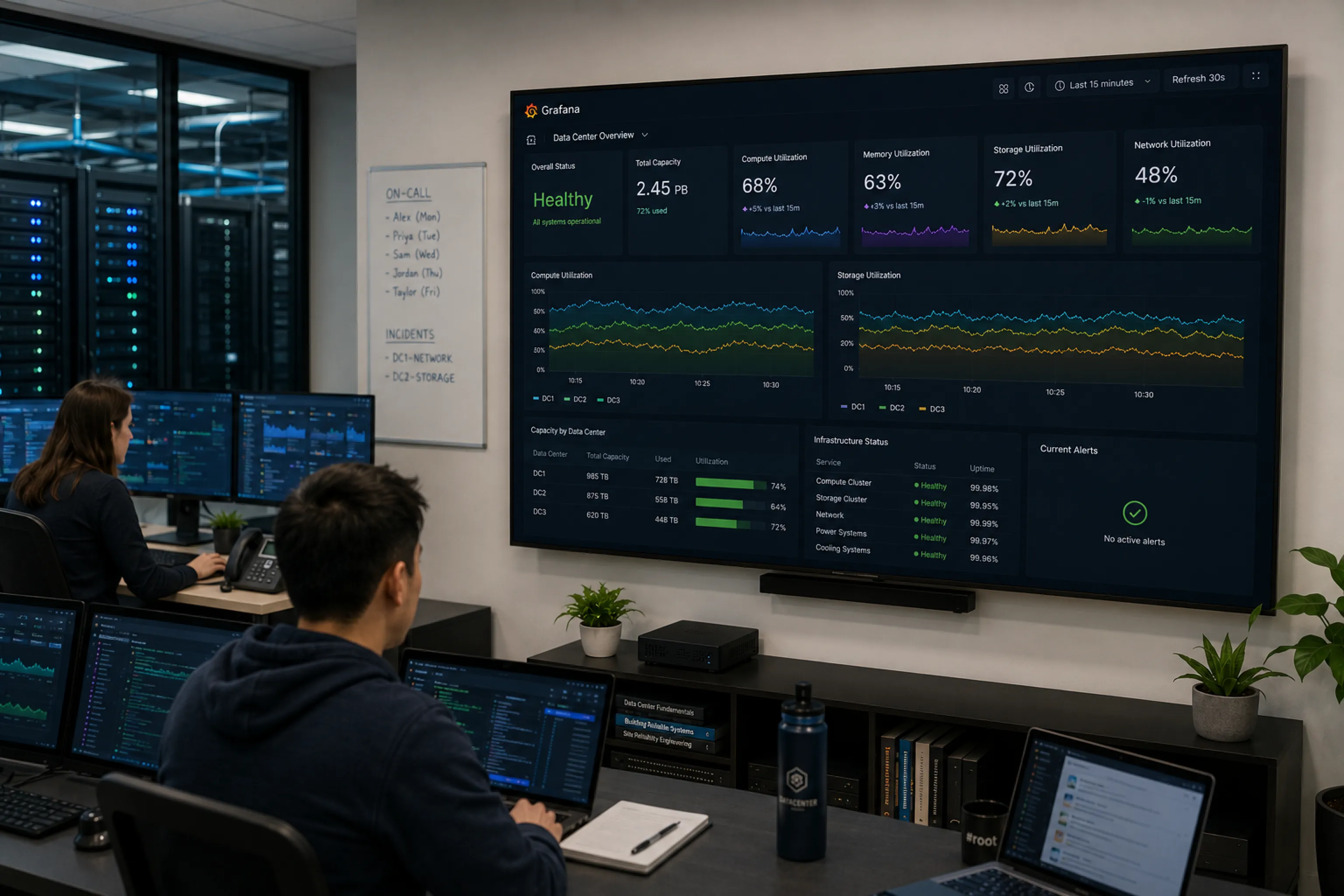
Engineering team monitoring system health and incidents on a wall display

Production environments

System health, uptime, and incident dashboards displayed for engineering and technical teams.

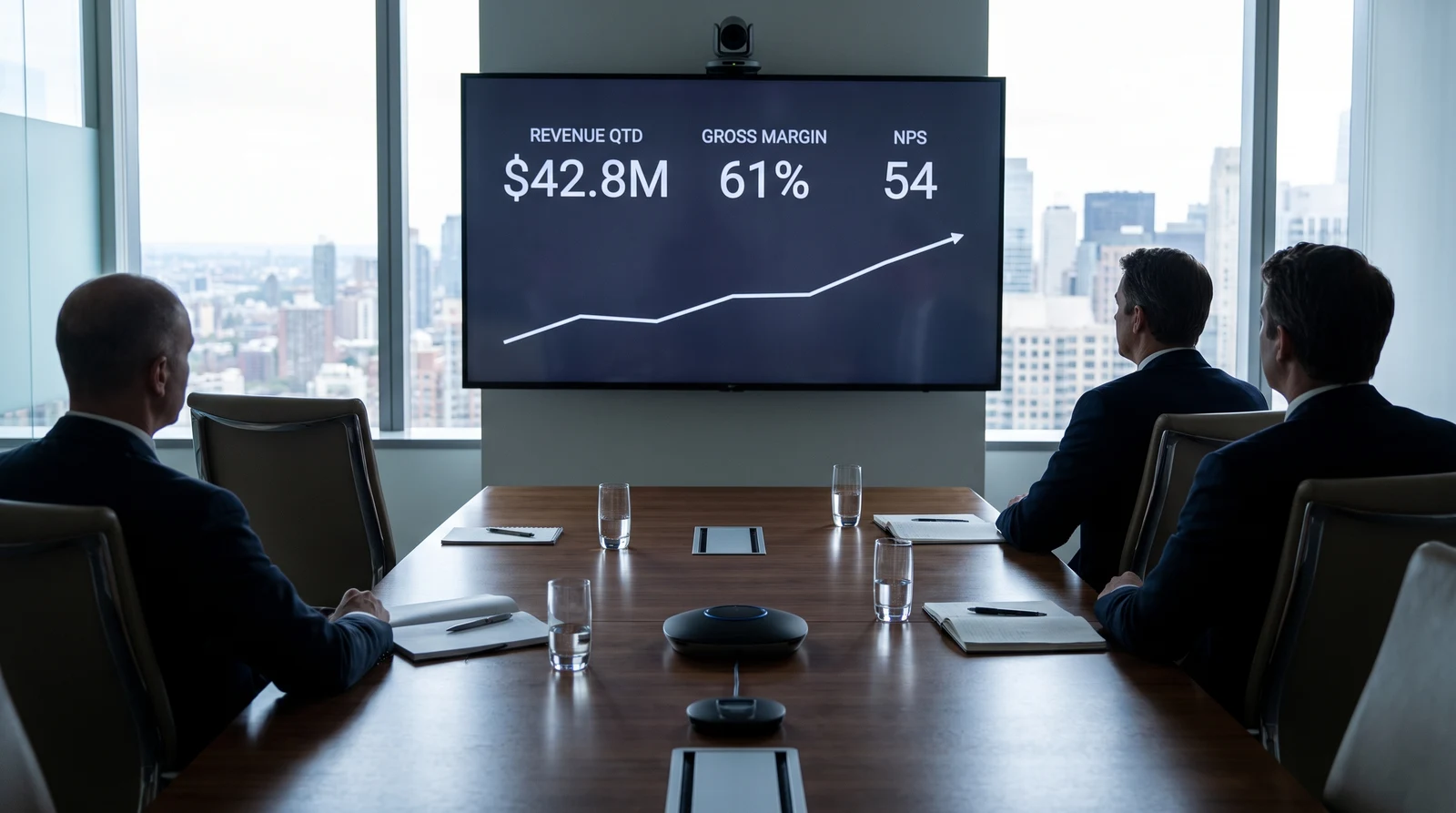
Executive office space with wall-mounted KPI dashboards

Executive overview screens

High-level KPIs and business performance metrics presented in boardrooms and leadership areas.

FUGO TRIGGERS

Smart content triggers for shared screens

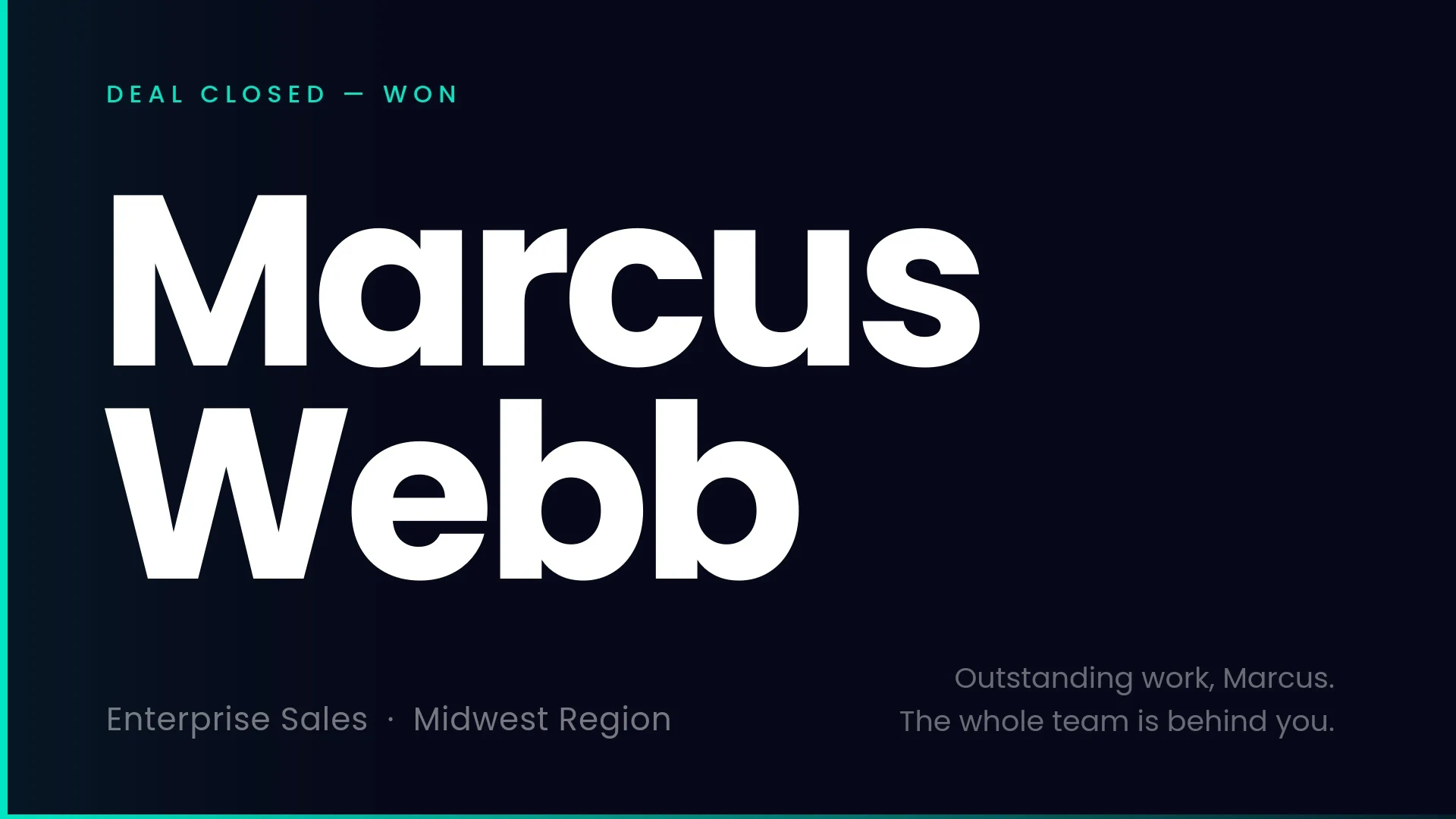
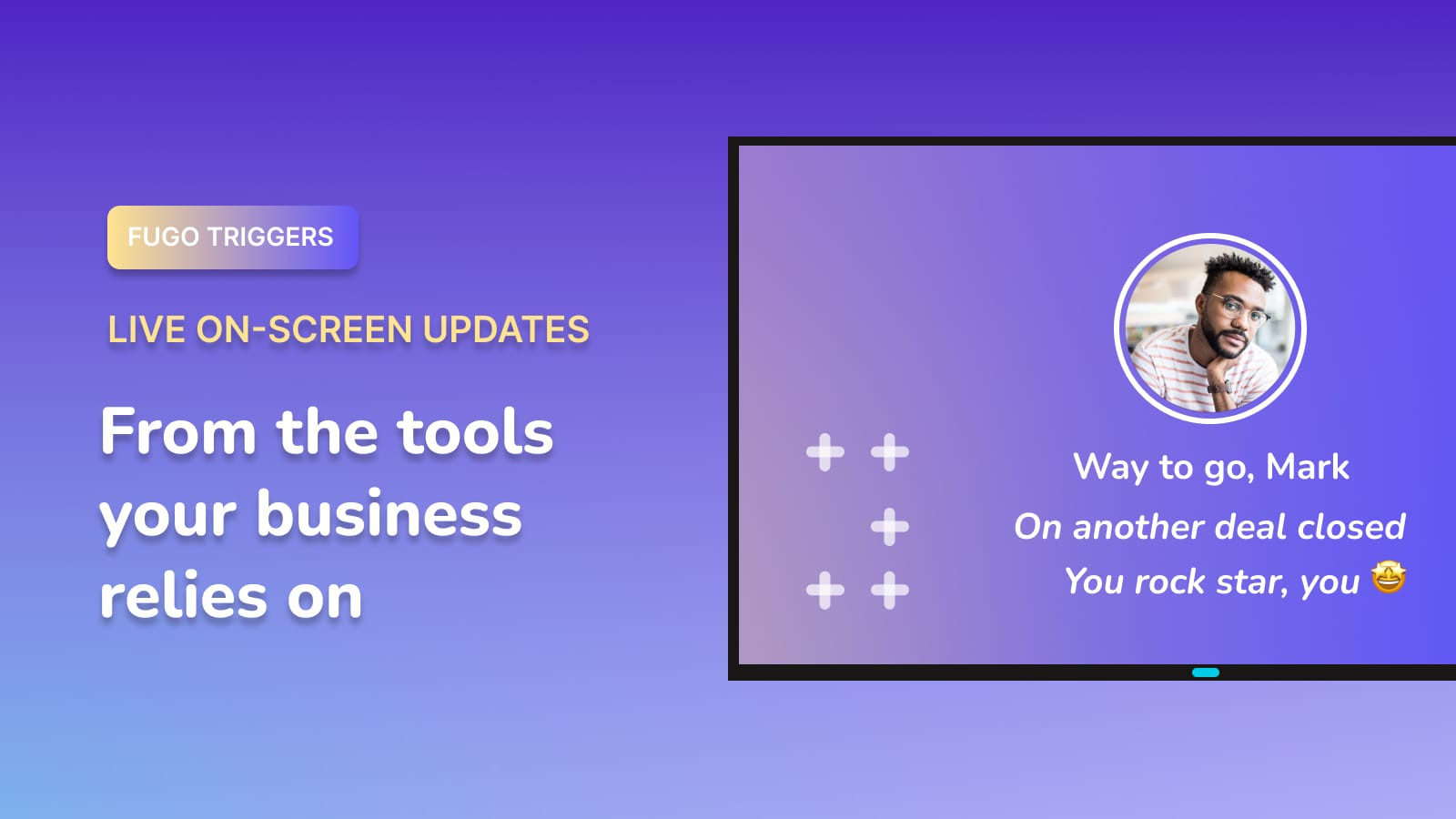
Your screens can show dashboards all day and change the moment something important happens. A deal closes. A target is hit. An incident is resolved.

Sales celebration slide triggered on a TV when a deal closes

React instantly

Switch what's on screen when defined conditions are met.

Surface key moments

Show wins, alerts, and milestones as they happen.

Connected to your systems

Trigger updates from the tools your team already uses.

FAQ

Frequently asked questions

What is a TV dashboard?

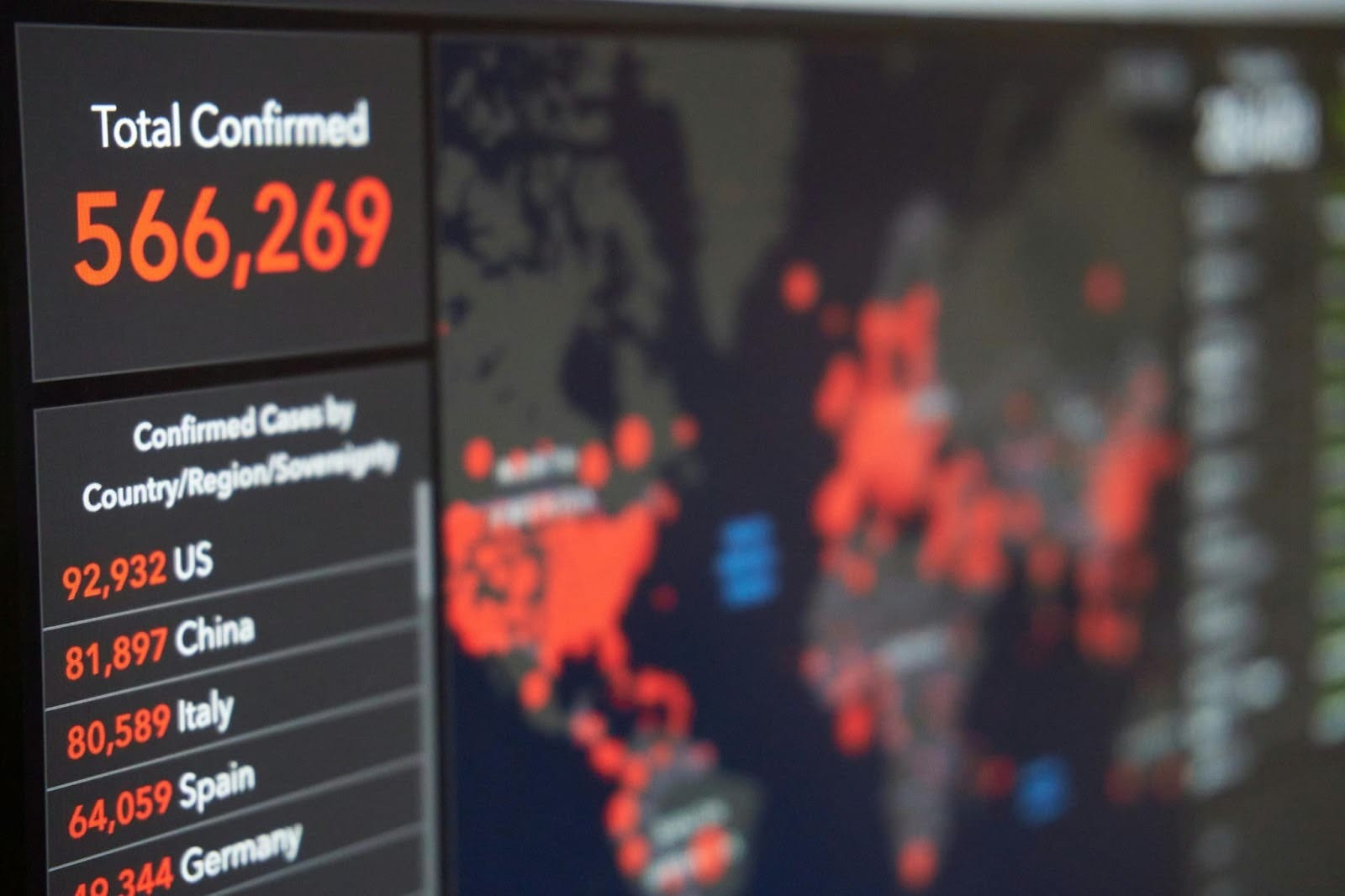
A TV dashboard is a business dashboard, report, or web link displayed on a TV screen, typically mounted on a wall in an office, warehouse, factory, or operations center.

Instead of logging in individually from a browser, teams can see key metrics at a glance throughout the day.

How does Fugo display dashboards that require login?

It depends on the platform.

For supported integrations like Power BI, Looker, and Grafana, Fugo uses each platform's API-enabled display methods to load dashboards securely on screen.

For other platforms such as Salesforce, Tableau, SAP, Jira, and similar web-based tools, Fugo securely simulates a browser session in the cloud using encrypted credentials. It loads the dashboard behind login, generates a display-ready view, and publishes it to your assigned screens at set intervals.

Why can't I just open a dashboard in a browser on my TV?

Dashboards are built for active users, not unattended displays. When opened directly in a browser on a TV:
  • • Login sessions expire
  • • Pop-ups and dialogs interrupt the view
  • • Pages require mouse input or interaction
  • • Consumer hardware struggles with always-on browser sessions
  • • Security policies may block public sharing links
Fugo is built specifically to handle these challenges so dashboards remain visible and stable on shared screens.

Does Fugo store my login credentials on the screen?

No. Credentials are encrypted and handled within Fugo's secure environment or your chosen deployment model. They are never stored locally on the TV.

You can learn more in our Dashboard Security Overview.

Can I display multiple dashboards on one screen?

Yes. You can rotate multiple dashboards using playlists and control how long each one remains visible before transitioning.

Do I need to redesign my dashboards for TV?

Not necessarily, but dashboards designed for laptops don't always translate well to large displays. Simpler layouts with fewer elements tend to be easier to read from a distance.

Fugo also allows you to crop dashboards, control scroll position, and adjust refresh behavior for TV viewing.

Learn more about display customization features.

Can I run this inside my own network?

Yes. Dashboards can run in Fugo's cloud, locally on your player, or inside your own infrastructure depending on your security and compliance requirements.

Learn more about deployment options.

Are dashboards live or refreshed?

Native integrations may stream or load dashboards directly depending on the platform. For browser-based dashboards, Fugo updates the displayed view at the refresh interval you define.

Can screens react to dashboard events?

Yes. With Triggers, your screens can change automatically when certain conditions are met — such as a closed deal, threshold alert, or operational event.

Learn more about Triggers.