Fugo

Display Salesforce dashboards on TV screens

Your pipeline & CRM shouldn't have to just live in a browser tab. Fugo turns Salesforce dashboards into always-on TV displays across your sales floor, revenue team spaces, and leadership areas to track performance & wins.

No credit card required
14-day free trial
Secure authentication
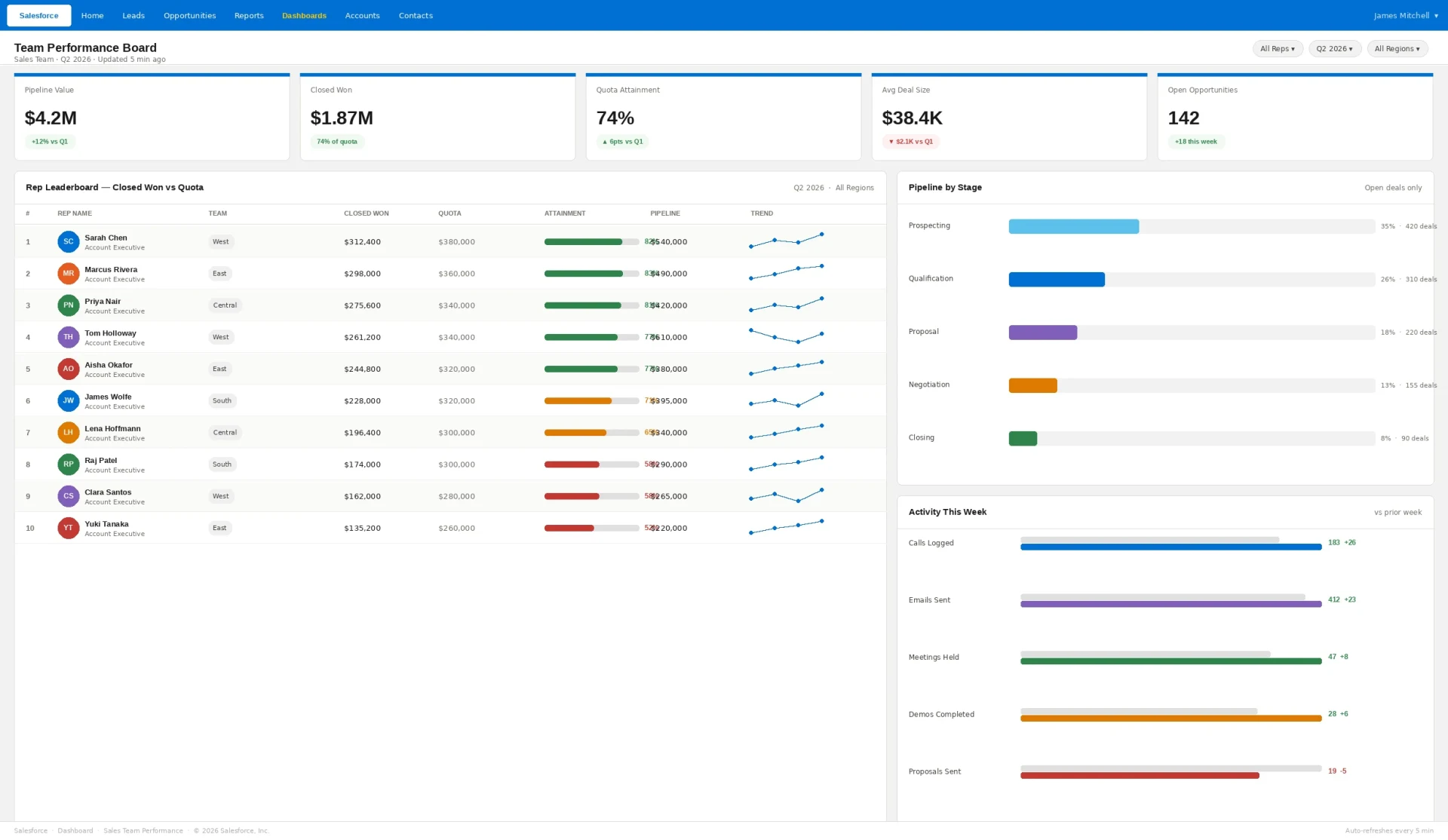
Salesforce "Team Performance Board" Q2 2026 dashboard showing pipeline value, closed won, quota attainment and rep leaderboard displayed on a TV screen via Fugo digital signage
HOW IT WORKS

Go live in 3 steps

Pair your screen to Fugo
1

Pair your screen to Fugo

Install the Fugo app on your TV or media player to link it to your Fugo account. It just takes minutes & works with most smart TVs and media players.

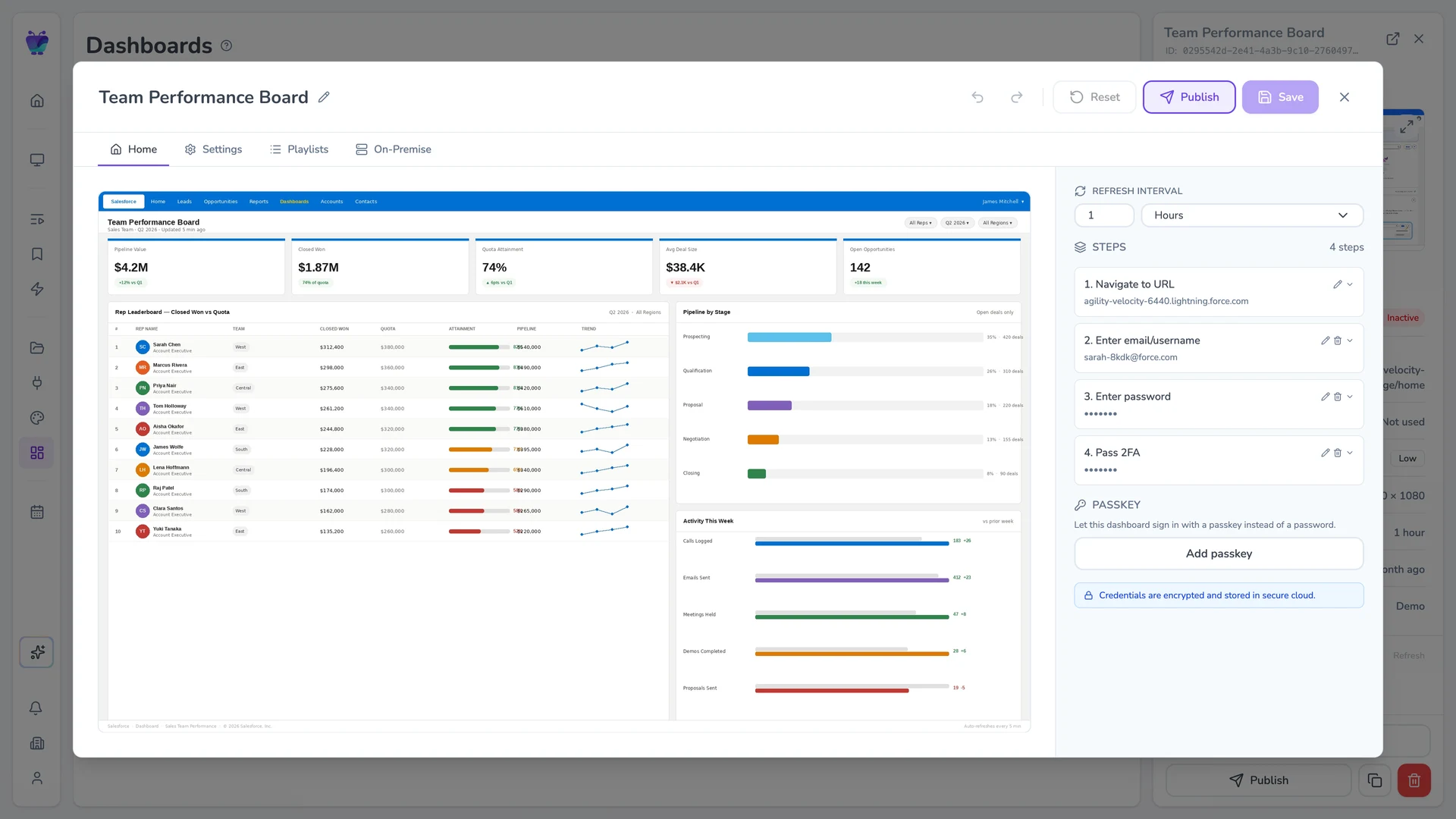
Fugo CMS dashboard-edit Settings tab showing a Salesforce dashboard with refresh, resolution, and proxy controls
2

Give Fugo access to your dashboard

Enter your dashboard URL and login details. Fugo securely handles authentication so your credentials never live on the screen.

Salesforce Team Performance Board dashboard playing live on a TV via Fugo
3

Run your dashboard on your screens

Fugo loads your dashboard for display on TVs and keeps it updated automatically at the interval you choose across one or many screens.

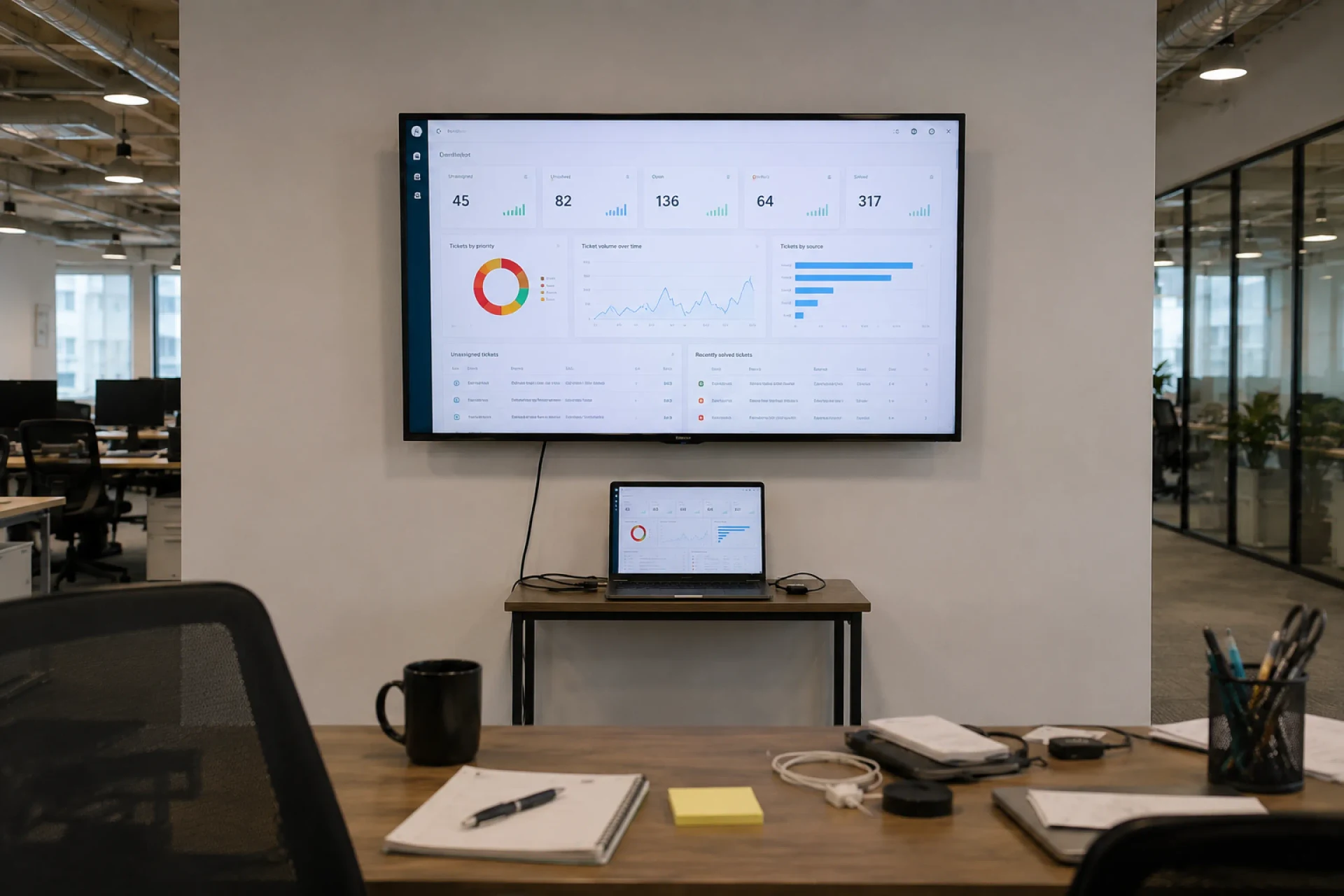
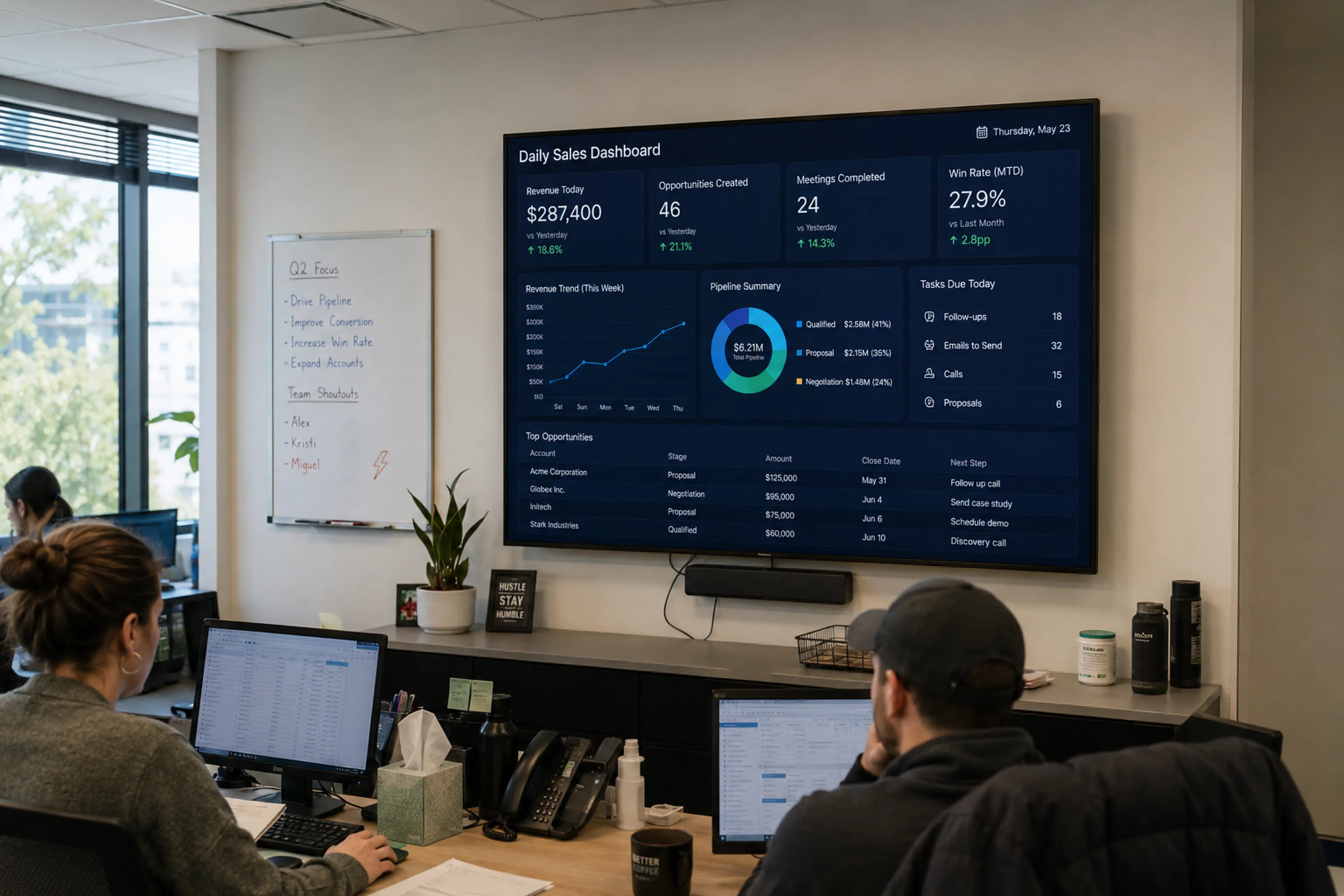
Wall-mounted TV showing a Salesforce dashboard above a small office desk with a tethered laptop — the classic "laptop wired to the TV" setup Salesforce defaults to in shared spaces
THE CHALLENGE

Salesforce wasn't designed for TV screens

It works beautifully for logged-in users. But when you try to make it ambient - visible all day, across multiple TV screens - things get messy:

  • Laptops tethered to TVs

  • SSO prompts interrupting access

  • Session timeouts breaking visibility

  • Security policies blocking public sharing

  • No centralized way to manage multiple screens

THE SOLUTION

A secure display layer for Salesforce dashboards

Built for unattended playback

Dashboards are captured and refreshed in the cloud, so screens don't rely on an active browser session or logged-in device.

Encrypted authentication handling

Credentials are stored securely and encrypted, with support for SSO and multi-factor environments.

No public exposure

Dashboards are displayed without enabling public links, anonymous access, or exposed URLs.

Controlled refresh intervals

Set how often dashboards update so screens stay aligned with live Salesforce data.

Screen-ready formatting

Crop, scale, and adjust layouts so key metrics remain readable on large shared displays.

Centralized publishing & oversight

Assign dashboards to specific screens and manage updates across locations from one place.

USE CASES

Wherever revenue is measured, IT belongs on screen

Sales team performance

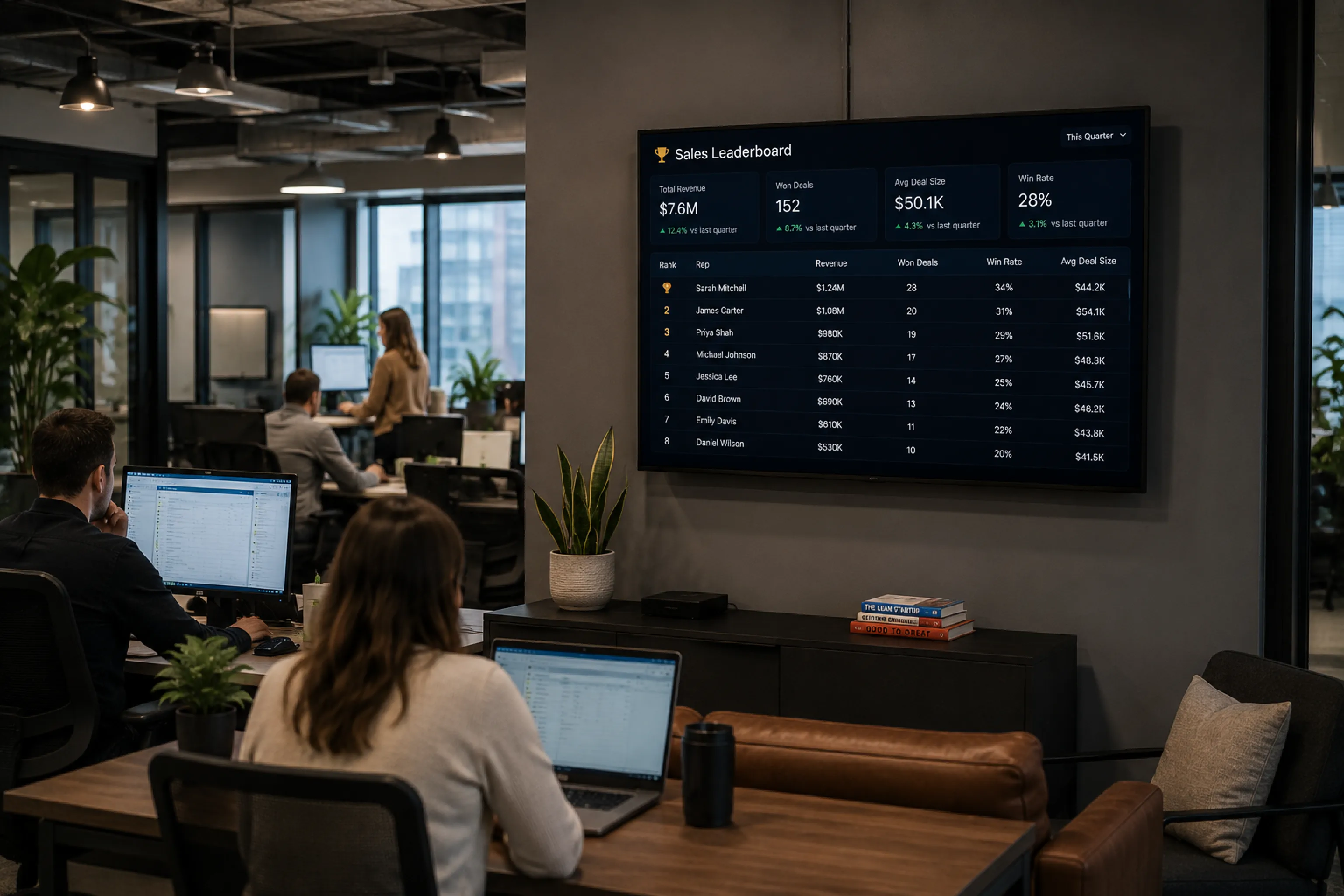
Display pipeline value, quota pacing, and leaderboard standings in shared sales environments.

Sales floor with a wall-mounted TV displaying a rep leaderboard, pipeline value, and quota pacing for the team
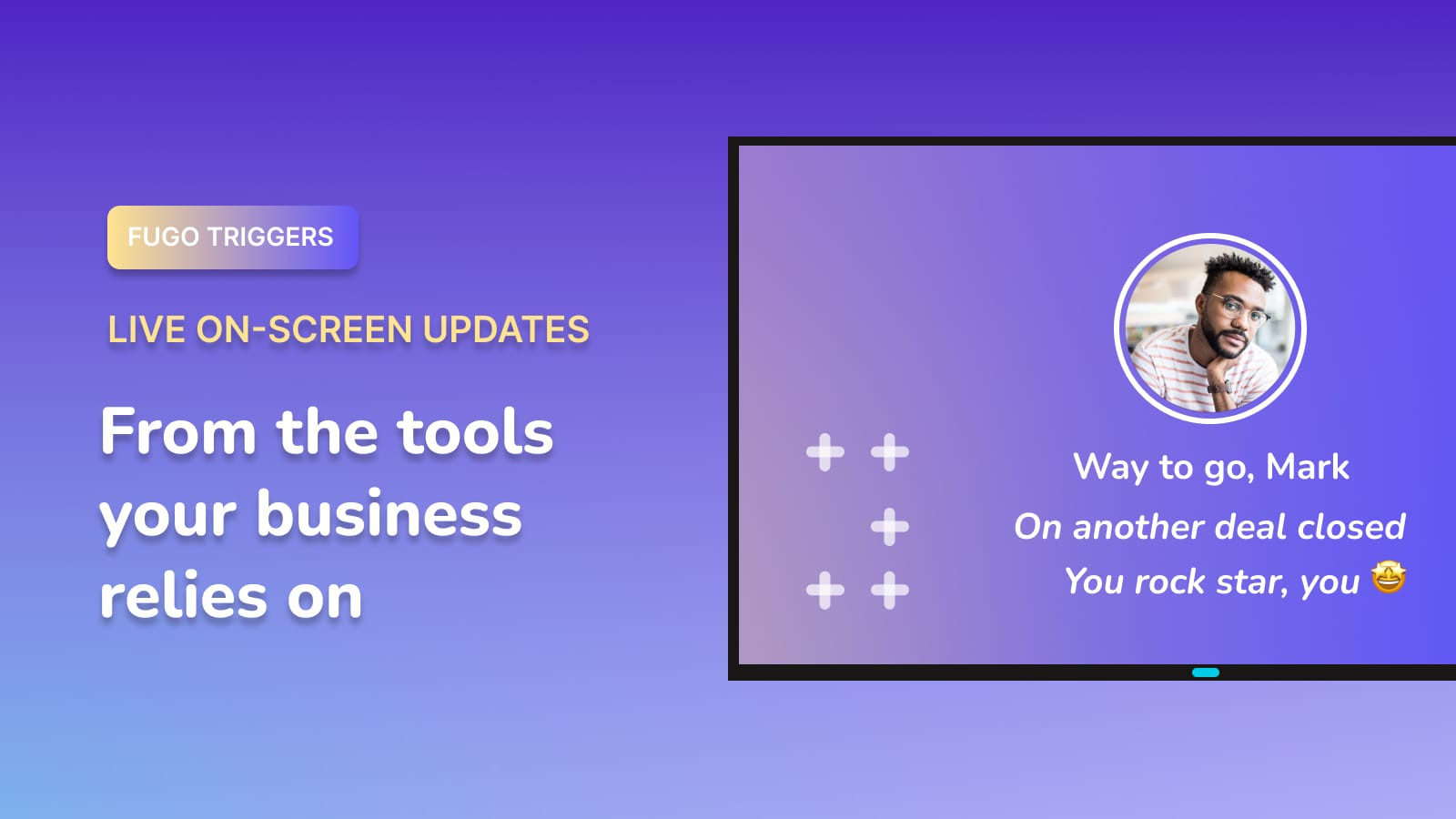
FUGO TRIGGERS

Make screens react to your data

Your screens can show dashboards all day and change the moment something important happens. A deal closes. A target is hit. An incident is resolved.

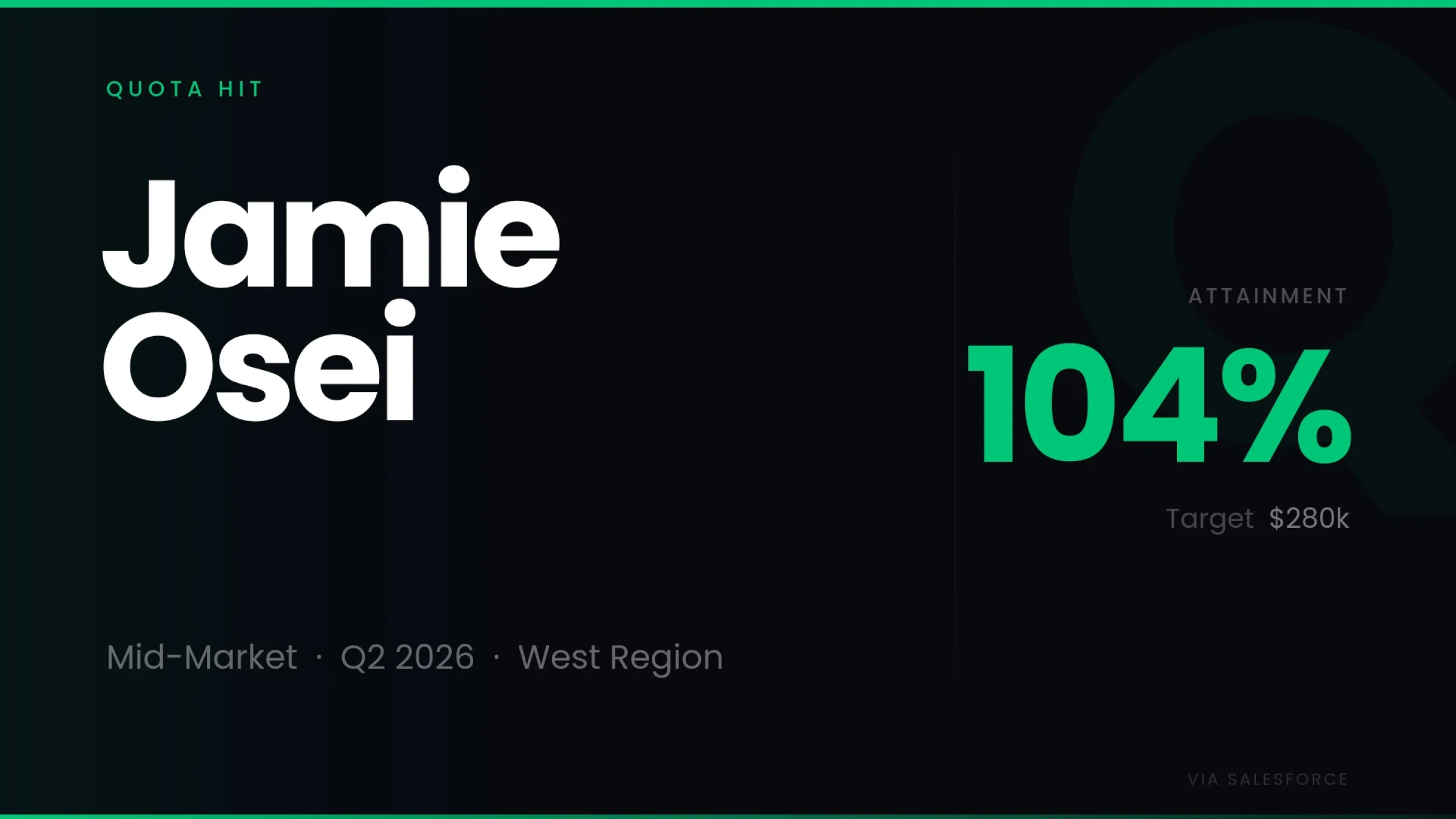
Fugo trigger fullscreen "Quota Hit" celebration showing Jamie Osei at 104% attainment against a $280k Q2 2026 mid-market West Region target, sourced live from Salesforce

React instantly

Switch what's on screen when defined conditions are met.

Surface key moments

Show wins, alerts, and milestones as they happen.

Connected to your systems

Trigger updates from the tools your team already uses.

Frequently asked questions

Can I display a Salesforce dashboard on a TV screen?

Yes. You can display Salesforce dashboards on TV screens using digital signage software that securely accesses and publishes your dashboards for always-on viewing in shared spaces.

How do I show a Salesforce dashboard on a TV without connecting a laptop?

Instead of keeping a laptop plugged into a TV, you can use a digital signage platform like Fugo to connect your dashboard once and publish it directly to managed screens.

This removes the need for casting, HDMI cables, or browser tabs left running all day.

Can I put Salesforce dashboards on office TVs without making them public?

Yes. You do not need to enable public links or anonymous access.

Fugo connects securely to your Salesforce account and displays the visual output on screen without exposing dashboard URLs to the public internet.

Is IT secure to display Salesforce dashboards on digital signage?

It can be secure when done properly.

A professional setup uses encrypted credentials, controlled authentication, and a managed publishing layer so that sensitive CRM data is not stored on the screen itself and is not accessible through a public link.

Do I need extra Salesforce user licenses to display dashboards on TV screens?

No additional Salesforce licenses are required beyond the account used to authenticate the dashboard.

Many organizations use a dedicated read-only service account to securely power their TV dashboards.

How does authentication work when showing Salesforce on TV screens?

In a managed setup, authentication happens in the background through a secure connection to your Salesforce account.

This avoids repeated login prompts, browser session timeouts, or manual reauthentication on the TV.

What happens if my Salesforce session times out?

If you are running Salesforce in a browser on a laptop, the session can expire and interrupt the display.

With a managed digital signage setup, authentication is handled centrally so dashboards remain visible without someone needing to log back in on the device.

How often can a Salesforce dashboard refresh on a TV screen?

You can control how frequently the dashboard updates. The refresh interval can be adjusted so your screen reflects current Salesforce data rather than a static export or screenshot taken once.

Can I show different Salesforce dashboards on different screens?

Yes. You can assign specific dashboards to specific screens, teams, or office locations so each group sees the metrics that are relevant to them.

What is the difference between casting Salesforce to a TV and using digital signage software?

Casting or screen mirroring depends on a live device and browser session, which can disconnect or time out.

Digital signage software manages the connection centrally, keeps dashboards updated automatically, and allows you to control multiple screens from one place.

Do I need special hardware to display Salesforce dashboards on TV screens?

You need a compatible smart TV or a digital signage player connected to your screen. Once paired with a signage platform, the screen can receive and display dashboards without a permanently attached computer. View supported & recommended hardware.

Can I customize how my Salesforce dashboard looks on a TV screen?

Yes. Dashboards can be cropped, scaled, and formatted in our visual editor to make key metrics readable from a distance and better suited for large displays in shared environments.

Can I run Salesforce dashboards 24/7 on wall-mounted TVs?

Yes. With a properly managed digital signage setup, dashboards can run continuously on wallboards in sales floors, operations centers, and executive areas without manual intervention.

Is this suitable for large organizations with multiple offices?

Yes. A centralized screen management system allows you to deploy and control Salesforce dashboards across multiple locations while maintaining consistent security and oversight.

Can I test Salesforce TV dashboards before rolling them out company-wide?

Yes. You can start with a single screen and a trial account to validate the setup before expanding across teams or offices.