Fugo

Display Jira dashboards on TV screens

Keep sprint progress and ticket flow visible on managed digital signage screens, with secure authentication and centralized refresh control.
No credit card required
14-day free trial
Secure authentication
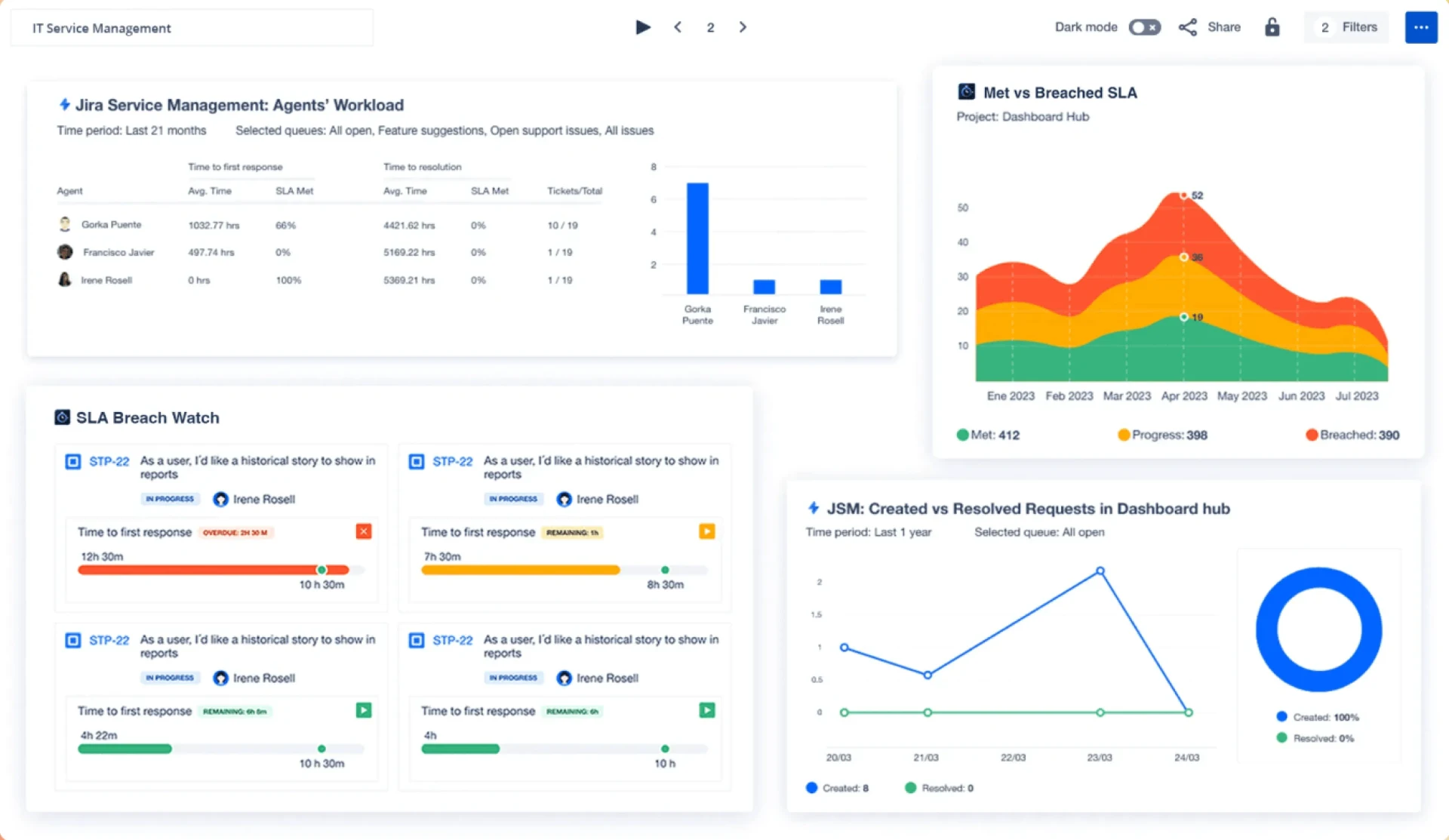
Jira "IT Service Management" dashboard showing Agents’ Workload, Met vs Breached SLA chart, SLA Breach Watch tickets, and Created vs Resolved Requests displayed on a TV screen via Fugo digital signage
HOW IT WORKS

Go live in 3 steps

Pair your screen to Fugo
1

Pair your screen to Fugo

Install the Fugo app on your TV or media player to link it to your Fugo account. It just takes minutes & works with most smart TVs and media players.

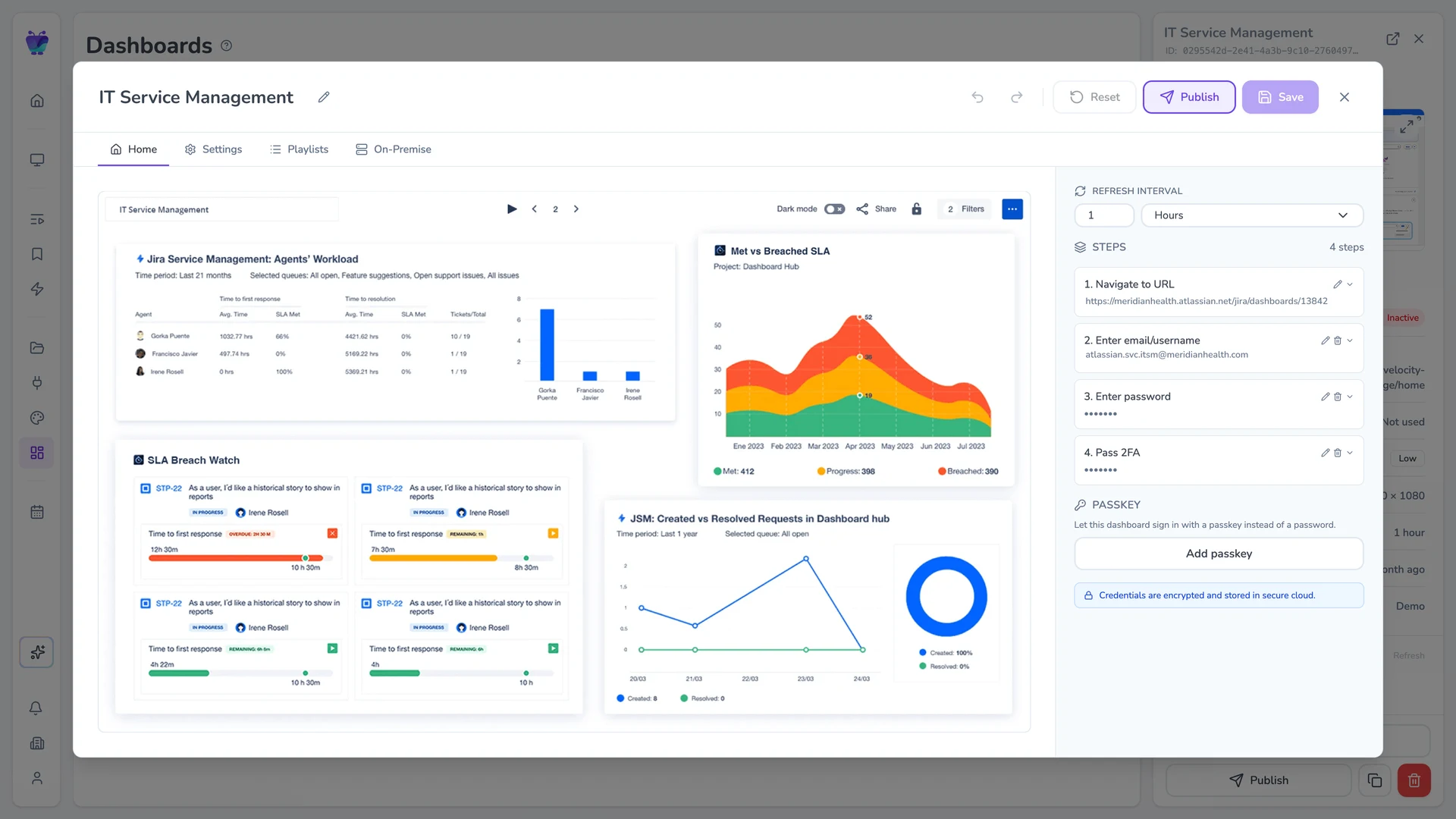
Fugo CMS dashboard-edit Settings tab showing the Jira IT Service Management Tracker dashboard with Agents’ Workload, SLA, and Created vs Resolved widgets, alongside refresh, resolution, and proxy controls
2

Give Fugo access to your dashboard

Enter your dashboard URL and login details. Fugo securely handles authentication so your credentials never live on the screen.

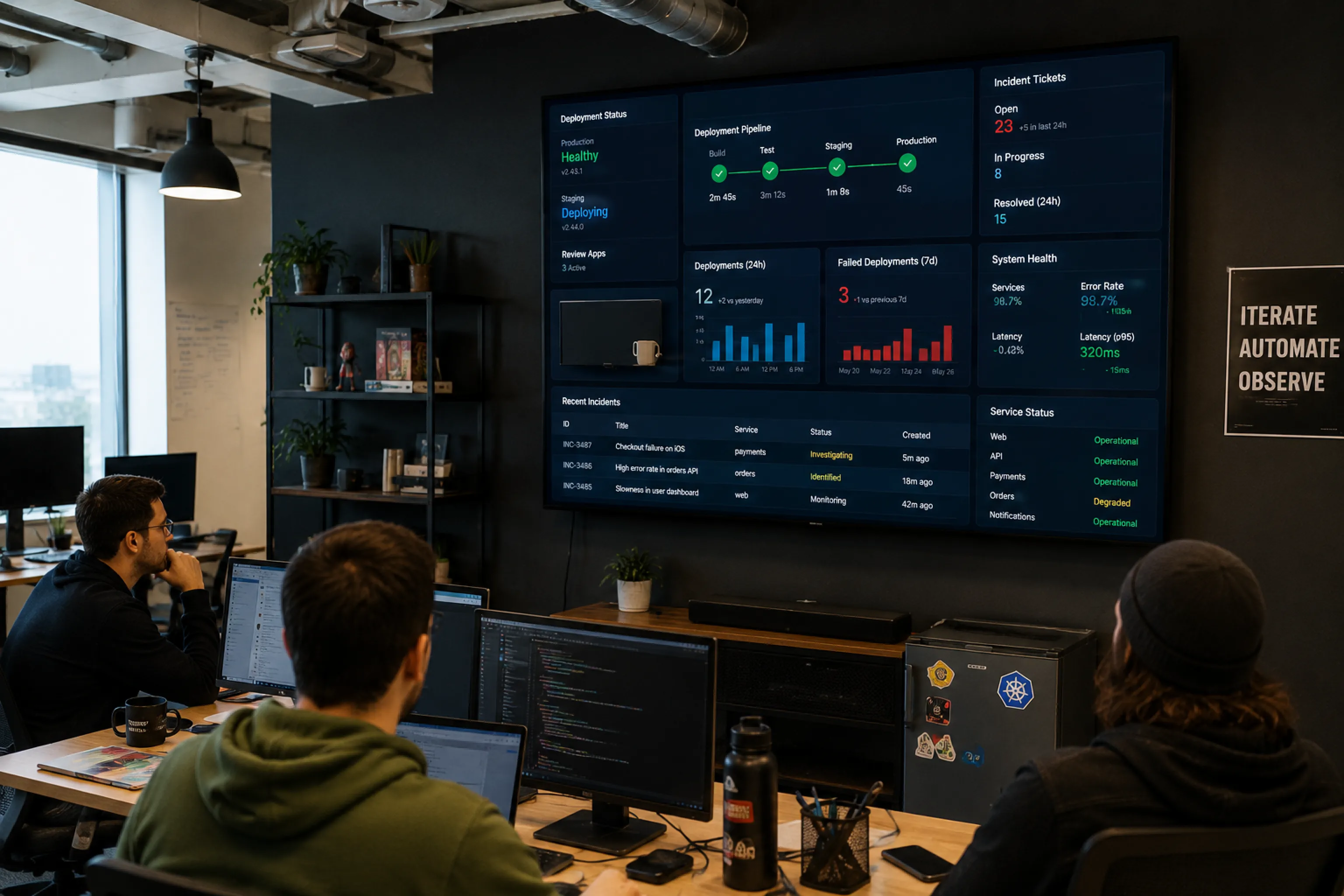
Jira IT Service Management dashboard playing live on a TV via Fugo
3

Run your dashboard on your screens

Fugo loads your dashboard for display on TVs and keeps it updated automatically at the interval you choose across one or many screens.

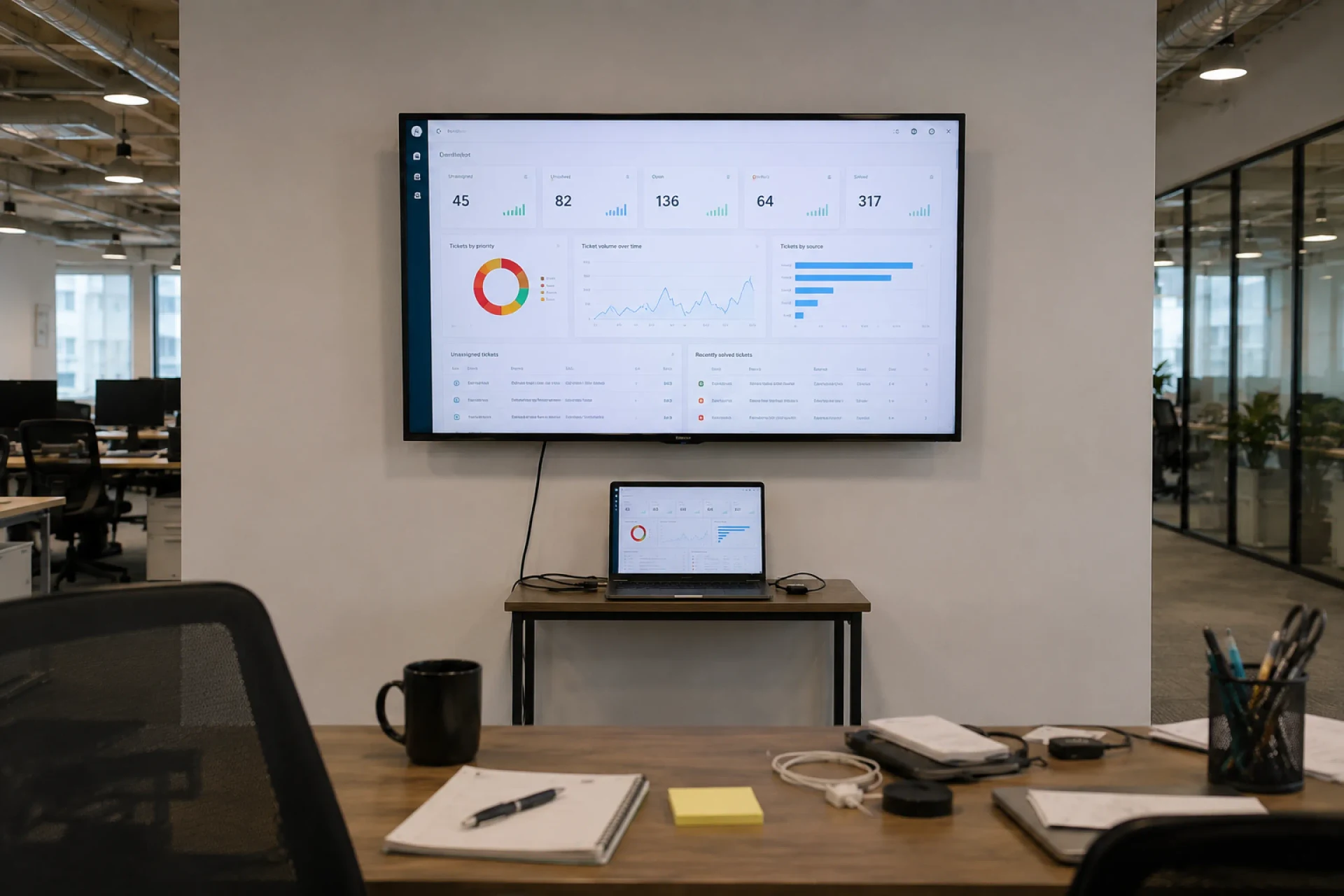
Wall-mounted TV showing a Jira login modal above an office desk with a tethered laptop driving it — the "laptop plugged into the TV" workaround that breaks every time the session times out mid-sprint
THE CHALLENGE

Jira boards weren't built for wall-mounted TVs

Jira works well for active users managing tickets inside a browser. But when teams try to make sprint boards visible all day in shared spaces, friction appears:

  • A laptop left plugged into a TV

  • Sessions expiring mid-sprint

  • Boards freezing after browser updates

  • SSO prompts interrupting display

  • No centralized way to manage multiple screens

THE SOLUTION

A secure display solution for Jira boards

Built for unattended playback

Dashboards are captured and refreshed in the cloud, so screens don't rely on an active browser session or logged-in device.

Encrypted authentication handling

Credentials are stored securely and encrypted, with support for SSO and multi-factor environments.

No public exposure

Dashboards are displayed without enabling public links, anonymous access, or exposed URLs.

Controlled refresh intervals

Set how often dashboards update so screens stay aligned with live Jira data.

Screen-ready formatting

Crop, scale, and adjust layouts so key metrics remain readable on large shared displays.

Centralized publishing & oversight

Assign dashboards to specific screens and manage updates across locations from one place.

USE CASES

Wherever work is tracked, IT should be visible

Sprint board visibility

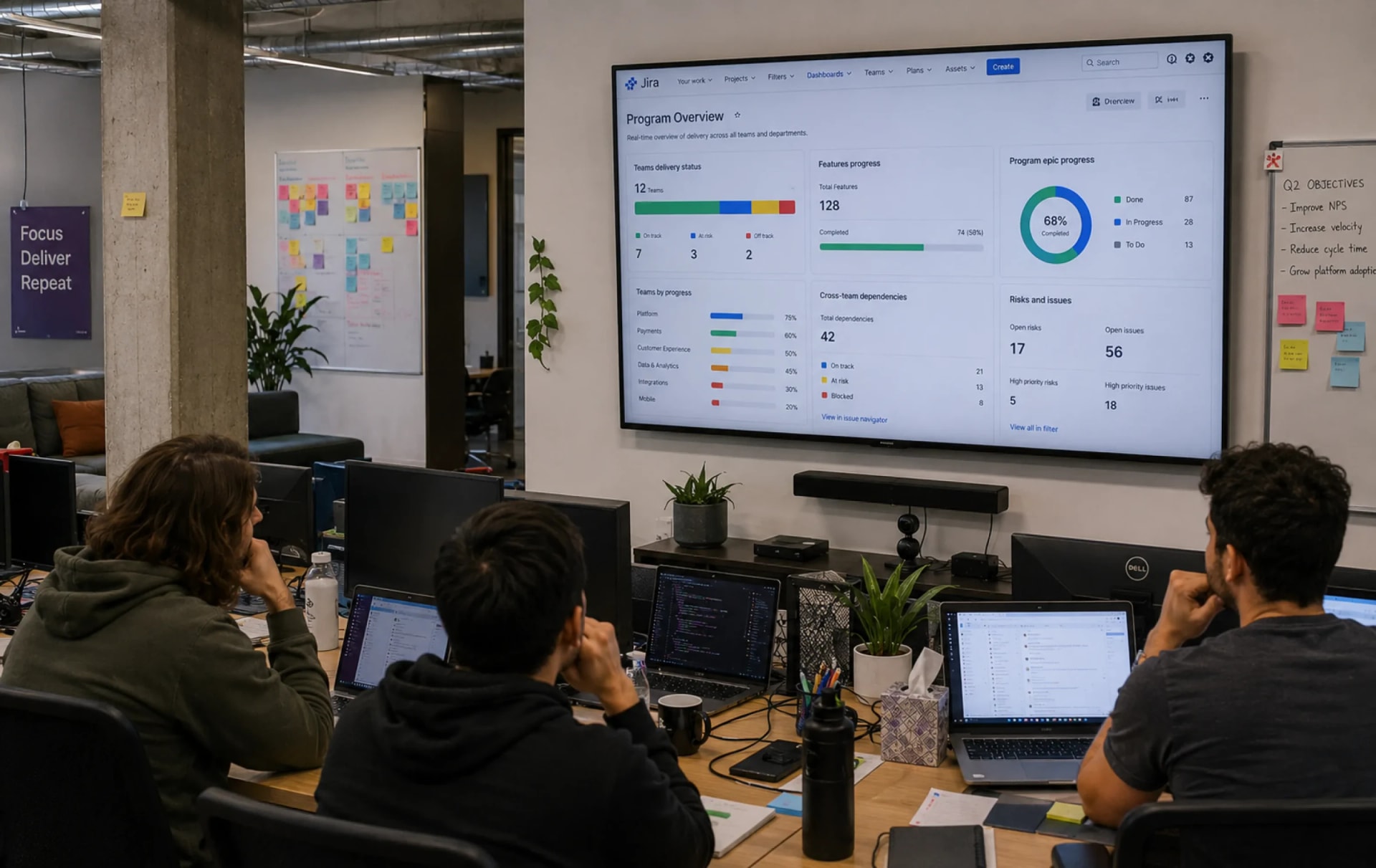
Keep active sprint boards visible to the whole team throughout the day.

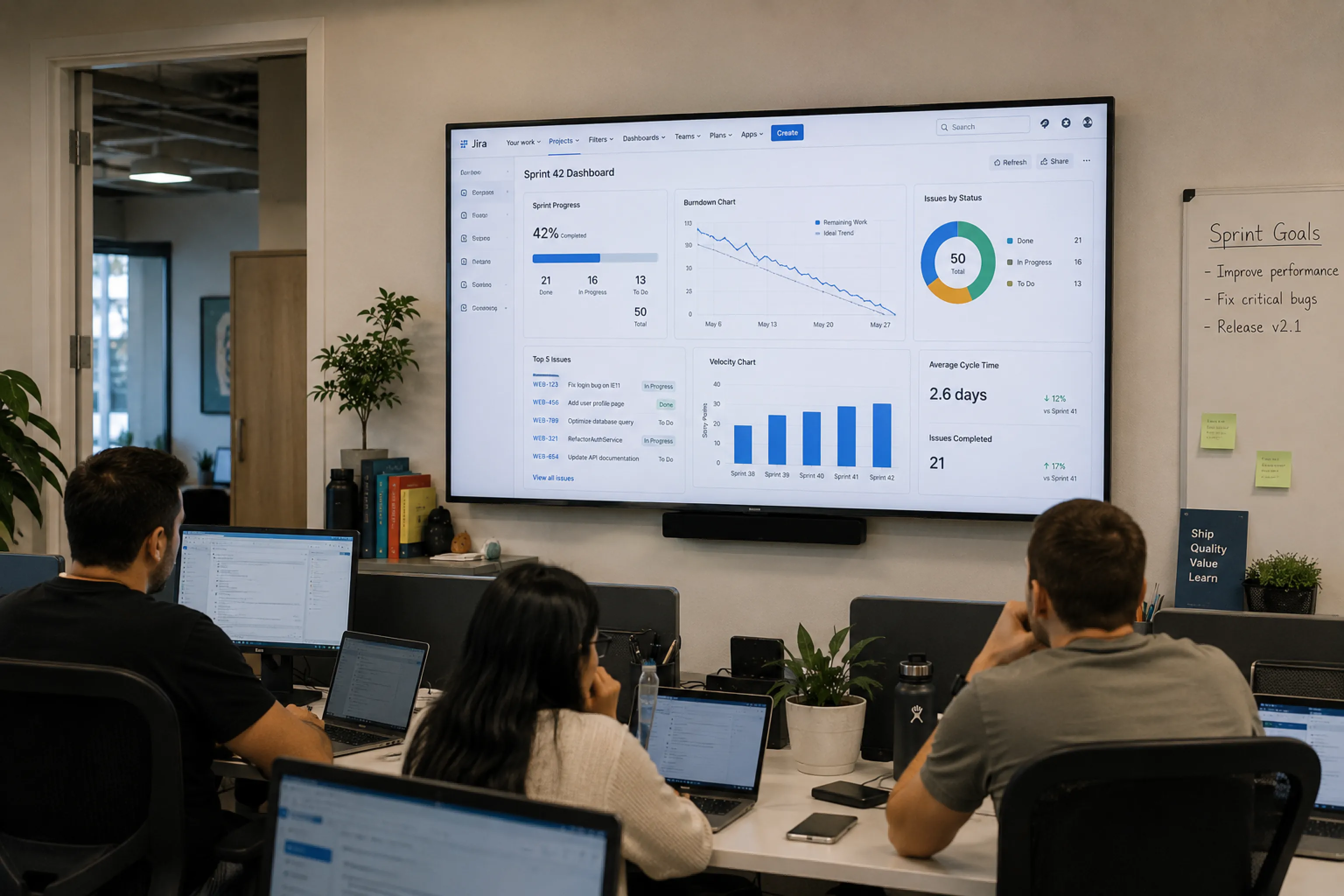
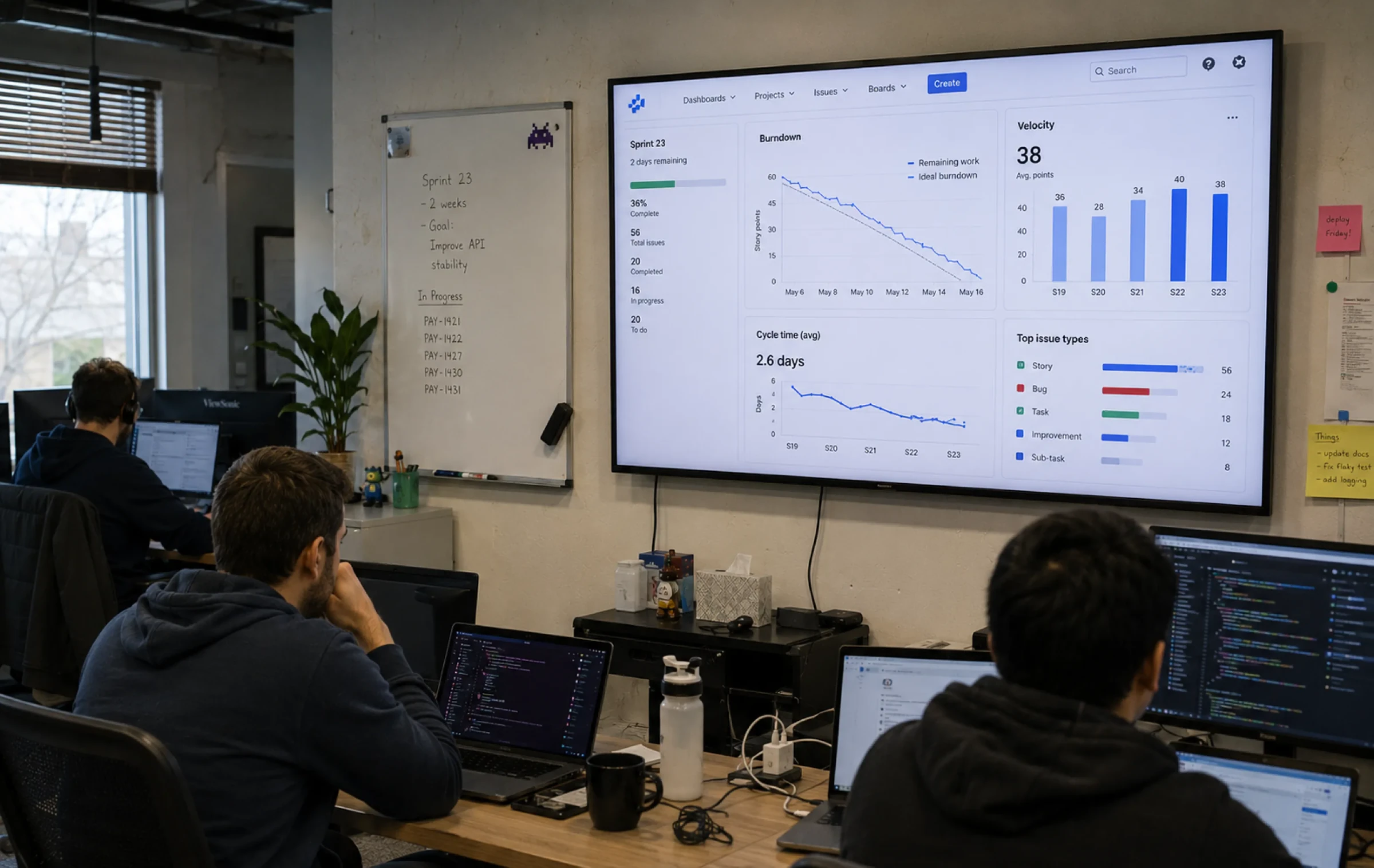
Engineering team gathered in front of a wall-mounted TV reviewing the current sprint board and product overview metrics
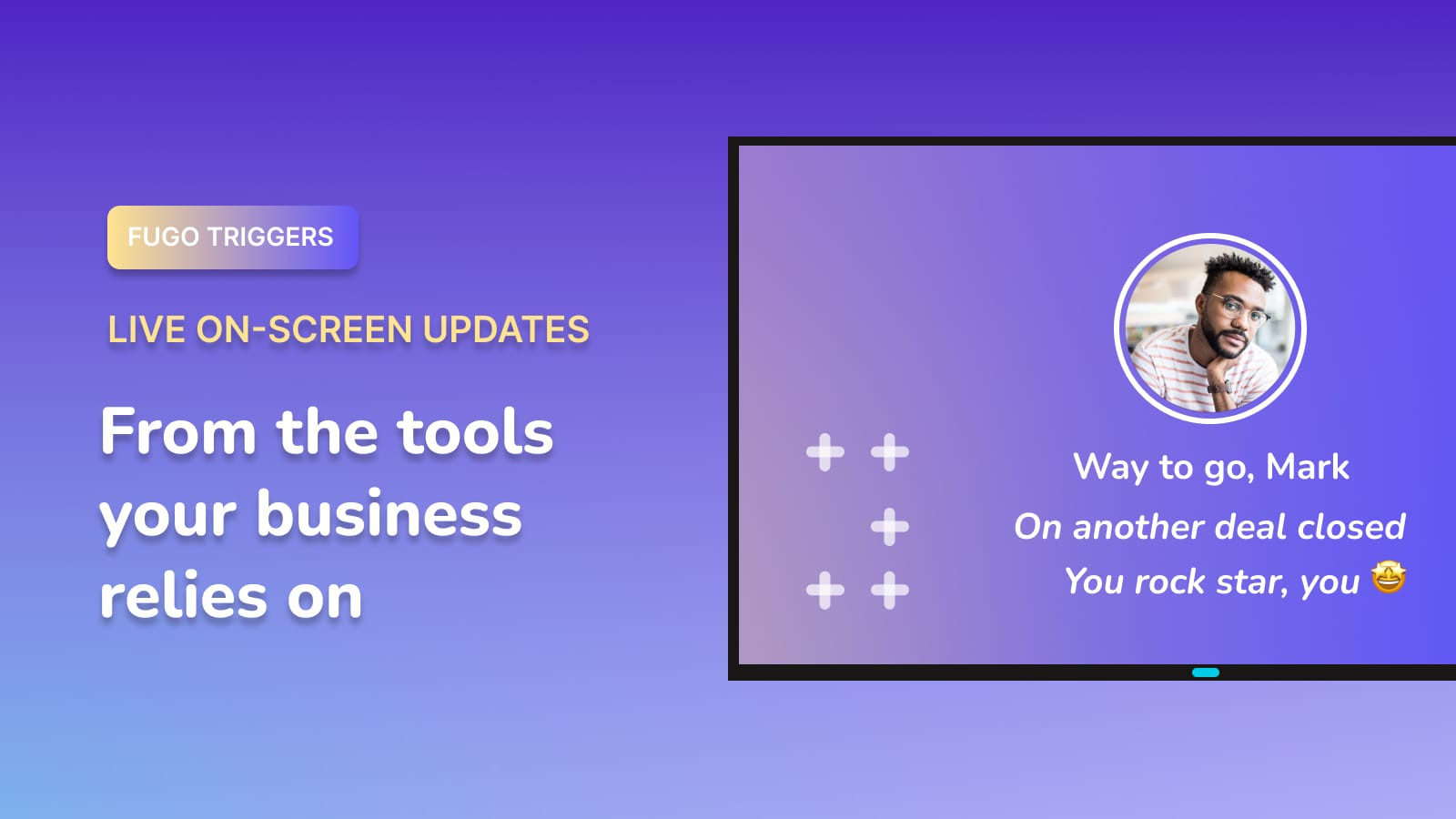
FUGO TRIGGERS

Make screens react to your data

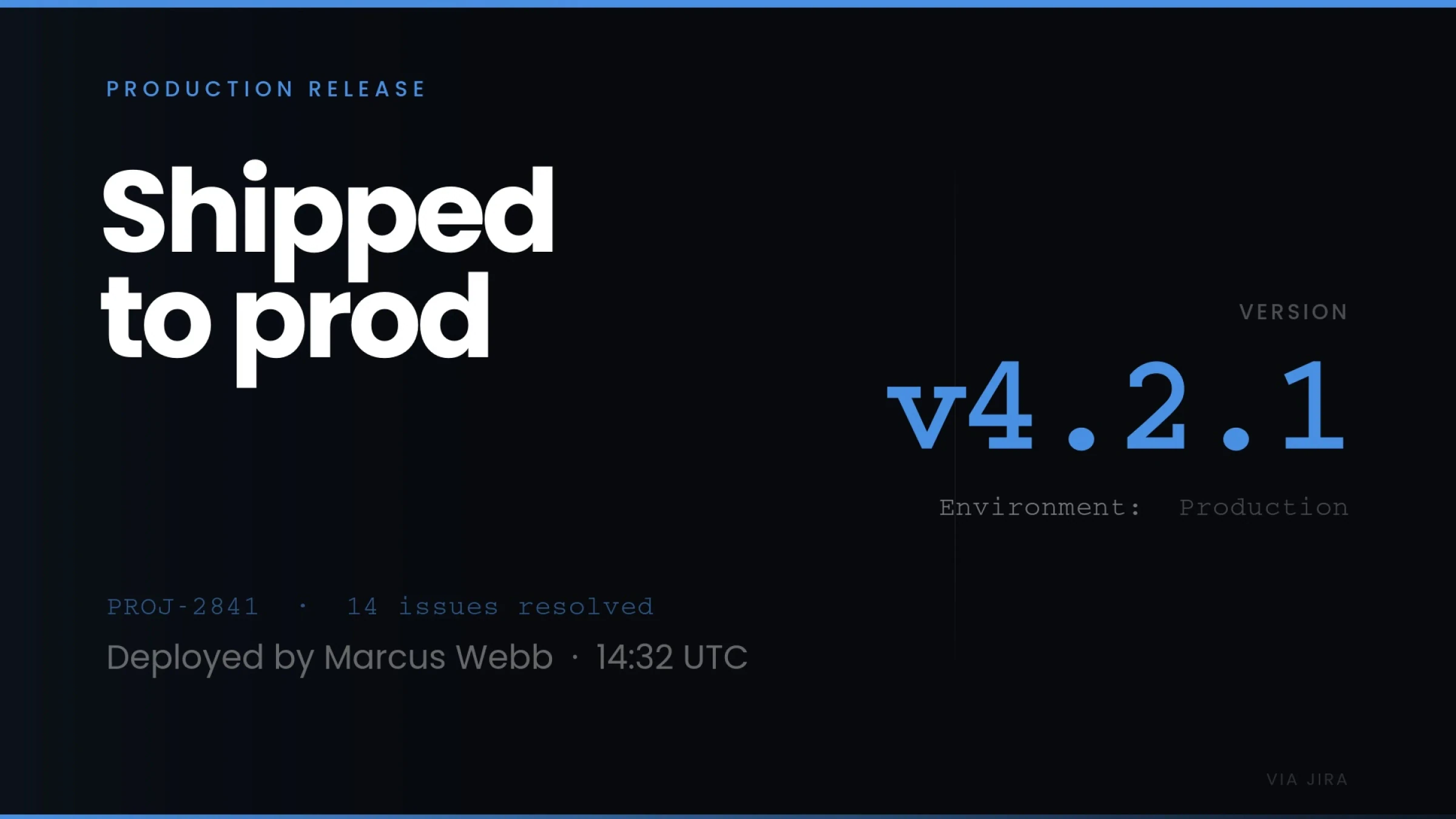
Your screens can show dashboards all day and change the moment something important happens. A deal closes. A target is hit. An incident is resolved.

Fugo trigger fullscreen "Shipped to prod" production release celebration for v4.2.1 — PROJ-2841 with 14 issues resolved, deployed by Marcus Webb at 14:32 UTC, sourced live from Jira

React instantly

Switch what's on screen when defined conditions are met.

Surface key moments

Show wins, alerts, and milestones as they happen.

Connected to your systems

Trigger updates from the tools your team already uses.

Frequently asked questions

Can I display Jira dashboards or boards on a TV screen?

Yes. Jira dashboards and boards can be displayed on TV screens using digital signage software that connects securely to your Jira environment and publishes them to managed displays.

Can I just open Jira in a browser and connect a laptop to a TV?

You can, and many teams start there.

But leaving a laptop connected relies on a live browser session, which can time out, disconnect, or require reauthentication. It also doesn't scale well across multiple screens or distributed teams.

What's the difference between casting Jira to a TV and using digital signage software?

Casting mirrors a live device session. If the device sleeps, logs out, or loses connection, the screen goes down.

Digital signage software manages authentication and refresh centrally, so boards and dashboards continue running without depending on a laptop or persistent browser tab.

Do I need special hardware to display Jira dashboards on TV screens?

You need a compatible smart TV or a digital signage player connected to your screen. Once paired with a signage platform, the screen can receive and display Jira dashboards without a permanently attached computer. View supported & recommended hardware.

Do I need to make my Jira dashboard public to show IT on a TV?

No. Public or anonymous access is not required. Jira dashboards and boards can be displayed securely without exposing internal URLs.

How does authentication work when displaying Jira on TV screens?

Authentication is handled through a secure cloud login layer. Credentials are encrypted and stored in Fugo's cloud environment, not on the TV or signage device. This allows boards and dashboards to load and refresh without requiring a persistent browser session on the screen.

If credentials change or access is revoked, the dashboard can be reauthorized centrally.

Will this work in an SSO or multi-factor authentication environment?

Yes. Managed TV dashboard setups are designed to operate within secure authentication policies, including SSO and multi-factor environments, without requiring repeated login prompts on the screen.

Is any Jira data stored on the TV or signage device?

No. Only the rendered visual output is displayed on screen. Credentials and live data access remain securely managed in the cloud.

How often can a Jira dashboard or board refresh on screen?

You control the refresh interval. Dashboards and boards are recaptured at defined intervals so screens reflect up-to-date ticket activity without relying on a persistent browser session.

What happens if the screen or device restarts?

Because playback is centrally managed, dashboards resume automatically after device restarts without requiring manual login.

Can I customize how my Jira dashboard looks on a TV screen?

Yes. Dashboards and boards can be cropped, scaled, and formatted in the visual editor to make swimlanes, ticket columns, and metrics readable from a distance.

Can I show different Jira dashboards on different screens?

Yes. Dashboards and boards can be assigned to specific screens, teams, or office locations and managed from a central portal.

Is this suitable for engineering teams across multiple offices?

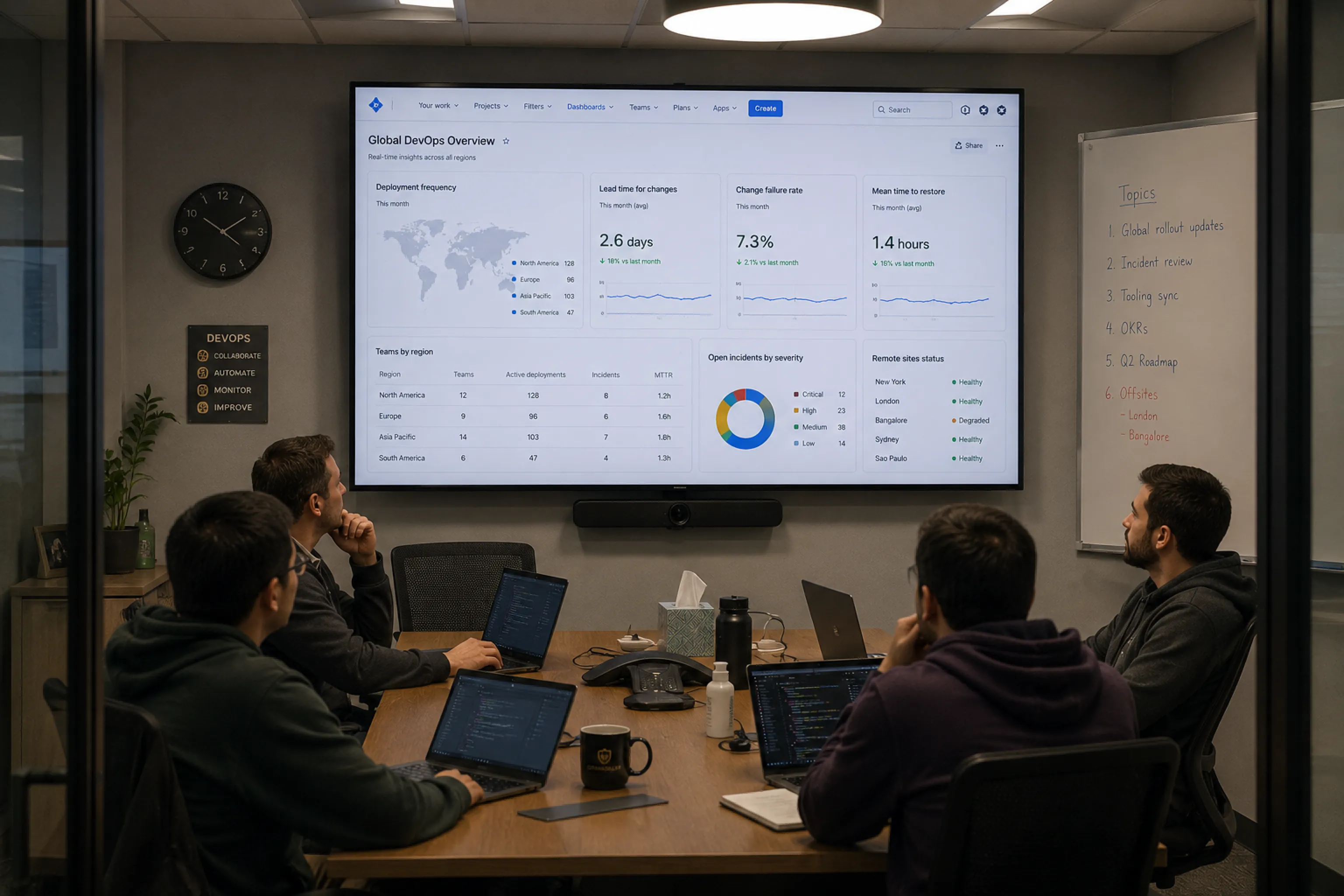
Yes. Jira dashboards can be deployed across distributed teams and sites while maintaining centralized control, authentication oversight, and screen monitoring.

Can I test this before deploying IT across the team?

Yes. You can start with a trial, connect a single dashboard, and validate the setup on one screen before expanding further.