Fugo

Smart content triggers for digital signage

Playlists handle what's planned. Smart content triggers handle what just happened. Connect your systems, define the moment, and let your screens respond automatically.
Hero image
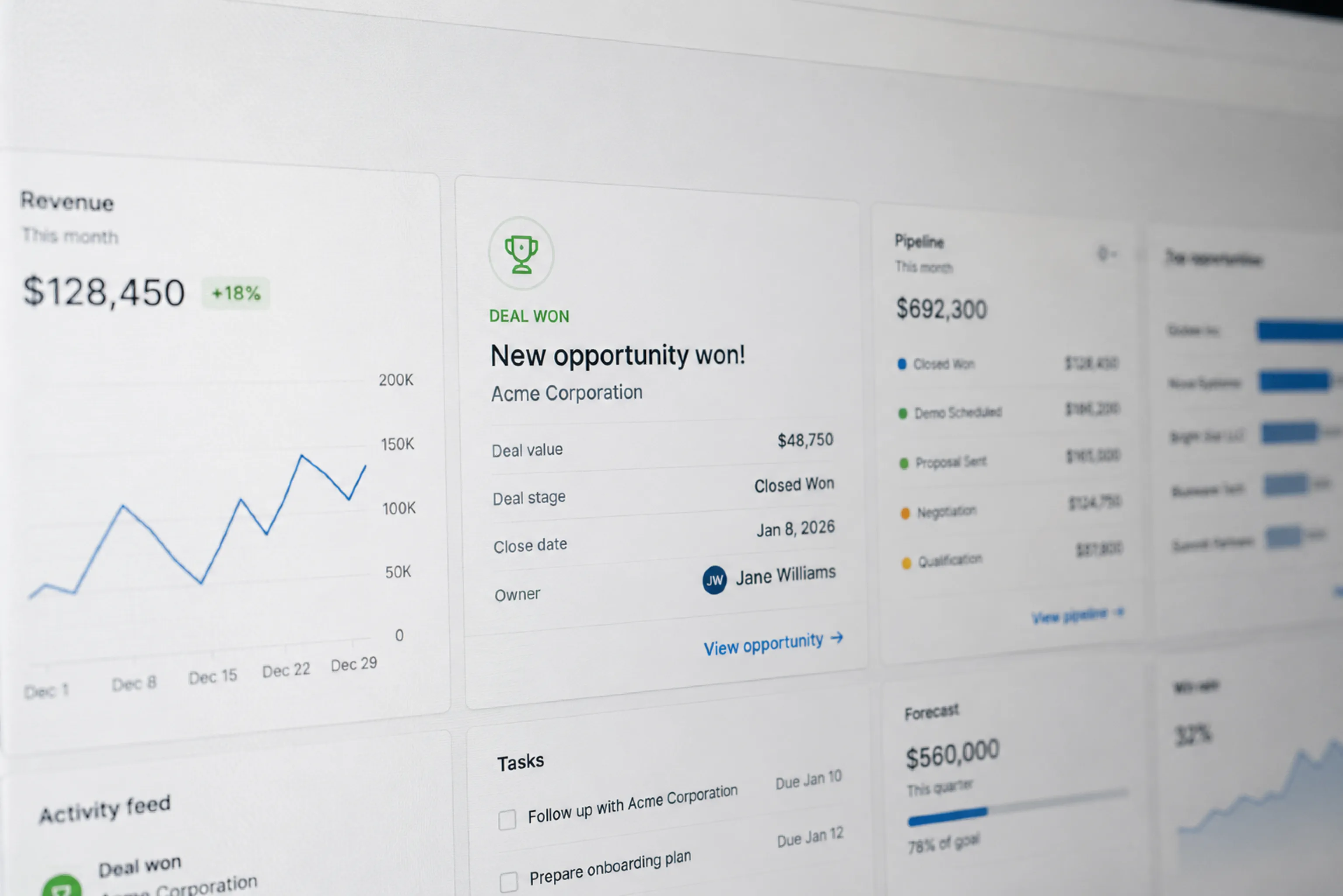
Perspective view of a sales CRM with a "Deal won — Acme Corporation" card amongst pipeline, forecast and activity feed widgets — wins like this stay trapped inside the tool
THE CHALLENGE

Scheduled content can't keep up with live events

Most digital signage runs on pre-built playlists. That works for planned campaigns and recurring content, but it doesn't account for the constant stream of updates happening inside your CRM and other systems.

  • Sales wins stay inside HubSpot

  • Operational changes live in dashboards

  • Alerts get buried in Slack

  • Screens loop stale content

THE SOLUTION

Introduce event-based screen updates

Smart content triggers detect important events within your systems and seize your screens when they happen.
Fugo Triggers page with a HubSpot deal-won trigger expanded in the side panel showing filters, target screens and the celebration content it fires

React instantly

Switch what's on screen when defined conditions are met.

Surface key moments

Show wins, alerts, and milestones as they happen.

Connected to your systems

Trigger updates from the tools your team already uses.

FEATURES

What can you do with triggers?

Turn static TV screens into responsive surfaces.
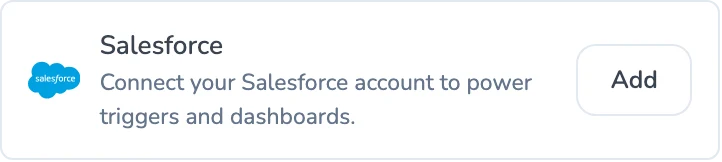
Fugo Connections settings showing a HubSpot integration connected and Salesforce available to add
DATA SOURCES

Connect your systems

Triggers monitor defined events inside tools like HubSpot and fire when those actions occur.

  • Deal created or closed
  • New contact added
  • Deal stage updated
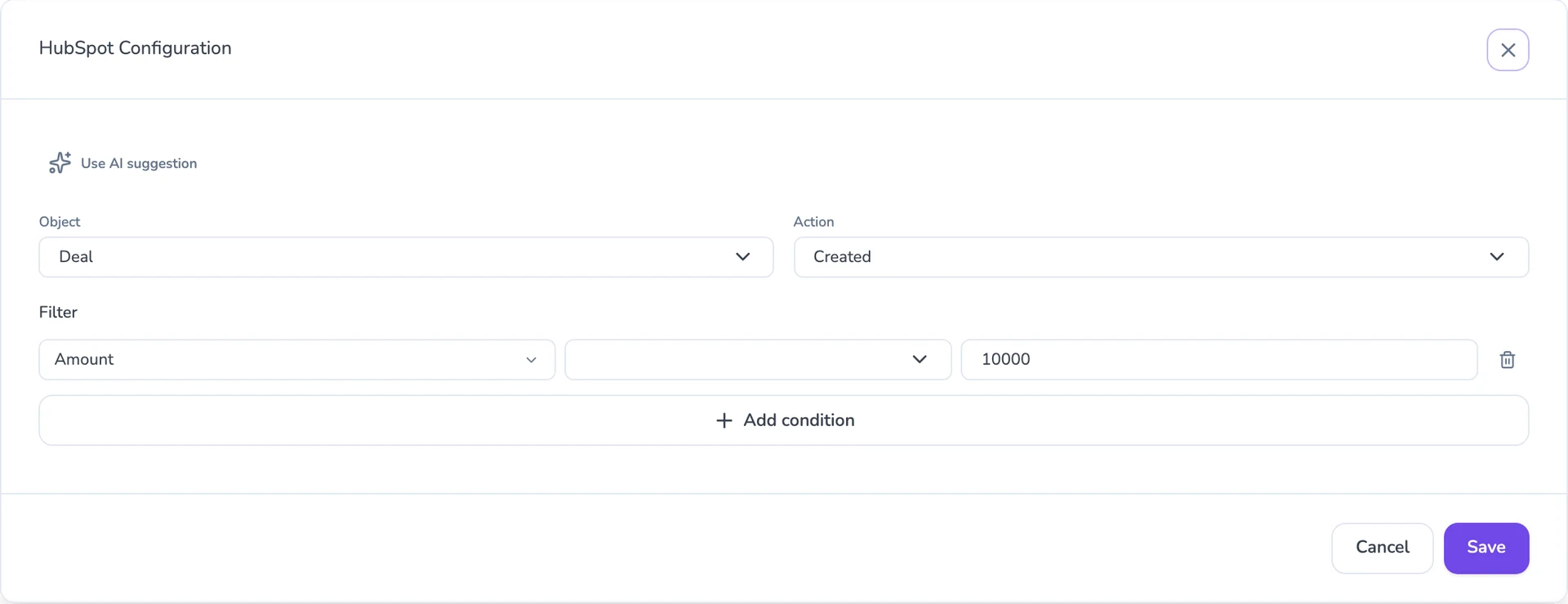
HubSpot trigger configuration with a natural-language description and stacked filters on deal owner, pipeline and amount
SMART FILTERS

Define the rules

Not every event deserves screen time. Add filters so only meaningful updates break through.

  • Filter by deal value
  • Filter by owner
  • Combine multiple conditions
Trigger preview before publishing — a Nick Ratcliffe deal-won celebration slide with filters, target screen and content all wired up
TARGETED DELIVERY

Control what shows and where

Decide what appears, where it appears, and how long it stays before screens return to their normal schedule.

  • Studio slides or media
  • Dynamic text messages
  • Target specific screens
USE CASES

For teams who value momentum & visibility

Smart content triggers aren't just for celebration. They create visibility anywhere timing matters.

Sales & revenue teams

Keep revenue momentum visible across the floor without relying on Slack or manual updates. When deals move or targets are hit, screens reflect it instantly.

Closed-won dealsNew enterprise accountsStage changesRevenue milestones
Sales team office screen celebrating a newly closed deal triggered from the CRM

Frequently asked questions

Can I connect HubSpot to a TV screen?

Yes.

Fugo's smart content triggers can monitor events inside HubSpot, such as deal stage changes or closed-won opportunities. When a defined condition is met, Fugo automatically displays the content you've assigned on your TV screens.

You don't need to manually update a playlist every time a deal closes.

Can I display Salesforce updates on digital signage?

Yes.

Fugo supports event-based triggers connected to CRM systems including Salesforce. You define the object, event type, and conditions that matter, and Fugo handles displaying the update on screen when it occurs.

This allows Salesforce activity to appear automatically on office screens.

What systems can triggers connect to?

Triggers can monitor supported integrations like HubSpot and Salesforce, and manual triggers can also be initiated from inside Fugo.

As additional integrations expand, triggers allow your screens to respond to defined events instead of relying only on scheduled playlists.

Do triggers replace my existing playlists?

No.

Triggers temporarily override scheduled content when defined conditions are met. After the triggered content finishes displaying, your screens return to their regular playlist automatically.

This means you don't lose planned messaging.

Can I control which events appear on screen?

Yes.

You can add filters to refine triggers by deal value, stage, owner, or other conditions. Only events that meet your defined criteria will activate the trigger.

This prevents low-signal updates from interrupting your screens.

Can I choose which screens respond to a trigger?

Yes.

Triggers can be assigned to specific screens or screen groups. You control where the content appears and how long it remains visible before returning to normal rotation.

Can I customize what displays when a trigger fires?

Yes.

You can display a Design Studio slide, dynamic text message, media file, or other supported content types when a trigger activates.

This gives you control over how the moment appears on screen.

Do I need technical experience to set up triggers?

No.

Triggers are configured inside Fugo's interface. You select the integration, define the event and conditions, choose the content to display, and assign it to screens.

No custom development is required.