

Waiting room digital signage that keeps every room calm and informed
Display schedules, instructions, and rotating content on waiting room screens so visitors stay informed without staff repeating the same answers. Update what every screen shows from one dashboard instead of reprinting signs nobody reads.
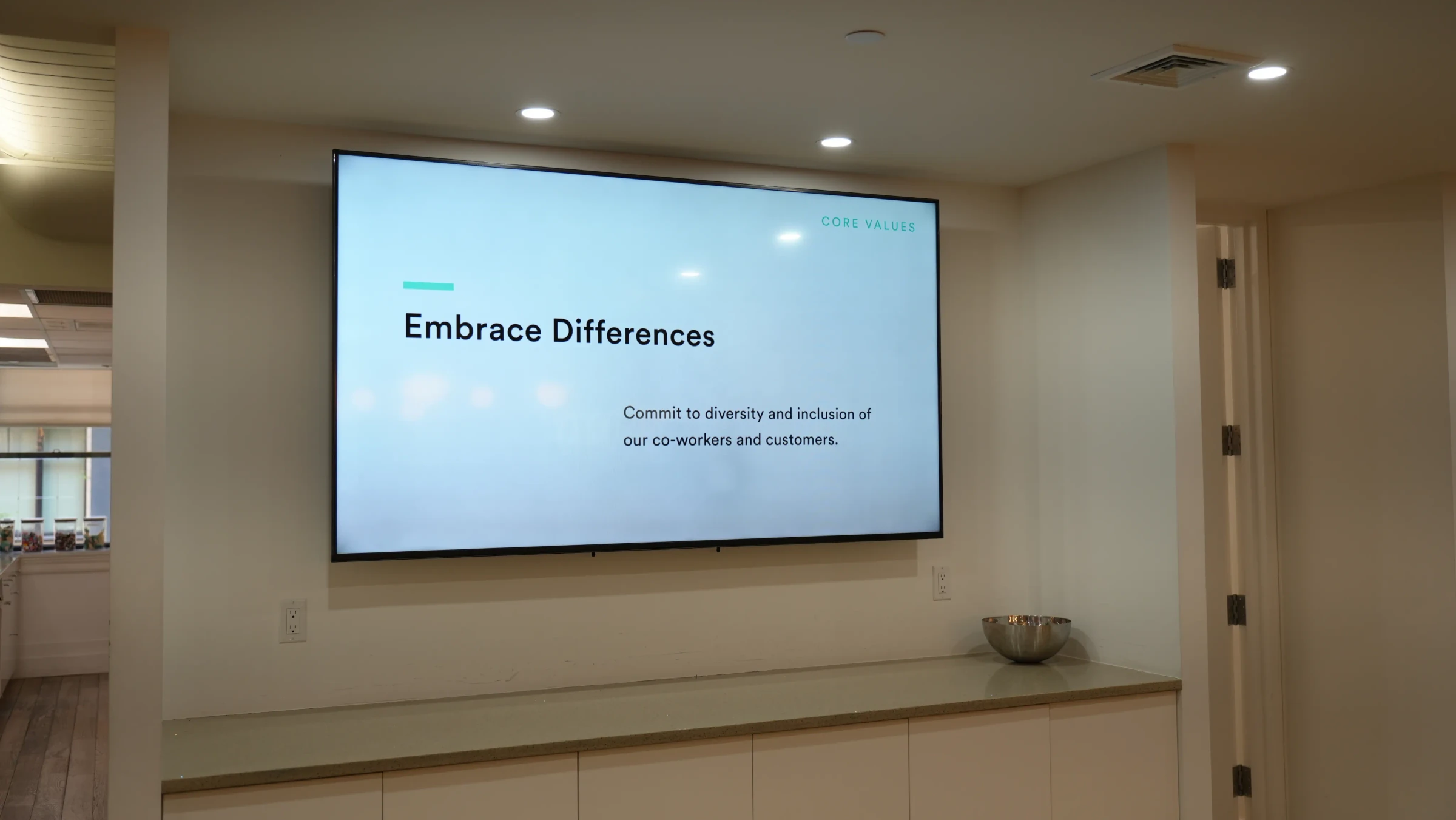
Why teams put screens in waiting rooms
Reduce perceived wait times
People waiting in silence check the clock more often. A screen with rotating content gives visitors something to look at, which makes the same ten-minute wait feel noticeably shorter.
Keep visitors informed without staff effort
Front desk staff answer the same questions all day. A screen that shows wait estimates, next steps, and facility info handles the repeat questions so staff can focus on the person in front of them.
Display instructions that actually get read
Paper handouts end up on the floor or ignored in a stack. A screen at eye level with clear, rotating instructions gets read because it is the most visible thing in the room.
Replace printed materials nobody updates
Most waiting rooms have at least one outdated flyer taped to the wall. Digital screens let you swap content in seconds, so visitors never see last season's hours or discontinued services.
Rotate content for different audiences
A morning clinic crowd needs different information than afternoon walk-ins. Schedule different playlists by time of day or day of week so the right content shows at the right time.
Reduce "how much longer" questions at the front desk
When the screen shows estimated wait times or queue position, visitors stop walking up to ask. One fewer interruption per visitor adds up fast across a full day.
What teams show on waiting room screens
Estimated wait times and queue status
Show current wait estimates or ticket numbers so visitors know where they stand without asking.
Appointment schedules and check-in instructions
Display check-in steps, required documents, and upcoming appointment windows on screen.
Health and safety notices
Post hygiene reminders, mask policies, or vaccination info where every visitor sees them.
Service announcements and updates
Share holiday hours, new services, staff introductions, or policy changes as they happen.
Entertainment and informational content
Run news feeds, trivia, or short videos to give visitors something to watch while they wait.
Facility directions and wayfinding
Show floor maps, department locations, and directional cues so visitors find where they need to go.
Fugo features for waiting room displays
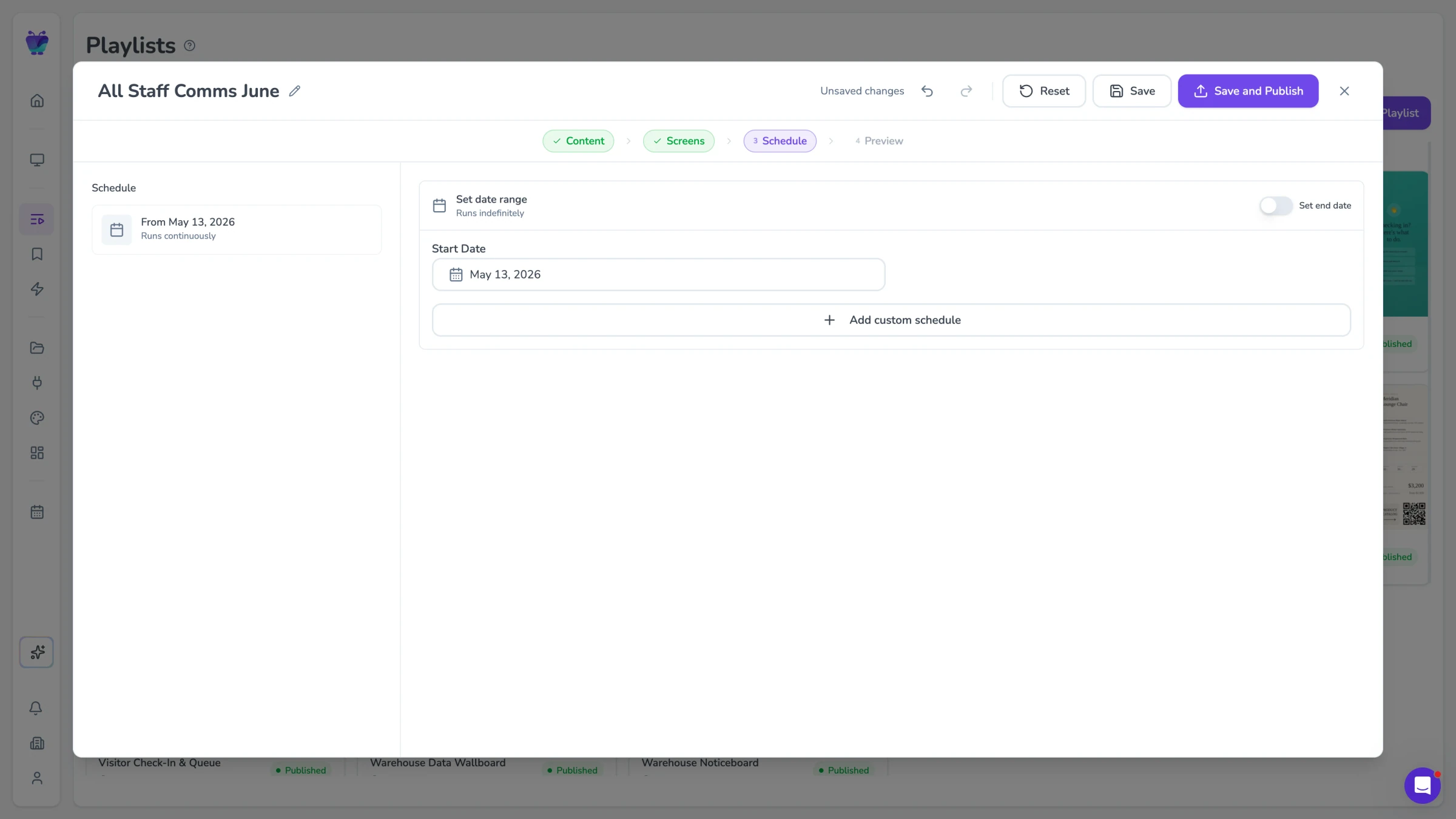
Content scheduling
Set different playlists for mornings, afternoons, and weekends. Fugo switches content automatically based on the schedule you define, so the screen always matches the current audience.
See content triggers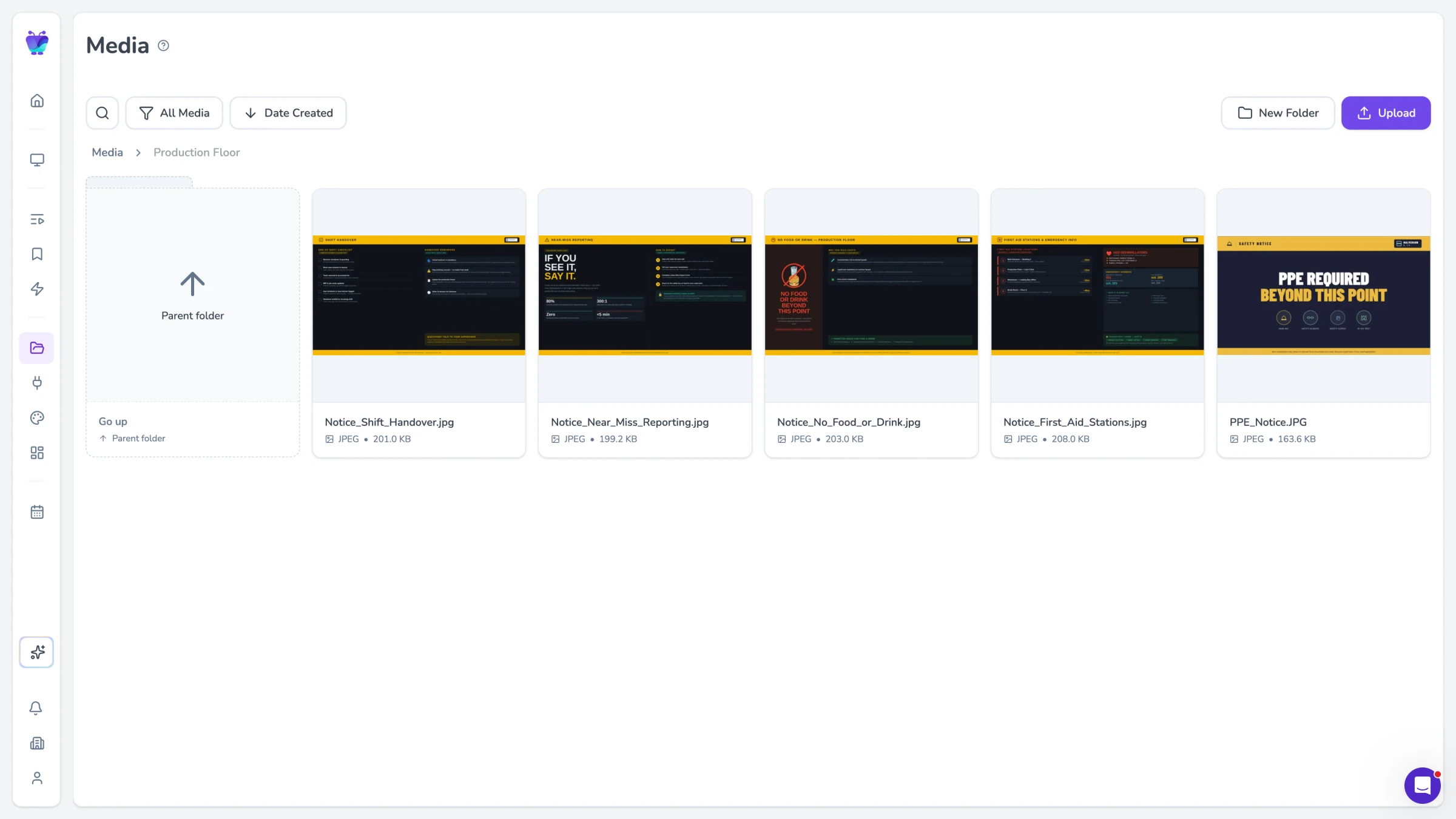
Templates
Start with ready-made layouts for waiting rooms instead of designing from scratch. Pick a template, drop in your content, and publish. New screens take minutes, not hours.
Browse templates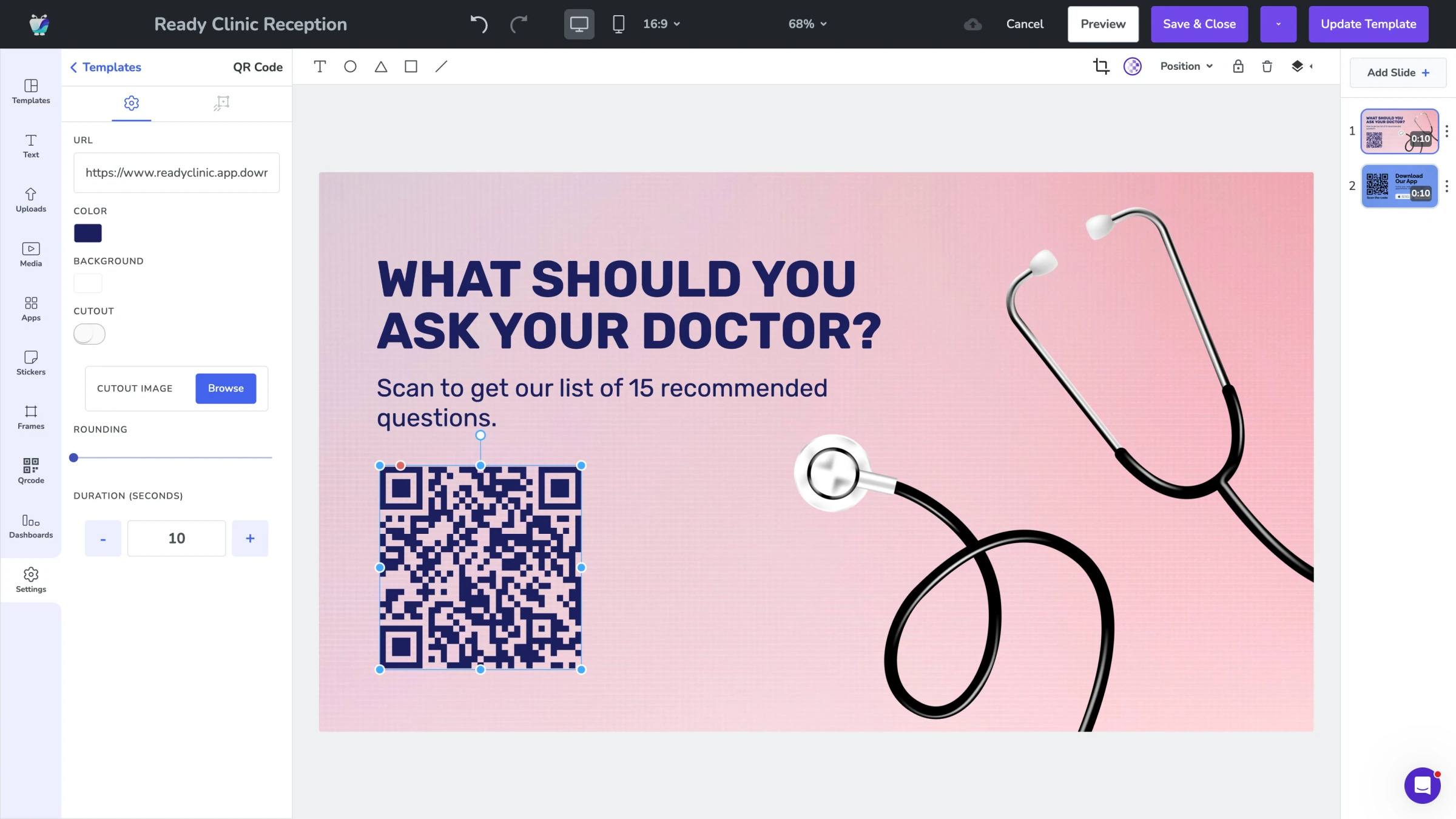
Design Studio
Build custom layouts with zones for wait times, announcements, and media. Drag and drop content into each zone and preview exactly what visitors will see before you publish. The same approach suits senior living reception areas.
Explore Design Studio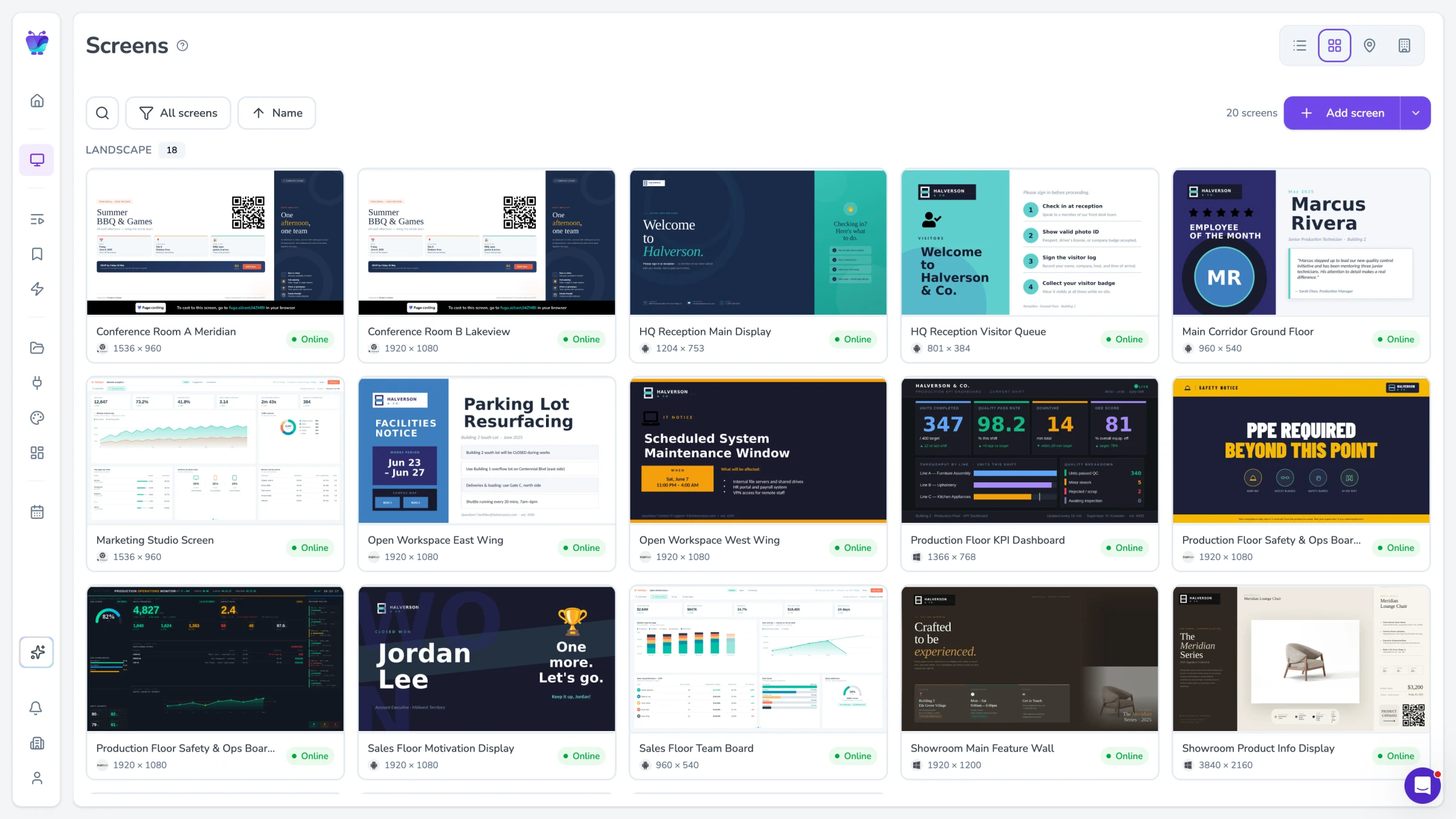
Remote screen management
Update every waiting room screen from one dashboard, whether you manage one location or fifty. Push changes instantly without walking to each screen.
See all features