
Digital signage Design Studio
Create digital posters, menus, and custom multi-zone content without bouncing between design tools and your signage system.

Designing for digital signage is harder than it should be
You design in Canva or PowerPoint. Then you export. Then you upload. Then you fix what broke.
Layouts don't match the screen size
Text shifts between portrait and landscape
Multi-zone designs require hacks
Simple edits turn into file management
Updates aren't reflected until someone republishes
Design content directly inside your signage system
Design Studio is Fugo's canvas for building structured screen layouts. It lets you control zones, layer content types, and design for real display dimensions inside the platform that publishes your screens.
Layout control
Arrange and layer content precisely
Screen-aware design
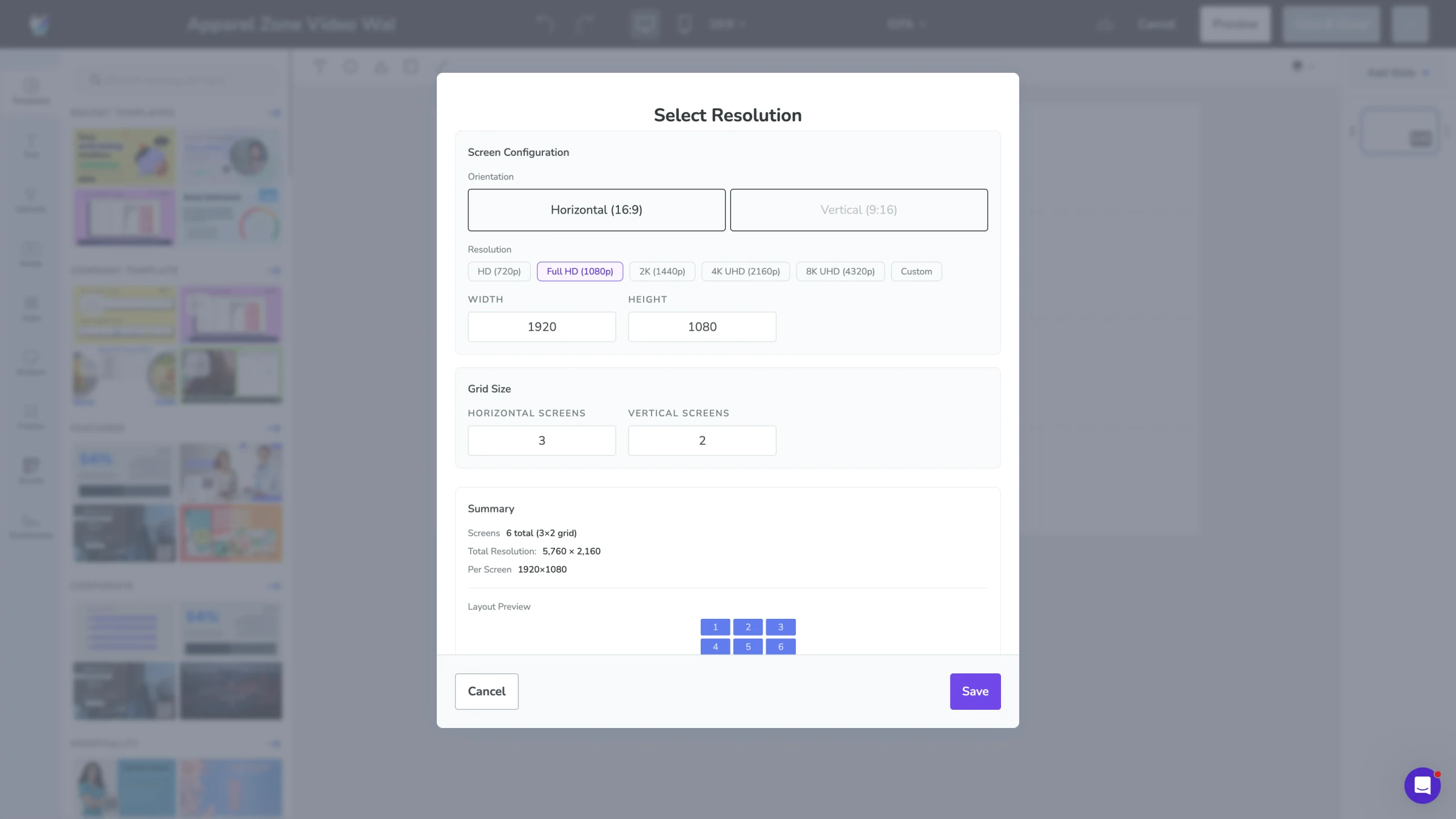
Match orientation & resolution
Instant updates
Edit once and publish everywhere
What can you do with the Design Studio?
A full feature suite to give you control over how content appears on screen.
Layout control
Design structured screen layouts instead of uploading static images. Define zones, control positioning, and design for standard screens or custom video wall resolutions.
- Multi-zone layouts
- Layered positioning
- Custom canvas sizes
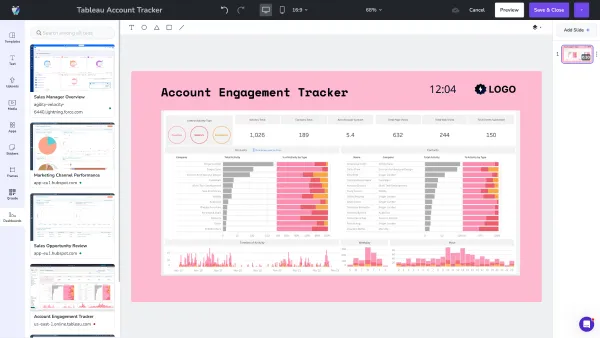
Mixed content canvas
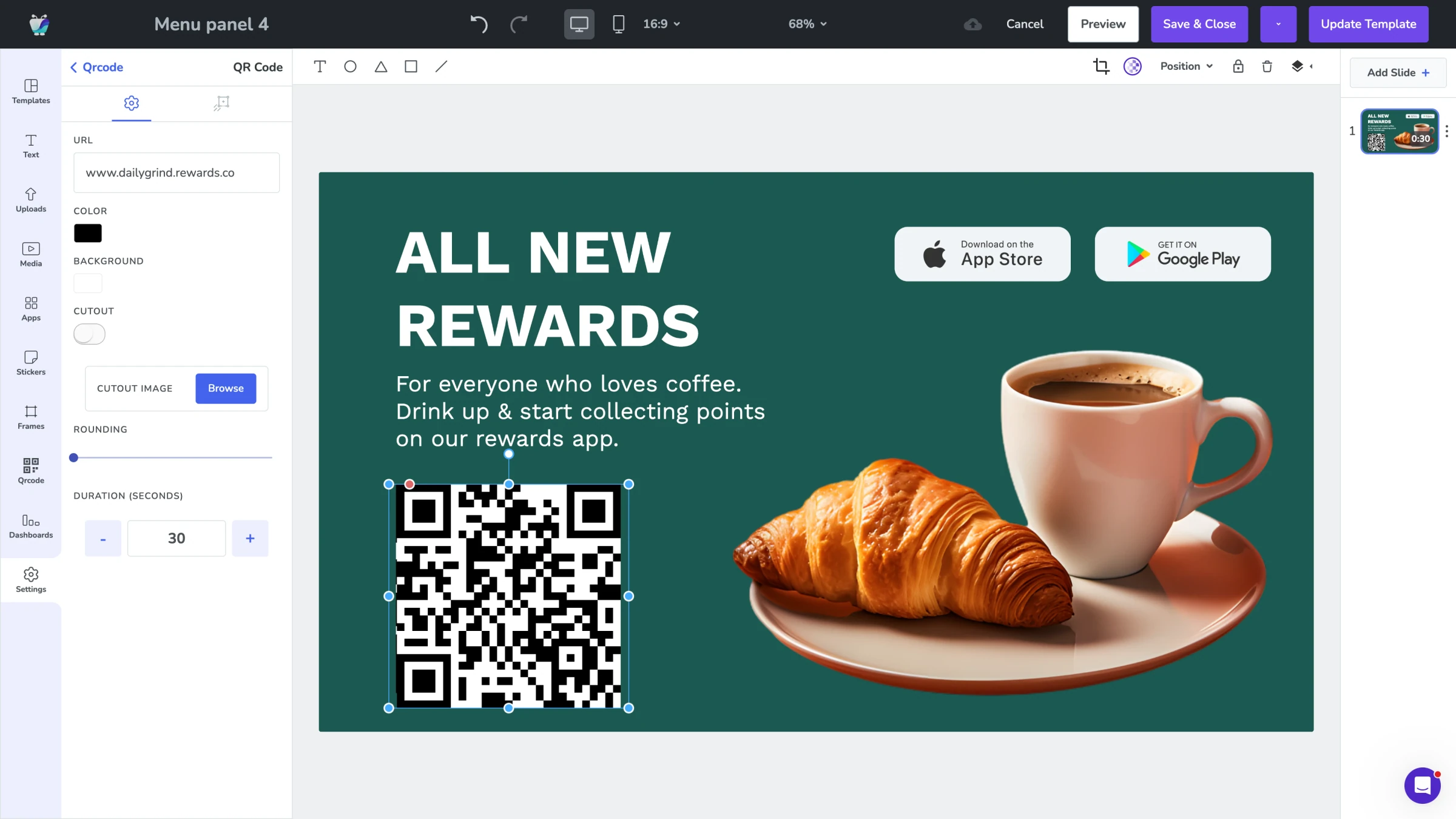
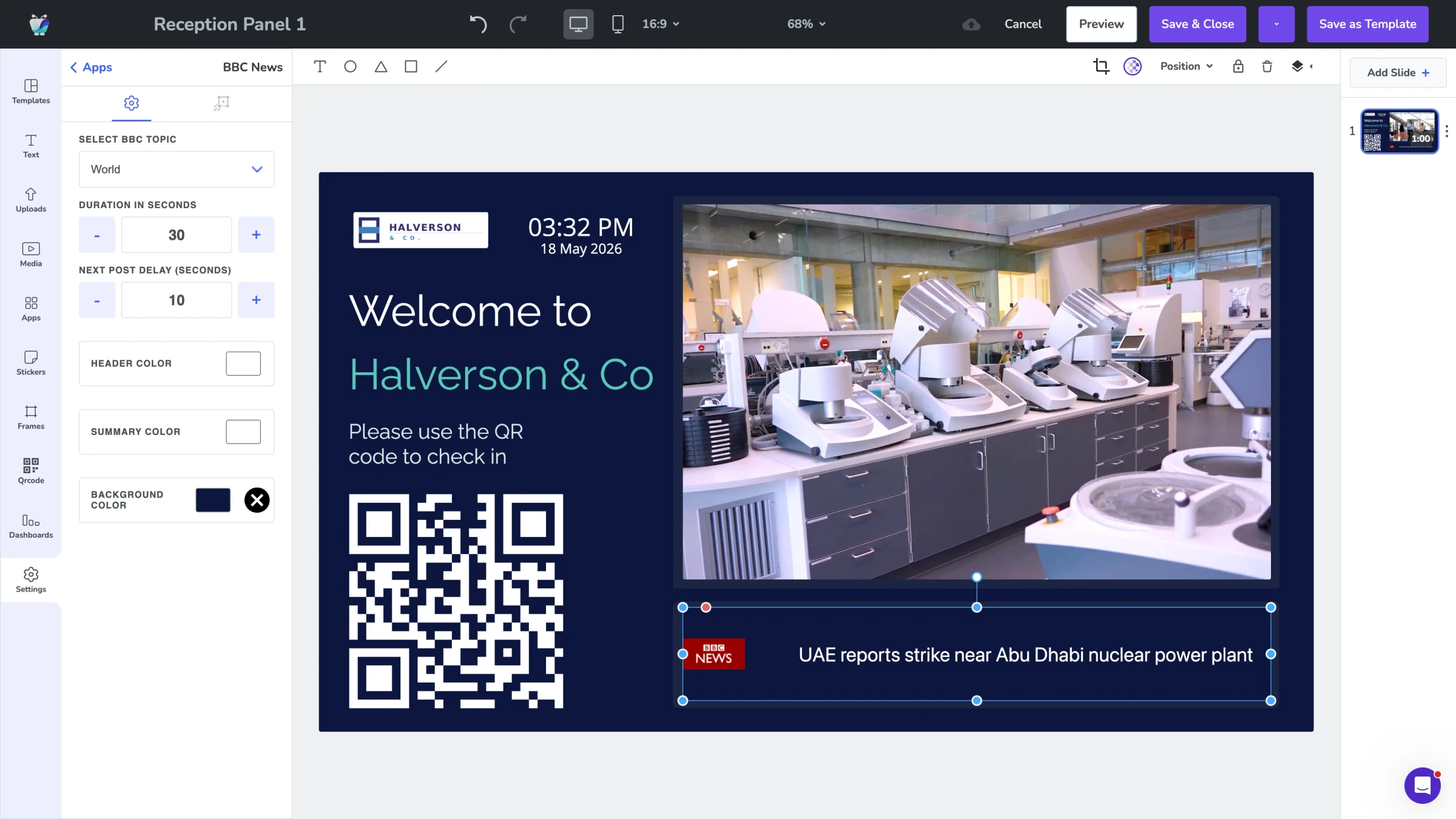
Combine dashboards, media, apps, and text inside a single layout. Resize, crop, and frame each element without editing the original source.
- Dashboard cropping
- Embedded apps
- Media + text overlays
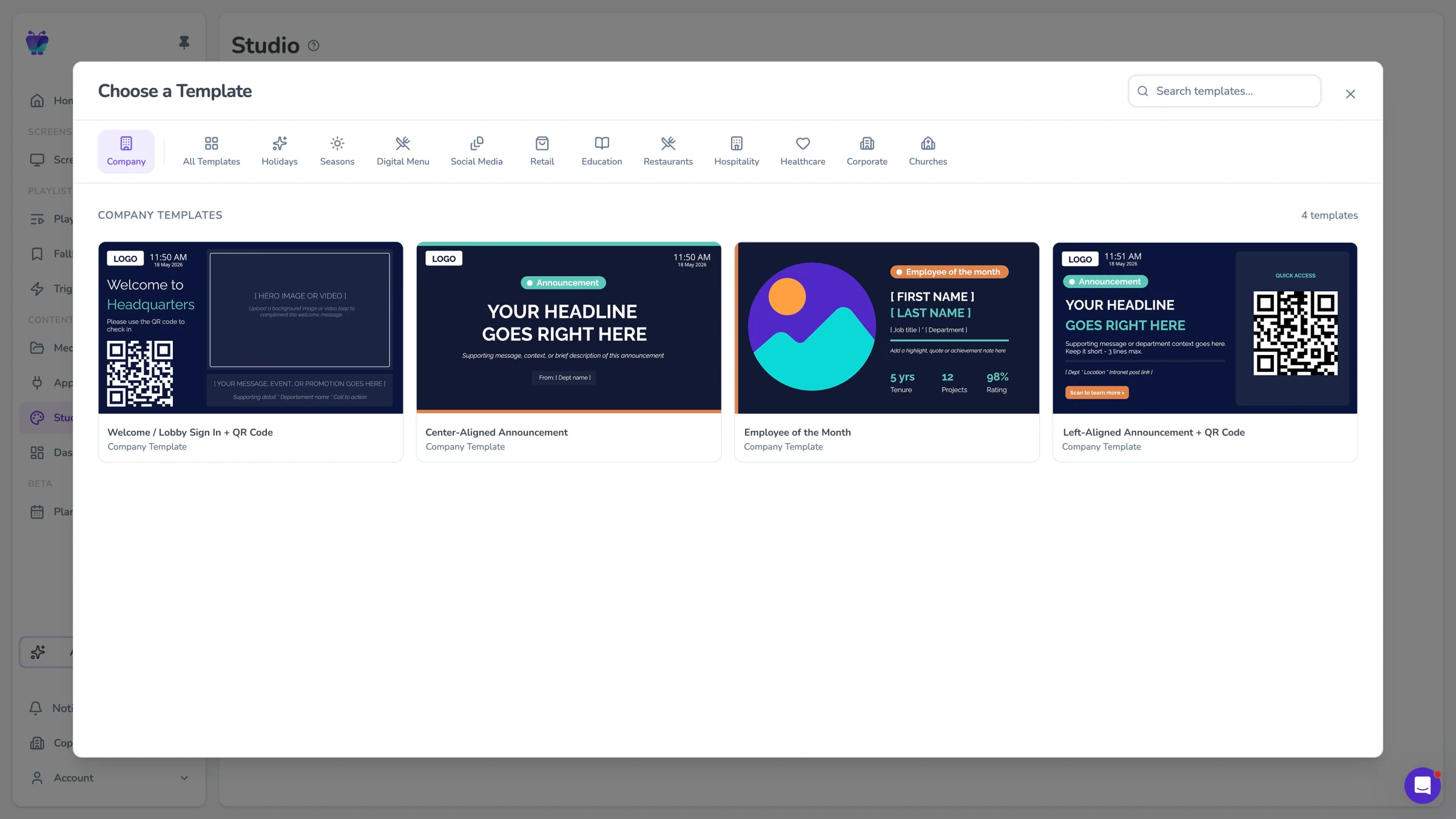
Company templates
Start from Fugo's template library or create your own branded layouts. Save them as reusable templates so teams stay consistent across screens and locations.
- Template library
- Custom company templates
- Layout duplication
Design for any scenario
Different screens. Different teams. Different goals. One layout engine.
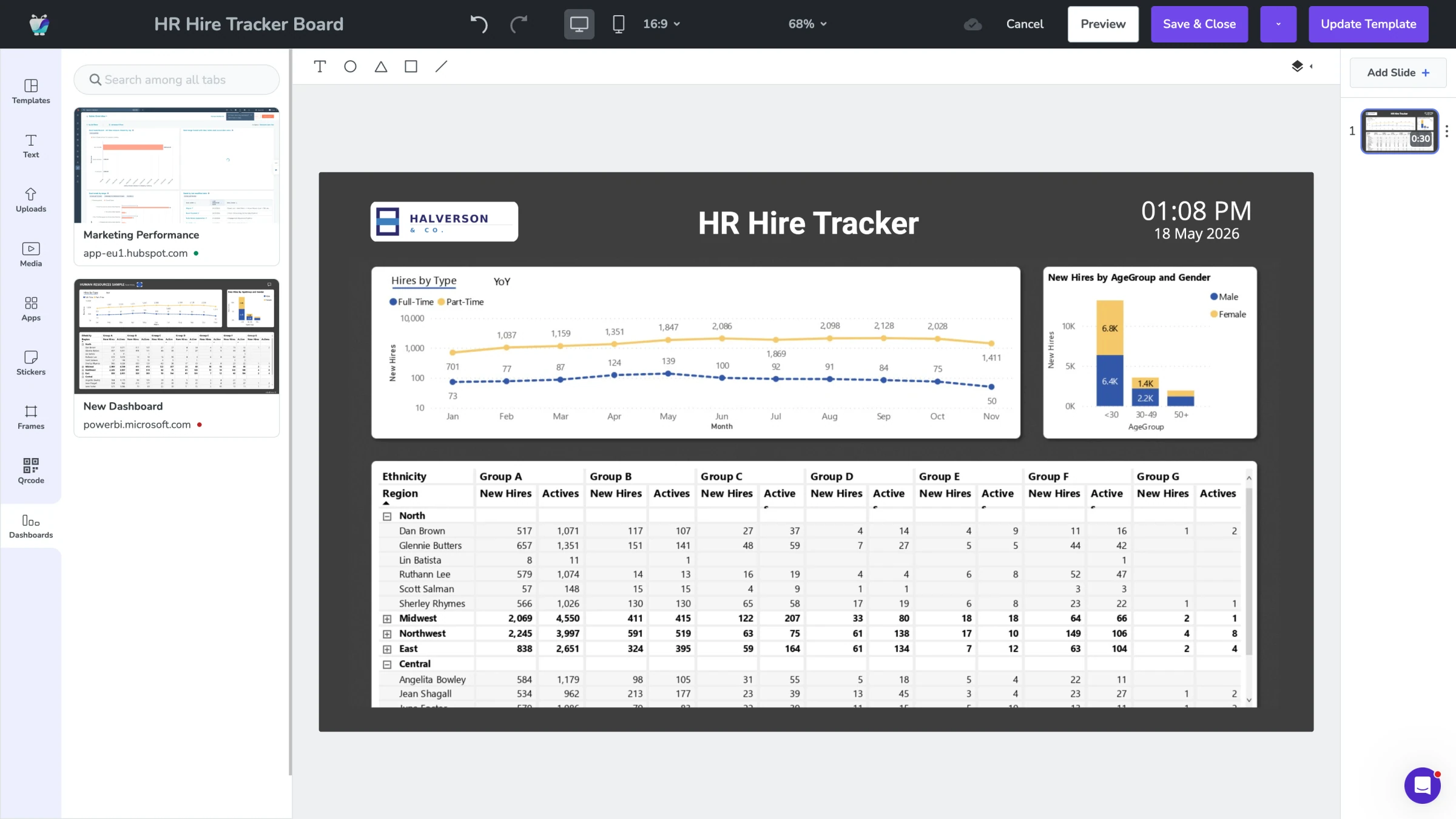
Dashboard displays
Turn desktop dashboards into TV-ready layouts. Crop to the metrics that matter, frame them for readability, and combine charts with labels or context without rebuilding the report.