
Digital signage for schools and campuses
Digital signage for schools that keeps students, staff and visitors in the loop on every screen, from one dashboard, whether you run one building or a whole district. Push wayfinding, emergency alerts, cafeteria menus and event boards to any display, and let scheduling handle the rest.
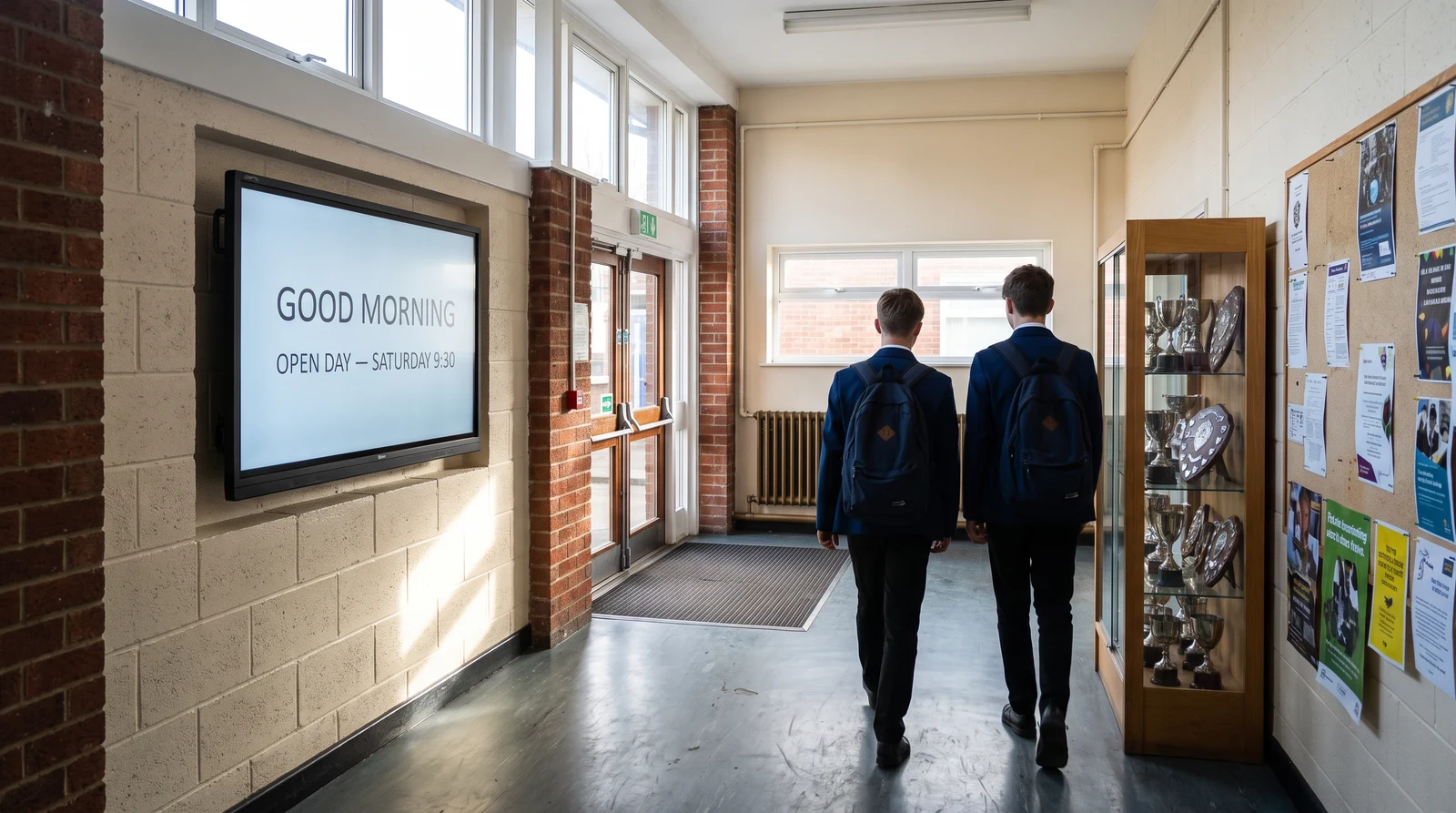
Screens for every part of campus
From the front entrance to the staff room, schools and campuses use Fugo across a wide range of spaces, all managed from the same dashboard.
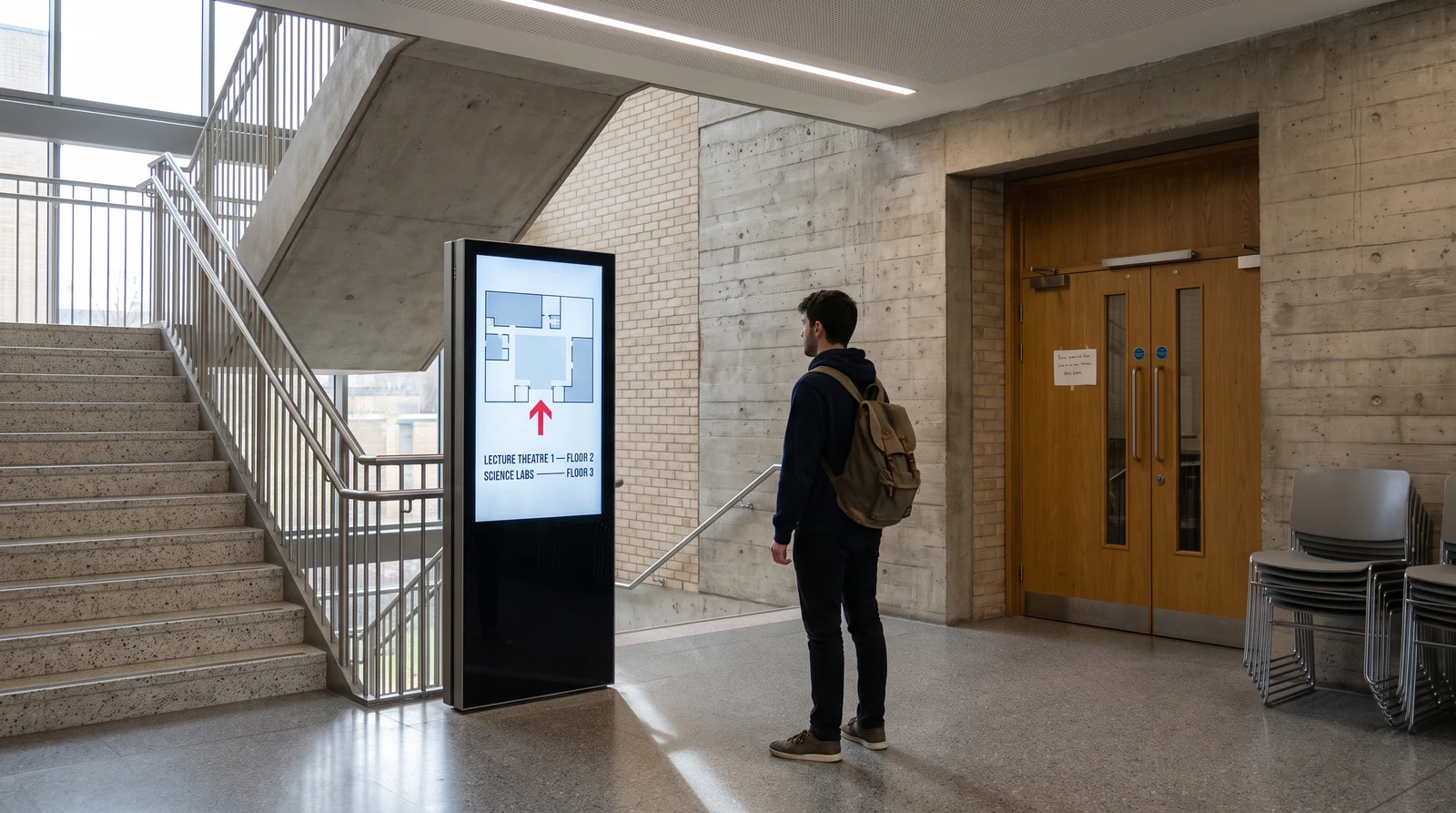
Campus wayfinding
Guide students, parents and visitors through complex campus layouts with clear digital directories at entrances, corridors and decision points. Update room allocations and event locations centrally, useful during exam periods when rooms are frequently reassigned.
Why schools choose Fugo
Run signage across your whole campus without standing up a new IT project. Fugo is hardware-agnostic, built for non-designers and reliable enough to leave running unattended.
One dashboard for every site
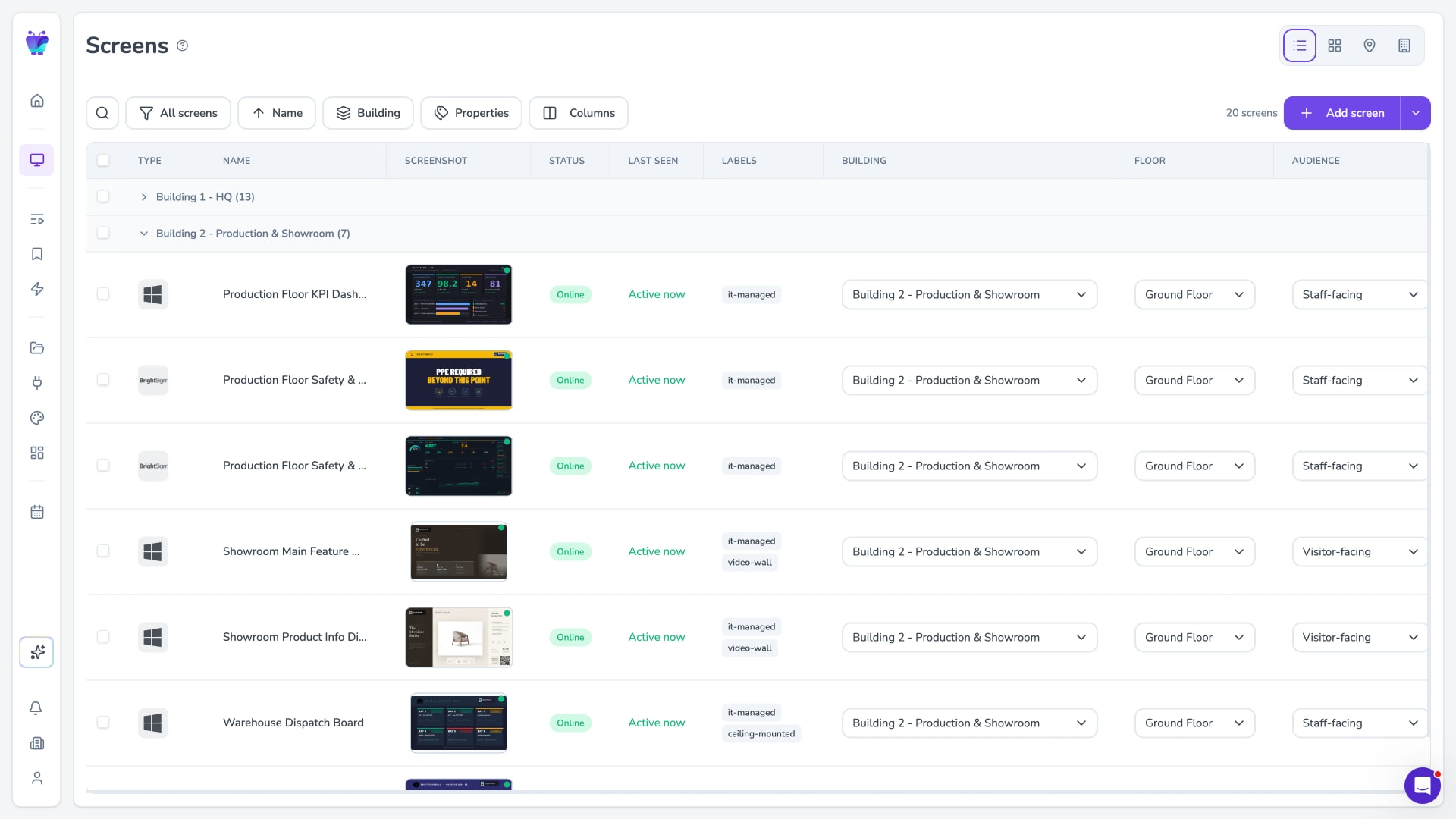
Manage every screen across every building, campus and department from a single dashboard. Group screens by site or faculty, publish to one display or all of them at once, and keep the message consistent everywhere.
- Group screens by building, campus or department
- Publish to one screen or every screen at once
- Central oversight with per-department editors
Built for non-designers
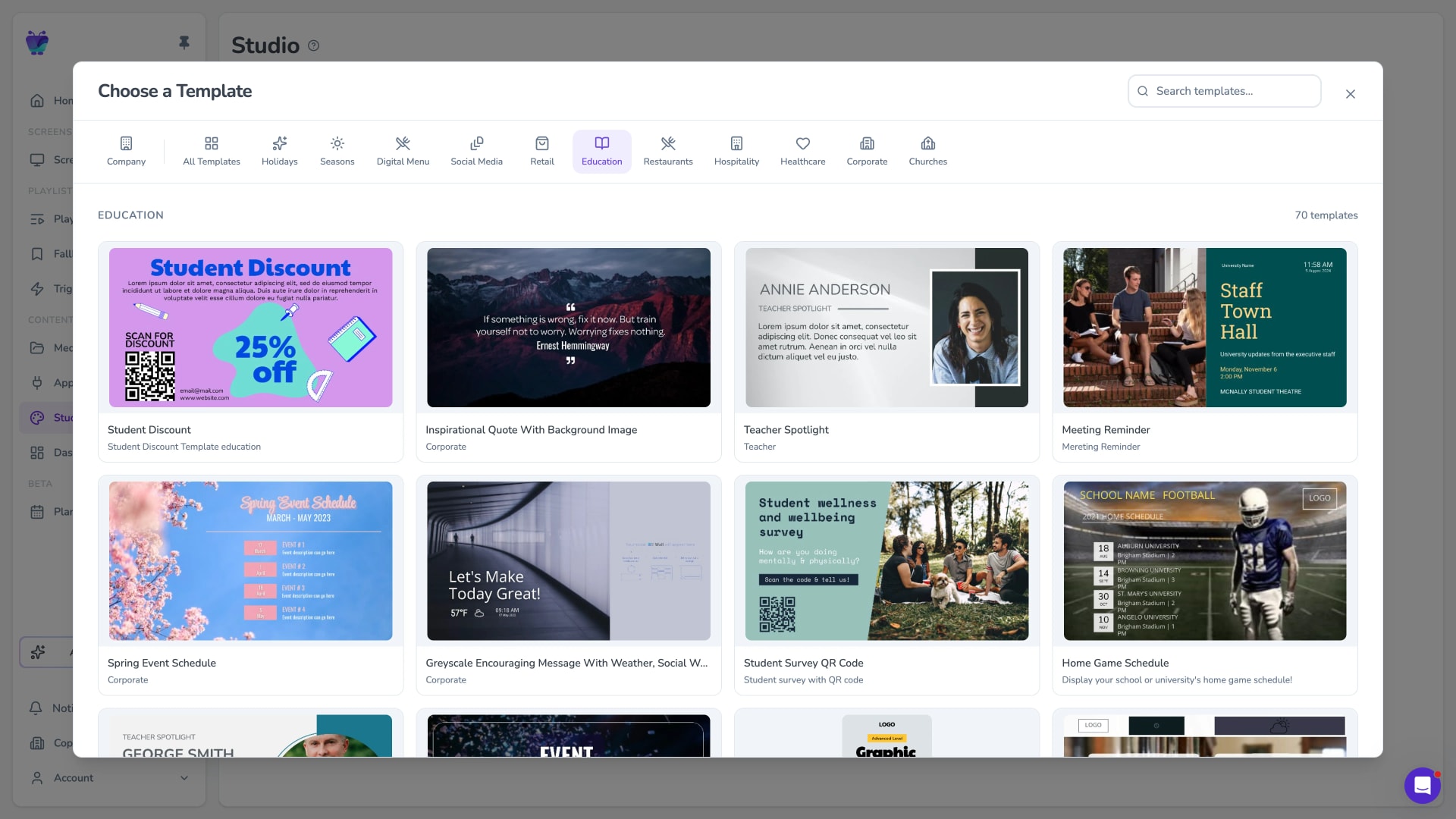
Teachers, administrators and student committees can build on-brand screens in the Design Studio using ready-made templates. No design skills or IT ticket required. Start from an education template and edit text, images and timings in the browser.
- Design Studio with drag-and-drop editing
- Ready-made templates for schools and campuses
- On-brand layouts anyone on staff can update
Reliable and secure by default
Fugo is hardware-agnostic and built to run unattended. Uptime monitoring tells you the moment a screen goes dark, remote recovery and reboot let you fix most issues without leaving your desk, and the platform is SOC 2 Type II certified for your IT team.
- Uptime monitoring with remote recovery and reboot
- Hardware-agnostic: runs on screens you already own
- SOC 2 Type II certified
Campus events, schedules and announcements
Fugo connects to the calendars, documents and content tools campuses already run on, so screens across buildings, common areas and corridors stay current without a custom integration project.

Google calendar
Misc
Display your Google Calendar in style
Google slides
Business
Google Slides

Google docs
Business
Google Docs

Countdown
Misc
Count down live and in style

Fugo social wall
Social
Create a custom live social media wall for your screens!

Google news
News
The latest headlines from Google News
QR code
Business
QR Code

YouTube
Featured
YouTube App
Digital signage for schools FAQs
Everything schools, colleges and universities ask before deploying Fugo across campus.