

Lobby digital signage
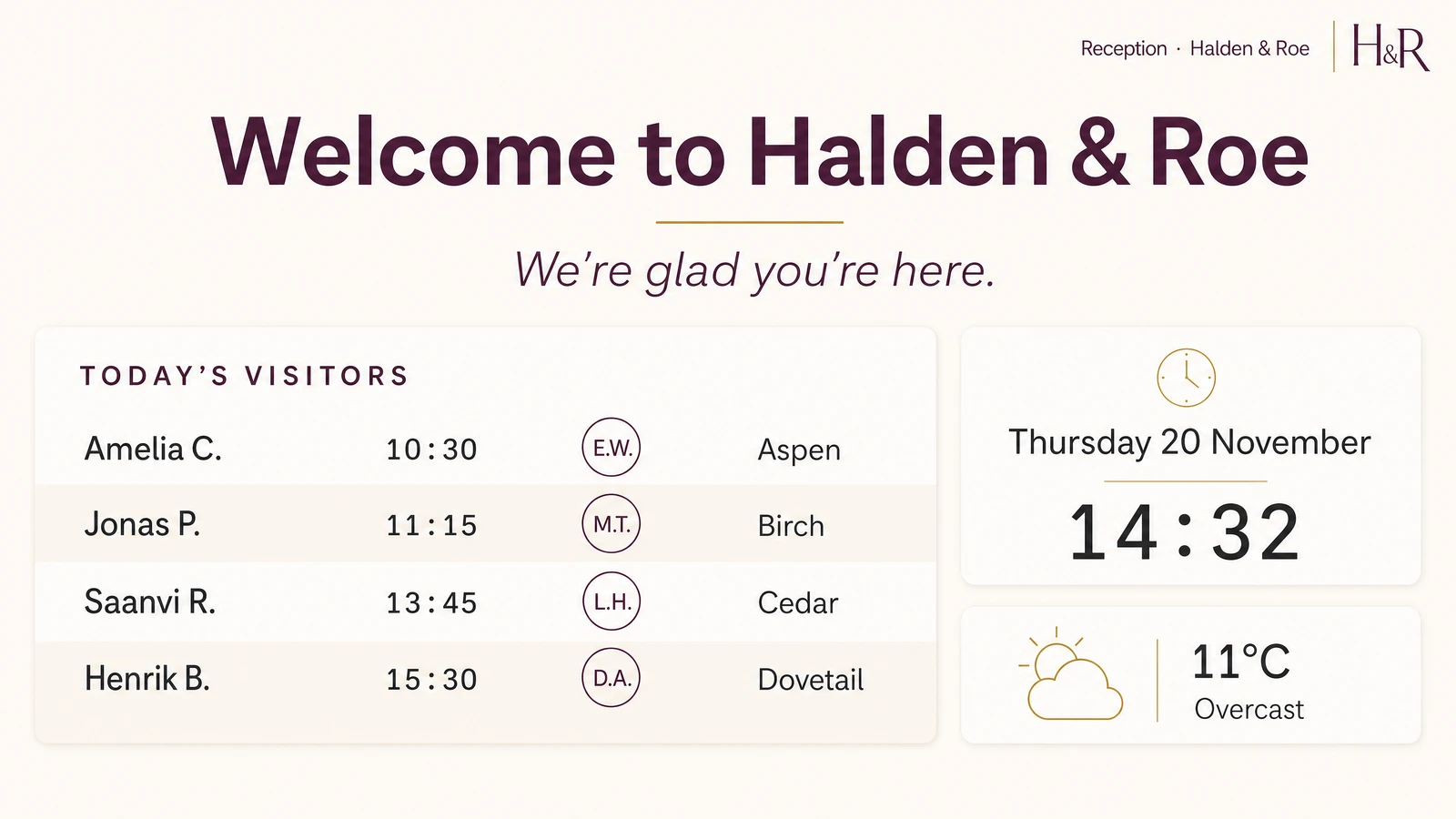
Manage welcome messages, wayfinding, and announcements on lobby screens from your desk. No manual updates, no walking over to swap a slide, no outdated printouts taped to the wall.
Why teams put screens in lobbies
Professional first impression without printed materials
A screen with your branding, a welcome message, and current information says more about your organization than a stack of brochures on a side table. It signals that you pay attention to details.
Visitor information stays current automatically
Connect a Google Calendar and schedule content ahead of time, so lobby screens update themselves. No one has to remember to print a new schedule or swap out a poster when plans change.
Fewer "where do I go" questions at reception
Clear wayfinding on a lobby screen means visitors find meeting rooms, restrooms, and elevators on their own. Your front desk handles check-ins instead of giving directions.
Replace outdated printed wayfinding
Printed floor maps go stale the moment a room changes function or a tenant moves. A digital map updates in minutes and looks better mounted on the wall.
Event and meeting schedules where visitors actually look
People glance at a screen while they wait. They do not flip through a binder. Showing the daily schedule on a lobby TV puts the information where eyes already are.
Consistent branding across every location entrance
Push the same branded welcome screen to lobbies in five offices from one dashboard. Every visitor gets the same experience regardless of which location they walk into.
What teams show on lobby screens
Visitor welcome messages
Show branded welcome slides for expected guests and companies, scheduled to appear at the right time of day.
Wayfinding and building maps
Floor plans, directional signage, and room labels that help visitors navigate without asking.
Event and meeting schedules
Live daily agenda synced from Google Calendar, updated as bookings change.
Company announcements
Policy changes, office updates, and operational notices displayed where everyone passes through.
Brand and culture content
Mission statements, team photos, and product highlights that tell your story to visitors.
Emergency alerts and notices
Fire drill instructions, weather warnings, or building closures pushed to every lobby screen instantly.
Fugo features for lobby displays
Design Studio
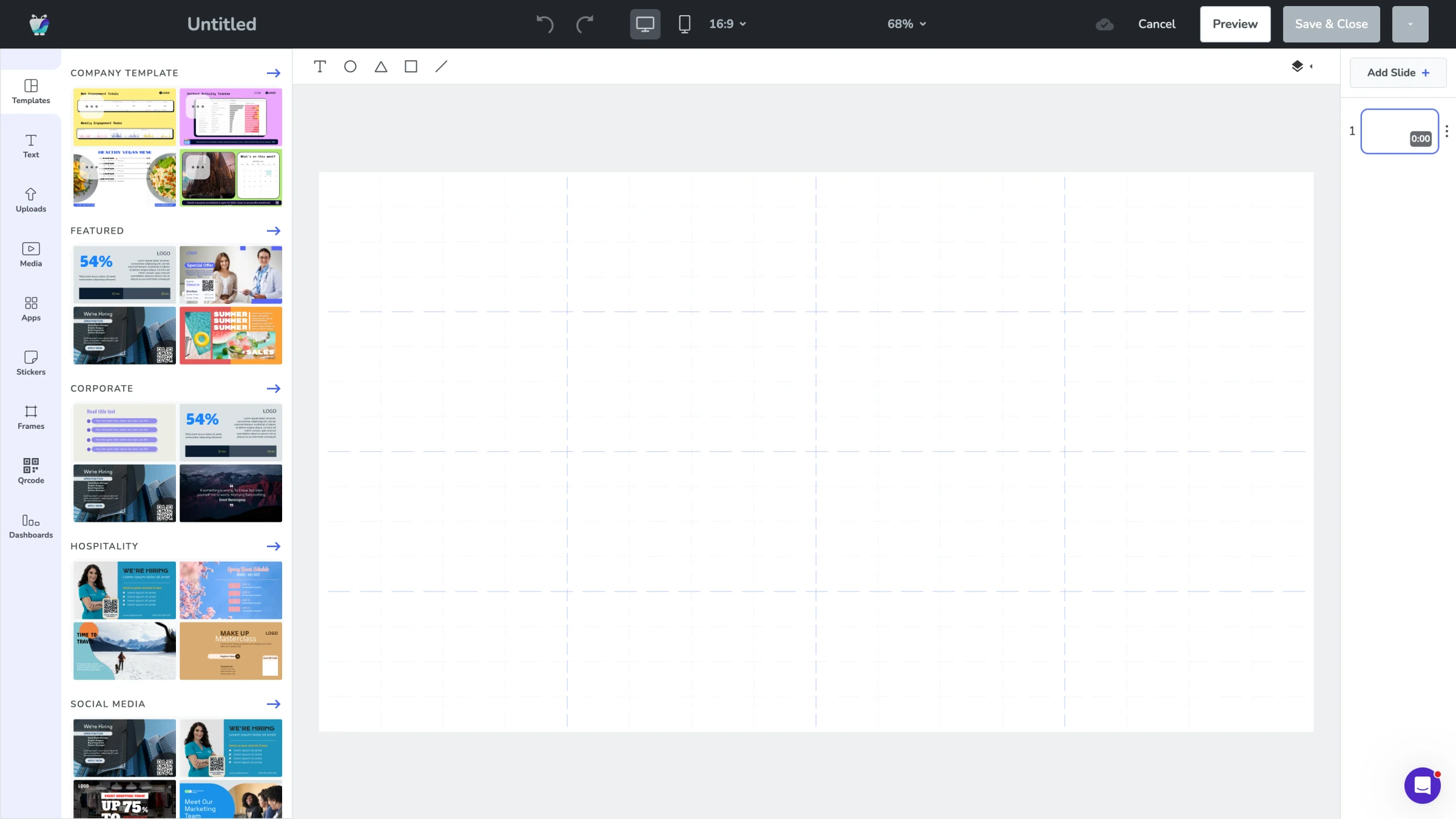
Build lobby layouts from scratch or start with a template. Add your logo, brand colors, and zones for live content. No design software required.
Explore Design Studio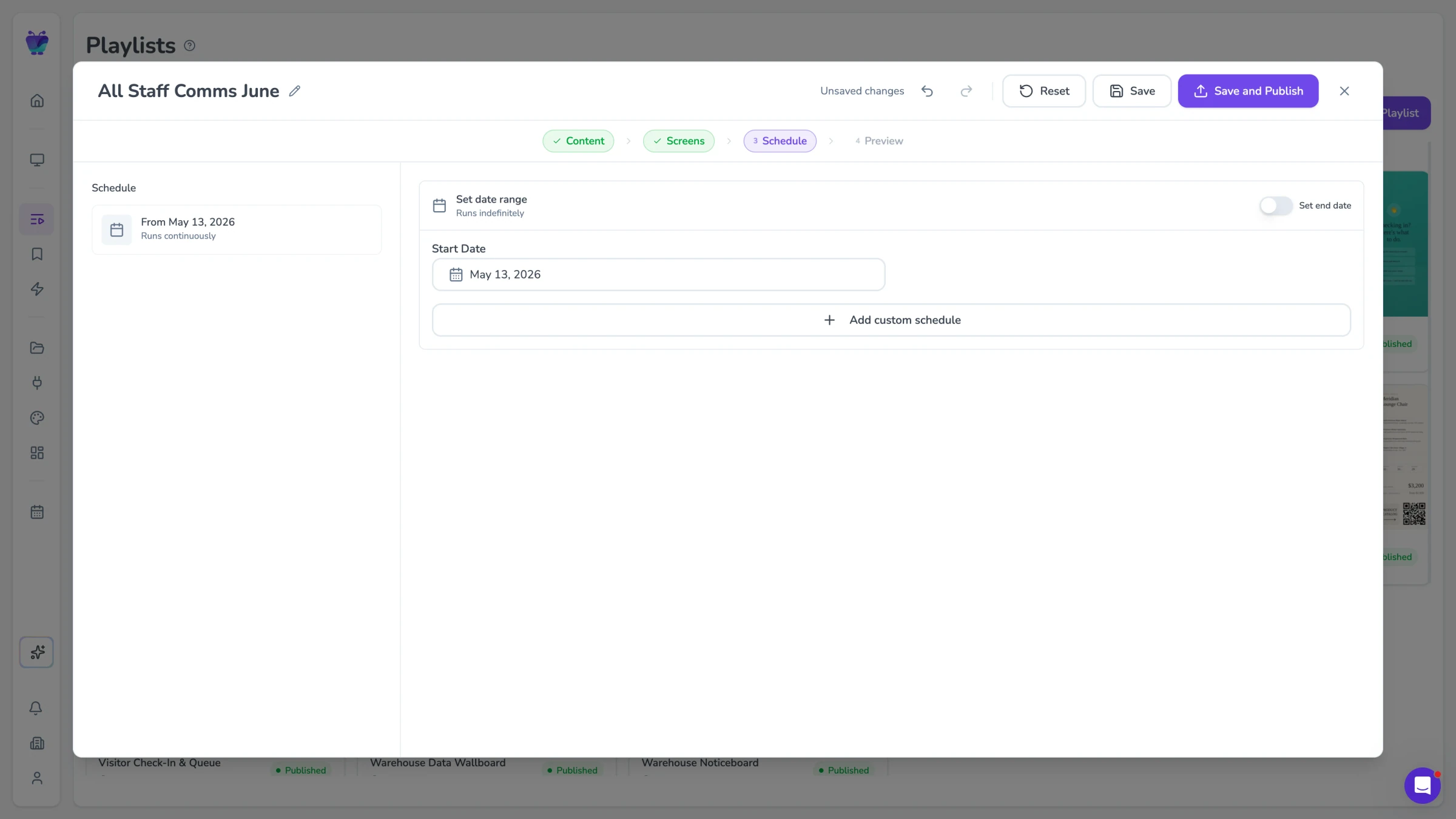
Content scheduling
Set welcome messages for business hours and brand content for evenings. Scheduling rules run automatically so no one has to toggle screens manually.
See content triggers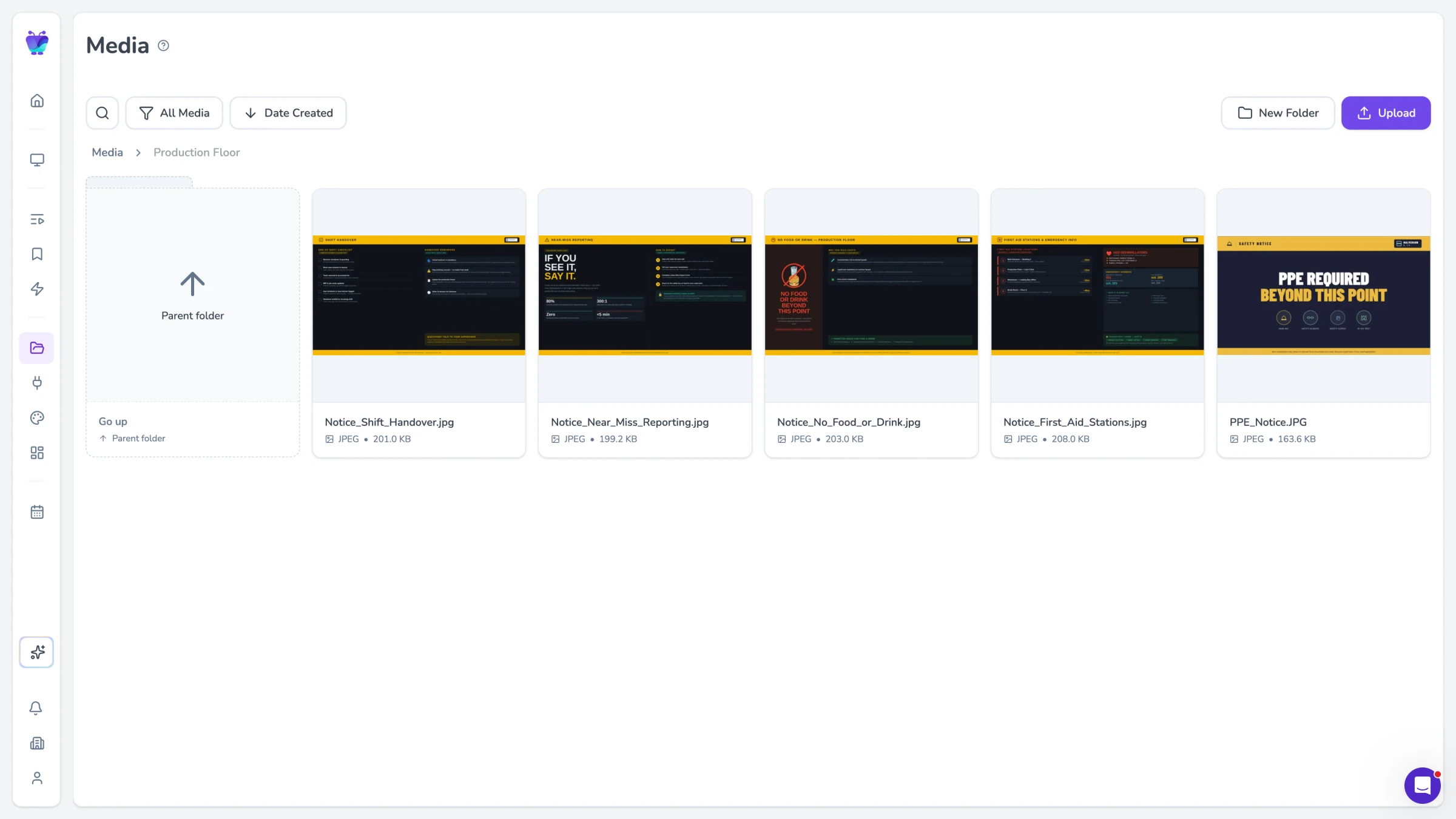
Templates
Pre-built lobby layouts for welcome screens, wayfinding, and daily schedules. Pick one, drop in your branding, and publish in minutes.
Browse templates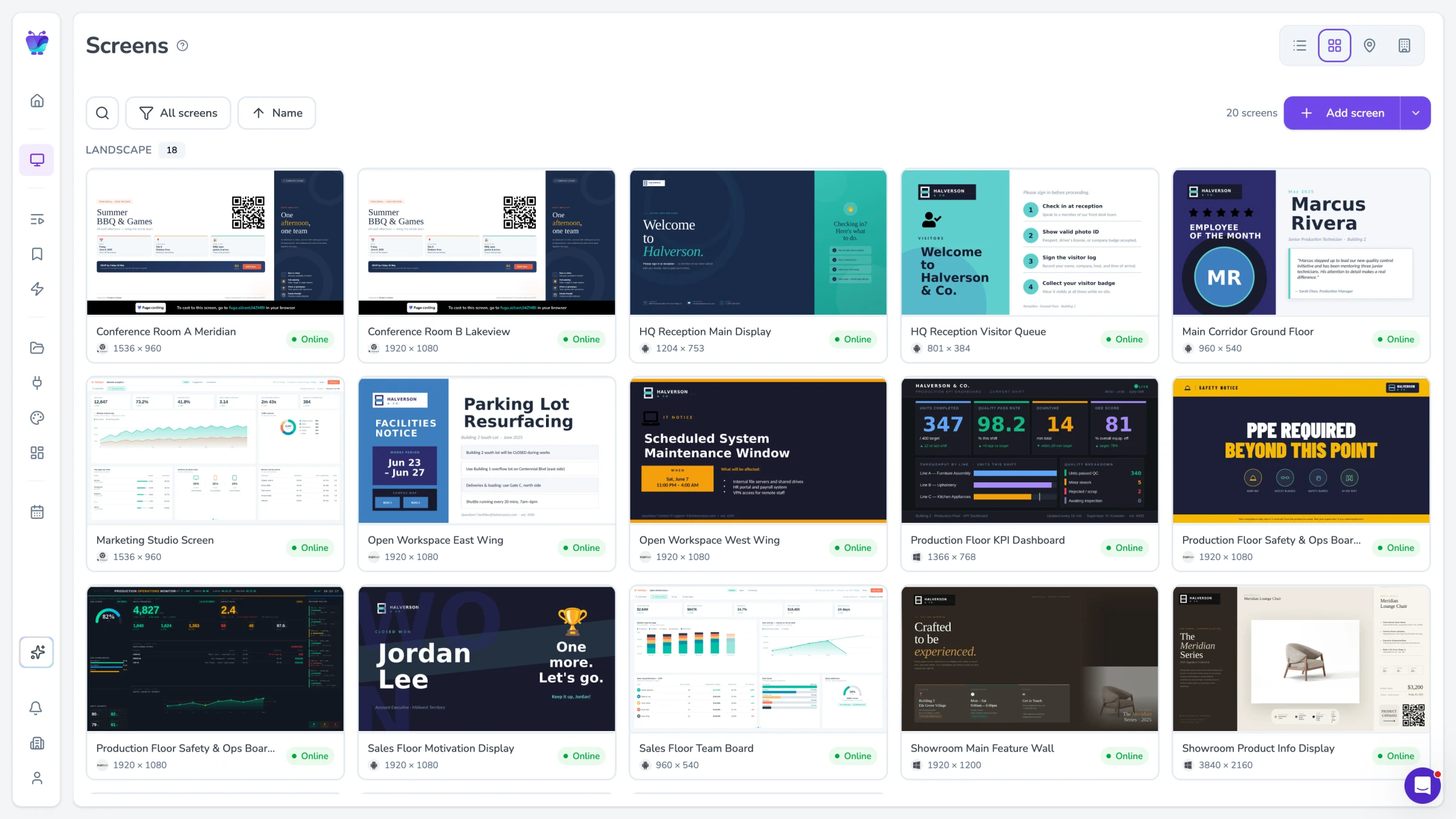
Remote screen management
Monitor and update every lobby screen from a single dashboard. See which screens are online, push content changes, and troubleshoot without a site visit.
See all featuresLobby signage for every front door
From corporate reception to hotel lobbies and multi-building campuses, Fugo runs the welcome screen on the hardware you already have.
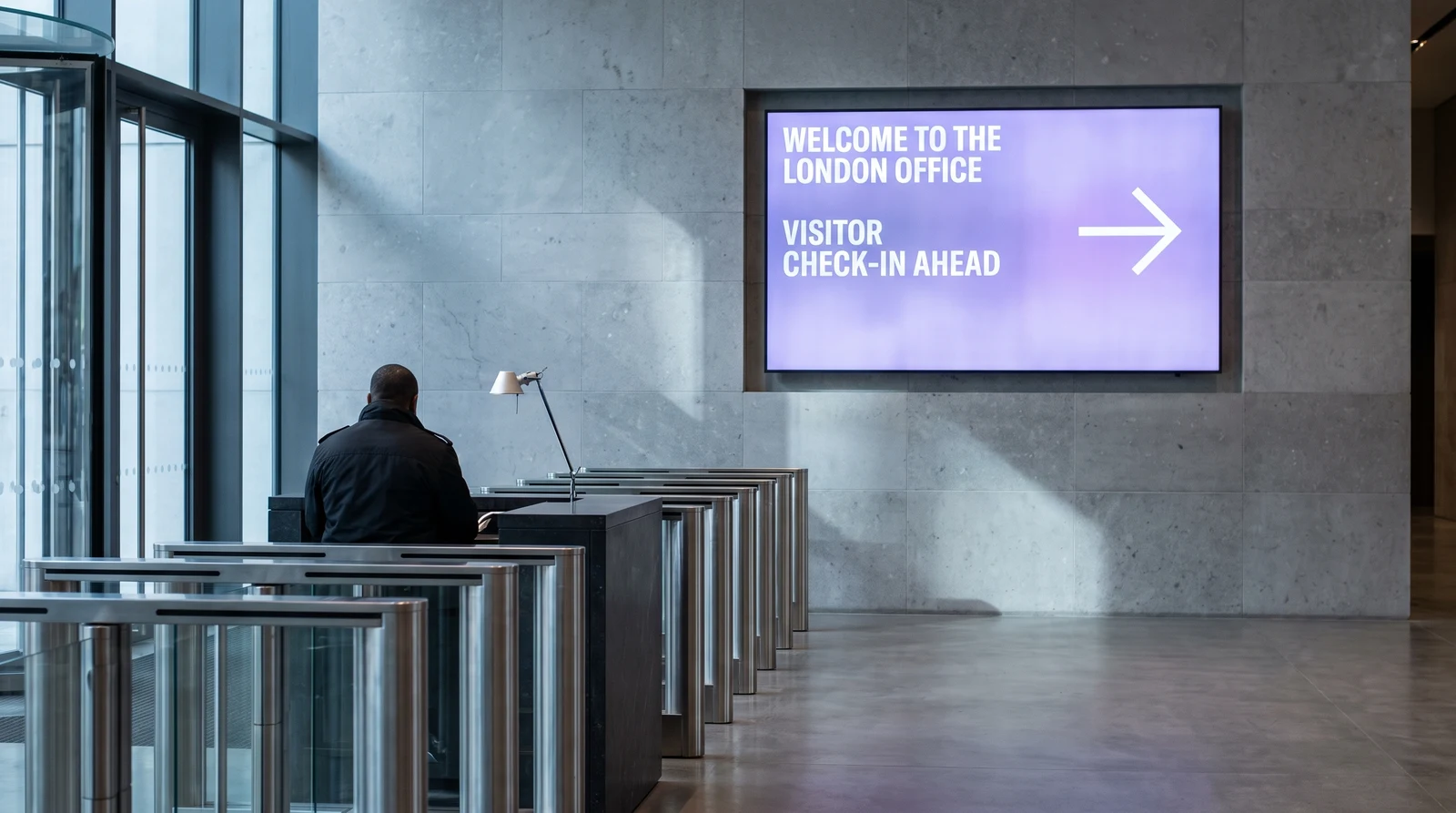
Corporate reception and offices
Greet guests, show the day’s meetings and point people to the right room. Pair a lobby screen with conference room displays so availability is clear from the front door.
Hotels and hospitality
Welcome guests by group, show event and function-room schedules, and run brand and local-area content in the hotel lobby.
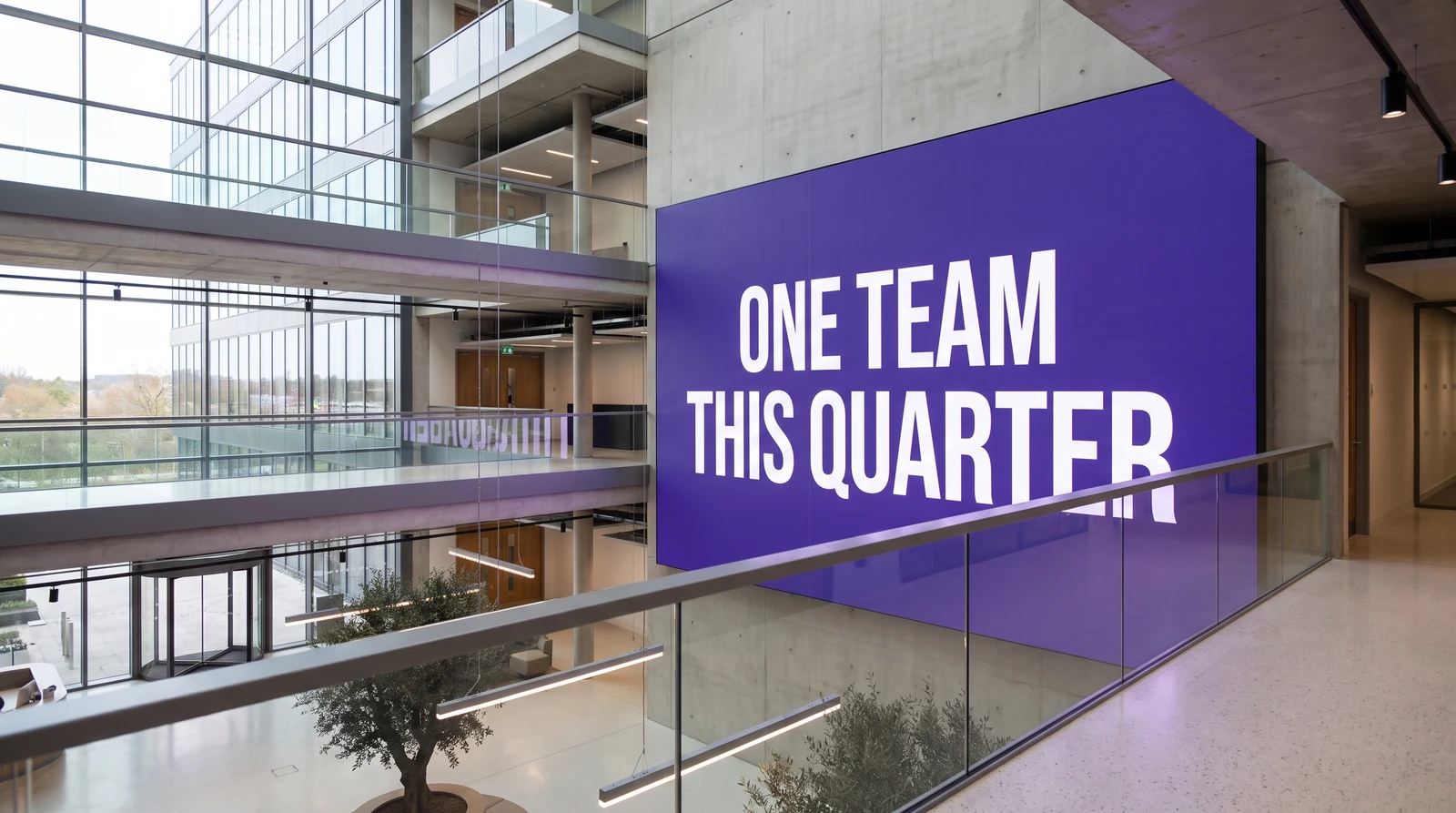
Multi-building campuses
Keep every entrance consistent across a campus and pair the welcome screen with wayfinding signage so visitors find their way without asking.