

Digital signage for manufacturing and warehouses
Your OEE, output, downtime and days-since-incident numbers usually live on a laptop, not where the team works. Fugo puts live dashboards and shift messages on any TV across the shop floor, the line and the warehouse, all managed from one place and running on hardware you already own.
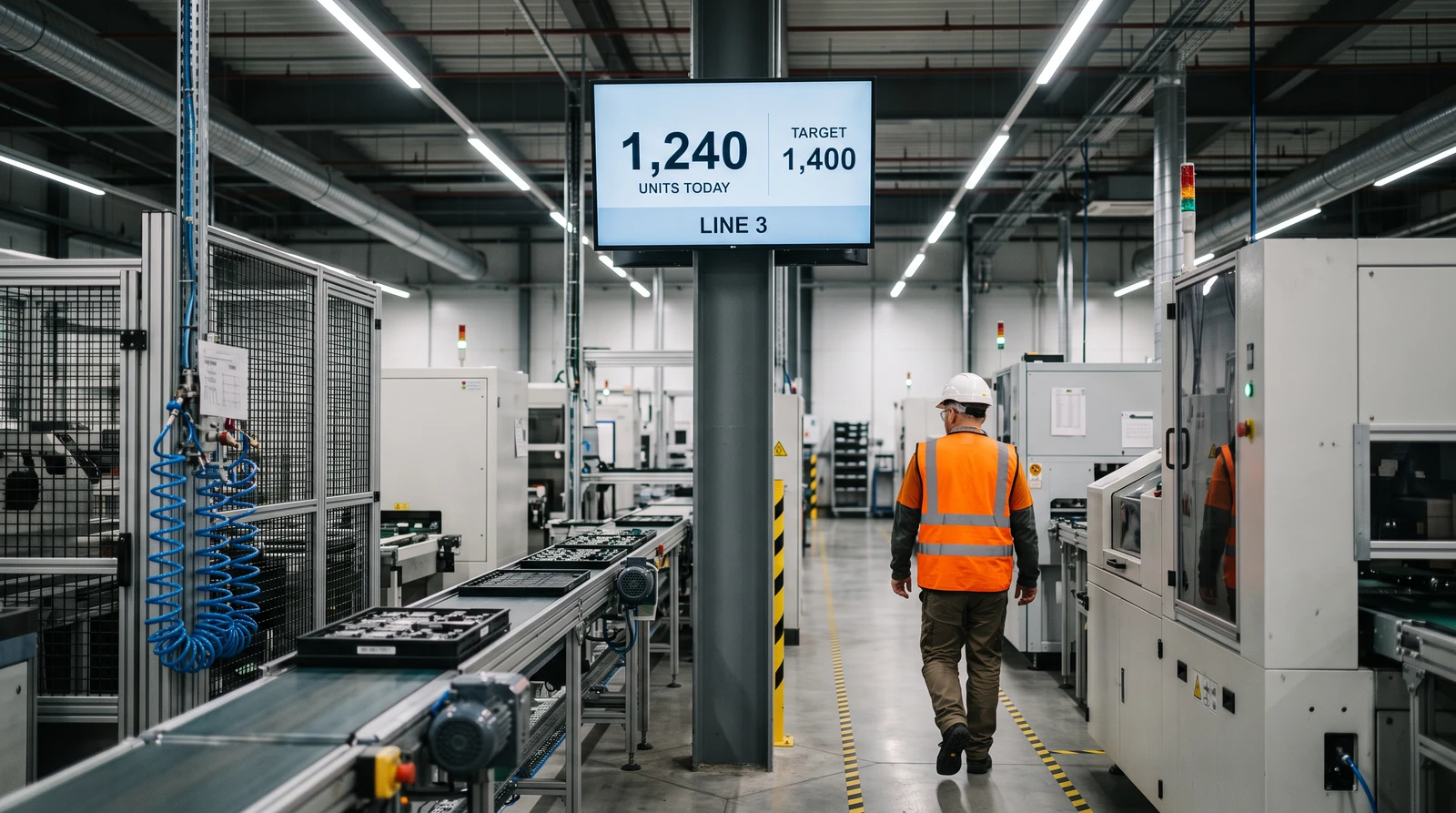
Screens that show the numbers that move the line
From production KPIs on the shop floor to pick rates in the warehouse, Fugo puts the right operational view on every screen and keeps safety and shift messages in the mix.
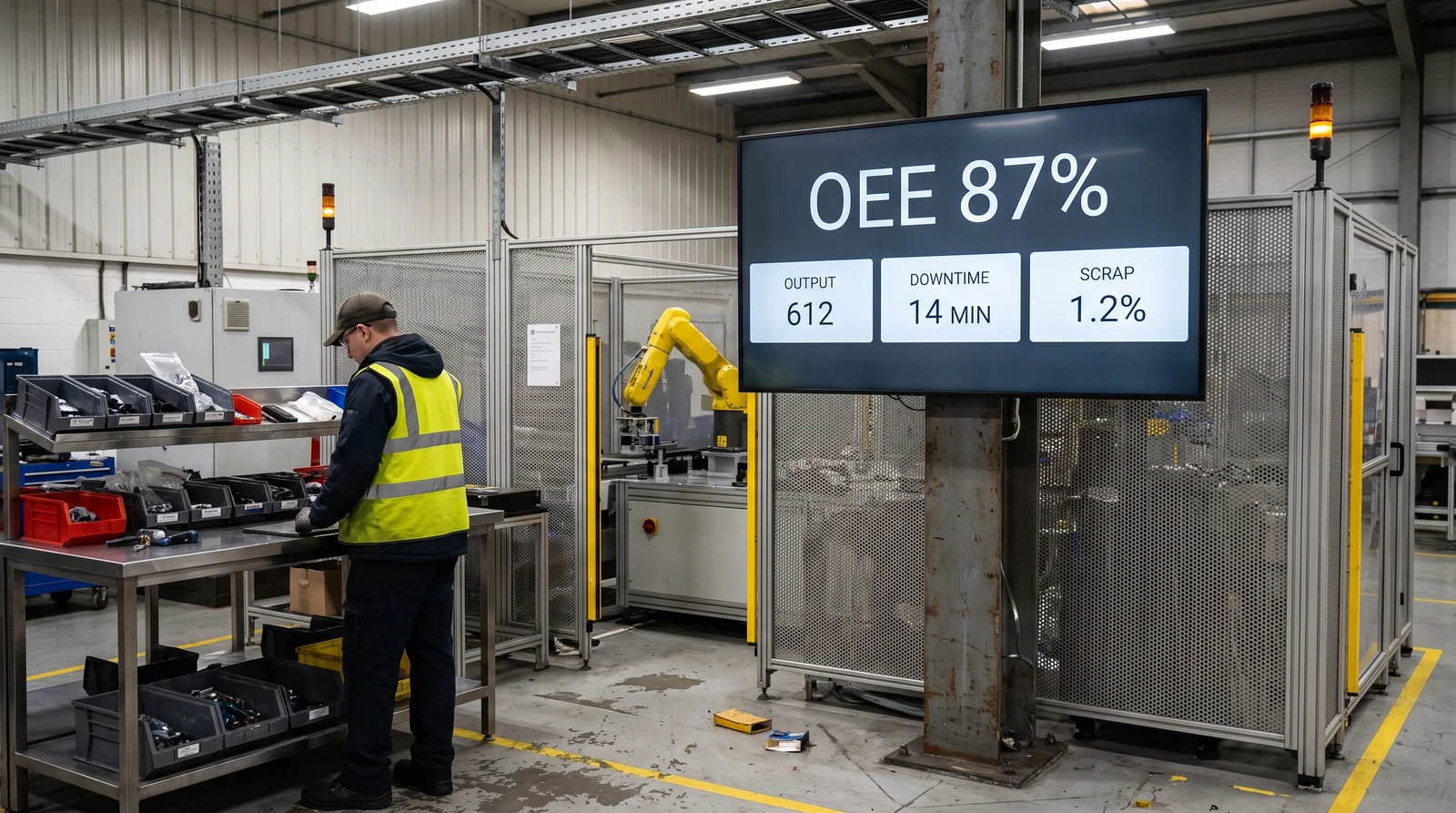
Turn your shop floor into a live production dashboard
Put OEE, cycle times, output against target and downtime on screens at every line and cell. Fugo plays your Power BI, Grafana, Tableau or MES dashboards full screen in a playlist, so the numbers your supervisors track are visible where the work happens rather than buried in a report.
Screens that hold up across lines, shifts and sites
Fugo runs on hardware you already own, manages every screen from one place, and meets the security and pricing terms enterprise operations teams expect.
Runs on the hardware you already own
Fugo plays on the media players and screens most plants already have, so you rarely need to buy new kit. Pair rugged commercial displays for hot, dusty or high-vibration spots and keep everything on one platform.
- Amazon Fire TV and Signage Stick
- Google TV Streamer and NVIDIA Shield
- Windows, ChromeOS and Android
- Samsung Tizen and LG webOS
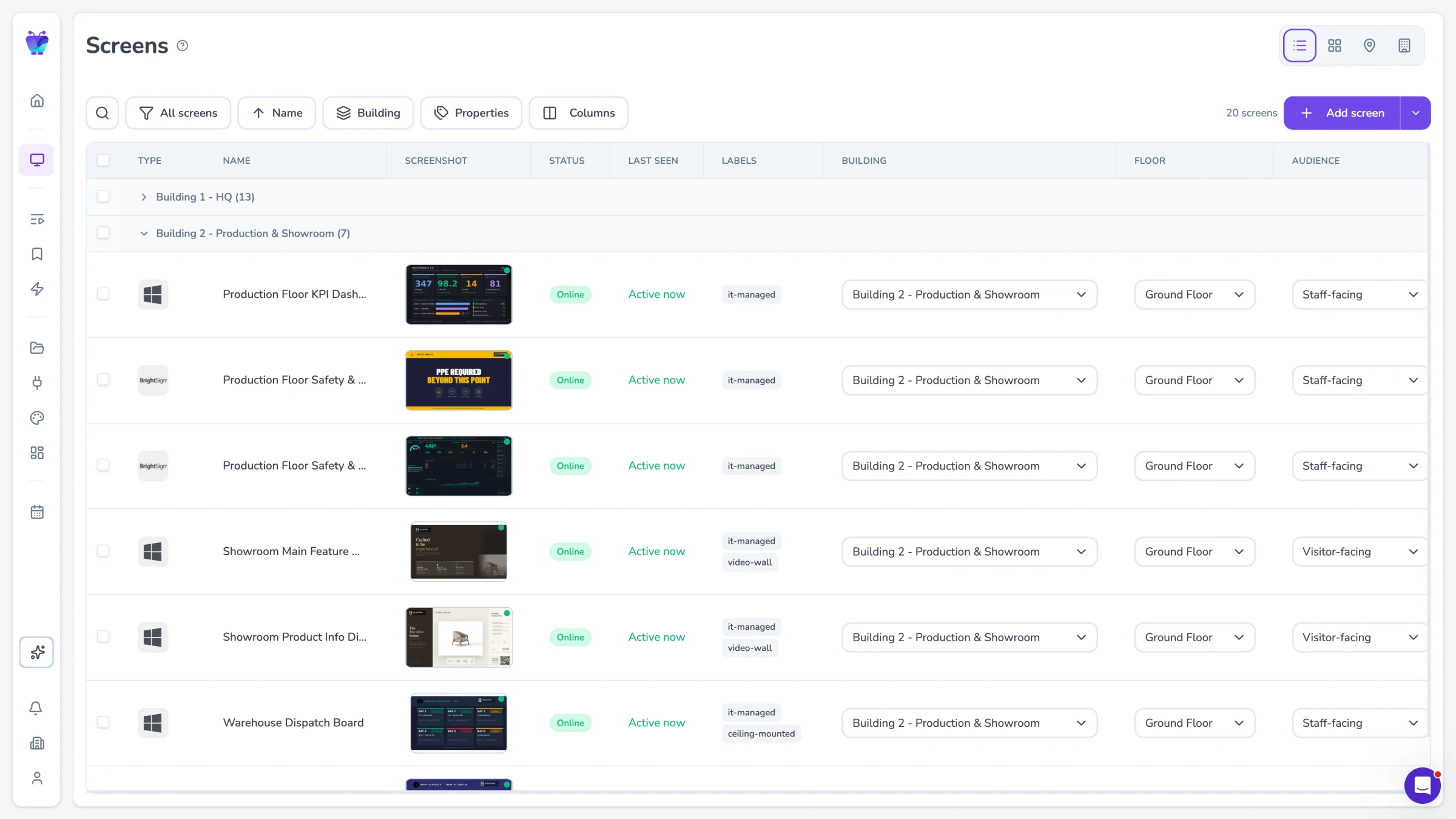
Manage every screen, across every site, from one place
Group screens by line, cell, zone, site or region and push the right content to each. Schedule for shift changes, monitor uptime, and get alerted the moment a screen drops offline.
- Group by line, zone or site
- Scheduling and day-parting
- Uptime monitoring
- Offline screen alerts
Built for the enterprise
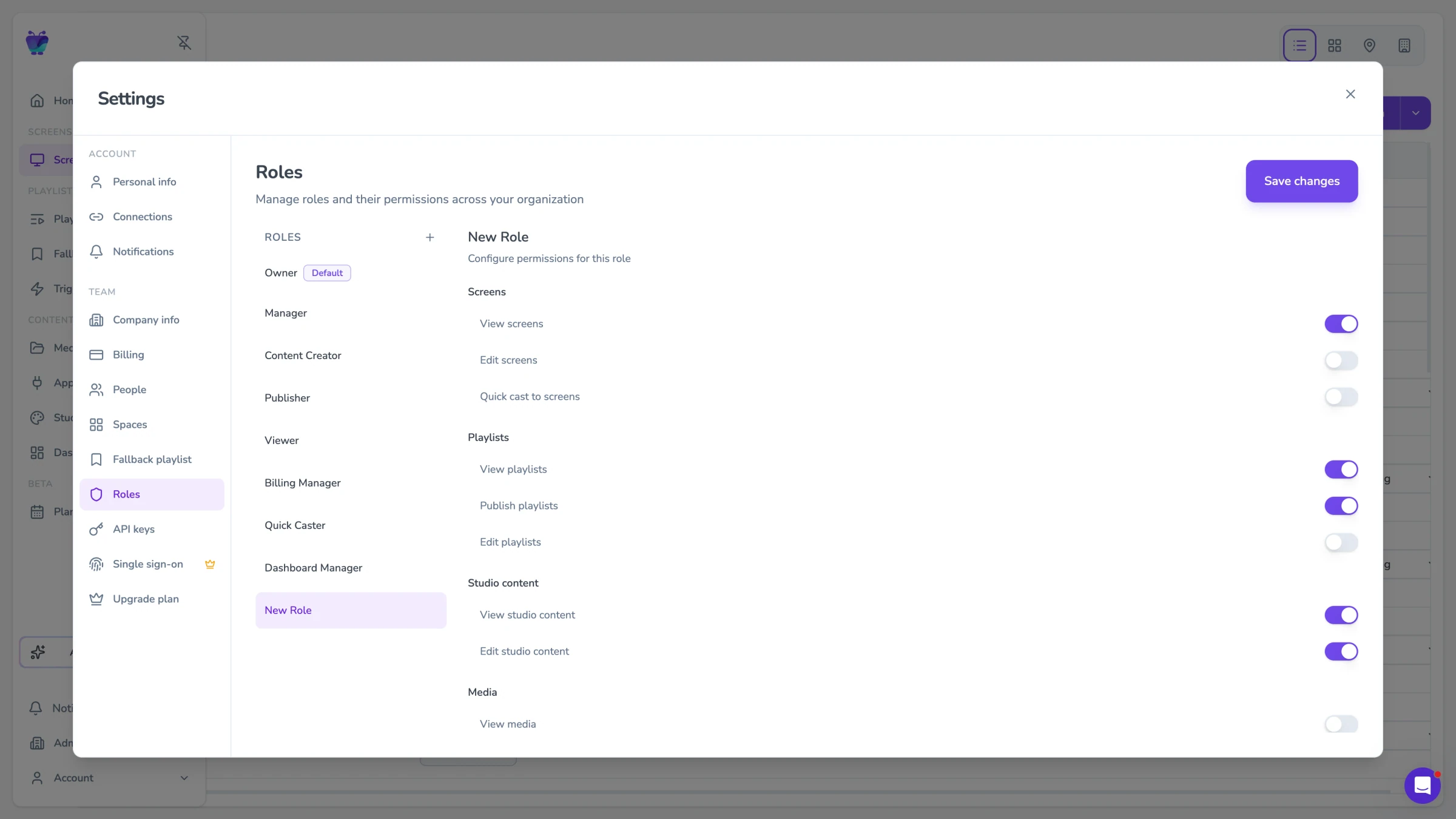
Fugo is SOC 2 Type II certified with role-based publishing, so you control who can change what on which screens. Simple per-screen pricing with no minimum means you can start on one line and roll out across every plant.
- SOC 2 Type II certified
- Role-based publishing
- Per-screen pricing, no minimum
- Design Studio and templates
Connect the tools your operations teams already use
Fugo plays the dashboards and spreadsheets your teams rely on, so production targets, safety notices and output metrics reach the floor and the warehouse automatically.
PowerBI dashboards
Featured
Display your Power BI dashboards to your Digital Signage screens

Grafana
Featured
Display Grafana dashboards

Google Sheets
Business
Google Sheets
Google slides
Business
Google Slides
Countdown
Misc
Count down live and in style
Google calendar
Misc
Display your Google Calendar in style

World clock
Featured
A world clock dashboard for your screen
Manufacturing and warehouse digital signage FAQs
Common questions about putting live dashboards, safety and shift information on screens across your plants and warehouses.