

Meeting and conference room digital signage
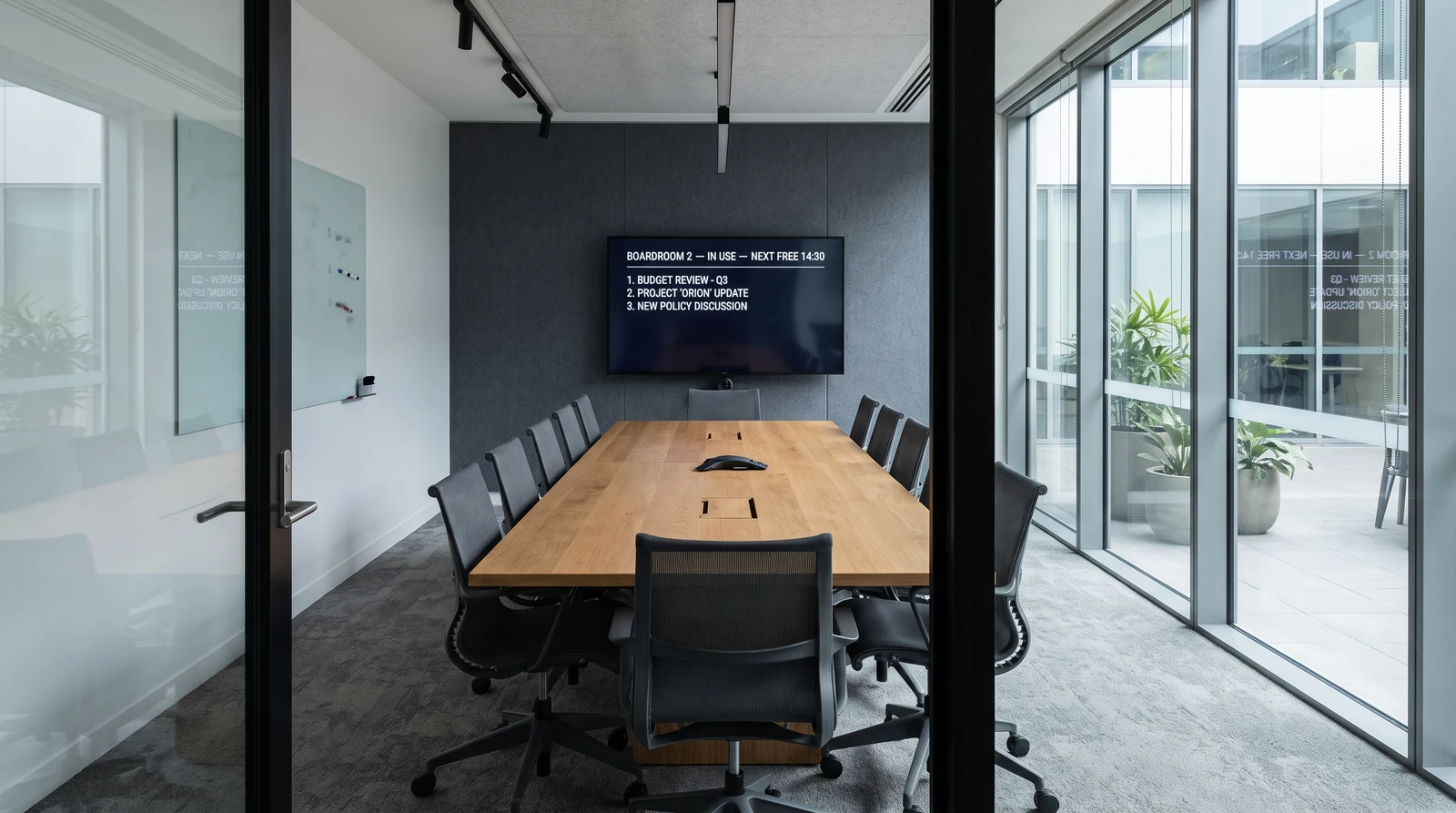
Meeting room digital signage and conference room digital signage do the same job: tell people at a glance whether a room is free, booked, or running over. Fugo turns any screen, outside the door or inside the room, into a clear room display that shows live status, the day’s schedule and your branding. Manage every screen across every office from one dashboard, on hardware you already own.
Why teams add meeting room digital signage
Meeting room digital signage reduces booking confusion, keeps schedules visible, and puts idle screens to work between meetings. The goal: fewer double bookings, fewer interrupted meetings, less time hunting for a free room.
Eliminate booking confusion
Show current and upcoming bookings on the screen outside each room. Anyone walking by can see whether a room is available or occupied without checking a calendar app.
Use idle screens between meetings
Conference room screens sit unused for most of the day. Display company updates, dashboards, or announcements instead of a blank screen or static wallpaper.
Reduce interruptions
When room status is visible from the hallway, people stop opening doors to check if the room is free. Meetings run without disruption.
Keep schedules visible
Display the full day of bookings so teams can plan around availability. No one needs to pull up Outlook or Google Calendar to find an open slot.
Support hybrid meeting setups
Show dial-in details, Wi-Fi credentials, or meeting agendas on screen so remote and in-person participants can join without delays.
Reduce reliance on calendar apps
A conference room booking display outside each door means anyone can check room status at a glance. Faster decisions, fewer scheduling conflicts.
What teams show on conference room screens
Conference room displays rotate between booking information, company content, and useful data when screens are not in active use.
Room availability status
Live booking status showing whether the room is free, occupied, or reserved next.
Meeting schedules
Full day of bookings with upcoming meetings, organizers, and next available time slots.
Company announcements
News, policy updates, and important notices displayed between meetings.
Team KPIs and dashboards
Sales metrics, project status, or operational data shown on idle screens.
Wayfinding and directions
Floor maps, room names, and directions to help visitors and new employees navigate.
Welcome messages for visitors
Greet guests by name or company when they arrive for scheduled meetings.
Fugo features for conference room digital signage
Fugo handles the scheduling, design, and device management so conference room screens stay useful without ongoing maintenance.
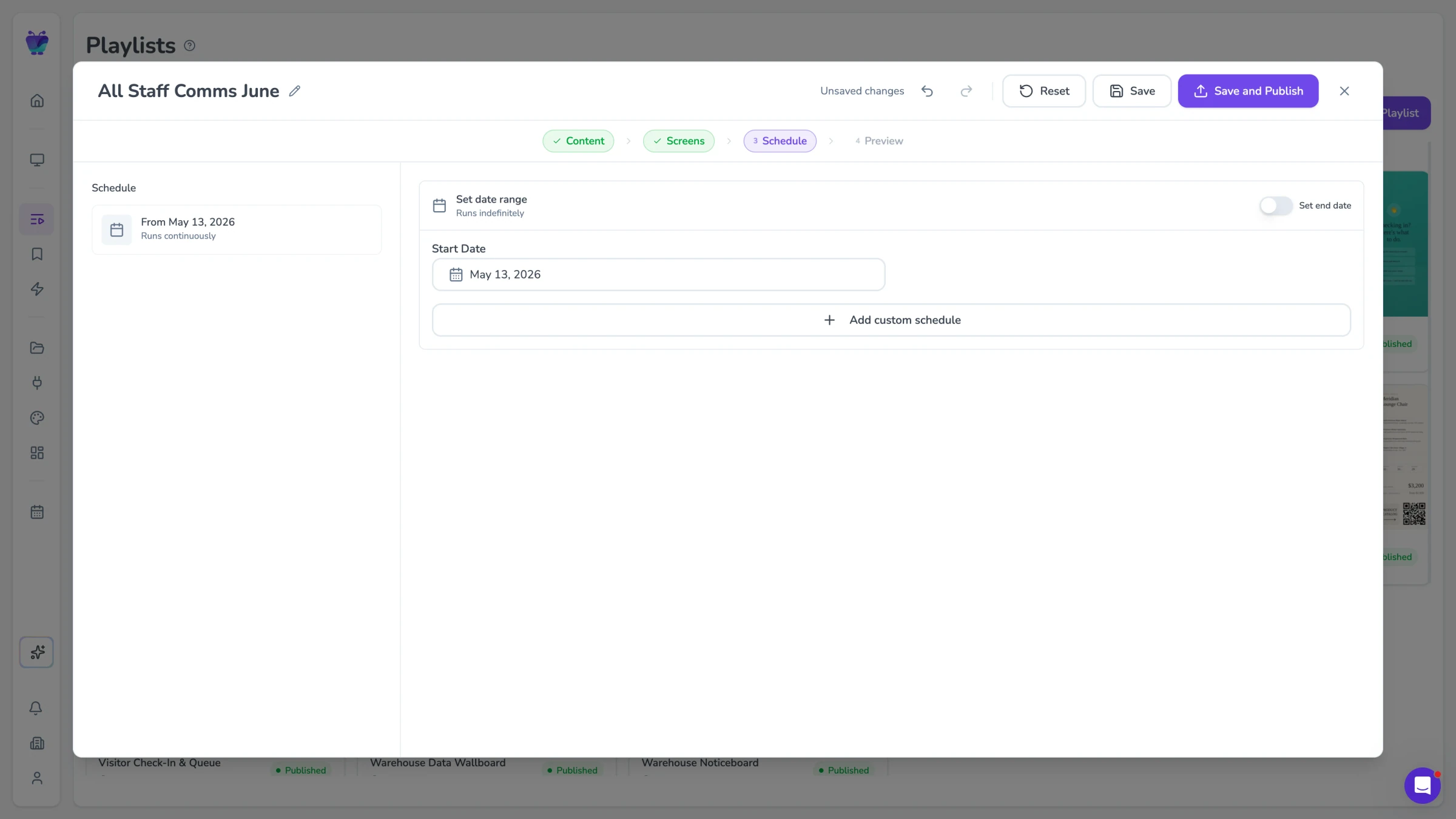
Content scheduling
Set content to appear based on time of day, room booking status, or calendar events. Screens switch automatically between meeting info and general content.
See content triggers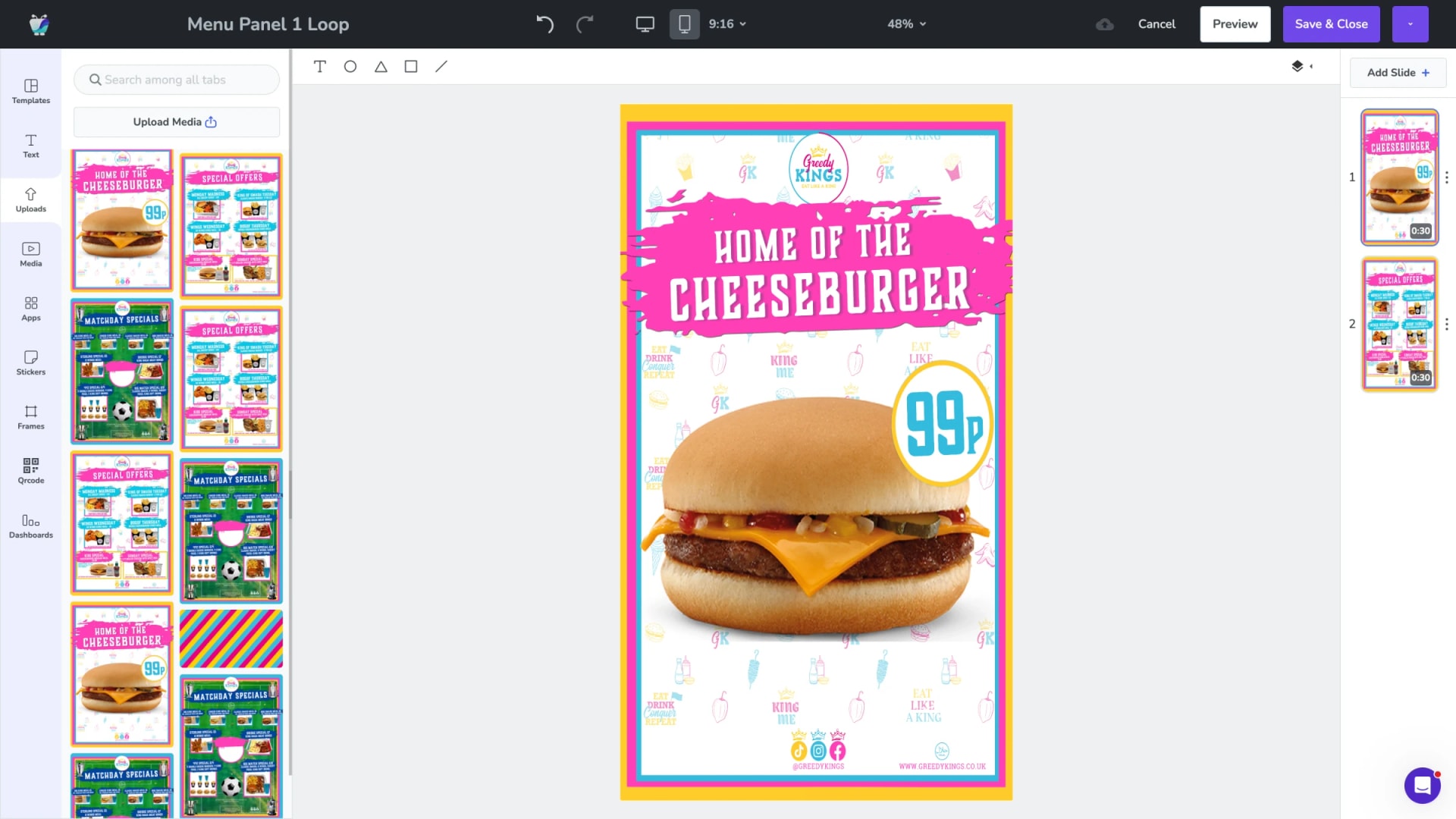
Design Studio
Build room status screens, welcome messages, and announcement layouts with drag-and-drop tools. No design software needed.
Explore Design Studio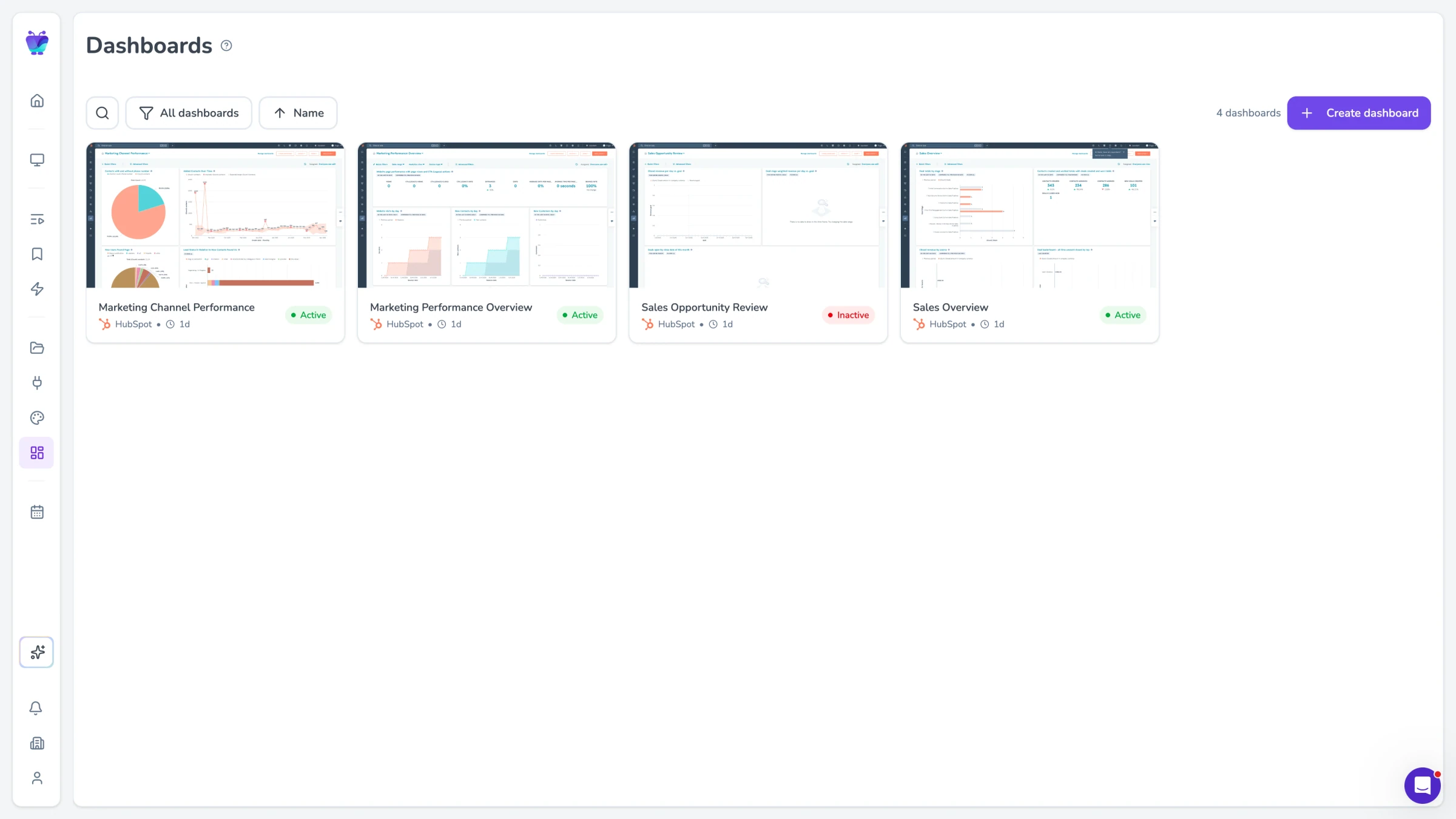
Dashboard integrations
Pull in live data from tools like Power BI, Grafana, or Google Sheets and display it on idle conference room screens.
Explore TV dashboards
Screen mirroring
Mirror a laptop or desktop screen to the conference room display for presentations and walkthroughs without cables.
See screen mirroring