

Digital bulletin board software for every screen
Turn any TV into a digital bulletin board your whole team can update. Post announcements, events and notices across every location from one dashboard — no printing, no design skills, no IT tickets.
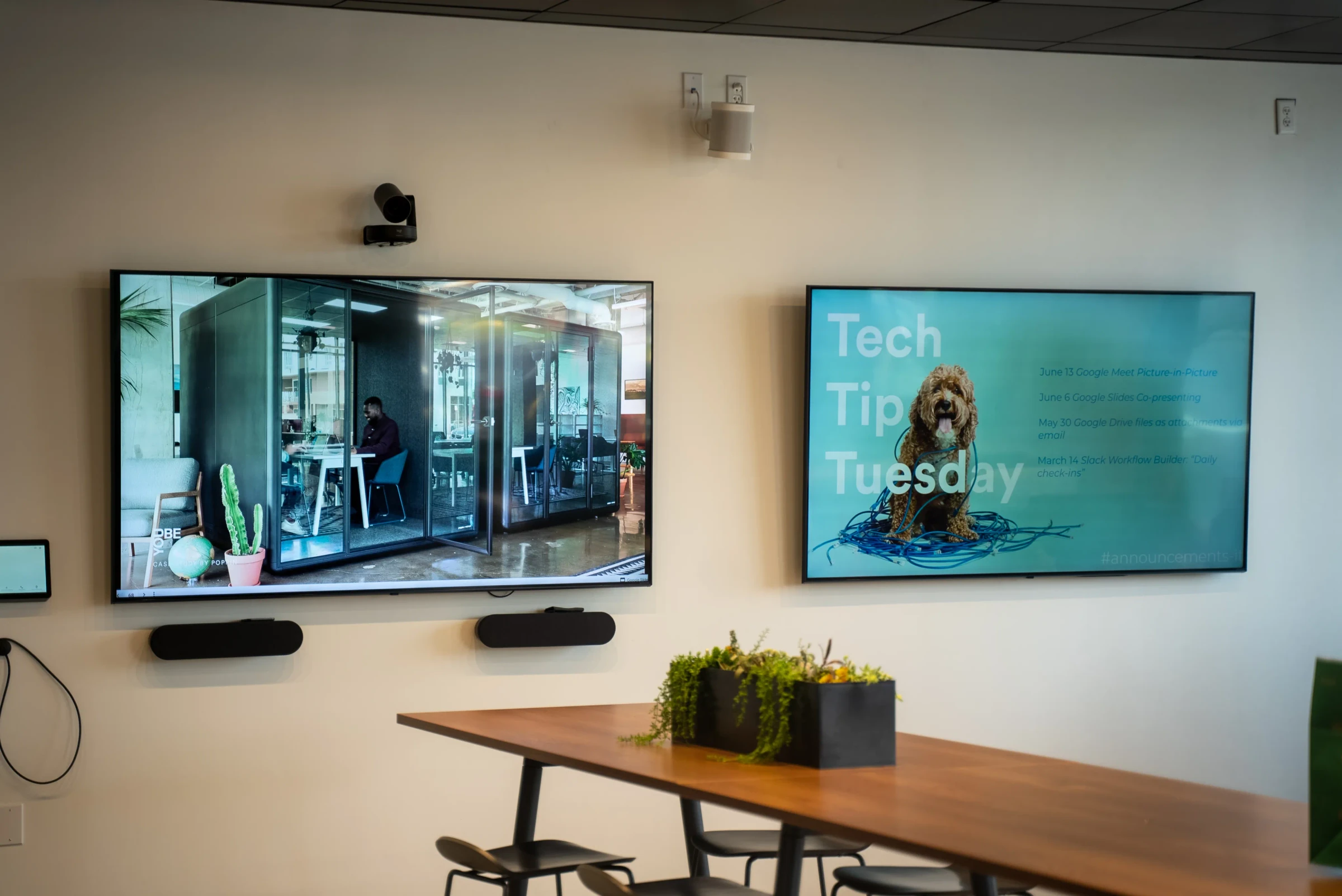
What digital bulletin board software does for you
An electronic bulletin board keeps information current and visible without adding work to anyone’s plate. Paper boards go stale within days; digital boards update in seconds.
Reduce stale information
Paper notices stay up long after they expire. Digital boards let you set end dates so outdated content removes itself automatically.
Save time on manual updates
Walking to a board, printing a notice, and pinning it up takes time that adds up. Post once from your browser and it appears on every screen.
Reach people who skip email
Not everyone reads their inbox. A screen in a breakroom or hallway puts announcements where people actually look during the day.
Stay consistent across locations
When each site manages its own board, messaging drifts. Push the same announcements to every location from one place.
Support multiple content owners without IT
HR, facilities, and team leads can each manage their own content. No tickets, no bottlenecks, no special training required.
Work from anywhere
Update screens from your desk, your phone, or a different office. You do not need to be in the same building as the display.
What teams show on digital bulletin boards
Most teams start with one or two content types and add more as they see what gets attention.
Company announcements
Org changes, leadership updates, and news that everyone needs to see.
Event schedules
Upcoming meetings, training sessions, town halls, and social events with dates and locations.
Safety and compliance notices
Required postings, safety reminders, and compliance updates that stay visible and current.
Employee recognition
Work anniversaries, new hires, promotions, and shoutouts that the whole team can see.
Policy updates
Benefits changes, HR deadlines, and procedure updates that replace buried email attachments.
Community and team news
Volunteer opportunities, team wins, and local information relevant to your workplace.
Fugo features for digital bulletin boards
The tools you need to keep bulletin boards running without design skills or IT support.
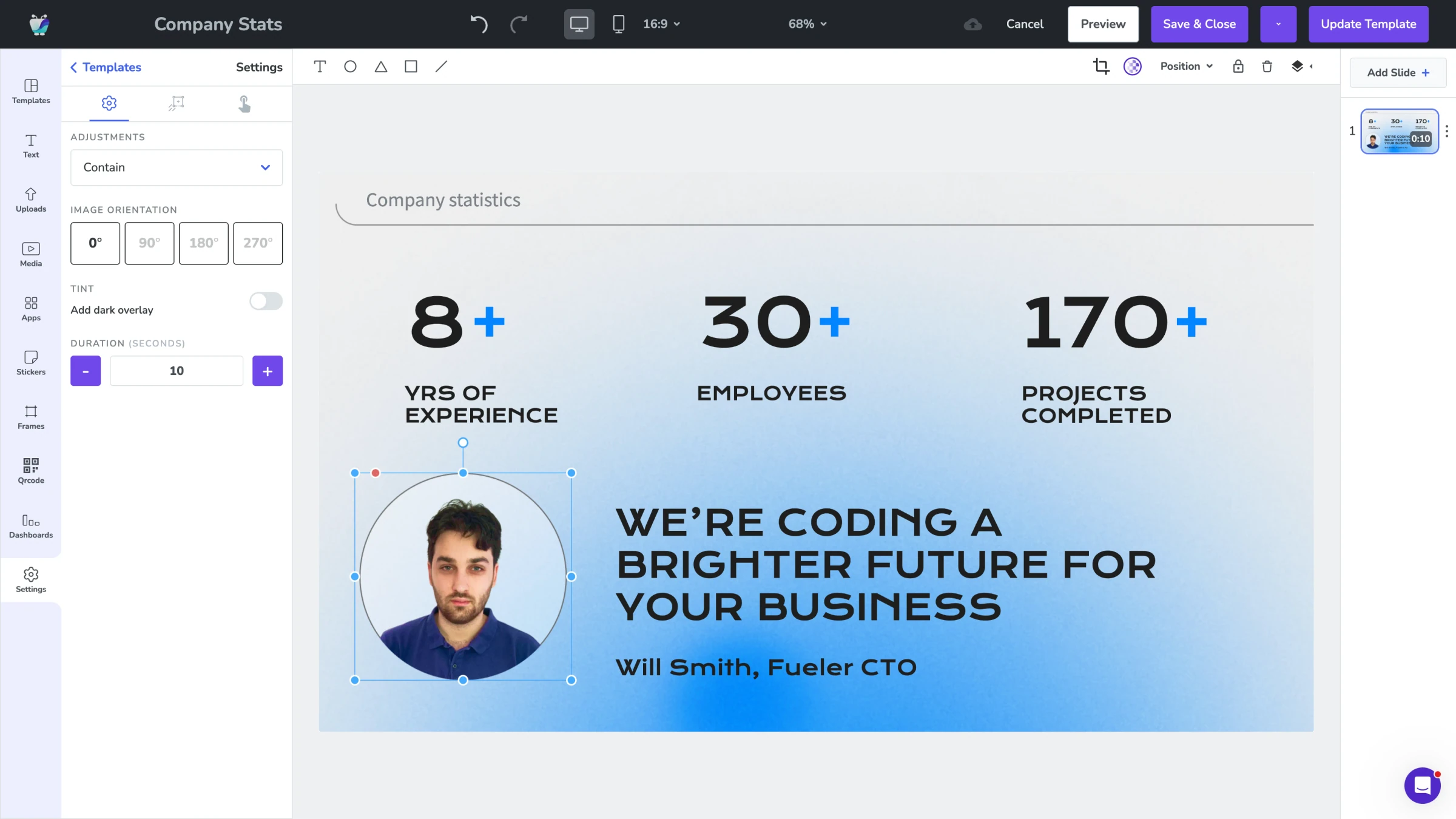
Design Studio
Build announcement layouts with drag-and-drop. Add text, images, and branding without opening a separate design tool.
Explore Design Studio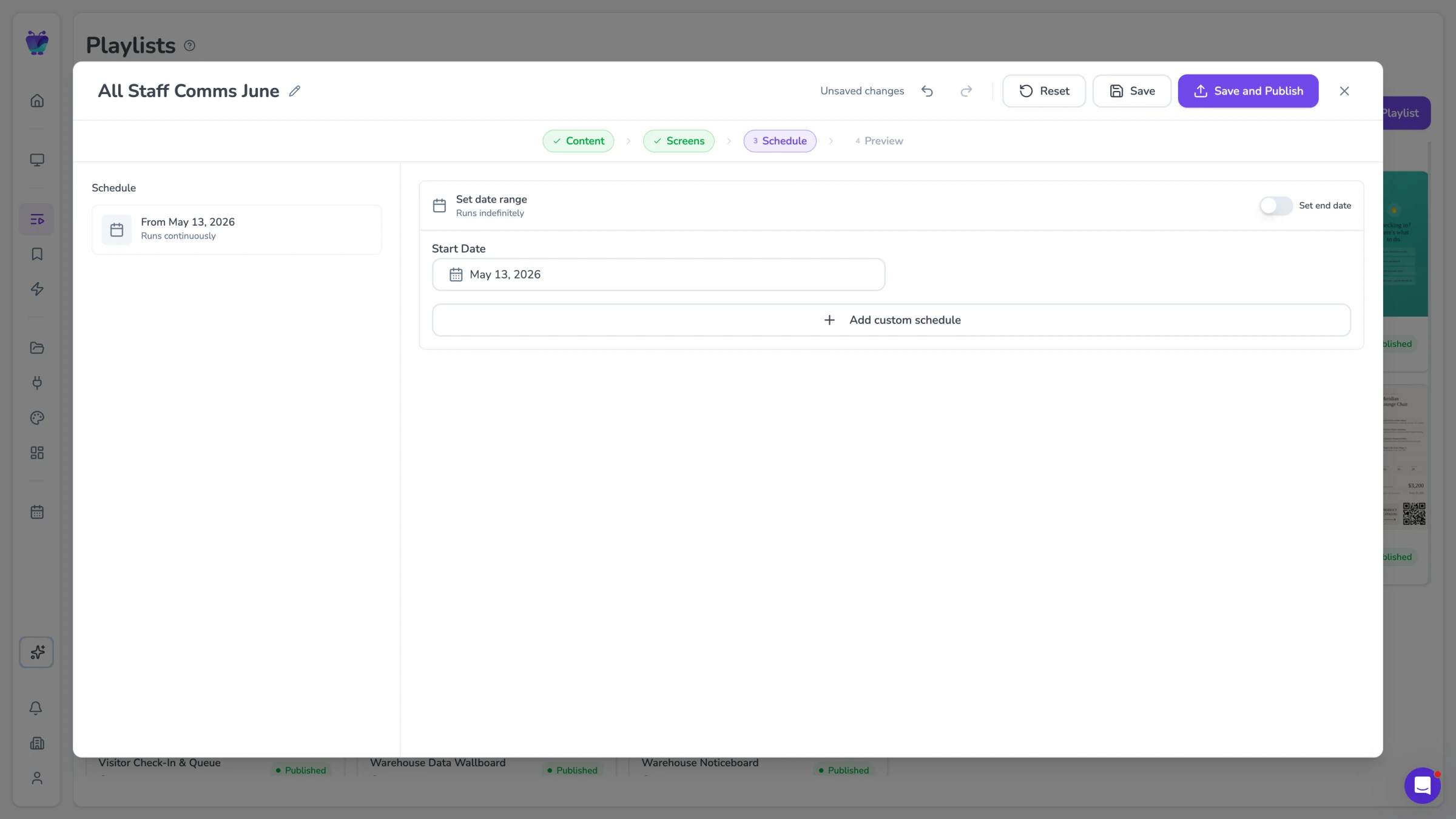
Content scheduling
Set start and end dates for any notice. Time-sensitive content appears when relevant and disappears when it expires.
See content triggers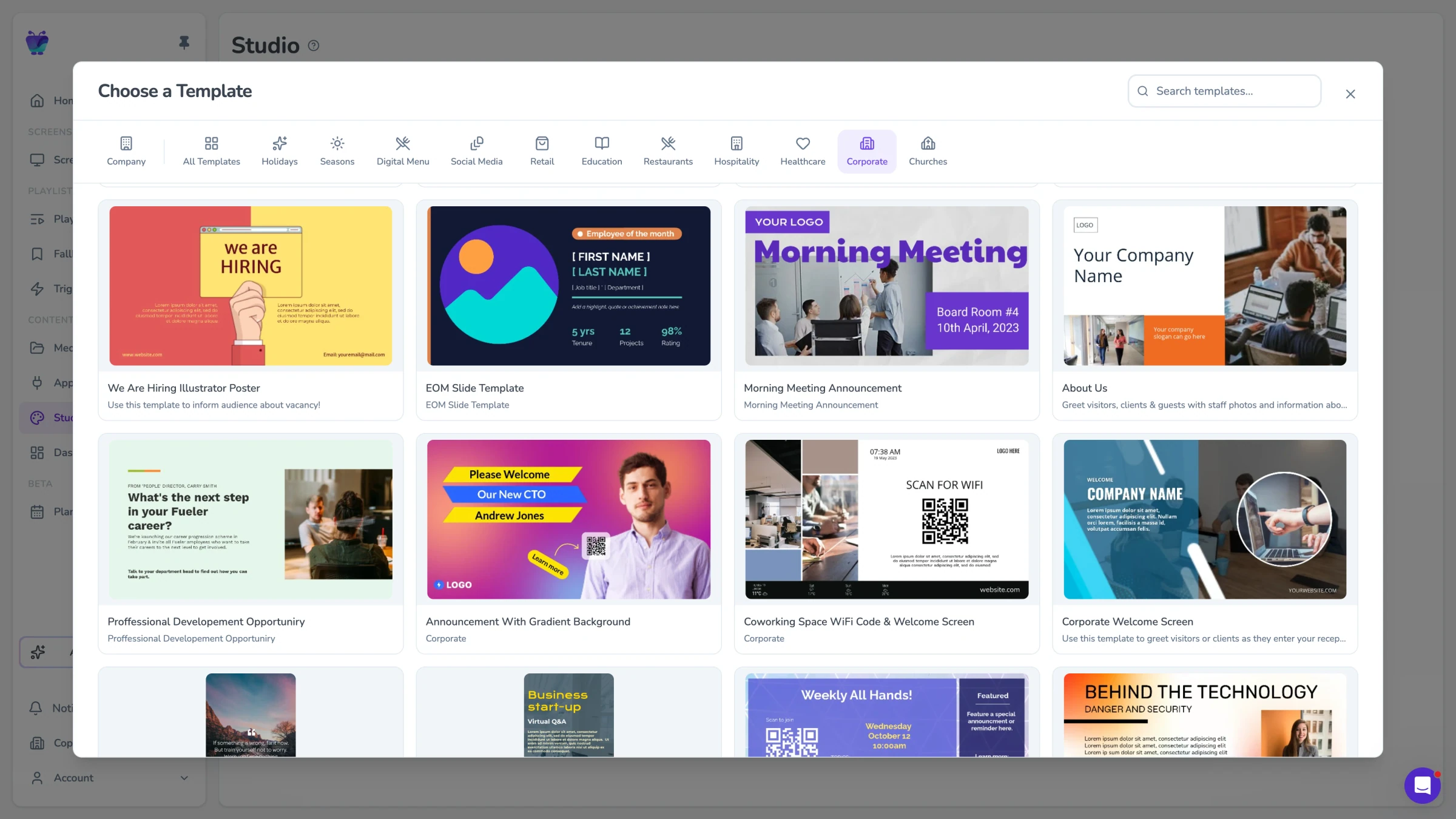
Templates
Start from pre-built layouts for announcements, events, and recognition. Customize colors and fonts to match your brand.
Browse templates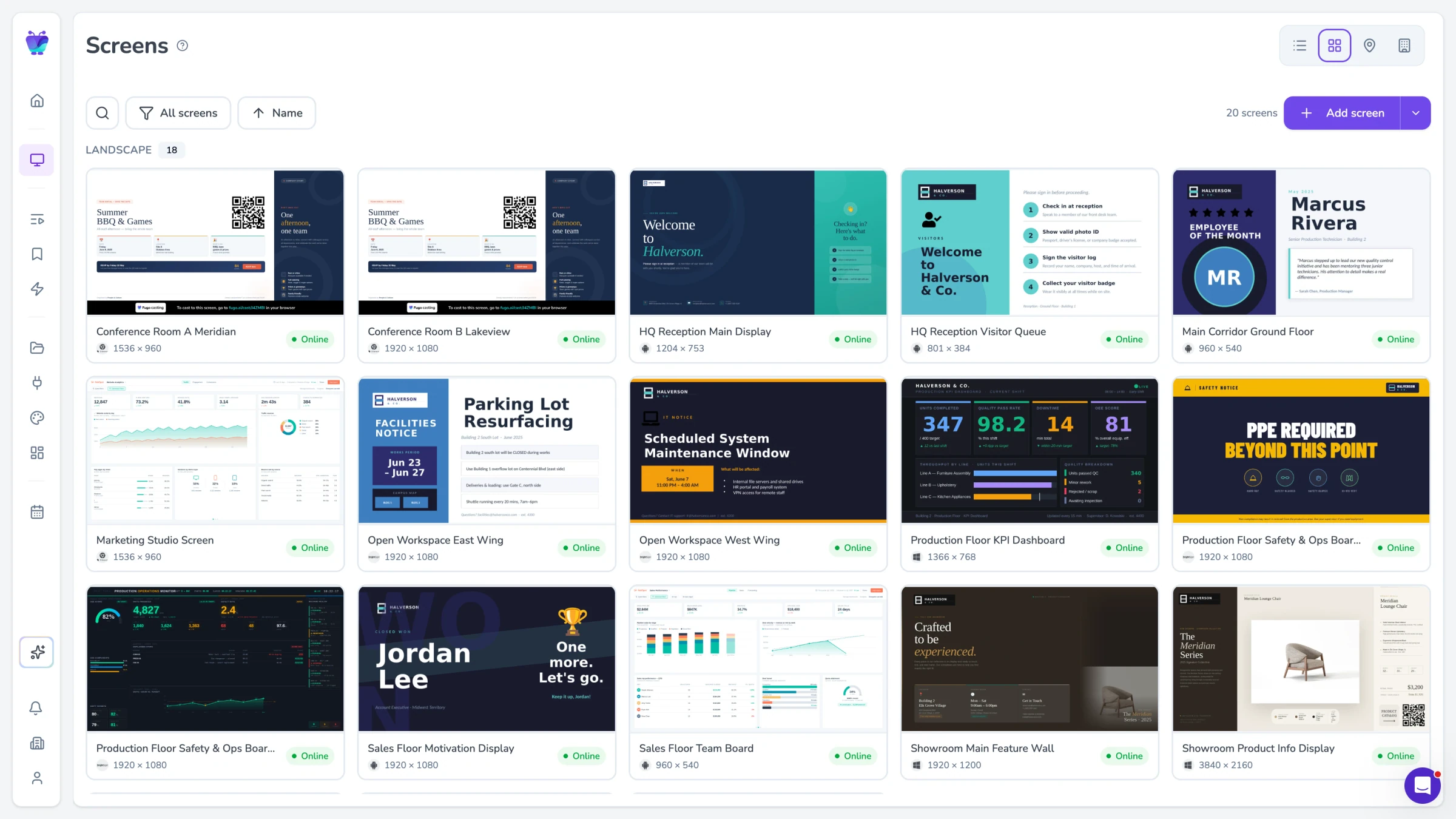
Screen and user management
Organize screens by location or department. Control who can post to which boards with role-based permissions.
See all featuresDigital bulletin boards for every space
From offices and schools to churches and reception areas, teams use Fugo to run their bulletin boards on the screens they already have.
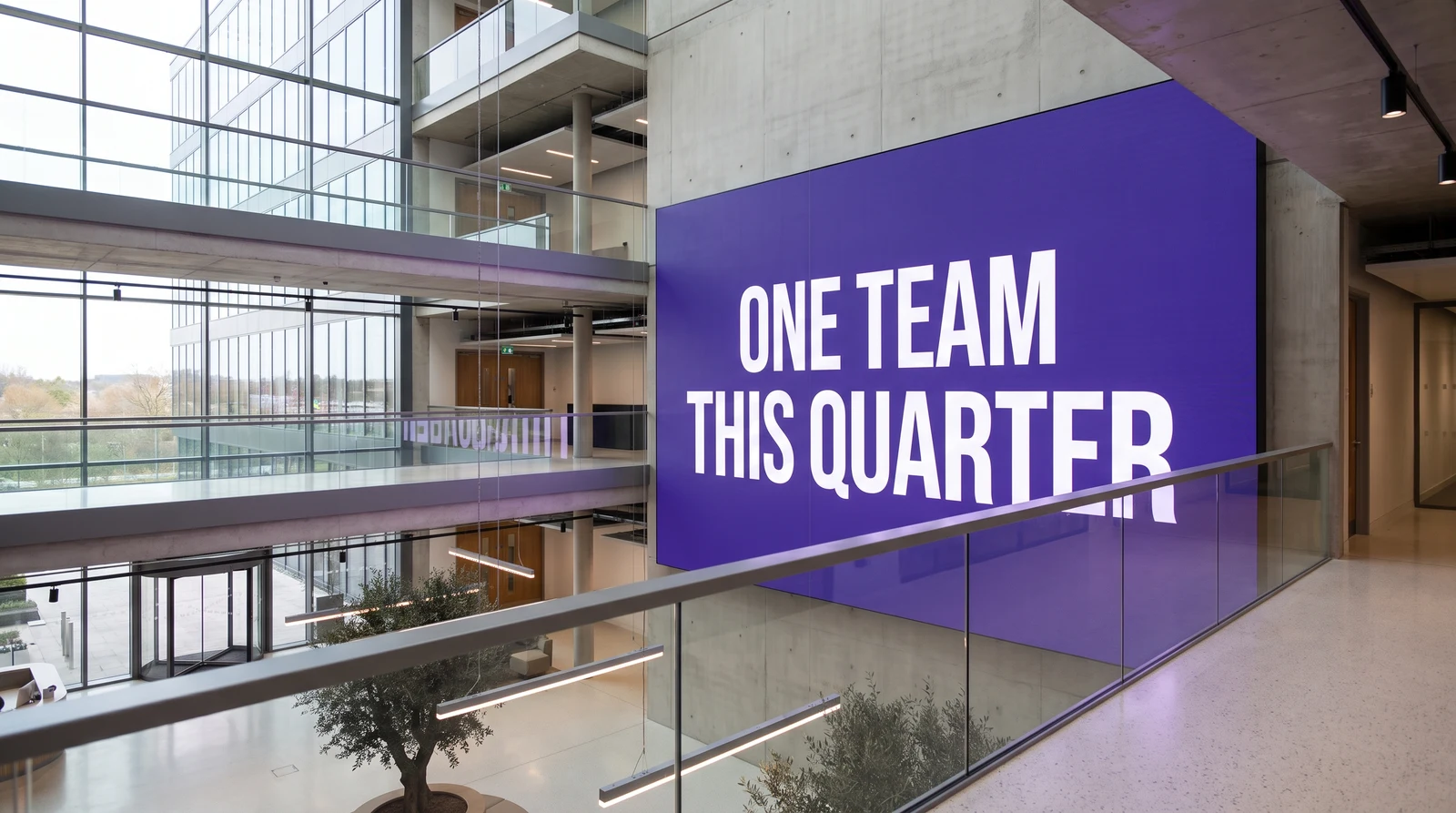
Digital bulletin boards for offices
Keep announcements, event schedules and team news in front of everyone in breakrooms, corridors and reception. Push the same message to every site at once.
Corporate digital signage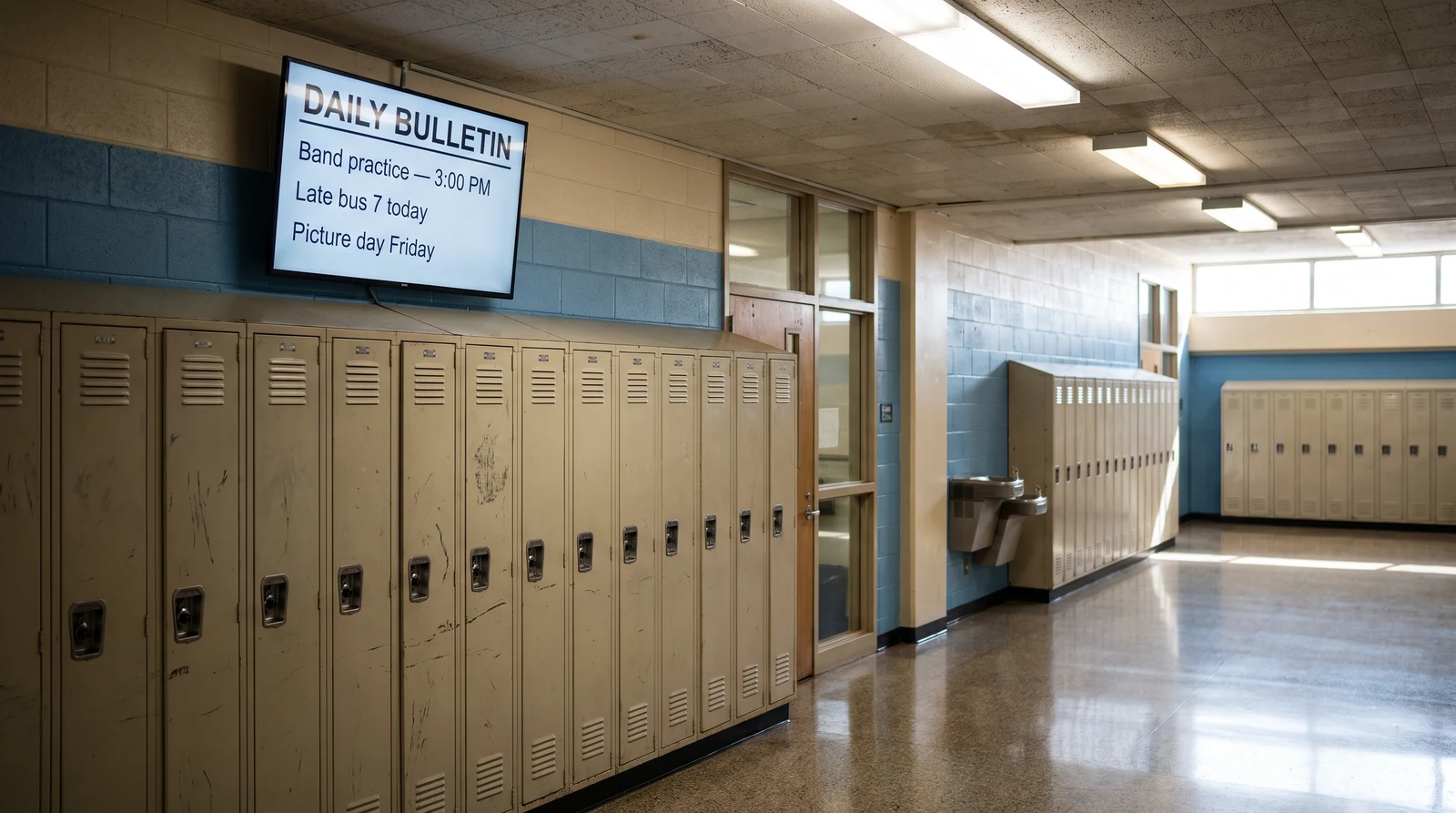
Digital bulletin boards for schools
Share the daily bulletin, timetables, exam notices and student recognition on screens students and staff actually walk past.
Signage for schools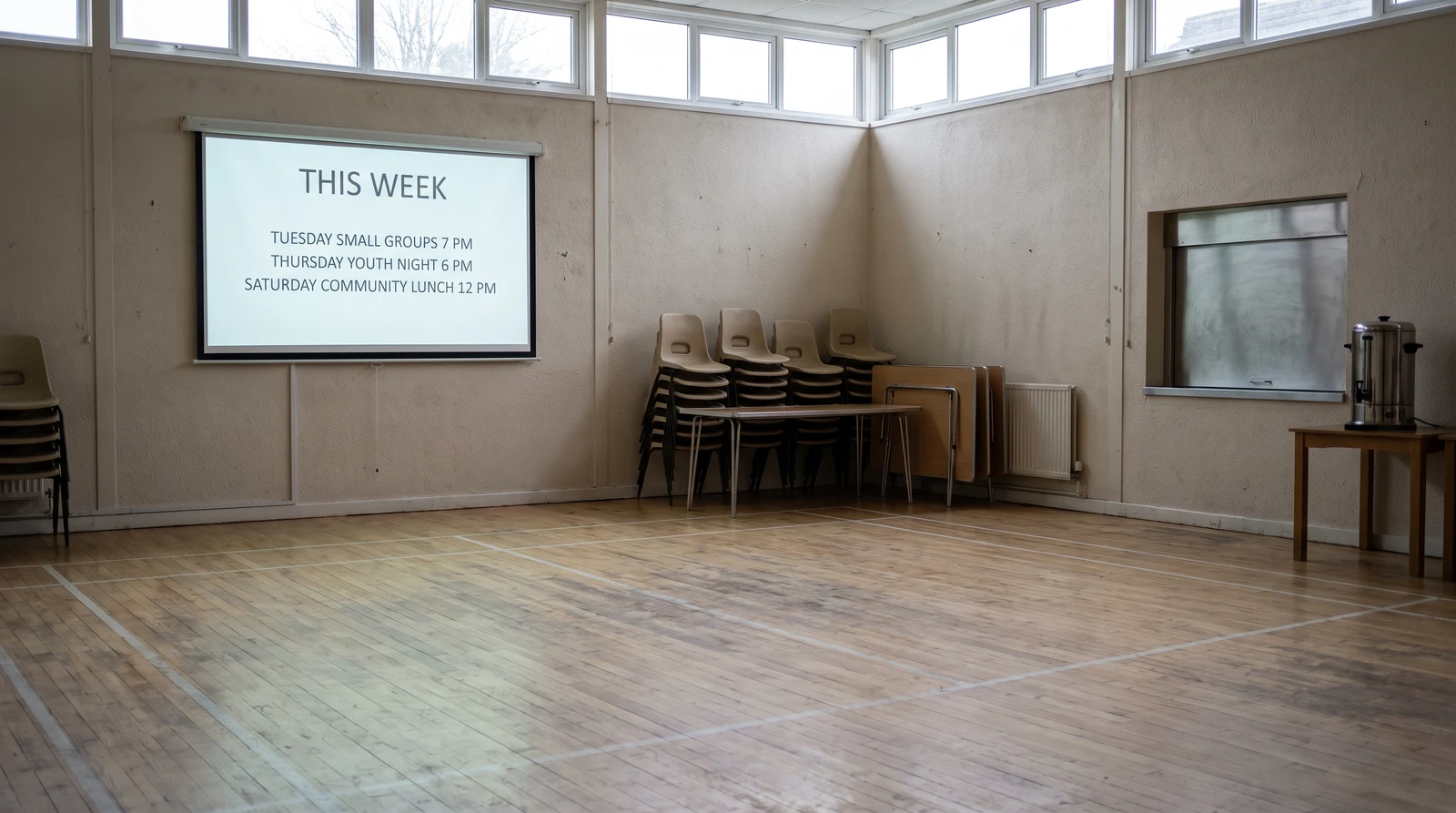
Digital bulletin boards for churches and community
Post service times, weekly notices and events so your congregation and community stay in the loop, updated by volunteers with no training.
Church digital signage
Digital bulletin boards for reception and lobbies
Welcome visitors, show wayfinding and highlight what’s on today the moment people walk in.
Digital lobby signage