
Salesforce-powered screen takeovers

When something big happens in Salesforce, make sure the whole team knows. Fugo turns CRM activity into instant, attention-grabbing announcements that take over your TV screens as events unfold.

Close-up of a CRM dashboard showing a deal won card for Acme Corporation beside revenue, pipeline and forecast widgets

Your CRM knows what’s happening. Does your team?

Salesforce records every win & milestone your team achieves, but that information rarely reaches people outside the CRM unless someone makes a point of sharing it.

  • Big sales wins get buried in busy Slack channels and inboxes

  • Reps hit their targets without the wider team celebrating

  • Pipeline progress only gets discussed in scheduled sales meetings

  • Customer service achievements don’t reach beyond the support team

An event-driven link between Salesforce & your screens

Fugo gives your TV screens a direct line to Salesforce, so the right CRM activity can change what’s playing on screen. You decide what warrants a takeover, and Fugo flashes your message before returning to regular playback.

Custom trigger rules

Choose which Salesforce objects to monitor & define the record changes that should activate a trigger.

Personalized messages

Use Salesforce record data like deal values & rep names to customise the messages displayed on screen.

Targeted screen takeovers

Assign triggers to specific screens or screen groups, so announcements reach the right audience.

What can you do with Salesforce triggers?

Give people something worth looking up for! A little recognition goes a long way, and sometimes a timely heads-up can make all the difference.

Office screen welcoming a newly won customer account, triggered from Salesforce

Welcome new customers

When a new account is won, give everyone a heads-up about who’s coming aboard. It’s a useful intro for the people who’ll soon be working with that customer.

Your Salesforce data stays protected

Fugo securely processes the Salesforce events you choose to monitor without copying your CRM database. Your connection is protected by OAuth authentication & tightly controlled API access.

  • OAuth 2.0 with PKCE
  • Encrypted tokens at rest
  • Restricted API permissions
  • IP-restricted authentication
  • No Salesforce database replication
  • Revocable Salesforce access

Frequently asked questions

Can I use Fugo to show Salesforce updates on office TV screens?

Yes. Fugo connects to Salesforce and lets you display announcements when specific CRM events happen. For example, you can announce a Closed Won Opportunity or alert a service team when a customer Case is escalated. You choose what triggers the announcement and which screens show it.

You’ll need a Fugo account and compatible screen hardware. See how Fugo works for an overview of the setup.

How do I connect Salesforce to Fugo?

Your Salesforce administrator installs the FUGO TRIGGERS managed package, then authorises the connection from Fugo CMS using Salesforce’s secure OAuth sign-in.

Once connected, you can select the Salesforce objects you want to monitor and configure your triggers. There’s no need to build a custom integration or write Apex code.

How do I set up Salesforce triggers on my TV screens?

You’ll need a Fugo account, a connected screen, and access to Salesforce. Here’s how it’ll work:

  1. Install the Salesforce integration. Have your Salesforce administrator install the FUGO TRIGGERS managed package in your Salesforce org.
  2. Connect your account. In Fugo CMS, go to Settings → Connections, select Salesforce, and authorise the connection using your Salesforce credentials.
  3. Create a trigger. Open Triggers in Fugo and choose Salesforce as your event source.
  4. Choose what to monitor. Select a Salesforce object, such as Opportunity or Case, and define the conditions that should activate your trigger. For example, an Opportunity moving to Closed Won.
  5. Create your announcement content. Choose the content you want to display. You can include details from the Salesforce record to personalize the message.
  6. Choose your screens and publish. Assign the trigger to the screens that should display it. When a matching event occurs, Fugo shows your announcement before returning to regular playback.

You can run Salesforce triggers alongside your usual playlists or Salesforce TV dashboards without having to dedicate a screen exclusively to announcements.

See the full setup guide here.

Does Fugo need administrator access to Salesforce?

You’ll need a Salesforce user with sufficient permissions to set up the connection. In particular, Salesforce requires the Customize Application permission so Fugo can enable “Change Data Capture” for the objects you select.

Once connected, Fugo can only access records permitted by that Salesforce user’s existing permissions. It doesn’t give Fugo unrestricted access to your CRM.

What exactly gets installed in Salesforce?

The FUGO TRIGGERS managed package contains an External Client App and the configuration Salesforce needs to authorise Fugo.

It doesn’t install Apex classes, Lightning Web Components, Aura components, or Visualforce pages. No Fugo application code runs inside your Salesforce org. The trigger processing happens in Fugo.

How secure is the Salesforce integration?

Fugo uses OAuth 2.0 with PKCE to authorise the connection, with encrypted tokens and restricted API access.

The integration requests only two OAuth scopes: api and refresh_token. Refresh tokens rotate and expire after 30 days of inactivity, and token requests are restricted to Fugo’s registered IP addresses.

The FUGO TRIGGERS managed package also passed Salesforce AppExchange Security Review in September 2026.

Does Fugo store or expose our Salesforce data?

Fugo doesn’t copy or maintain your Salesforce database. It processes incoming CRM events and retrieves the information needed to evaluate your trigger rules.

If you choose to include Salesforce record details in an announcement, those values become part of the content Fugo stores and publishes. You’re in control of what information appears on your screens, so it’s worth considering where those screens are located and who can see them.

Can Fugo be used for sales gamification?

Yes. Salesforce triggers are a useful way to add recognition to your sales gamification program without asking reps to use another application.

You could put a Closed Won announcement on the sales floor when a rep lands a major deal, for example. It’s a simple way to give achievements more visibility while people are still working toward their targets.

Is Fugo a sales gamification software platform?

Fugo is primarily a digital signage platform, rather than a dedicated sales gamification system.

Specialist sales gamification software typically offers features such as competitions, points, leaderboards, and performance-based rewards. Fugo takes a different approach: it lets you turn Salesforce activity into announcements that appear on workplace screens.

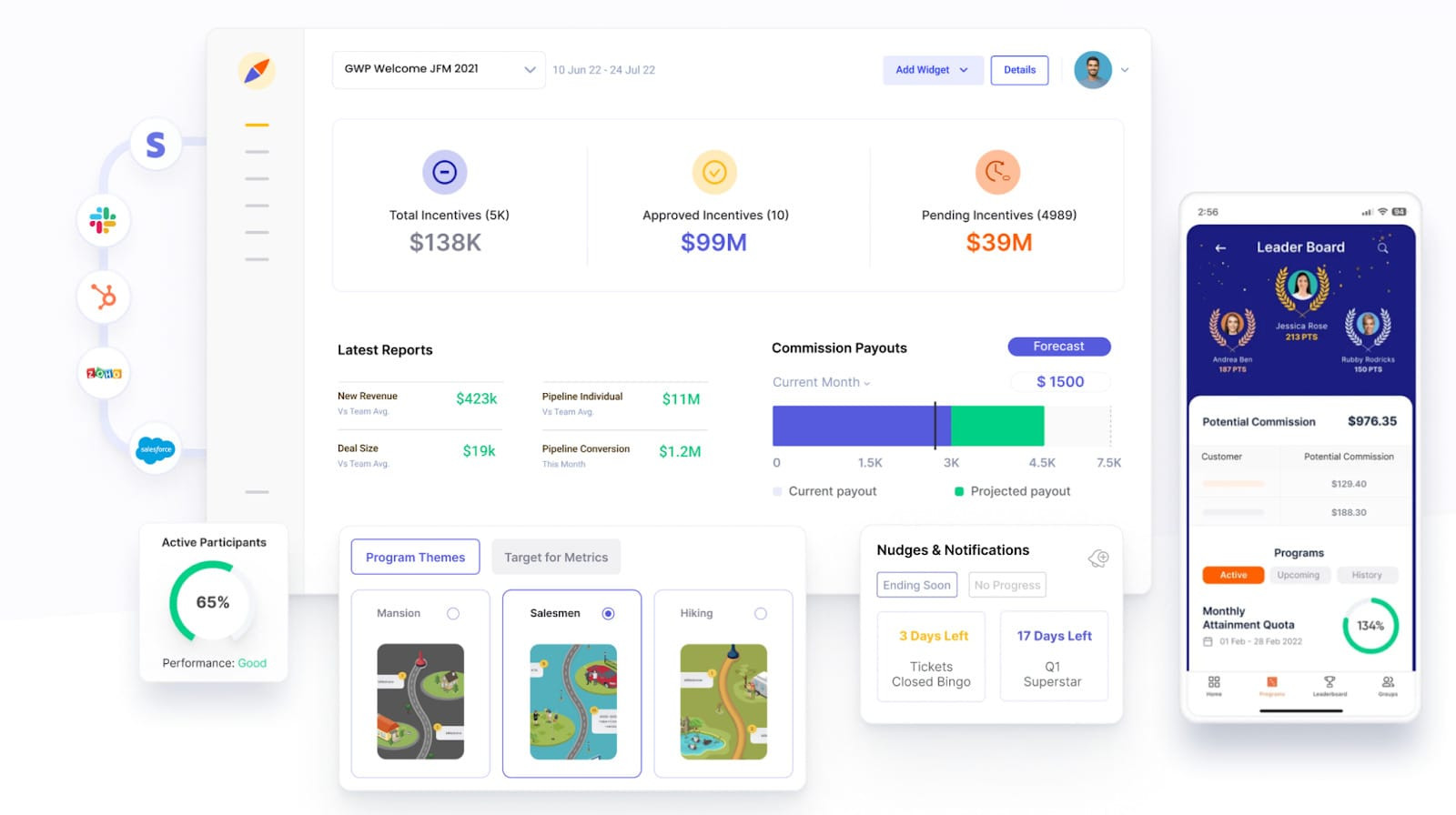
You can also use Fugo’s TV dashboard software to display existing sales leaderboards and performance dashboards alongside those announcements.

Can I display Salesforce dashboards and trigger announcements on the same TV?

Yes, and the two work well together.

A Salesforce TV dashboard gives your team an ongoing view of pipeline performance and other CRM metrics. Triggers take over the screen when something specific happens, such as a major deal closing. Once the announcement finishes, your regular dashboard content resumes.

This way, your screens can show the bigger picture throughout the day without missing individual achievements.