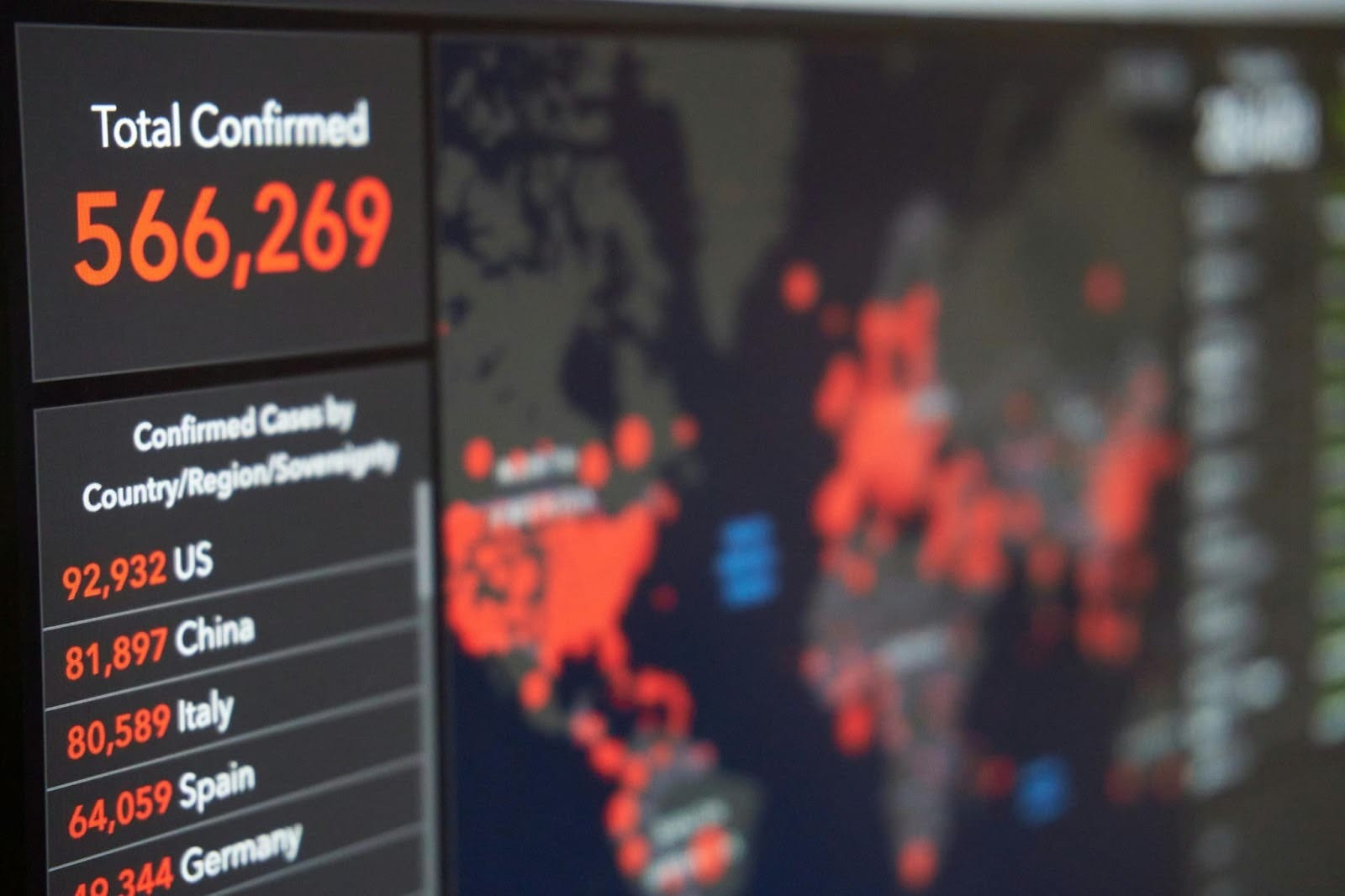

Display Splunk dashboards on TV screens
Your Splunk dashboards are already telling you what is happening — put them on a screen your team walks past. Put your Splunk reporting and analytics on managed TV screens — without extra user seats, public URL sharing, or a laptop wired to the display.


How to display Splunk on TV screens with Fugo
All you need to get started is a Fugo account and the URL of your Splunk dashboard. Fugo handles the recurring work of keeping it on screen.
Connect your dashboard
Enter your Splunk dashboard URL and the login steps Fugo should replay to reach it, including SSO and 2FA.
Configure the TV view
Set the capture resolution, scroll position, and crop so the dashboard frames cleanly on a large display.
Set the refresh rate
Choose how often Fugo captures a fresh view and pushes it to every screen you have assigned.


Getting Splunk onto a wall screen is harder than it should be
Splunk is built for analysts at a workstation. Putting the same dashboard in front of a whole room usually means working around the product rather than with it.
Every extra viewer is another paid Splunk seat
Public URL sharing exposes data you can’t afford to expose
Scheduled PDF and email reports are stale the moment they land
Browser sessions time out, and SSO prompts interrupt the display
A dedicated laptop per screen has to stay powered, patched, and logged in
A secure way to share Splunk dashboards at scale
Get your Splunk data in front of the people who act on it, without widening who can log in to Splunk itself.
Built for stable performance
Dashboards are captured and rendered in the cloud, so screens show a live snapshot instead of running a full Splunk session on the device.
Encrypted authentication handling
Sign in once during setup. Credentials, including SSO and 2FA steps, are encrypted and stored in Fugo’s cloud — never on the screen.
No public dashboards required
Nothing is made public and no anonymous access is enabled. Only the rendered image reaches the screen, never the underlying search or data.
Customize the data refresh rate
Set how often Fugo recaptures the dashboard, from every few minutes to a few times a day, so the wall matches how fast your data moves.
Make data TV screen friendly
Crop panels, adjust scaling, and add titles or context in the Design Studio so key numbers stay readable from across the room.
Send it to the right place
Assign specific dashboards to specific screens, teams, or sites, and manage every display from one central portal.
Keep your finger on the pulse of complex data systems
The teams that monitor, protect, and keep critical systems running work from Splunk all day. Putting those dashboards on the wall means the whole room sees a change at the same moment.

Security operations centers
Incident volume, severity mix, and detection coverage stay in the room’s field of view, so a developing threat is not confined to one analyst’s workstation.


When Splunk detects something, make the screen react
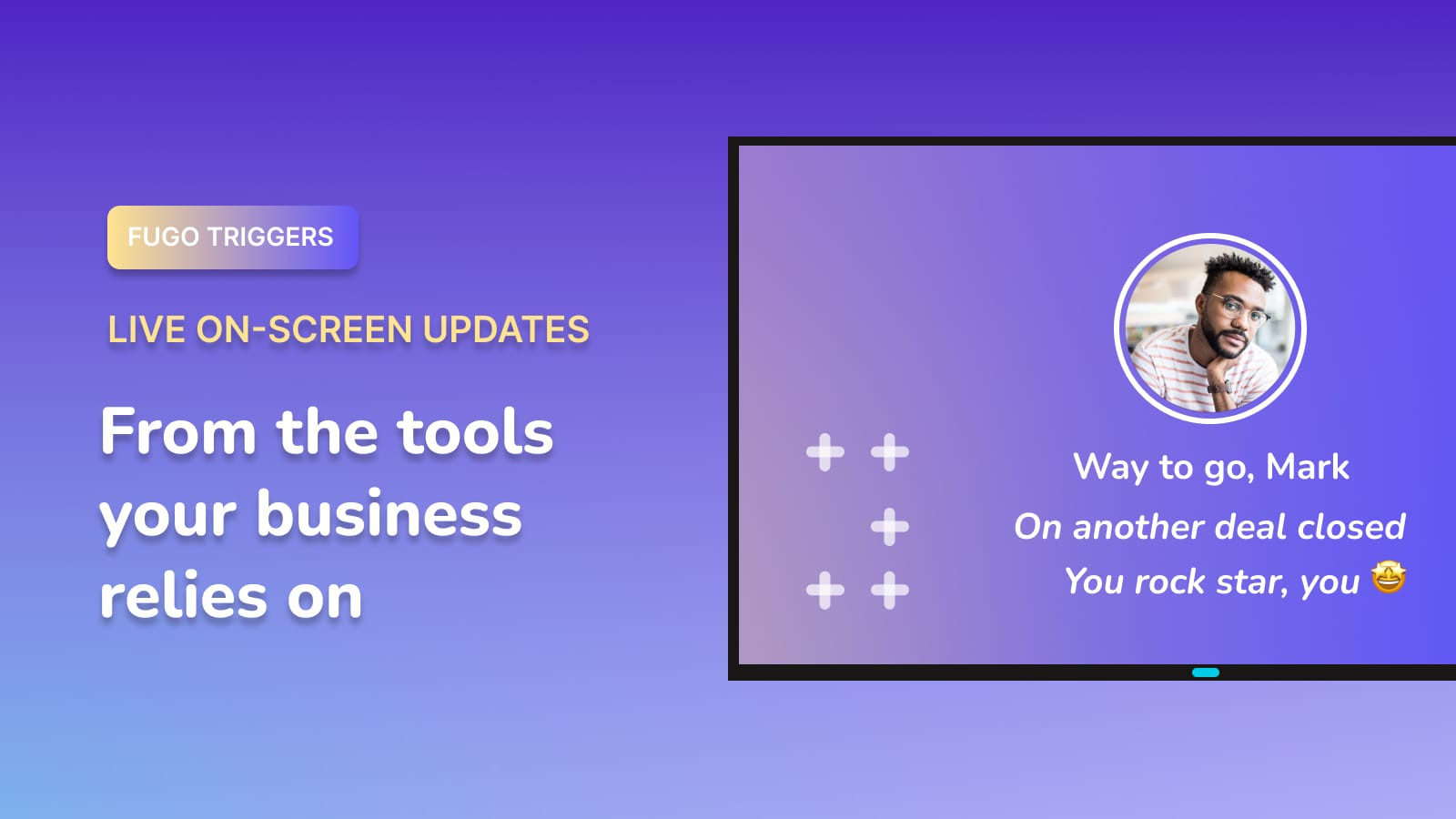
Let a change in the data you are already monitoring take over the screen, so the conditions that matter break through an always-on dashboard.
Explore Triggers
Break through the dashboard
Take over the screen when a critical alert or threshold fires.
Escalate developing issues
Bring a worsening pattern into focus before it turns into an incident.
Signal the all-clear
Let the room know when systems are back inside normal bounds.
Fugo works with the rest of your stack
Splunk may be where your machine data lives, but it does not have to be the only thing on the wall.





More on TV dashboards
Guides, comparisons and practical how-tos from the Fugo blog.