Fugo

Display Looker dashboards on TV screens

Looker is built for exploration inside a browser. Fugo turns your Looker dashboards into secure, always-on TV displays - without buying more user licenses, enabling public URLs, or leaving a browser tab open on a laptop.
No credit card required
14-day free trial
Secure authentication
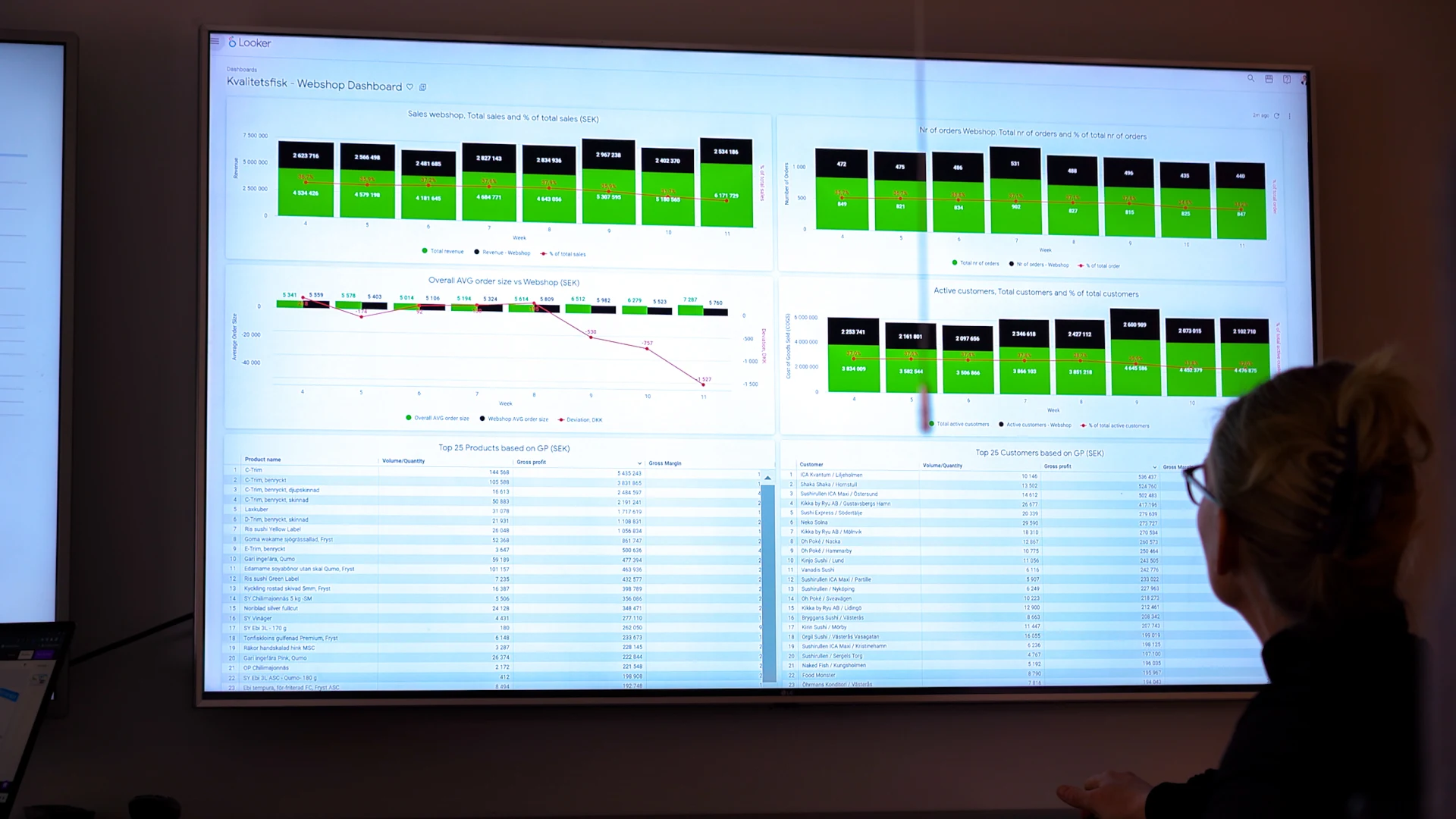
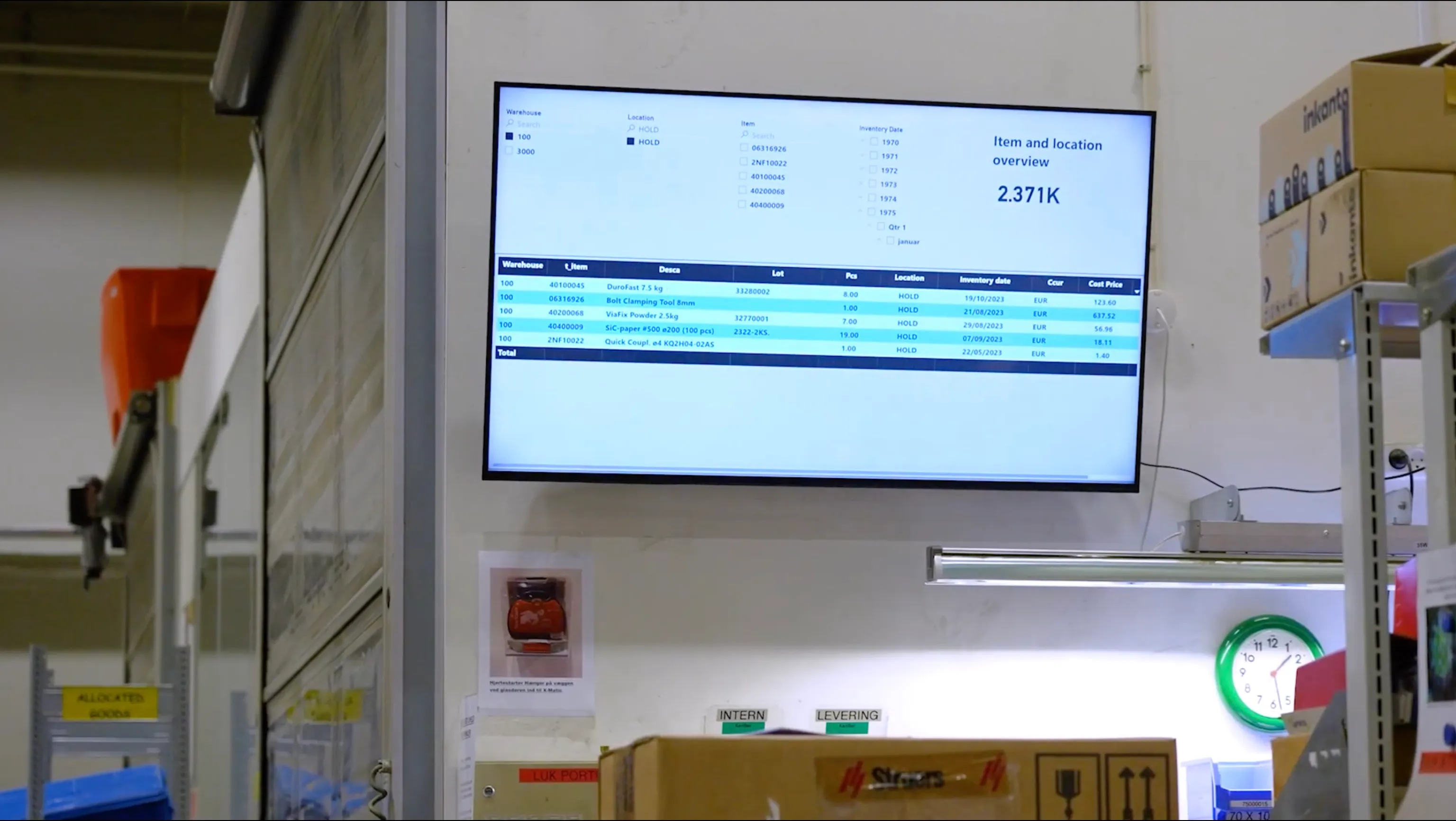
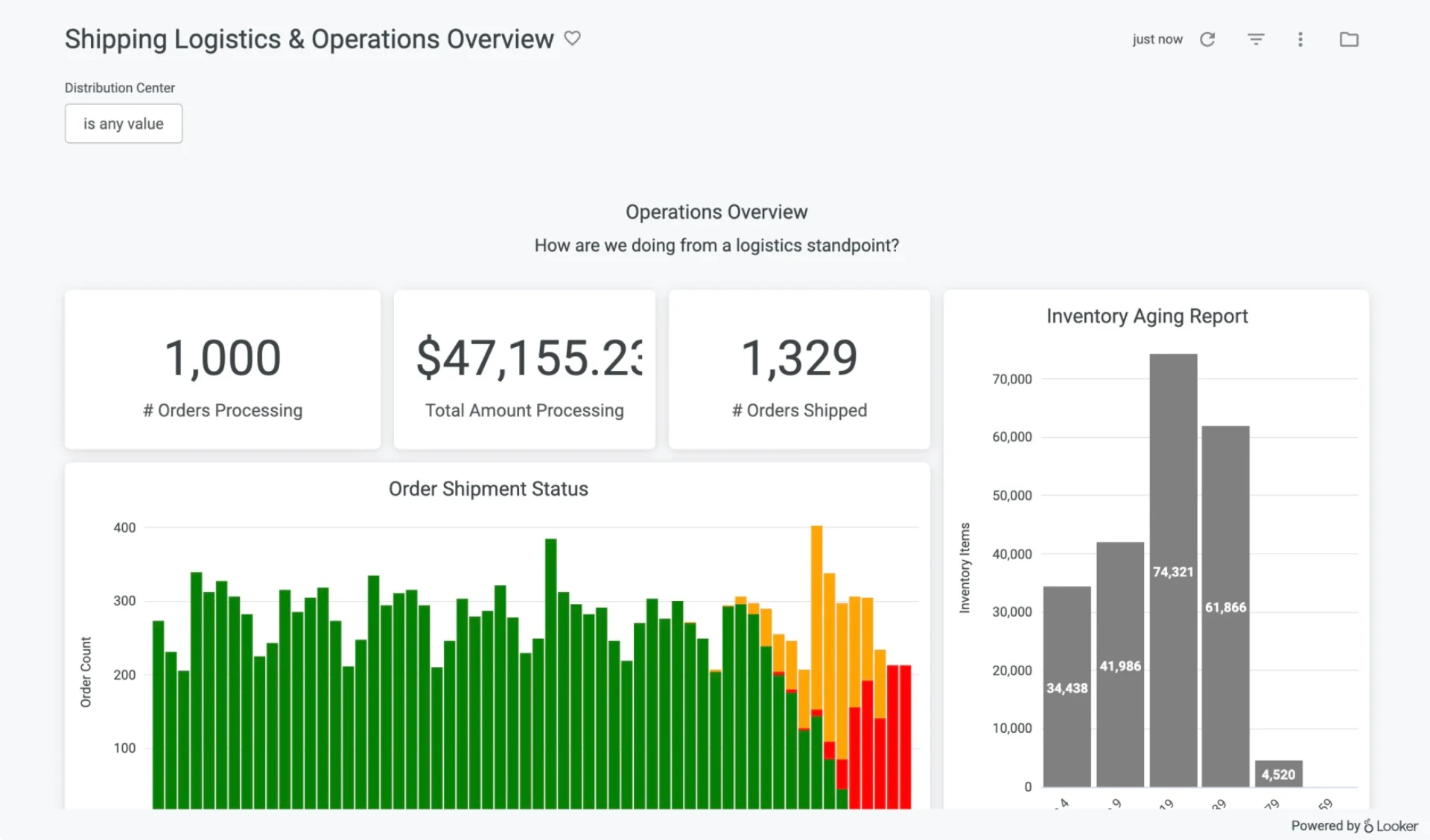
Looker "Shipping Logistics & Operations Overview" dashboard showing orders processing, total amount, orders shipped, order shipment status, and inventory aging report displayed on a TV screen via Fugo digital signage
HOW IT WORKS

Go live in 3 steps

Pair your screen to Fugo
1

Pair your screen to Fugo

Install the Fugo app on your TV or media player to link it to your Fugo account. It just takes minutes & works with most smart TVs and media players.

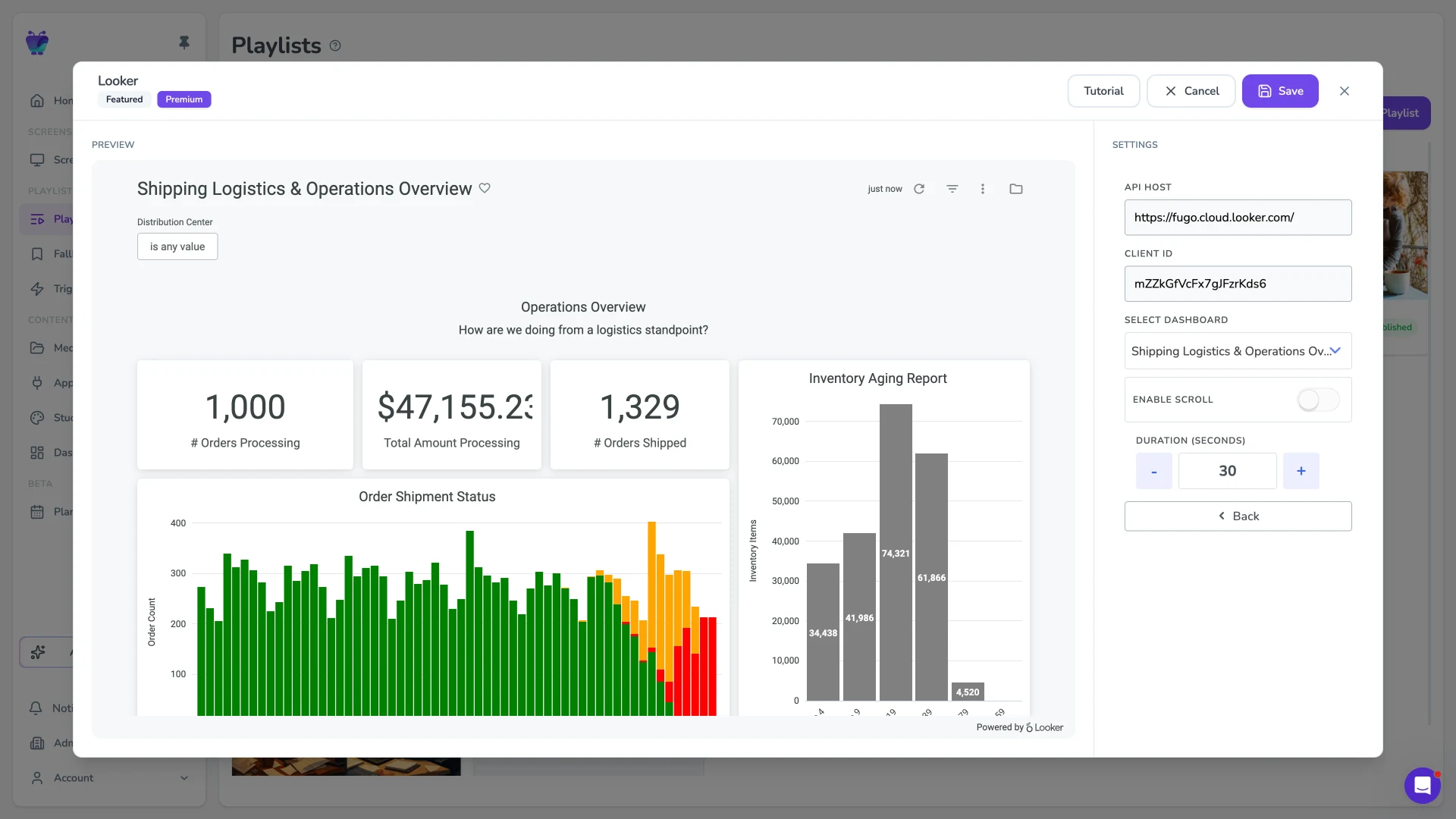
Fugo CMS Looker app settings modal showing the Shipping Logistics & Operations Overview dashboard rendered live against an API host, Client ID, and dashboard-selection sidebar
2

Connect your Looker dashboard

Generate Looker API3 credentials (Client ID + Client Secret), paste them into the Fugo Looker app, and pick the dashboard you want on screen. Configure scroll and duration without buying extra Looker viewer seats.

Looker Shipping Logistics & Operations Overview dashboard playing live on a TV via Fugo
3

Publish to your screens

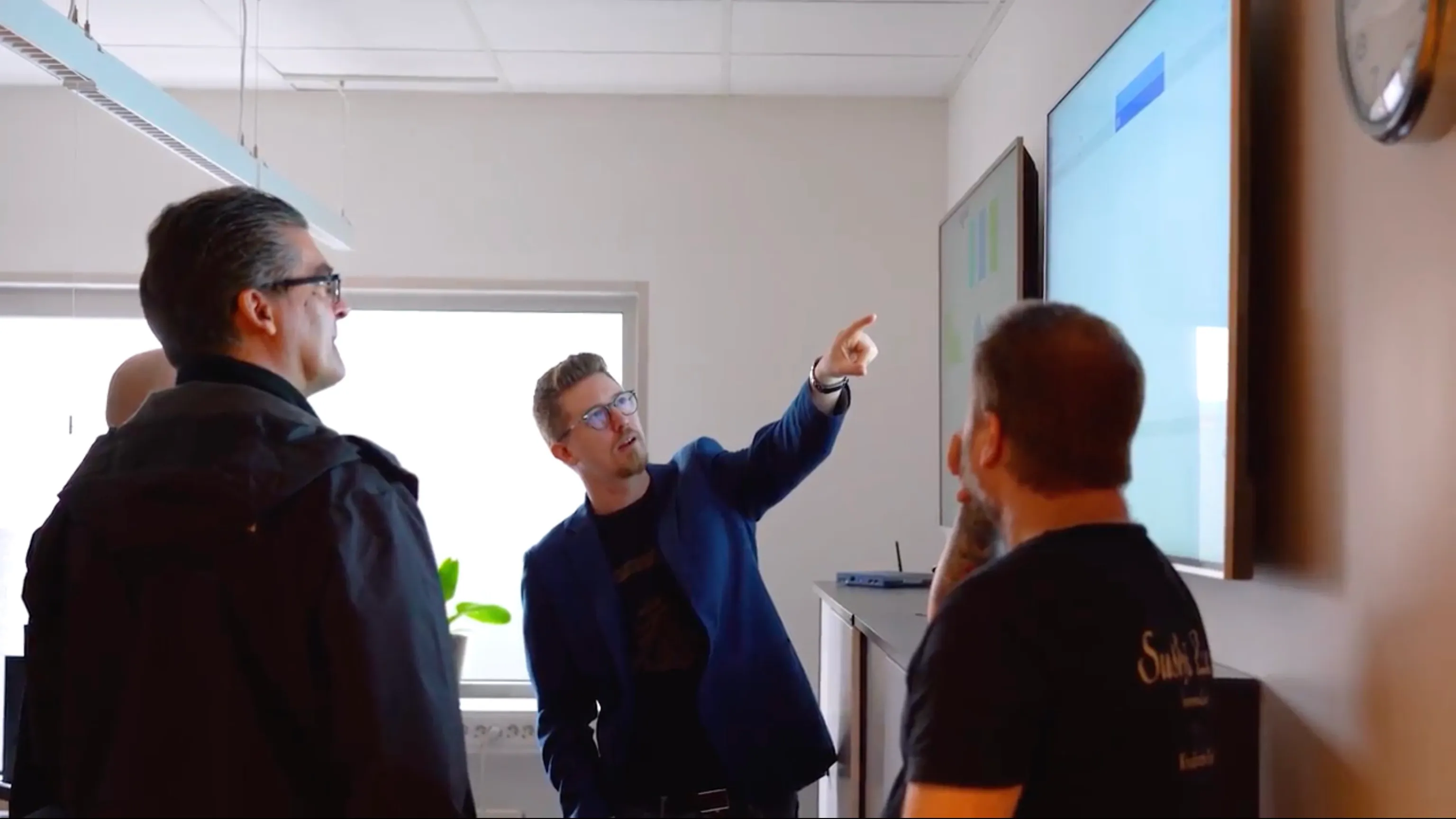
Assign the dashboard to one or many TVs. Fugo handles refresh and playback automatically.

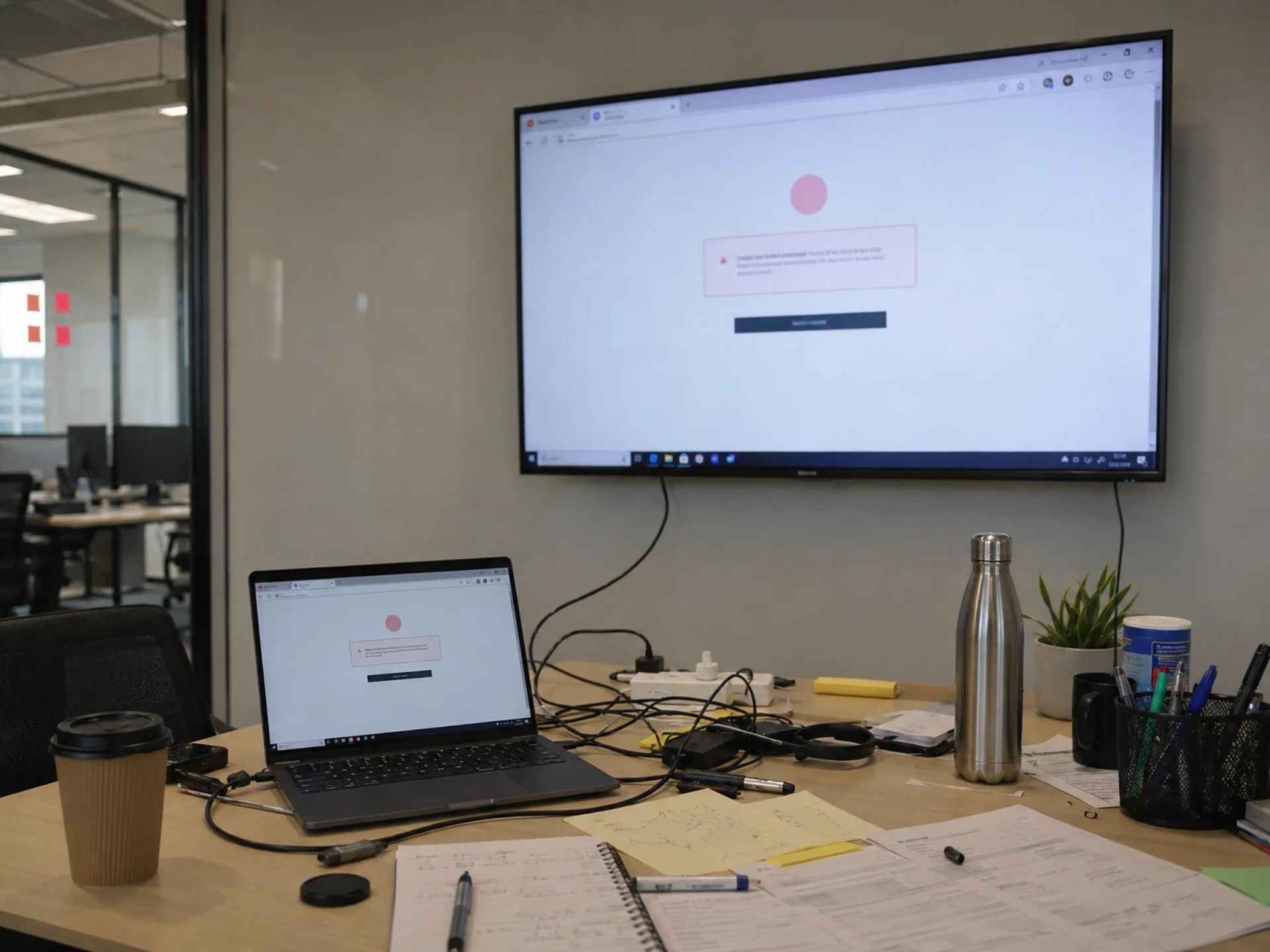
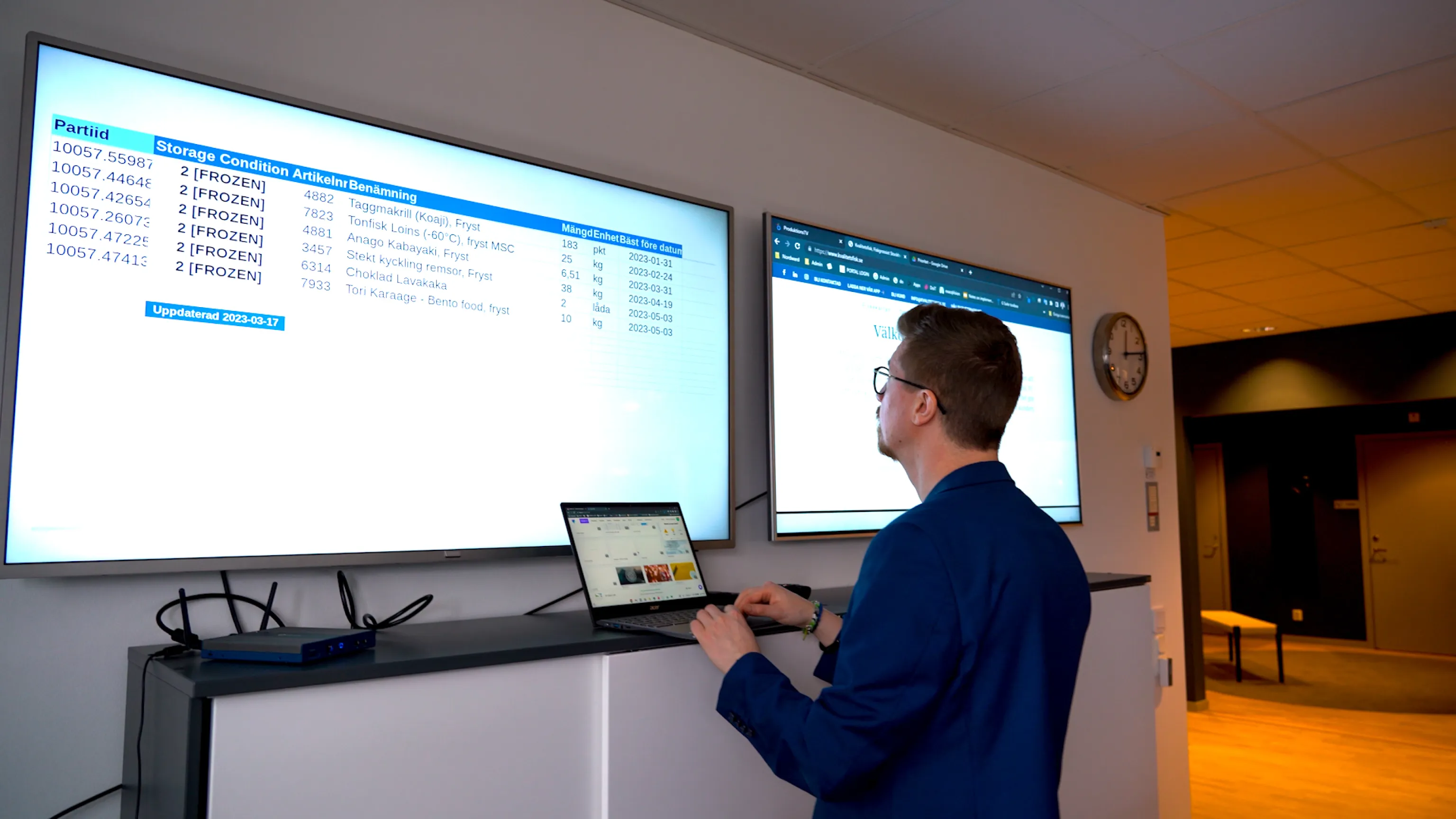
Laptop on a desk wired into a wall-mounted TV showing a Looker error/login modal — the casted-from-a-browser-tab workaround that breaks when the session expires or Chrome falls out of support
THE CHALLENGE

Looker dashboards weren't built for unattended screens

Looker works well for logged-in users exploring data. But displaying dashboards 24/7 on shared TVs introduces friction:

  • Viewer seats become expensive at scale

  • Public links expose data beyond intended audiences

  • Browser sessions expire or require reauthentication

  • Chrome version requirements break older signage devices

  • Large dashboards don't translate well to distance viewing

THE SOLUTION

A Looker integration designed for digital signage

API-based authentication

Connect using Looker's official API3 credentials, not shared logins or browser automation.

Snapshot-powered playback

Dashboards can be rendered & displayed as visual snapshots, reducing load on signage devices.

Configurable refresh

Fugo automatically fetches the latest version of your dashboard each time it appears in rotation.

Scroll & layout controls

Enable scrolling for long dashboards and optimize how they appear on large-format screens.

Playlist & screen targeting

Send different dashboards to different teams, locations, or departments from one central portal.

Centralized screen oversight

Monitor screen health, restart devices remotely, and manage playback across all locations.

USE CASES

Runs wherever Looker drives decisions

Sales performance walls

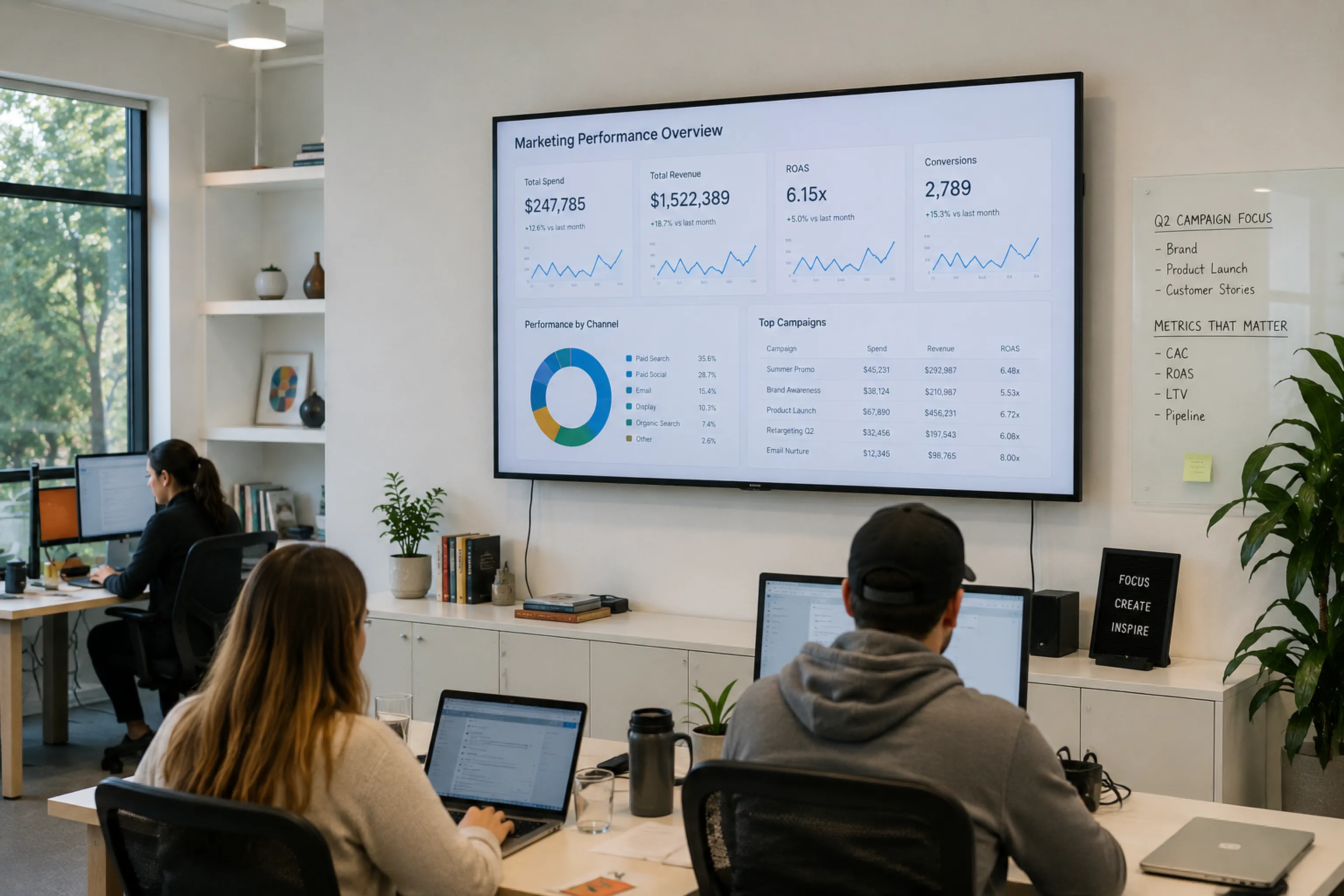
Display pipeline, bookings, and quota pacing in sales offices without provisioning extra seats.

Sales floor with a wall-mounted TV showing a Sales Leaderboard with pipeline, bookings, and quota pacing
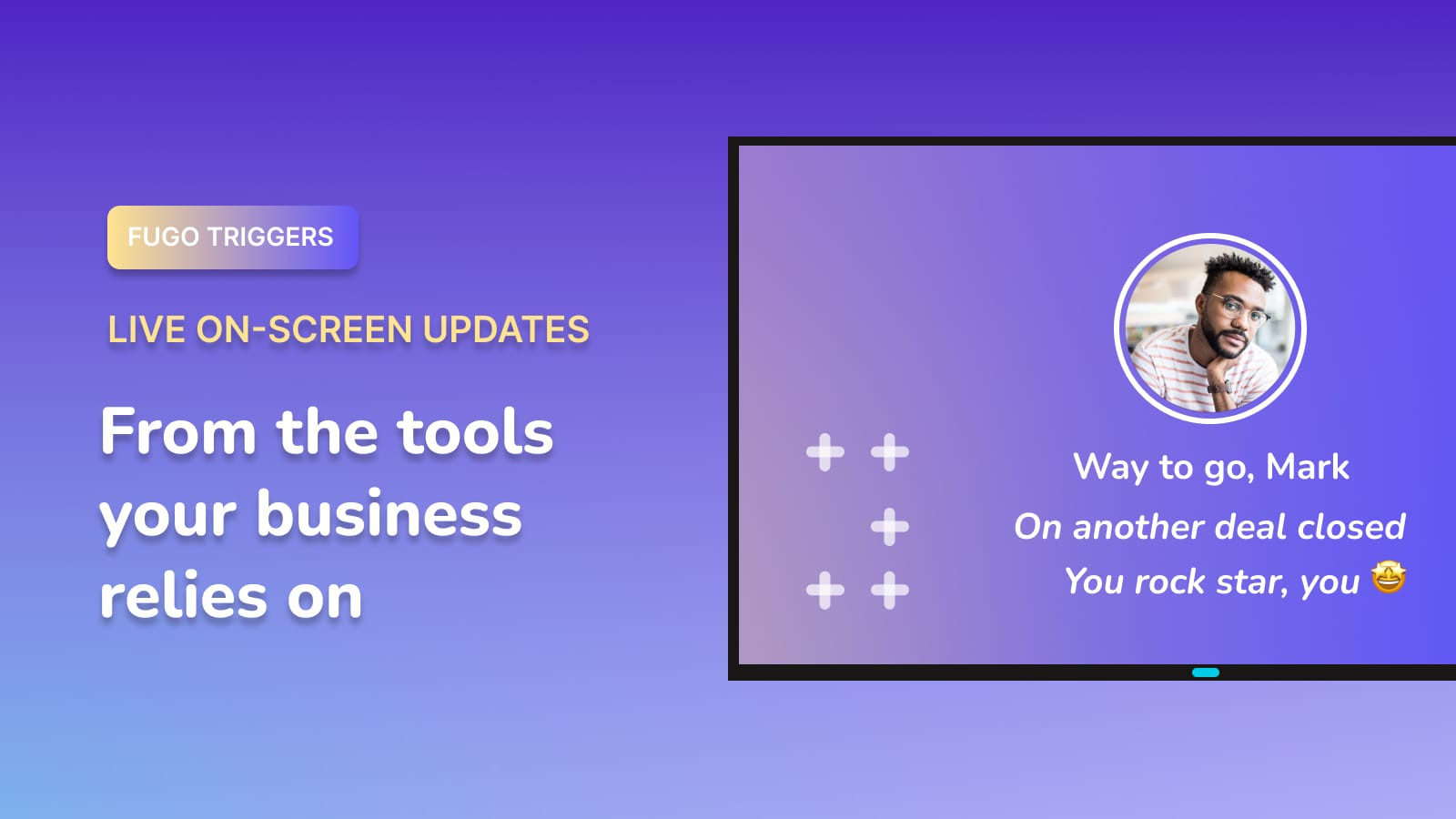
FUGO TRIGGERS

Make screens react to your data

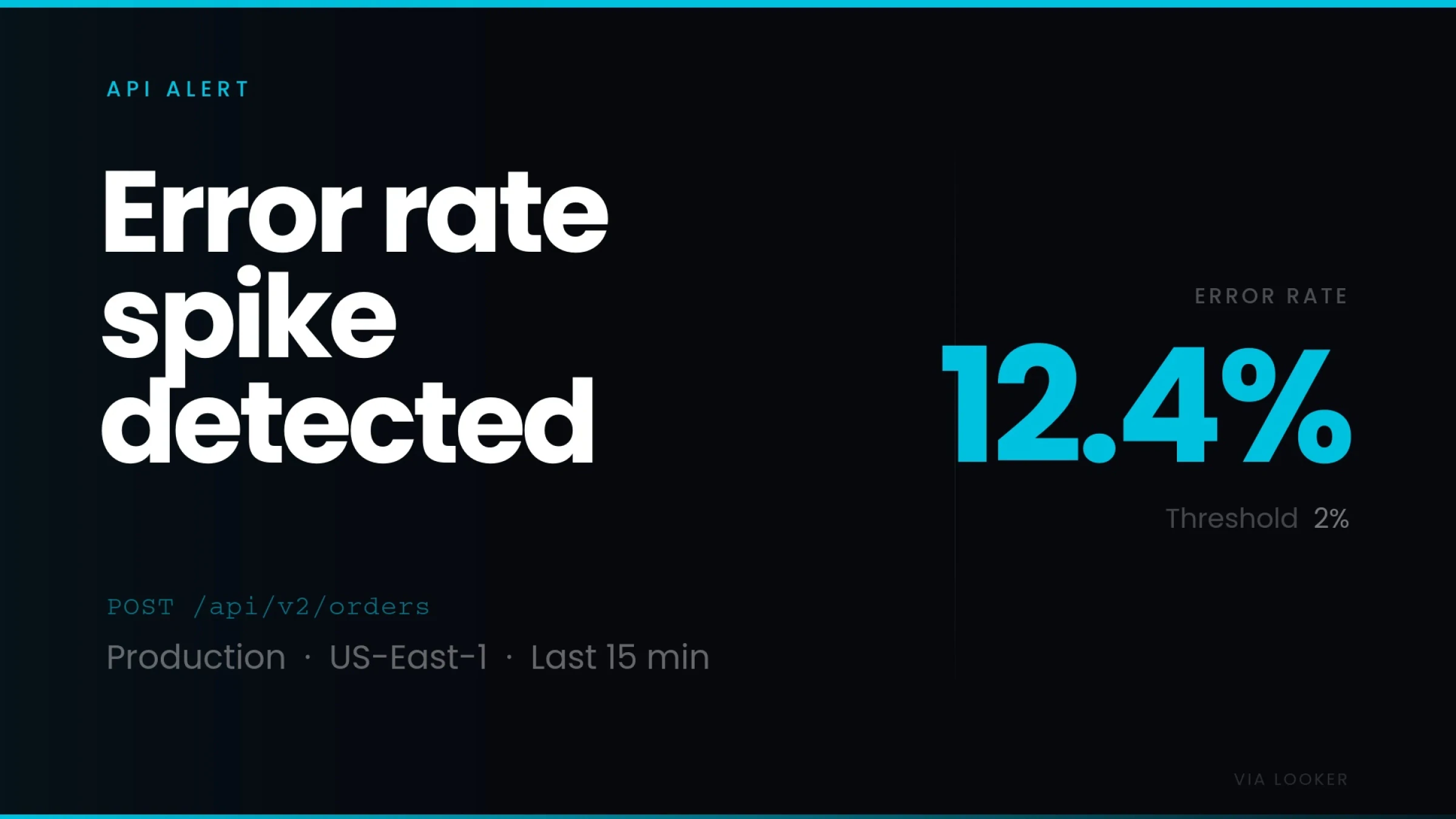
Your screens can show dashboards all day and change the moment something important happens. A deal closes. A target is hit. An incident is resolved.

Fugo trigger fullscreen "Error rate spike detected" API alert showing a 12.4% error rate against a 2% threshold on POST /api/v2/orders in Production US-East-1 over the last 15 minutes, sourced live from Looker

React instantly

Switch what's on screen when defined conditions are met.

Surface key moments

Show wins, alerts, and milestones as they happen.

Connected to your systems

Trigger updates from the tools your team already uses.

Frequently asked questions

Can I display Looker dashboards on a TV screen?

Yes, but not directly from Looker alone.

Most teams start by opening a Looker dashboard on a laptop and either connecting it to a TV with HDMI or casting/screen mirroring. That can work temporarily, but it isn't designed for long-term, always-on display:
- The laptop has to stay connected
- Sessions expire or require re-login
- The screen can freeze, sleep, or lose connection
- There's no centralized way to monitor multiple TVs

If you want dashboards to run reliably on shared screens without babysitting a laptop, you'll need digital signage software built for that purpose.

Do I need additional Looker user seats to show dashboards on TVs?

No. Instead of provisioning new viewer accounts for every screen, Fugo connects via API credentials and renders the dashboard for display. That means you don't need to buy extra user licenses just to show data on shared screens.

How does Fugo connect to Looker?

Fugo uses Looker's official API3 key flow:
- You generate a Client ID and Client Secret inside Looker
- Fugo connects securely using those credentials
- Dashboards are rendered visually for display

How often does my Looker dashboard refresh on screen?

Fugo automatically fetches the latest version of your dashboard each time it appears in a playlist rotation.

There's no need to manually reload or manage refresh intervals inside Looker for screen playback.

What if looker's Chrome policy affects my signage device?

Looker only supports the two most recent versions of Chrome. If your signage device cannot update Chrome to a supported version, direct browser playback may fail.

In those cases, you can:
- Update your device
- Use a Chrome-capable player (like a Chromebox or Fugo Player)
- Enable screenshot mode in the Looker app

Can I show multiple Looker dashboards on the same screen?

Yes. Each dashboard is added as a separate app instance in Fugo. You can rotate multiple dashboards in a playlist, set display durations, and assign different dashboards to different screens.

Can I customize how my Looker dashboard looks on screen?

Yes. Using Fugo's Design Studio, you can:
- Resize and position them within split-screen layouts
- Add logos, text, tickers, or QR codes
- Combine Looker with other apps and content

This is especially useful for simplifying dense dashboards for distance viewing.

Is this secure?

Yes. Fugo connects using API credentials with defined permissions. Only the rendered visual output is displayed on screen — not raw queries, credentials, or editable data.

Access is limited to the permissions assigned to the Looker user whose API keys you generate.

Can I test this before deploying IT across the company?

Yes. Start with a free trial, connect a Looker dashboard, and test it on a single screen before expanding across teams or locations.