
Raspberry Pi digital signage software
Deploy lightweight digital signage on hardware you already own. Fugo adds enterprise remote control & cloud management to Raspberry Pi-powered displays.
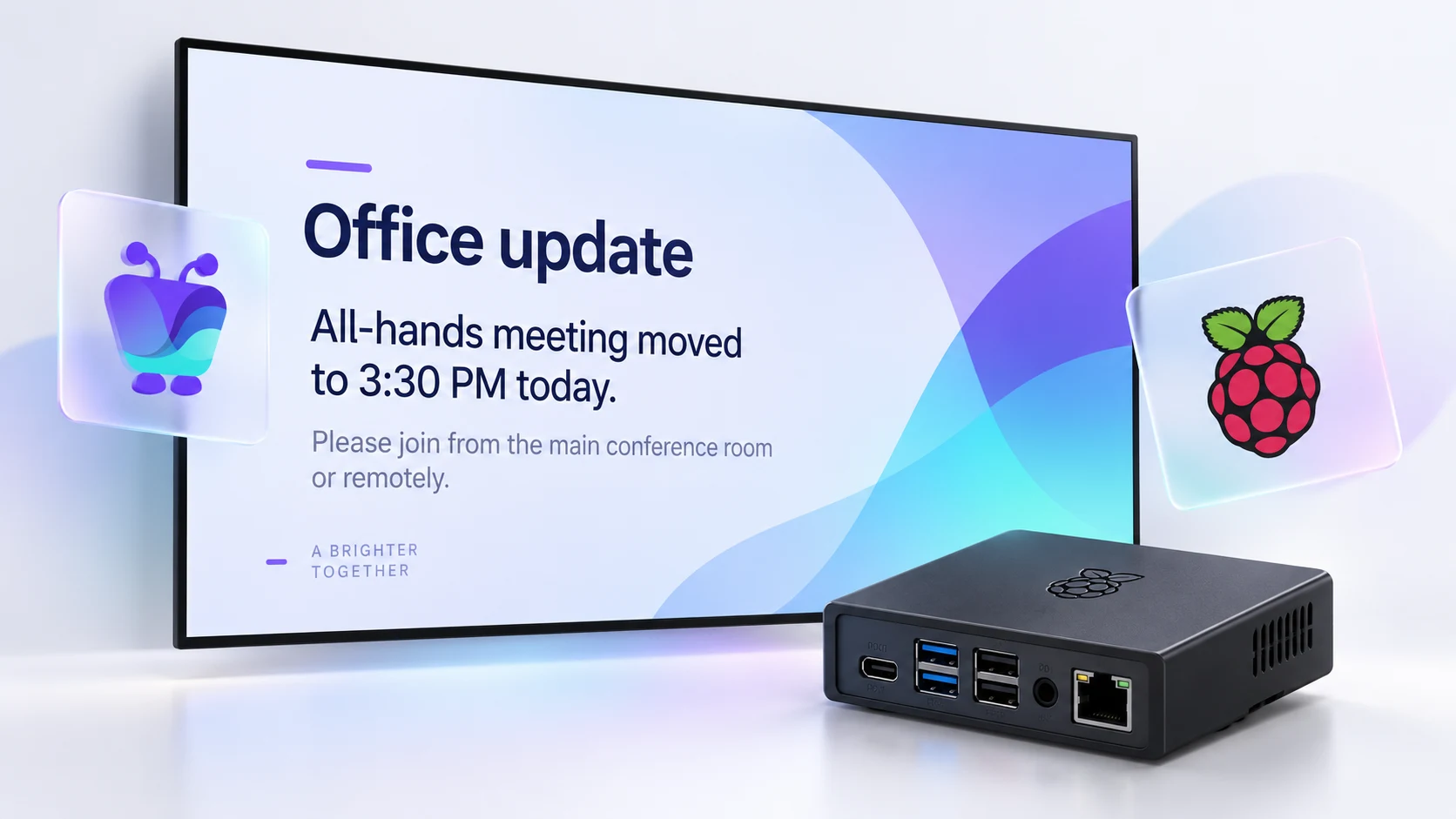
An official Powered by Raspberry Pi partner
Fugo is licensed under Raspberry Pi’s official partner program - a designation granted after technical review to ensure our OS image delivers a stable signage player app experience out of the box.
Learn more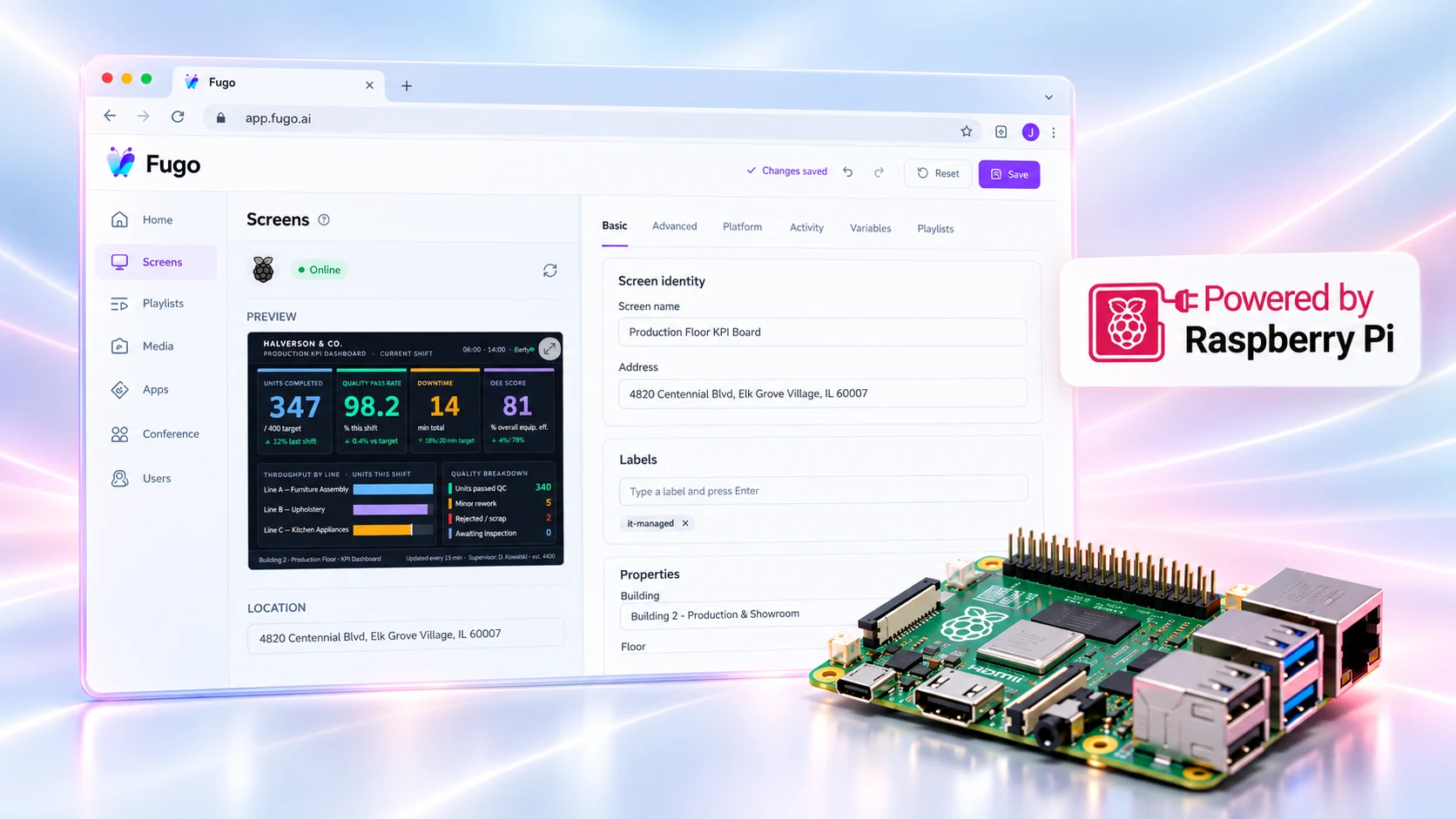
Practical hardware for budget-conscious IT teams
Skip the enterprise hardware markup and deploy reliable, energy-efficient displays on your own terms.
Zero OS licensing fees
Keep deployment costs low with open hardware that requires no management licenses, enrollment programs, or proprietary vendor consoles.
Native Pi Imager integration
Provision boards in seconds by flashing the pre-configured Fugo OS image directly inside the official Raspberry Pi Imager tool.
In production to 2036
Standardize your hardware deployment with confidence knowing Pi boards stay in active production for over a decade.
Low power, silent operation
Run continuous 24/7 digital displays behind any screen without active cooling noise or significant energy pull.
Flexible storage & field repair
Boot reliably from micro-SD cards, high-endurance flash, or NVMe storage drives for quick 60-second hardware swaps.
Optimized for lightweight content
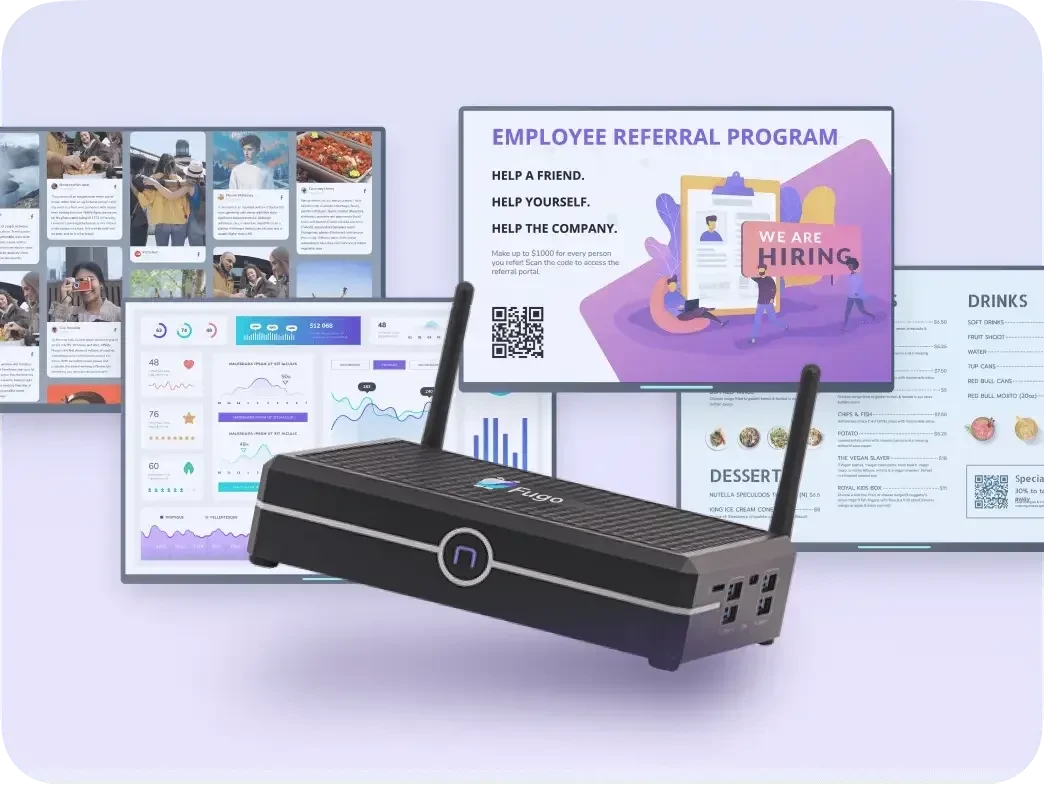
Native support for content like single-zone menu boards, internal comms, and scheduled media loops.
Flash, boot, and pair in under five minutes
Flash Fugo onto your microSD card directly from the Raspberry Pi Imager, power on your board, and pair your screen in seconds. It’s a true plug-and-play setup for rapid display rollouts.
Set up Fugo on Raspberry Pi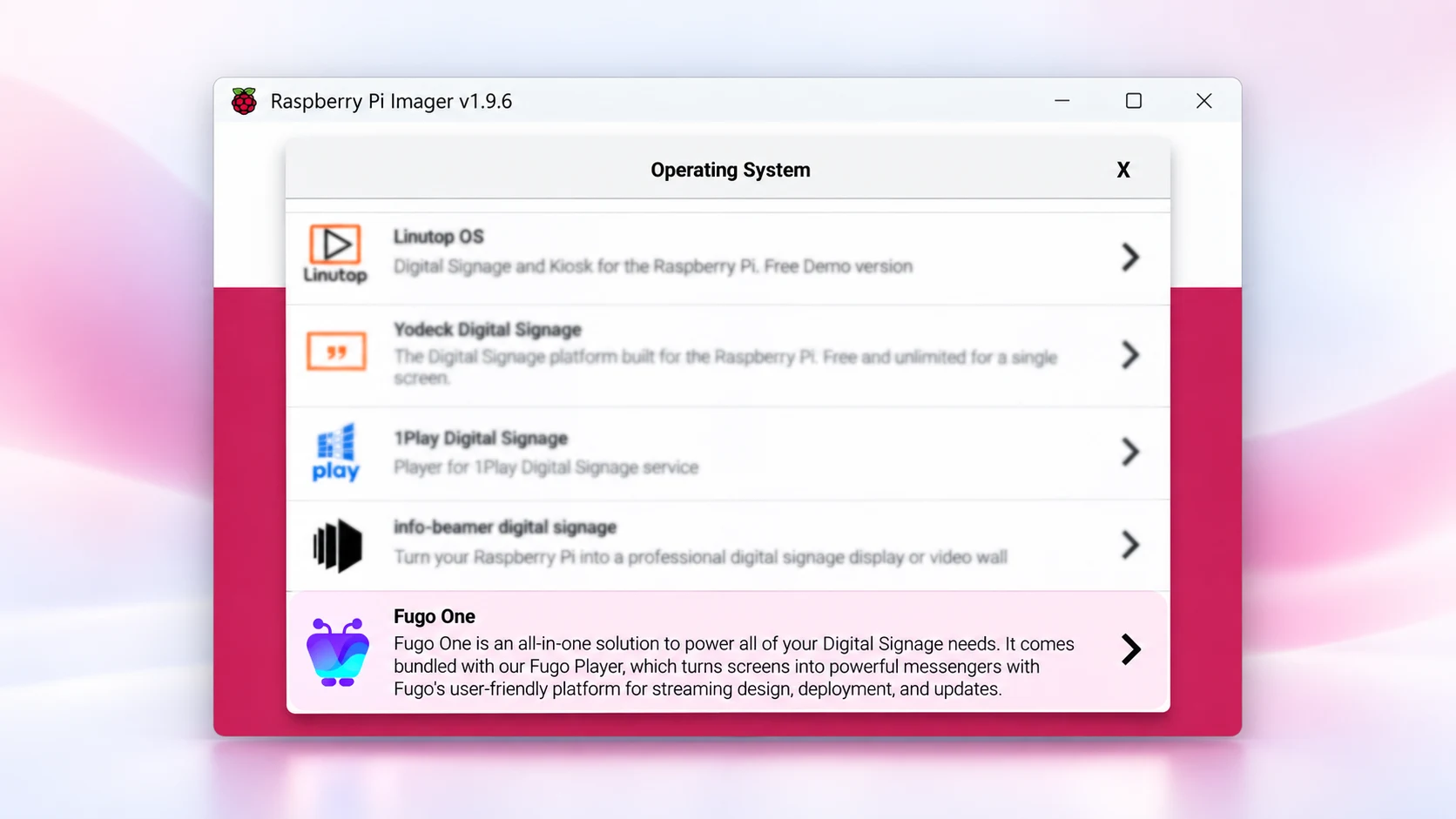
Serious CMS power behind every screen
Fugo brings high-level operational control & automated content delivery to your Raspberry Pi deployments.
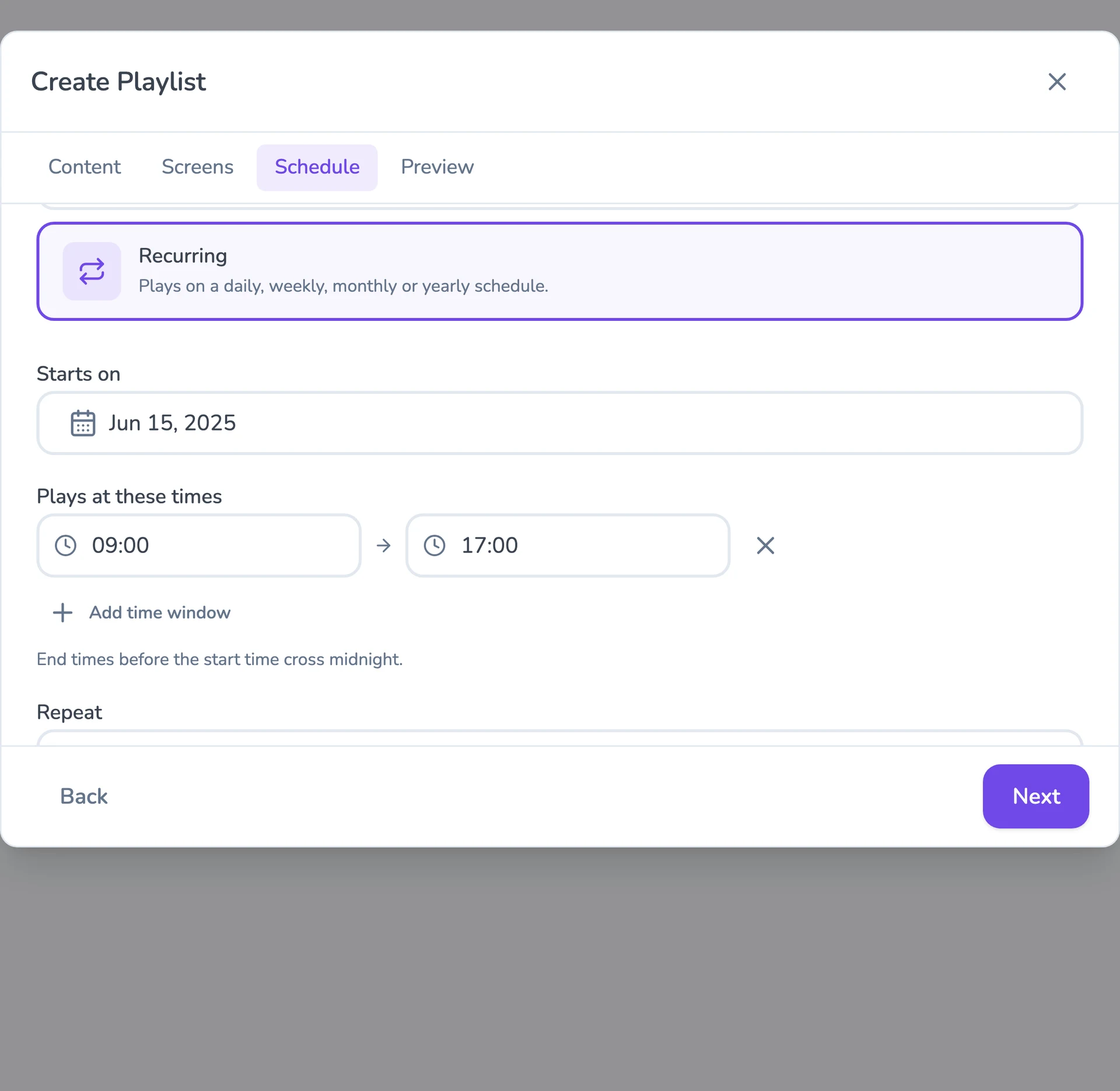
Flexible content scheduling
Keep even complex content calendars easy to manage. Schedule & target content to the right screens with flexible timing and automatic expiry.
Event-driven content triggering
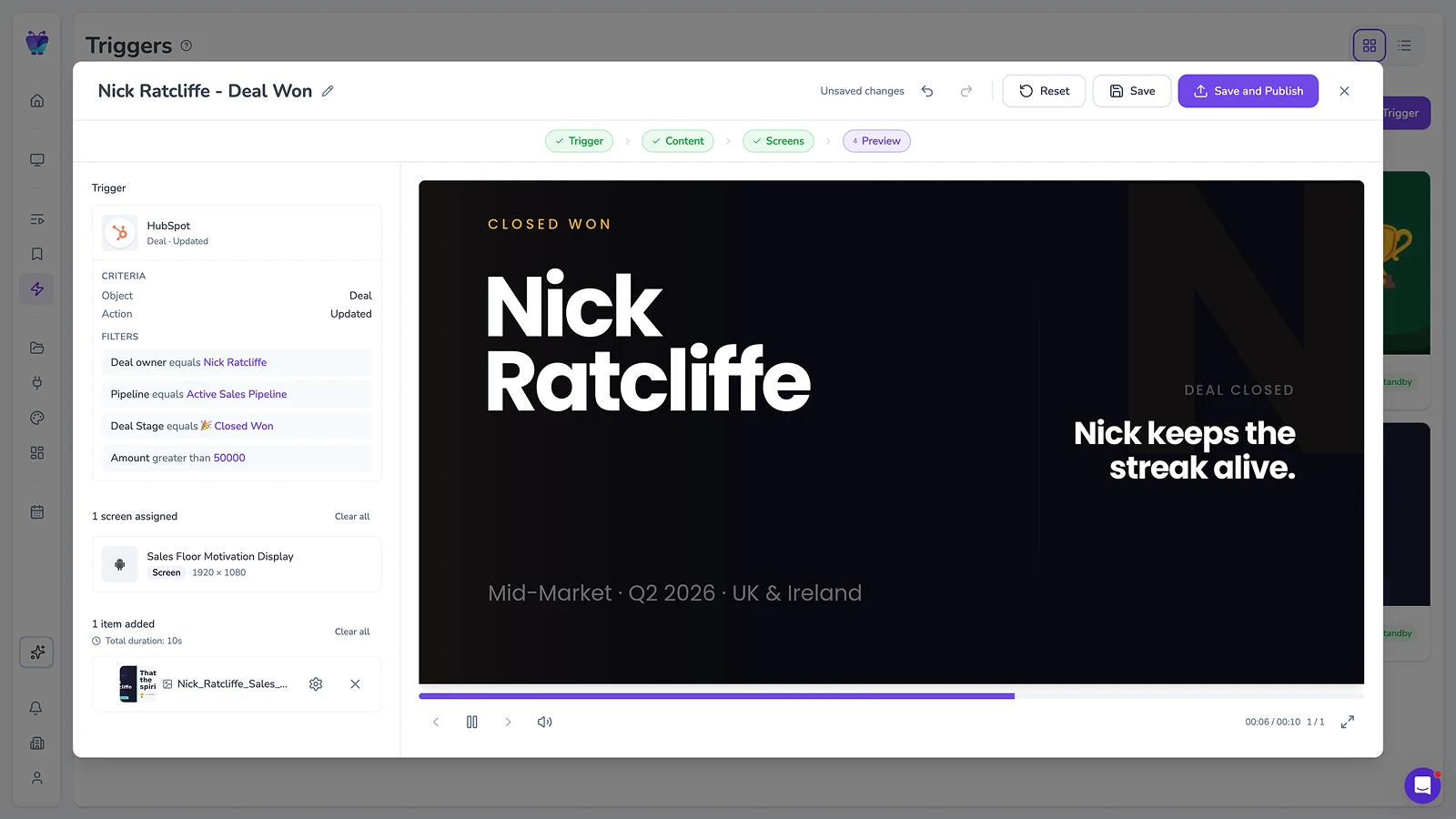
Let events in your connected systems decide when screens should update. Surface timely takeovers for alerts, milestones, or moments that need attention.
Full-featured content design
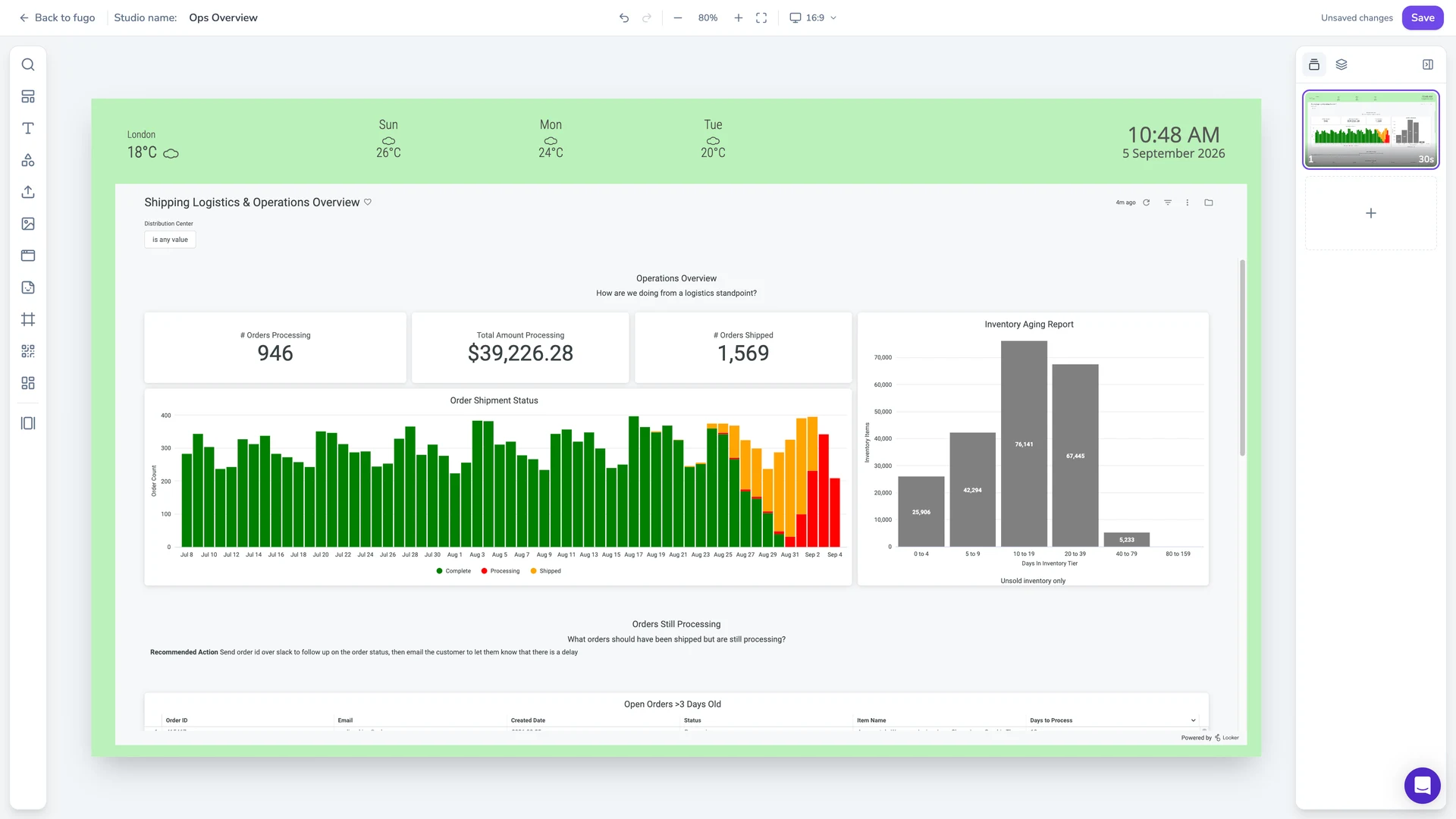
Combine your own media, live data, and connected apps into polished multi-zone layouts using an editor that feels as easy as Canva.
Centralized screen management
Organize and control your entire screen network from one place, without losing the flexibility to manage each screen according to its setup.
Works in a mixed fleet
Pis sit in the same screen list as commercial players — group and target by site, player type, or how you actually operate.
Built-in remote monitoring
See what’s happening on remote screens from Fugo. Verify playback and investigate problems without sending someone on site.
Granular user management
Give teams access to the screens and content they own without opening the rest of the network.
Recommended Raspberry Pi devices for Fugo
Our Raspberry Pi picks for Fugo, whether you’re buying new hardware or keeping supported boards already in use.
View all supported Raspberry Pi hardware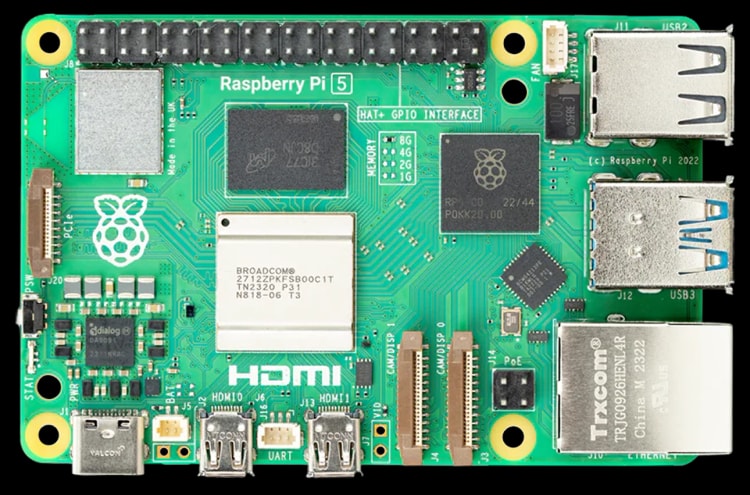
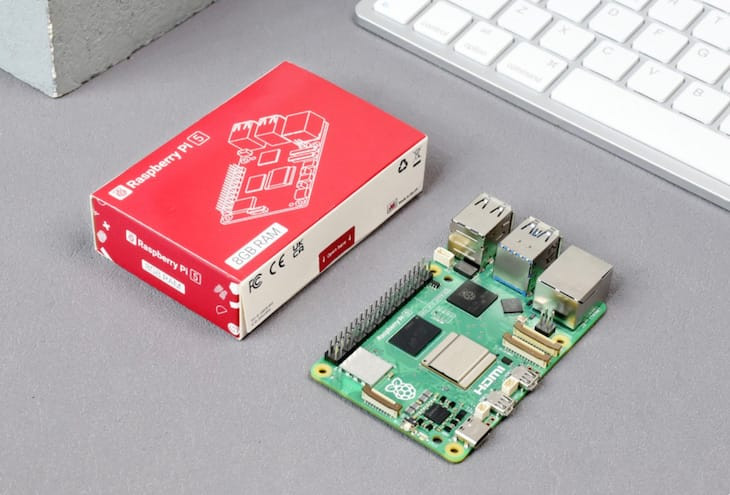
Raspberry Pi 5
Our first choice for new Raspberry Pi signage, with more processing headroom for web content & higher-resolution playback.
2.4 GHz quad-core Cortex-A76 CPU
Dual 4K60 HDMI output
Hardware HEVC decoding
Gigabit Ethernet
Dual-band Wi-Fi
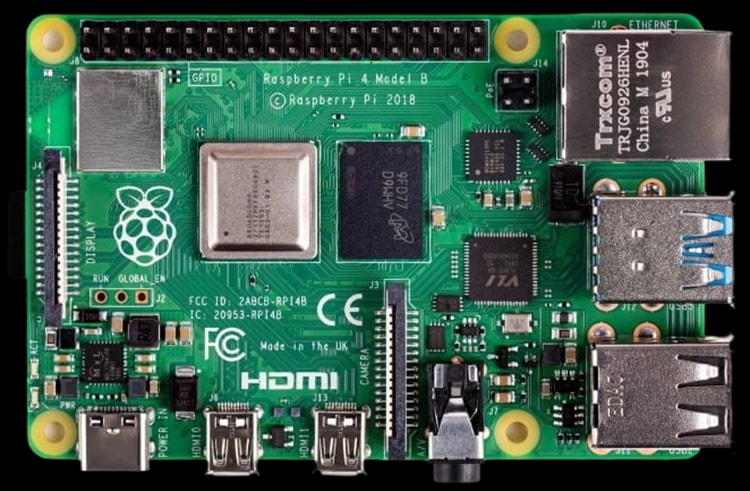
Raspberry Pi 4 Model B
A proven option for Raspberry Pi signage, with 4K output, wired and wireless networking, and a broad range of memory options.
Quad-core Cortex-A72 CPU
Up to 4K60 output
Gigabit Ethernet
Dual-band Wi-Fi
Up to 8 GB RAM
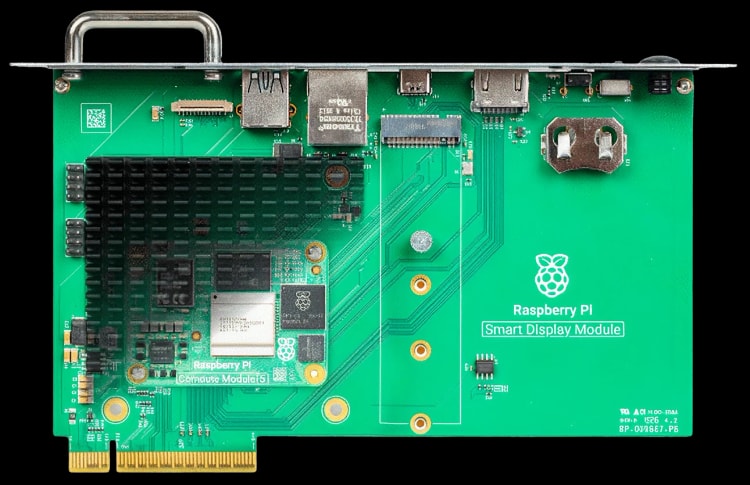
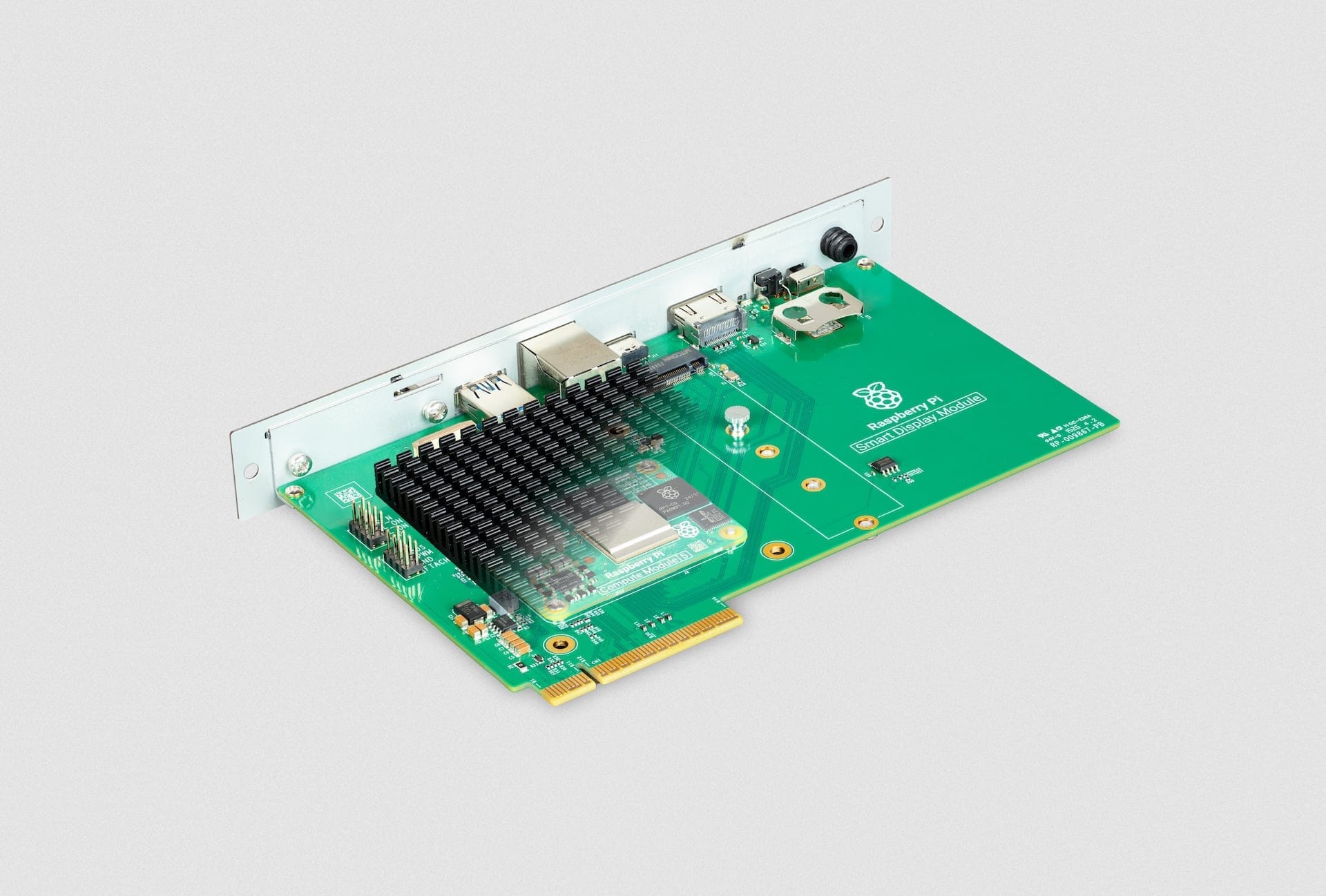
Raspberry Pi Smart Display Module
A built-in signage option for SDM-compatible professional displays, powered by Compute Module 5.
Designed for Compute Module 5
Intel SDM form factor
4K video playback
Fanless, 24/7 operation
M.2 expansion slot
Dive deeper on Raspberry Pi signage
Expert advice on hardware selection, total cost of ownership, and building a scalable display strategy.