
Linux digital signage software
Turn your Linux PCs & workstations into managed digital signage players with Fugo handling central content scheduling and screen monitoring.
The open OS built for non-stop performance
Linux provides a lean, rock-solid foundation that keeps digital signage screens running 24/7 with minimal IT intervention.
Zero OS licensing costs
Deploy open-source distros like Ubuntu or Debian without paying recurring OS device fees across your display fleet.
Isolated Snap packaging
Fugo bundles all runtime dependencies into a sandboxed Snap container, stopping broken libraries and version conflicts before they happen.
Flexible x86 hardware support
Run Fugo smoothly across ASUS NUCs, Dell OptiPlex Micros, AMD Ryzen mini-PCs, or existing office desktops.
Kernel-level 24/7 uptime
Rock-solid memory handling keeps public displays running non-stop without needing manual reboots or constant intervention.
Accelerated web content engine
Powered by hardware-accelerated Chromium, your screens can run live web dashboards & web apps reliably around the clock.
Zero background bloat
Strip away unnecessary desktop processes so your hardware channels full CPU power toward crisp media playback.
Fast, containerized setup for modern Linux
Bring new screens online in minutes without custom scripts or manual OS tweaks - just install, launch, and pair devices straight to Fugo CMS.
Set up Fugo on Linux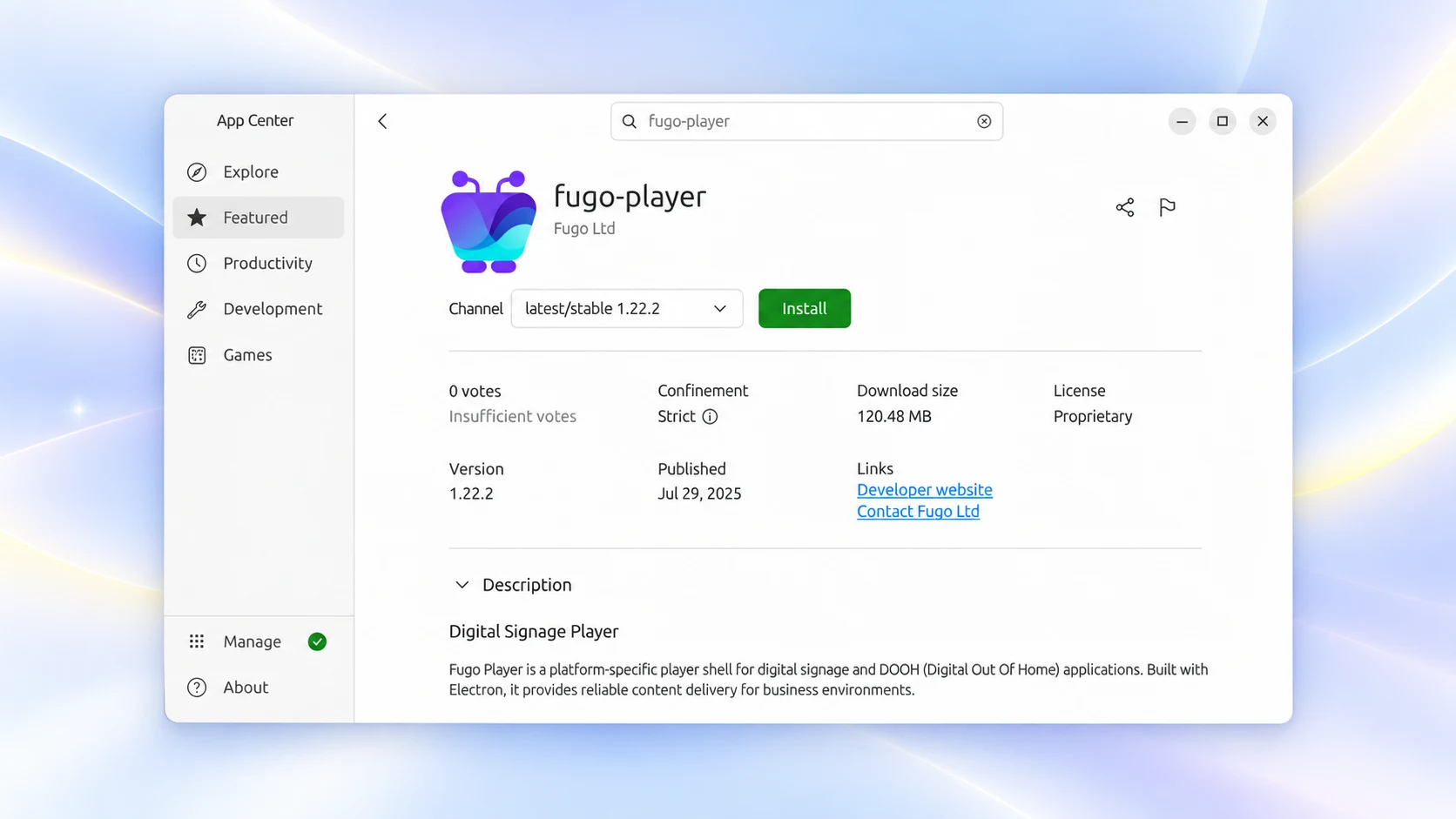
Enterprise CMS control behind every screen
Fugo gives you complete cloud control over what plays, who has access, and how your network operates.
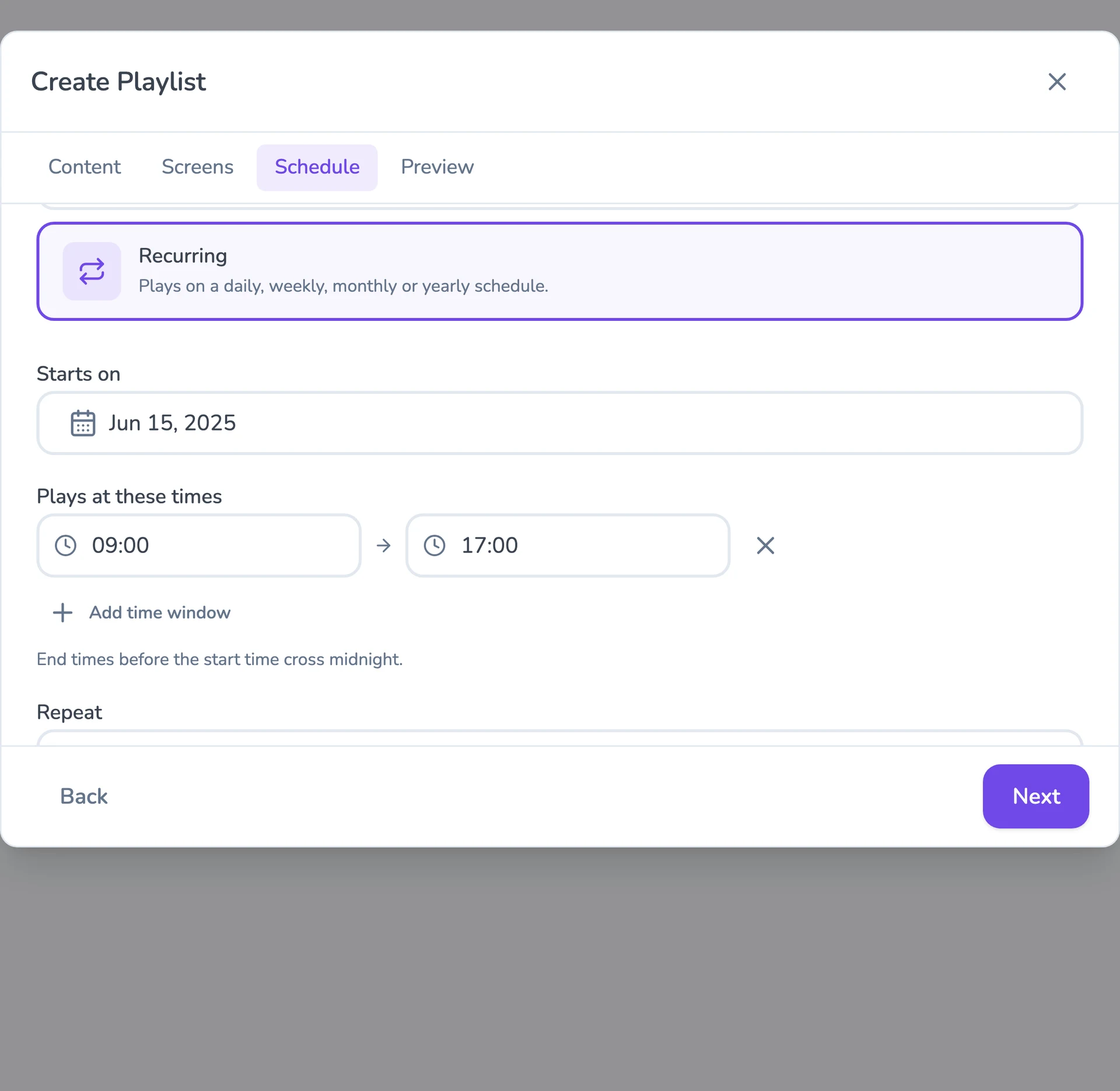
Flexible content scheduling
Keep even complex content calendars easy to manage. Schedule & target content to the right screens with flexible timing and automatic expiry.
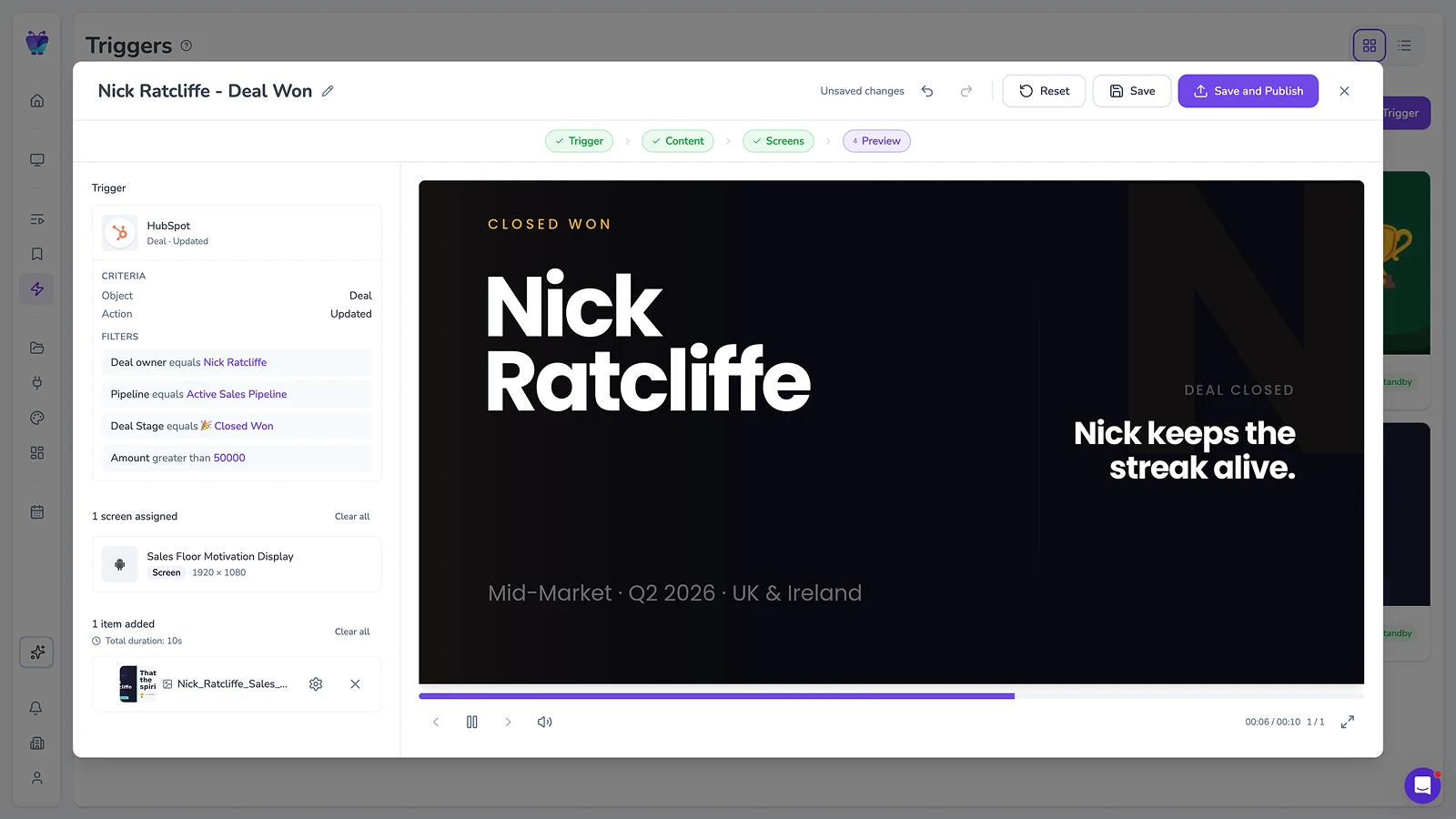
Event-driven content triggering
Let events in your connected systems decide when screens should update. Surface timely takeovers for alerts, milestones, or moments that need attention.
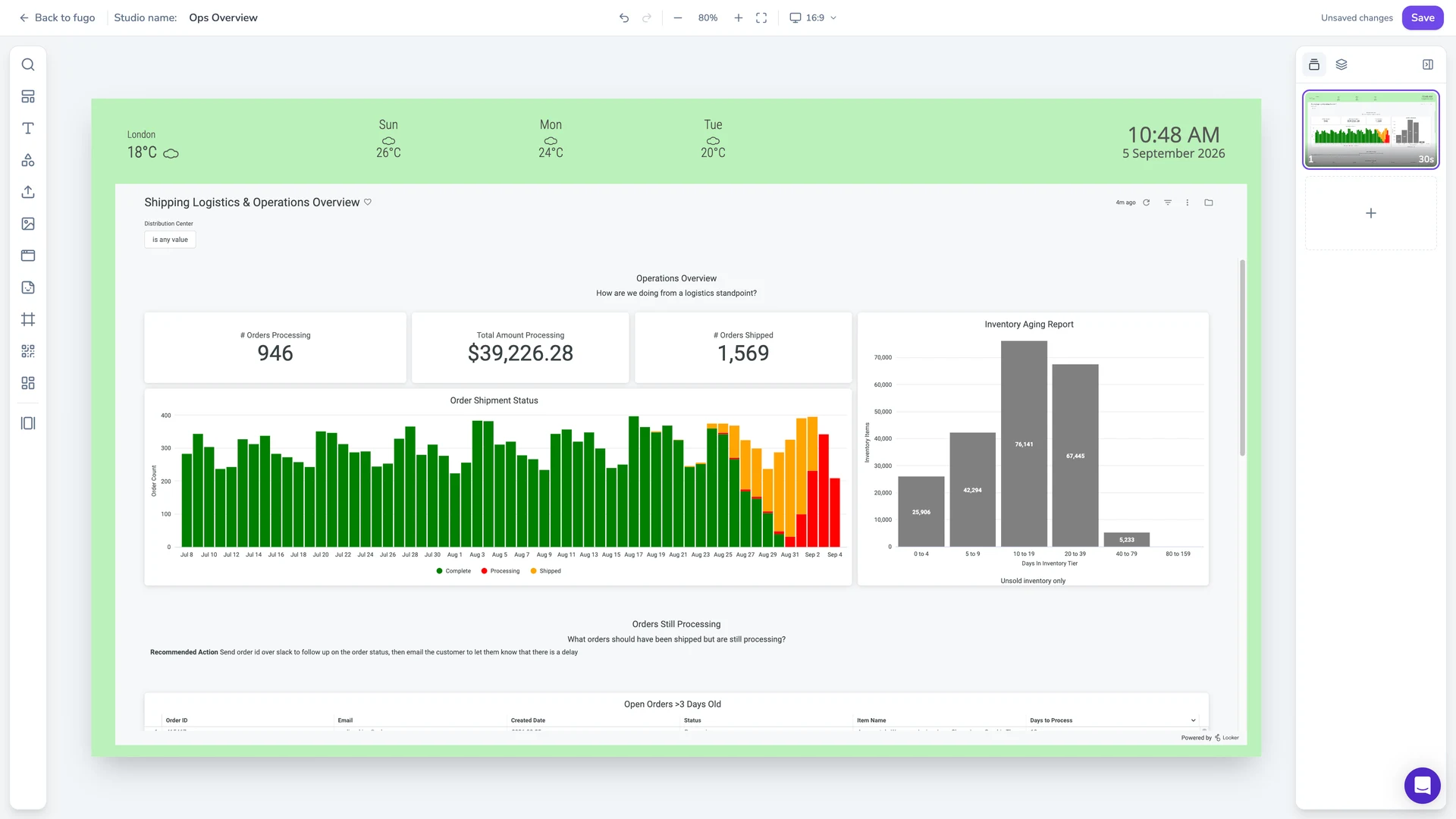
Full-featured content design
Combine your own media, live data, and connected apps into polished multi-zone layouts using an editor that feels as easy as Canva.
Centralized screen management
Organize and control your entire screen network from one place, without losing the flexibility to manage each screen according to its setup.
Live data on screen
Put BI dashboards and KPIs on the display through Fugo’s integrations, and keep them refreshing without anyone signing in on site.
Built-in remote monitoring
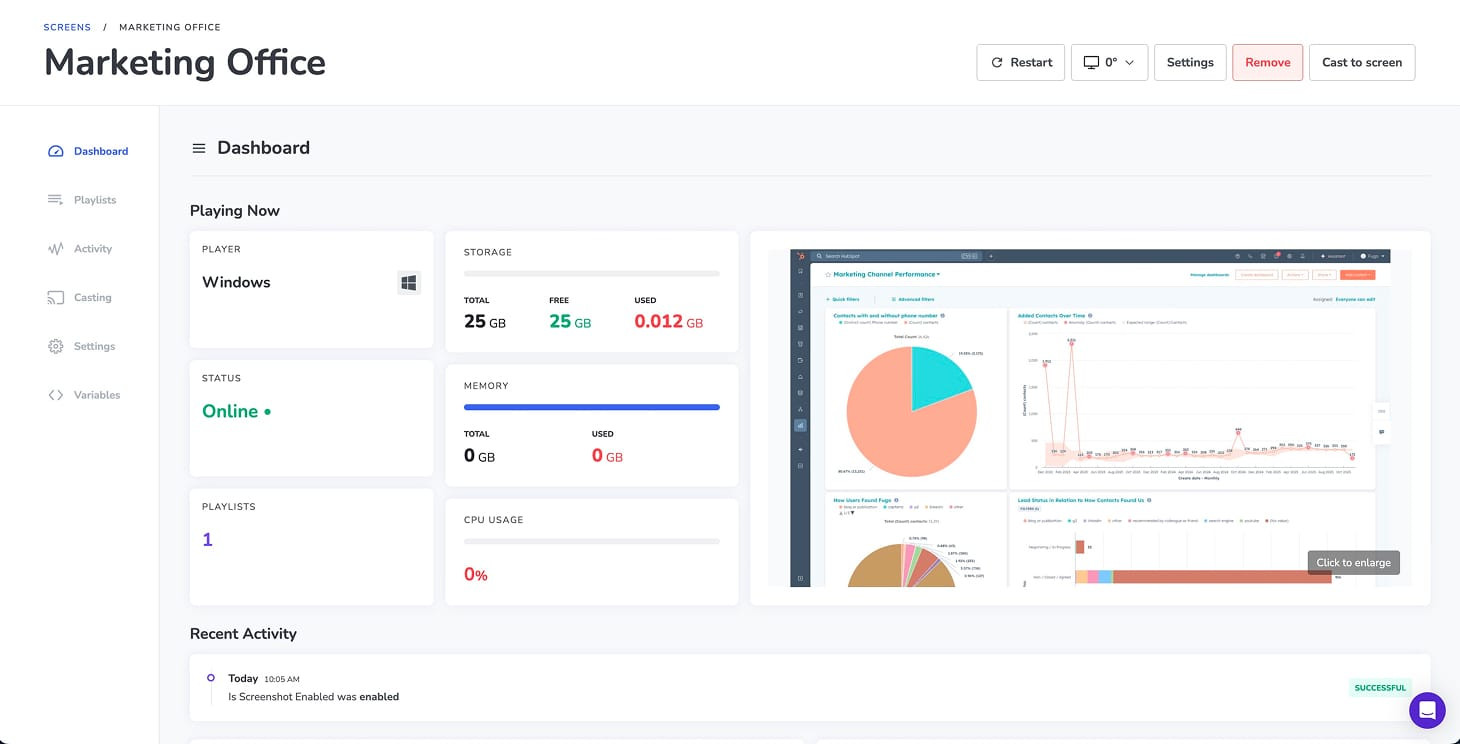
See what’s happening on remote screens from Fugo. Verify playback and investigate problems without sending someone on site.
Granular user management
Give teams access to the screens and content they own without opening the rest of the network.
Enterprise signage built for the connected workplace
Combining Linux hardware with Fugo gives your business a unified signage foundation built to handle higher-stakes use cases as your needs grow.
Explore Fugo for enterpriseStandardize on open hardware
Deploy a single Linux + Fugo configuration across your entire workplace footprint, eliminating proprietary hardware lock-in and bloated OS licensing fees.
Bridge office and frontline communications
Reach every employee across offices, warehouses, and breakrooms with targeted internal messaging, automated shifts, and safety alerts.
Delegate access without losing oversight
Assign granular permissions so local site managers can edit their own announcements while corporate IT maintains global administrative control.
Recommended PCs for Fugo on Linux
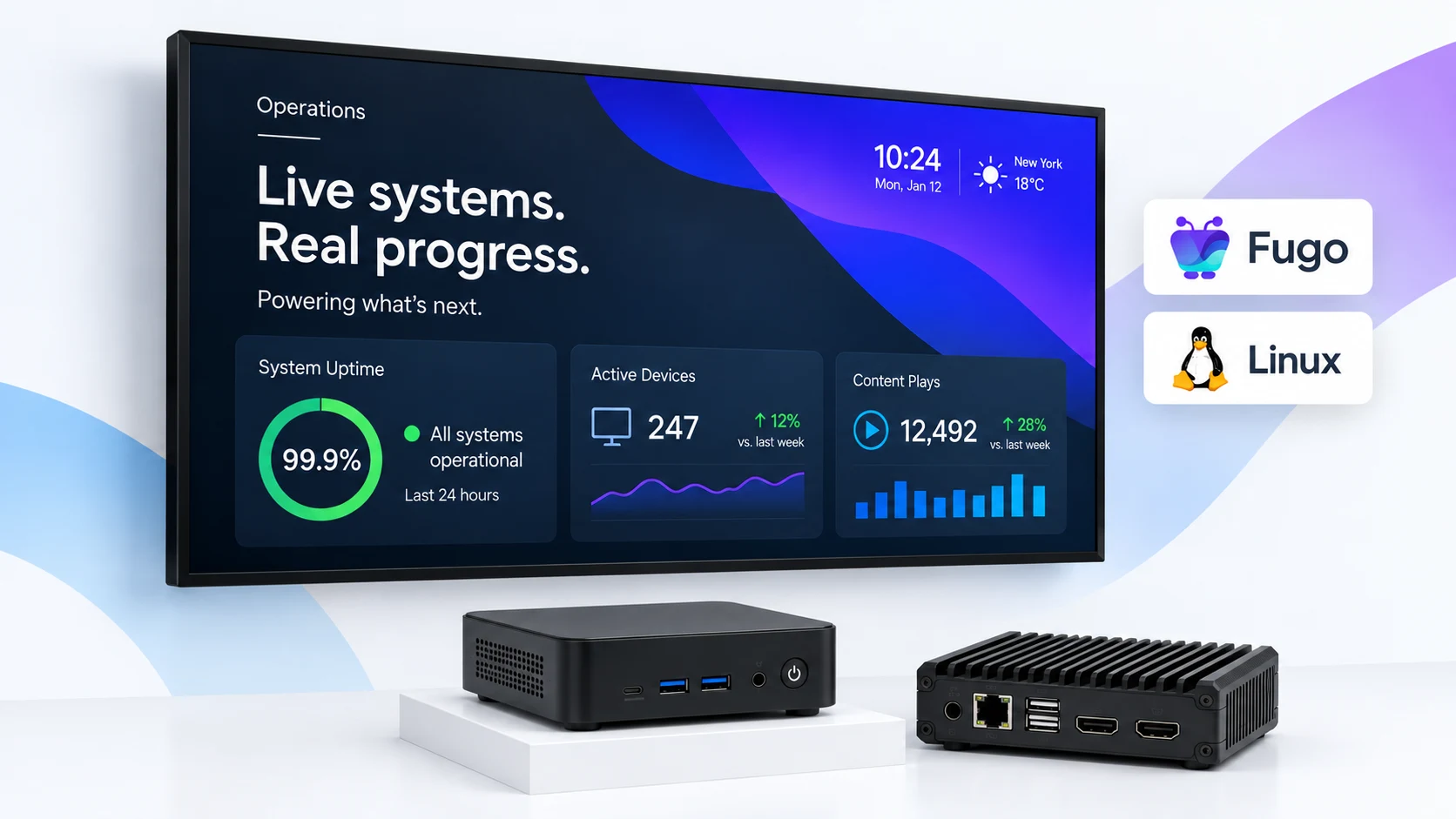
Install a supported Linux distribution on compatible PC hardware, then run Fugo as your dedicated signage player application.
View all supported Linux hardware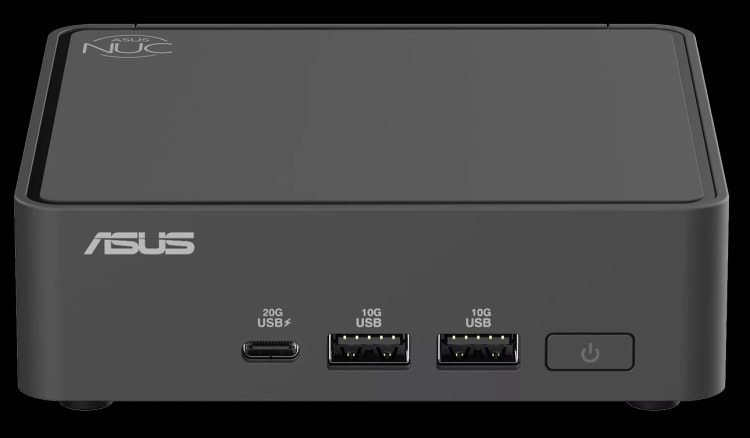
ASUS NUC 15 Pro
A compact, current-generation NUC with official Ubuntu support and plenty of display connectivity for dedicated signage setups.
Ubuntu 24.04 LTS support
Intel Core and Core Ultra options
Dual HDMI 2.1
Dual Thunderbolt 4
2.5Gb Ethernet
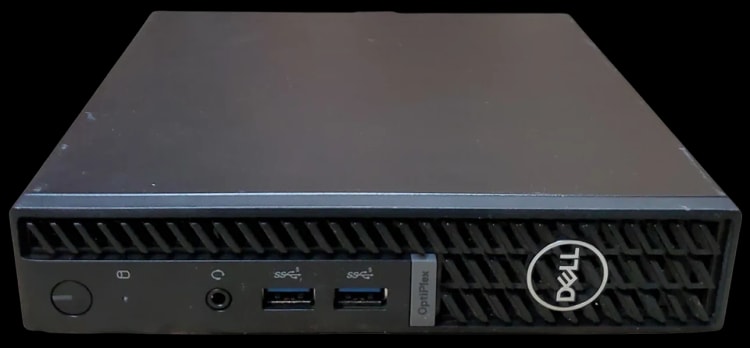
Dell OptiPlex 7010 Micro
A small-form-factor business PC with official Ubuntu support, well suited to organizations that already standardize on Dell hardware.
Ubuntu 22.04 LTS support
13th Gen Intel Core options
Up to 32GB DDR4 memory
PCIe NVMe SSD storage
Compact Micro form factor
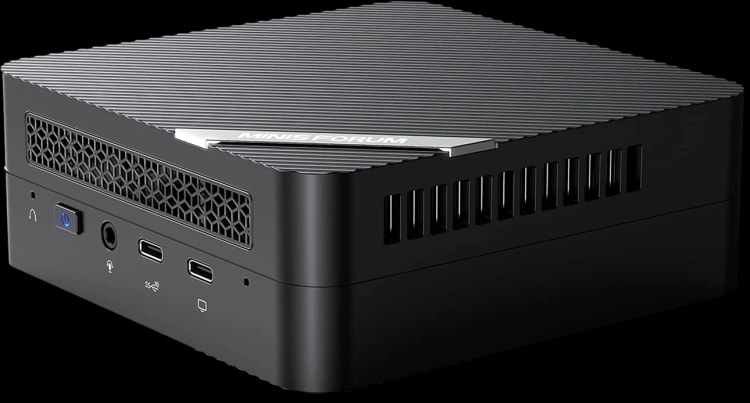
MINISFORUM UM560 XT
A compact Ryzen-based PC with strong integrated graphics, multiple display outputs, and plenty of connectivity for a Linux signage player.
AMD Ryzen 5 5600H
AMD Radeon graphics
Up to 64GB DDR4 memory
Dual HDMI 4K@60Hz
2.5Gb Ethernet
Go deeper on the digital signage stack
Guides to choosing the right player, evaluating the software behind it, and connecting the tools your screens already depend on.