Fugo

Interactive touch content for digital signage

Create a more engaging experience for your target audience with our touch screen digital signage software. Put your customers in control and watch as they explore your products, venue, data, or presentations.
Hero image
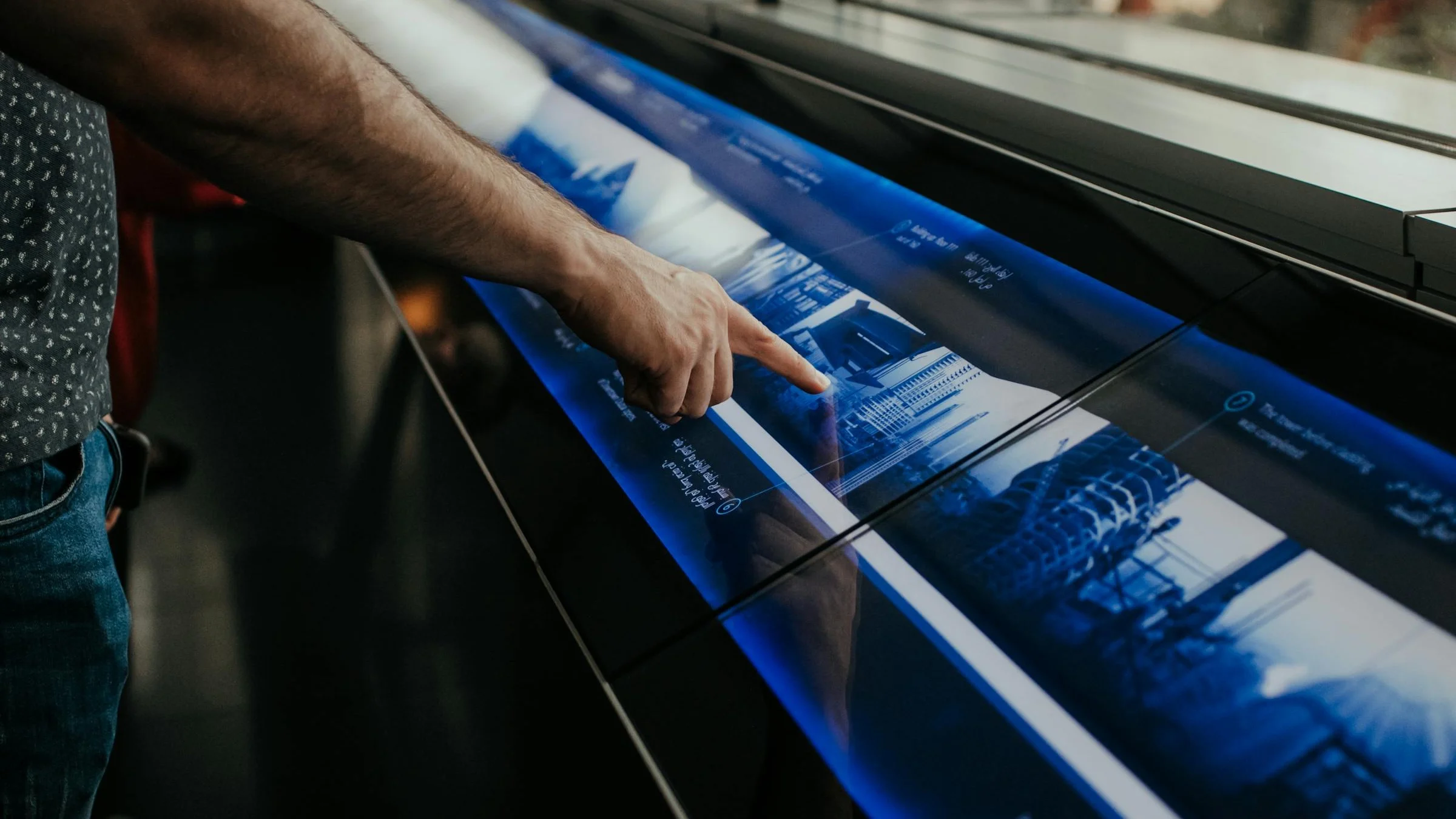
Person interacting with an IRL touch-screen exhibition display
THE CHALLENGE

Interactive screens are usually overbuilt or underpowered

Most teams hit one of two extremes when they want touch-enabled screens. They either:

  • Rely on basic slide loops that can't branch or respond

  • Or build a custom web app that's expensive to maintain

  • Need outside developers for small changes

  • Lose playlist control in the process

  • Turn simple information screens into IT projects

THE SOLUTION

Build interactive flows inside your existing signage

Touch content in Fugo lives inside Design Studio. You link slides together, define touch targets, and control playback without building a separate app or rewriting your signage setup.
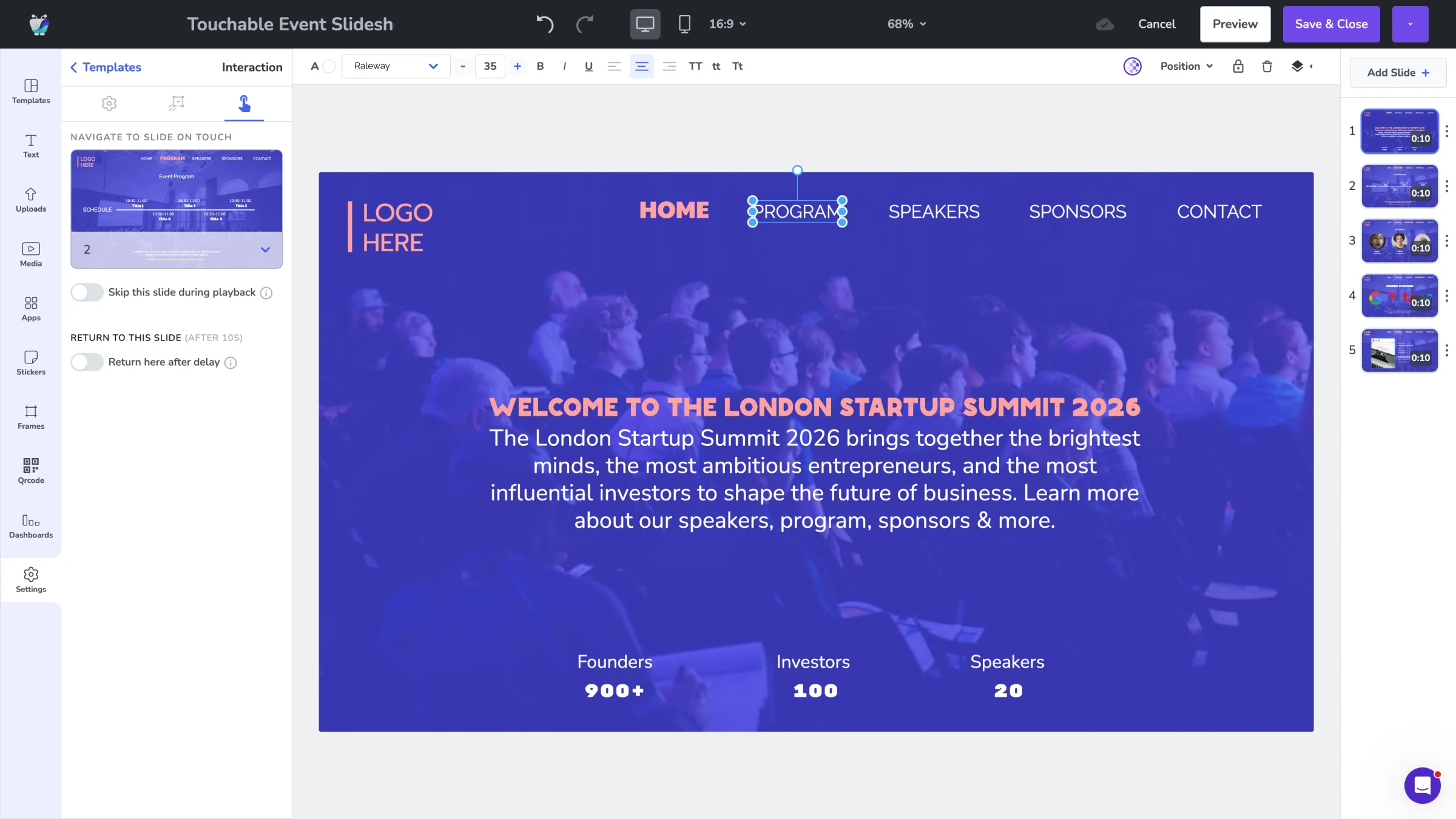
Fugo Design Studio editing a touchable event slideshow with the Interaction panel open

Tap to navigate

Link any element to another slide.

Structured flows

Create multi-step experiences without code.

Playlist control

Keep interactive slides out of normal rotation.

FEATURES

What can you do with touch content?

Design interactive screen experiences that range from simple tap flows to fully embedded web applications.
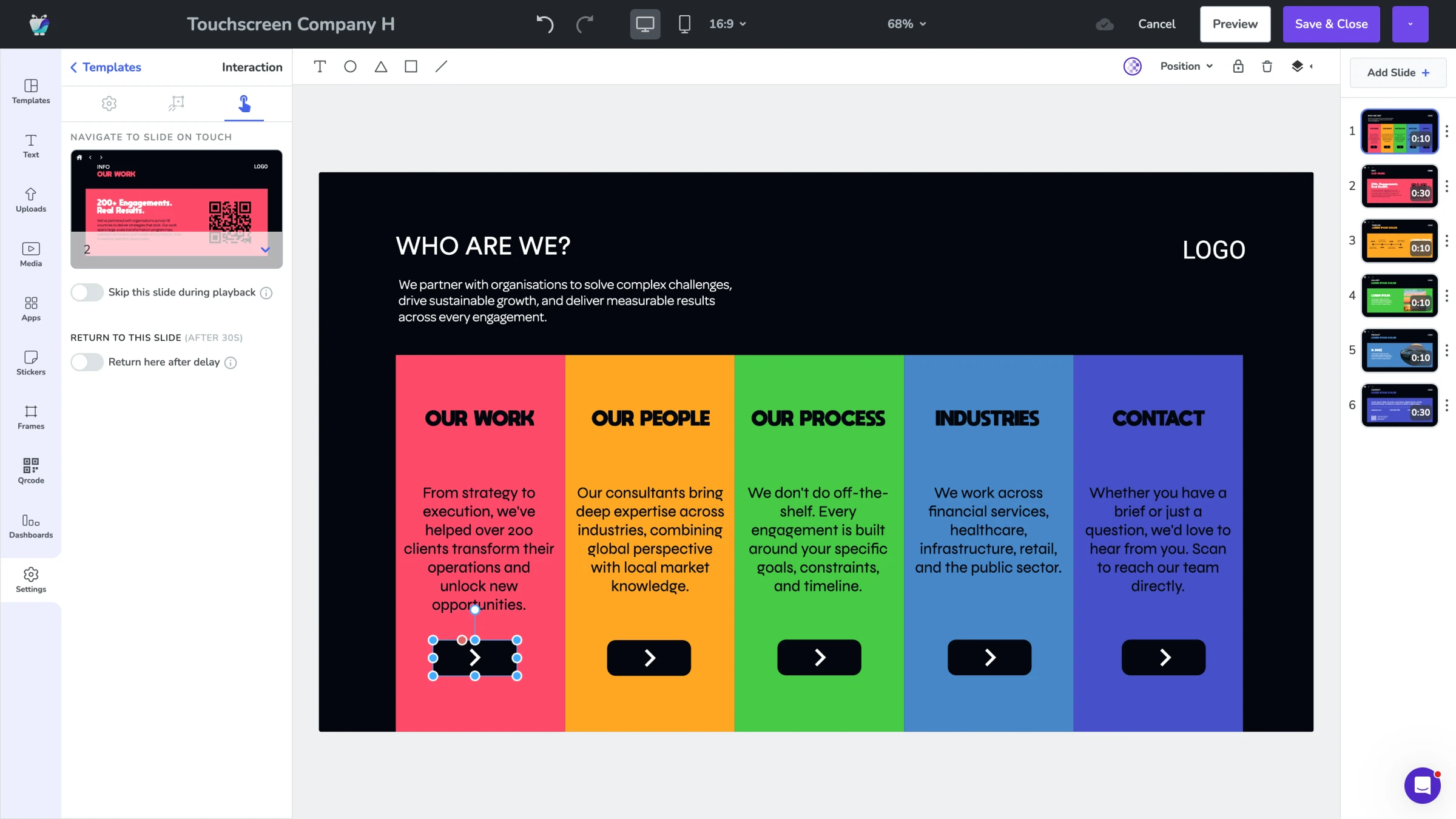
Fugo Design Studio canvas with a Touchscreen Company home slide and interactive category buttons
INTERACTION CONTROLS

Turn any element into a button

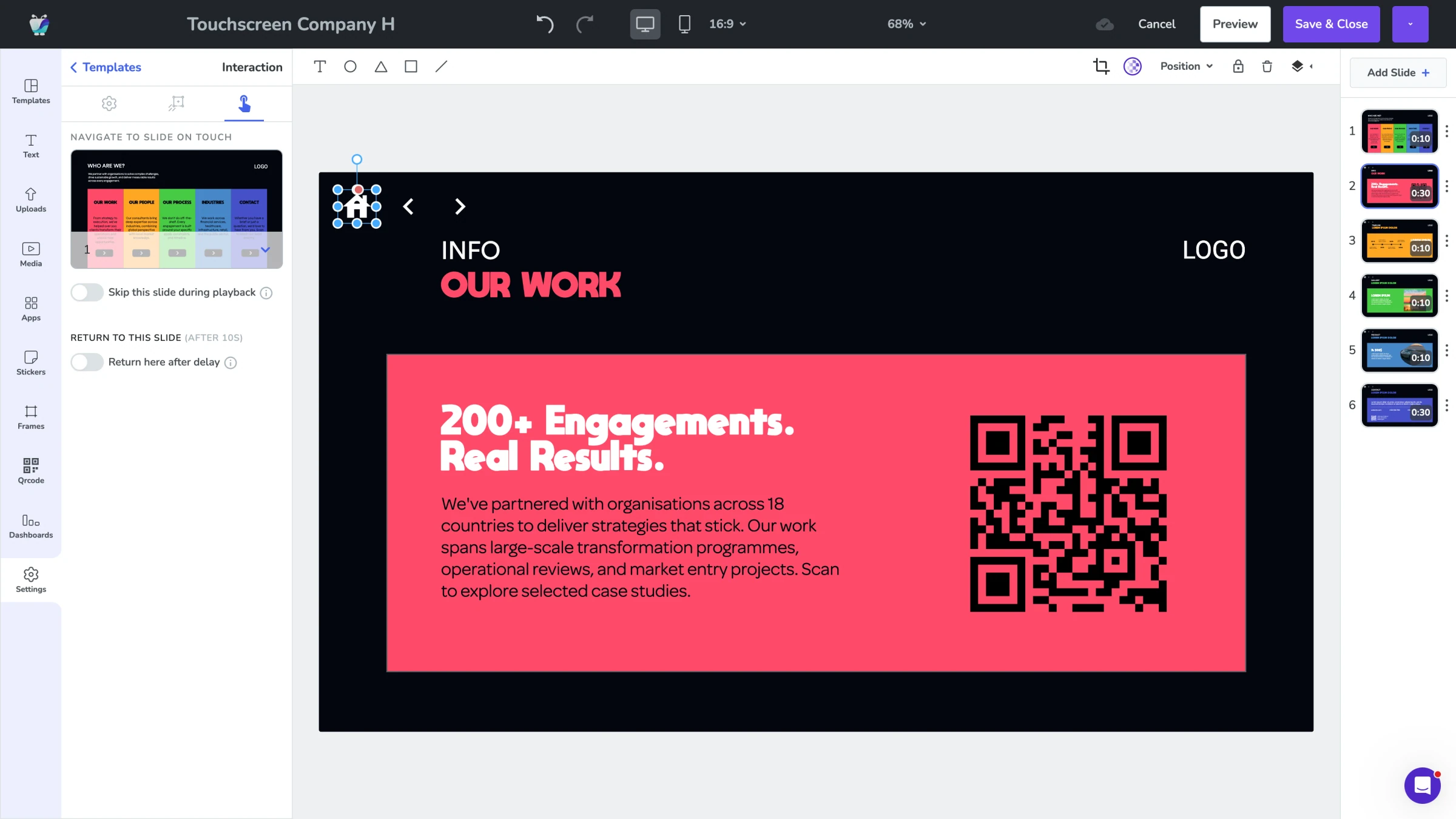
Make images, text, shapes, or icons interactive. Define exactly what happens when someone taps.

  • Navigate to another slide
  • Return to a home screen
  • Skip slides during normal playback
Fugo Design Studio canvas showing a drill-down "Our Work" detail slide reached from a touch interaction
STRUCTURED FLOWS

Create guided content journeys

Build multi-slide experiences that feel intentional, not improvised.

  • Product detail flows
  • Menu information layers
  • "Meet the team" profiles
  • Step-by-step training modules
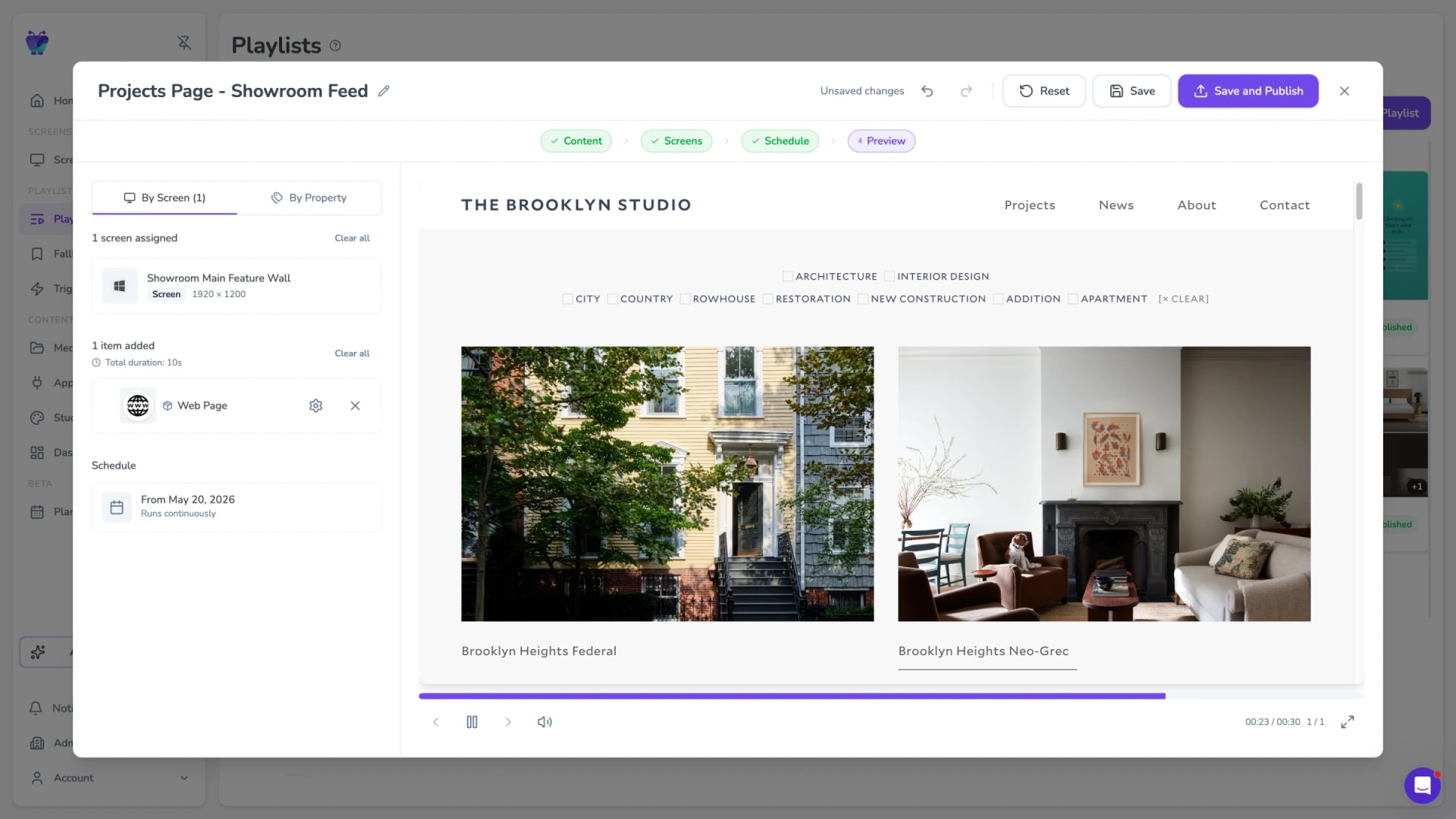
Fugo CMS playlist preview showing a Web Page app embedded on a touch-enabled screen
EMBEDDED WEB EXPERIENCES

Interactive web apps

For more advanced interactions, embed web applications directly on touch-enabled screens.

  • Product configurators
  • Self check-in portals
  • Appointment booking pages
  • Interactive directories
USE CASES

When your audience needs control

When someone is standing in front of a touchscreen, they shouldn't have to wait for a slide to rotate back or rely on staff to unlock more information.

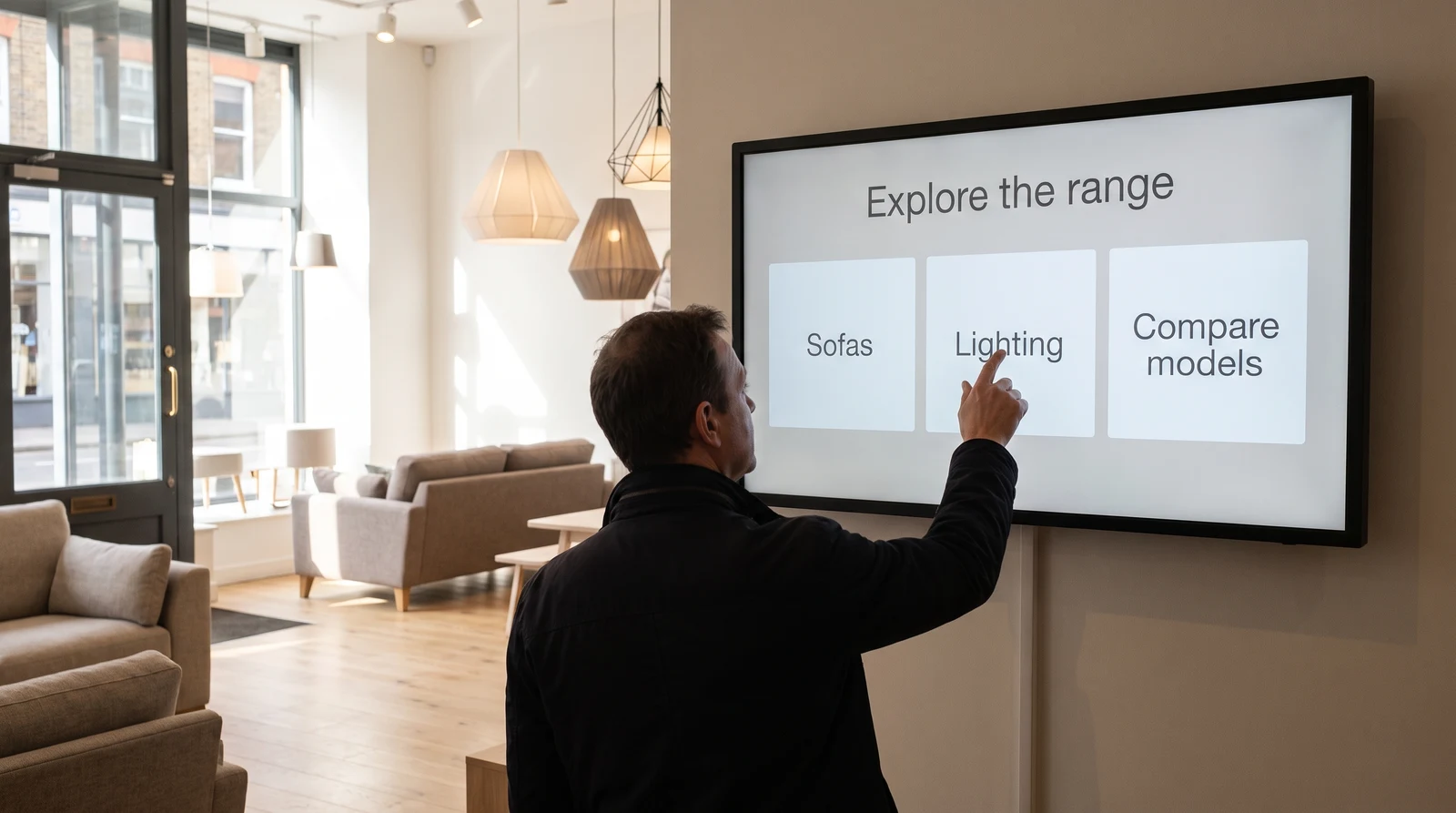
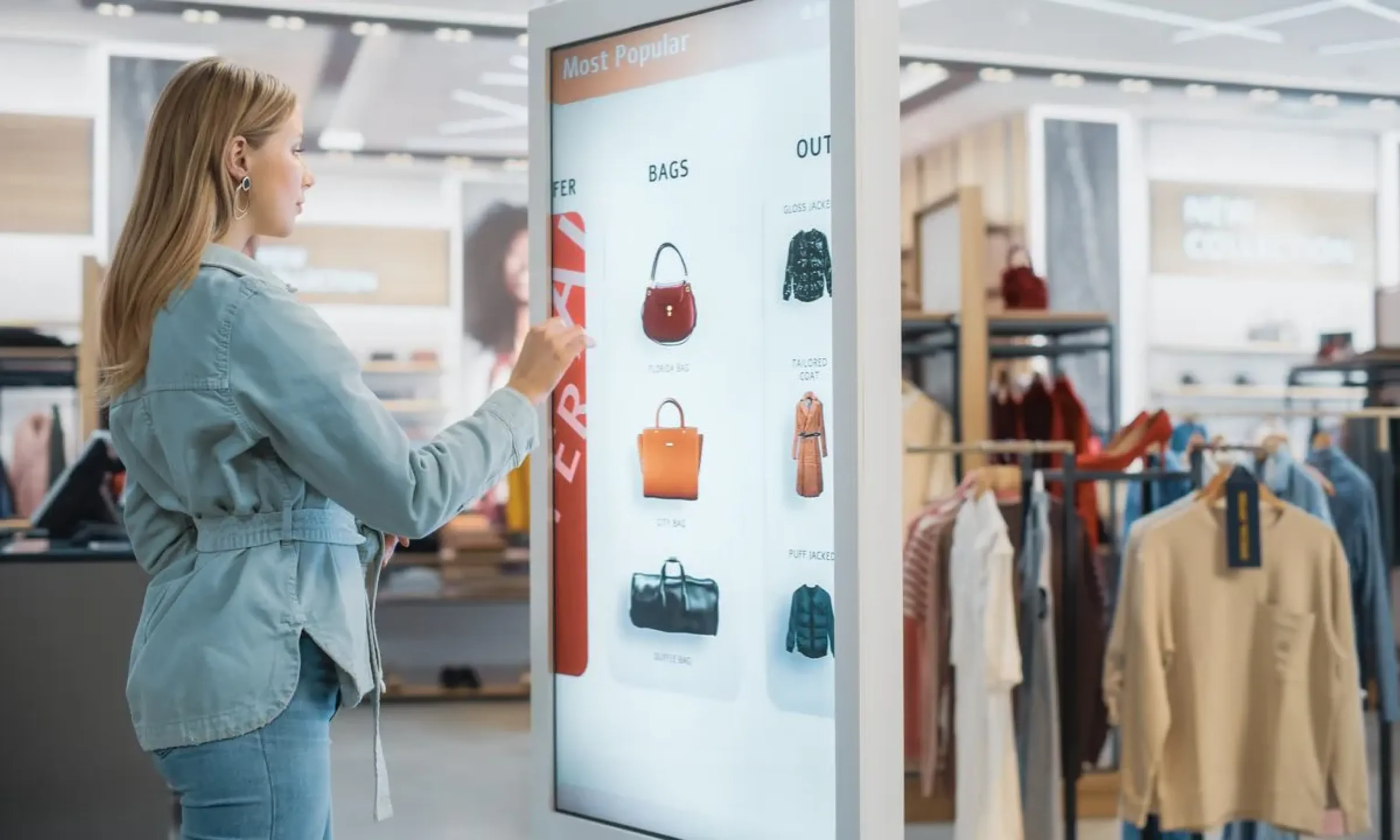
Retail & showrooms

Let customers control how deep they go without turning your screen into a custom software project.
Product specificationsSize guidesDietary informationFeature comparisons
Customer browsing a touch-screen kiosk listing bags and outerwear inside a clothing store

Frequently asked questions

What is interactive digital signage?

Interactive digital signage allows viewers to control what appears on screen using touch input.

Instead of looping content on a timer, the screen responds to taps — opening detail views, navigating to other pages, or launching embedded applications.

There are a few common ways organizations build interactive signage:
- Custom-built web apps running in kiosk mode
- Dedicated kiosk software platforms
- Native touchscreen apps on Windows or Android
- Digital signage platforms with built-in touch functionality (like Fugo)

Fugo supports both slide-based touch navigation and embedded web applications, so you can choose the level of complexity that fits your environment.

Do I need special hardware for touch digital signage?

Yes. The display must support touch input.

Fugo works on touch-enabled devices running:
- Windows
- ChromeOS
- Android

This includes tablets, touch displays, and interactive flat panels that support browser-based signage playback.

Common interactive display options include:
- Sony Interactive Overlays (typically $2,000+)
- Samsung QMB-T Series (starting around $2,200+)
- Samsung QMR-T Series (starting around $2,500+)

As long as the device can run Fugo's signage app or load a persistent signage URL and supports touch input, interactive content will work.

Can Fugo run on touchscreen tablets?

Yes.

Fugo can run on touch-enabled tablets that support Windows, ChromeOS, or Android. Tablets are often used for:
- Small kiosks
- Showroom stations
- Check-in counters
- Internal training screens

The key requirement is that the device can run Fugo's player app or display a web-based signage URL continuously.

How do I create interactive content for a touchscreen?

You build it inside Fugo's Design Studio.

Create your slides, select any element, and assign a "Navigate to Slide on Touch" interaction. You can configure slides to remain hidden from normal playlist playback so they only appear when someone taps.

For more advanced use cases, you can embed web applications inside Fugo using the Web App app — allowing you to run dynamic, server-driven interfaces on touch screens.

No coding is required for standard slide-based interactions.

Can I build kiosk-style experiences with Fugo?

Yes — within reason.

For structured flows like product directories, wayfinding, team profiles, training modules, or information hubs, you can build full navigation experiences directly in the Design Studio.

If you need more advanced functionality — such as checkout systems, form submissions, or account-based workflows — you can embed an external web application inside Fugo rather than replacing your signage setup entirely.

Will touch content interrupt my regular signage?

No.

Interactive slides can be excluded from your playlist rotation. They only appear when someone taps to access them. When interaction ends, your scheduled signage continues automatically.

This allows you to combine ambient signage and on-demand exploration on the same screen.

Is interactive signage better than building a custom kiosk app?

It depends on your needs.

If you require a fully custom, transactional web application with deep backend integrations, a dedicated kiosk app may be appropriate.

If your goal is to:
- Present structured information
- Allow guided exploration
- Reduce staff interruptions
- Deploy across multiple locations
- Maintain centralized control

Then interactive signage within a platform like Fugo is often faster to deploy and easier to manage long term.

Is touch content included in all Fugo plans?

Touch functionality can be added to slides built in Fugo's Design Studio, as well as embedded via our Web Page app — both of which are included on all three Fugo pricing plans.

As long as your hardware supports touch input, you can create interactive slide flows without purchasing separate kiosk software.

Can I use touch screens for employee training?

Yes.

Touch-enabled signage works well for self-paced onboarding, safety walkthroughs, internal directories, and workshop materials. Employees can navigate forward and backward intentionally instead of relying on timed rotation.

Can I embed interactive web apps on a touchscreen running Fugo?

Yes.

In addition to slide-based touch navigation, Fugo can display full web applications on touch-enabled screens using the Web App app.

This allows you to run browser-based interfaces such as:
- Product configurators
- Self check-in flows
- Appointment booking pages
- Internal portals
- Custom kiosk applications

If you already have a web app, you don't need to rebuild it inside Fugo. You can deploy it directly to your screens and manage it alongside your other signage content.

What hardware does Fugo support for touch-enabled kiosks?

Fugo works on touch-enabled devices running:
- Windows
- ChromeOS
- Android

This includes tablets, interactive flat panels, and mini PCs connected to touch displays.

Common setups include:
- Windows mini PCs mounted behind interactive displays
- ChromeOS devices running in kiosk mode
- Android-based signage players connected to touchscreens

As long as the device can run Fugo's signage app or continuously load a web-based signage URL, touch functionality is supported.

Does Fugo support BrightSign for touch kiosks?

Yes.

Fugo supports BrightSign players, including configurations used for interactive kiosk displays. When paired with a compatible touch-enabled screen, BrightSign can run Fugo content and support interactive experiences.

In these setups:
- Fugo manages the content and layout
- BrightSign handles playback on the device
- Touch input is passed through the display

This allows teams to deploy centrally managed touch kiosks without building a standalone kiosk application.