Fugo

BrightSign digital signage software

BrightSign is built for signage where reliability matters. Pair it with Fugo for a more capable, flexible way to run your screen network.
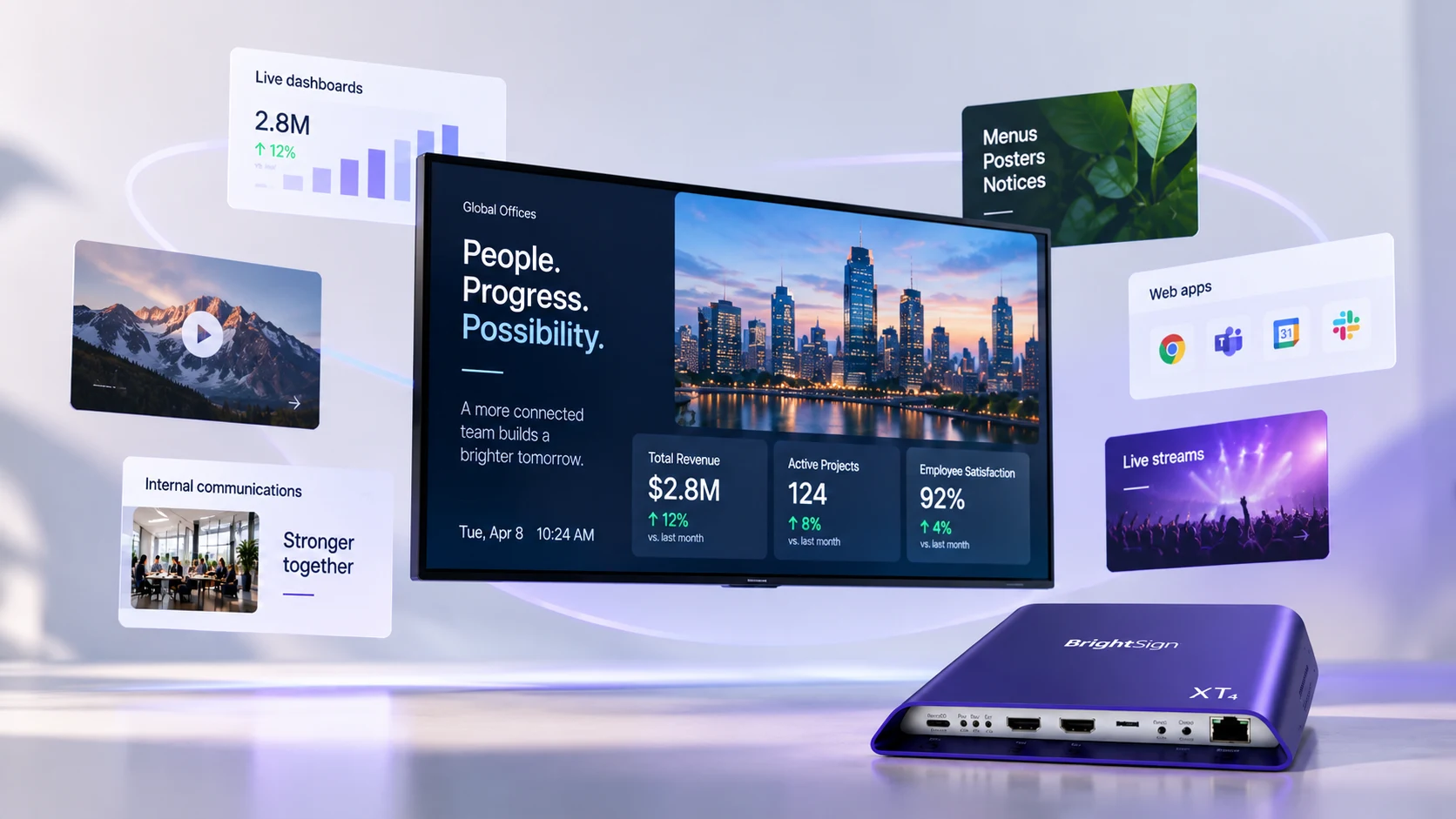
A wall-mounted display showing a company update alongside live business metrics, ringed by cards for dashboards, menus and notices, web apps and live streams, with a BrightSign XT4 player in front

We’re proud, official BrightSign partners

“One of Fugo’s outstanding features is an elegant way to interface with all kinds of business intelligence systems. It’s really a terrific solution, especially in the corporate enterprise market.”

Bryan Kennedy
VP, Business Administration
BrightSign

Serious signage networks run on BrightSign

BrightSign is designed for the realities of running digital signage at scale.

Purpose-built for signage

BrightSignOS keeps the operating environment lean & dedicated to signage without the software overhead of a general-purpose PC.

Made for continuous playback

Fanless, solid-state hardware is designed for years of always-on use, with automatic recovery built in when playback hits a problem.

Security IT can work with

Secure boot & a locked-down operating environment give BrightSign a smaller attack surface for IT to protect and maintain.

Predictable across the fleet

BrightSign behaves predictably from one location to the next so growing the network doesn’t introduce a new hardware variable at every site.

Performance for demanding content

BrightSign has the rendering power to keep complex web-based content and live data running smoothly on screen.

Hardware you can standardize on

Long support windows, commercial warranties, and stable product lines make it practical to set a hardware spec and stick with it.

Provision Fugo directly through BSN.cloud

Fugo is available as a supported CMS partner application in BSN.cloud, so you can select Fugo during device setup and provision your BrightSign players remotely. Roll out a single player or an entire fleet without configuring each device on site.

Set up Fugo on BrightSign
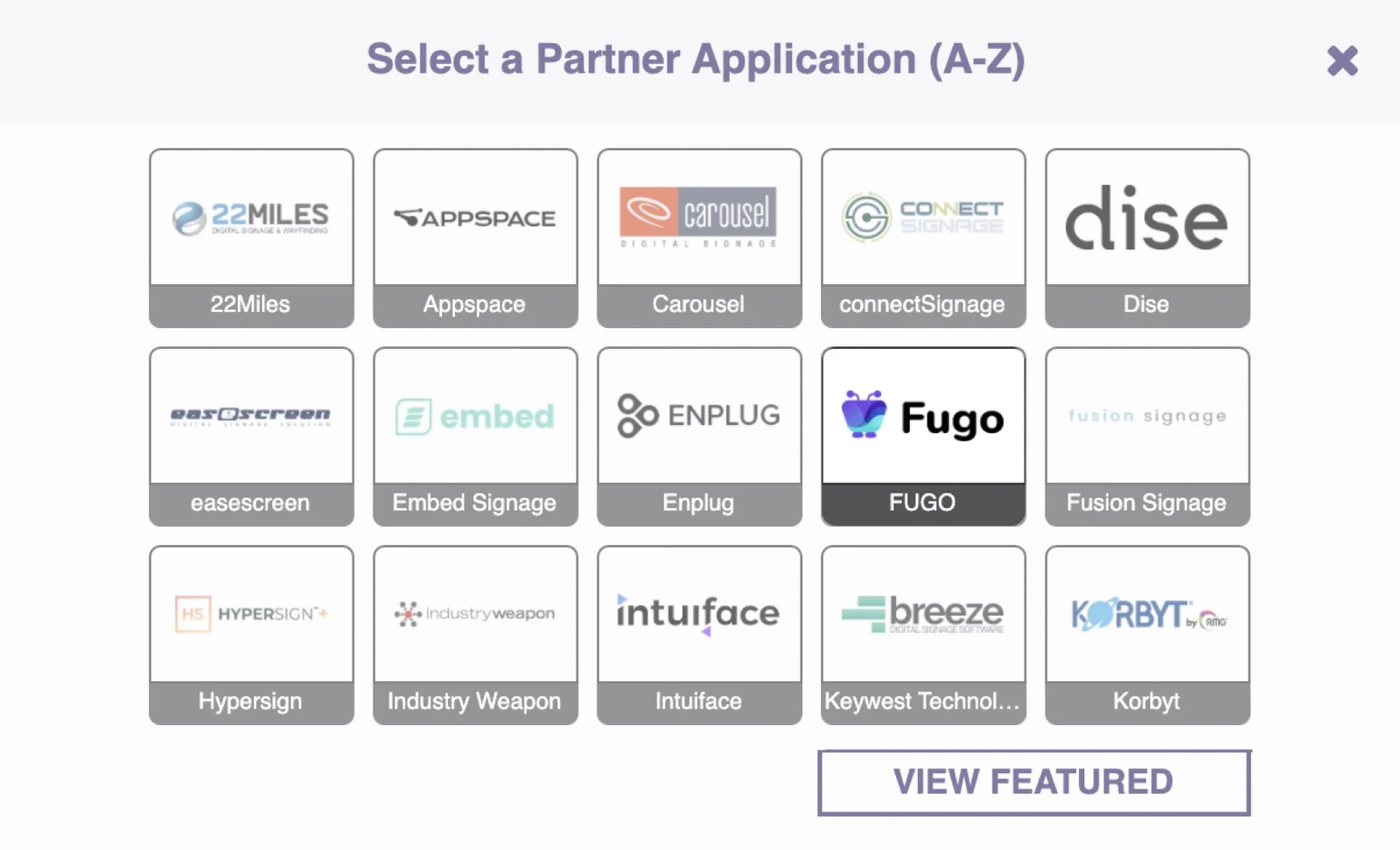
Fugo listed as a partner application in the BSN.cloud store during BrightSign device setup

More capable hardware deserves a more capable CMS

BrightSign finds its perfect match with Fugo. When paired together, Fugo gives you the power to easily manage every aspect of your screen network in one easy tool.

Centralized screen management

Organize and control your entire screen network from one place, without losing the flexibility to manage each screen according to its setup.

Advanced BrightSign controls

Fine-tune BrightSign players from inside Fugo, right down to how they handle video output, scaling, color, and connected displays.

Built-in remote monitoring

See what’s happening on remote screens from Fugo. Verify playback and investigate problems without sending someone on site.

Granular user management

Give teams control over the screens and content they’re responsible for, without giving everyone access to the wider signage operation.

An enterprise digital signage solution you can build on

When your screens are backed by BrightSign and Fugo, they can take on a bigger role across the business without outgrowing the system behind them.

Explore Fugo for enterprise

Put more on screen

Move beyond posters and video loops to live business data, interactive experiences, dynamic content, and high-resolution visuals.

Take on critical use cases

Use the same infrastructure for everyday communications and higher-stakes content such as operational updates, alerts, and emergency messaging.

Keep room to evolve

Add new content sources, workflows, and screen experiences as requirements change without starting again with a different signage stack.

Build video walls & LED installations with BrightSign and Fugo

BrightSign’s multi-output players can drive full video walls and feed large-format LED installations, while Fugo handles the layout mapping and native-resolution playback that keep content seamless across the full canvas.

Recommended BrightSign players

Our top picks for reliable Fugo deployments, from everyday signage to demanding multi-screen installations.

View all supported BrightSign hardware
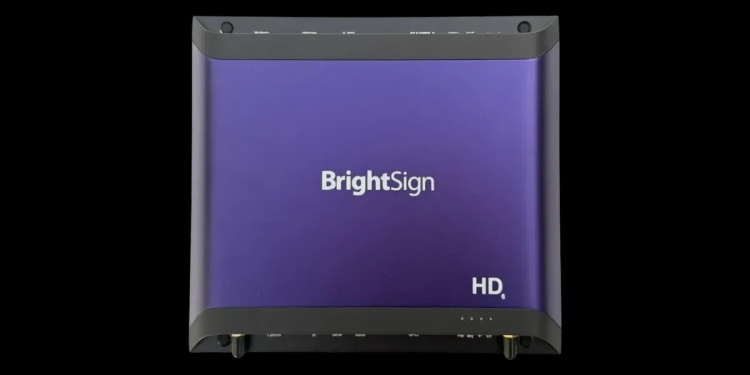
BrightSign HD226
Everyday 4K signage

BrightSign HD226

A reliable all-rounder for everyday 4K signage and single-screen deployments.

Key features
  • 4K60 video

  • 10-bit HDR

  • Dual Full HD decoding

  • 4K IP streaming

  • 5-year warranty

BrightSign XD236
More demanding content

BrightSign XD236

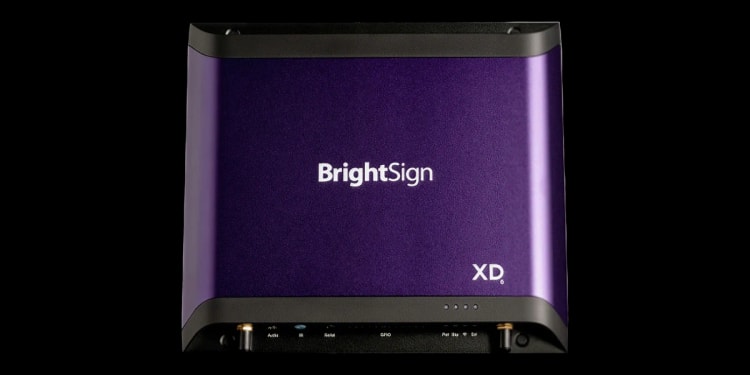
More processing power for demanding HTML5, graphics, and 4K content.

Key features
  • Dual 4K60 video

  • 4K graphics

  • 2D WebGL

  • PoE+

  • Optional SSD storage

BrightSign XT2145
Dual-screen deployments

BrightSign XT2145

Run two displays from one high-performance player, with independent content on each.

Key features
  • Dual HDMI output

  • Up to 8K60 video

  • Dual 4K60 decoding

  • 4K graphics

  • PoE+

BrightSign digital signage FAQs

What is a BrightSign player?

A BrightSign player is a purpose-built digital signage media player that connects to a screen and runs the content sent to it by digital signage software. Unlike a general-purpose PC, BrightSign hardware runs BrightSignOS, an operating system designed specifically for continuous digital signage playback and remote device management.

What does a BrightSign player do?

The player sits between your digital signage software and the display. It receives and renders the content that appears on screen, while the exact capabilities depend on the model you choose. BrightSign players can handle video, images, HTML5 content, streaming, interactive experiences, and other signage workloads.

Your CMS handles the other side of the equation: creating, scheduling, publishing, and managing that content across your screen network.

What are the pros and cons of BrightSign media players?

BrightSign’s main strengths are reliability, hardware built specifically for signage, a purpose-built operating system, remote device management, and a wide range of players for different deployments. Fanless, solid-state designs also make them well suited to screens expected to run continuously for years.

The trade-off is that you’re buying dedicated hardware for every display or group of displays. BrightSign can also be more technical to configure than consumer streaming devices, particularly when you get into networking, display output, peripherals, and more complex installations. For serious signage networks, that extra control is often precisely why BrightSign is chosen.

What software do I need to run a BrightSign player?

A BrightSign player needs a way to receive and manage the content it displays. BrightSign offers its own software for this, or you can connect the player to a compatible third-party digital signage CMS such as Fugo.

BrightSign Author is its free local content and publishing tool, while BrightSign Author Plus adds cloud-based content management. BrightSign Control handles remote player management, with Control Plus providing additional fleet-management tools for larger deployments. If you choose Fugo as your CMS, you create, schedule, publish, and manage your screen content in Fugo instead.

What is BSN.cloud?

BSN.cloud is BrightSign’s cloud infrastructure for connecting and managing BrightSign players. It supports player provisioning, remote management, and BrightSign’s software services, while also allowing players to be configured for partner CMS platforms such as Fugo.

BrightSign’s product names within that ecosystem have changed over time, so you may also encounter names such as BrightSign Control and BrightSign Author in current documentation.

What is BrightSign Author?

BrightSign Author is BrightSign’s current application for player setup, management, content authoring, and publishing. It replaces the older BrightAuthor classic software, which BrightSign now describes as its legacy application. BrightSign Author is available as a desktop and web application.

If you use Fugo as your CMS, you manage your signage content in Fugo instead. BrightSign’s own documentation notes that BrightSign Control can still be used for player setup and management alongside a third-party CMS.

Can I use Fugo instead of BrightSign Author or Author Plus?

Yes. You don’t need to use BrightSign Author or Author Plus to manage content on a BrightSign player. Fugo is an integrated BrightSign CMS partner and can handle content creation, scheduling, publishing, screen management, and user access from its own cloud platform.

BrightSign still provides the underlying player and BrightSignOS, while Fugo becomes the software your team works in day to day to run the signage network.

What is BrightSign Control, and do I need it if I use Fugo?

BrightSign Control is the free cloud-based device management service included with BrightSign players. It’s used for tasks like provisioning and remotely managing the hardware itself. BrightSign Control Plus adds more advanced fleet-management capabilities for larger networks.

Fugo sits at the CMS layer, where you manage what appears on your screens and how your signage network operates. The two aren’t mutually exclusive: you can provision a BrightSign player for Fugo and use Fugo as your digital signage CMS while retaining BrightSign’s device-management capabilities.

What content can I show on a BrightSign player with Fugo?

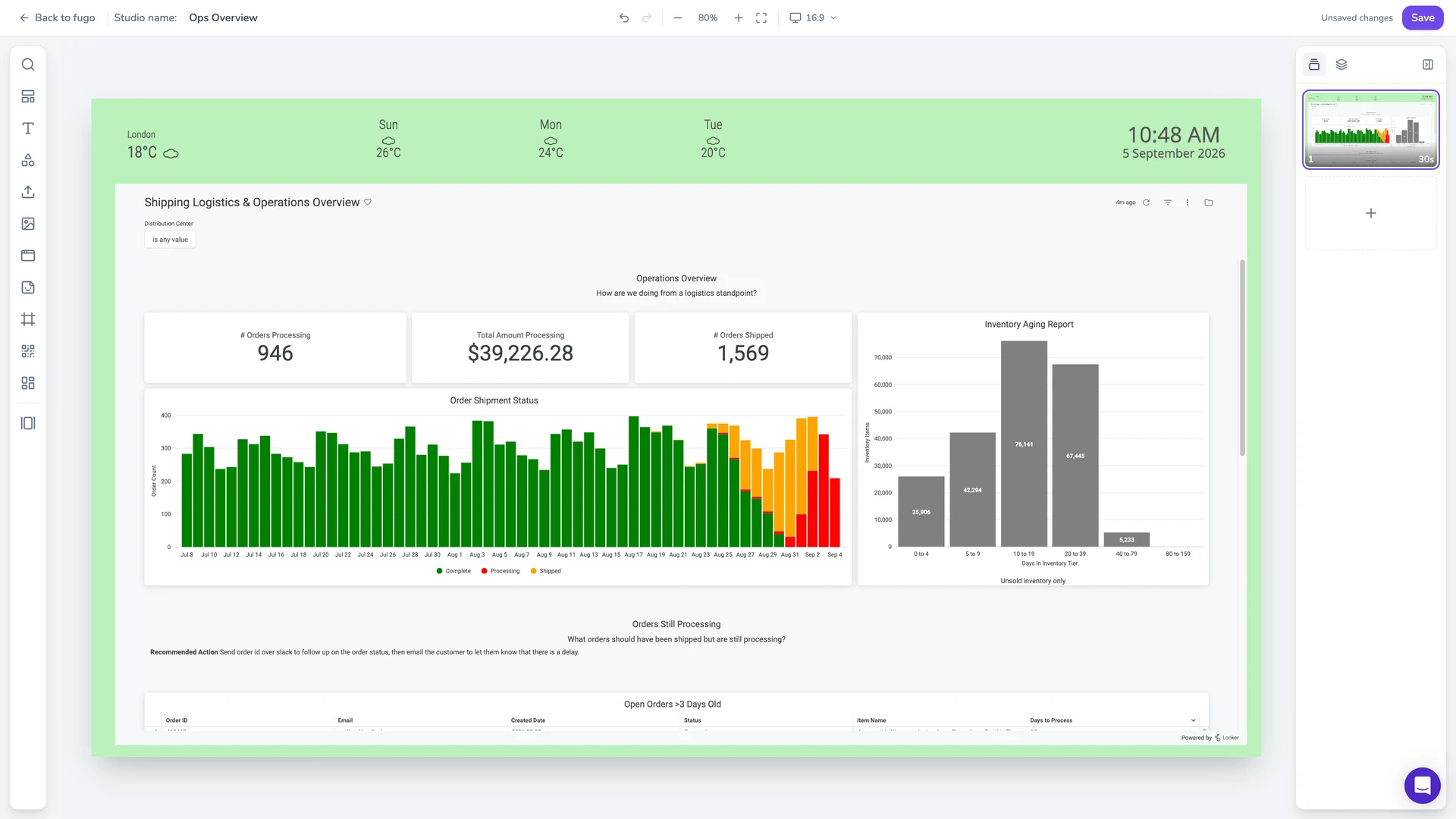
With Fugo, BrightSign players can display videos, images, digital menus, announcements, social feeds, web pages, live streams, and content created in Fugo Studio. You can also put business data on screen using Fugo’s TV dashboard integrations, including Power BI, Salesforce, Grafana, Jira, Tableau, and other dashboard platforms.

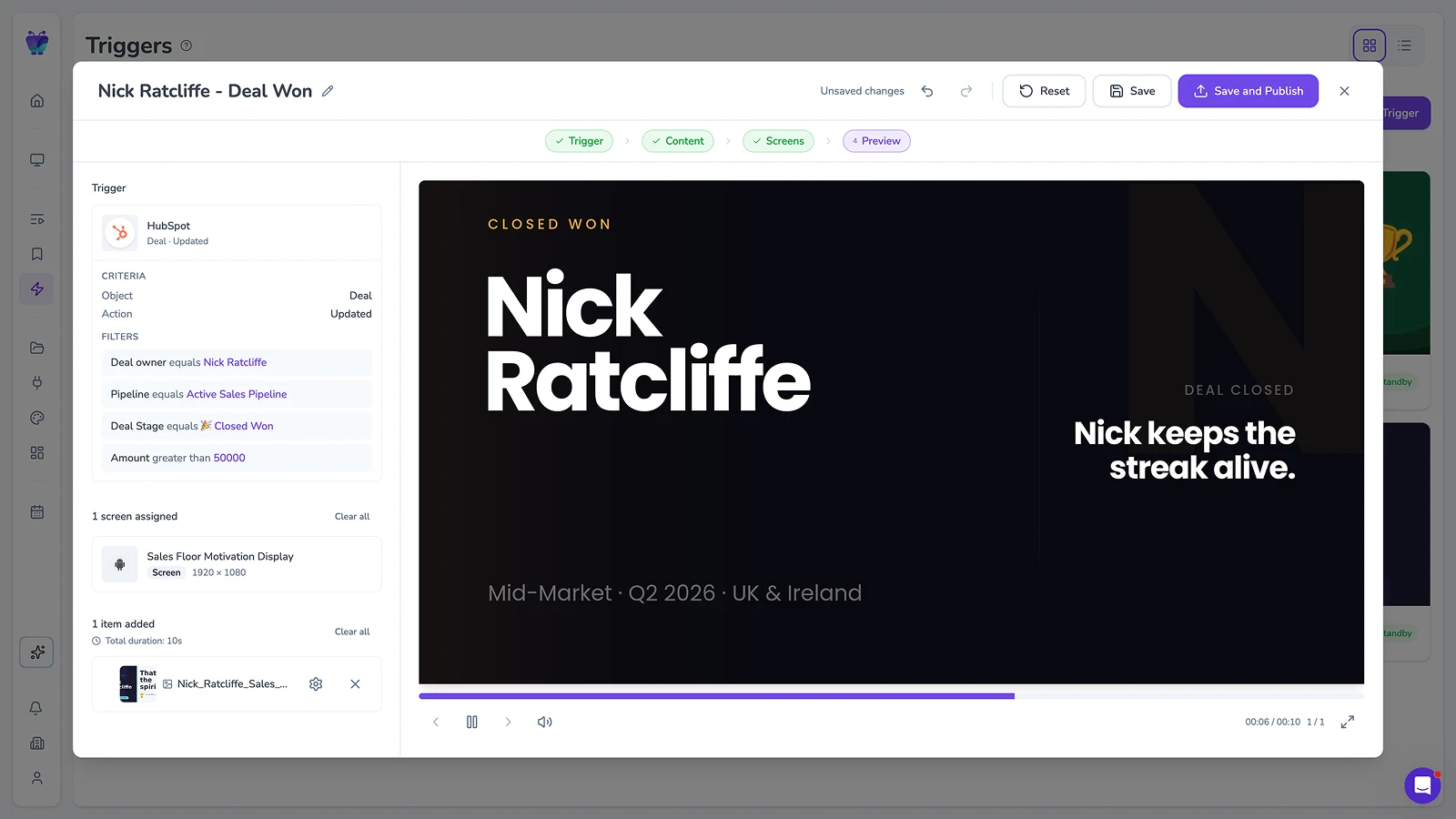
Content can be combined into playlists, scheduled for different times and screens, or triggered to appear when an event needs immediate attention. This means the same BrightSign network can handle anything from everyday communications and promotional content to live dashboards and operational alerts.

One format note specific to BrightSign: its players don’t render PNG images, so use JPEG, WebP, SVG, or GIF for stills.

How do I connect a BrightSign player to Fugo?

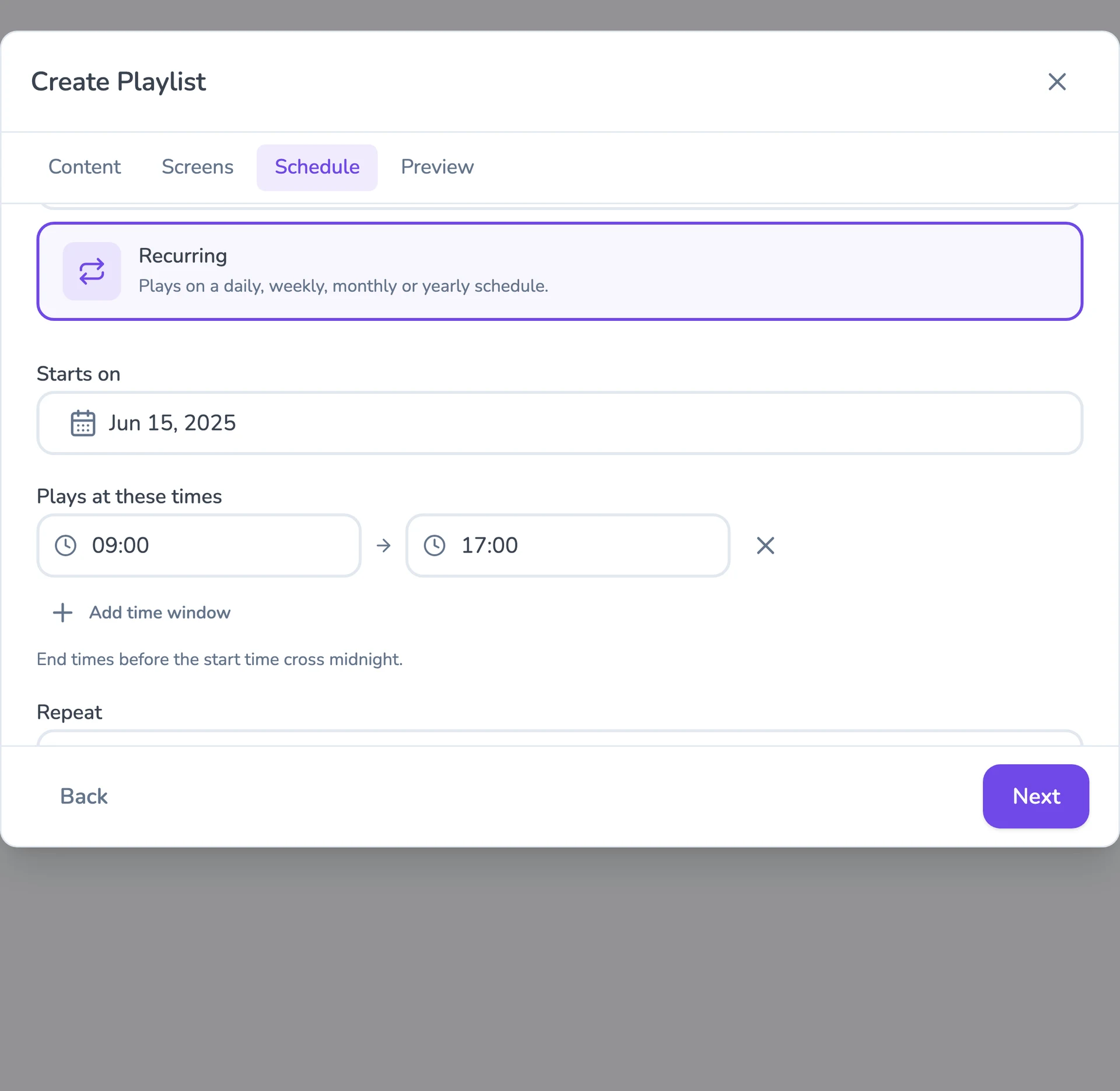
For a new player, BrightSign’s setup tools let you provision the device for a partner CMS. Select Fugo from the available Partner Applications, complete the BrightSign player setup, and connect the player to your network. Once Fugo launches, the screen displays a pairing PIN; enter that PIN in your Fugo account to add the screen and start publishing content.

You can also install Fugo on a supported BrightSign player using a microSD card.

See our BrightSign setup guide for more detailed setup instructions.

Which BrightSign players work with Fugo?

Fugo supports a range of BrightSign hardware across multiple generations, including current Series 5 and Series 6 players. For new installations, we recommend choosing a current model that matches the content and display configuration you plan to run.

Our BrightSign Hardware Directory maintains the full list of supported models, including older players you may already have in your network.

Can one BrightSign player power multiple screens?

Yes. Several BrightSign players can drive multiple displays from a single device. The XT2145 and XC2055 each have two HDMI outputs, while the XC4055 has four. These can be used for installations where screens show independent content or work together as a larger multi-screen canvas.

For larger installations, BrightSign also supports synchronized playback across multiple players, giving you another way to build video walls and other multi-screen configurations. The right approach depends on how many displays you’re running and how you want content distributed across them.

Where can I buy BrightSign players?

BrightSign players are available directly from the BrightSign online store in supported regions, as well as through authorized distributors and resellers around the world. Where you buy will depend on your country, the models you need, and the size of your deployment. BrightSign’s webstore currently ships to the continental U.S., Canada, Mexico, Latin America, and South America; buyers elsewhere can use its partner directory to find an authorized supplier in their region.

You don’t need to buy your BrightSign hardware from Fugo to use it with our digital signage software.

Are BrightSign players secure?

BrightSign players run BrightSignOS, a purpose-built operating system with a relatively small attack surface compared with a general-purpose OS. Security measures include secure boot, restrictions that allow only BrightSign-approved code and extensions to run, configurable security profiles, and long-term OS patching and updates.

When you use BrightSign with Fugo, you also get Fugo’s security and access controls for managing the content, users, and screens across your signage network.