Fugo

Video wall solution for digital signage

Video walls push digital signage systems harder than almost any other display setup. Fugo gives you the control needed to run them without turning your signage network into a custom engineering project.

Hero image
Poppin office lobby portrait video wall displaying a branded campaign with QR code
THE CHALLENGE

Running video walls introduces new technical complexity

Teams setting up video walls often run into operational challenges that go beyond normal screen management.

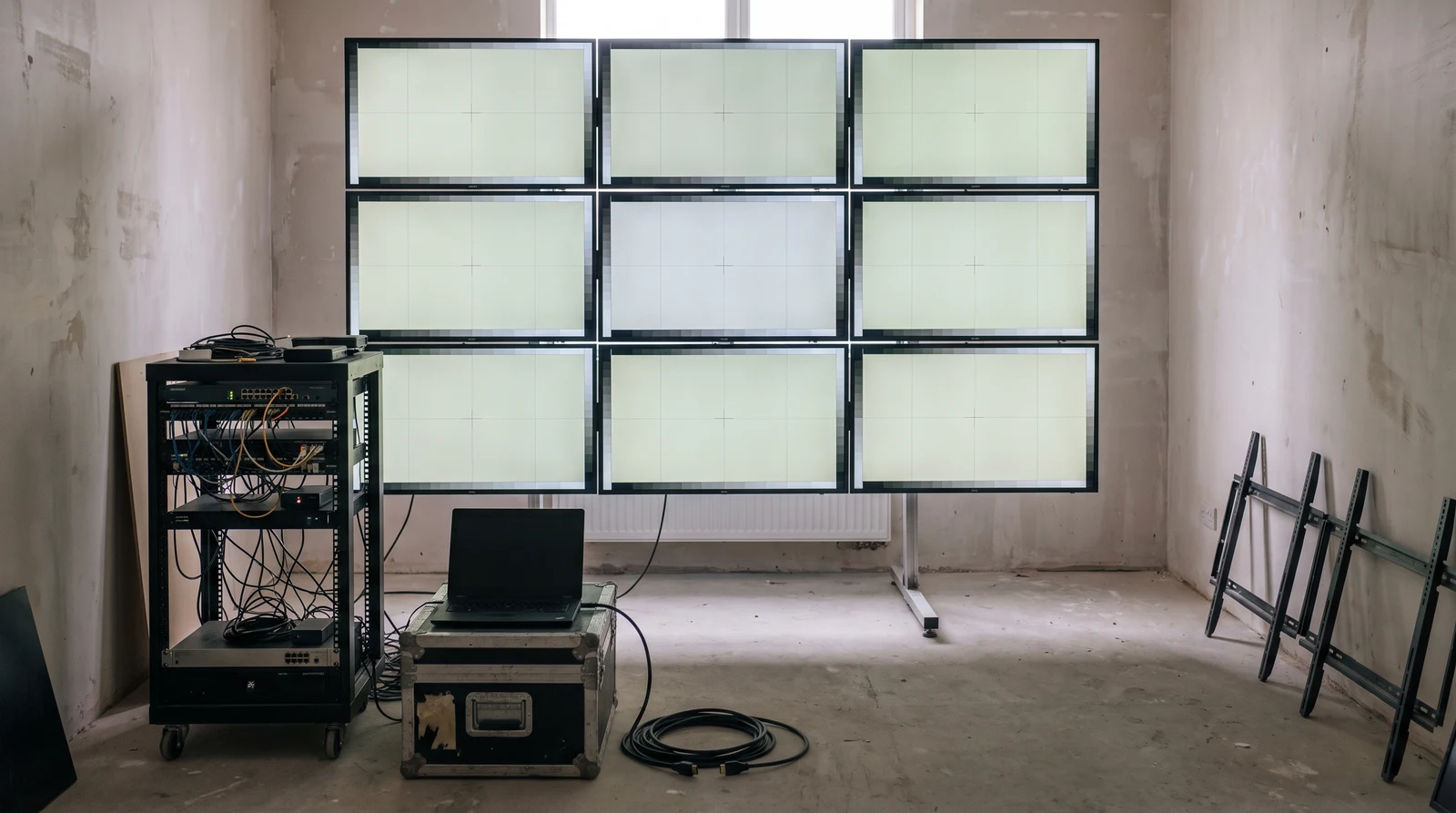
  • Designing content that matches the exact layout and resolution of the wall

  • Splitting images or videos manually across multiple screens

  • Configuring screen outputs so content appears in the correct position

  • Managing playback quality across large high-resolution displays

  • Updating content across the entire wall without republishing every screen

THE SOLUTION

Digital signage software built to handle video walls too

The same platform that powers your screens is fully capable of handling large multi-screen displays.

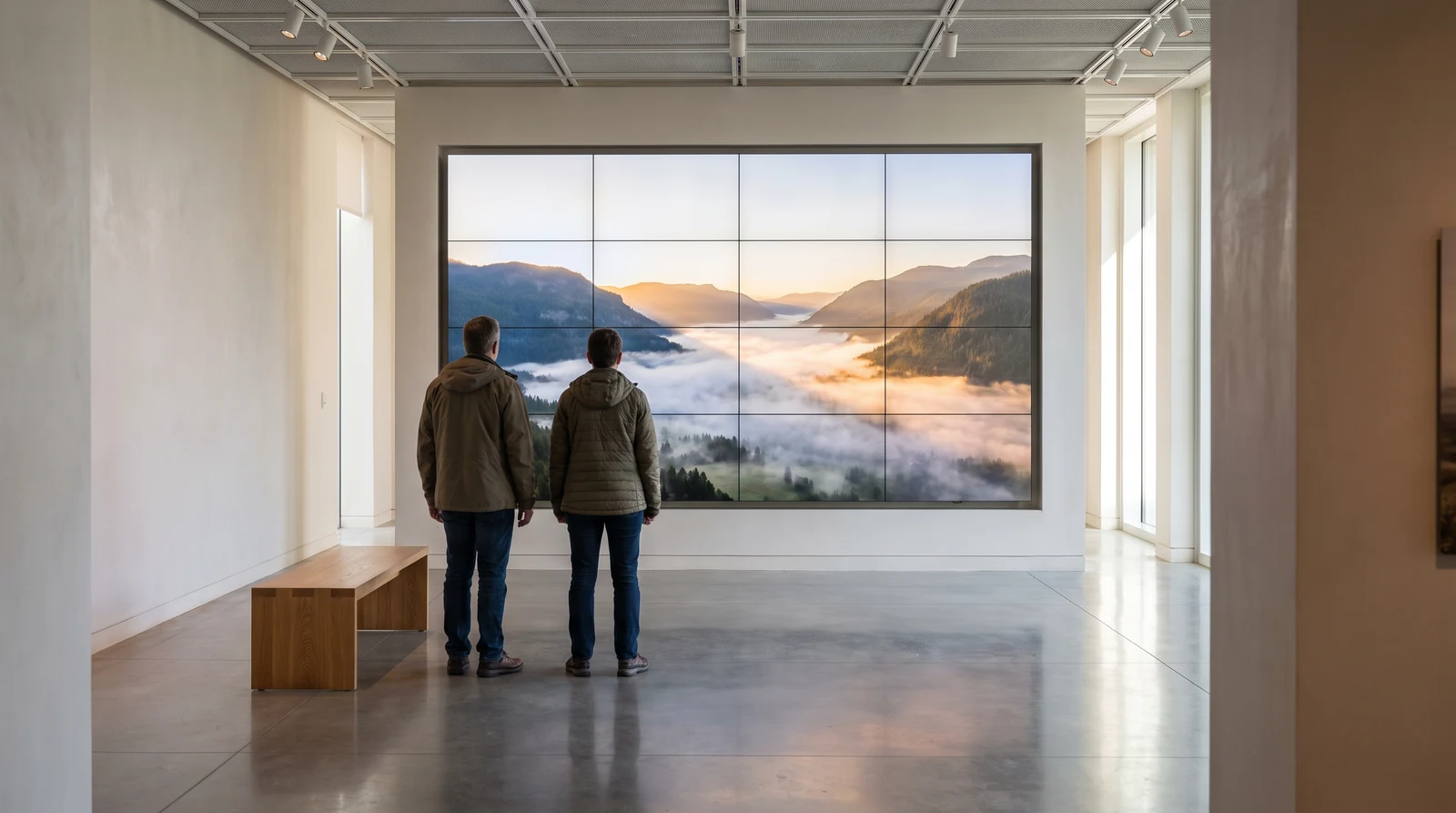
Bendac studio LED video wall powered by Fugo

Wall-sized content design

Create layouts that match the full resolution of your video wall

Screen layout configuration

Define how multiple displays form the wall so content appears correctly

Centralized publishing

Update the entire wall using the same playlists and scheduling tools

FEATURES

What can you do with video walls in Fugo?

Fugo provides the tools needed to design, configure, and manage large multi-screen displays. Once your hardware is set up, you can treat video walls like any other screen in your signage network.

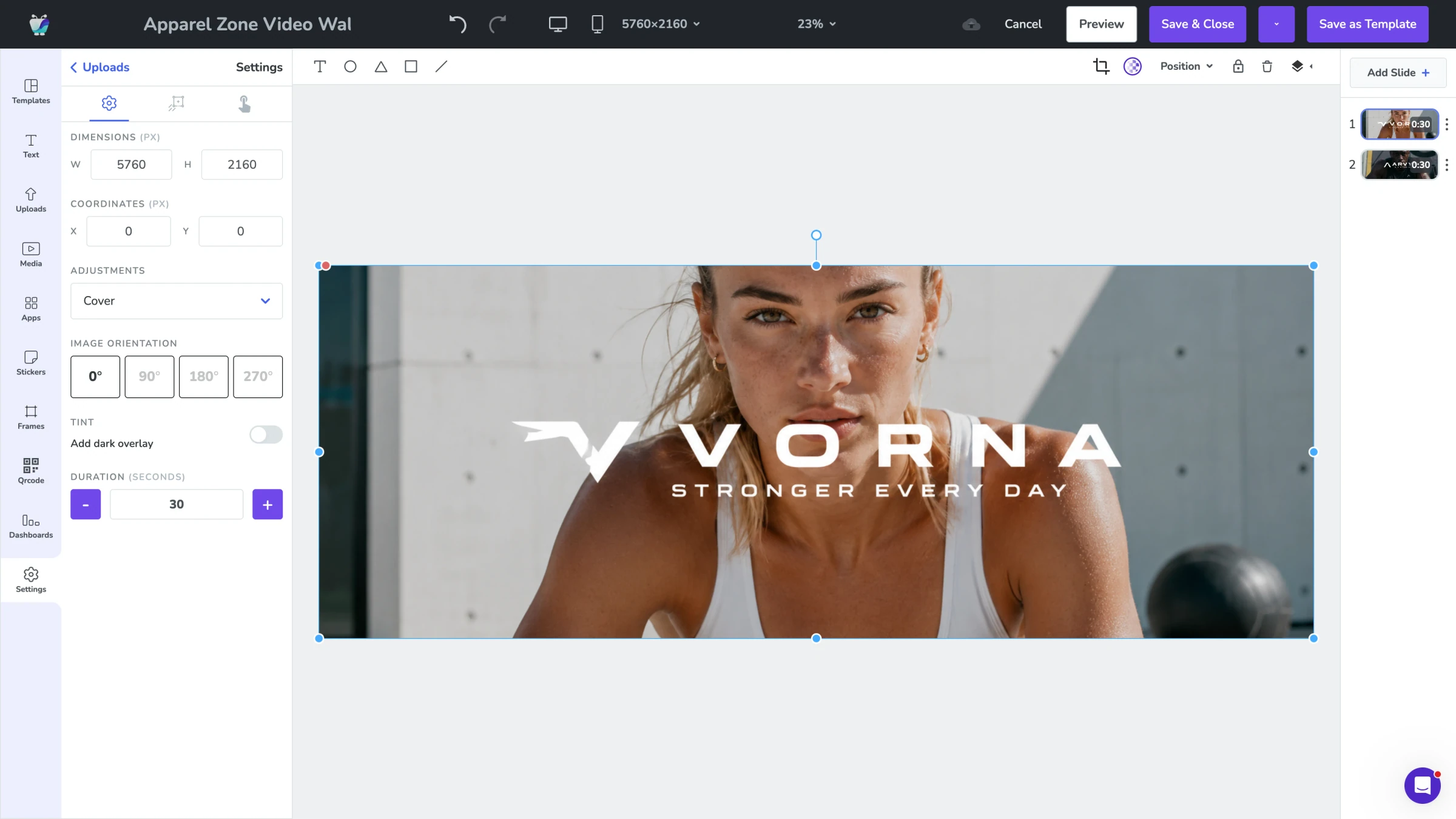
Fugo Design Studio canvas composing the VORNA athleisurewear video covering a full video wall
VIDEO WALL DESIGN

Create content that spans multiple screens

Design content that matches the size and layout of your video wall so graphics display seamlessly across every screen.

  • Create custom canvas sizes for large displays
  • Match the full pixel resolution of your video wall
  • Design layouts that span multiple screens
  • Build content for LED walls and tiled displays
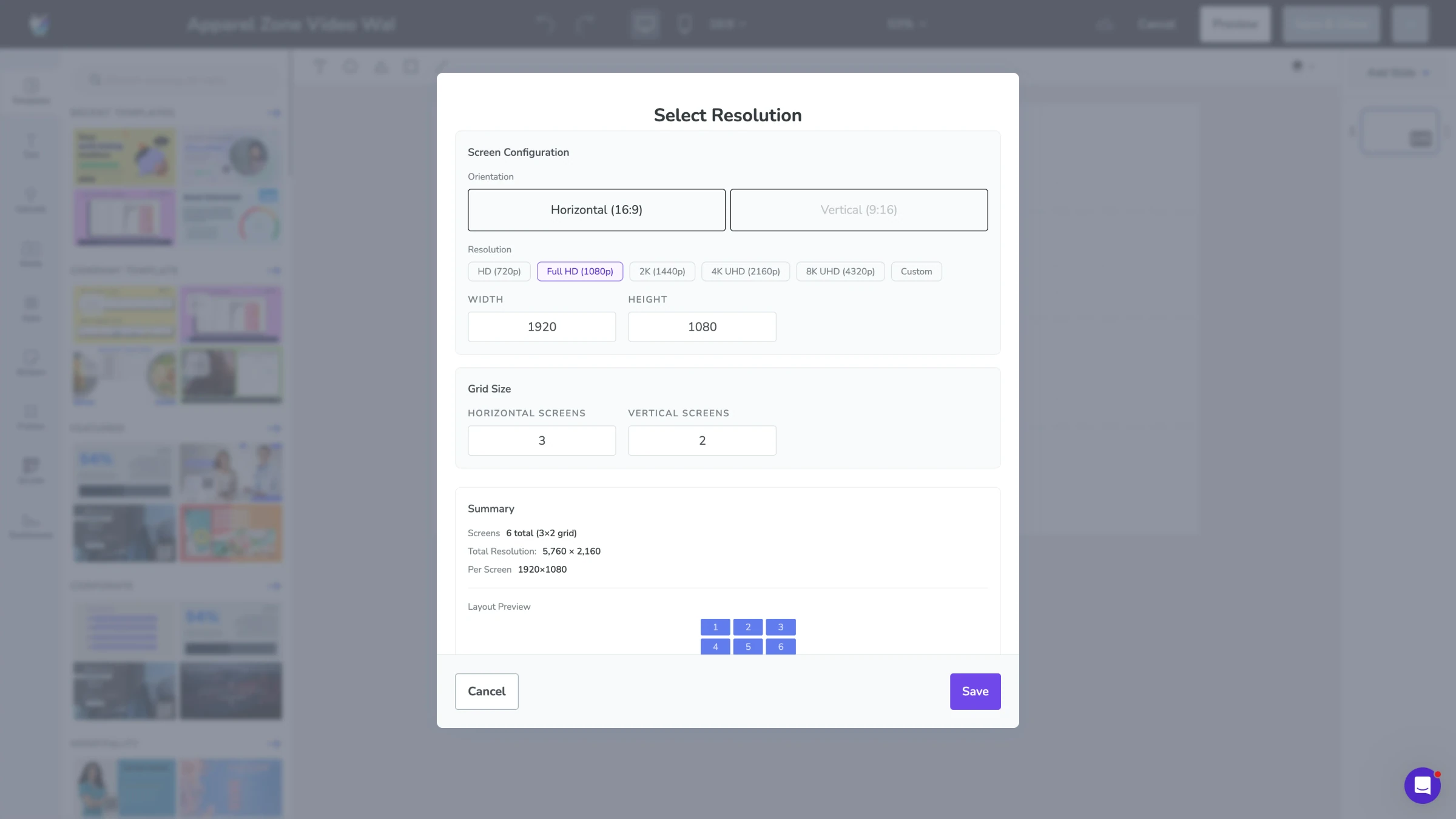
Fugo Studio Select Resolution modal defining a horizontal video wall with 1×2 screen grid
SCREEN CONFIGURATION

Define how screens form the wall

Configure how multiple displays work together so Fugo knows how content should render across the entire wall.

  • Set the number of screens in your wall
  • Configure layouts like 1×2, 2×2, or 3×1
  • Map outputs across connected displays
  • Control multi-screen playback from one dashboard
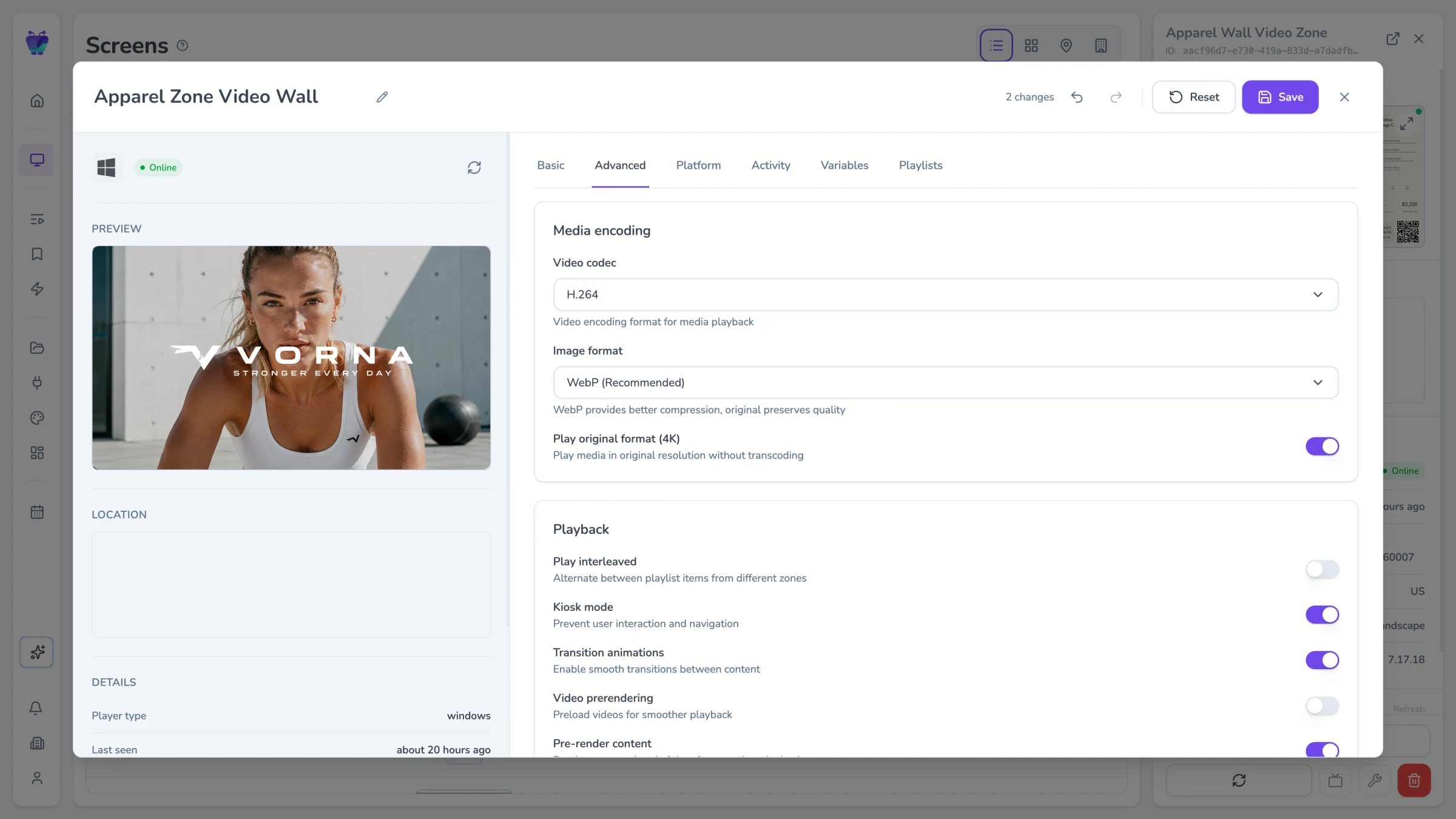
Fugo screen settings Advanced tab for the VORNA video wall with media encoding, original-format playback and pre-render controls
PLAYBACK CONTROL

Deliver high-resolution video wall content

Ensure large displays render content at the resolution and quality your wall requires.

  • Enable native-resolution playback
  • Configure 2K and 4K screen output
  • Prevent automatic downscaling to 1080p
  • Maintain image quality across large displays
USE CASES

Wherever your message is bigger than a single screen

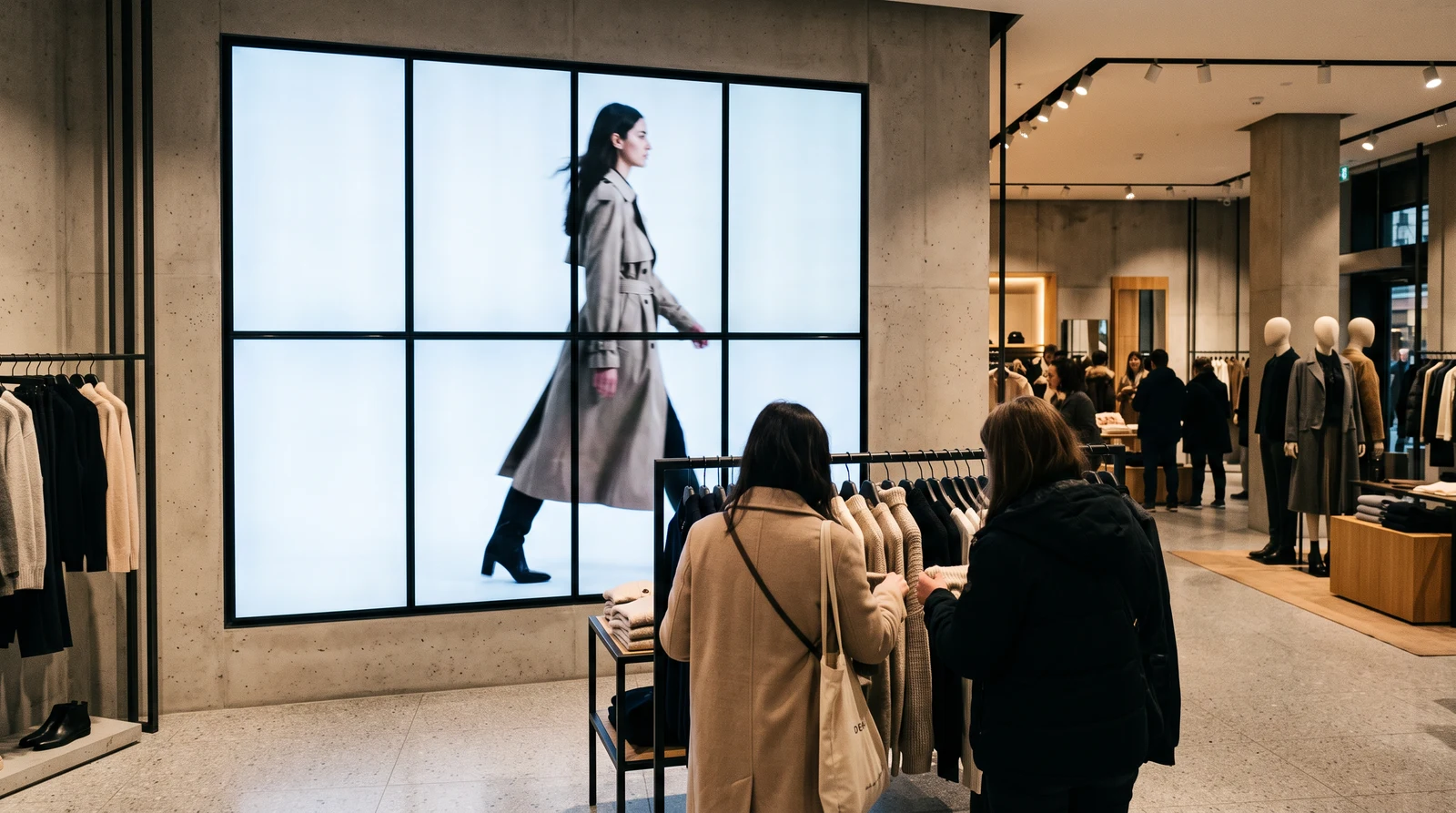
Retail flagships

In large stores, display walls often act as the visual centerpiece of the space.

Full-wall product campaignsRunway or lifestyle video loopsSeasonal brand visualsStorewide promotional graphics
Poppin retail storefront portrait video wall displaying a pink branded campaign with QR code

Frequently asked questions

What is digital signage?

Digital signage is the use of screens or displays to display content such as announcements, menu boards, promotions, dashboards, or video. Instead of printing posters or updating static displays, organizations use software to control what appears on screens and when it appears.

Digital signage software allows teams to publish content remotely, schedule updates, and manage multiple screens across locations from a single system.

What is a video wall?

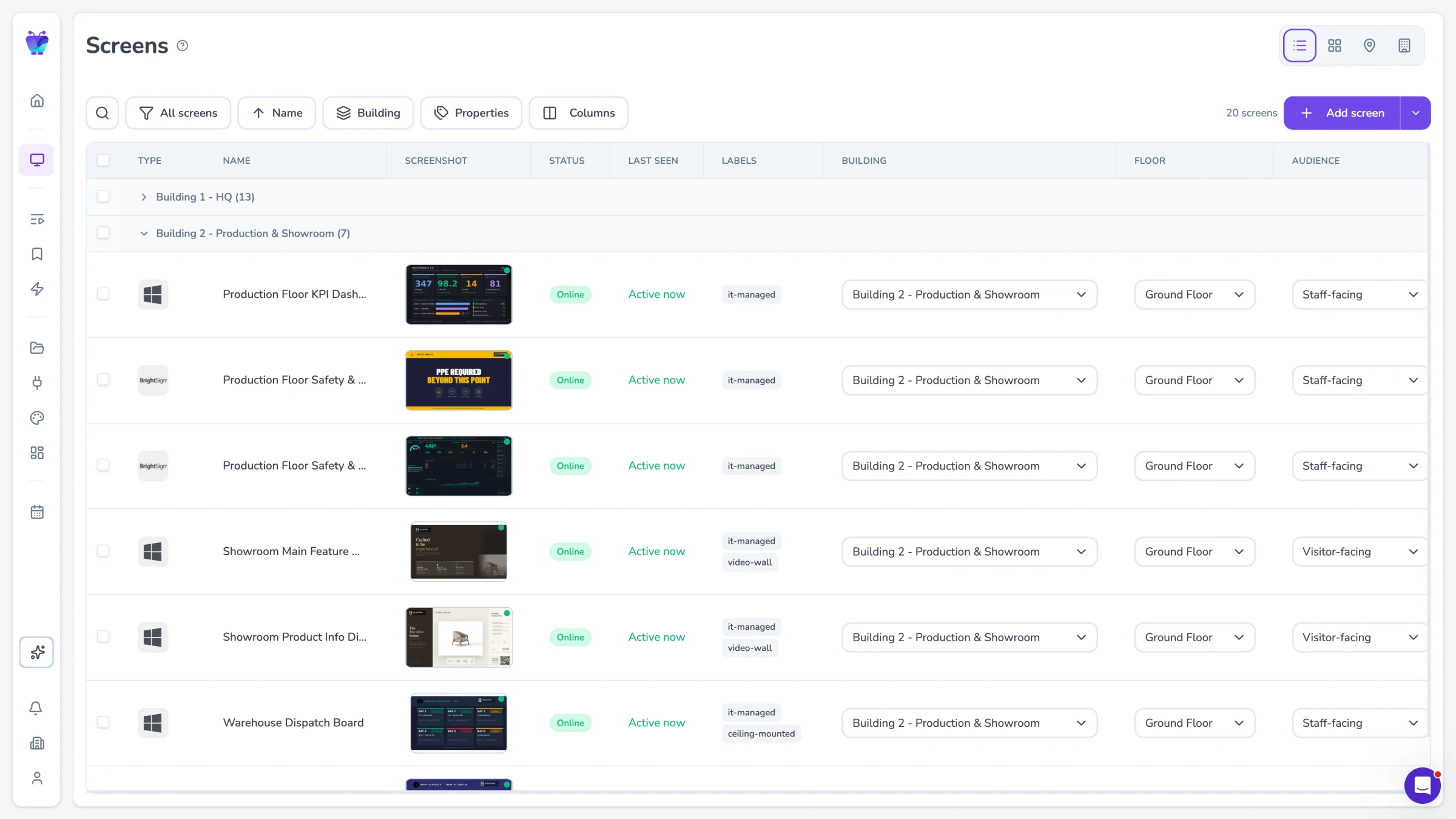
A video wall combines multiple displays into a single large visual surface. Each screen shows part of the overall image so the displays work together as one large display.

Video walls are often used in retail stores, corporate lobbies, event venues, operations centers, and public spaces where a standard display is not large enough for the intended content.

How is a video wall different from a normal digital signage screen?

A typical digital signage screen plays content independently.

A video wall requires multiple screens to work together as a single display. This means the signage system must coordinate layout, resolution, and playback across all screens so the final image appears correctly.

This introduces additional considerations such as screen layout configuration, wall-sized content design, and high-resolution playback.

Can digital signage software control video walls?

Yes, but not every signage platform handles them well.

Many signage tools are designed for individual screens and assume content will play at standard resolutions like 1080p. Video walls require more precise layout control and higher resolution playback to ensure content displays correctly across multiple screens.

The signage software must be able to coordinate how content is rendered across the wall.

Does Fugo support video walls?

Yes. Fugo includes the tools needed to design content for large displays, configure screen layouts, and manage playback across multiple screens.

These capabilities are part of the same platform used to manage standard digital signage screens, which means video walls can be controlled alongside the rest of your network.

Do I need a separate video wall management system?

In most cases, no.

Fugo allows video walls to be managed within the same system used for other signage screens. Content can be designed for the wall, published to the displays, and scheduled using the same workflow used across the rest of your digital signage network.

How do you design content for a video wall?

Content for a video wall should match the full resolution of the entire display rather than the resolution of an individual screen.

For example, a 2×2 wall of 1080p displays effectively creates a display area of 3840×2160 pixels. Designing content at the full wall resolution ensures graphics and video appear seamless across the screens.

Fugo's Design Studio allows you to create custom canvas sizes that match the exact resolution of the wall.

Can Fugo publish content to multiple screens in a video wall at once?

Yes.

Video walls can be managed as part of your signage screen network. Content can be published to screen groups or individual displays, allowing teams to update the entire wall without manually updating each screen.

What features in Fugo help manage video wall displays?

Fugo includes several capabilities designed to support multi-screen displays.

In Design Studio, you can create custom canvas resolutions that match the total pixel dimensions of the wall. This allows content to be designed at the full display size so graphics align correctly across multiple screens.

Screen settings allow you to define how displays are arranged, such as 2×2 or 3×1 layouts, so content renders in the correct position across the wall. Playback can also be configured to use the native resolution of the display hardware, preventing large visuals from being downscaled to standard 1080p output.

Fugo works with several common video wall hardware architectures as well, including multi-output media players, daisy-chained displays, and installations that use video processors or LED controllers.

Once the wall is configured, it can be managed like any other screen group in Fugo — content can be published, scheduled, and updated across the entire display from a single playlist.

What hardware do I need to run a video wall with Fugo?

Video walls usually rely on one of three hardware approaches.

Some setups use a single media player with multiple outputs that drives the entire wall.

Others use one player per screen, with the signage software coordinating playback across the displays.

Large LED installations may use video processors or LED controllers that handle how the image is mapped across panels.

Fugo works within these common architectures. As long as the screens are connected to supported signage hardware, the platform handles the content, layout, and publishing across the wall.

Can video walls display the same types of content as other digital signage screens?

Yes.

Video walls can display many types of content supported by Fugo, including video, images, dashboards, social feeds, and announcements. The main difference is that the content is designed and rendered across multiple screens instead of a single display.