

Media players are easy to underestimate. They sit behind the screen, usually out of sight, and for simple signage their job can seem fairly basic: receive content, render it properly, keep doing that without intervention.
BrightSign's built a large part of its reputation on taking that narrow job very seriously. Its players are purpose-built for signage, run BrightSignOS rather than a general-purpose desktop operating system, and are designed to stay installed for years. That makes them a common choice in retail, education, corporate and other environments where screens are treated as infrastructure rather than temporary AV equipment.
From our side at Fugo, that's also where BrightSign tends to become interesting. The case for it gets stronger as the screen network becomes harder to support, the content becomes more demanding, or IT starts asking more detailed questions about what exactly is being connected to the network.
A signage player should behave like signage infrastructure
There's a fundamental architectural difference between putting a BrightSign player behind a display and putting a Windows PC there.
A Windows box gives you a general-purpose operating system. That can be valuable when the application genuinely needs it, but it also means inheriting the usual desktop concerns around patching, services, user access, background processes and configuration.
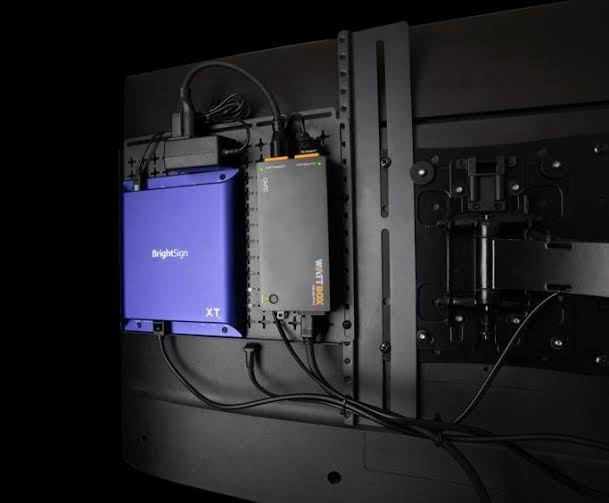
BrightSignOS is much narrower in scope. It's built specifically for signage playback, with signed firmware and a relatively controlled operating environment. Services that are useful during deployment or diagnostics can also be disabled when they're not needed in production.
For larger organizations, that narrower footprint is often easier to reason about. Security teams are assessing a dedicated signage endpoint whose purpose is clear, rather than a full computer that happens to be driving a display.
That point gets lost when hardware comparisons begin and end with processor specs, memory and video resolution. The operating model matters just as much, and it affects what happens after installation.
A media player behind a screen in another office, store or building may go untouched for years. If that screen is mounted high on a wall, built into furniture or located hundreds of miles from the team managing it, routine physical access is already expensive. Reliability therefore includes the mundane things: thermal design, storage, remote visibility, reboot behaviour, software support and how easily a failed unit can be replaced.
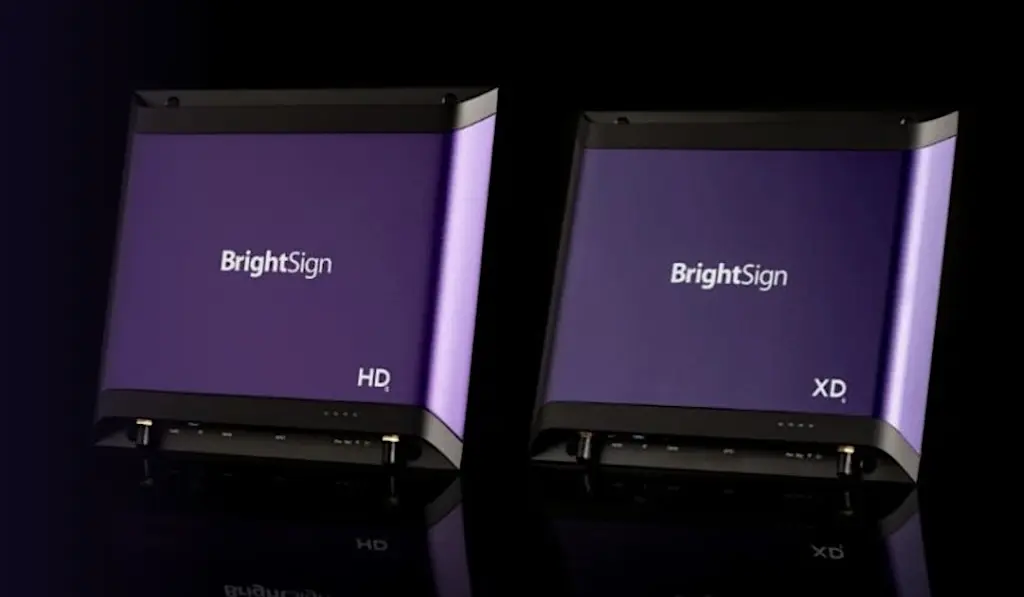
BrightSign's current player families are fanless and solid-state, and its management tools provide remote access to player status and controls. Series 5 and newer players also come with a five-year warranty when purchased and registered under BrightSign's current program.
Those are the kinds of details that are easy to skim over during procurement but they'll become much more relevant when the hardware has been in the field for three years.
Standardising the player can be more useful than standardising the display
Display fleets rarely stay uniform. Even organisations that begin with one panel speci eventually replace damaged screens, expand into new sites, buy hardware in different countries or inherit older equipment. Commercial displays can have excellent embedded signage platforms, but capabilities will vary by generation and model.
An external player gives you the option to keep the signage environment consistent while allowing the panels themselves to change.
That can simplify support considerably. If one site uses a Sony display and another uses an LG, the underlying playback environment can still be identical. Replacing a failed panel doesn't necessarily mean changing the software stack or validating a new embedded browser.
BrightSign also publishes formal lifecycle information for its hardware & operating system releases. For organisations planning signage estates over several years, having visible end-of-sale and support milestones is useful. It's easier to plan replacements when the lifecycle is documented rather than inferred from whether a particular consumer device can still be sourced.
When the display is enough
There are, of course, plenty of cases where separating the player from the display adds hardware without adding much value.
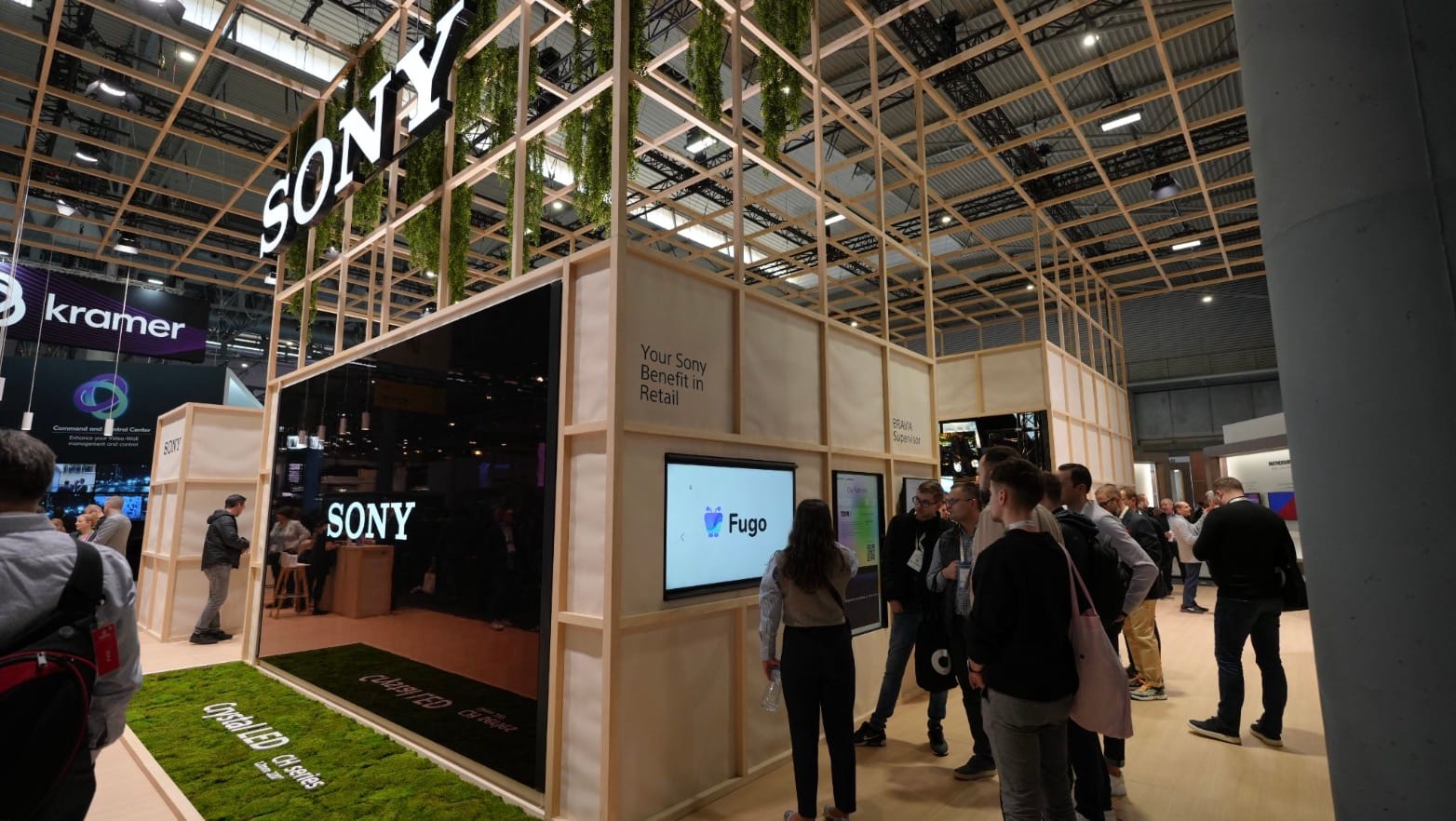
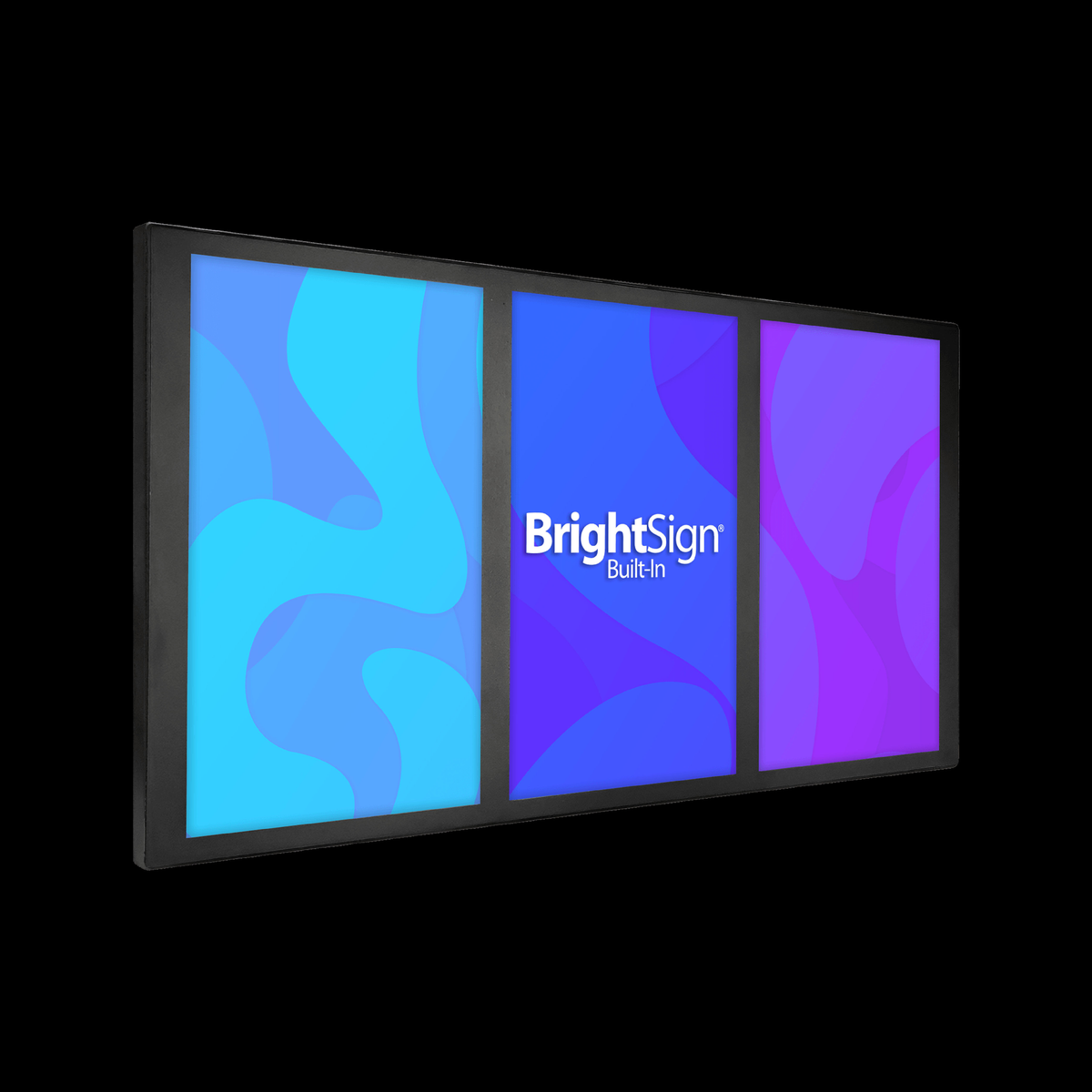
If an org already owns compatible commercial Samsung or Sony screens and the embedded platform comfortably handles the content, there may be little reason to put another box behind them. BrightSign itself has moved further in this direction with BrightSign Built-In, which brings BrightSignOS directly into supported commercial displays.
The useful consideration is how much you want the display hardware to determine the playback environment.
The content workload matters more than the 4K badge
Basic signage is easy to run on modern hardware.
A looping video, a set of JPEGs or a straightforward menu board will not tell you very much about the limits of a media player. The differences become more obvious when the screen starts doing more.
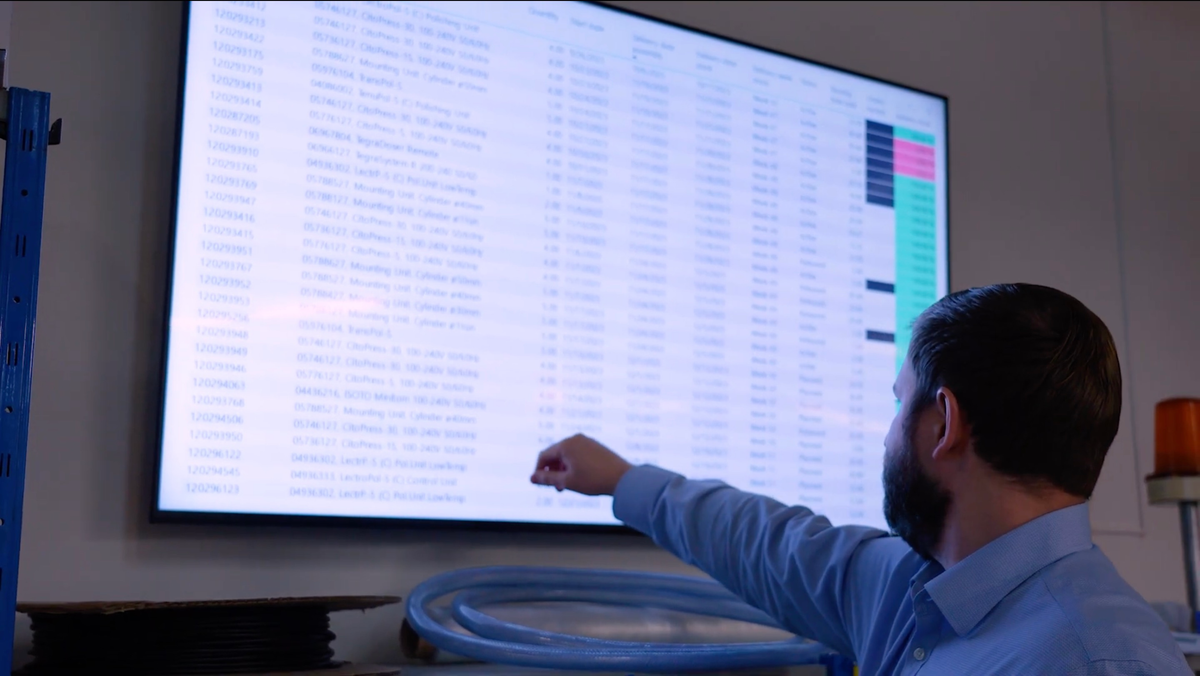
Interactive web content, live data, HTML animation, multiple content zones, WebGL and several video streams place very different demands on the player.
This is one reason BrightSign has such a broad hardware range. Current models span relatively conventional signage playback through to players intended for richer HTML, graphics-heavy applications, multiple displays and high-resolution video.
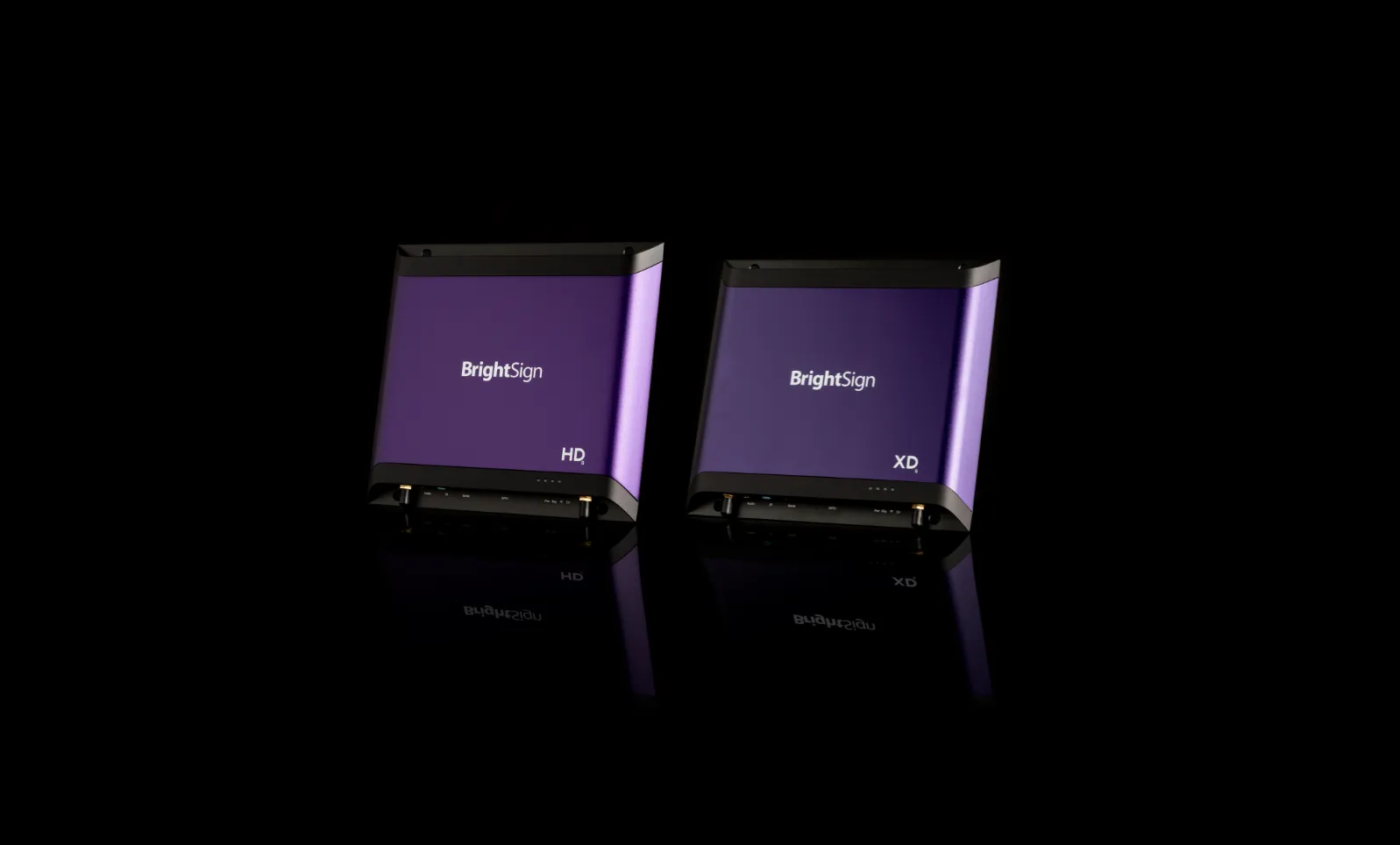
The XD6, for example, supports modern HTML5 content, JavaScript, SVG and WebGL as well as dual 4K video decoding. Higher-end models extend further into specialised graphics and multi-output installations.
For most buyers, the practical question is not simply whether the player outputs 4K; it's what you expect it to be rendering at 4K.
We see this particularly with dashboards and web-based content. A screen displaying a static KPI graphic and a screen running a complex browser-based dashboard may look similar from across the room, while asking very different things of the hardware.
It is also worth leaving some room for the signage brief to evolve.
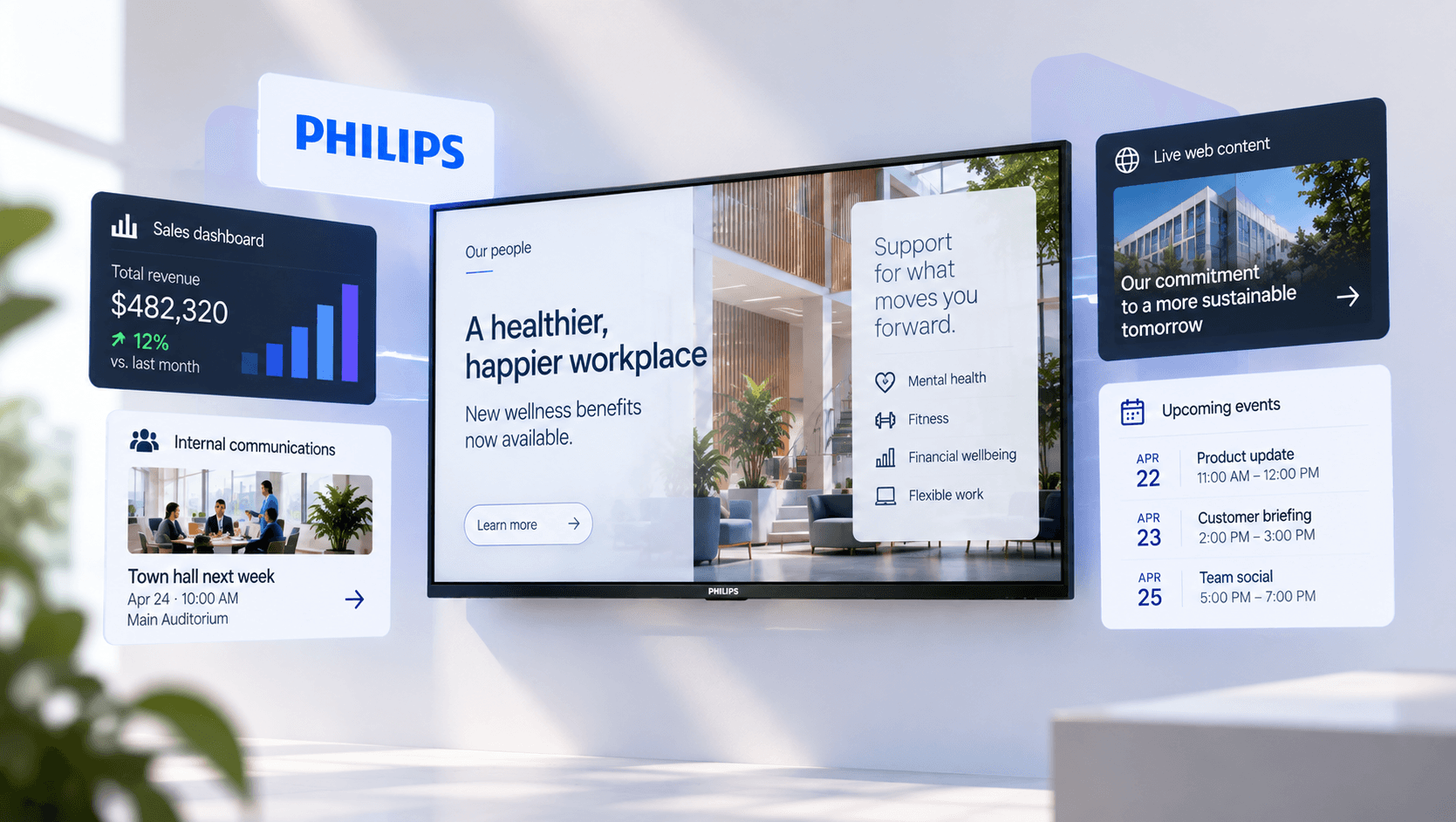
Networks often start with fairly conservative content. Once the screens are installed and useful, teams find more jobs for them. Internal comms screens pick up live operational dashboards. Retail displays add pricing feeds. Lobby screens acquire interactive elements. A player selected against the first six months of requirements can become the limiting factor later.
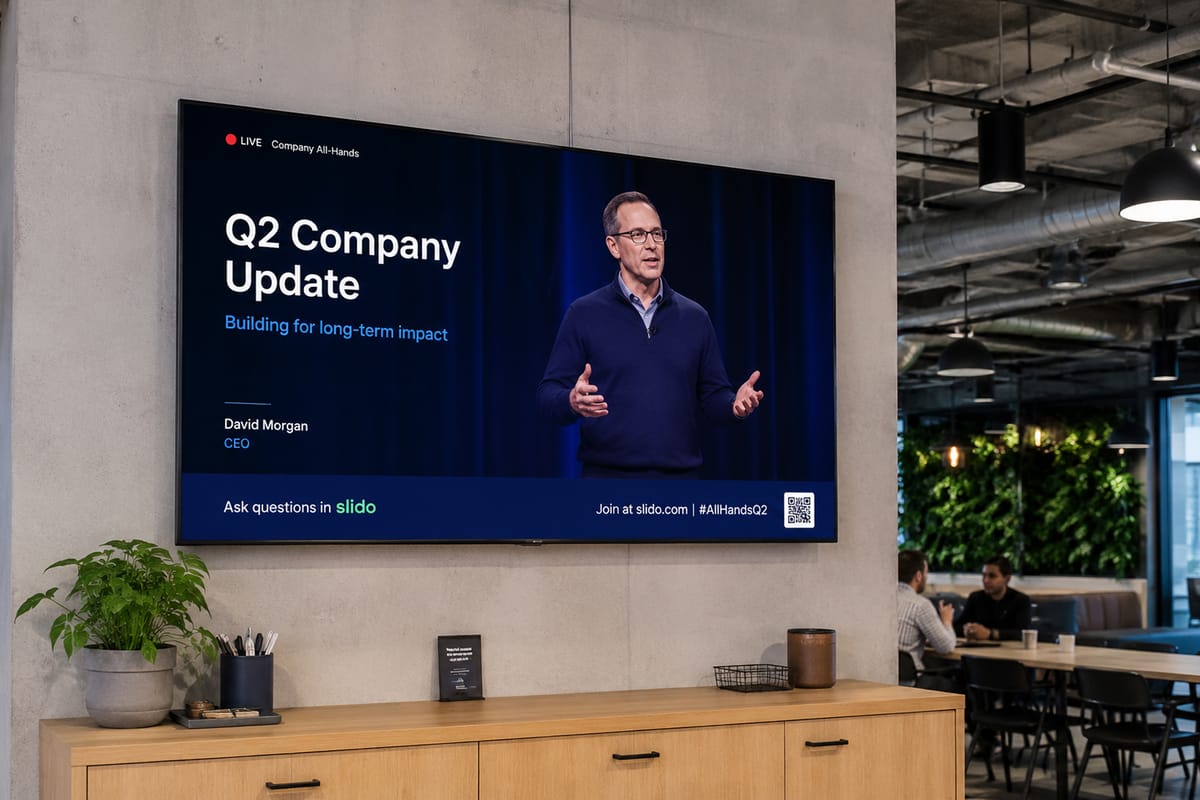
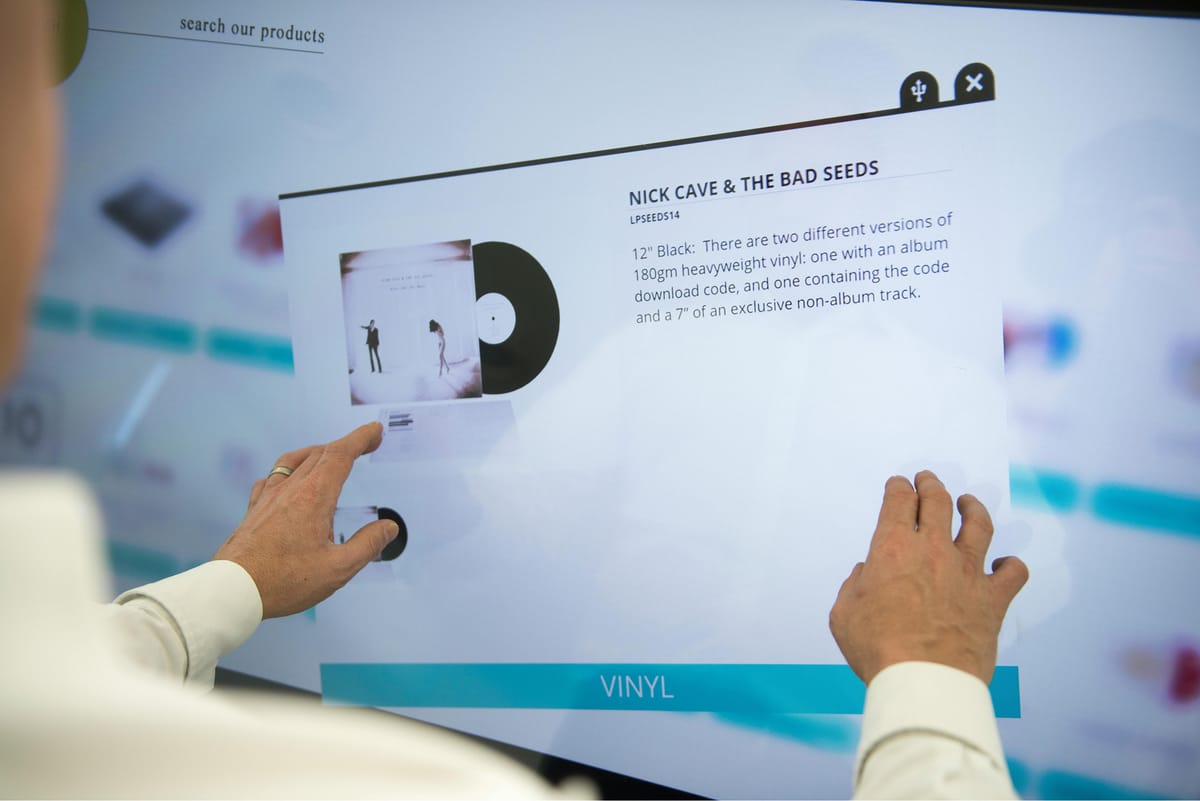
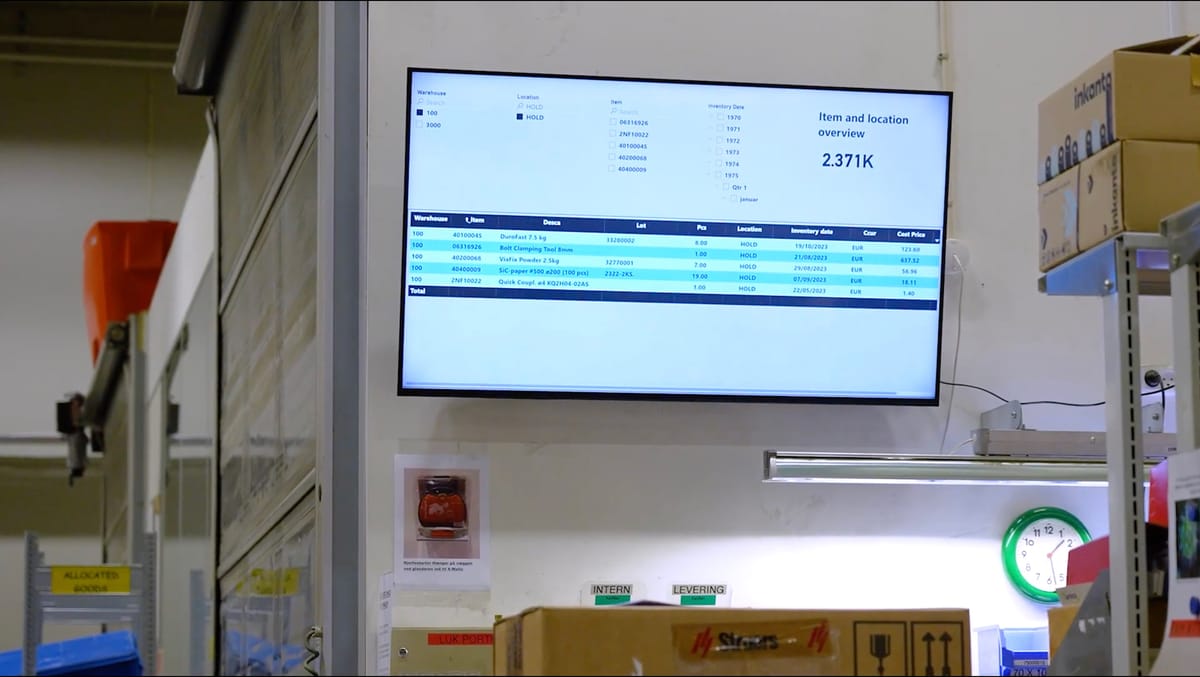
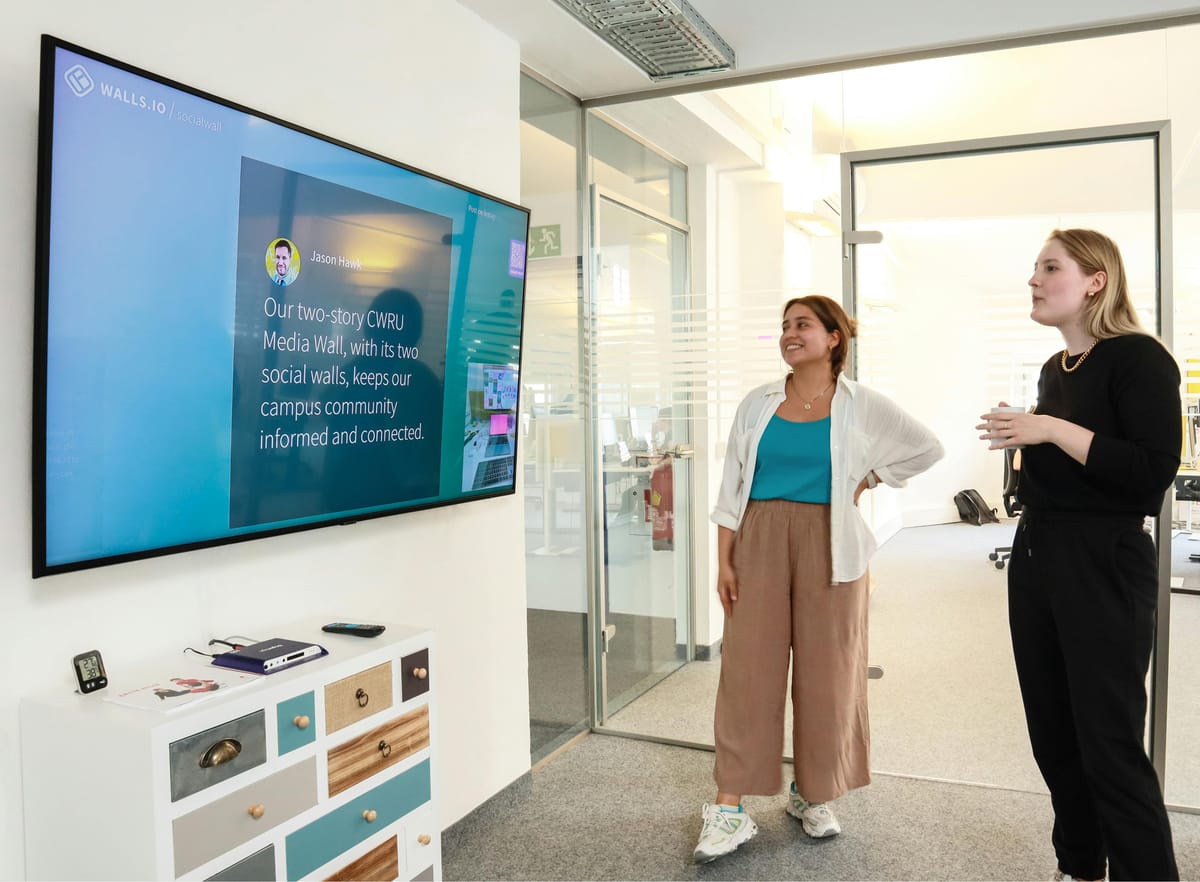
Screens tend to pick up new jobs over time, from company updates and live dashboards to interactive retail and wayfinding content.
That doesn't mean every screen needs the most powerful BrightSign model. It means the useful specification is the workload, not the panel resolution.
BrightSign players still leave you with a CMS decision
BrightSign has expanded its own software considerably. Its ecosystem now includes device management, authoring and cloud-based content tools, so it would be outdated to describe the company as providing hardware and little else. But it also remains deliberately open to third-party CMS platforms.
That's important because selecting a reliable player fleet won't settle every question about how the signage network will operate.
For example:
Who's creating content?
Can regional teams manage their own screens without gaining access to the whole network?
Does the signage estate include hardware other than BrightSign?
Are people scheduling campaigns, dashboards and web content alongside conventional media?
Does the org need SSO & controlled user access?
How easily can someone responsible for internal comms or retail operations use the system without becoming a BrightSign specialist?
Those questions sit one layer above the player itself and it's where Fugo comes into the picture.
What Fugo adds to a BrightSign deployment
Large signage estates rarely run on one hardware platform for their entire lifespan. Existing networks accumulate different generations of commercial displays, external players chosen for particular sites, specialist Windows installations, and lower-cost devices where the content does not justify more capable hardware.
Fugo's designed to manage that kind of mixed estate. Supported BrightSign, Samsung, LG, Windows, ChromeOS, Android and other endpoints can sit in the same account, use the same content library, and follow the same publishing workflows.
 Fugo
Fugo
That means BrightSign can be specified where its reliability, lifecycle and rendering capability make sense without becoming a hardware requirement for every screen in the network. Sites with suitable embedded SoCs can keep using them. Specialist applications can remain on Windows. New BrightSign deployments can be added alongside both.
The CMS remains consistent even when the hardware underneath it does not.
Put the hardware to work
BrightSign becomes especially useful when the content itself asks more of the player. Fugo customers are increasingly using screens for live dashboards, browser-based content, data-driven layouts, interactive experiences and more complex combinations of media. Those workloads benefit from a player that has enough headroom to handle them reliably and keep doing so as the content evolves.
The exact rendering path varies by content type. Some Fugo dashboard integrations use cloud rendering, while other web content is handled locally or through different application flows. What matters at the hardware level is that the player is capable enough for the workload assigned to it.
That gives teams room to move beyond basic scheduled media without discovering that the endpoint they chose two years earlier has become the limiting factor.
Keep player management and content management separate
BrightSign’s own tooling still has an important role in a Fugo deployment.
Players can be provisioned through BrightSign’s environment and then paired with Fugo. Hardware teams can retain control over player-level deployment, status and maintenance, while the people responsible for the screens work in Fugo to manage content, schedules, screen groups and user access.
That division tends to fit enterprise teams better than forcing everyone into the same administrative layer. IT can stay close to the devices. Marketing, internal comms or operations can manage what is actually published without needing access to player configuration.
 Staff Writer
The result is a cleaner separation between maintaining the signage infrastructure and running the signage network.
When BrightSign is more hardware than you need
BrightSign is not the automatic choice for every Fugo deployment.
Small networks running straightforward media often have simpler options available. A handful of commercial displays with capable embedded signage platforms may already cover the requirement. Lower-cost dedicated players like the Amazon Signage Stick can also be perfectly adequate where the content is limited to video, images and basic layouts.
Windows still has a place where the endpoint depends on Windows-specific software or workflows. Commercial Samsung and LG displays can be the sensible choice when the organisation already owns them and their embedded platforms meet the content requirements.
BrightSign tends to earn its place in deployments where hardware consistency, long service life, remote support or richer rendering workloads matter enough to justify a dedicated player.
Physical access is another factor. A player hidden inside a video wall, mounted behind a high display or deployed across dozens of remote sites is a very different support proposition from a device sitting under a screen in an office.
The cost of the player is only one part of that equation. Installation, maintenance, site visits and replacement all sit behind the hardware choice too.
What we look at before recommending a BrightSign player
We usually start with the content rather than the model number.
A network running video and static media has different requirements from one displaying dashboards, complex HTML applications, touch interfaces or multiple content zones. The display resolution tells us surprisingly little on its own.
We also look at where the screens are going and how they will be supported. A player that can be reached easily by someone on site gives you more room to compromise on hardware than one installed in a location that may require a contractor visit every time something goes wrong.
The existing estate matters just as much. Orgs with hundreds of commercial displays already in place may have little reason to introduce external players everywhere. Other networks have such a mixture of models and generations that standardising the player layer can remove a lot of uncertainty.
Then there's the network environment. Some IT teams are comfortable managing Windows endpoints behind displays. Others prefer dedicated signage appliances with a narrower operating footprint. Segmented networks, outbound access restrictions and security policies can influence the decision before anyone has discussed playlists or content formats.
Finally, we look at who will use the system day to day. A reliable hardware stack is only useful if the people responsible for the screens can operate it without needing to understand the details of every player underneath it.
Why BrightSign & Fugo fit together
BrightSign gives us a player platform we can rely on in deployments where the hardware needs to carry more responsibility.
Fugo sits above that layer and gives teams one place to create, schedule and manage content across the wider screen estate, including hardware that may have been chosen for very different reasons.
For organisations with demanding content, multiple locations or a mixed hardware estate, that combination gives each part of the stack a clear job.