

Fugo for the Amazon Signage Stick
The Amazon Signage Stick is a cost-effective, purpose-built player made for fast deployment and reliable playback with Fugo. Get a discount on a full year of Fugo when you get started, plus a discount on your Signage Stick at checkout on Amazon.
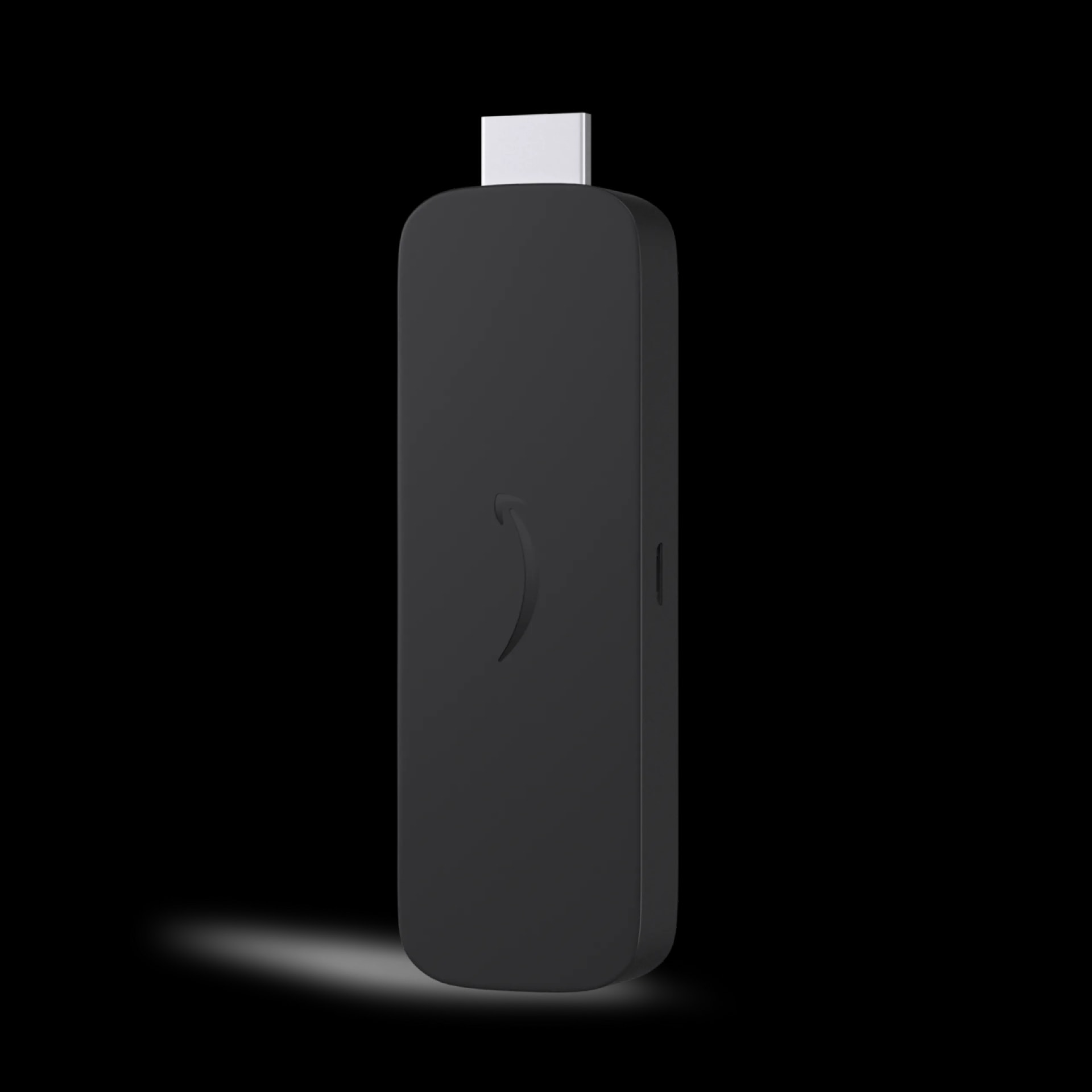
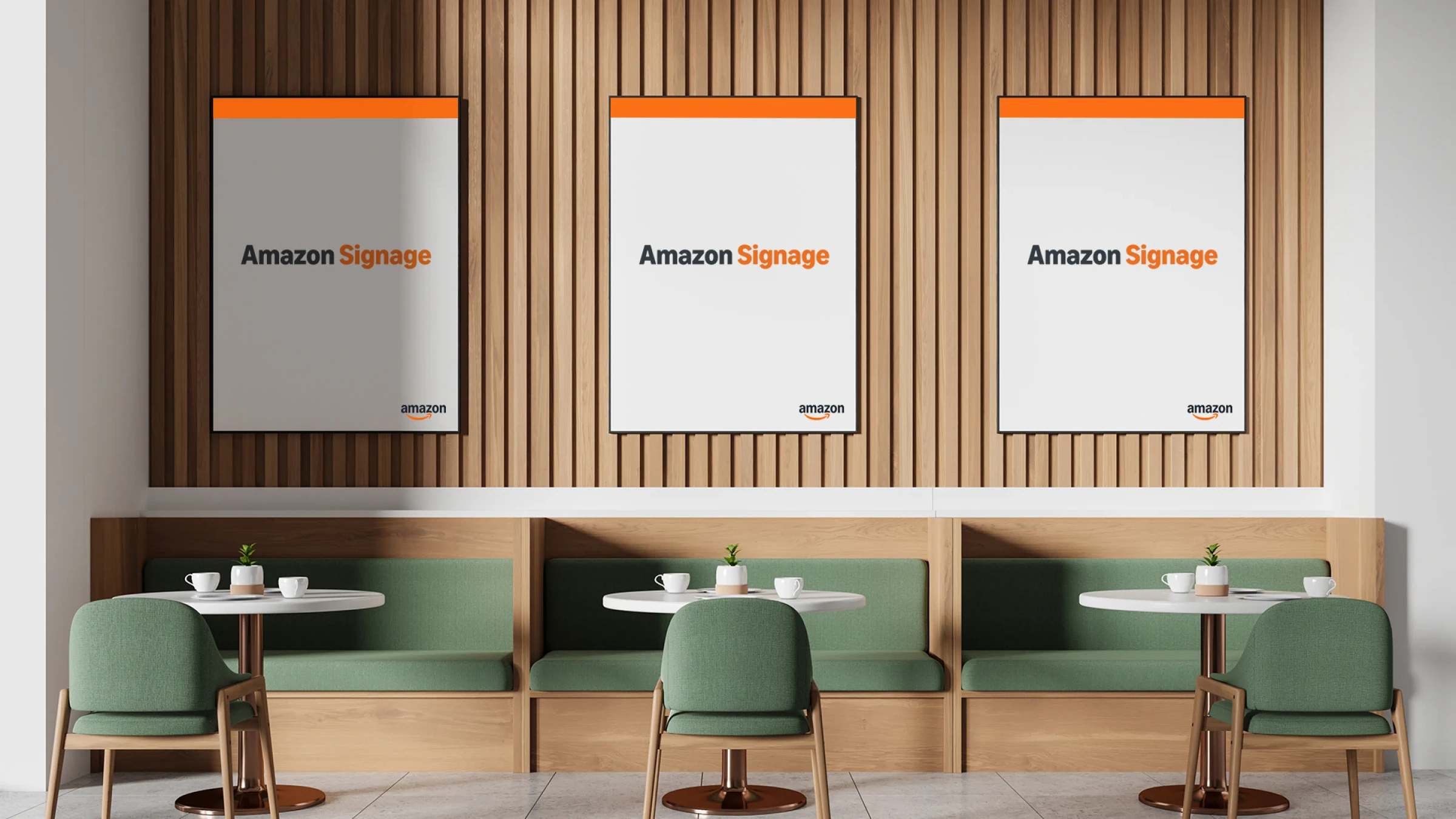
Built for digital signage from the start
Most signage setups start with hardware that wasn’t designed for it. The Amazon Signage Stick is — with secure, uninterrupted playback and automatic CMS launch in kiosk mode, built to run reliably and scale across your signage networks.
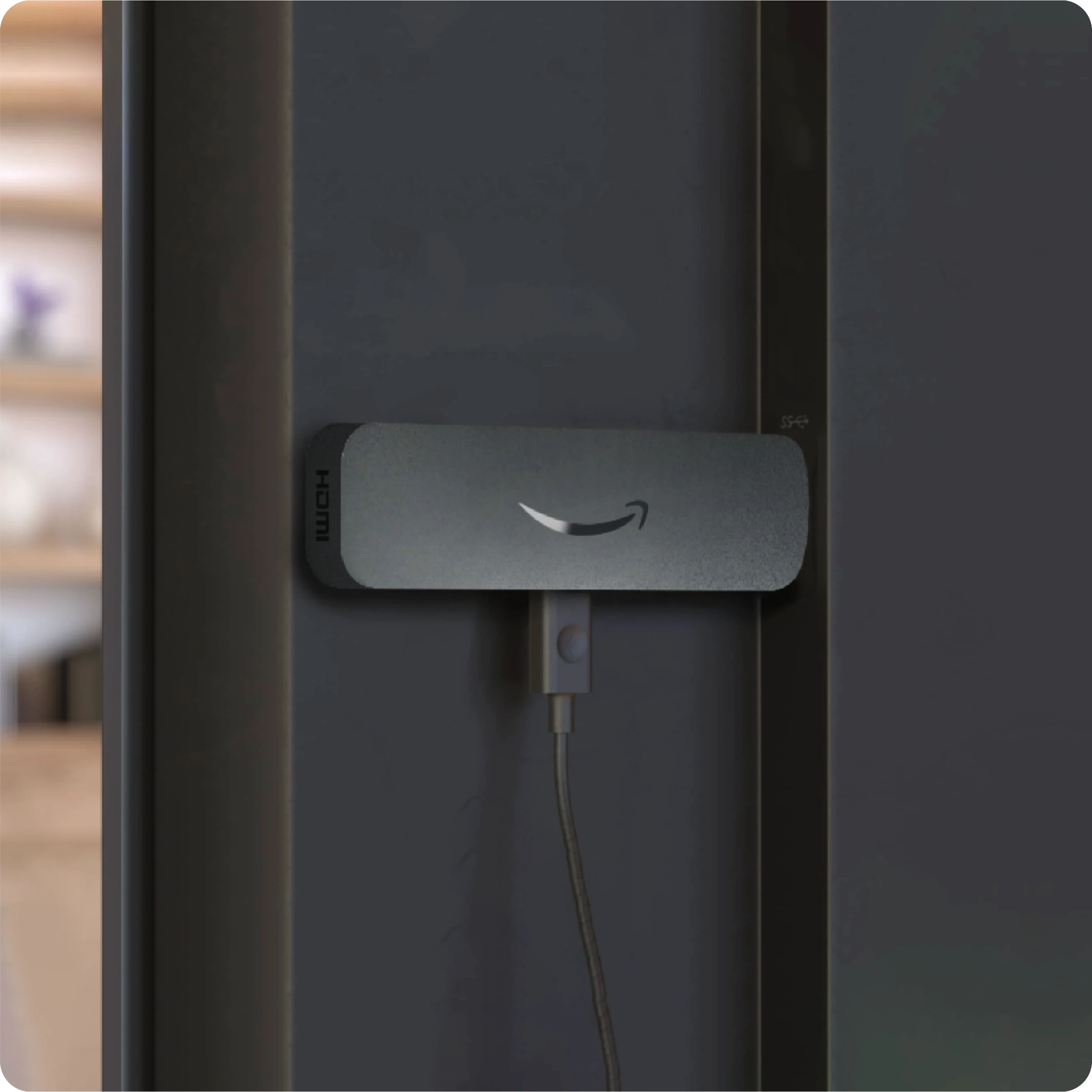
Set up & scale without the usual overhead
Deploy one Signage Stick per screen and get up and running in minutes. No custom setup, no workarounds — just plug in, connect, and manage everything centrally as your network grows.
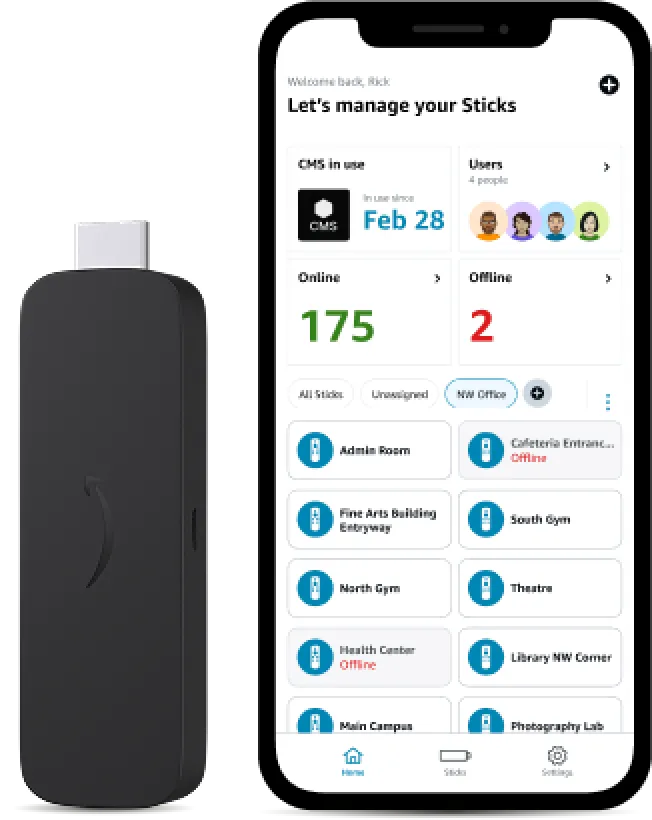
Manage screens without touching them
Use the Amazon Signage mobile app to provision, group, and monitor devices across locations. Set up multiple screens at once, track status, and manage your network without needing to be on-site.
Why use the Amazon Signage Stick?
A signage-grade player at a price that scales — backed by Amazon’s logistics and Fugo’s CMS.
Affordable and professional
Professional signage performance designed for a wide range of businesses and budgets.
Easy setup
Set up multiple devices in minutes using the Amazon Signage mobile app.
Seamless CMS integration
Works out-of-the-box with Fugo with automatic updates built in.
Powerful content performance
4K output, quad-core speed, and fast Wi-Fi 6 in a compact device.
Built to scale
Add one Signage Stick per screen and expand across locations easily.
Conveniently available
Order through Amazon and Amazon Business with fast nationwide delivery.
Frictionless setup through Amazon console
Register your Amazon Signage Stick, choose Fugo from the app list, and your device installs our app automatically for instant pairing to your Fugo CMS dashboard.
Set up Fugo on Amazon Signage Stick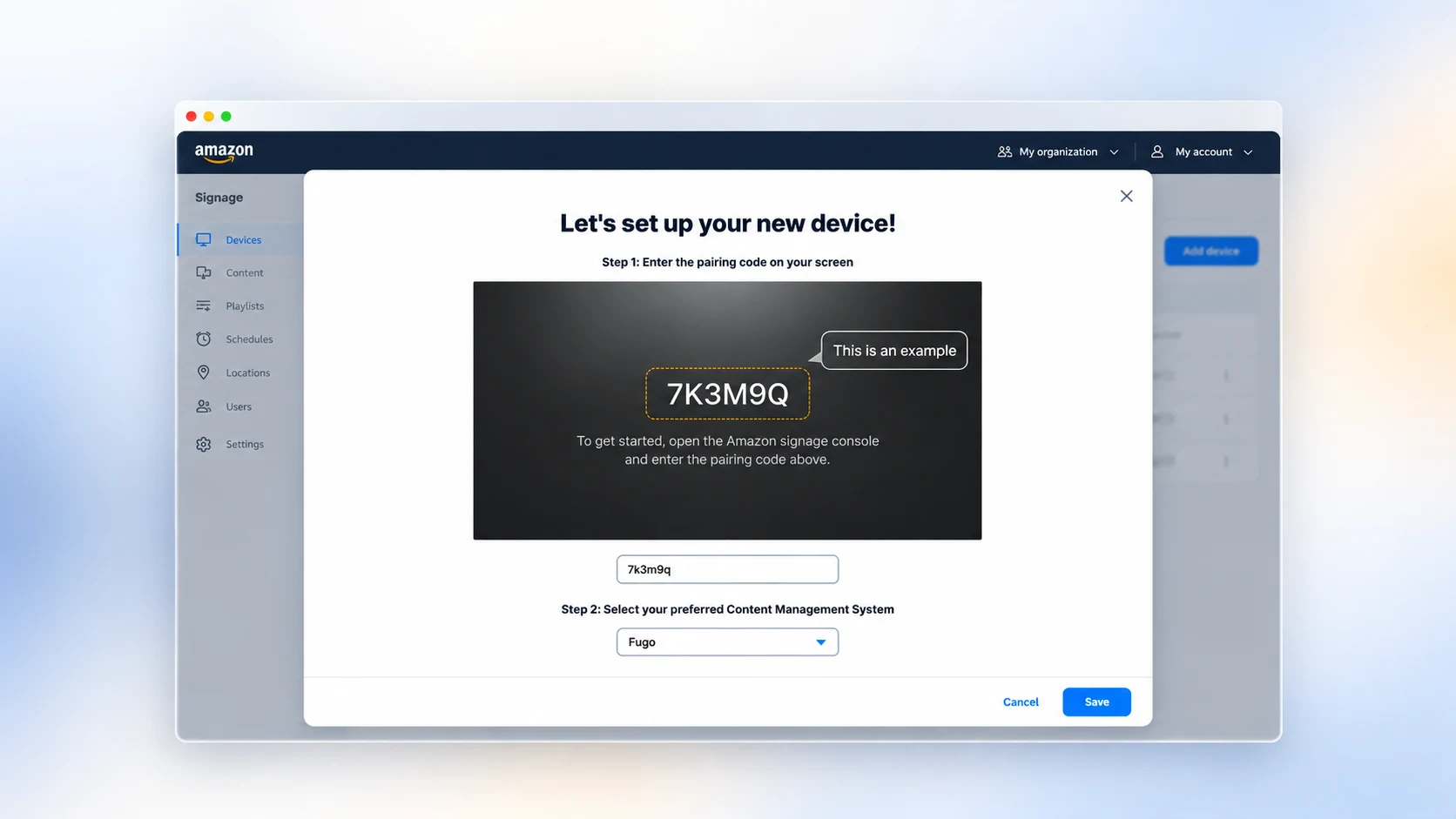
Enterprise CMS control behind every screen
Fugo gives you complete cloud control over what plays, who has access, and how your network operates.
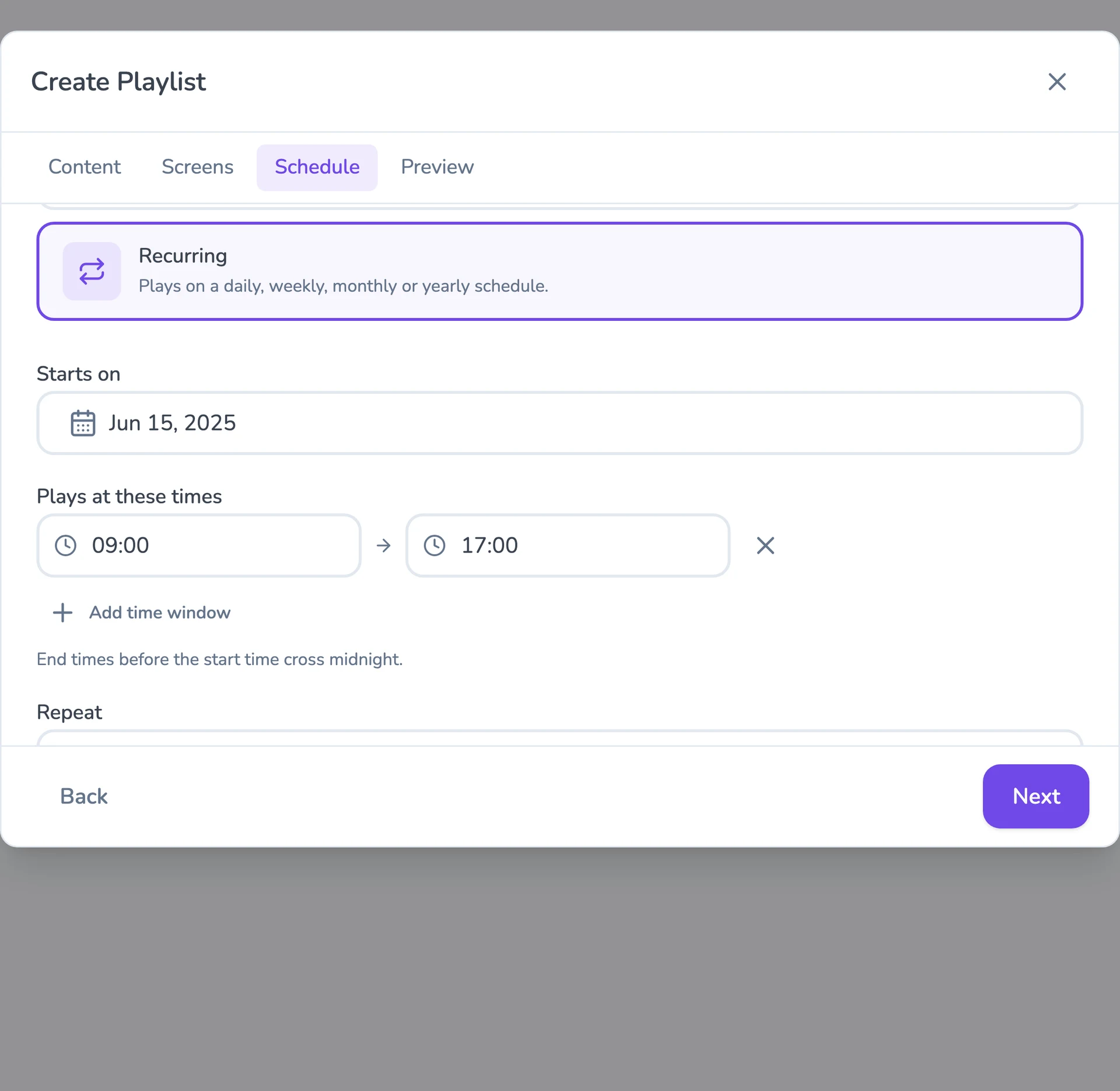
Flexible content scheduling
Keep even complex content calendars easy to manage. Schedule & target content to the right screens with flexible timing and automatic expiry.
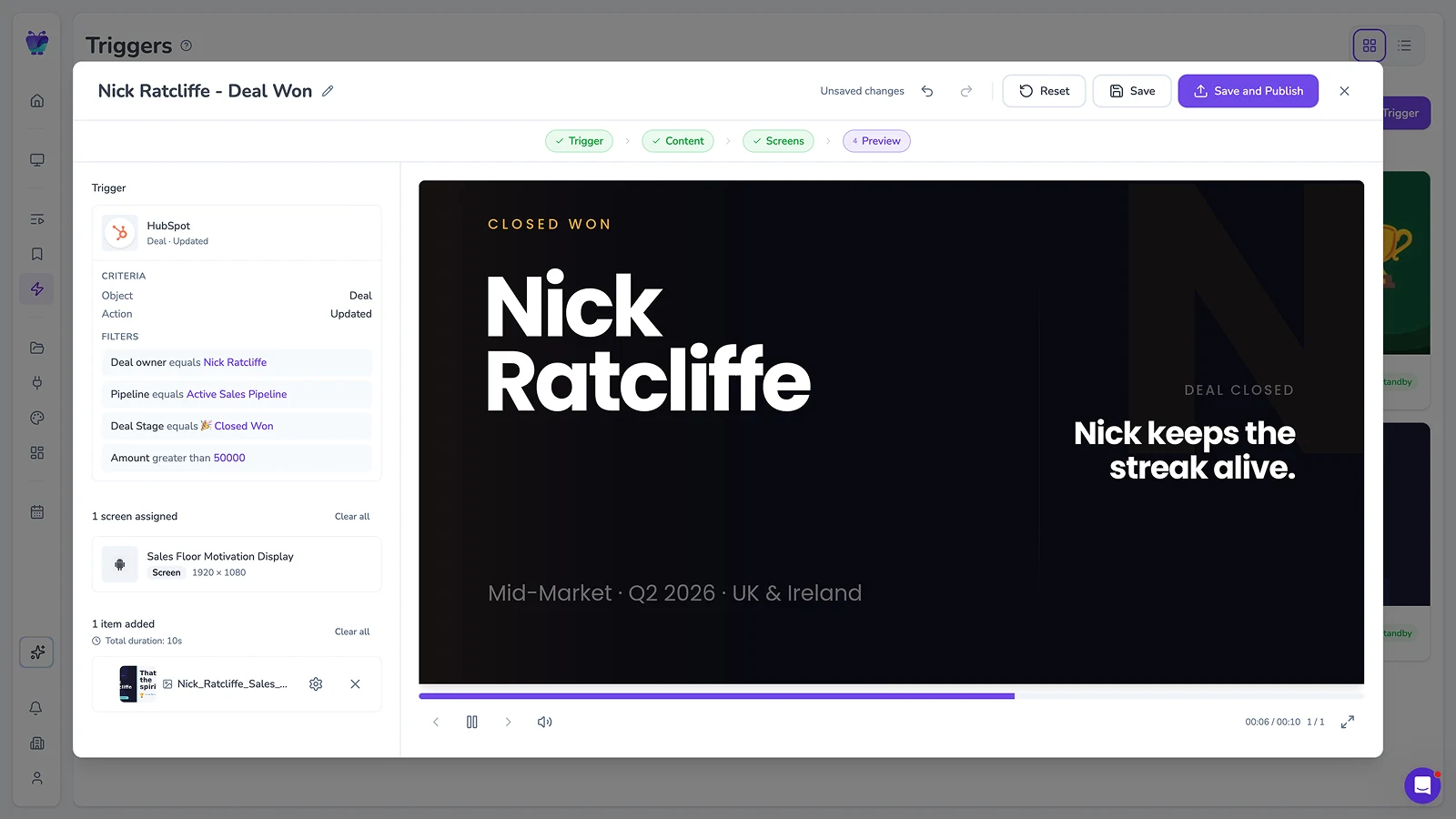
Event-driven content triggering
Let events in your connected systems decide when screens should update. Surface timely takeovers for alerts, milestones, or moments that need attention.
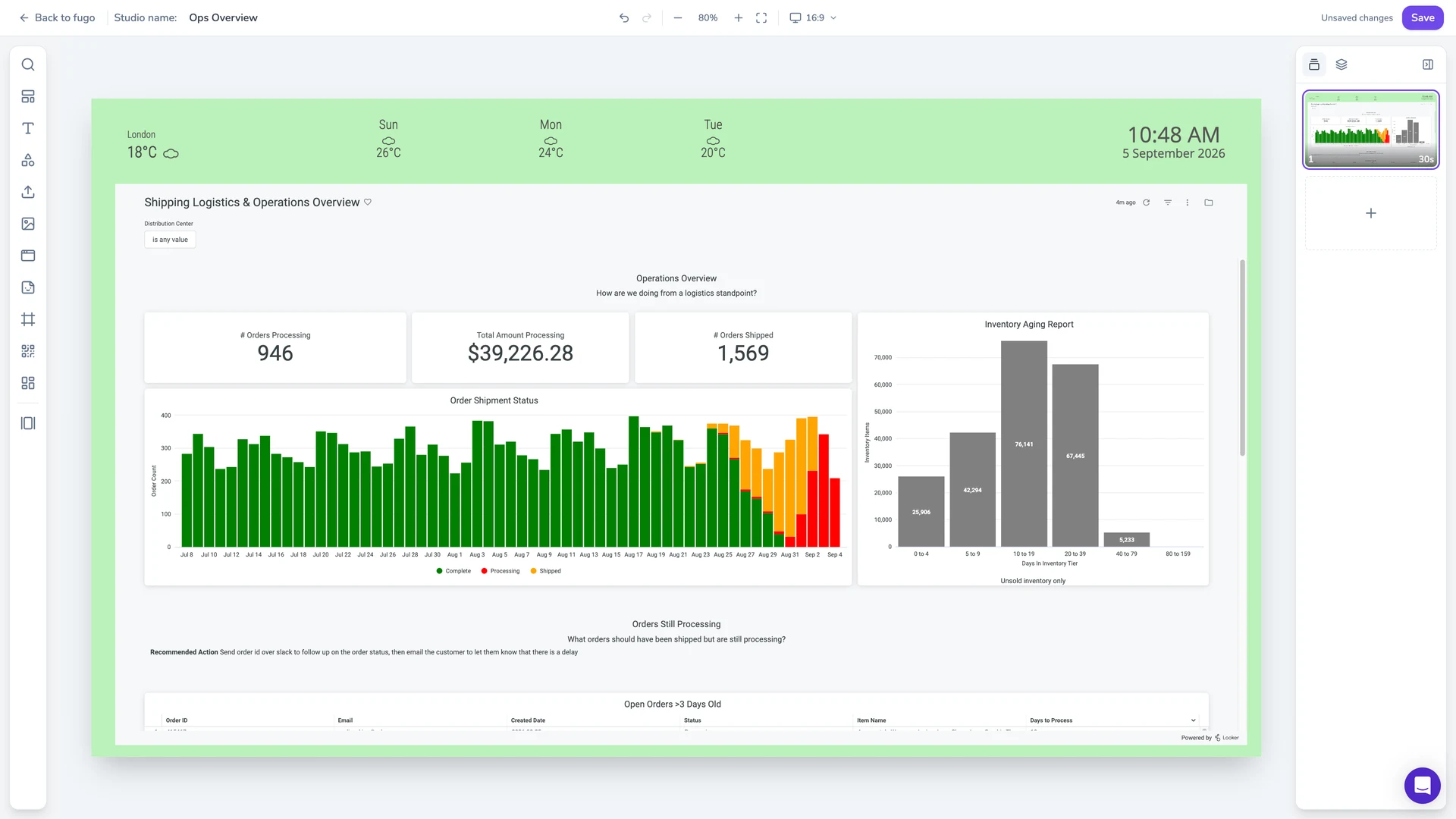
Full-featured content design
Combine your own media, live data, and connected apps into polished multi-zone layouts using an editor that feels as easy as Canva.
Centralized screen management
Organize and control your entire screen network from one place, without losing the flexibility to manage each screen according to its setup.
Live data on screen
Put BI dashboards and KPIs on the display through Fugo’s integrations, and keep them refreshing without anyone signing in on site.
Built-in remote monitoring
See what’s happening on remote screens from Fugo. Verify playback and investigate problems without sending someone on site.
Granular user management
Give teams access to the screens and content they own without opening the rest of the network.
Dive deeper on digital signage
Practical guides for making better decisions about how you build and run your signage.
Amazon Signage Stick expands into europe. Here's what to know & where to get it.
Fugo & Amazon signage collaborate to bring data-driven digital signage to the Amazon Signage Stick
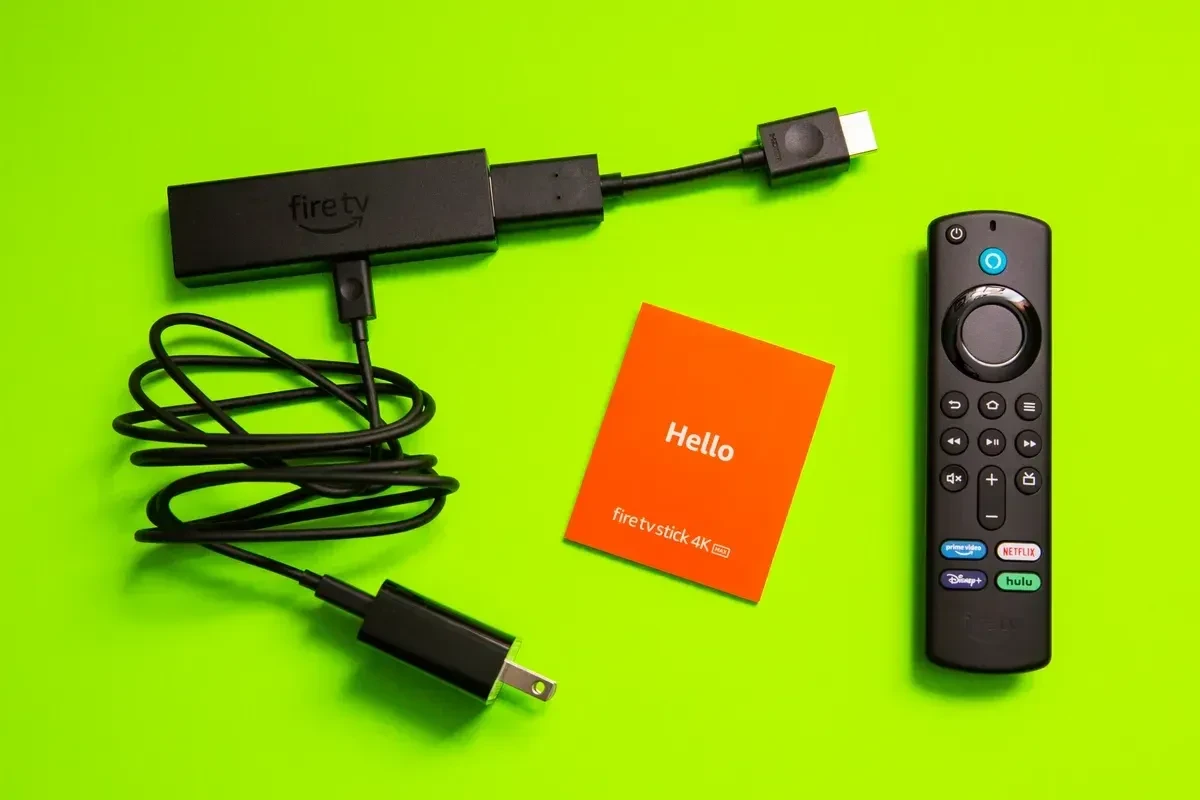
Fire TV sticks are sunsetting. Here’s what that means for your digital signage.
Frequently asked questions
Everything you need to know about pairing the Amazon Signage Stick with Fugo.