

Folks handling digital signage hardware procurement have a habit of treating the display as the obvious part.
Teams will spend weeks comparing content management systems, working through network requirements and deciding who should be allowed to publish what, then get to the screen and reduce the decision to size, resolution and price. If the TV is 55 inches, has a decent panel and can install the signage app, how much more is there to think about?
Quite a lot, once that display is expected to behave as part of a managed system.
Modern professional displays contain much of the computing, networking and control infrastructure that used to sit outside the panel. They run applications, store content locally, connect to management platforms, accept remote commands and, increasingly, provision themselves from the cloud. That makes the choice of display much more consequential than it was when a screen was little more than an HDMI endpoint.
Sony is a particularly useful example because the line between its consumer and professional products is easy to see. Many Sony BRAVIA televisions run Android TV or Google TV, which means a compatible model can install Fugo from Google Play and become a perfectly serviceable digital signage screen. Sony’s BRAVIA Professional range builds on the same general platform, but adds another layer of engineering and management around it: commercial operating ratings, professional configuration controls, deployment tooling, remote management and hardware designed around installations that may be expected to stay in service for years.
Understanding that difference is more useful than simply deciding that “professional is better.” It tells you what you are actually paying for, and when those capabilities begin to matter.
Consumer BRAVIA vs Professional BRAVIA
There is nothing inherently wrong with using a consumer Sony for digital signage.
On supported Android TV and Google TV models, Fugo installs through Google Play in much the same way as any other app. Once paired with the Fugo CMS, that screen can receive scheduled content, media, web pages and other signage remotely. For reception areas, meeting rooms, small offices and other relatively light-duty installations, that can be an entirely reasonable way to use hardware you already own or keep the cost of a new deployment down.
The distinction starts with what Sony expects the hardware to do once it leaves the box.
Consumer BRAVIA televisions are designed primarily for domestic use. Sony’s professional displays are designed around corporate, retail, education and other commercial environments, where a screen may be mounted in portrait orientation, run throughout the working day or continuously, operate somewhere that end users can physically reach it, and be maintained by somebody who is nowhere near the building.
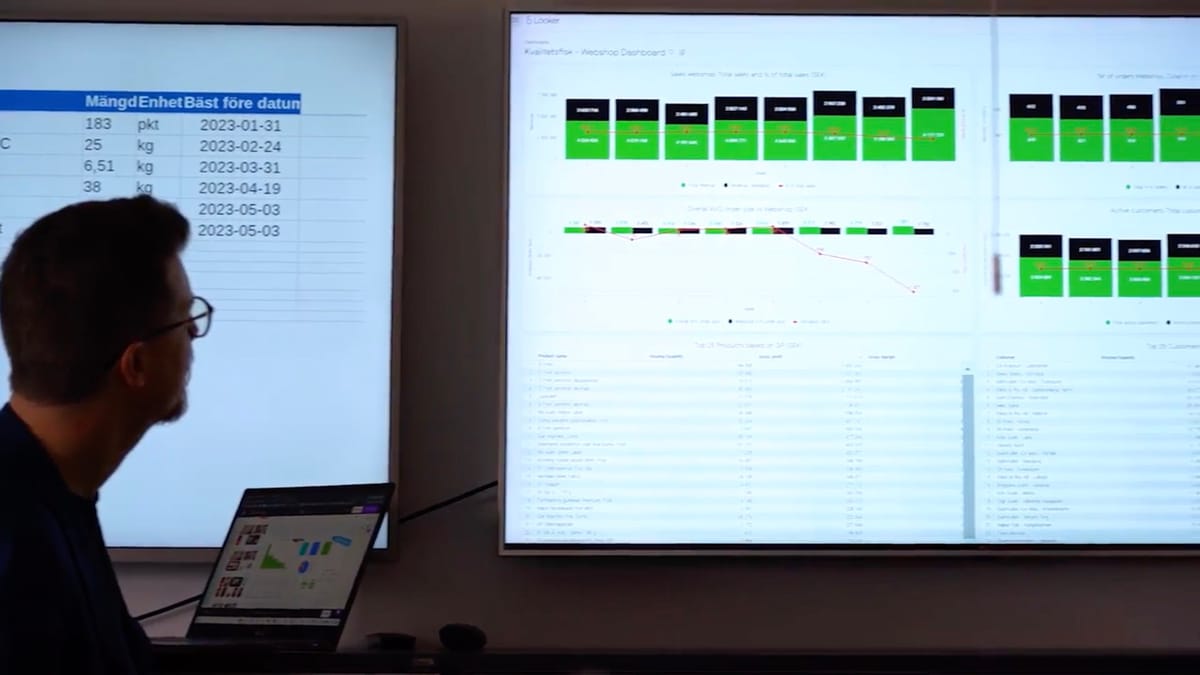
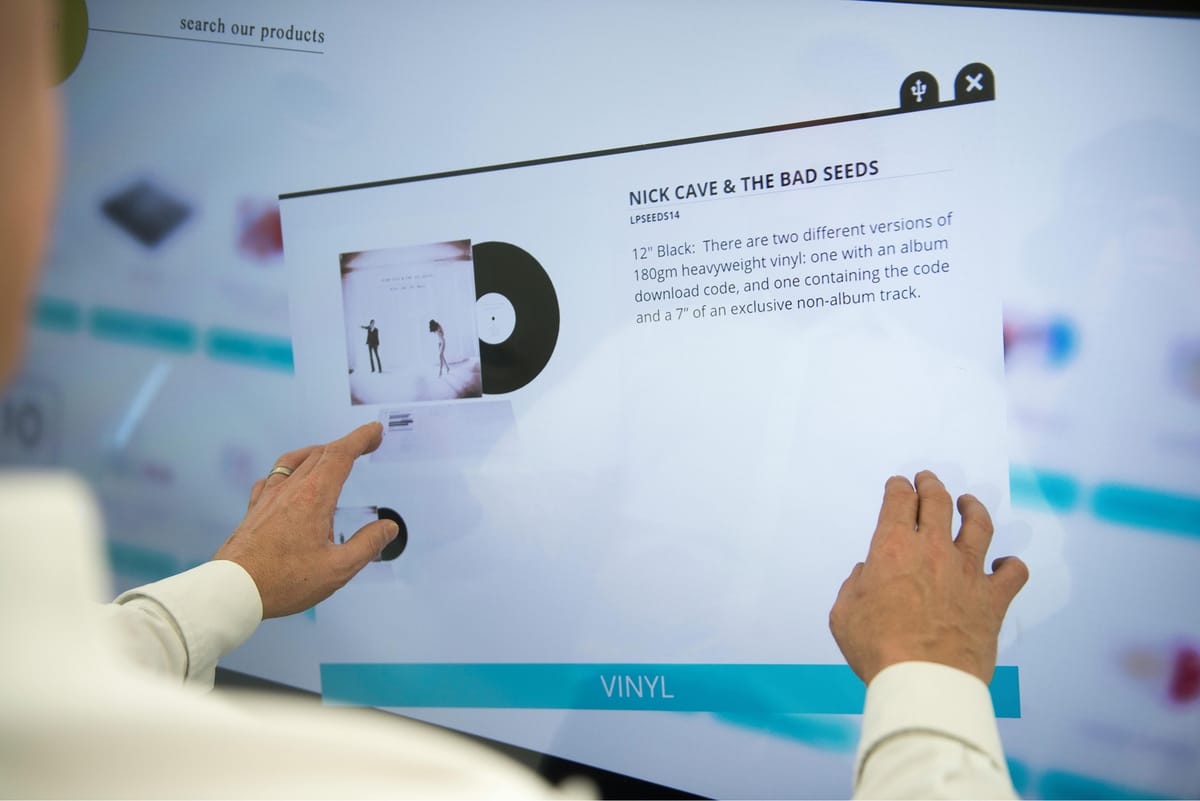
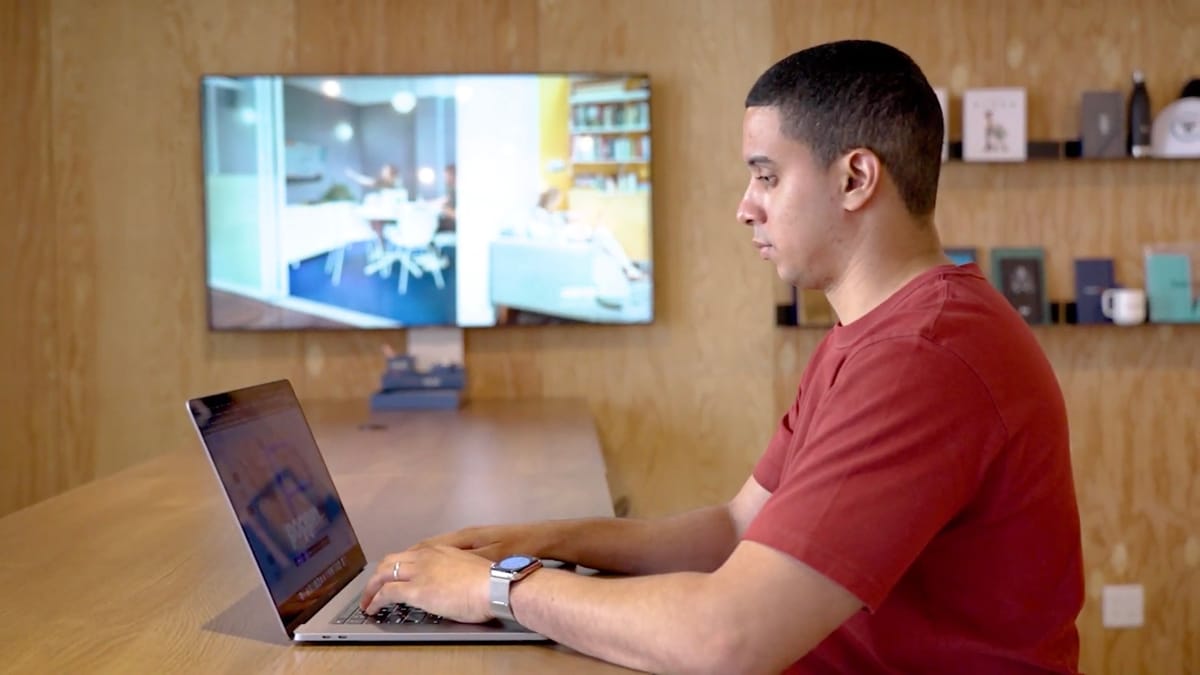
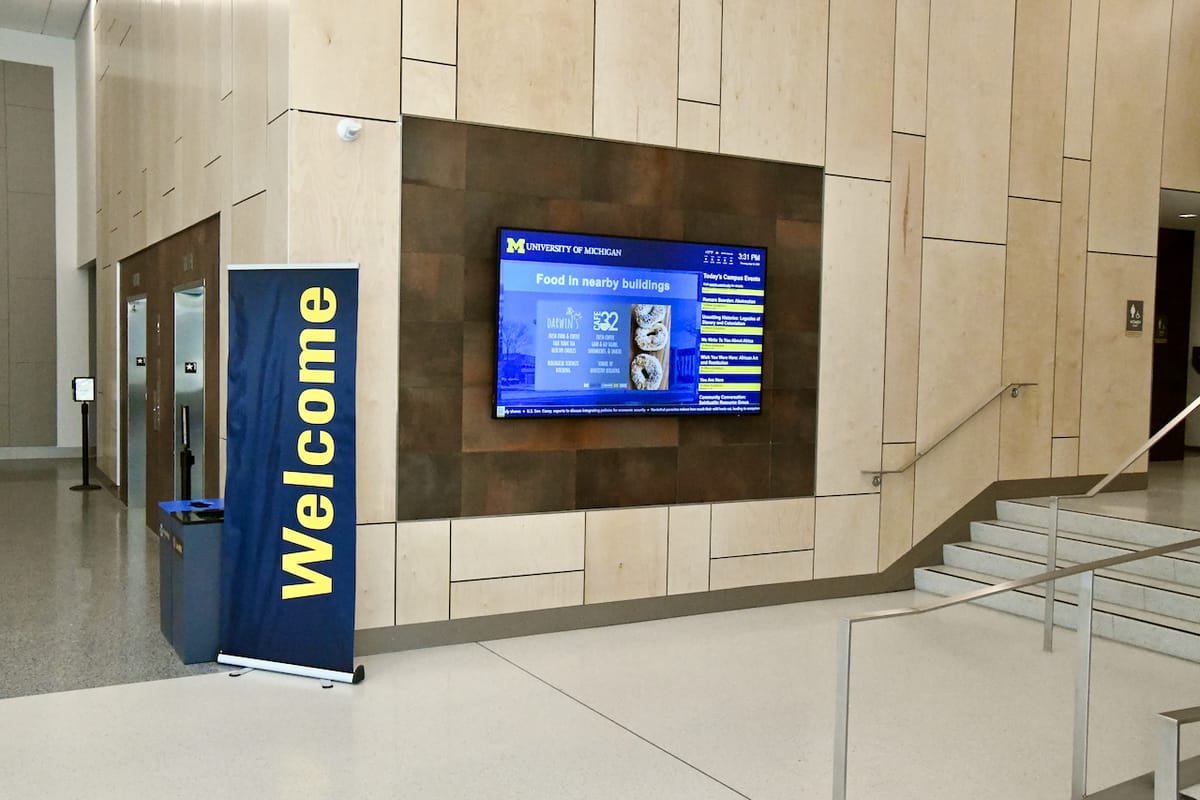
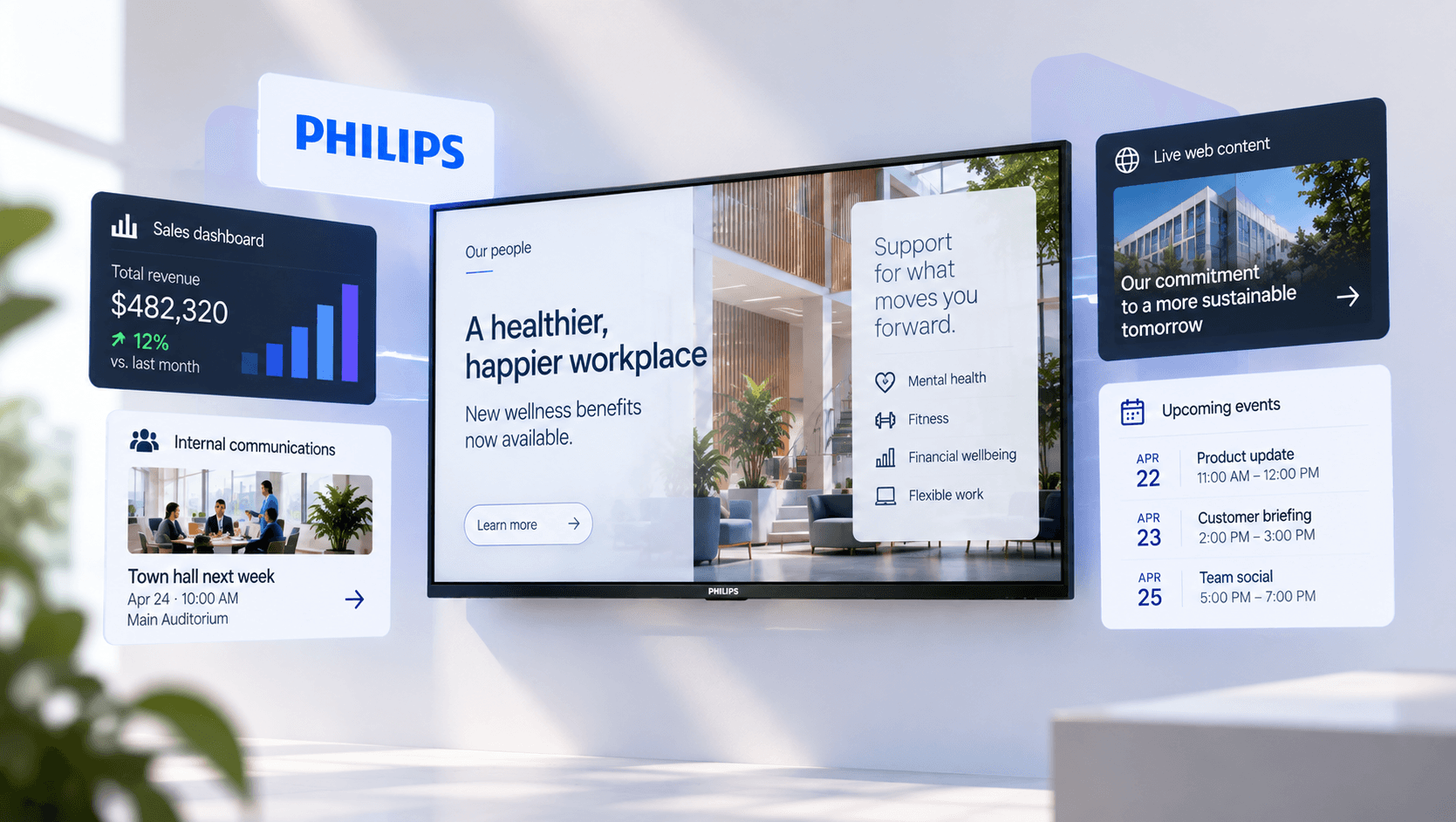
Screens in signage environments take on very different jobs, from dashboards and interactive experiences to workplace comms and public information.
Sony’s own professional range reflects different levels of that requirement. The EZ20L, for example, is rated for 16/7 operation, while the current BZ30P, BZ35P and BZ40P families are engineered for 24/7 use. The higher ranges add further measures for demanding environments: the BZ35P and BZ40P use dust-resistant chassis designs that meet IP5X, and Sony says they are put through temperature, humidity, vibration and drop testing as part of their endurance programme.
Those specifications are less exciting than resolution or colour performance, but in signage they can be vastly more important. A screen installed above a retail fixture or on a manufacturing floor is inconvenient to service even when the fault is minor. The useful life of the deployment depends on more than whether the panel still produces a good picture.
Commercial support follows the same logic. Sony distinguishes its professional warranty and service programmes from its consumer coverage, noting that consumer warranties are intended for consumer use and may be restricted when displays are used commercially. Professional BRAVIA models are covered by dedicated commercial service programs, with terms varying by model and region.
So the practical difference is not that a consumer BRAVIA suddenly stops being capable of showing signage. It is that the professional display has been designed, configured and supported around the expectation that signage may be its actual job.
What Sony puts behind the panel
One of the strongest arguments for Sony’s Professional BRAVIA range is its system-on-chip architecture.
An SoC display combines the panel and the computing platform that runs the signage application. Fugo therefore runs directly on the display rather than requiring a separate Windows PC, Android player or other media device behind the screen.
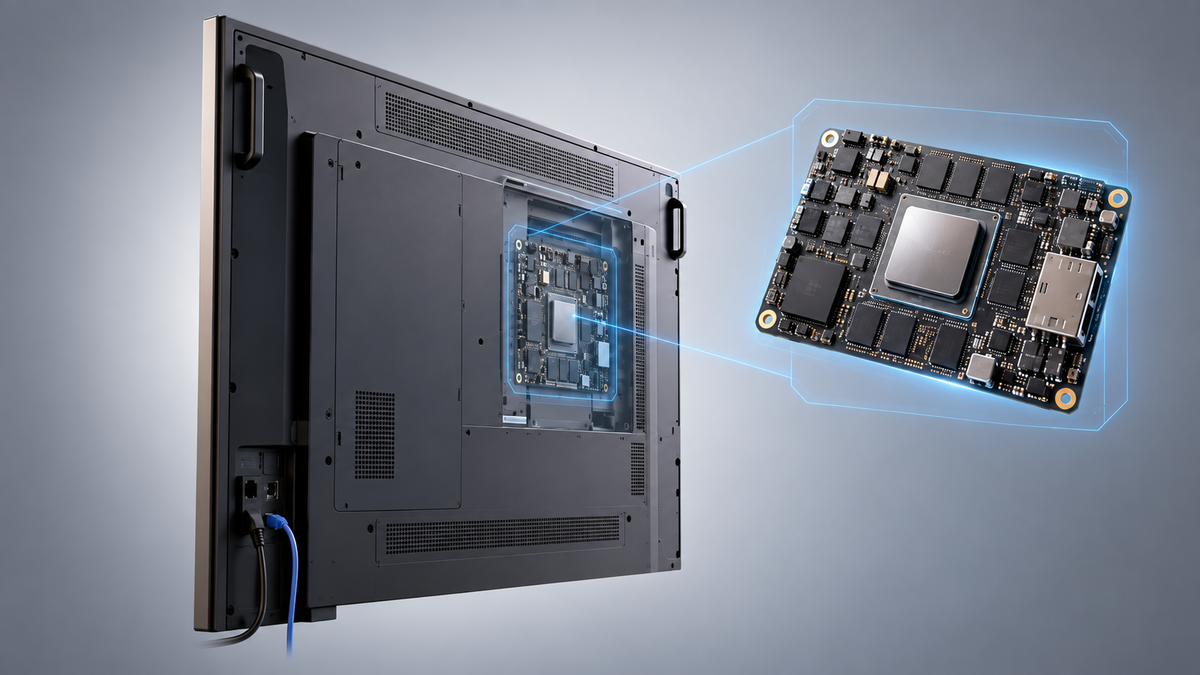
That removes a surprising amount of hardware from an installation. There is no additional player to mount, no second power supply and no HDMI link between the playback device and the panel. It also removes an entire layer of compatibility questions between player and display.
Sony has gone further than simply putting Android inside the screen. Its current professional platform includes a real-time clock so application schedules can be maintained while the panel is powered down, and Sony explicitly works with CMS vendors to validate software against the display platform.
That last point matters because “Android” is not a hardware specification.
Two Android displays can differ considerably in processor performance, memory, firmware behaviour and the way background applications are managed. With a professional SoC platform, the combination of software and hardware can be evaluated as a known endpoint rather than assuming anything capable of opening Google Play will behave identically under signage workloads.
There are limits, and they are worth being clear about. An integrated SoC does not make external media players obsolete. Very demanding HTML applications, intensive WebGL content, specialist software or unusual multi-stream requirements can still justify dedicated compute. An SoC also ties the playback hardware more closely to the useful life of the display, whereas an external player can be replaced independently.
That is why we look at the intended content as well as the display specification when recommending hardware. For the workload a professional screen can comfortably handle, though, running Fugo natively keeps the installation unusually clean.
Pro Mode is a bigger deal than it sounds
Some of the most useful features on a professional BRAVIA have almost nothing to do with image quality.
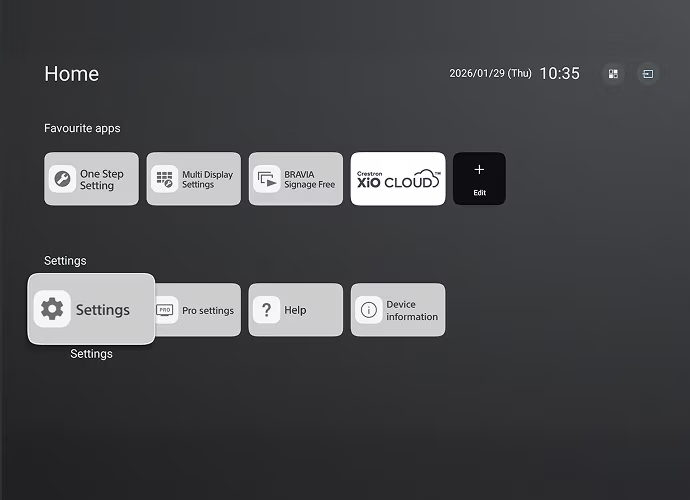
Sony’s Pro Mode controls how the display behaves once it has been installed. Administrators can define startup behaviour, choose a default application or input, schedule power, restrict remote-control and hardware-button functions, use PIN protection and prevent users from wandering into applications or settings that have nothing to do with the installation. Saved configurations can also be reused rather than rebuilding every display by hand.
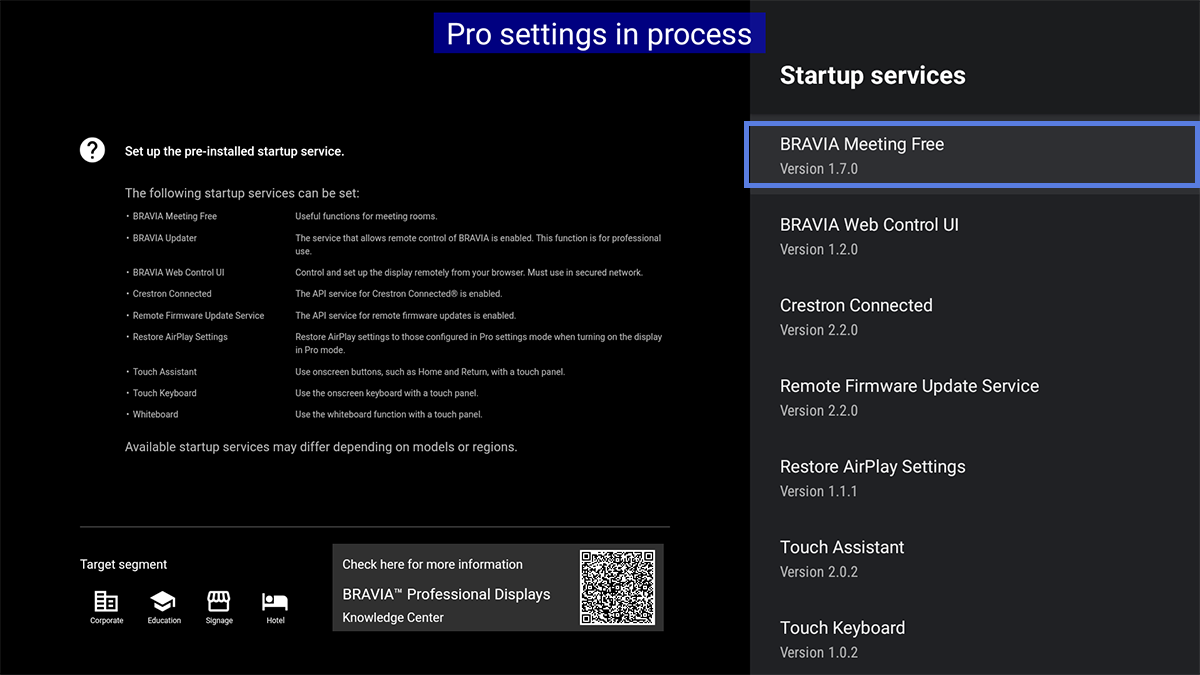
These are mundane controls until a screen is mounted in a public space.
A consumer television is designed around the assumption that the person holding the remote should be able to use it. Signage often needs the opposite. A customer should not be able to press Home and leave a menu board sitting on the Google TV interface. A conference-room display that doubles as signage may need to switch to HDMI when somebody connects a laptop, then return to its normal behaviour afterwards. Power schedules need to survive without somebody remembering to turn the screen on each morning.
Those requirements sit below the CMS. Fugo can decide what content a screen should be playing at 9 a.m.; the display still needs to wake correctly, launch the player and remain in the intended operating state.
Sony also supports more traditional AV integration through IP control and, on relevant models, RS-232C. That matters in environments where screens sit alongside room-control systems, AV automation or building infrastructure rather than operating as isolated TVs. Even the entry-level EZ20L exposes IP and serial control for that reason.
The broader point is that a professional display gives administrators control over the endpoint itself. Content management and device configuration are related jobs, but they are not the same job.
Zero-Touch Provisioning changes the deployment model
This distinction becomes much clearer when it is time to install the screens.
The conventional Android setup is familiar: power on the display, work through the setup flow, connect it to the network, sign into Google where necessary, find the Fugo Player, install it and configure the screen. There is nothing especially difficult about that process.
Doing it repeatedly is where the process begins to show its limitations.
Sony’s professional ecosystem includes device profiles and Zero-Touch Provisioning specifically so configuration can be defined before the installer is standing in front of the panel. Sony’s Device Provisioning Tool is designed for the initial deployment, while its broader Device Management Platform adds ongoing monitoring and control. Current supported professional ranges can be registered in bulk, associated with a configuration and commissioned through the cloud instead of treating every screen as a fresh consumer setup.
Fugo is integrated into that provisioning path for compatible BZ Professional Displays.
Before installation, the displays are registered with Sony using their MAC addresses. During first-time setup, the BRAVIA connects to the network and produces a one-time code. Once confirmed, the display downloads the Fugo Player and applies the recommended baseline configuration automatically. What appears next is the Fugo pairing screen, ready to be attached to the correct account and content structure.
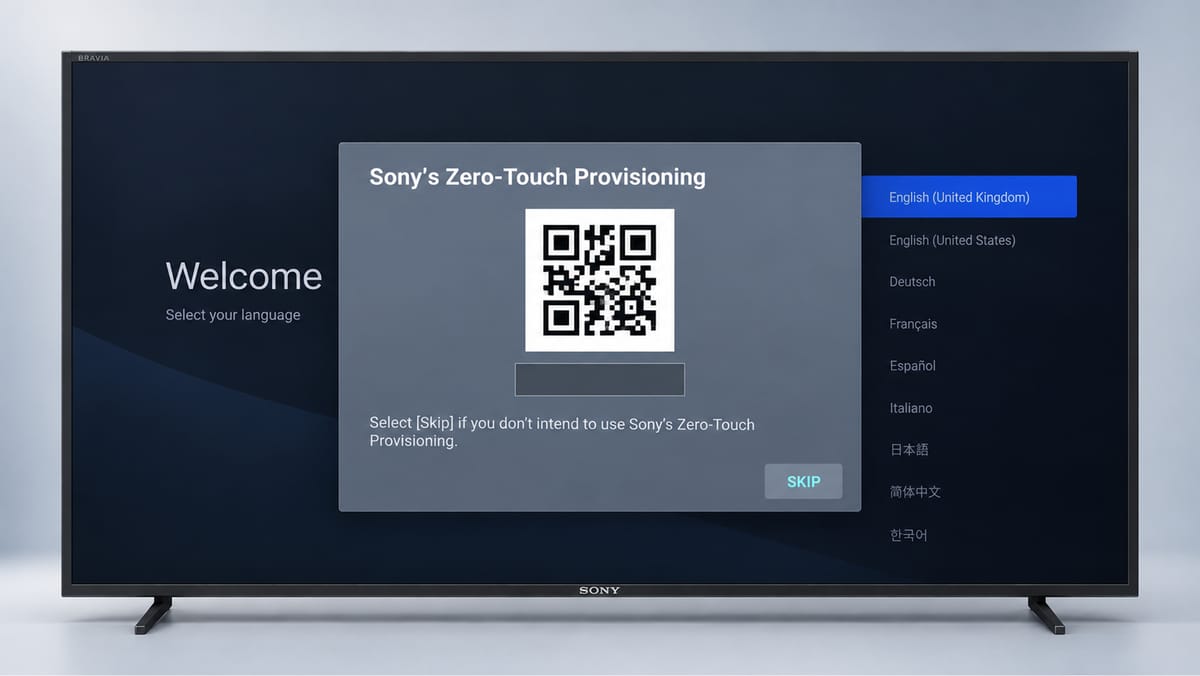
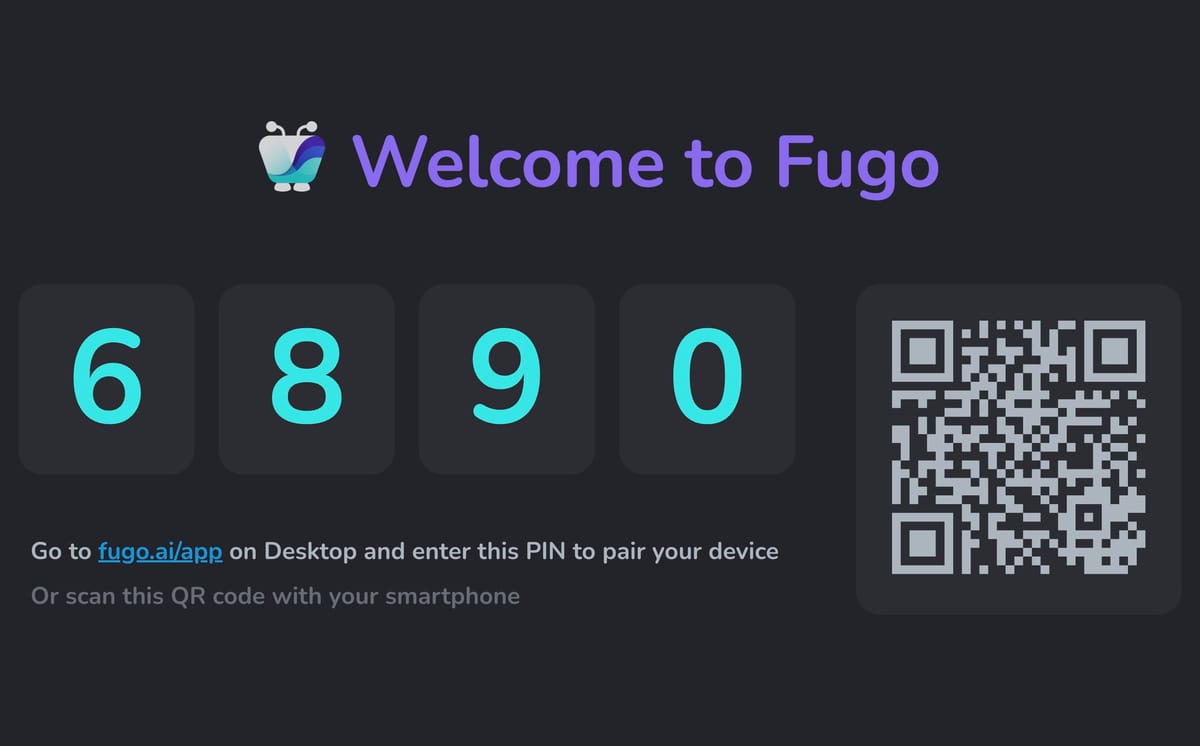
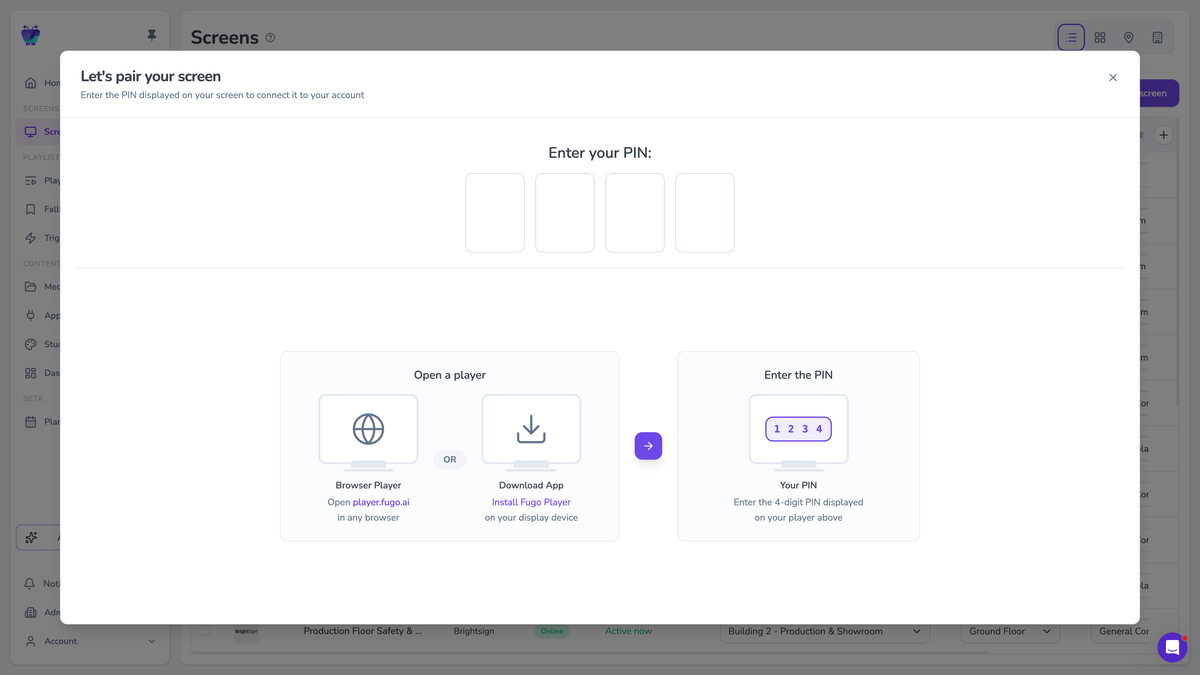
The significance is not the few minutes saved installing an app. It is that the configuration has become repeatable.
An integrator can prepare a run of displays in a staging area, provision them with Fugo, pair them to the intended account and send them out to individual sites. Sony and Fugo both support that workflow. The person mounting the final screen is no longer responsible for reproducing every software and display setting correctly from instructions.
That is also where the distinction from consumer BRAVIA becomes concrete. A compatible consumer Sony may run the same Fugo Player, but it does not participate in Fugo’s Sony Zero-Touch workflow. Fugo’s current provisioning support is for BRAVIA Professional BZ displays.
 Fugo
Fugo
The screen still has to work in the room
All of this management infrastructure would be a strange reason to buy Sony if the display itself were mediocre.
Fortunately, the professional range draws heavily on the same picture-processing expertise as Sony’s consumer business, while tuning the hardware for commercial viewing conditions.
A workplace dashboard has a different problem from a film watched in a darkened living room. Text needs to stay legible at a distance. Overhead lighting can throw reflections straight across the panel. Retail screens may sit in bright shop floors or close to windows, while people view them from a much wider range of positions than they would a television at home.
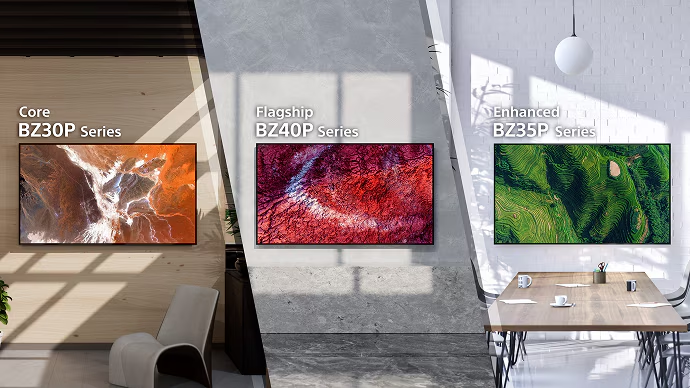
Sony scales its professional line accordingly. The current BZ35P is rated at 500 nits and uses Deep Black Non-Glare Standard to suppress reflections while retaining contrast. The BZ40P raises brightness to 700 nits and uses Sony’s Deep Black Non-Glare Premium treatment. Both use Sony’s XR processing platform, while the range also provides signage-specific picture presets rather than expecting an installer to adapt consumer cinema or television modes.
Physical design receives similar attention. The BZ35P, for example, uses narrow, evenly sized bezels so portrait installations do not look obviously rotated, with a centrally positioned VESA pattern intended to make horizontal and vertical mounting easier. Larger models add recessed carrying handles to make installation less precarious.
None of these features is individually decisive. Together, they tell you what sort of installation Sony had in mind while designing the product.
That is usually a more useful way to assess professional hardware than looking for a single headline specification.
Managing the display after installation
Provisioning solves the first day. A screen network also has a fifth year.
Sony’s Device Management Platform gives the hardware owner a view below the signage CMS: network status, storage usage, applied settings and device alerts. Administrators can remotely reboot displays, change basic and Pro settings, inspect alert history and even capture screenshots to verify what a screen is currently showing. Alerts can be configured for conditions including network errors, HDMI disconnections and unexpected power events.
Those capabilities are especially useful because they help separate display problems from content problems.
If a screen in another city is reported as blank, the signage team should not have to begin by asking somebody at that site to find the remote control. The display-management layer can tell you whether the hardware is online and behaving normally. Fugo can then tell you what content has been assigned to it and whether the player is communicating with the CMS.
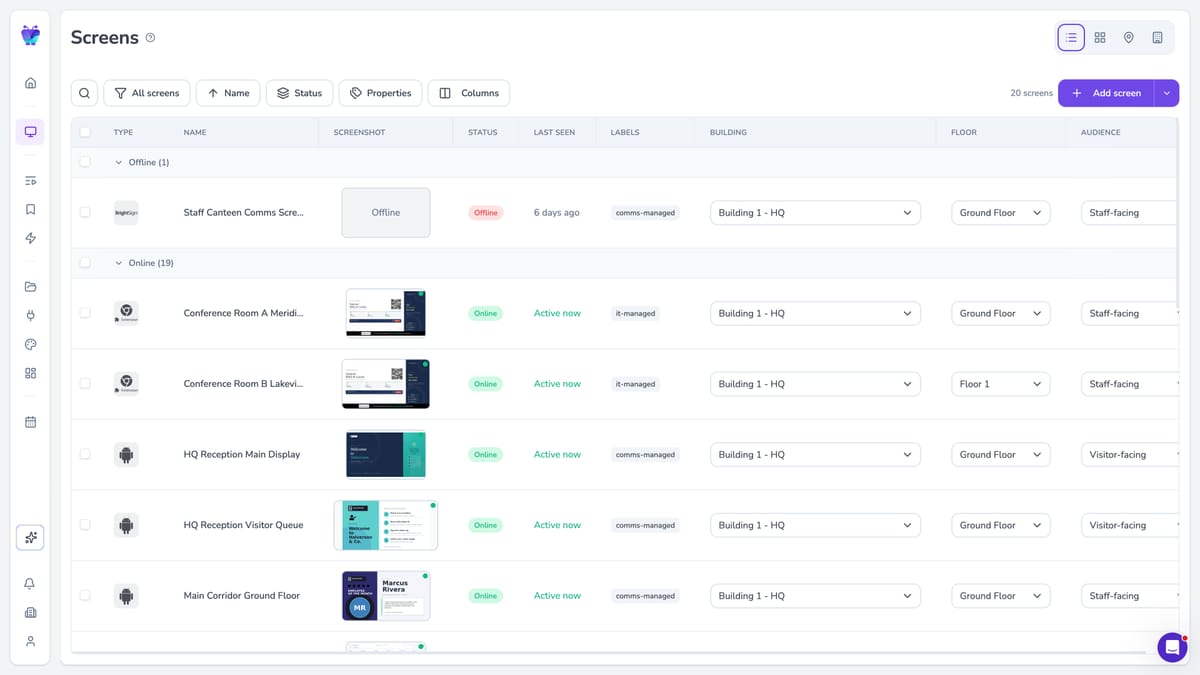
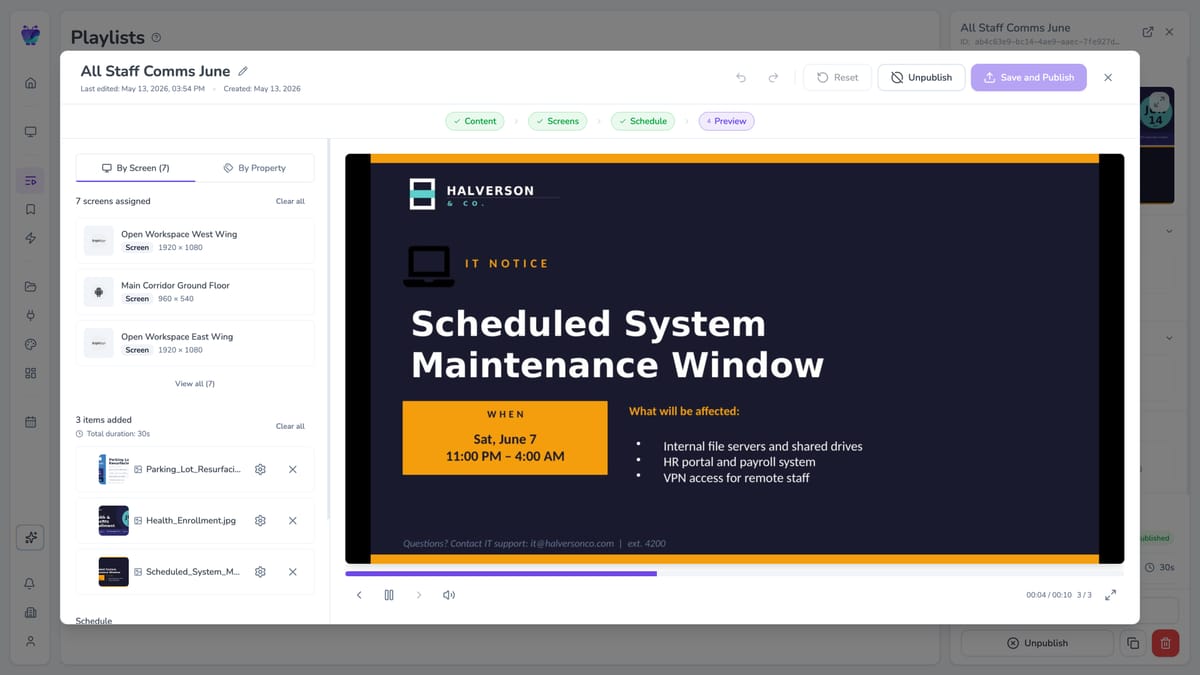
Fugo gives signage teams both sides of day-to-day operations: a live view of screen health and status, plus control over the content, scheduling, and screen assignments that determine what each display should be showing.
This is one of the less obvious benefits of treating professional signage as a stack rather than expecting one piece of software to own everything.
Sony manages the display. Fugo manages the signage operation. An IT or AV team can concentrate on the endpoint and its configuration while the people responsible for communications, retail content or business data work in the CMS.
There is overlap, which is useful. It gives you more than one way to establish what is happening on a remote screen without collapsing device management and content management into the same thing.
Where Fugo fits into Sony’s architecture
The appeal of Sony + Fugo is partly architectural.
Fugo has a native Android player, so a compatible BRAVIA can become a managed signage endpoint without adding another computer behind the display. Once paired, the content operation moves into Fugo: playlists, scheduling, layouts, apps, screen groups and remote publishing are managed centrally rather than at the TV.
More demanding content does not necessarily mean pushing all of that work onto the Sony SoC either.
Fugo’s TV Dashboard system, for example, can authenticate with protected business dashboards in the cloud, render a fresh view there and deliver the resulting visual to the screen.
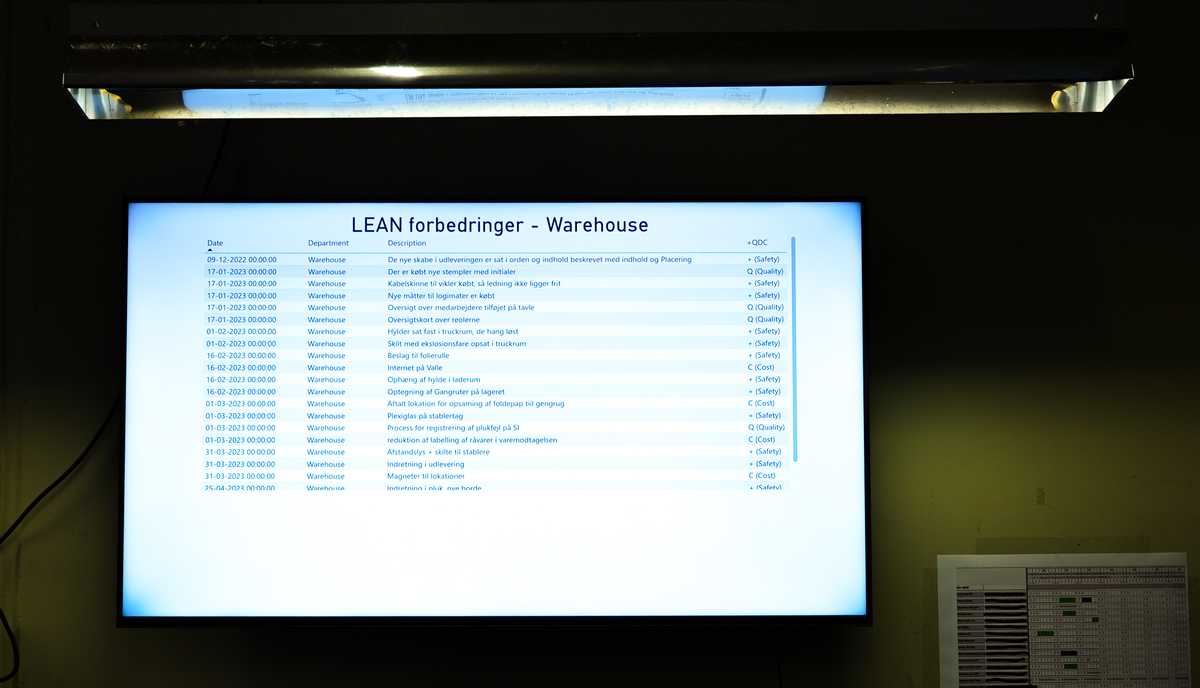
That kind of workload split suits an integrated display well. Use the hardware for the jobs it is good at - dependable playback, local media, the Fugo Player and display control - while heavier authentication and rendering can happen elsewhere when appropriate.
The Zero-Touch integration then closes the gap between procurement and software deployment. A professional BRAVIA can enter the project as a Sony endpoint, receive Fugo as part of its initial configuration and then become part of the customer’s content network without introducing a separate media-player estate.
It is a relatively simple stack, which is often what you want from signage hardware.
A professional display should solve a professional problem
None of this means every Fugo customer should replace every television they own.
Existing consumer BRAVIA screens can continue to make sense where the operating hours are modest, the environment is controlled and somebody can easily get to the display if it needs attention. Fugo supports mixed hardware estates precisely because real organizations rarely replace an entire screen network at once.
Where we start looking much more seriously at Professional BRAVIA is when the deployment itself has become something the organization expects to rely on: distributed sites, long operating schedules, portrait installations, customer-facing screens, difficult physical access, formal AV ownership or a rollout large enough that manual configuration stops being sensible.
At that point, the question is no longer whether a smart TV can display the content. Of course it can.
The more useful question is what happens around the content: how the screen is commissioned, how consistently it behaves, how it is protected from casual interference, how it is monitored, how it is serviced and whether the same deployment process will still make sense when the network grows.
Sony has put a surprising amount of engineering into those less visible parts of the display. Combined with a CMS that can take advantage of the onboard platform rather than simply treating it as another HDMI panel, that is what makes Professional BRAVIA interesting for digital signage.
The panel is still important; it just turns out not to be the whole screen.