

If you've only ever bought a television for home, a professional display can look like a more expensive version of roughly the same product. Both might be 55 inches, both might have a 4K panel, and both can connect to Wi-Fi and run apps. But they're built for rather different jobs.
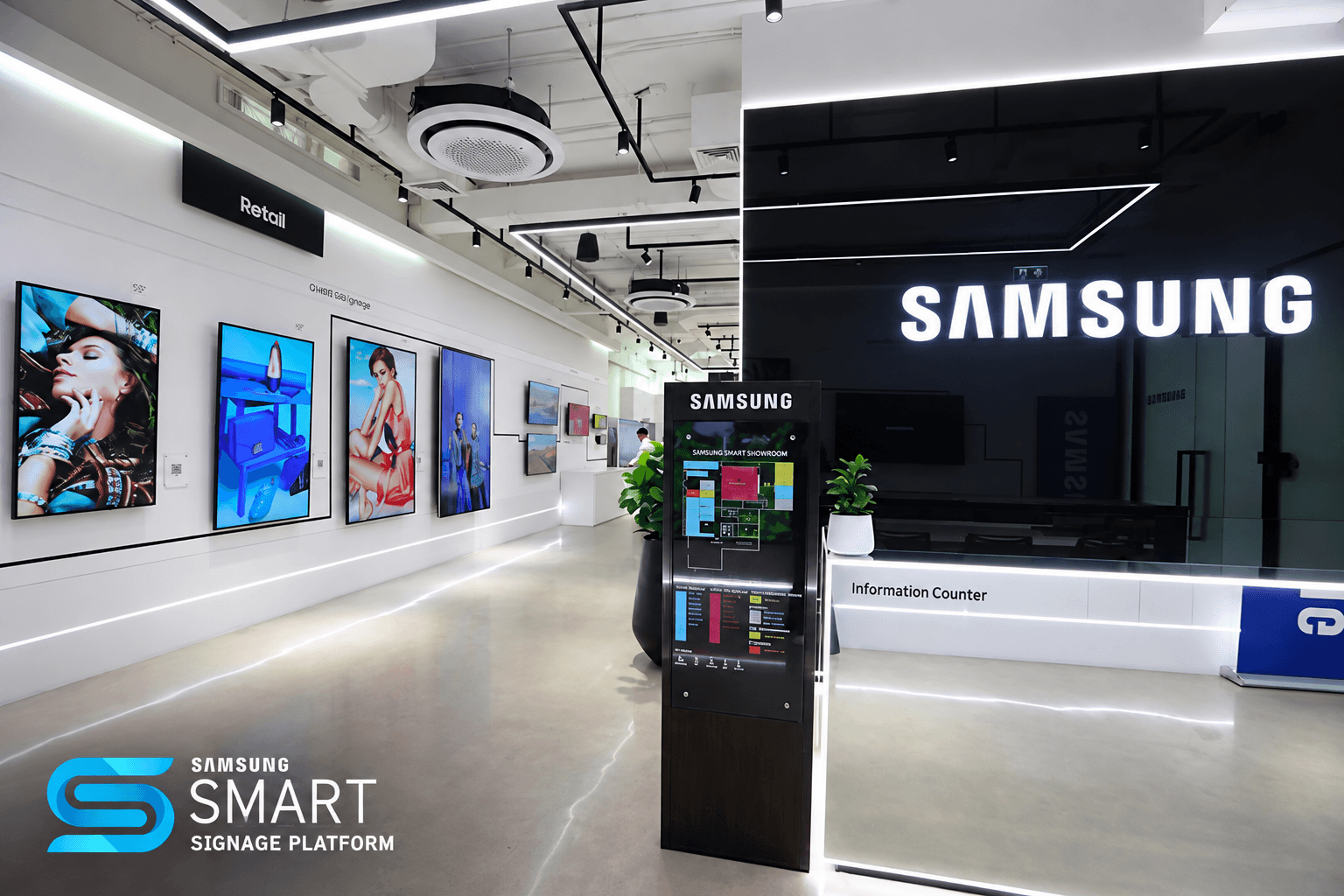
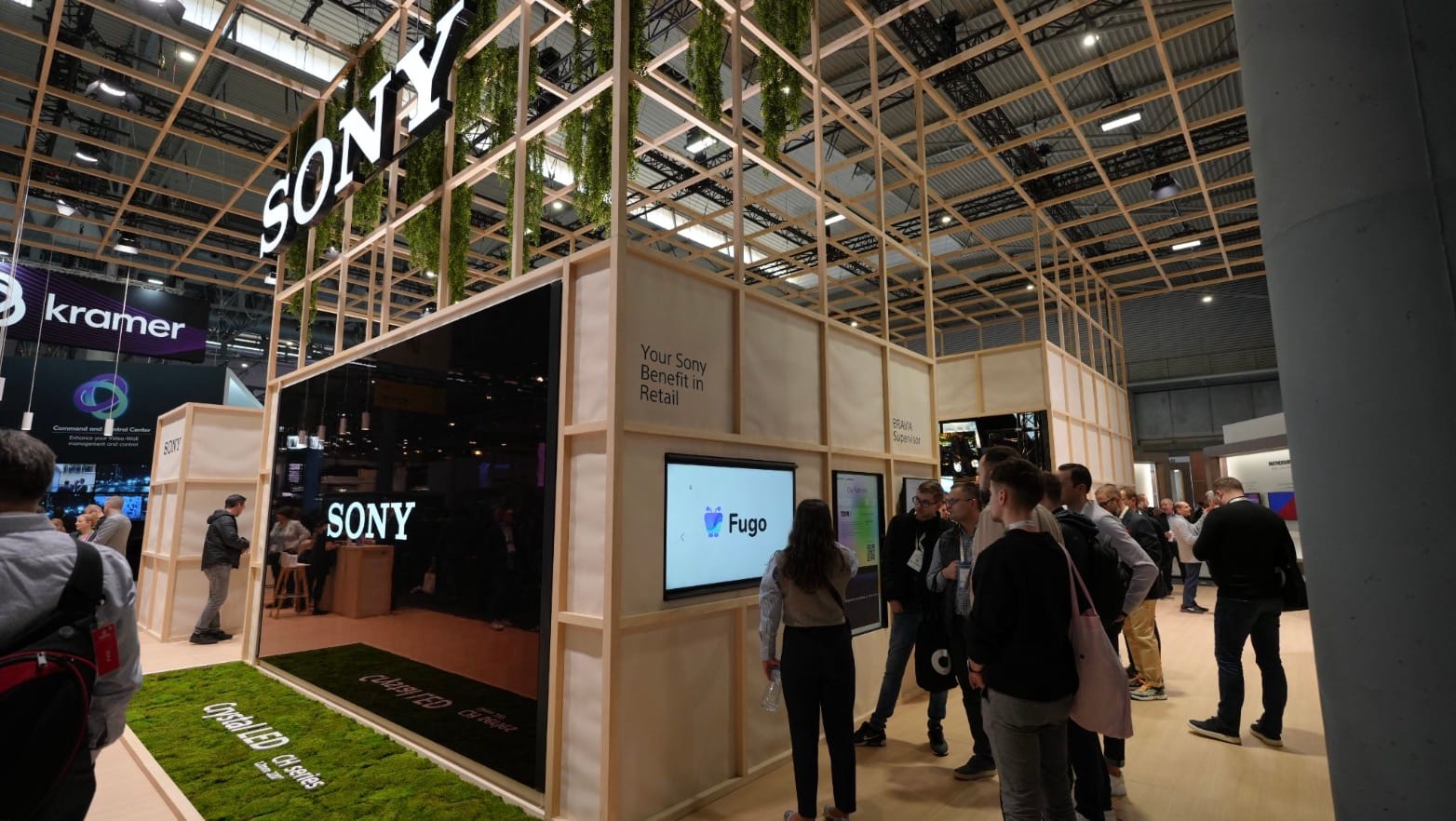
There's an entire display market designed around commercial installations: screens that spend twelve, sixteen or twenty-four hours a day running in offices, shops, schools, transport environments, factories and public venues. They may be mounted vertically or several metres above the floor. Some are expected to remain on around the clock. Others sit in windows or bright reception areas where an ordinary domestic television would struggle with ambient light.
The software workload has changed too. Digital signage stopped being synonymous with looping JPEGs and MP4 files a long time ago. Screens are now being asked to carry live business dashboards, embedded websites, interactive web experiences, streaming content and multi-zone layouts assembled from several different data and media sources. In many installations the display itself is also the media player, so its processor and operating system are doing work that once belonged to a computer bolted behind it.
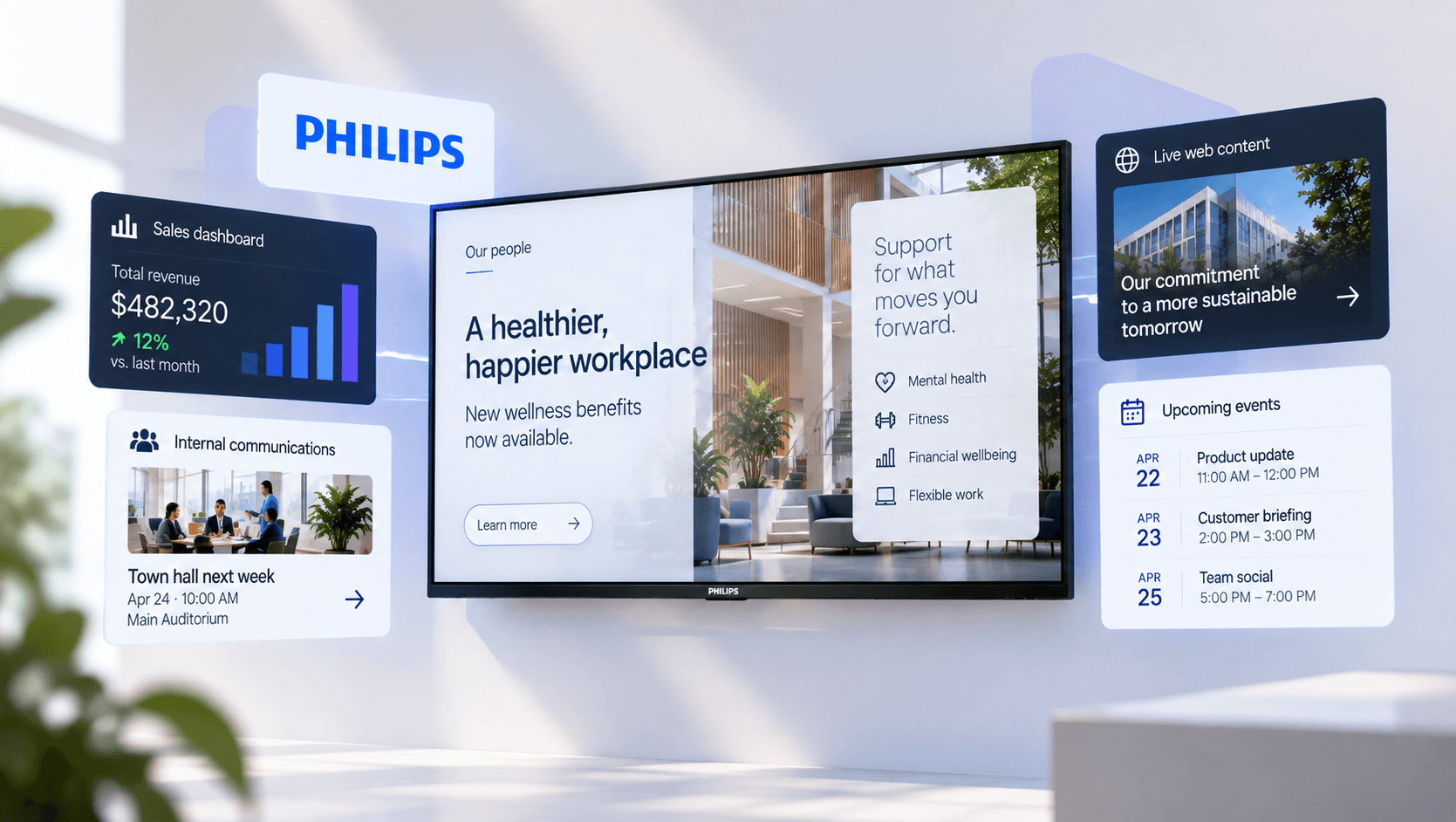
Philips Professional Displays are designed around this kind of use. PPDS, the company behind Philips Professional Displays, offers several signage ranges with commercial-duty panels, professional Android System on Chip hardware and remote device management through Philips Wave. Fugo can run directly on compatible Philips displays and is distributed through the Philips ProStore, which lets the content platform sit naturally inside the same deployment rather than being treated as an unrelated piece of software added afterwards.
 Fugo
Fugo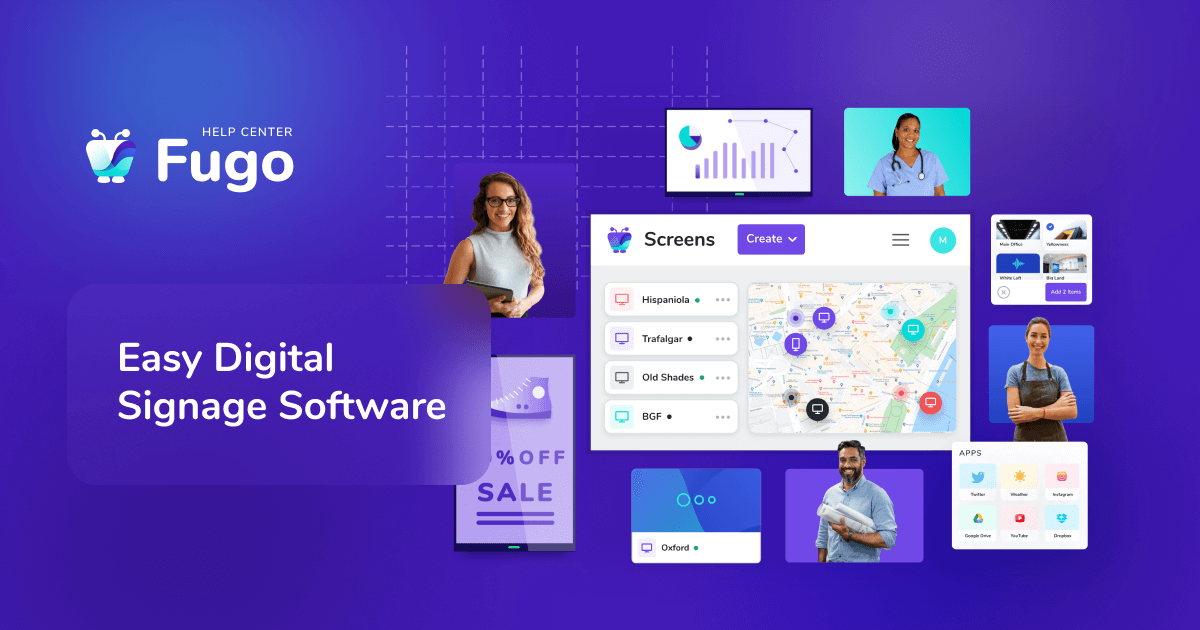
What makes a professional display different from a TV?
The easiest differences to spot are in the spec sheet.
Philips' current 5000 Series D-Line is rated for continuous 24/7 operation and uses components selected for that kind of duty cycle. The current 55-inch model supports both landscape and portrait installation, has a 600 cd/m² panel with 25% haze, carries an IP5X rating and lists a 50,000-hour MTBF. Connections include the HDMI and USB ports most people would expect, but also RS232 and RJ45 controls intended for managed AV environments.
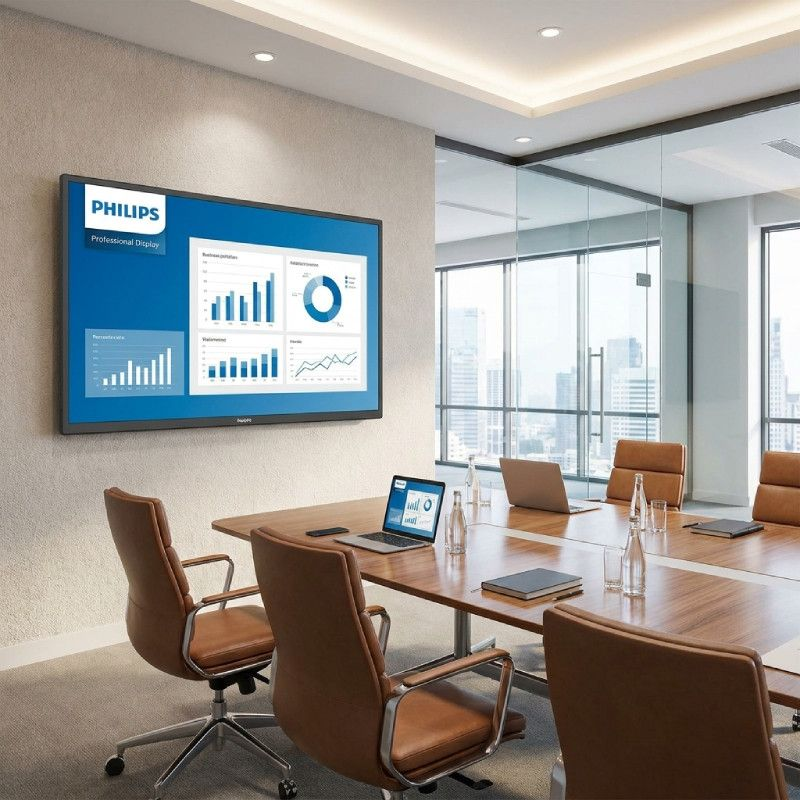
Other Philips ranges cover different operating conditions rather than simply offering the same screen at different price points. Higher-brightness models are available for spaces with difficult ambient light, while lighter-duty ranges suit installations that do not need continuous operation. Philips' H-Line, for example, reaches 2,500 cd/m² for bright and semi-outdoor environments.
These are the kinds of variables commercial AV teams actually specify against:
- expected daily runtime
- brightness
- viewing conditions
- orientation
- environmental conditions
- installation method and service life
A television bought from a consumer electronics retailer may be entirely adequate for a lightly used screen in an accessible room. Its product design, software and warranty are still based primarily around domestic use, where somebody is usually within reach of the remote and a few hours of daily viewing is normal.
Once screens are mounted throughout a building or distributed across several sites, the mundane details begin to dominate the ownership experience:
- Input behaviour needs to stay predictable
- Users should not be able to wander into settings that should have been locked
- A power interruption should not leave the screen waiting on a home menu
- Firmware, applications and screen settings need some way of being maintained without revisiting every location
Professional signage displays are built with those requirements in the brief from the start.
The screen now has real computing work to do
The “System on Chip” part of a professional display deserves more attention than it usually gets.
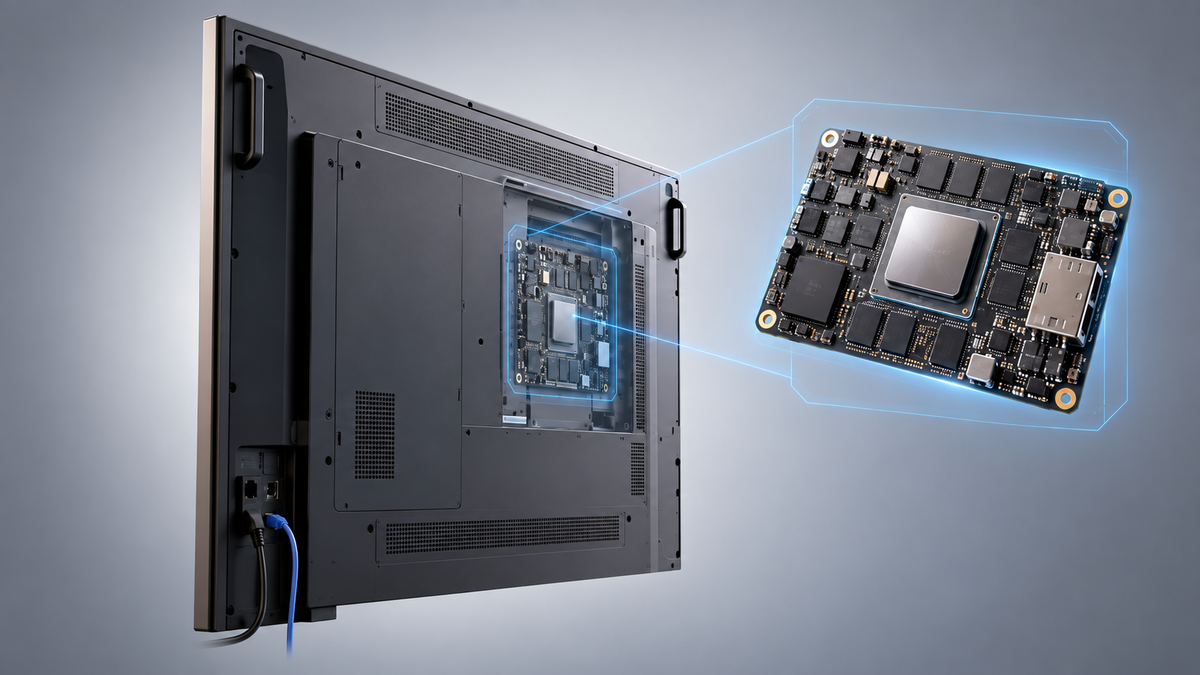
An SoC puts the processor, graphics hardware, memory and operating system required for content playback inside the display. On a supported Philips screen, that means Fugo can run directly on the display without a separate mini PC or stick connected over HDMI.
For basic image and video playback, that is relatively straightforward. Contemporary signage software asks considerably more of the hardware.
A workplace screen might show a Grafana infrastructure dashboard in one part of the layout, company announcements alongside it and a news or transport feed below. A manufacturing display might carry production data that refreshes throughout a shift. A customer-facing screen may be loading an HTML5 application or interactive web experience rather than playing a pre-rendered video.
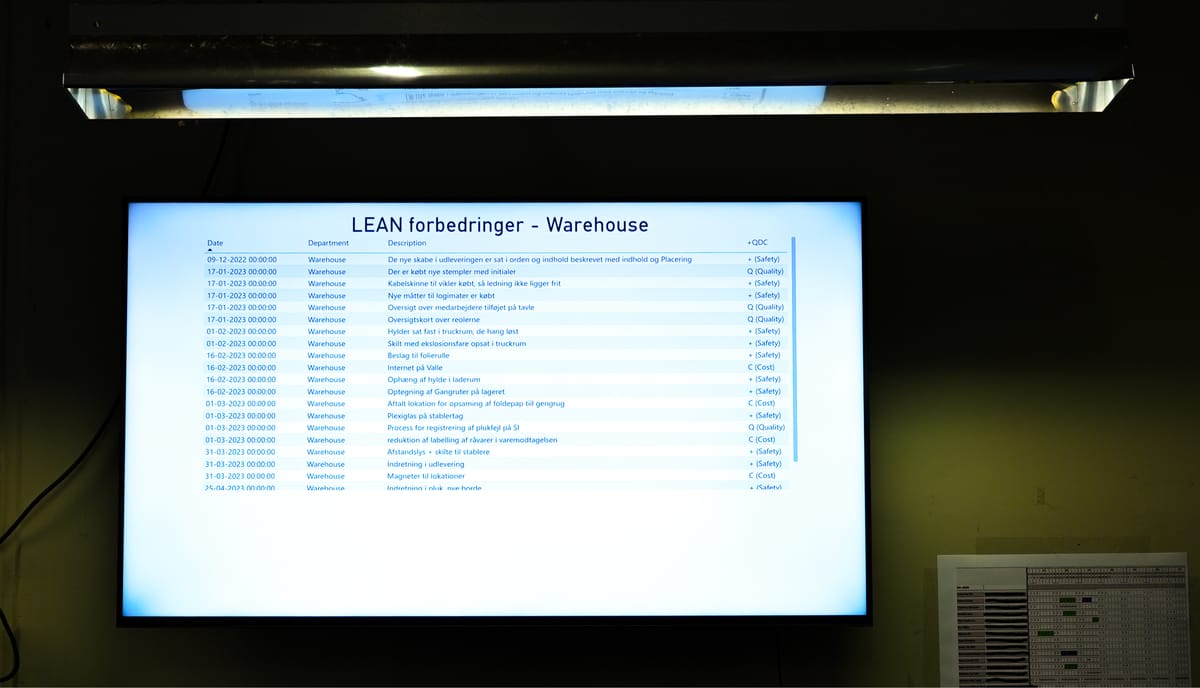
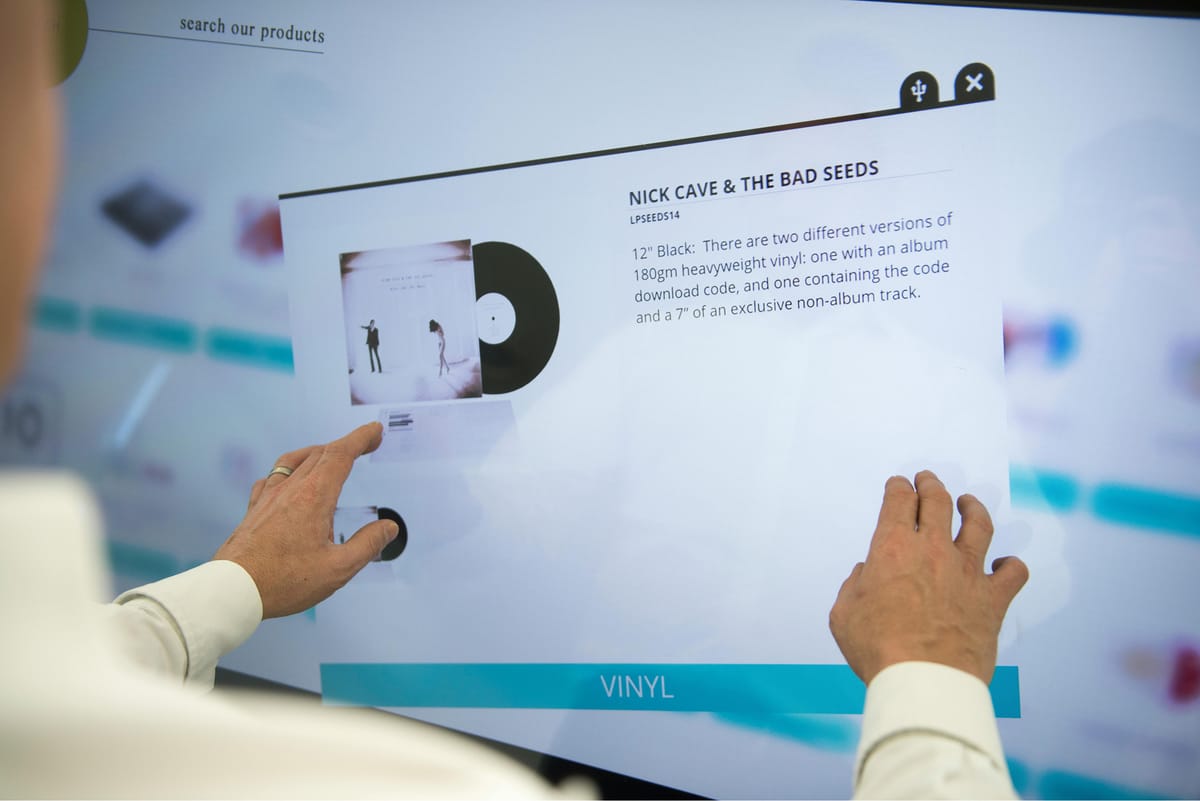
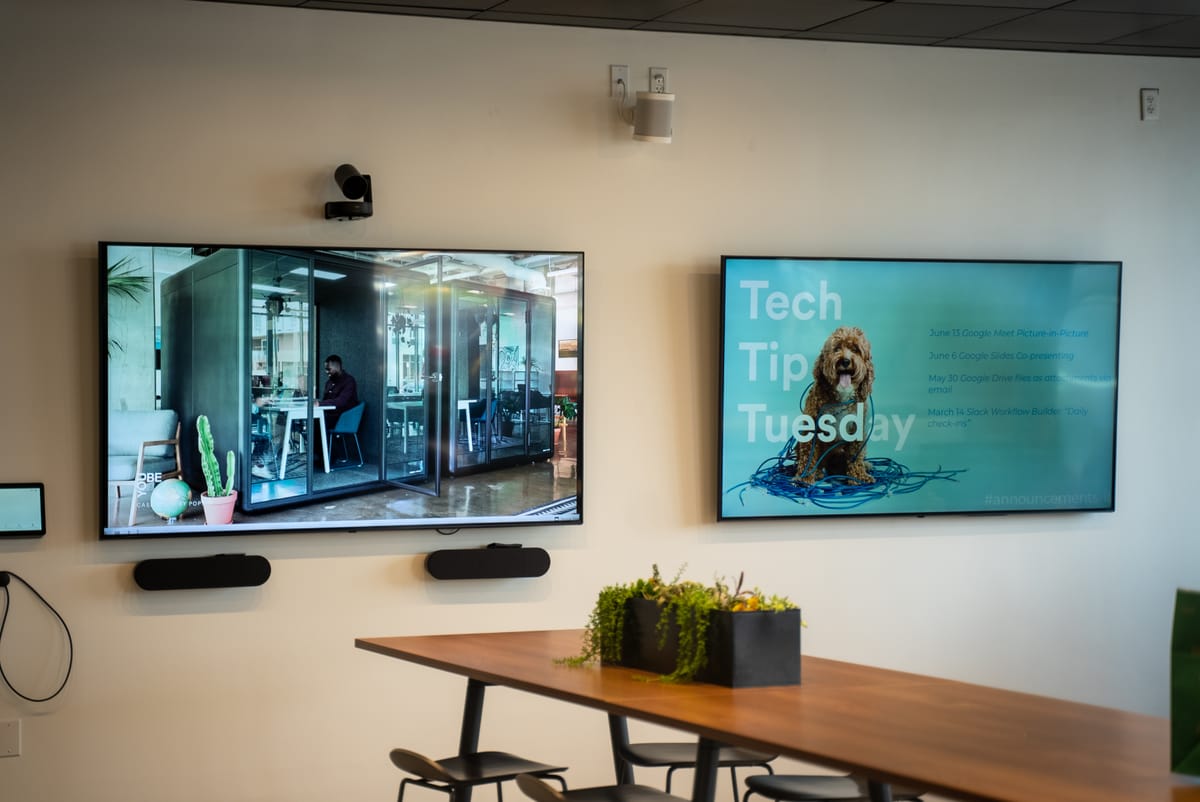
From live operational data and interactive customer experiences to everyday workplace communications, modern signage screens are expected to handle a much wider range of jobs than simple media playback.
Philips' current D-Line runs Android 14 on a professional SoC and supports native Android applications as well as software and web apps installed directly on the display. It also includes SmartBrowser, a Chromium-based HTML5 browser intended specifically for web content.
The browser is significant because a lot of contemporary signage is effectively web software.
Fugo's Web Page app, for example, can render websites and web services directly on a screen, including pages that use basic authentication. Custom JavaScript can be added where a particular page or application needs it. The HTML Embed app can take embedded code from external services and turn it into an updating element within a playlist or Fugo Studio layout.
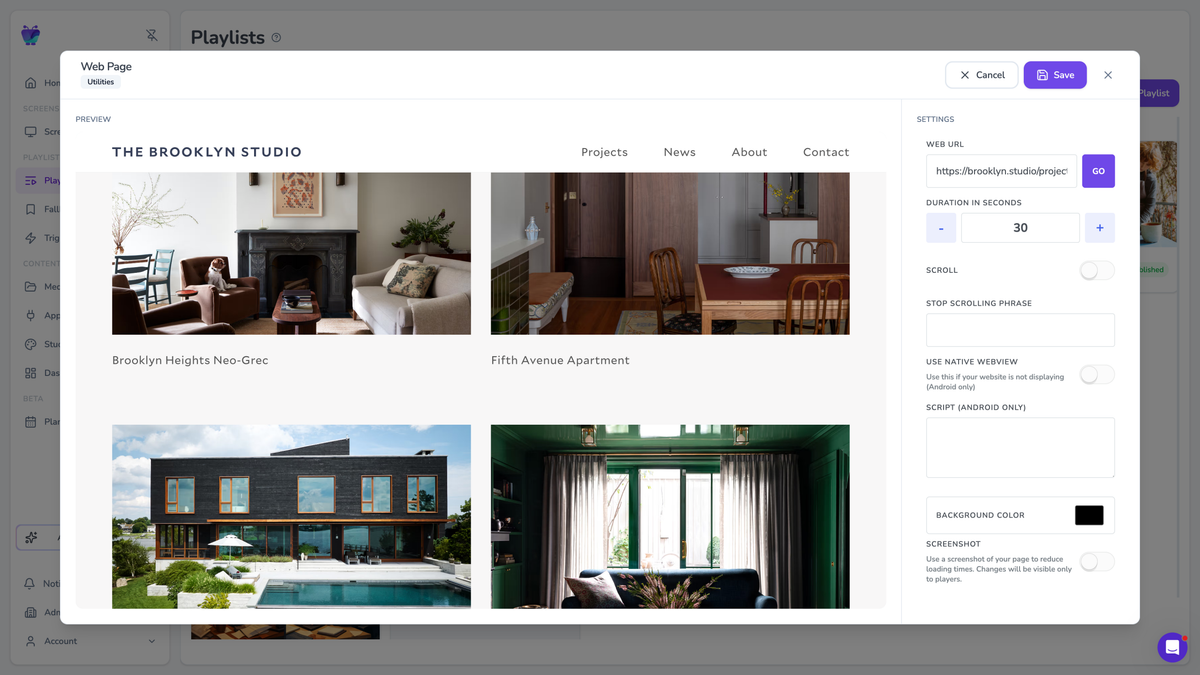
A screen rendering that kind of content is behaving much more like a managed computer than a television showing an HDMI input.
It also explains why comparing displays purely by resolution and panel size misses an important part of the hardware decision. Two 4K screens can have very different capabilities once the signage application starts asking the device to run a modern browser, decode video and keep several content layers active at the same time.
Dashboards have made signage even more demanding
Business data has become one of the more useful things to put on a workplace screen.
Instead of asking employees to open another dashboard tab, companies can keep sales performance, production metrics, operational status, service queues or infrastructure monitoring visible in the environment where the information is useful.
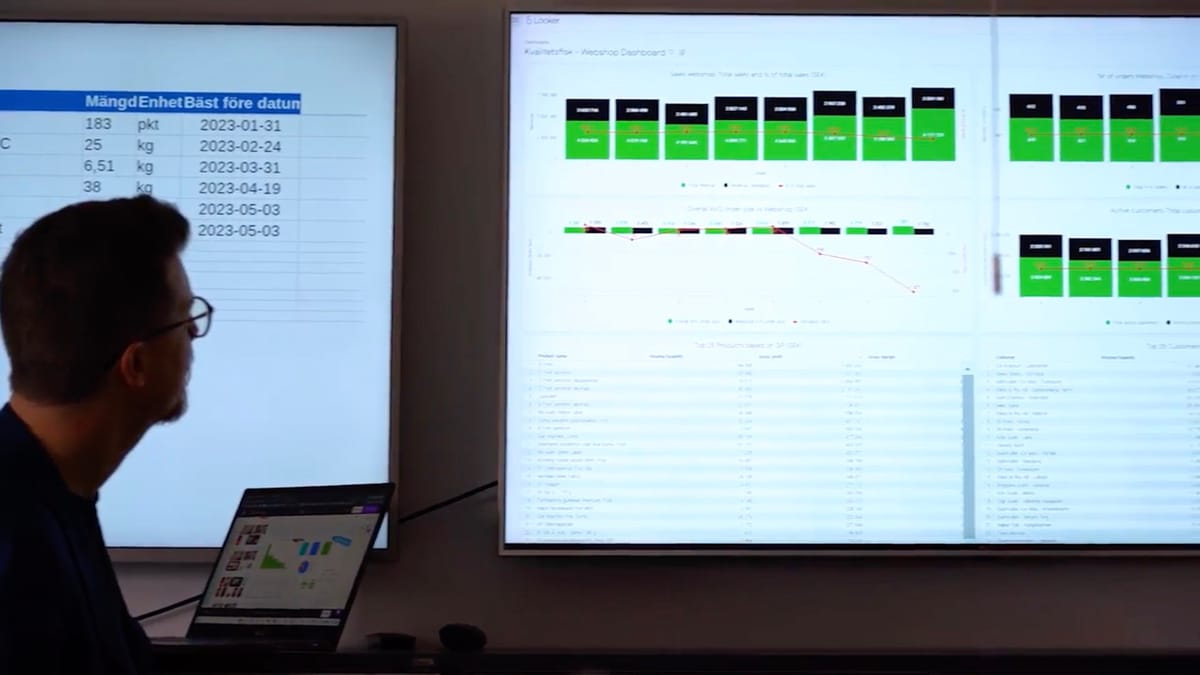
Fugo supports platforms including Power BI, Looker, Grafana, Salesforce, Tableau and HubSpot (+ more) but it does not treat every dashboard as the same technical problem.
Some integrations can render directly on the player. Fugo's native Power BI, Looker and Grafana Cloud integrations, for example, can load and update on the device itself. Other protected dashboards use Fugo's dashboard rendering system: Fugo signs into the service securely, produces a fresh rendered view on a defined schedule and sends the resulting visual to the screen.
That split is useful on SoC hardware.
There are workloads where the Philips display is perfectly capable of doing the rendering locally, particularly when the underlying application is built to run well in its browser environment. There are also dashboards whose authentication flow, browser requirements or processing demands make cloud rendering more sensible. Fugo can take that heavier browser session away from the signage endpoint rather than requiring the display SoC to impersonate somebody's fully logged-in work computer indefinitely.
The result is a more realistic approach to embedded display hardware. A professional SoC does not need to be treated as though it has infinite computing headroom, and the CMS does not have to reduce everything to static media simply because the player is built into the screen.
 Sarah
Sarah
Fugo uses considerably more of the display than an ordinary playlist player
Once Fugo is installed, the Philips display can carry the same kinds of content and workflows available elsewhere in a Fugo estate.
Uploaded images and video are the simplest case. The Design Studio can combine media, text, applications and data on a single canvas, including multi-zone layouts where several pieces of content remain active at once. A screen can therefore operate as a company communications board, a data display or a mixture of the two rather than simply advancing through full-screen slides.
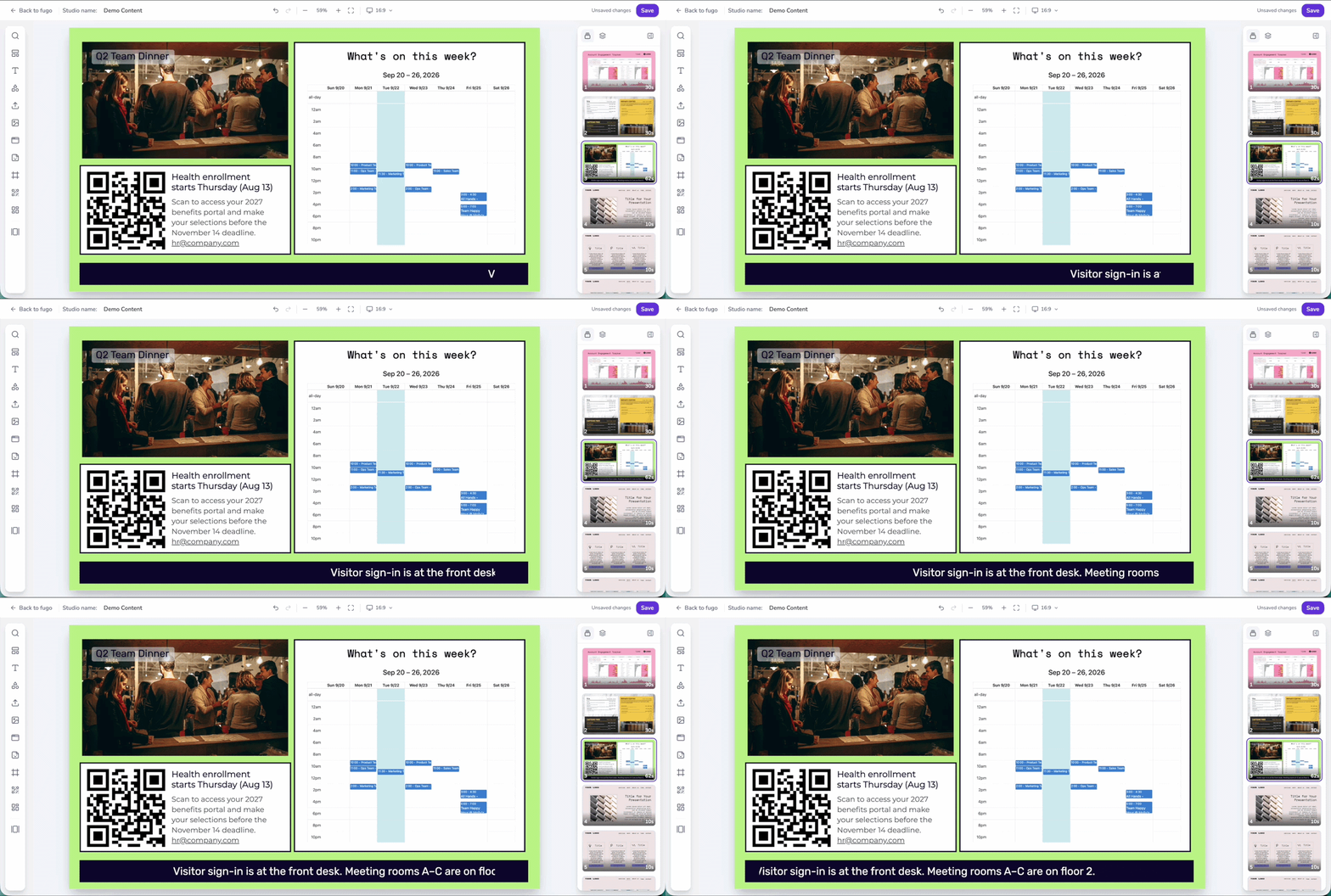
Web content extends that further. Public web pages can run directly through Fugo's Web Page app, while HTML Embed allows web widgets and custom embedded experiences to sit alongside other screen content.
Fugo can also turn the screen into a temporary presentation surface. Screen mirroring allows someone to cast from a laptop to a Fugo-connected display and return the screen to its scheduled signage afterwards.
Then there is automation. Fugo Triggers can change what a screen is showing in response to an event rather than waiting for the next scheduled playlist item. A CRM event, operational alert or other connected signal can temporarily bring relevant content onto the screen and then return it to its normal programming. Current Fugo workflows support events from systems including HubSpot, with additional trigger sources extending that model further.
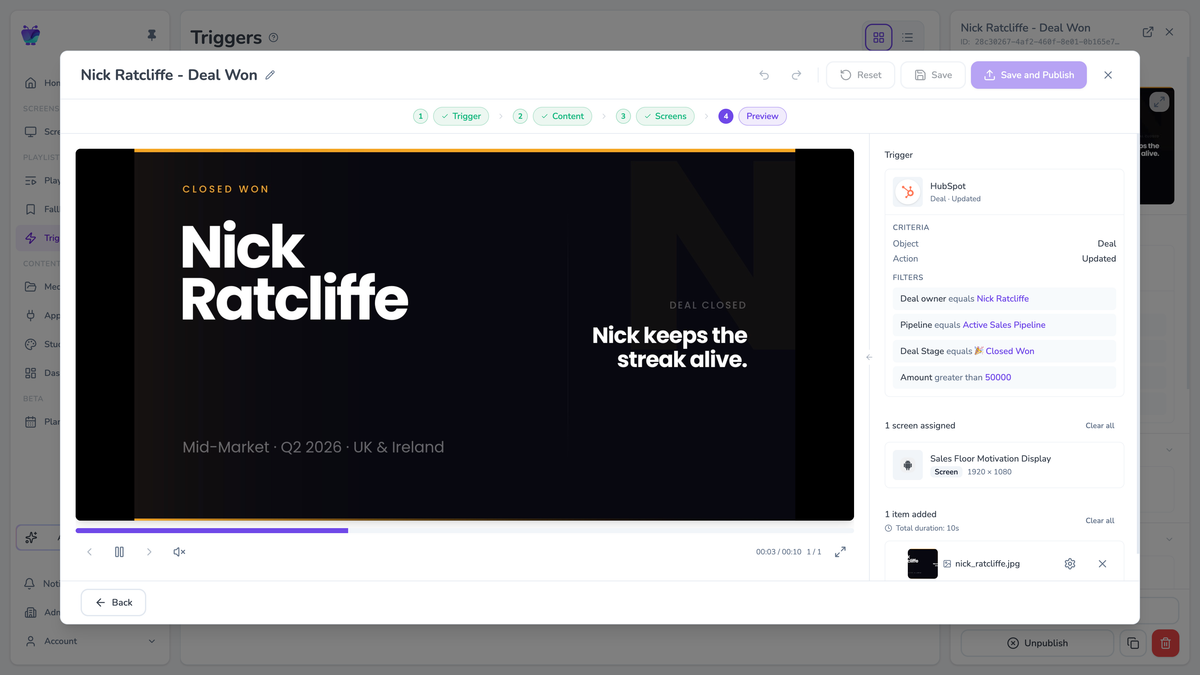
A Philips SoC screen running Fugo can consequently spend the morning showing internal communications, keep a live business dashboard visible during the working day, accept a cast during an ad hoc meeting and display an automated alert when a connected system generates an event.
That is a much more useful test of signage hardware than whether it can play a 4K demo reel.
Philips Wave gives the hardware its own management layer
The content on the display is only one part of running it.
Philips Wave is PPDS' cloud platform for remotely provisioning, configuring and monitoring compatible professional displays. It can work with firmware, applications, power schedules and display settings, and PPDS maintains a model-level feature matrix because the available controls differ across its hardware families.
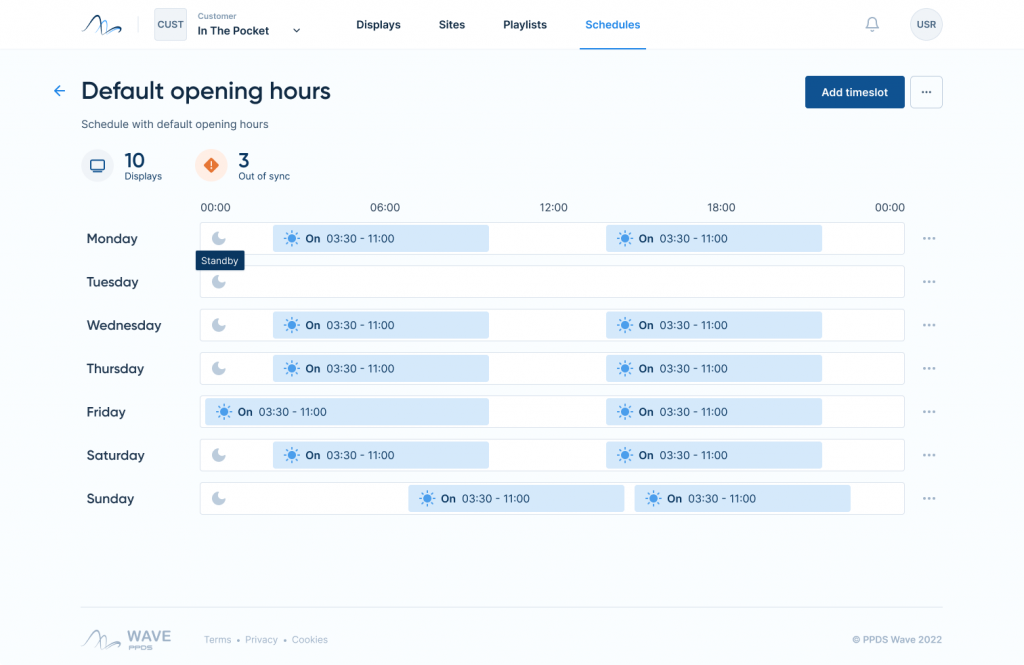
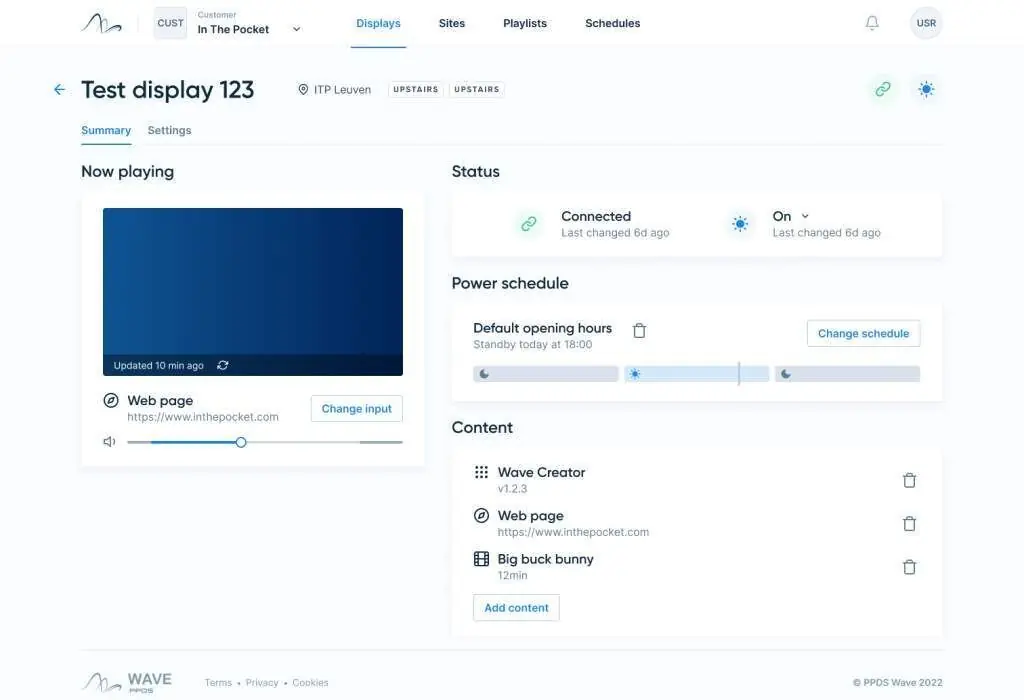
Philips Wave brings display monitoring and hardware controls into one place, from checking device status and content sources to setting power schedules across groups of screens.
The current configuration tooling allows a standard setup to be created and applied across compatible displays rather than rebuilding the same settings manually every time a new screen is installed. Applications and firmware can be deployed centrally, input behaviour can be defined, and power schedules can be set around the hours the display is actually required.
Remote diagnostics reach deeper into the device as well. Wave supports screenshots on a broad range of compatible models and can expose hardware information such as temperature where the display supports it.
That gives an AV or IT team a useful view below the signage application itself.
Fugo can report on the screens connected to its CMS, the content assigned to them and whether the player is communicating. Wave has access to the Philips hardware and its configuration. Used together, the two systems provide much more information than a smart television running an app in isolation.
Installing Fugo is part of provisioning the display
Philips' ProStore provides the distribution route for applications approved for the Wave ecosystem, including Fugo.
A compatible display is first claimed into Wave so it belongs to the correct organisation. The setup records device information such as the model and serial number, with site and timezone information added during the claiming process. Larger Wave deployments can use bulk claiming rather than handling each display independently.
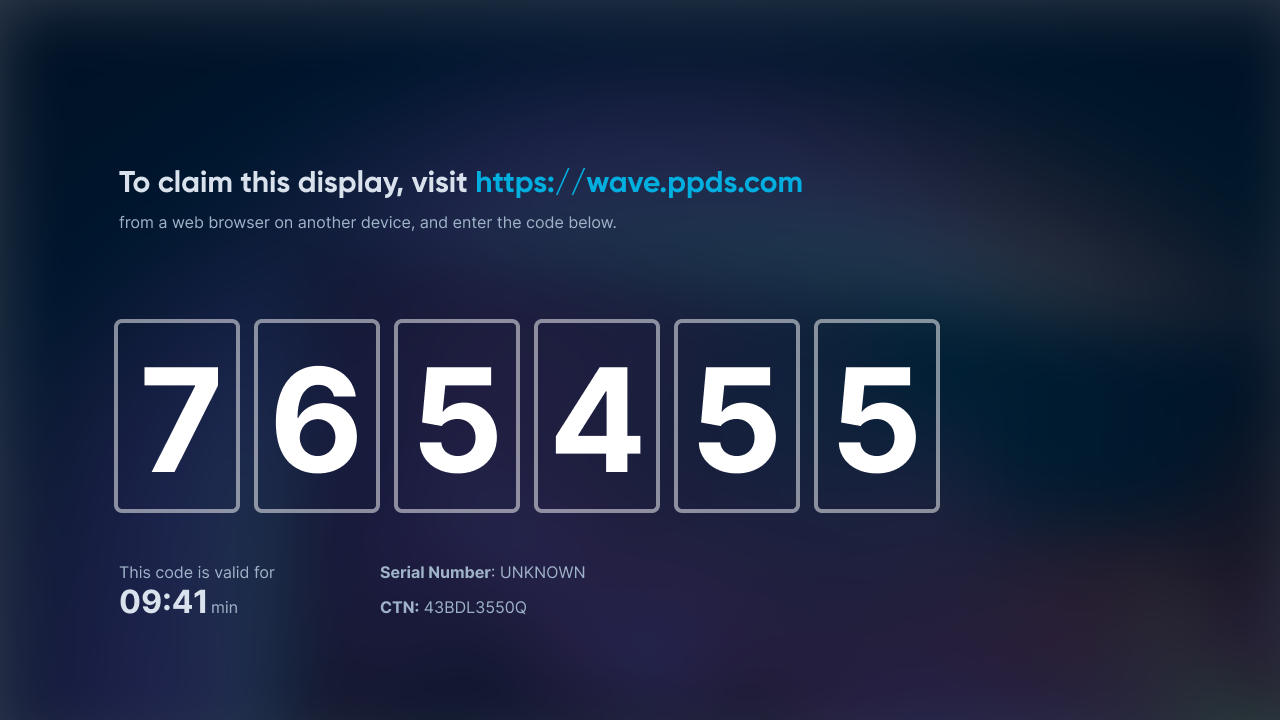
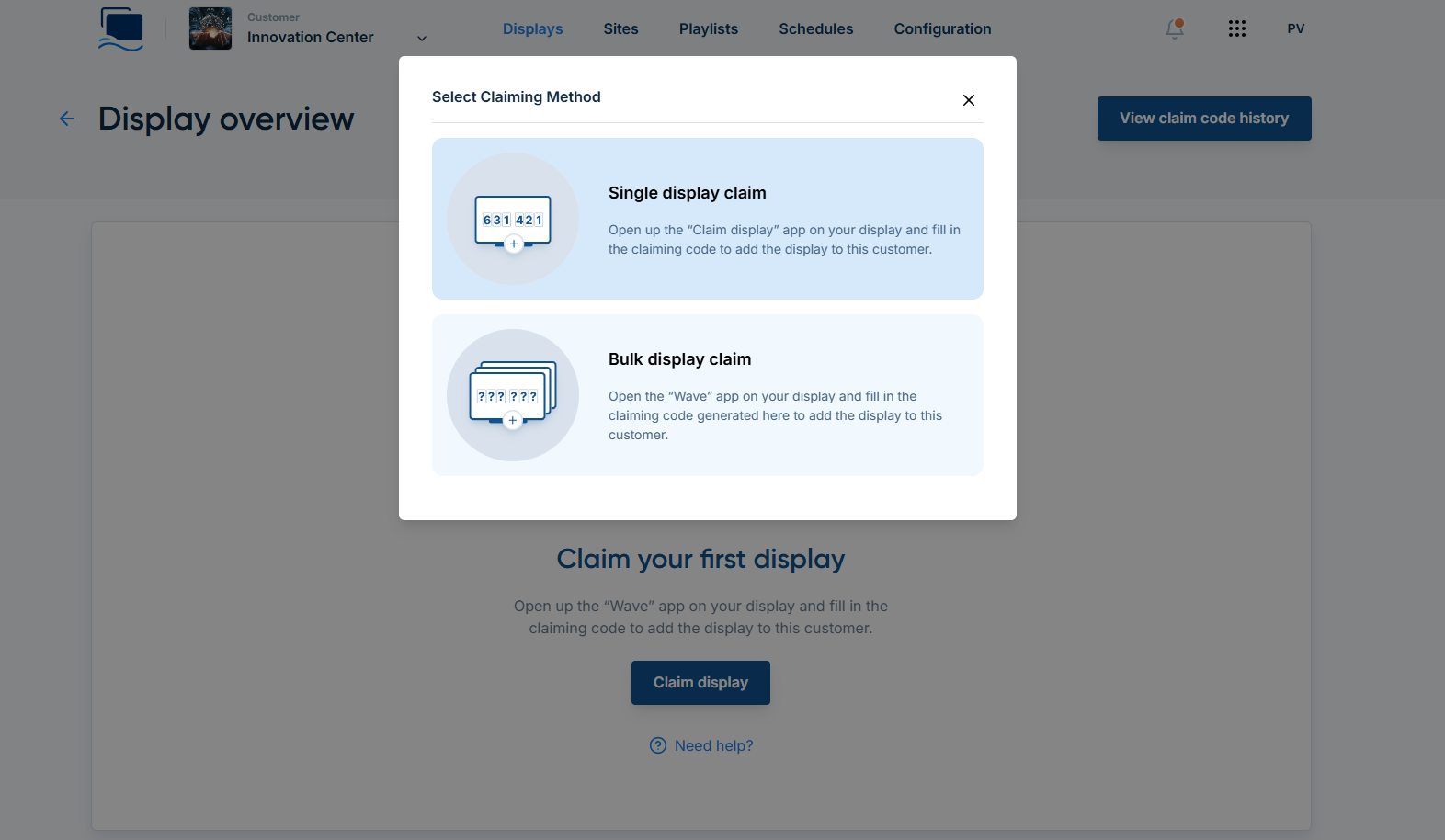
Philips Wave uses a temporary claim code to register a display to the correct organisation before its settings, applications and device details are managed remotely.
Fugo can then be installed remotely from ProStore and selected as the content source. When the application launches, its pairing code connects that endpoint to the organisation's Fugo account.
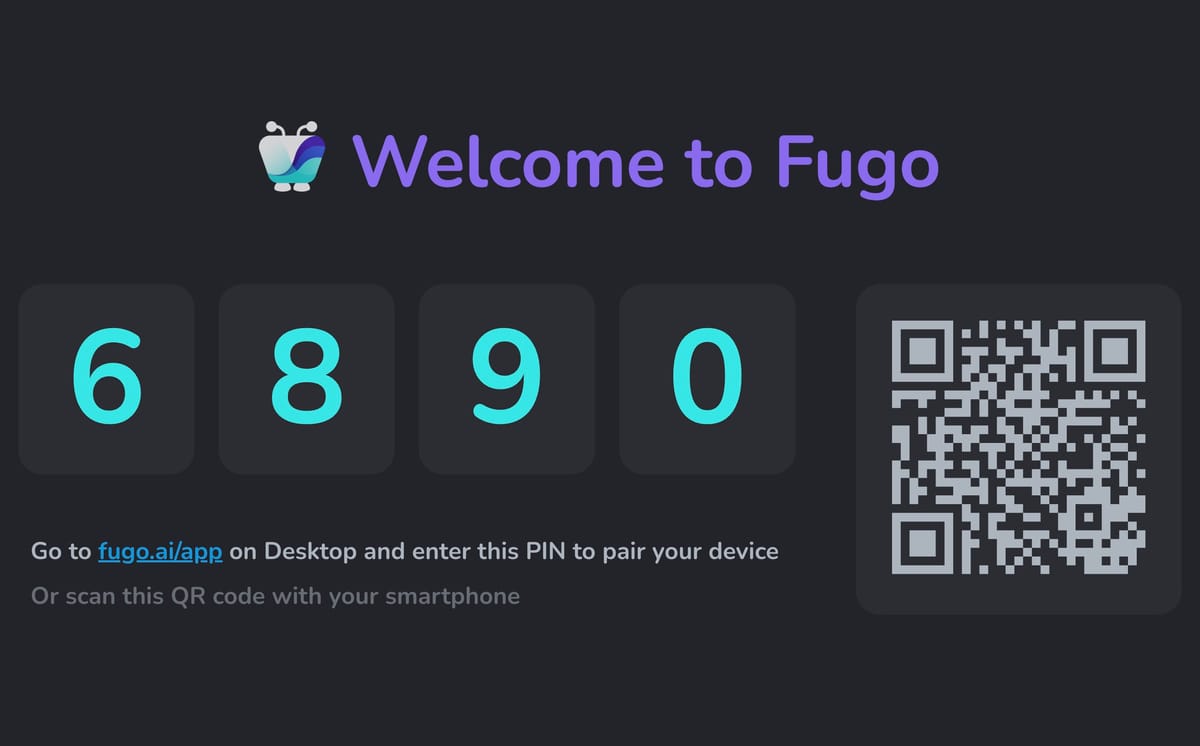
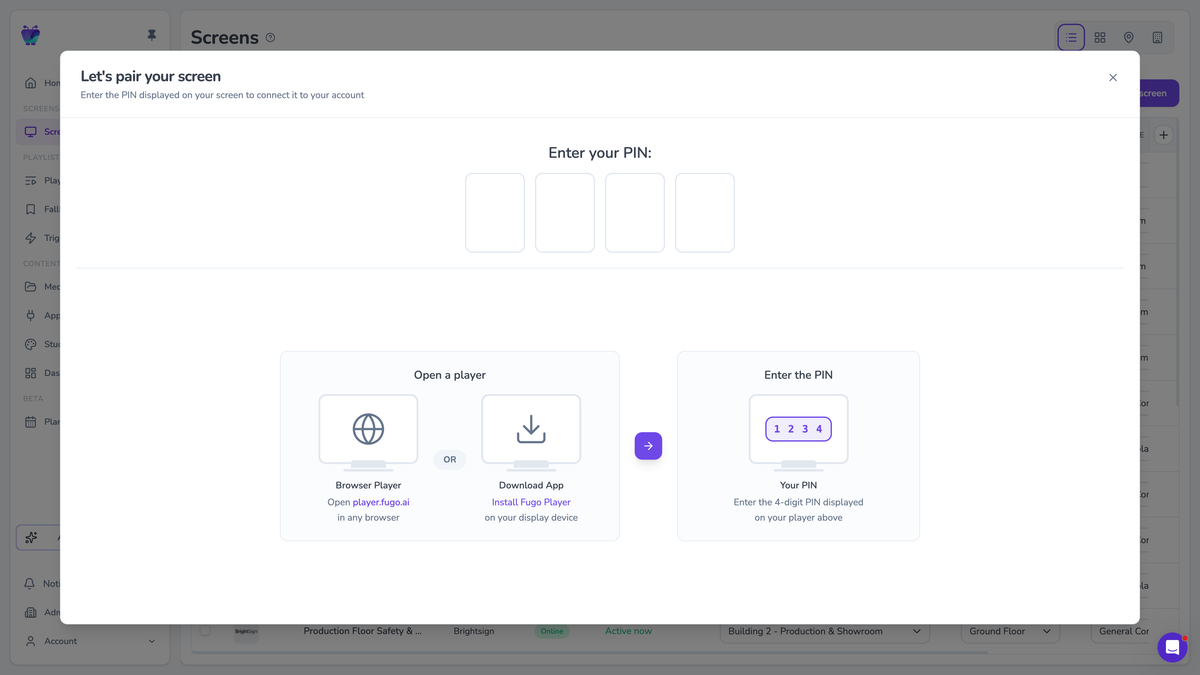
After Fugo is installed from Philips ProStore, the display shows a pairing PIN that is entered in Fugo to connect the screen to the organisation’s account.
The display is then managed in both contexts for different reasons. Wave remains available for the Philips hardware, while the day-to-day work of creating layouts, connecting dashboards, scheduling campaigns, targeting groups of screens and managing content happens through Fugo.
The workflow is especially useful when screens are going into locations where nobody wants to repeat a manual sideloading process every time an application needs to be installed or replaced.
 Fugo
Fugo
Power use is part of a display's lifetime cost
Commercial screens accumulate a lot of operating hours.
A screen running twelve hours a day will be powered for more than 20,000 hours over five years. A genuine 24/7 installation will pass 43,000 hours in the same period. Electricity consumption therefore deserves to sit alongside hardware price when different models are being compared.
PPDS has put considerable development into this area. Its EcoDesign display work has focused on reducing power consumption as well as material use, and elements of that programme are now feeding into newer ranges through the company's broader ReDesign framework.
Wave can also control the hours during which the panel itself remains powered. A signage schedule and a display power schedule are not quite the same thing: playing black content outside business hours can still leave the display and its backlight running, while device-level power control lets the panel actually enter its intended off state.
Over a large estate and a long service life, differences like that become part of the operating budget.
The same principle applies to maintenance. A remote screenshot may prevent an unnecessary site visit. A firmware update pushed centrally avoids somebody updating screens individually. A configuration that can be reproduced on replacement hardware reduces the work required when a device eventually reaches the end of its service life.
None of those savings is as easy to photograph as a thinner bezel, but they form a substantial part of professional display ownership.
Philips builds different displays for different signage jobs
“Professional display” covers quite a broad range of hardware. Philips separates its portfolio according to the kind of work a screen is expected to do, rather than treating every commercial installation as the same problem.
The D-Line is probably the most representative example for general-purpose Fugo signage. Current D-Line models combine an Android SoC with commercial-duty operation, remote management through Wave and features such as FailOver, which can switch the display to a secondary input if its primary source disappears. Philips also uses a modular hardware design on the range so certain components can be replaced rather than treating the entire display as disposable hardware.
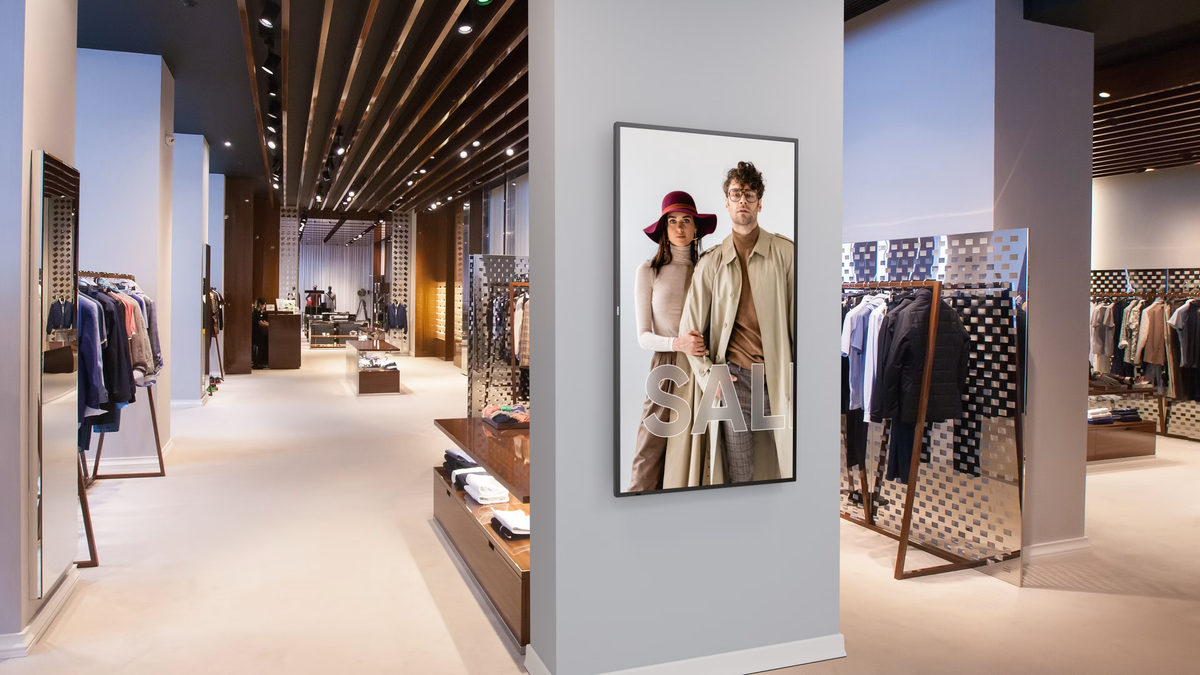
The Q-Line occupies a more straightforward part of the signage range. Philips positions it as versatile commercial signage with built-in Android and an integrated media player, and current Wave-compatible models can run applications without a separate external player. For organisations that need conventional workplace, retail or information screens rather than specialist high-brightness or interactive hardware, it gives them a professional signage platform without necessarily moving into the higher end of the portfolio.
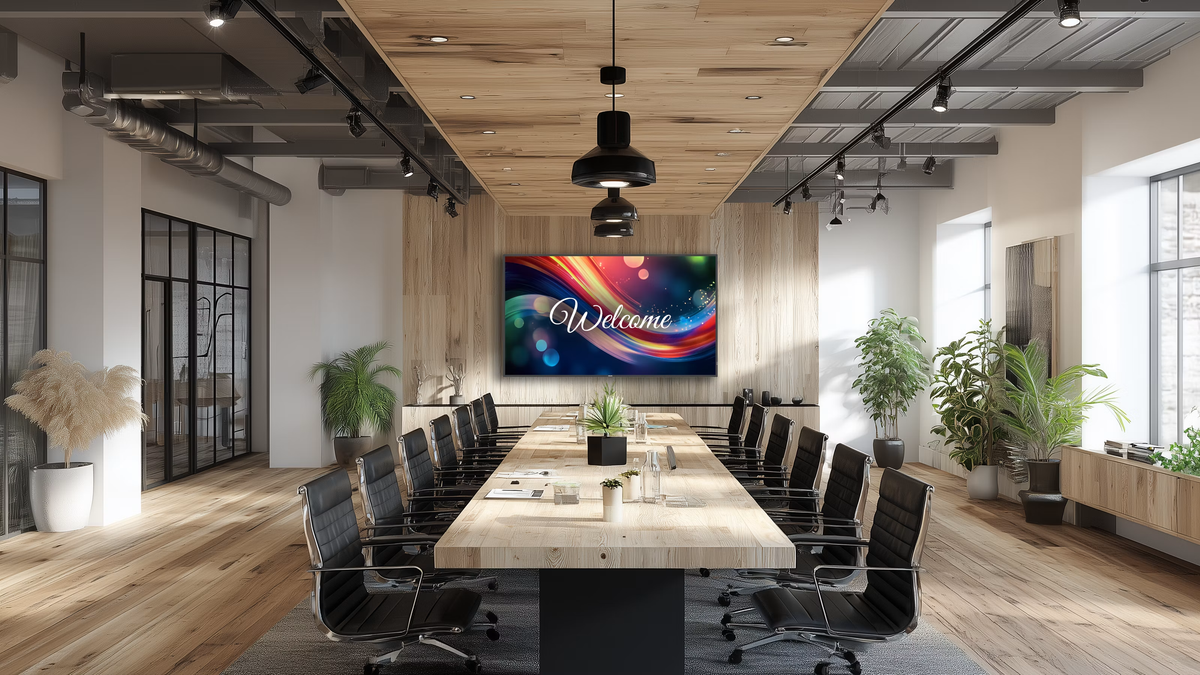
The P-Line is aimed further up the duty scale. Current 6000 Series P-Line models are rated for 24/7 use and 800 cd/m² brightness, making them better suited to environments where screens run continuously or have to compete with stronger ambient light. Fugo supports P-Line hardware where the model and firmware are compatible with Wave.
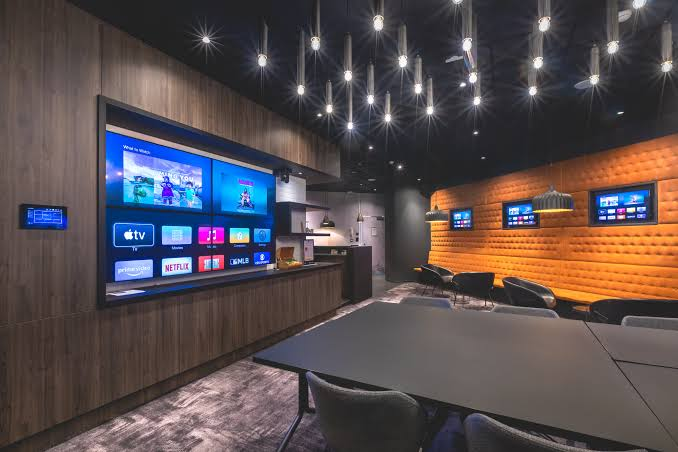
That range is useful context for the wider argument. Buying professional signage hardware does not simply mean replacing a consumer television with one more expensive model. It means being able to specify the display around the workload, operating hours, environment and interaction model of the installation.
Philips and Fugo make sense as a complete signage platform
The appeal of the Philips and Fugo combination is not simply that the Fugo Android application happens to run on a Philips screen.
Philips provides a display platform designed around commercial operation, with the SoC and browser capabilities required for modern signage workloads and Wave extending management into the hardware itself. Fugo uses that computing environment for substantially more than basic media playback: web content, embedded applications, business dashboards, multi-zone layouts, casting and event-driven content can all become part of the same screen network.
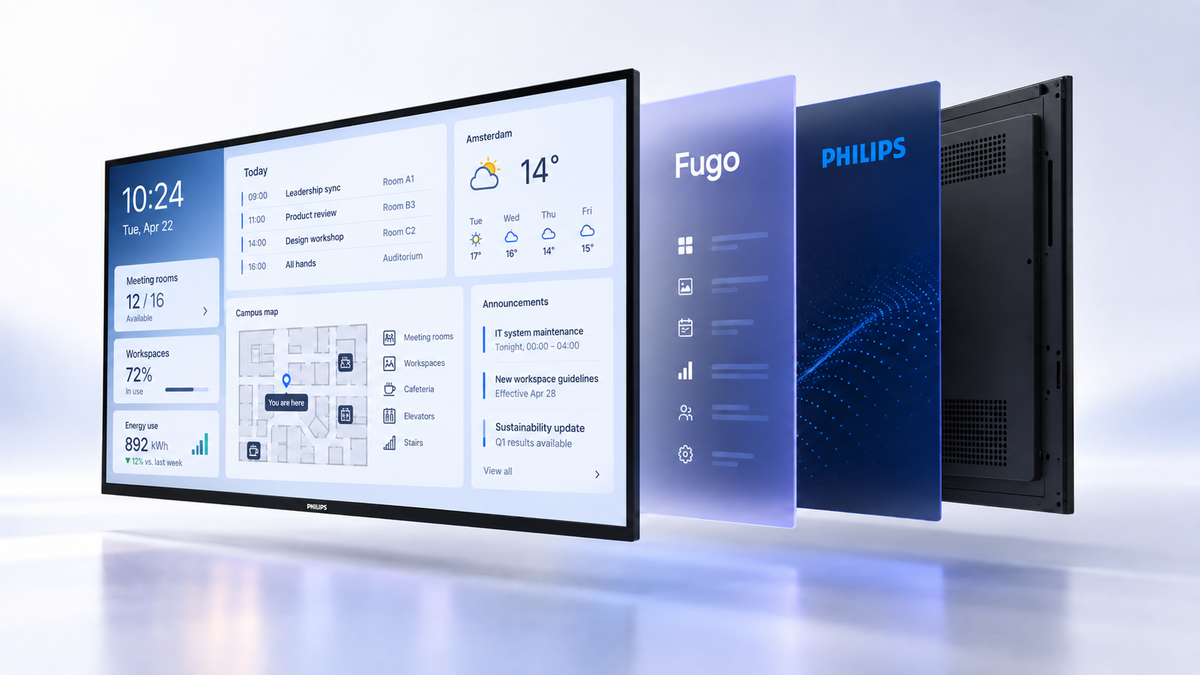
There is also some useful technical restraint in the combination. Fugo does not insist that every protected dashboard be rendered continuously by the screen simply because an Android processor is available. Its dashboard system can shift appropriate workloads into cloud rendering while allowing supported native integrations and web content to run locally. Likewise, Philips does not require a separate player where the built-in SoC is already capable of doing the job.
That produces a relatively clean endpoint: a professional display with its player built in, remotely manageable through the manufacturer's own platform and connected to a CMS that can make use of considerably more than a basic video loop.
For an organisation buying screens as long-lived infrastructure rather than consumer electronics, that is much closer to the way the rest of its technology estate is already being run.