

Digital menu board software that runs on the screens you already have
Swap printed boards for screens you can change in seconds. With Fugo you design menus in Design Studio, schedule them by time of day and push price changes to every location from one dashboard. It runs on the media players and smart TVs you already own.
Trusted by teams in 60+ countries



























Why put your menus on screens
Change prices and items instantly
Update one site or fifty from one dashboard, with no reprinting.
Run the right menu at the right time
Breakfast, lunch and dinner menus switch automatically with day-parting.
Promote high-margin items
Use video and motion to push specials and upsells that print cannot match.
Keep boards on-brand
Reusable templates let any staff member update a board safely.
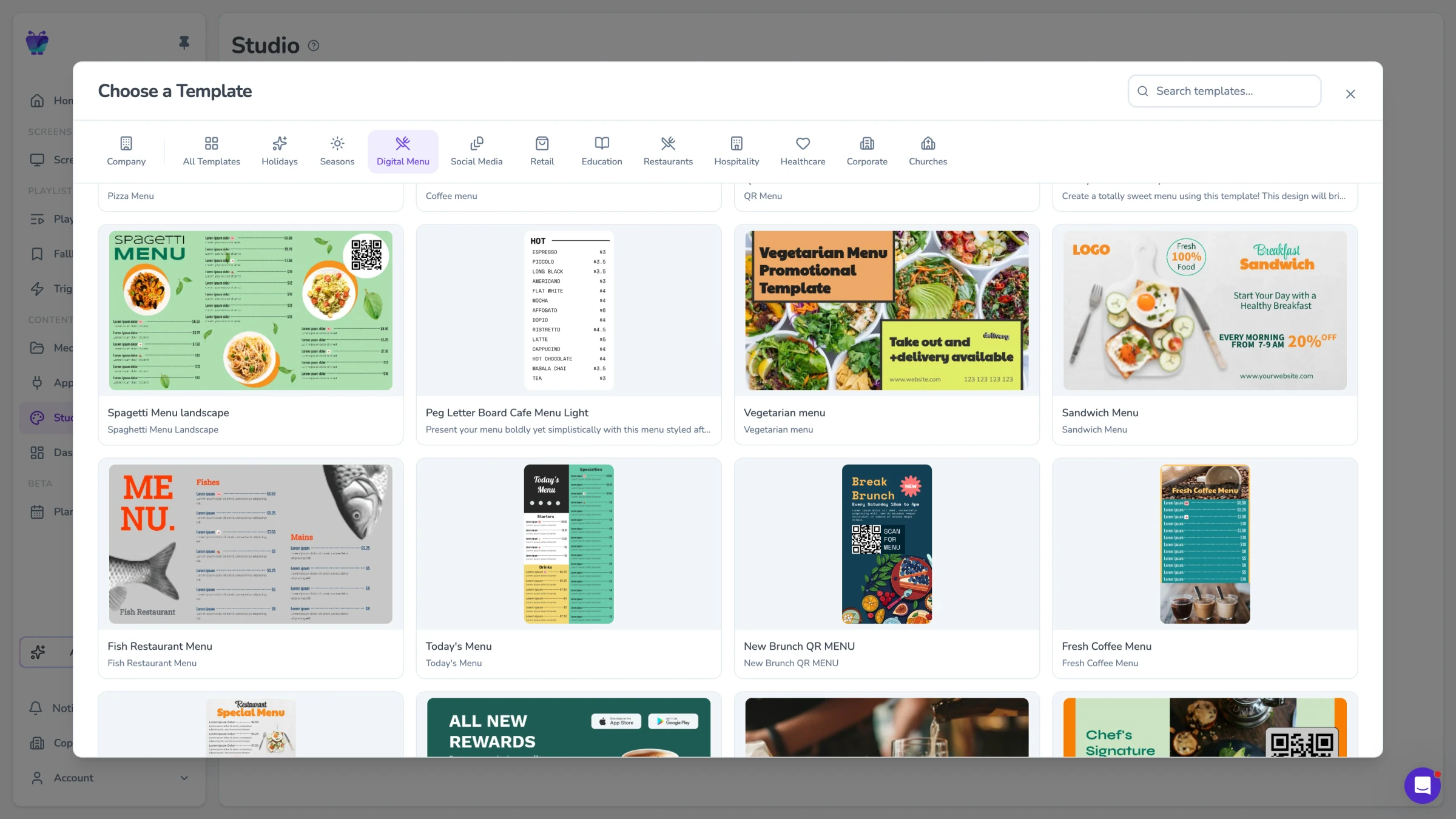
Build your menu in Design Studio
Use Design Studio and ready-made menu templates to lay out items, prices, photos and dietary tags. Drop content into playlists, then arrange screens. No design team needed.
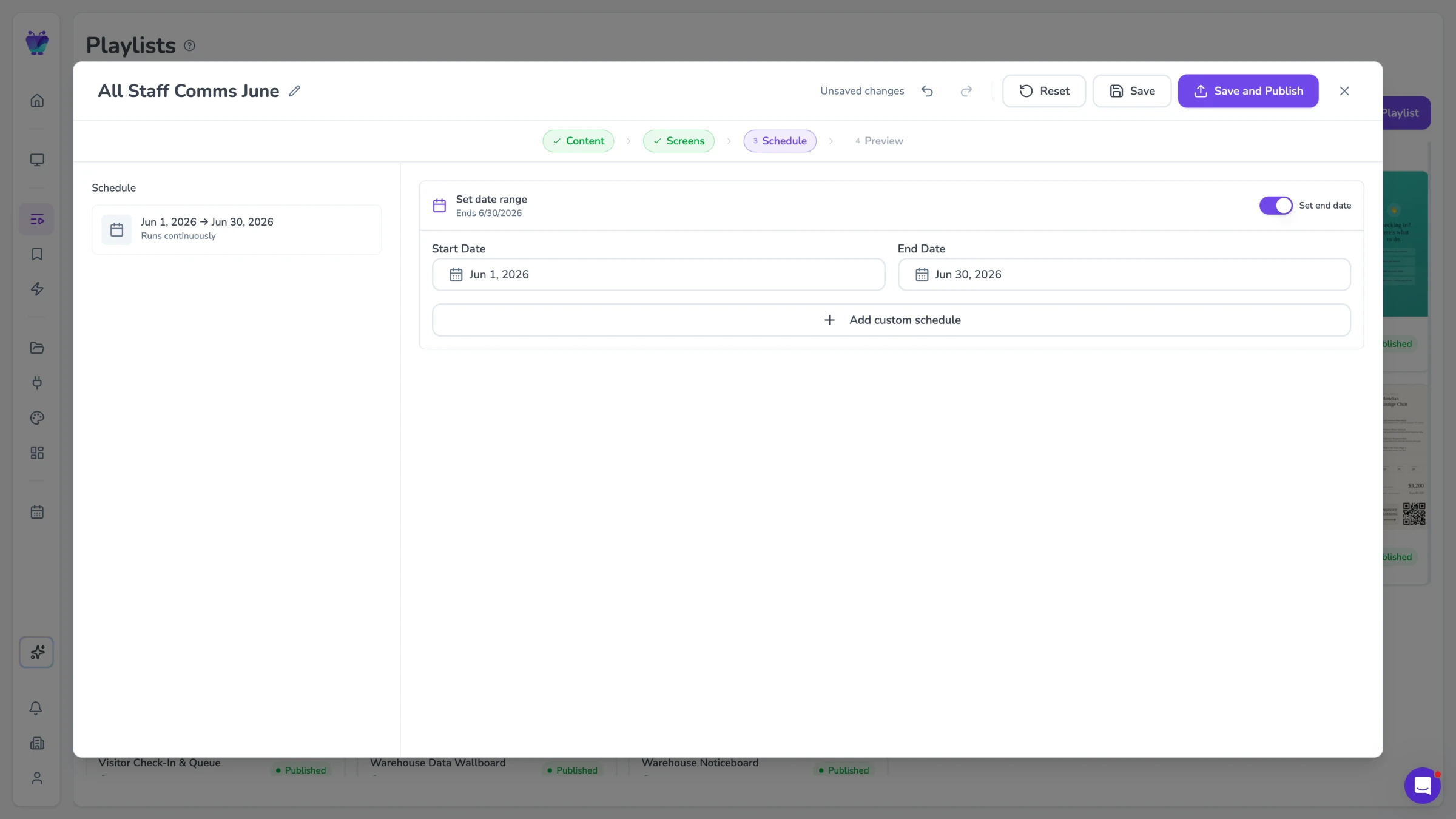
Schedule menus by time of day
Set breakfast to switch to lunch at 11, and lunch to dinner at 4, automatically, on every screen.
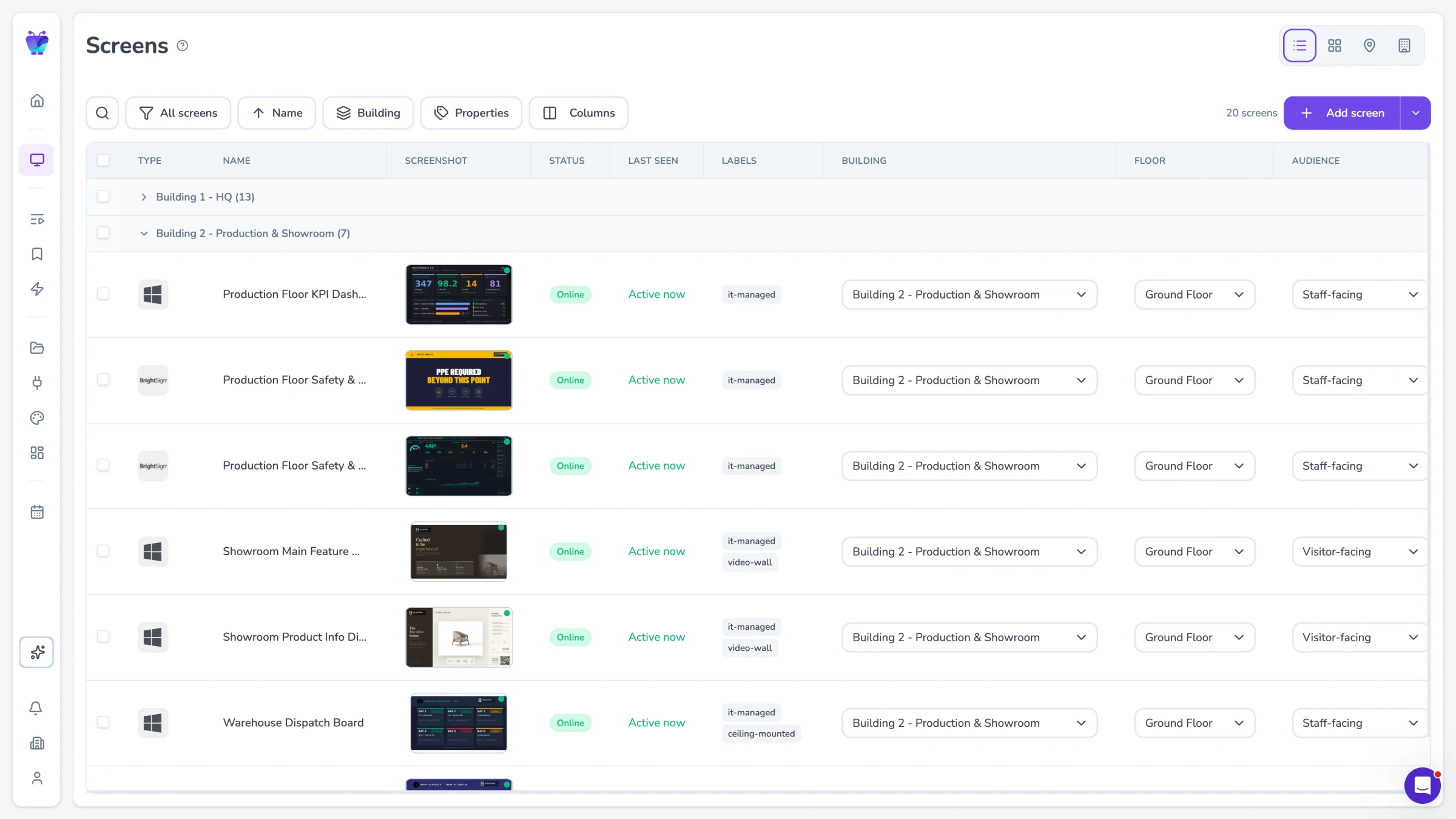
Manage every location from one dashboard
Update one location or push to all of them. Built-in uptime monitoring and remote recovery flag a screen that drops offline and let you restart it without a site visit.
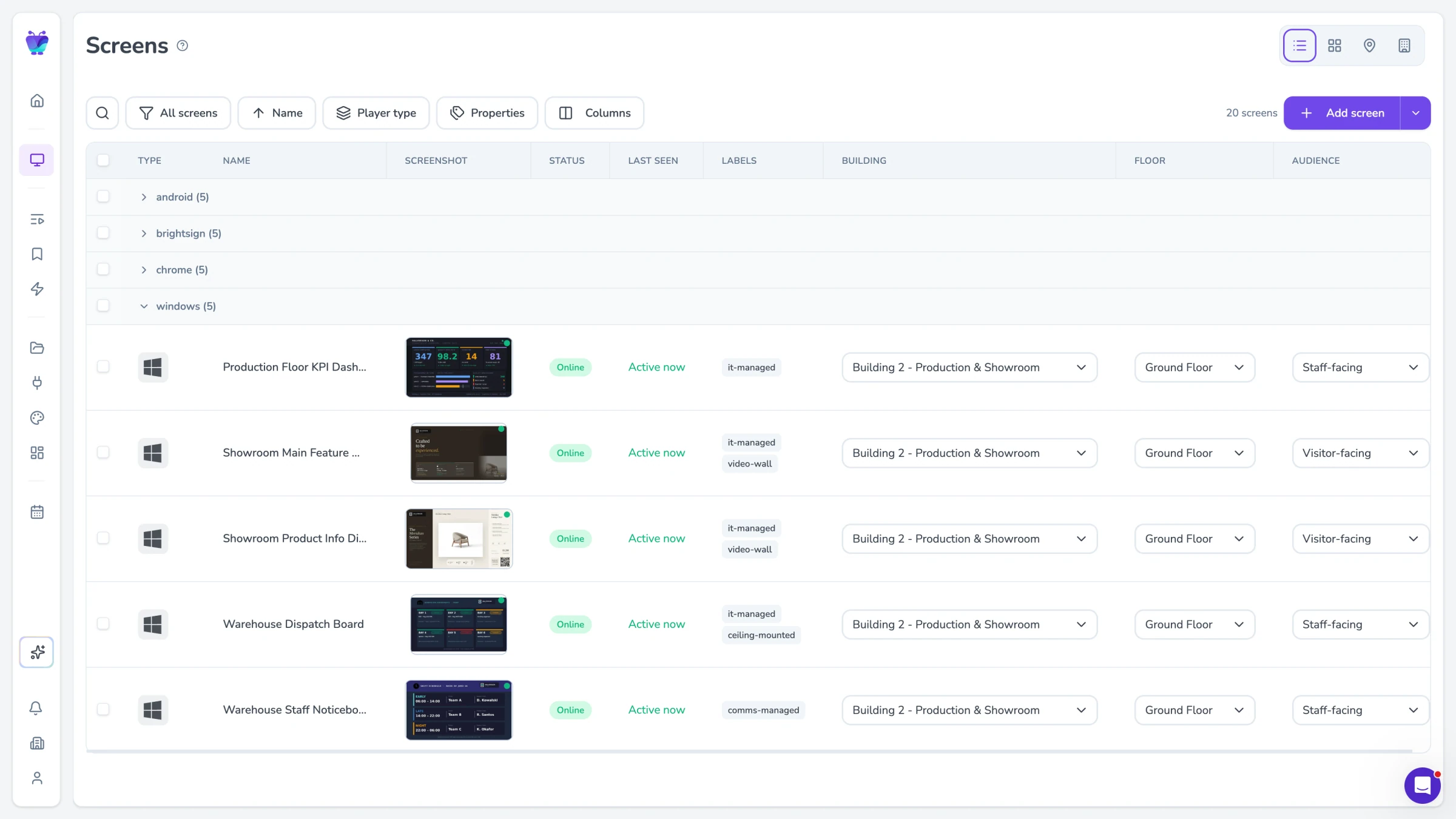
Works with the hardware you already have
Fugo is hardware-agnostic, so you can run menu boards on the kit you already own.
Amazon Fire TV and the Amazon Signage Stick
Google TV Streamer and NVIDIA Shield
Android players
Samsung Tizen and LG webOS smart displays
Windows and ChromeOS
How to set up a digital menu board with Fugo
Connect a screen
Connect a TV or media player and add it to your Fugo account.
Design your menu
Design your menu in Design Studio or start from a ready-made template.
Build a playlist
Build a playlist and set day-parting schedules for breakfast, lunch and dinner.
Publish everywhere
Publish to one screen or every location at once.
Explore more
Food truck menu boards
Run a menu board on a food truck and update prices or sold-outs from your phone.
Restaurant and food service signage
See how Fugo powers screens across hospitality and food service.
Menu boards by venue type
Drinks menus, happy hour and event boards for bars and pubs.
Guide: digital menu boards for restaurants
A deeper how-to guide on planning and running menu boards.
Simple per-screen pricing
Software is priced per screen, so costs track your actual estate.