

It’s late Tuesday evening, and you’ve still got a new lunch special to promote, a weekend promotion to announce, and a hiring notice you’ve been meaning to hang up across multiple sites. But you’re at home in your sweatpants, and the admin office is a 30-minute drive. Plus, the last thing you feel like doing is switching out flash drives for all 30+ screens in your network.
With cloud digital signage systems, none of this is required. Checking off your to-do list could be as easy as logging in from your phone, editing content remotely, and refreshing every screen in your business before the first customer walks through the door.
For all these reasons (among many others), cloud-based digital signage software is the best screen solution for growing small businesses. This guide explains all the benefits you should expect, plus use cases, what to look for, and how to deploy cloud-based digital signs in minutes.
What is cloud-based digital signage?
Cloud-based digital signage is a type of content management system that lets you create, store, and display various media formats on remote screens. It’s generally more accessible, flexible, and easier than on-premise signage. Think of it as the difference between keeping all your files on an office computer versus storing them in Google Drive.
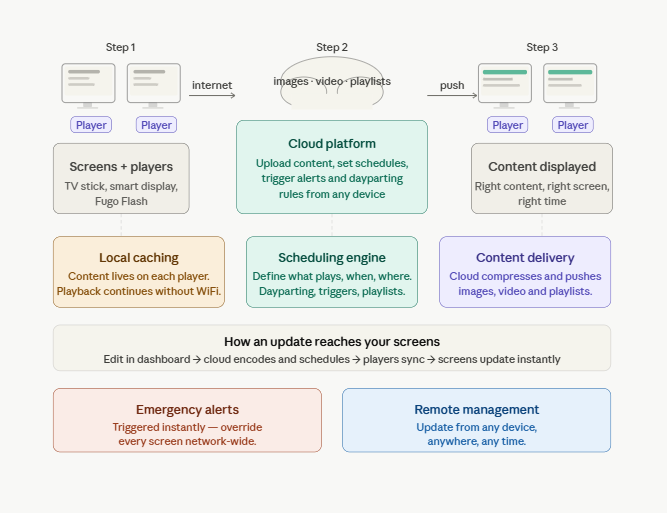
Here’s a quick breakdown of how cloud-based digital signage works:
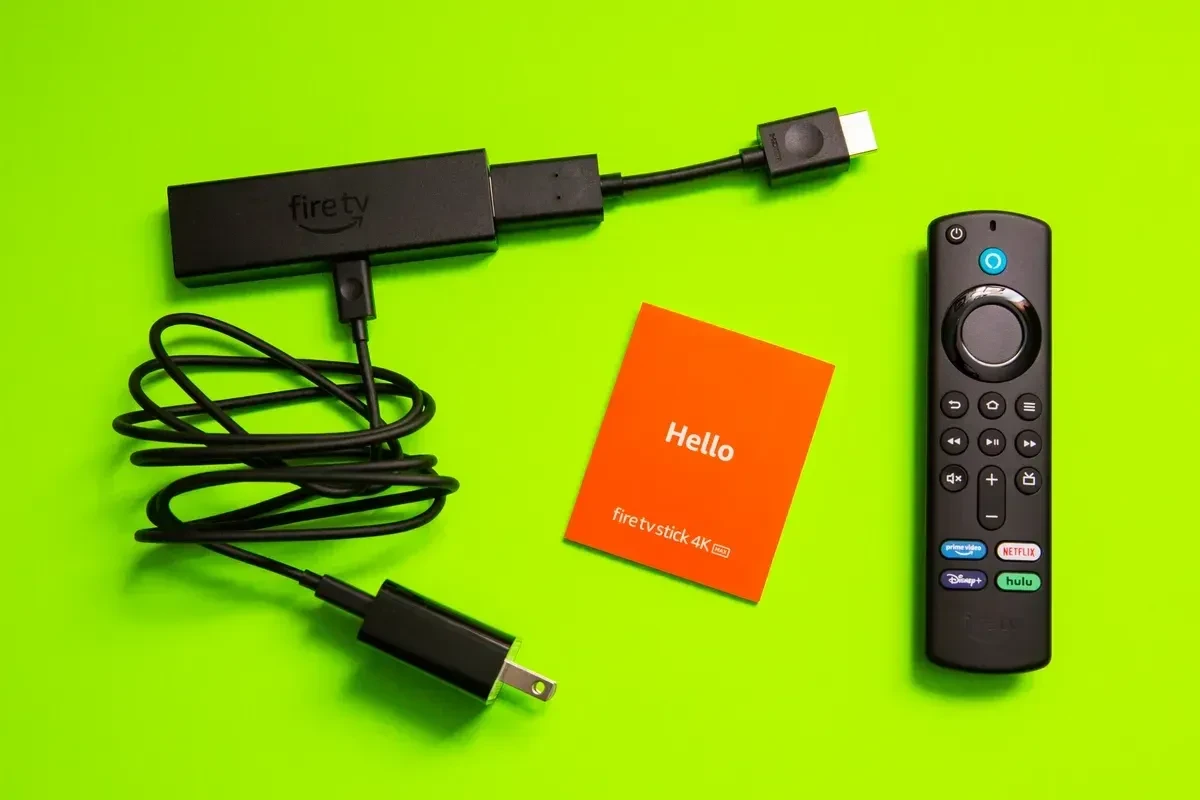
- First, you connect all your screens to individual media players. These might be dedicated devices like a Fugo Flash or a Google TV Stick, or software built into a smart display. This ensures your digital media player can communicate with your cloud-based digital signage software and display the right content at the right time.
- When you upload an image, video, or playlist, your cloud platform compresses and distributes that content to players over the internet. Your digital signage solution can also let you decide what, when, and how something plays back. For example, you can trigger content, sync dashboards, or set dayparting schedules that automatically apply to specific playlists.
- Cloud-based systems translate your content rules into instructions, which are sent to each media player, which then automatically display the right content. Every detail is automatically handled in the background, and you can always update or edit content whenever you need.
Cloud-based digital signage vs on-premise signage
So, why not on-premise signage systems for your growing small business? Can’t you just throw up some digital signs and make do with what you have?
Sure, it might be possible, but it’s not the best plan for most growing small businesses.
First, let’s compare both digital signage solutions side by side:
As you can see, cloud-based systems are the more efficient fit for fast-growing small to mid-sized businesses. These platforms help you get up and running quickly, and they don’t require much hands-on management, physical troubleshooting, or ongoing maintenance.
That said, on-premise digital signage may be the right call if your organization has:
- Strict data security or compliance requirements (think government facilities, financial institutions, or healthcare environments)
- Vast internal IT resources, dedicated support staff, and a capital budget to absorb a higher upfront investment
- Access to a perpetual licensing model, if accessible, which may yield a lower total cost of ownership than ongoing subscription fees
No need to take our word for it, though.
💡Related: Learn the benefits and drawbacks of cloud-based digital signage vs on-premise signage.
The many benefits of cloud-based digital signage for small and growing businesses
There are so many different kinds of digital signage platforms on the market. Why should your business look at cloud-based solutions in the first place?
Namely, because they’re efficient, cost-effective, and much easier to use for an SMB.
Here’s everything you need to know.
Lower upfront costs
Cloud-based signage runs entirely over the internet, so there’s no local server to buy, maintain, or replace. Plus, subscription-based pricing is simple and predictable. Most small businesses prefer a monthly or annual fee, since it’s easie to budget for and justify.
Think about it in terms of traditional signage costs versus cloud signage costs. Where a traditional on-premise setup can run into the thousands, cloud signage gets you up and running for a fraction of that cost.
Learn more about digital signage prices.
Easy setup and remote management tools
If you can log into a website, or drag a file into a folder, you already have everything you need to set up and run cloud-based digital signage.
Plus, cloud signage software is also easy to access. You can update every screen in your network while at your desk, on the road, or when working from home.
Most cloud signage platforms — including Fugo — also come with a library of professionally designed templates. These allow you to publish content in minutes, and even set company templates, without needing a separate graphic design tool.
A streamlined communication strategy that scales with your business
Cloud signage was designed to grow alongside your business. Adding a new screen to your network takes minutes rather than days, and requires no additional infrastructure (unlike on-premise signage). Whether you’re opening a second location or a twentieth, every new screen plugs into the same platform you’re already using.
Plus, the best cloud signage tools only have you pay for what you need. Subscription tiers mean you’re never paying for features or screen counts beyond what your business currently requires.
Simple content management tools (even if you don’t have design skills)
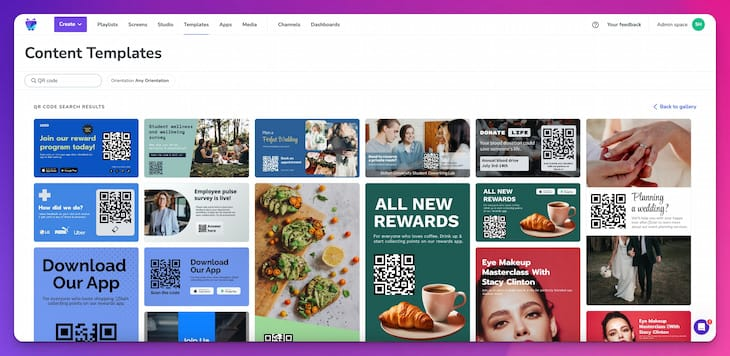
Cloud signage systems give you access to templates, animations, and live data feeds. You can also tap into features like:
- Pre-built layouts
- Motion graphics
- Real-time integrations with tools like Google Calendar and Power BI
This gives SMBs access to the same high-quality display capabilities that enterprise businesses use. But unlike traditional enterprise software, you pay a fraction of the cost and don’t need dedicated IT staff.
Enhanced security with automatic updates
Cloud digital signage automatically publishes updates for security, encryption, and data protection purposes. That way, you don’t need to worry about someone ’gaining access’ to data, even though it’s stored in a multipurpose cloud.
You can also rely on cloud digital signage platforms to backup your content during outages or natural disasters. Let’s say a published update contains an error or needs to be pulled back. A great cloud platform will let you revert to a previous version of your content, which minimizes downtime and keeps your screens on-brand.
8 Best use cases for cloud-based digital signage in small businesses
Here are some ways you can use cloud-based digital signage in your small business:
1. Restaurants
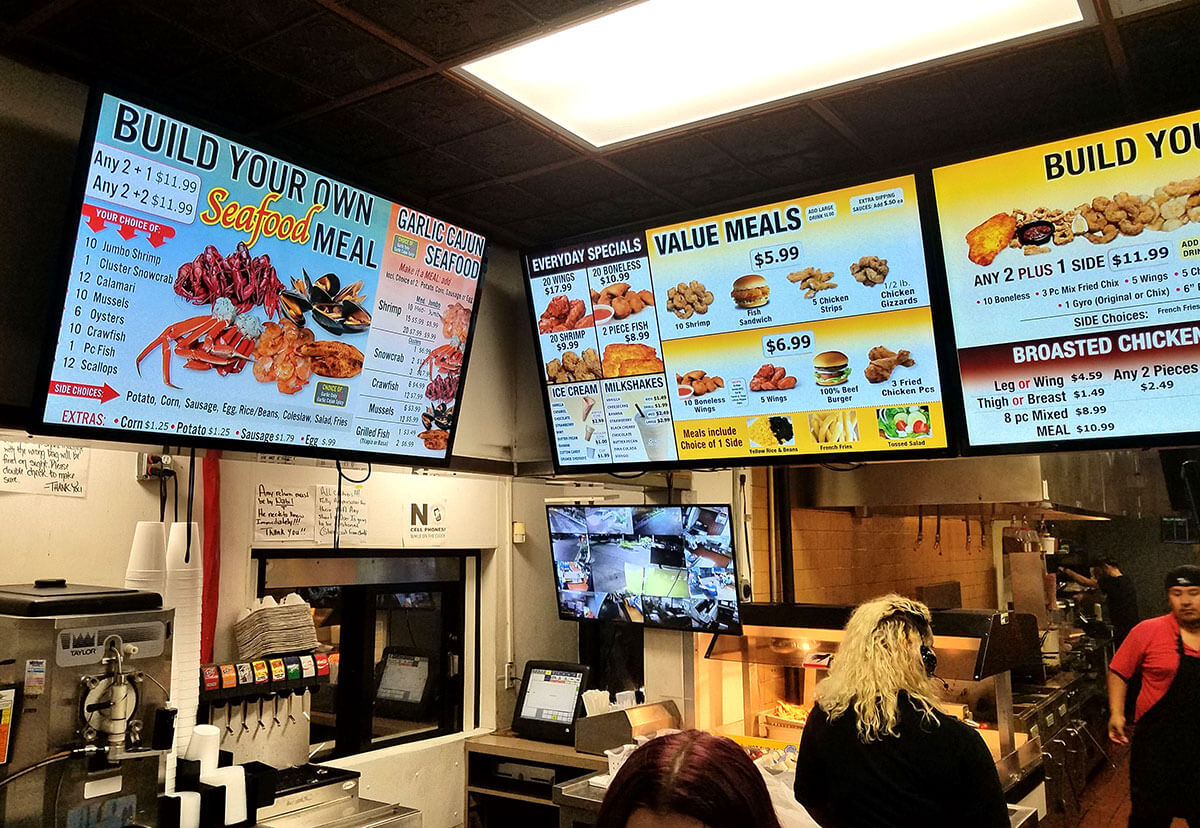
Cloud-based digital signage for restaurants is most commonly used to power digital menu boards. Instead of printing and laminating new menus every time a price changes or a seasonal dish rotates in, you can update your boards instantly from your phone or laptop.
You can also use digital signage software to daypart your meals. For example, you might display your full menu during lunch, then automatically switch to a dinner menu at 4 PM. Want to switch in specific specials (like hot cocoa) whenever it drops below a certain temperature? Just set up content triggers to automate your menu boards from anywhere.
A few other things you can do with digital signage software features at your restaurant:
- Promote your loyalty program or online ordering app via QR codes to boost sales
- Show off customer reviews in a social media wall
- Send out the same content (think pricing or new releases) from a single platform
2. Corporate offices
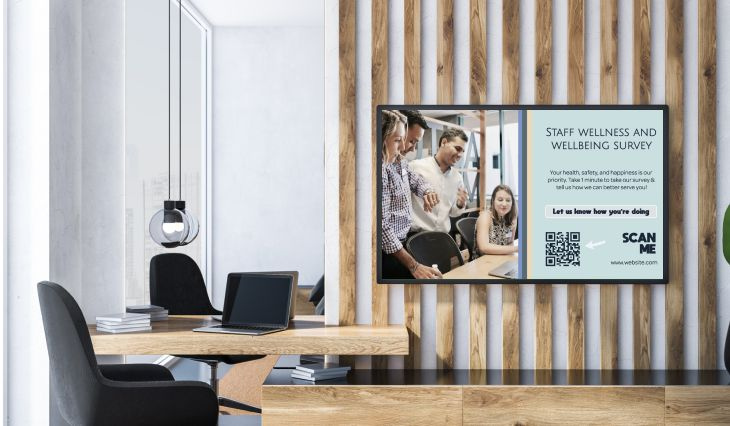
From meeting spaces and conference rooms to hallways and lobbies, you can use cloud digital signage in corporate settings to keep your employees informed.
Using a single management platform, you can create the following displays in public spaces:
- A welcome display with signage integrations
- Recent news and achievements
- A company directory
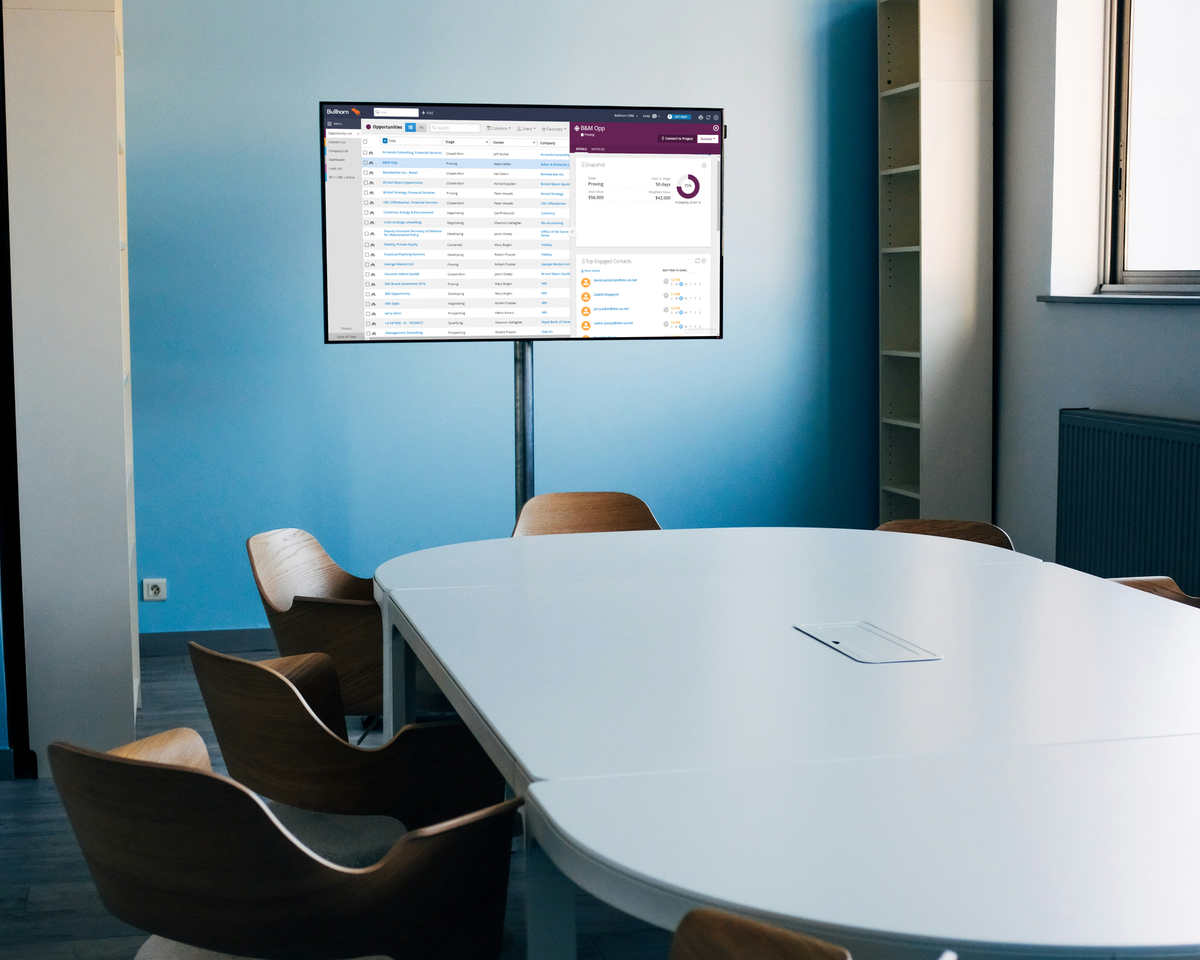
For employees, digital displays outside each room can show real-time room availability, upcoming bookings, and the current meeting name. Inside each room, screens might display agendas or calendars, or even live KPI dashboards pulled directly from third-party data sources.
The goal is to use cloud digital signage to manage internal comms across every floor, wing, or office location in your network — all from a single login.
3. Retail stores

Cloud-based digital signage is essentially an always-on retail advertising tool that static shelf tags and posters simply can’t match.
For example, you can use digital signage to promote time-sensitive deals, highlight new arrivals, and move slow-selling inventory. No printers or glass tape necessary.
You can also use screens to create more immersive in-store marketing experiences. You might want to:
- Display product demos or how-to videos
- Feature user-generated content and social proof
- Set up retail media campaigns
- Use QR codes on-screen to drive customers to your website, app, or loyalty program
- Trigger weather-based or time-based content automatically
- Push the same sale pricing or campaign creative to every location at the same time
4. Healthcare facilities

Cloud-based digital signage for healthcare facilities let you communicate directly with patients, visitors, and staff. This helps cut down on staff interruptions, not to mention provide direct updates with patients across a large (and potentially very busy building).
You might want to put digital displays inside of patient waiting rooms, which display estimated wait times, as well as local news or weather. Plus, you could add wayfinding displays in lobbies and hallways to guide visitors to the right department, floor, or room without needing to flag down a nurse or receptionist.
Of course, you can also use screens to share health and wellness content, including seasonal vaccination reminders, hygiene tips, or public health announcements.
On the employee side rather than the client side, you may want to:
- Display real-time bed availability
- Share compliance reminders, safety protocols, and shift updates
- Trigger emergency alerts or evacuation instructions instantly across every screen in a facility or clinic network
5. Warehouses
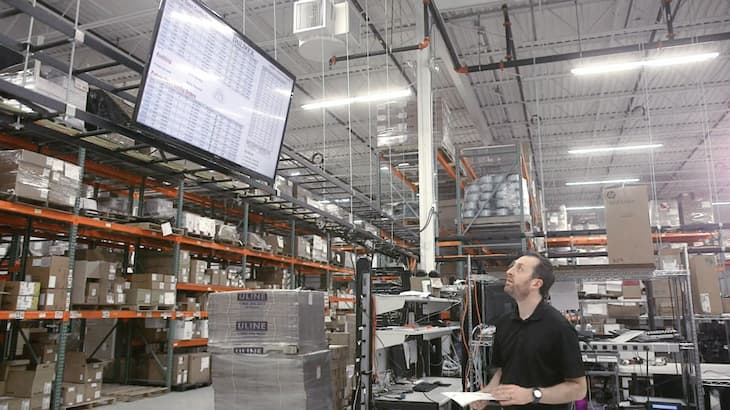
The beauty of digital signage for healthcare facilities is that you can support frontline workers with real-time, easily updated information. This could be safety reminders, PPE requirements, or incident counts to reinforce a safety-first culture. You could also separate content by zone (think shipping, receiving, and packing floors) so you can easily see the metrics most relevant to you.
Look at how Struers did this in their organization.
You can also use digital signage to create data repositories as well. Now, you can create KPI displays to track pick rates, or set up TV dashboards for supervisory teams to use. You can integrate this with other platforms your business uses, like BI dashboards or other real-time tracking tools. That way, you might set alert thresholds so screens automatically flag failures and slowdowns. This can help to boost manufacturing and shipping efficiency.
Learn more about how to improve operations in warehousing with digital signage.
6. Hospitality
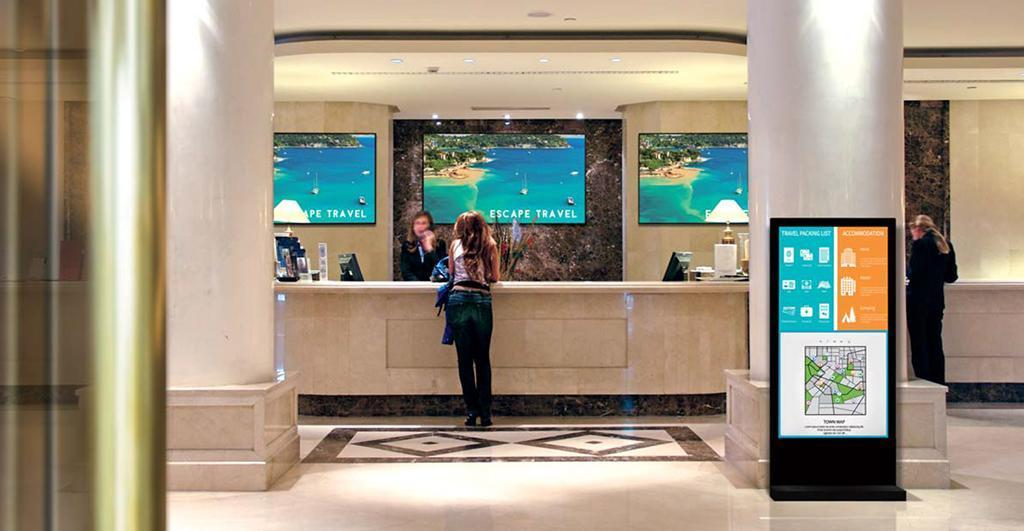
No matter the size of your organization, cloud-based signage for hospitality groups is an excellent way to improve the guest experience.
In lobbies, for example, you can use digital displays to welcome VIPs by name, offer local recommendations, and promote on-site amenities. Own a resort or larger properties? Set up wayfinding displays that help guests navigate the sprawling grounds.
Keep in mind you can always use cloud signage to Instantly update content across properties when things change. It also helps that you can create and publish to every screen from a single dashboard, without on-site IT techs or manager training.
7. Education

Cloud-based digital signage for educational facilities lets you grab the attention of students and teachers alike. With it, you might display school announcements, events and school branding, and even QR code and forms.
You can also use cloud-based digital signage software to construct interactive kiosks for students. For example, you can create touchscreen forms on kiosk players to collect key information (like student sign-ups for schoolwide volunteering).
There are many benefits to using this digital signage in education, like more engaged students and easier information dissemenation (especially for teachers and other frontline staff). But perhaps the biggest benefit is being able to manage content from anywhere; even across locations, campuses, or buildings.
Learn more about how to set up school digital signage.
8. Transportation
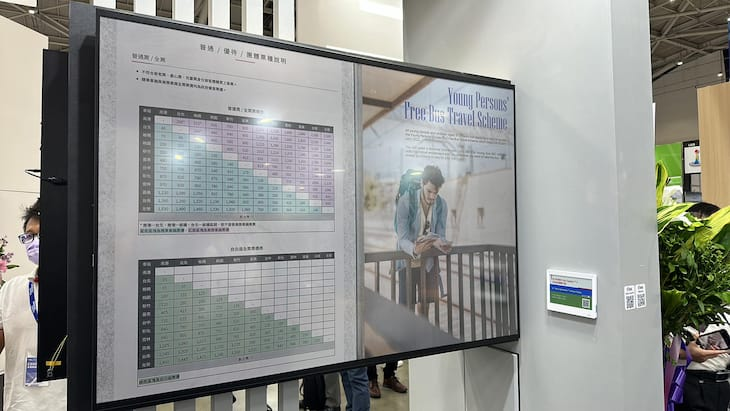
The most obvious use of cloud digital signage is displaying delay and arrival times in places where travellers need to see them.
But remember: with the power of cloud platforms, you can now manage content from a single, cetnralized platform that lets you populate and edit information whenever necessarily.
If you need to push emergency alerts to one specific terminal or station, you can do so from any device with remote access. This makes it easy to manage large volumes of information from a single dashboard, saving time for more important tasks while greatly improving your commuter’s experience.
Just check out the Transit app, for example, which lets you display arrival and departure estimates in real time.
What to look for in a cloud-based digital signage software provider
Before settling on a cloud-based digital signage software provider for your business, be sure it offers these bare-minimum features:
- Agnostic support for existing hardware and digital displays. Look for compatibility with major SoC displays like Samsung SMART Signage, LG webOS, and BrightSign. Your platform of choice should also work with popular media players. This should include Amazon Fire Stick, Raspberry Pi, and dedicated signage sticks like the Fugo Flash.
- Third-party integrations and data feeds. The best digital signage platforms let you connect with the tools you already use. Opt for systems that let you connect with your calendar, BI dashboards, and social media need integrations.
- Remote content management and content updates. Look for a provider that lets you create, schedule, and publish content from any device with an internet connection. You should also look for real time or near real-time support, so what you update in your admin portal is also what your audience sees within seconds.
- Security for cloud-based deployments. Great digital signage platforms ensure your data is encrypted, authenticated, and regularly backed up on other servers. Depending on your industry, you may also need a tool that’s GDPR, HIPAA, and/or SOC 2 compliant.
- User roles and permission controls. Your CMS should let you set up clearly defined roles (like admin, editor, and viewer) so different team members have the right level of access. For example, an admin user might manage your entire network, while an editor can only update content in an assigned zone.
How to deploy cloud-based digital signage in 15 minutes or less
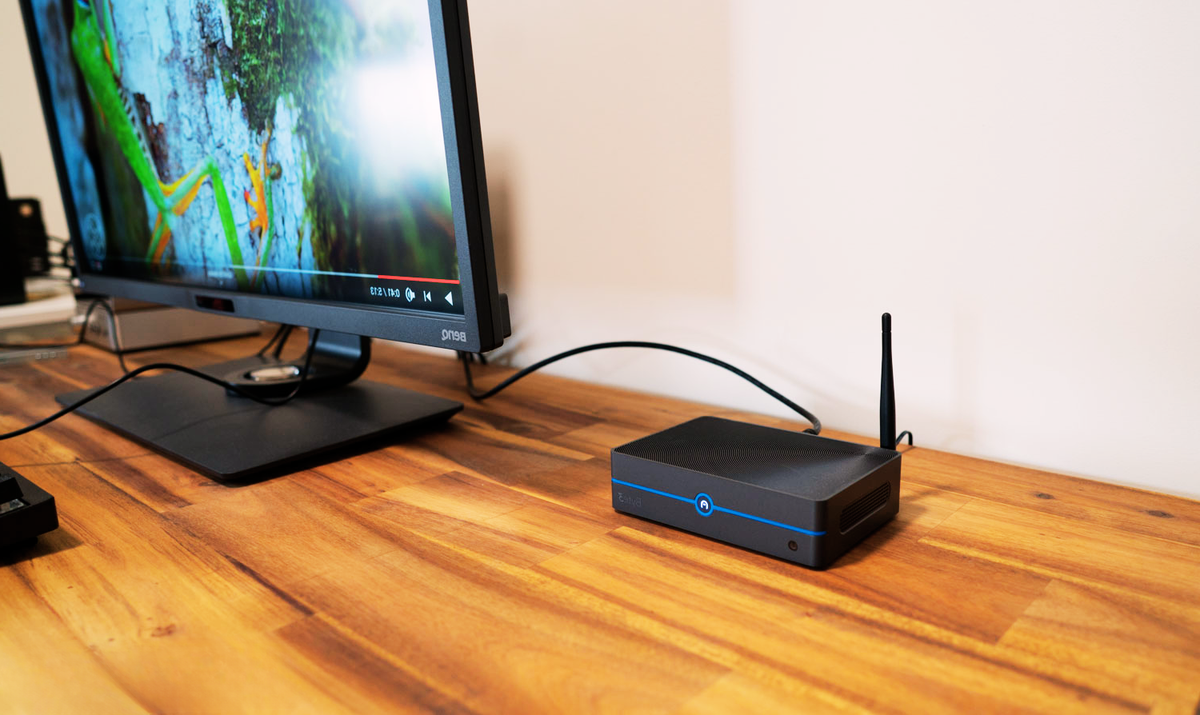
Not all cloud-based digital signage platforms are created equal. But for small and mid-sized businesses that want centralized control for their signage, Fugo consistently rises to the top.
Here’s how to get started with Fugo’s cloud-based digital sigange software in three easy steps:
- Sign up and log in to your 14-day free trial (no credit card required)
- Connect your media player to your display via HDMI port
- Pair your TV or player with your Fugo account
- Create or upload your first piece of content, either with your own images or videos, or with a pre-built template from Fugo’s library
- Assign your content to your screen or playlist, set a schedule if needed, then hit publish
From there, you can organize screens into groups, assign different playlists by location, and even automate scheduling without ever leaving your desk.
Get started with Fugo in 15 minutes or less by signing up today for a 14-day free trial.
Frequently asked questions about cloud digital signage systems
Q: What is the best digital signage app for small businesses?
The best digital signage app is the one that works best for your specific business needs. For growing small businesses, Fugo is typically the most effective way to manage digital signage. No need to push out manual updates or create content on separate graphic design apps. With Fugo, you can make dynamic content, push it to multiple screens, and manage entire digital signage networks from a user-friendly interface.
Q: How do you know if cloud-based digital signage has a user-friendly interface?
You’ll want a digital signage solution that’s user-friendly, typically without any major training or onboarding required to get started. It should also be intuitive, which means you can navigate the digital signage platform easily based on what you already know about content management. Finally, cloud digital signage should have features that are easy to figure out. No need to trawl through copious amounts of support docs. Instead, you can figure out how to manage screens, publish digital content, or connect your data sources relatively easily.
Q: Do you need an internet connection to set up cloud-based digital signage systems?
Yes and no. On one hand, you’ll need WiFi to log into your cloud digital signage platform, manage content, and push them to digital displays. But depending on the digital signage solution in question, as well as your media player, it may be possible to run signage even without internet access.