
Fugo

Live social media walls for digital signage

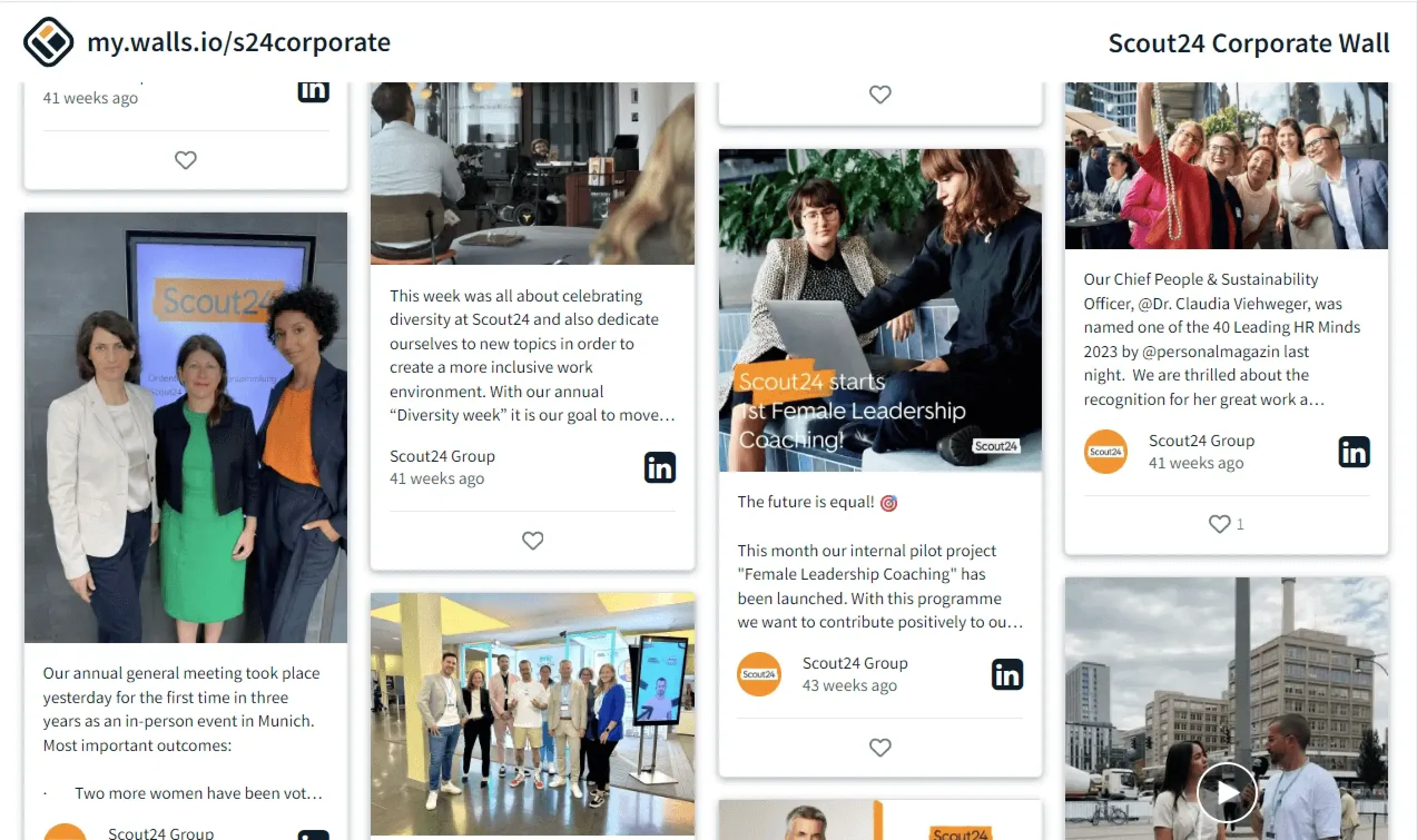
With Fugo & Walls.io you get an all-in-one social wall solution that allows you to gather content from 13+ social media platforms onto screens at your points of sale, trade show booth, or workplace.

Hero image
Two women in a clothing store browsing social media together on a phone
THE CHALLENGE

Your most engaging content lives off your screens

Brands spend enormous effort building audiences on social media but those conversations rarely make it into physical spaces.

  • Social engagement stays trapped on phones

  • Campaign hashtags go unseen at events

  • User-generated content disappears into feeds

  • Screens repeat static promotional loops

  • The energy of your audience never reaches the room

THE SOLUTION

Turn your audience into part of the display

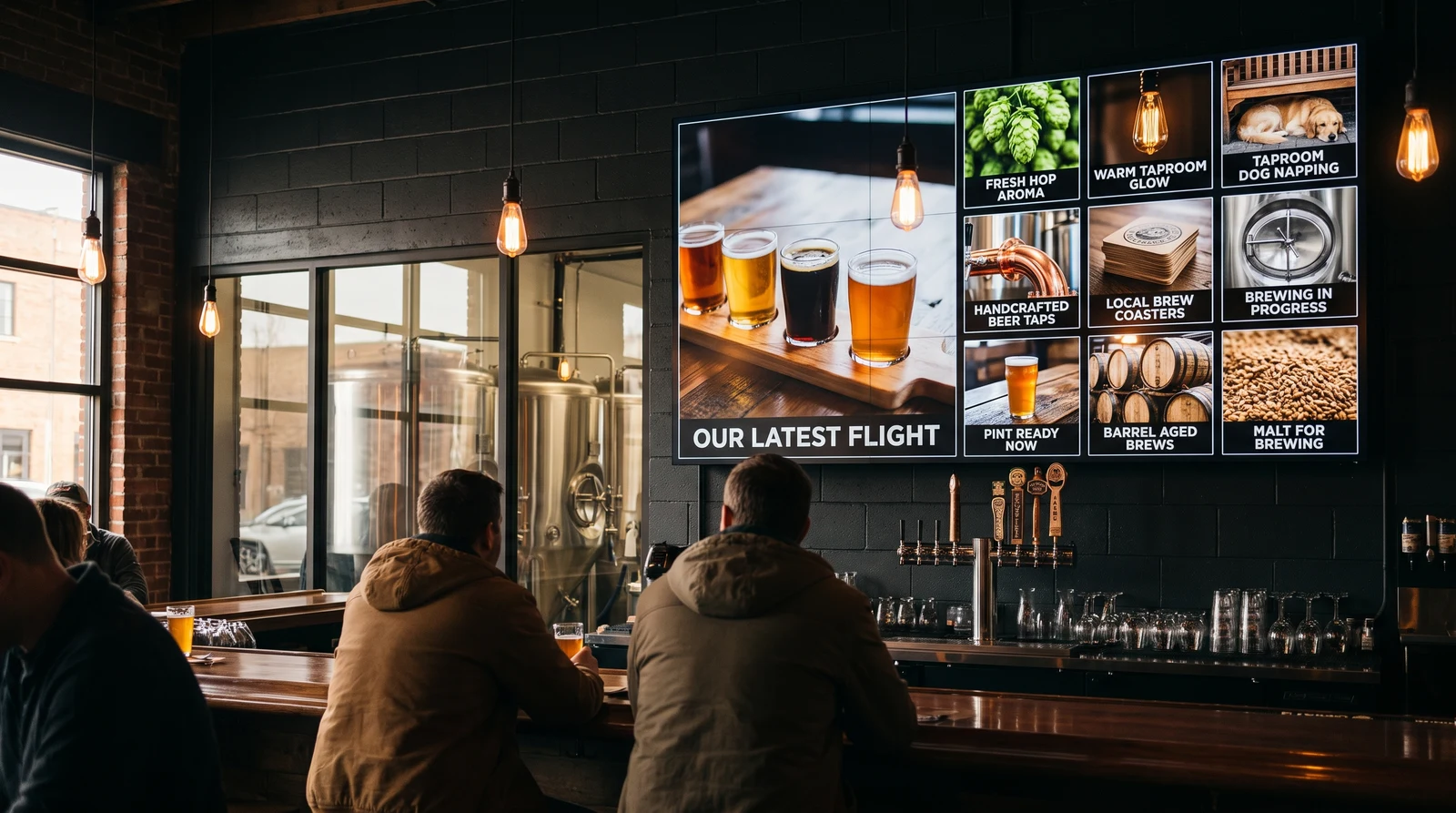
Social media walls pull posts from your channels or campaign hashtags and display them live on your screens, turning your audience into contributors.
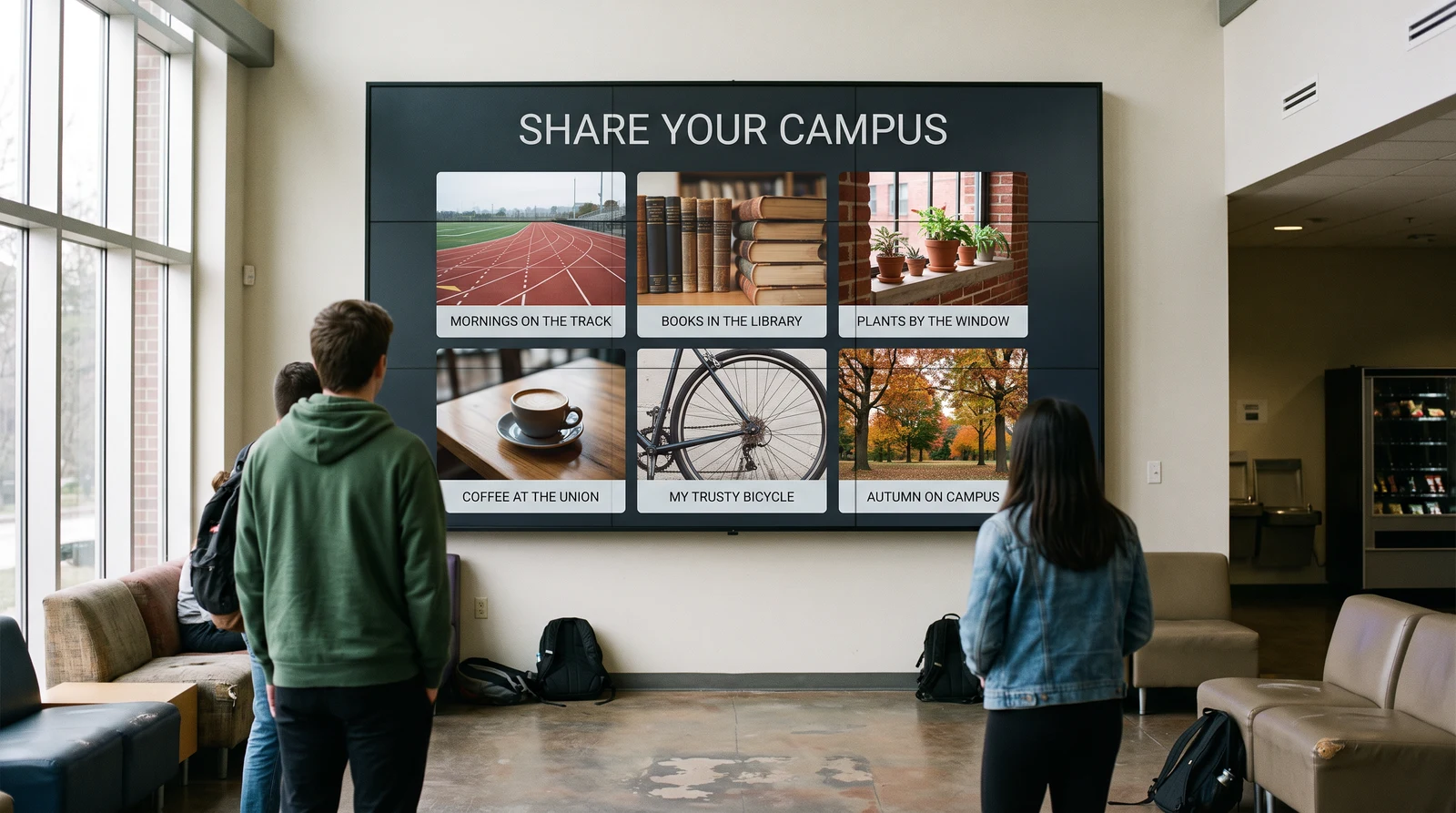
Two people viewing a wall-mounted social media wall in a modern open space

Display real social content

Show posts from Instagram and other supported sources

Highlight audience participation

Feature hashtag campaigns, mentions, and community content

Update automatically

New posts appear as they're published

FEATURES

What can you do with social media walls?

Turn passive screens into dynamic, community-driven displays.
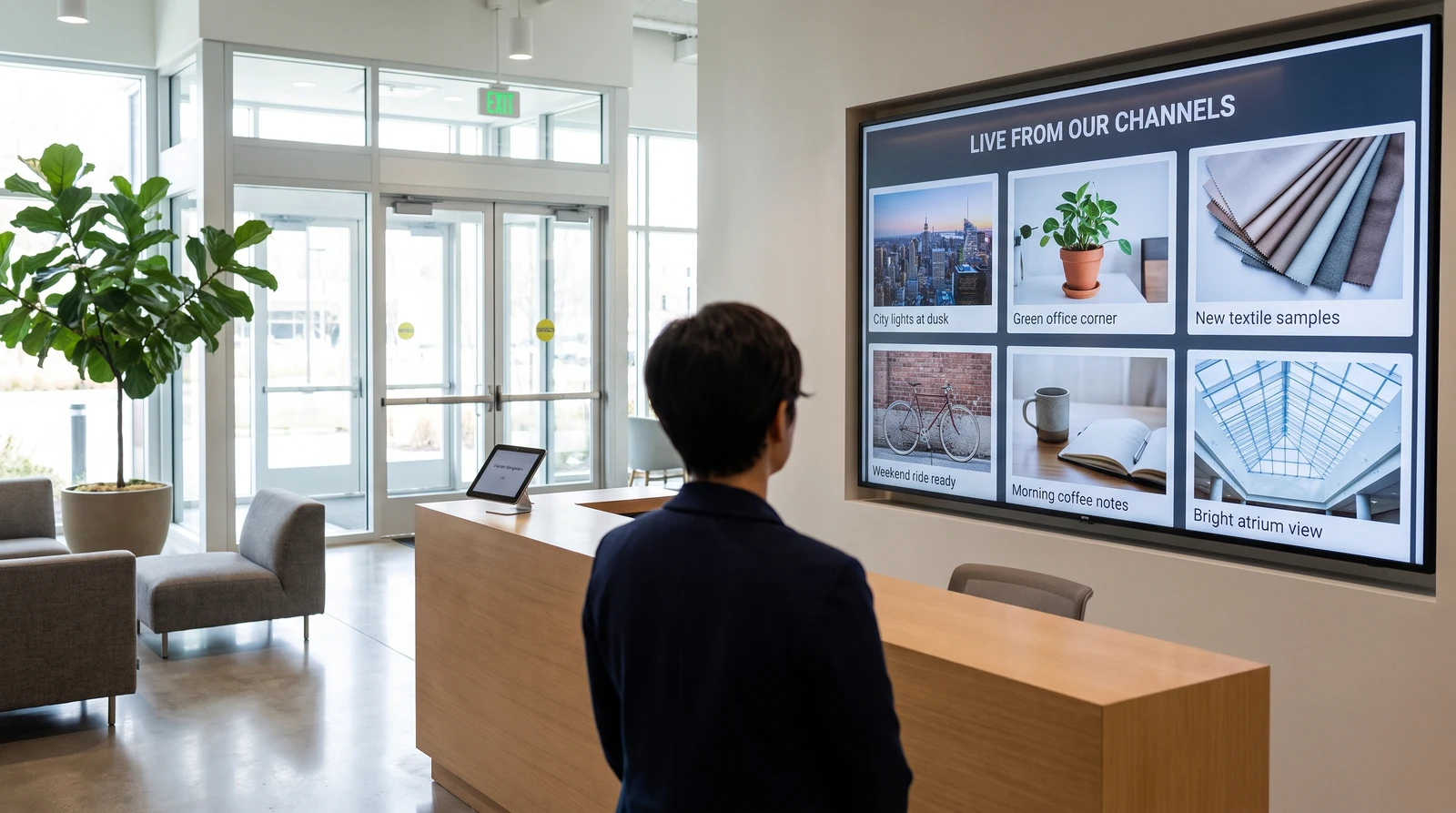
Walls.io dashboard open on a laptop and phone with the connected social wall playing live on a wall-mounted TV
SOCIAL SOURCES

Connect your social channels

Pull posts directly from your social accounts or campaign hashtags and display them in real time.

  • Instagram profile feeds
  • Campaign hashtag posts
  • Brand mentions
Wall-mounted TV showing a Walls.io social wall in a showcase layout featuring a Cisco testimonial alongside a QR code prompting viewers to post
CUSTOM DISPLAY LAYOUTS

Present posts in engaging formats

Choose how social posts appear on screen depending on the environment and type of content you want to highlight.

  • Grid and column layouts
  • Mosaic displays for mixed media
  • Showcase layouts for large imagery
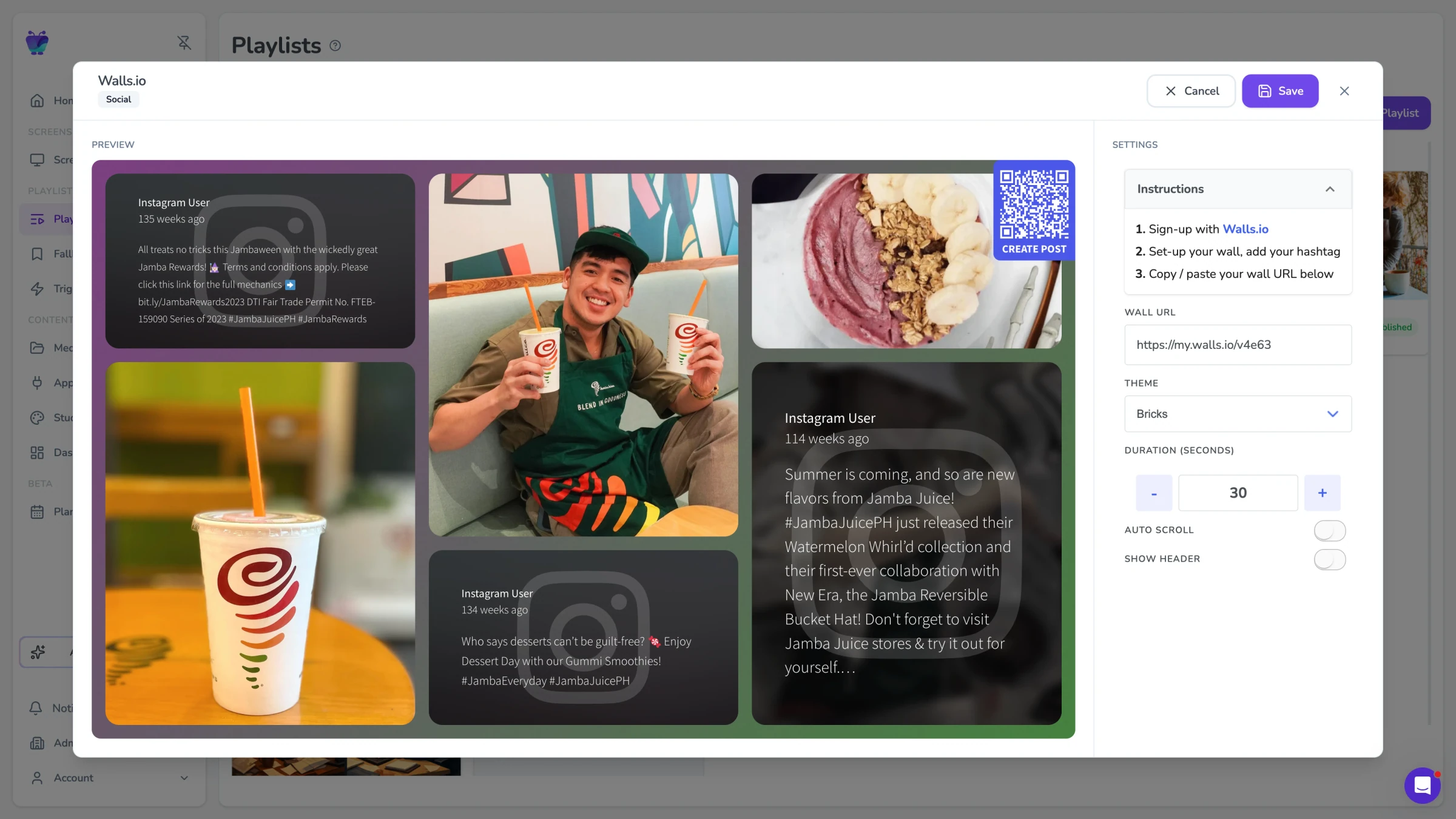
Fugo CMS Walls.io app settings modal showing the moderation controls and live preview of the curated social wall feed
MODERATED SOCIAL WALLS

Curate what appears publicly

Not every post should appear on a public display. Fugo's social wall apps let you control how content is surfaced.

  • Hide captions or profile details
  • Adjust post timing and rotation
  • Filter displayed sources
USE CASES

Where real-world spaces meet online conversation

Social walls work best when people in the room are already engaging with your brand.

Events & conferences

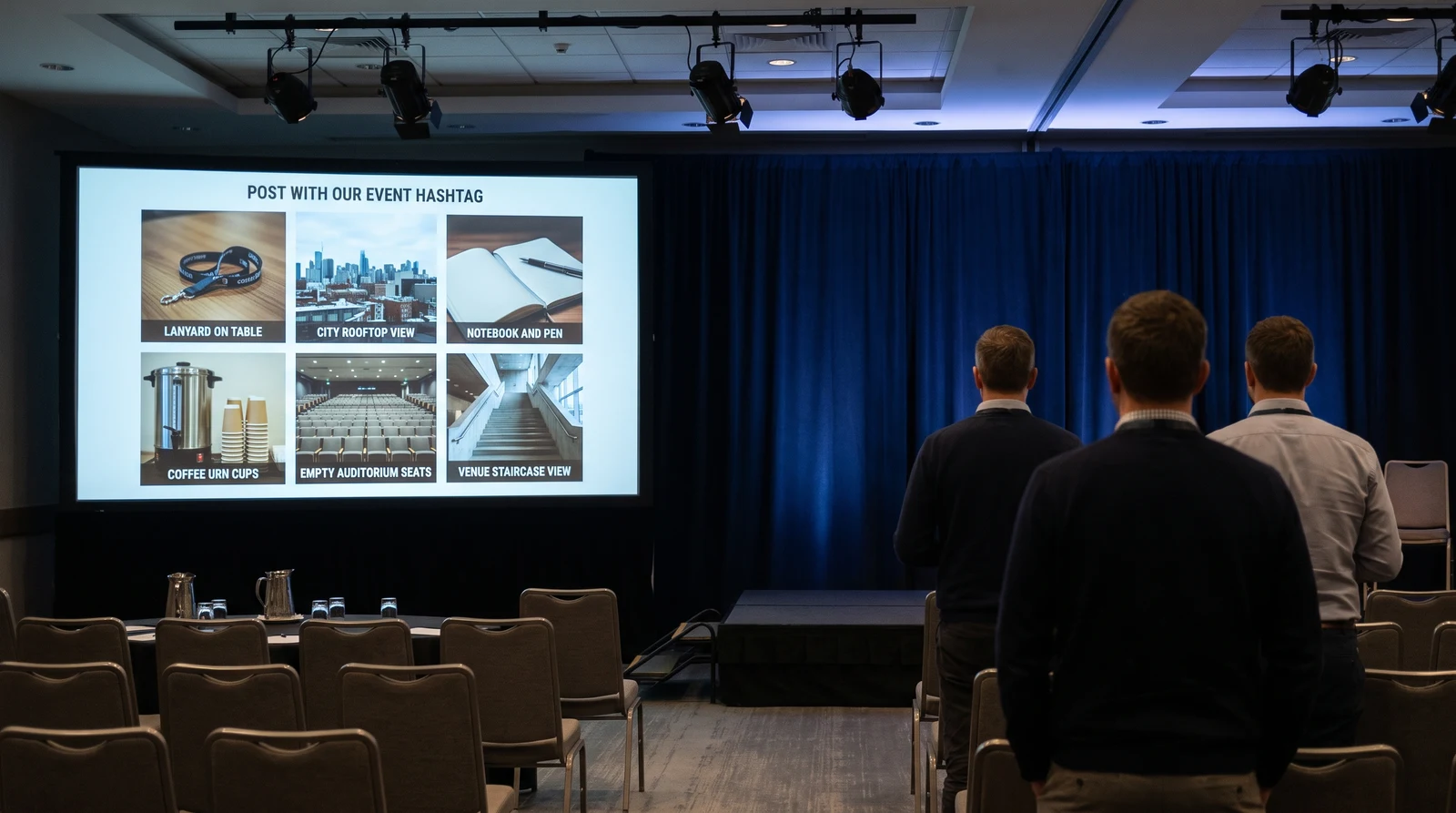
Encourage attendees to post using a campaign hashtag and watch the conversation appear live on screen.
Event hashtagsSpeaker reactionsAudience photosLive commentary
Conference audience seated in a darkened auditorium with an ERN annual meeting social wall projected on the large stage screen

Frequently asked questions

What is a social media wall for digital signage?

A social media wall is a live feed of posts pulled from one or more social media platforms and displayed on a screen.

These walls often combine:
- Posts from your brand's account
- User-generated content from campaign hashtags
- Mentions and tags from customers

Displaying social media walls on digital signage is a common way to increase engagement at events, retail spaces, and corporate offices.

How do I display social media posts on a TV screen?

There are a few common ways to display social media feeds on digital signage:
- Using a dedicated social wall platform
- Embedding a social media feed into a webpage
- Using digital signage software with social media apps

With Fugo, you can display social media walls using either the Walls.io integration or the built-in Fugo Social Wall app. Both allow you to bring live social media posts onto your screens as part of your digital signage playlists.

What's the difference between walls.io and fugo's social wall app?

Fugo offers two ways to display social media walls depending on your needs.

Walls.io integration:
- Supports multiple social networks
- Aggregates posts from hashtags, mentions, and campaigns
- Includes moderation and engagement tools
- Requires a Walls.io subscription

Fugo Social Wall app:
- Built directly into Fugo
- Displays Instagram profile posts
- Includes customizable wall layouts and display options
- Does not require a separate subscription

Most organizations use the Fugo Social Wall app for simple Instagram displays, and Walls.io when running campaigns or aggregating posts across platforms.

Can I display instagram posts on digital signage?

Yes. Most digital signage software platforms offer integrations with social media feeds.

Both of Fugo's social wall options support Instagram content.

The Fugo Social Wall app allows you to display posts directly from an Instagram profile on your screens.

If you want to display posts from hashtags, mentions, or multiple social networks, you can use the Walls.io integration, which aggregates social media content into a single wall.

Can I moderate posts before they appear on screen?

Yes.

Most social wall tools include moderation features so you can control what appears publicly.

Moderation options may include:
- Approving posts before display
- Filtering by hashtags or sources
- Hiding captions or user details
- Removing specific posts

This allows brands to encourage participation while maintaining brand safety.

Do I need a walls.io subscription to use a social media wall with Fugo?

Only if you want to use the Walls.io integration.

Walls.io is a third-party social wall platform that requires its own subscription. Once you create a wall in Walls.io, you can display it on your Fugo screens using the integration.

If you don't need multi-platform aggregation or moderation tools, you can use the Fugo Social Wall app, which is included with Fugo and does not require an additional subscription.

Can I customize how my social wall looks?

Yes.

You can control how posts appear on screen, including layout and visual styling.

Common options include:
- Column or grid layouts
- Mosaic displays for mixed media
- Large showcase views for image-focused feeds
- Custom background colors

These settings allow your social wall to match your brand design and the physical environment where it appears.

Can social media walls run alongside other signage content?

Yes.

Social media walls can run as part of a scheduled playlist or inside layouts created in Fugo's Design Studio.

For example, you can:
- Rotate social content with announcements or promotions
- Split the screen between a social wall and other apps
- Display social feeds during specific times or events

This allows social media content to become one part of your broader digital signage strategy.

Is social media wall functionality included in all Fugo plans?

Yes.

Both social wall options — the Walls.io integration and the Fugo Social Wall app — are available across all three Fugo pricing plans.

However, Walls.io is a separate service and requires its own subscription. Walls.io provides advanced social wall features like multi-platform aggregation, hashtag campaigns, and moderation tools.

If you plan to use the Walls.io integration, you'll need an active Walls.io account.

The Fugo Social Wall app, on the other hand, is built directly into Fugo and does not require an additional subscription. It currently supports displaying posts from an Instagram profile with customizable wall layouts and display settings.