
Display HubSpot dashboards on TV screens
A HubSpot TV dashboard puts marketing and sales KPIs on the screens your team already looks at, refreshed automatically. HubSpot gives you real-time performance data. Fugo brings it to managed digital signage screens with secure authentication and centralized control.


Let Fugo handle HubSpot on your TV screens
Set up the HubSpot dashboard you want to display once. Fugo handles the recurring work of accessing it, loading fresh data, and keeping it on screen.
Add your HubSpot dashboard
Enter your dashboard URL and login details Fugo will use to access it, including 2FA steps.
Set up the TV view
Set the resolution, crop, or scroll position to frame the dashboard for your screen.
Set the refresh schedule
Choose how often Fugo should load a fresh view of your dashboard on screen.


A laptop plugged into a TV isn’t a sustainable setup
Opening HubSpot on a computer connected to a TV is easy. Keeping that setup running reliably across multiple screens is harder.
HubSpot sessions expire & require another login
SSO & authentication prompts can interrupt the dashboard playback
Browsers can crash, refresh incorrectly, or lose the page
Connected computers need to stay powered, updated, and online
Every new TV means another setup to configure & maintain
A secure display layer for HubSpot dashboards
Built for unattended playback
Dashboards are captured and refreshed in the cloud, so screens don't rely on an active browser session or logged-in device.
Encrypted authentication handling
Credentials are stored securely and encrypted, with support for SSO and multi-factor environments.
No public exposure
Dashboards are displayed without enabling public links, anonymous access, or exposed URLs.
Controlled refresh intervals
Set how often dashboards update so screens stay aligned with live HubSpot data.
Screen-ready formatting
Crop, scale, and adjust layouts so key metrics remain readable on large shared displays.
Centralized publishing & oversight
Assign dashboards to specific screens and manage updates across locations from one place.
Keep the business moving through HubSpot in plain sight

Sales performance dashboards
Pipeline, bookings, and quota progress stay in sight all day, giving the sales floor a constant read on how the team is tracking.

Marketing campaign tracking
Give campaign results a life beyond reports and marketing meetings, with lead and conversion performance visible as the numbers develop.

Customer lifecycle monitoring
Bring churn risk and customer health into the team’s field of view, where a worrying shift is harder to overlook.

Executive reporting
Leadership gets an at-a-glance view of growth and performance throughout the day without another report landing in their inbox.

Revenue operations alignment
Sales and marketing see how demand is moving through the business, making gaps between lead generation and revenue much easier to see.

Multi-location visibility
Carry the same HubSpot performance picture across regional teams, while controlling what each location sees from one place.
Make your screens react to what happens in HubSpot
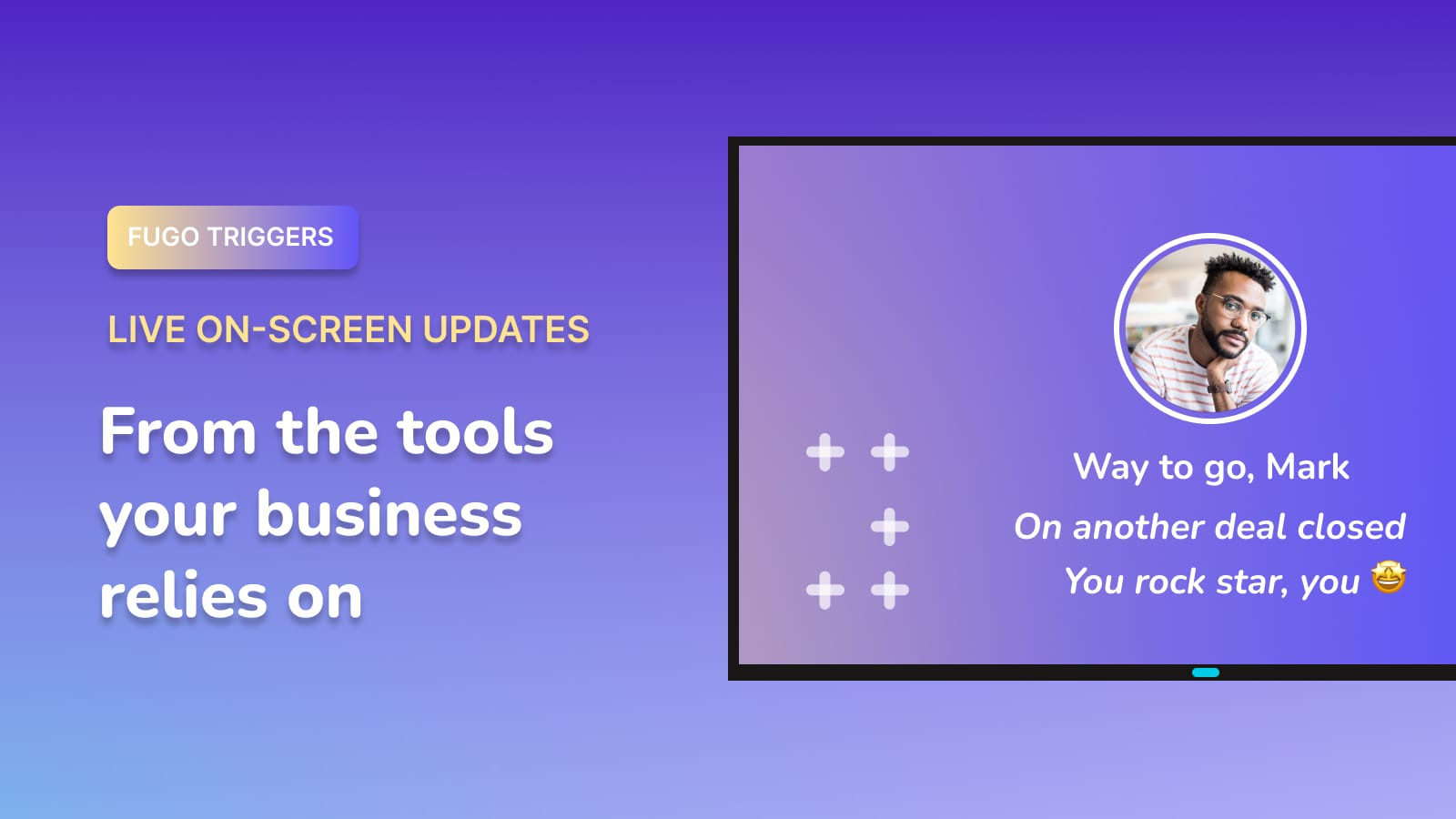
Let what happens in HubSpot spill onto the big screen, triggering screen takeovers when something deserves the whole team’s attention.

Celebrate a closed deal
Put the win on screen as soon as the deal moves to Closed Won.
Mark the big milestones
Give the team a moment when a revenue or pipeline target is reached.
Escalate a hot lead
Put a high-value lead on screen when it reaches the point where sales needs to move.
Fugo works with the rest of your stack
Give the data spread across your organization’s platforms a shared place on screen.





More on TV dashboards
Guides, comparisons and practical how-tos from the Fugo blog.