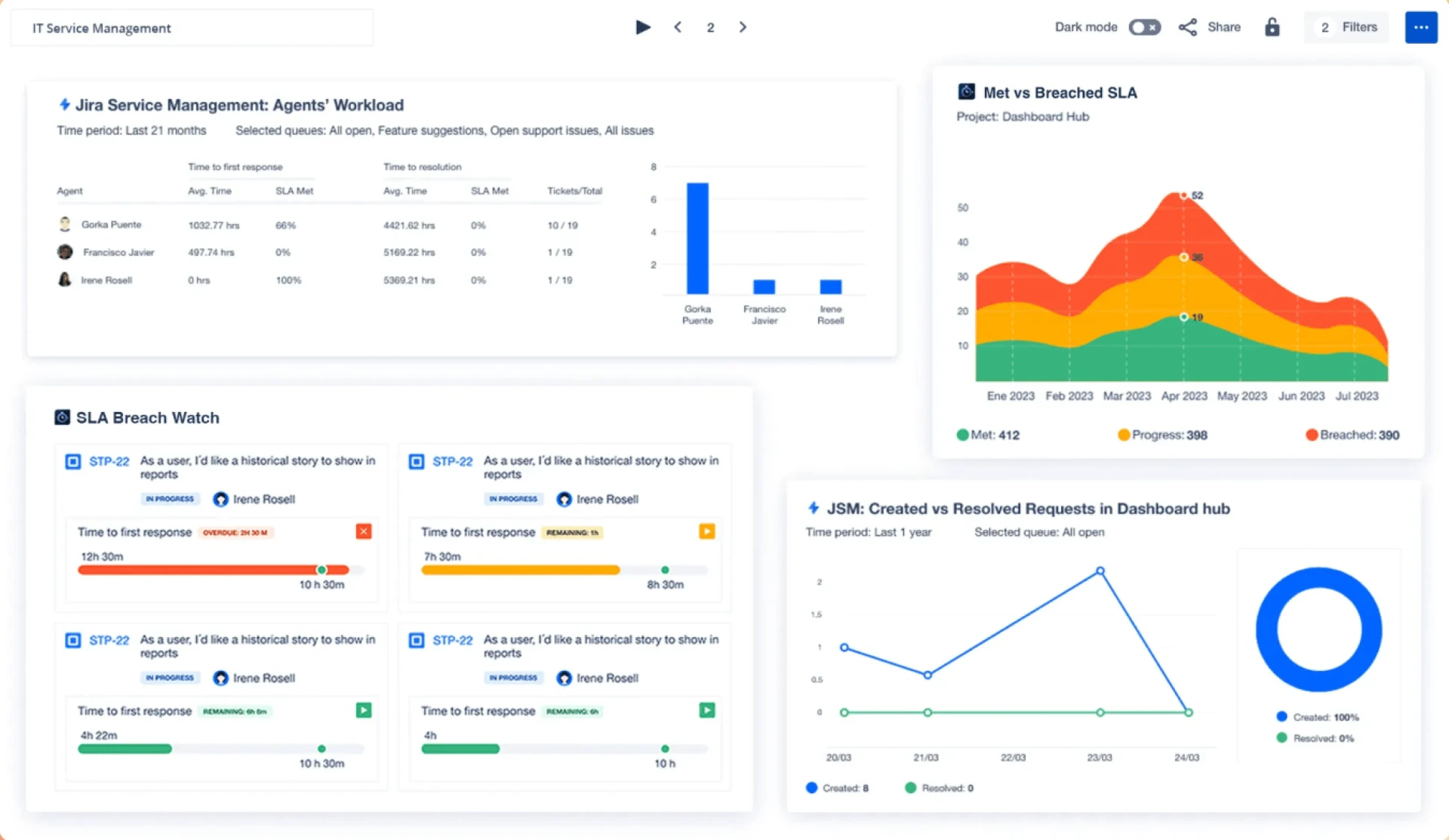
Display Jira dashboards on TV screens
Keep sprint progress and ticket flow visible on managed digital signage screens, with secure authentication and centralized refresh control.

Let Fugo handle Jira on your TV screens
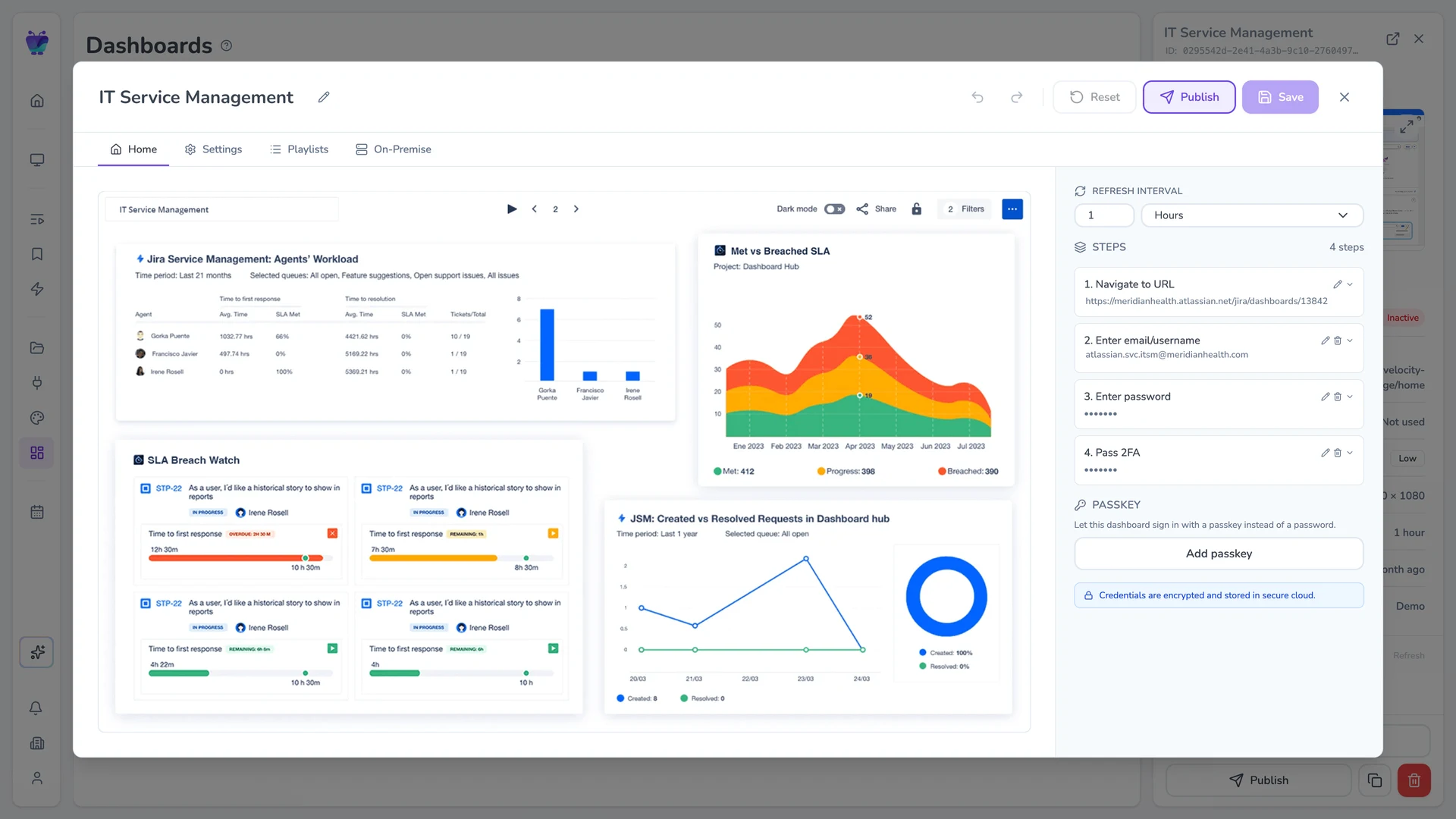
Set up the Jira dashboard you want to show, then let Fugo handle the recurring work required to keep it running on screen.
Add your Jira dashboard
Enter your dashboard URL and login details Fugo will use to access it, including 2FA steps.
Set up the TV view
Set the resolution, crop, or scroll position to frame the dashboard for your screen.
Set the refresh schedule
Choose how often Fugo should load a fresh view of your dashboard onto your screens.
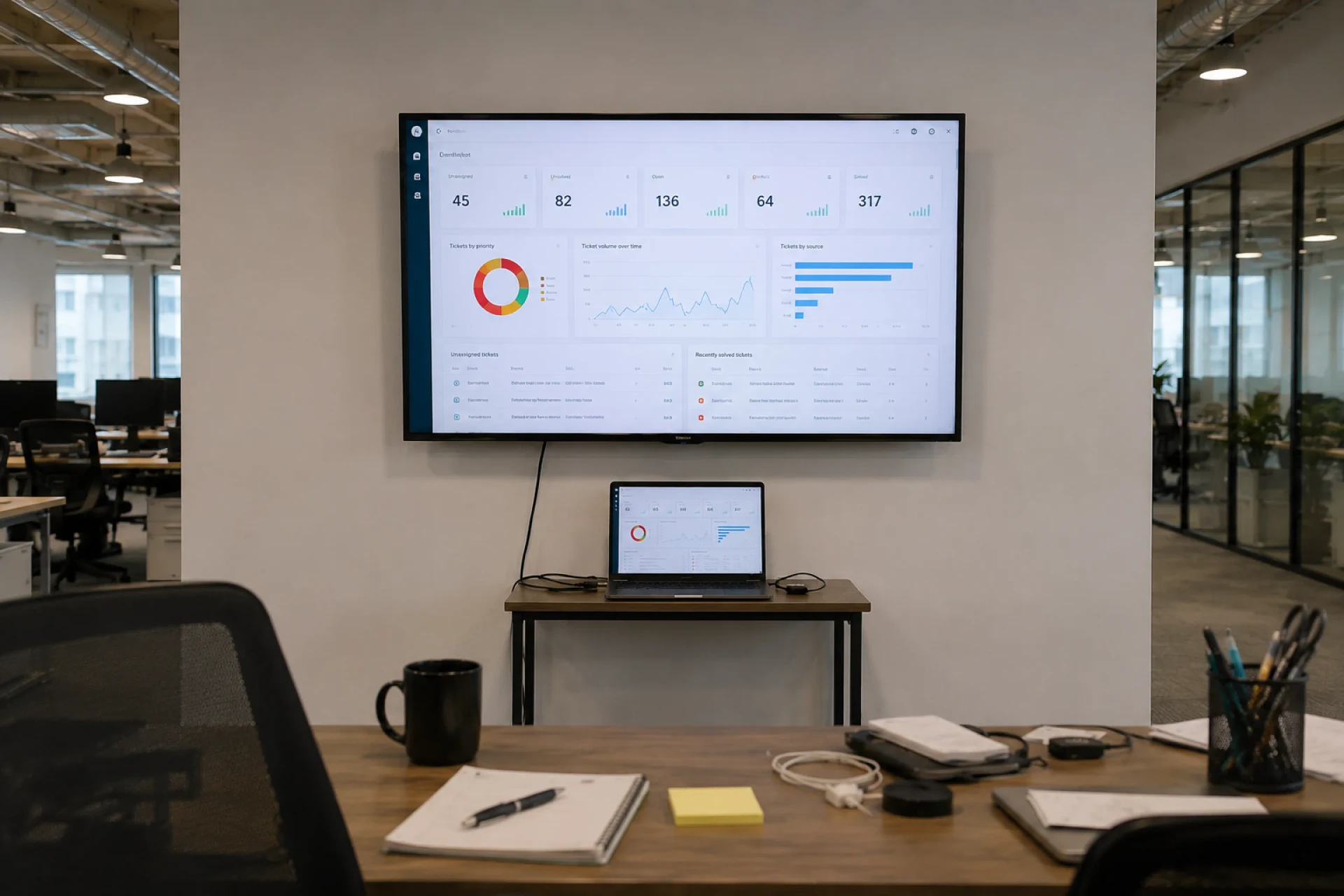
A laptop plugged into a TV isn’t a signage setup
Getting Jira onto a TV usually means dedicating a laptop to the job. That gets cumbersome fast.
Jira sessions expire and require another login
SSO & authentication prompts can interrupt the dashboard
Browsers can crash, refresh incorrectly, or lose the page
The connected computer needs to stay powered, updated, and online
Every new TV means another computer or casting setup to manage
A secure display solution for Jira boards
Built for unattended playback
Dashboards are captured and refreshed in the cloud, so screens don't rely on an active browser session or logged-in device.
Encrypted authentication handling
Credentials are stored securely and encrypted, with support for SSO and multi-factor environments.
No public exposure
Dashboards are displayed without enabling public links, anonymous access, or exposed URLs.
Controlled refresh intervals
Set how often dashboards update so screens stay aligned with live Jira data.
Screen-ready formatting
Crop, scale, and adjust layouts so key metrics remain readable on large shared displays.
Centralized publishing & oversight
Assign dashboards to specific screens and manage updates across locations from one place.
Keep Jira data on the wall, not buried in a browser tab
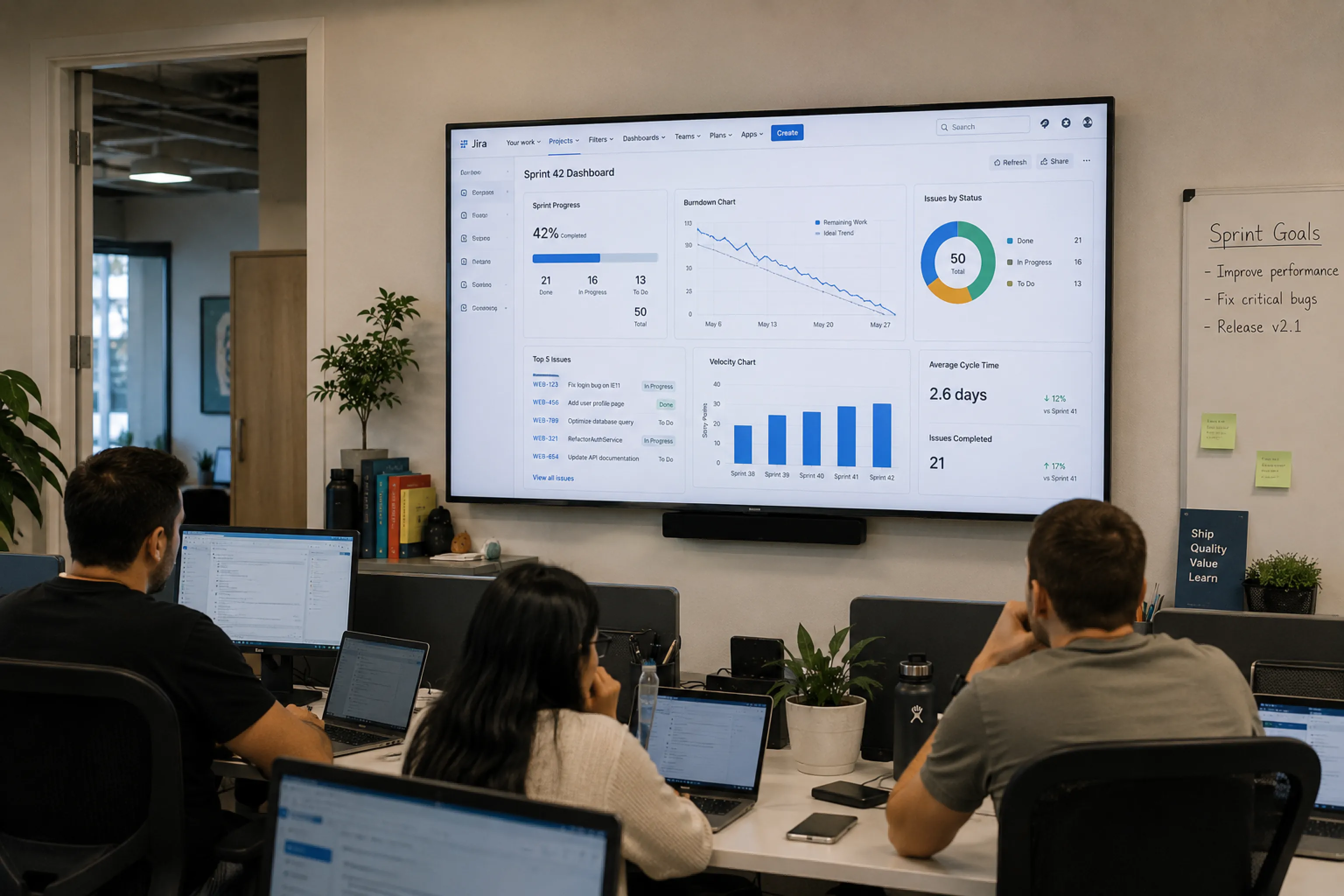
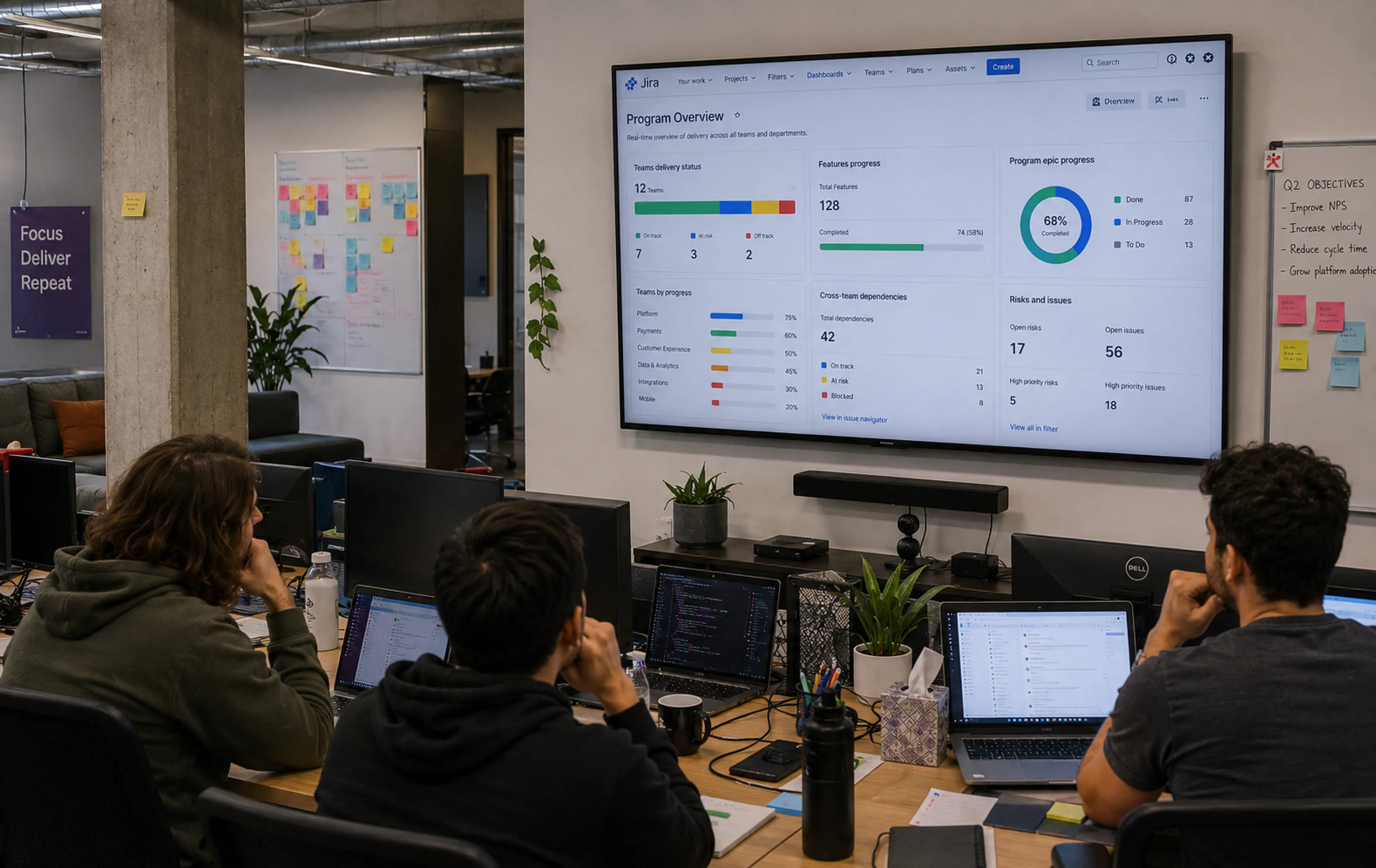
Sprint board visibility
Keep the sprint’s progress in the room all day, so blockers, unfinished work, and a slipping sprint don’t have to wait for the next stand-up to get noticed.
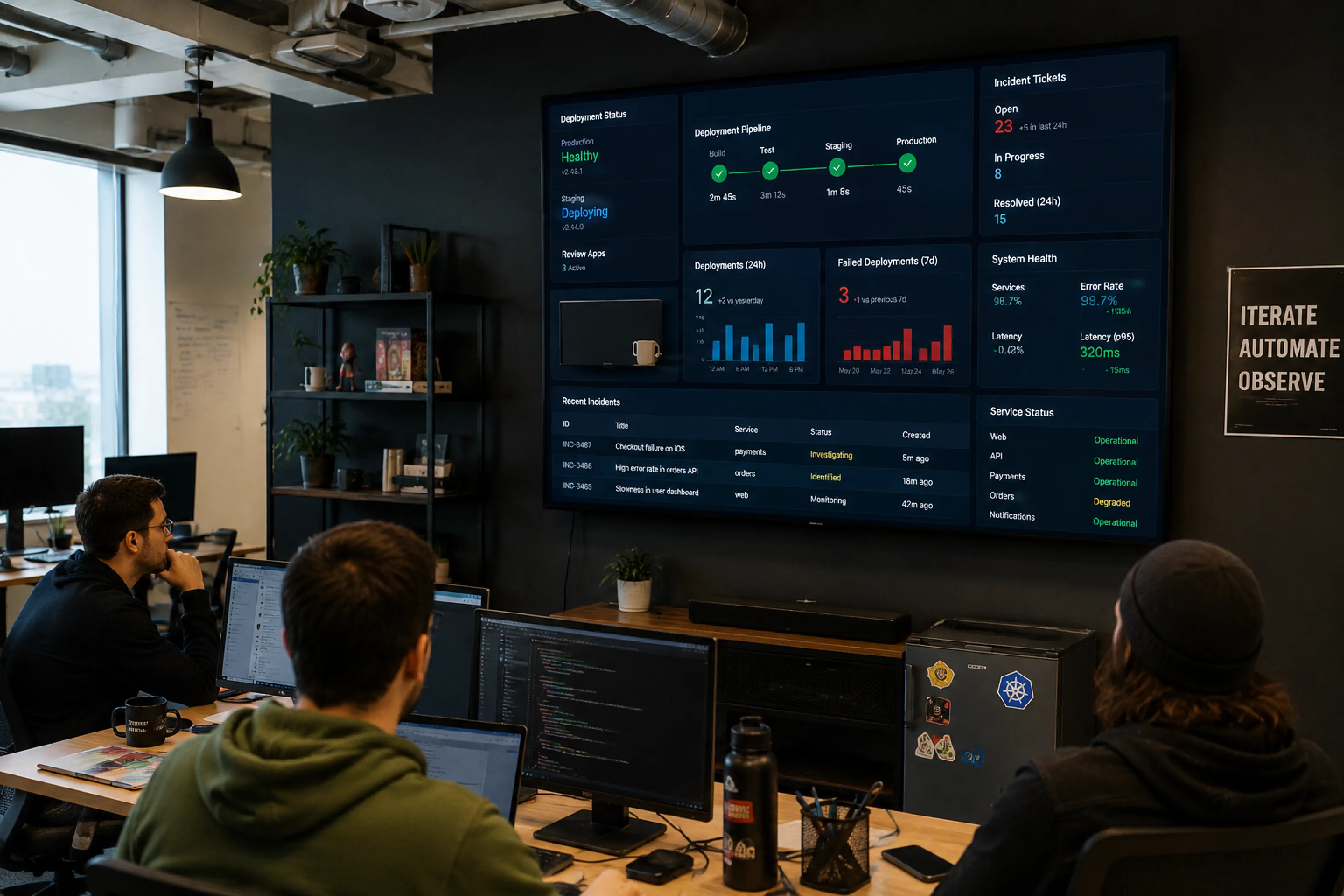

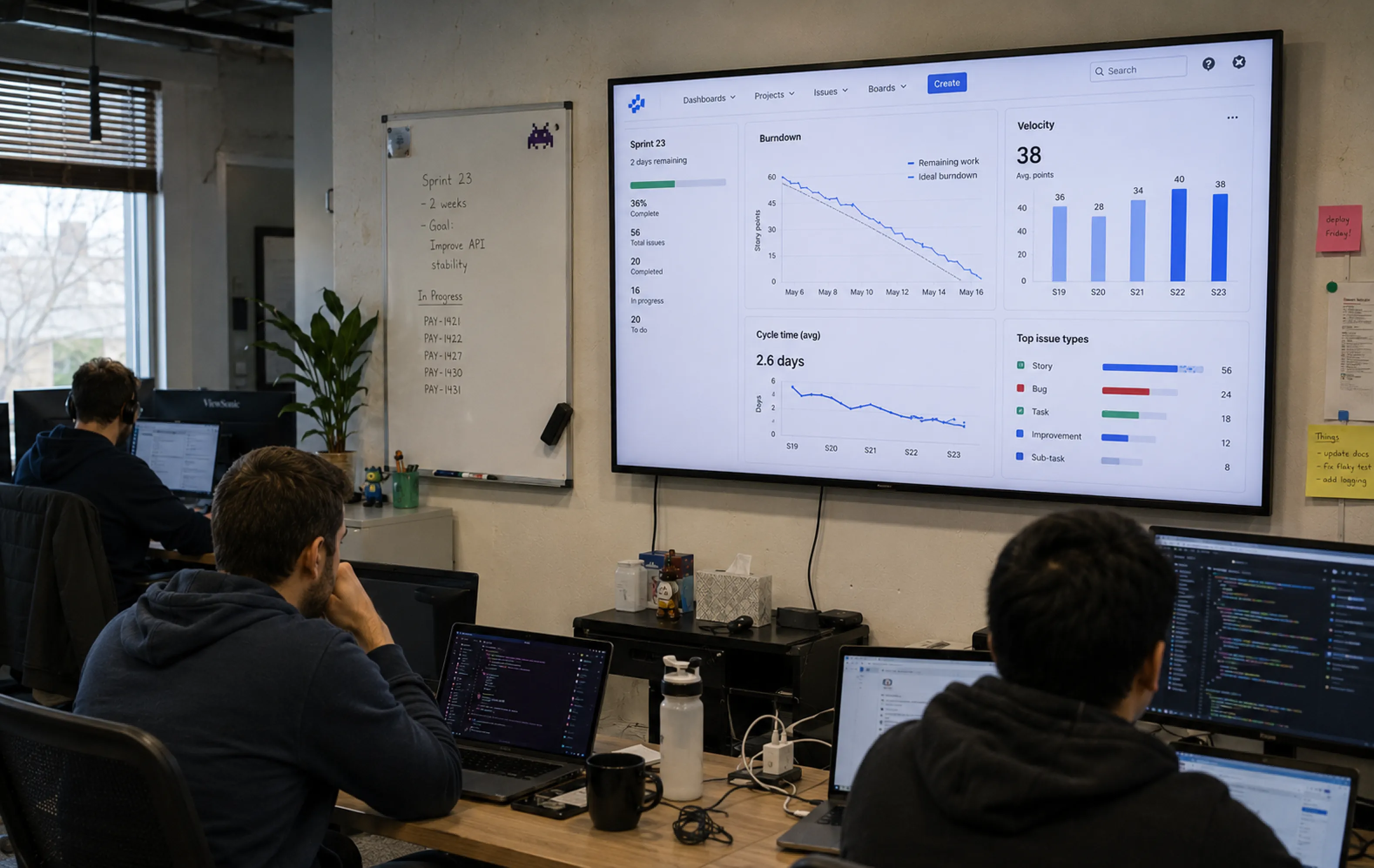
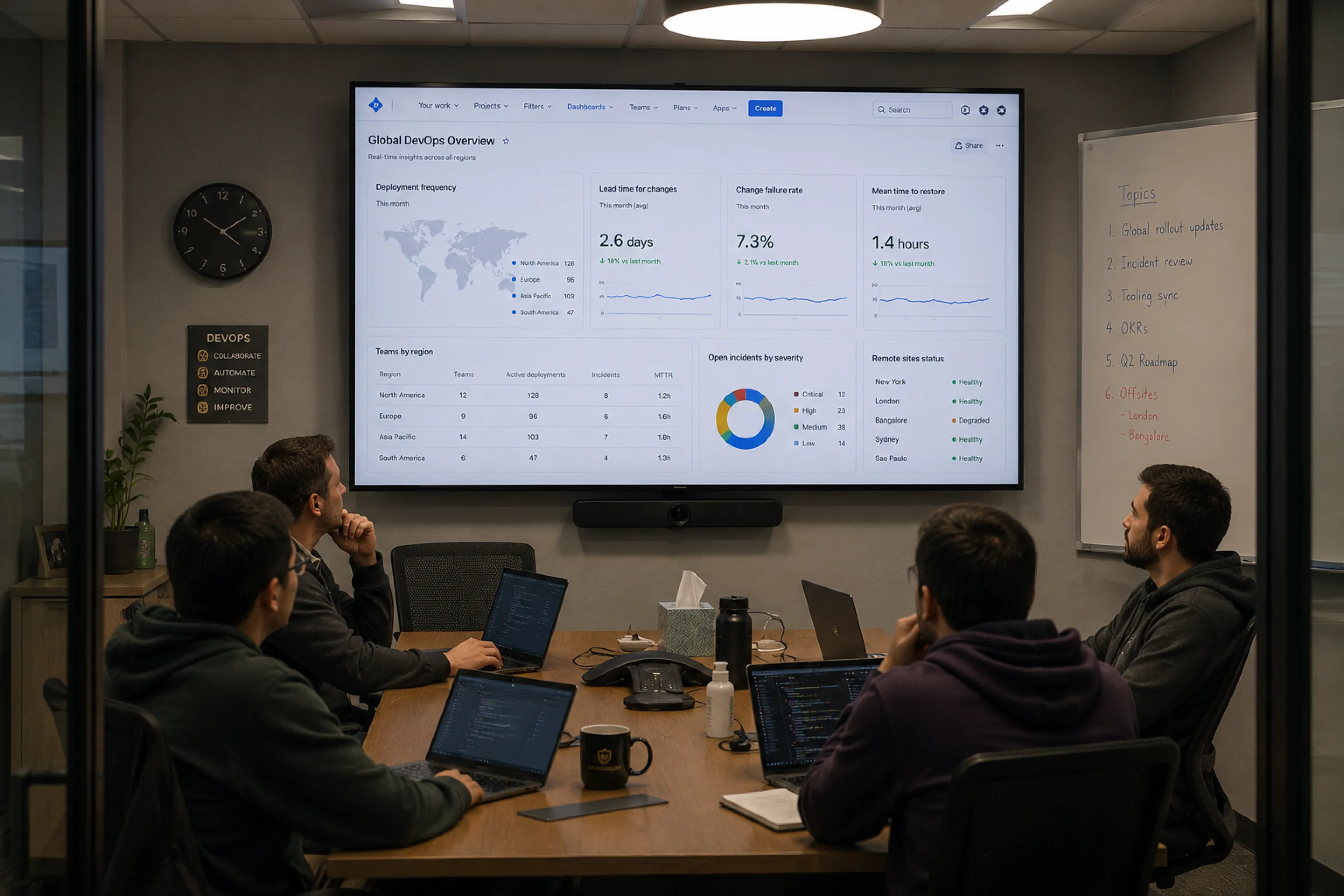
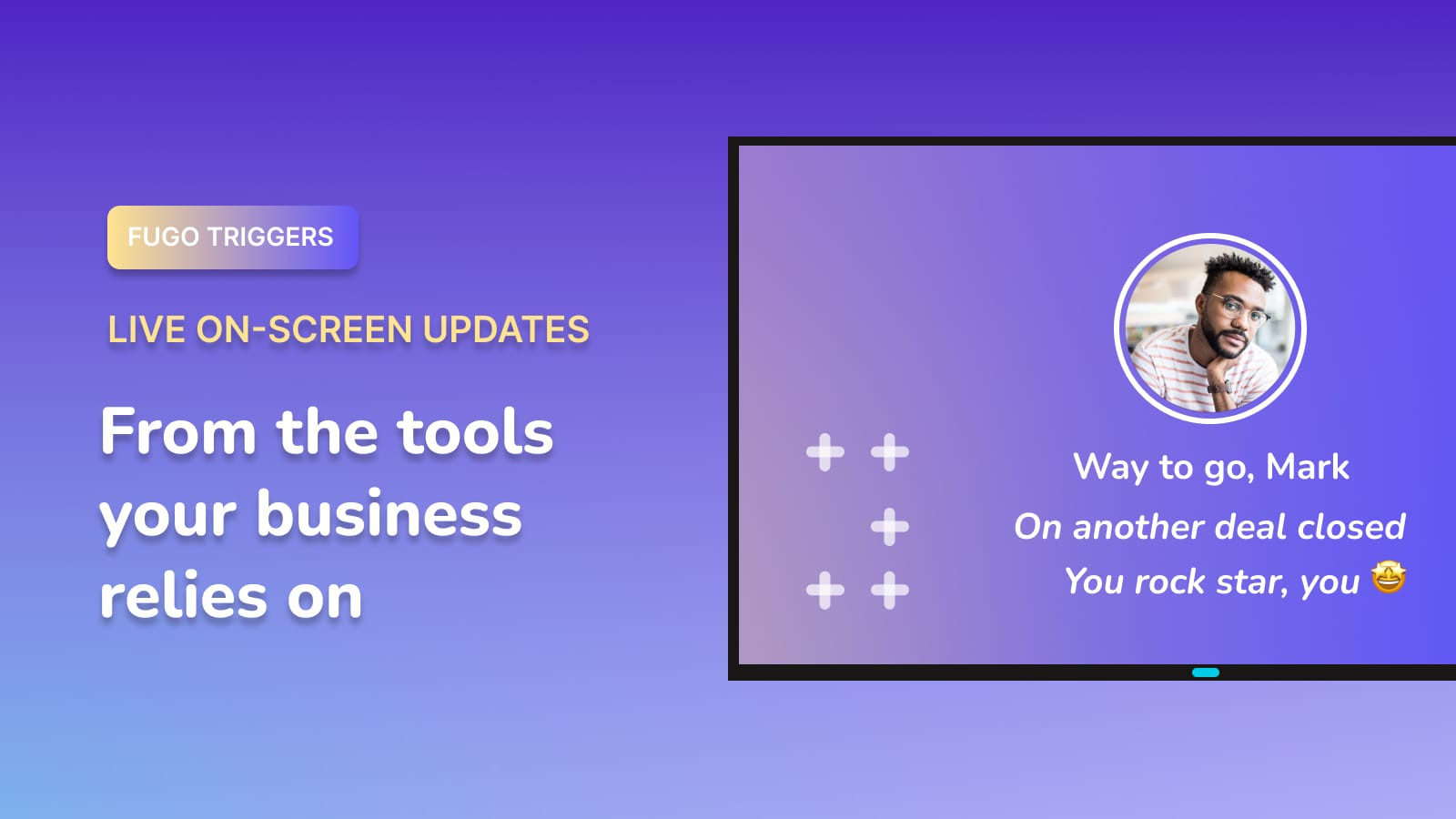
Turn Jira activity & events into on-screen alerts
Make your digital signage screen respond to activity in Jira, giving high-priority updates a bigger stage than another notification.
Explore Triggers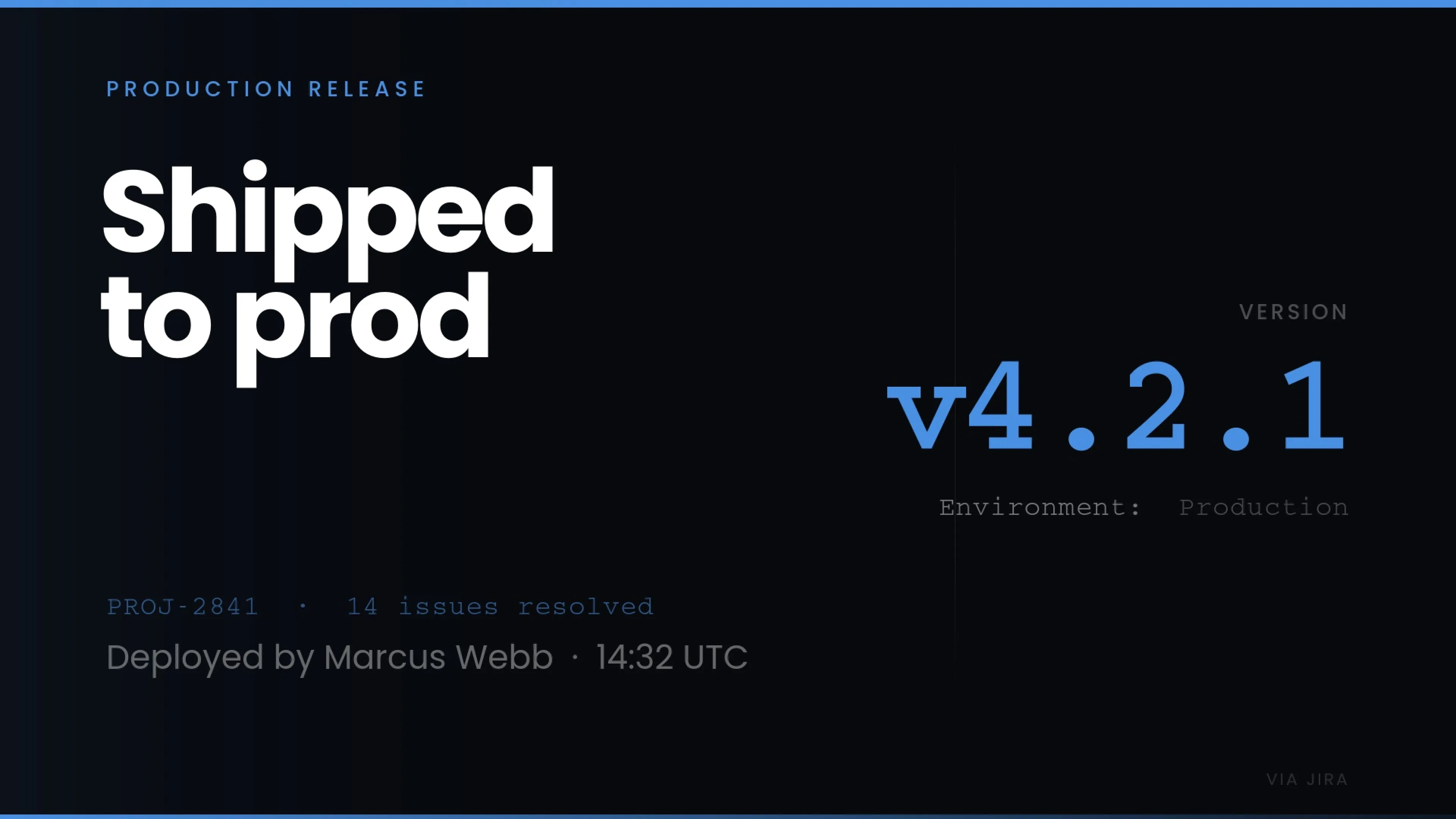
Celebrate work shipped
Announce a release as soon as it reaches the stage your team is waiting for.
Make incidents hard to miss
Break into the usual screen content when an incident reaches a status that demands attention.
Flag work that’s falling behind
Call attention to tickets or projects that cross the limits your team has set for delay or inactivity.
Fugo works with the rest of your stack
Bring data from across your organization together on the screens your teams share.





More on TV dashboards
Guides, comparisons and practical how-tos from the Fugo blog.