
Corporate digital signage that keeps every office on the same page
Fugo is corporate digital signage software for companies with more than one office. Run internal comms, live KPI dashboards, meeting-room panels and reception screens from one dashboard, on the TVs and players you already own.
Trusted by teams running screens across their offices



























What corporate digital signage does
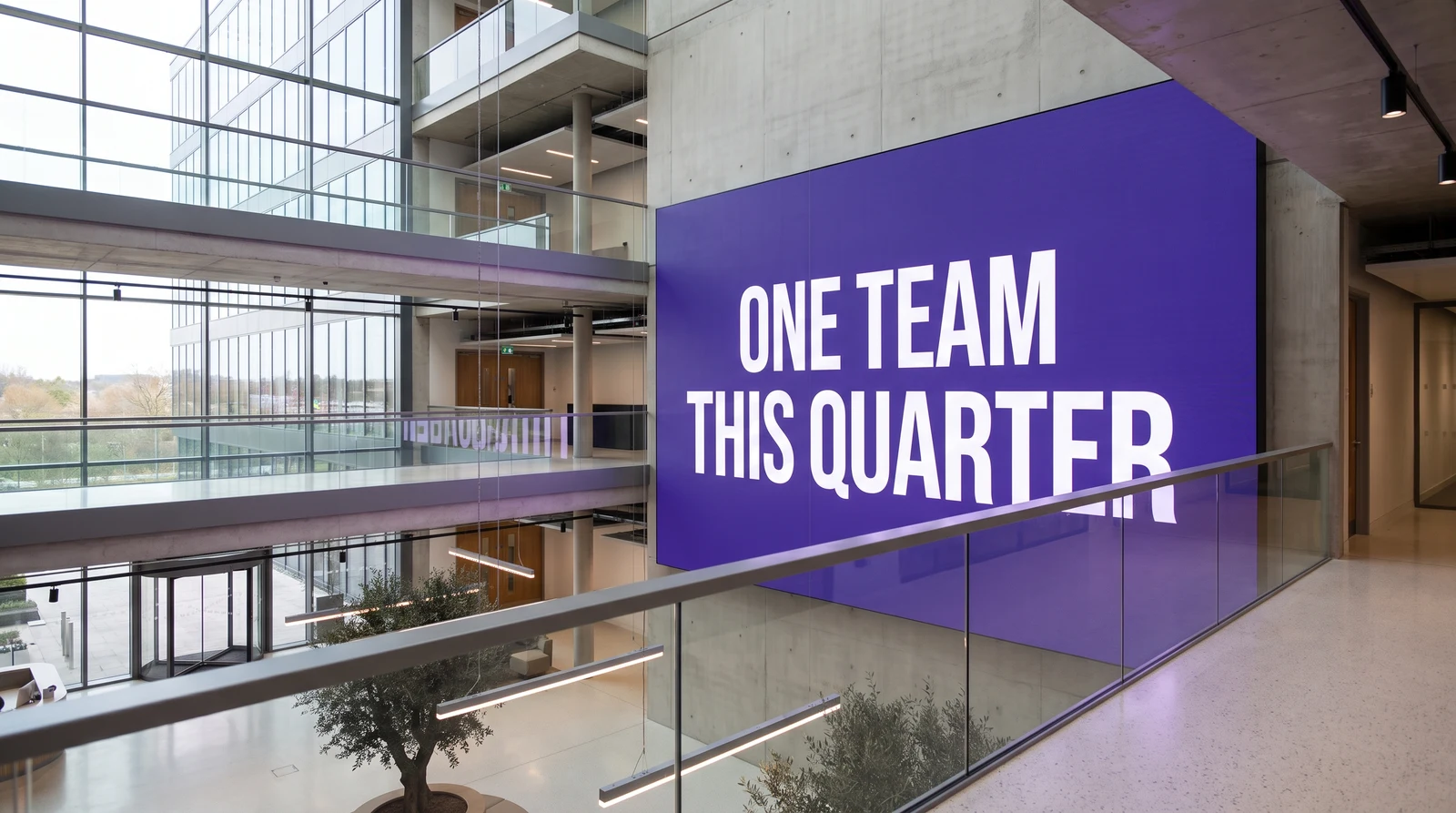
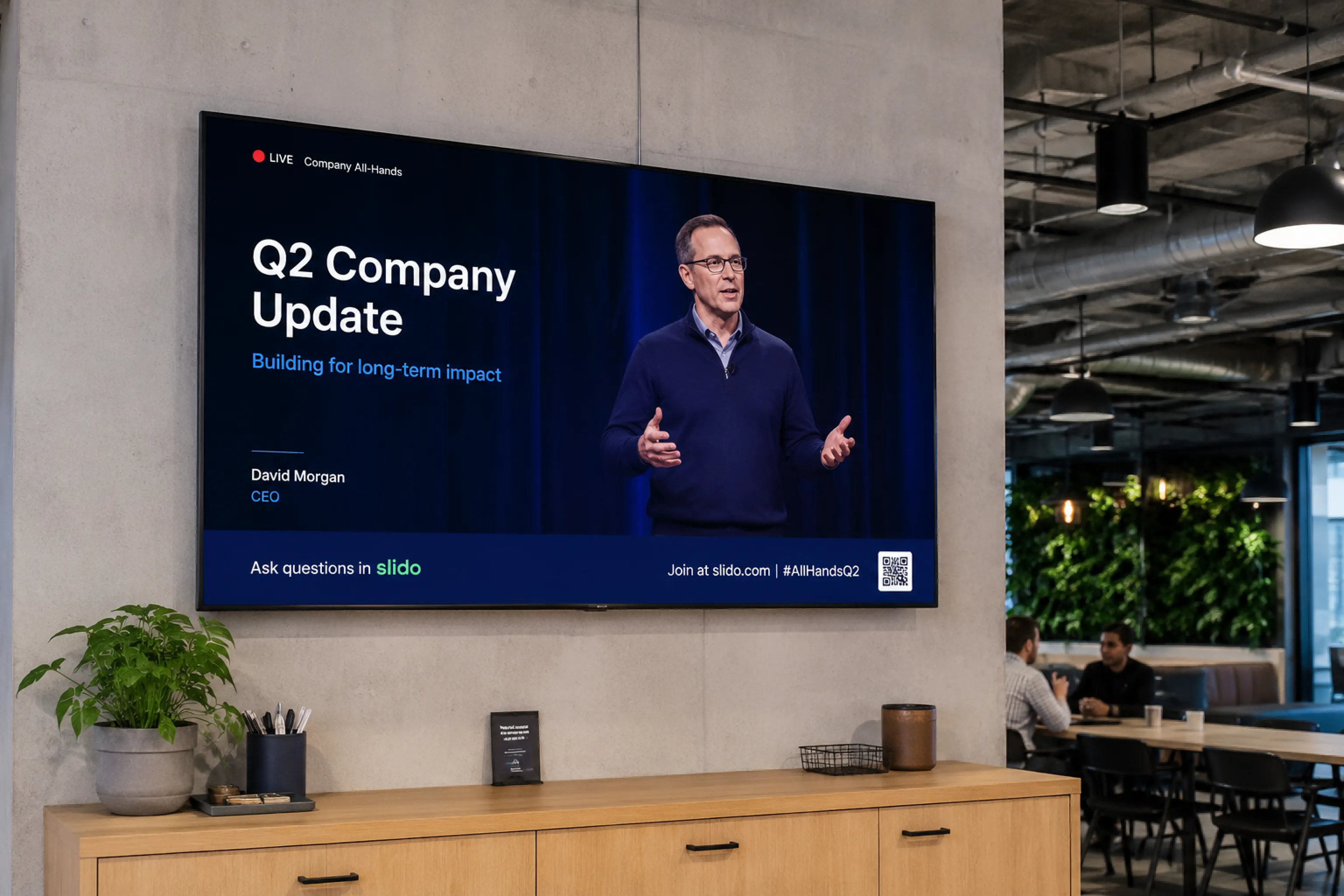
Corporate digital signage puts the information teams need where they will actually see it: on the screens around the office. Instead of chasing email threads, people walk past a wall that shows this week's priorities, live numbers and what's coming up. Fugo runs all of it from one place, so every office sees the right thing at the right time.
Internal comms and company news, without another all-staff email
Live KPI dashboards for sales, support and operations
Meeting-room panels and reception welcome screens
Content scheduled by time, location or team
Corporate digital signage software, minus the faff
Fugo keeps the day-to-day simple for the people managing screens, and gives IT the control it needs behind the scenes.
Design and brand every screen
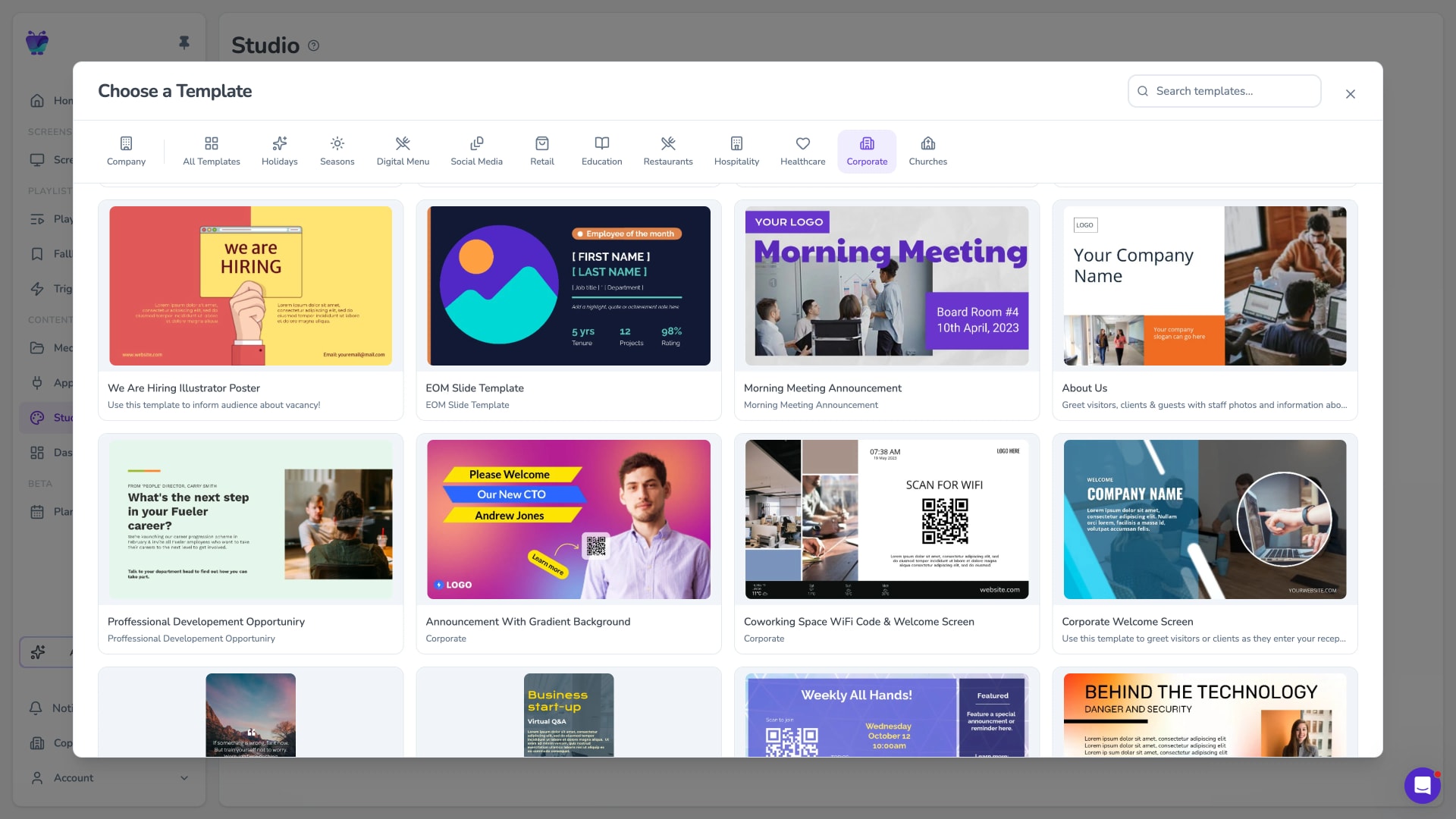
Build on-brand slides, menus and notices in the Design Studio, or start from a corporate template so every screen looks the same wherever it plays.
- Drag-and-drop Design Studio
- Reusable corporate templates
- Pull brand assets straight from Canto
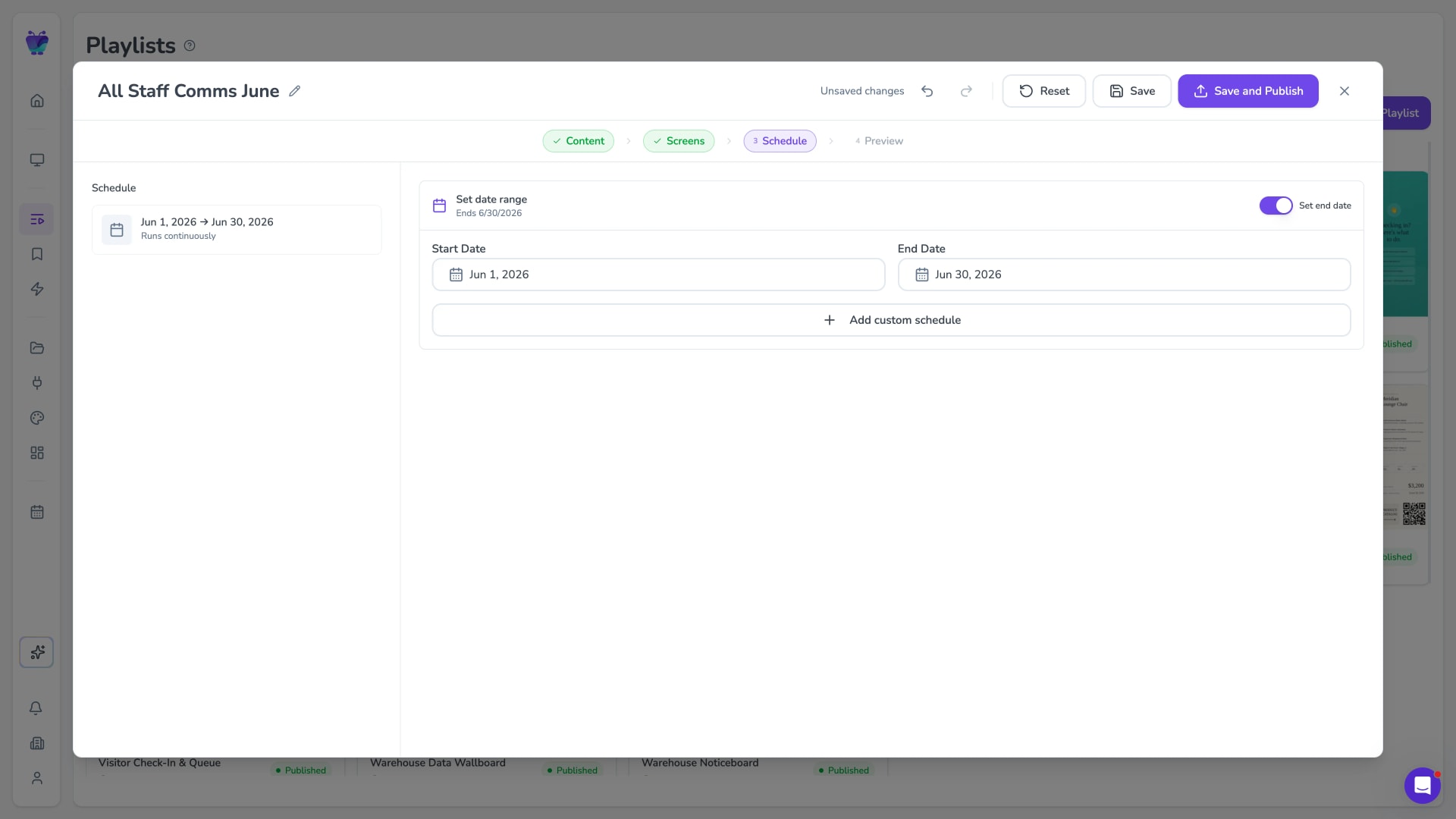
Playlists, scheduling and day-parting
Group content into playlists and set exactly when it plays. Schedule by day and time so a screen shows one thing in the morning and another after lunch, and set start and end dates so old notices remove themselves.
- Time and date scheduling
- Day-parting by screen or group
- Auto-expiring content
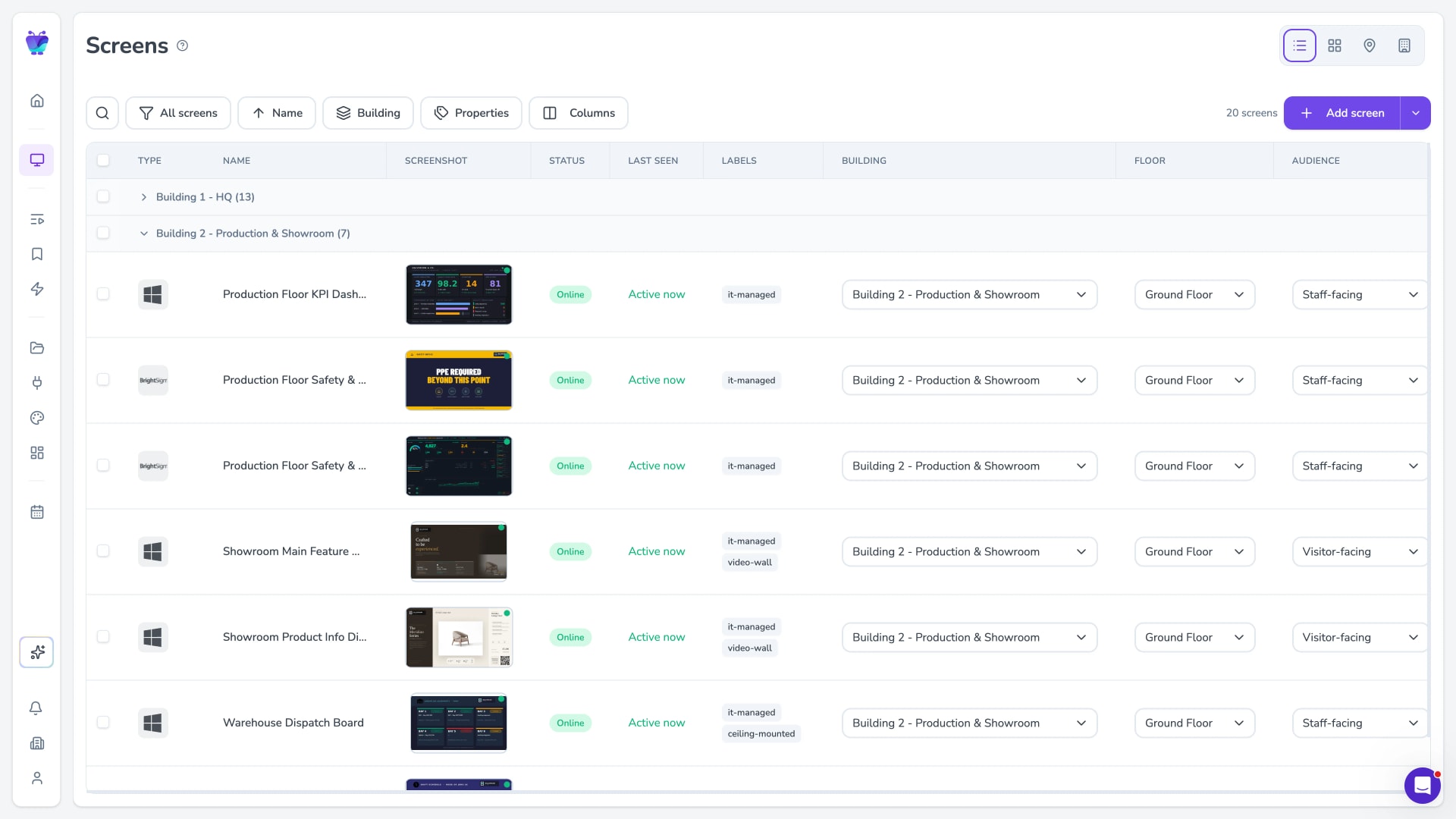
Manage every office from one dashboard
Group screens by office, floor or team and push content to one group or your whole network in seconds. Remote management means you never need to be in the building to change what's on screen.
- Screen groups by location or team
- Bulk publishing across sites
- Remote content updates
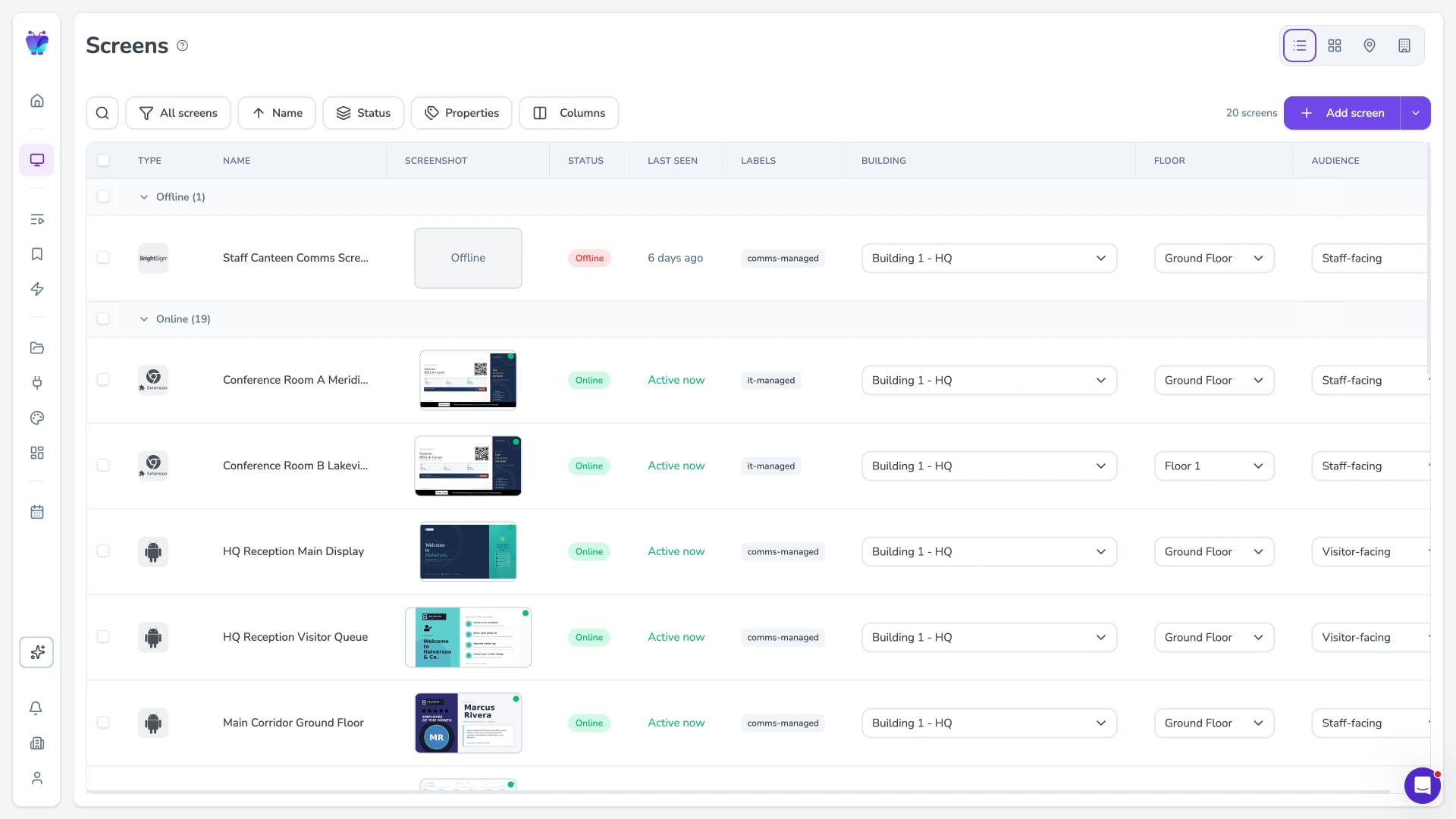
Monitor uptime and recover screens remotely
See which screens are online at a glance, get notified when one drops off, and reboot or recover players remotely so a blank screen in another office isn't a trip you have to make.
- Online status monitoring
- Offline alerts
- Remote reboot and recovery
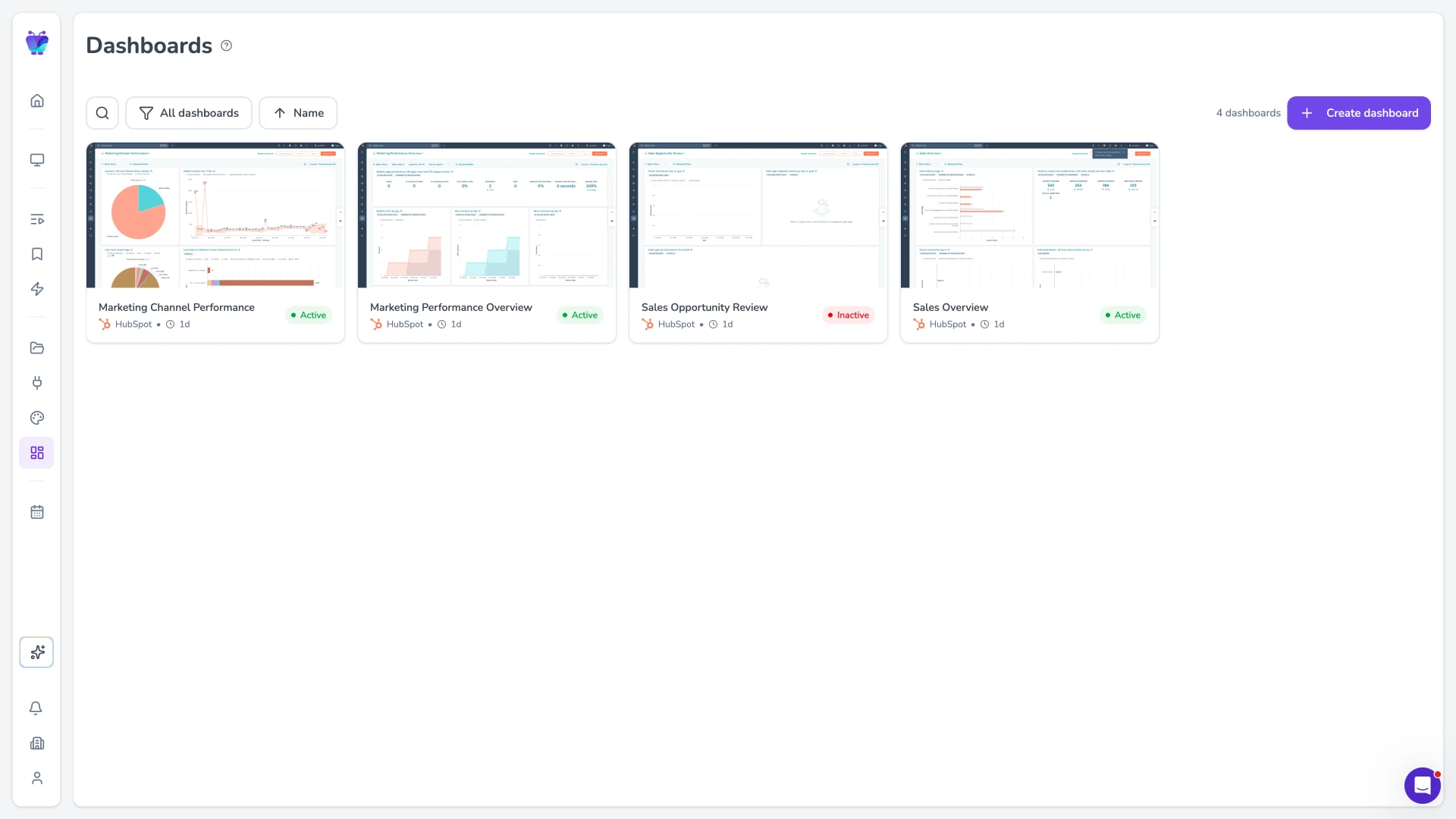
Live dashboards on your TVs
Show real-time KPIs from the tools your teams already run. Connect a data source once and the numbers refresh on screen on their own, so leadership and teams always see current figures.
- Power BI, Looker, Salesforce, Grafana and more
- Automatic data refresh
- Secure display of authenticated dashboards
Works with the hardware you already have
You don't need to rip out screens or buy locked-down players. Fugo is hardware-agnostic, so it runs on the TVs and devices most offices already have, and on low-cost media players when you need to add one.
Amazon Fire TV, the Fugo Signage Stick, Google TV Streamer and NVIDIA Shield
Native on Samsung Tizen and LG webOS commercial displays
Windows and ChromeOS for data-heavy dashboards
No proprietary hardware and no lock-in
Built for how corporate teams actually work
Corporate digital signage sits between two neighbours. Office digital signage is about the screens in a single workplace. Corporate digital signage keeps several offices on the same page, with internal comms, live dashboards and clear ownership across locations. Enterprise digital signage goes further again, adding the security, scale and procurement support that very large, multi-team rollouts need. Fugo is built for the middle ground: more than one office, more than one team publishing, and no appetite for chaos.
Role-based publishing so the right teams own the right screens
One dashboard for every office and region
SOC 2 Type II and single sign-on for IT peace of mind
Simple, per-screen pricing
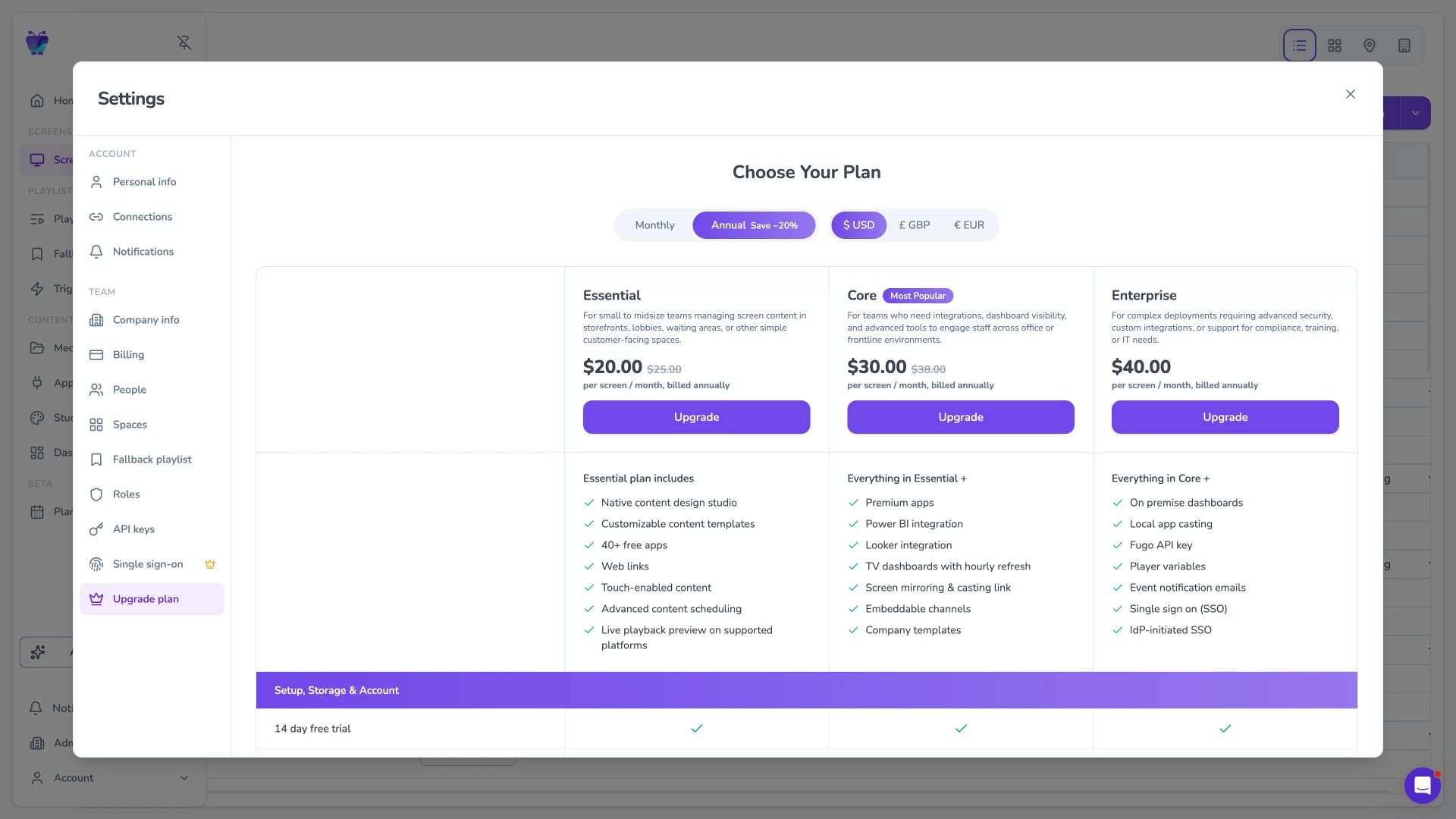
Pricing is per screen, so you pay for the number of screens you run and nothing else. Start with a few, then add more offices when ownership and workflows are clear.
No minimum screen count
Scheduling, dashboards and templates included
Add screens as you roll out to more offices
Corporate digital signage ideas to get started
Use screens for dashboards, announcements, and wayfinding - and keep ownership clear across offices and teams.
Show live kPIs in shared spaces
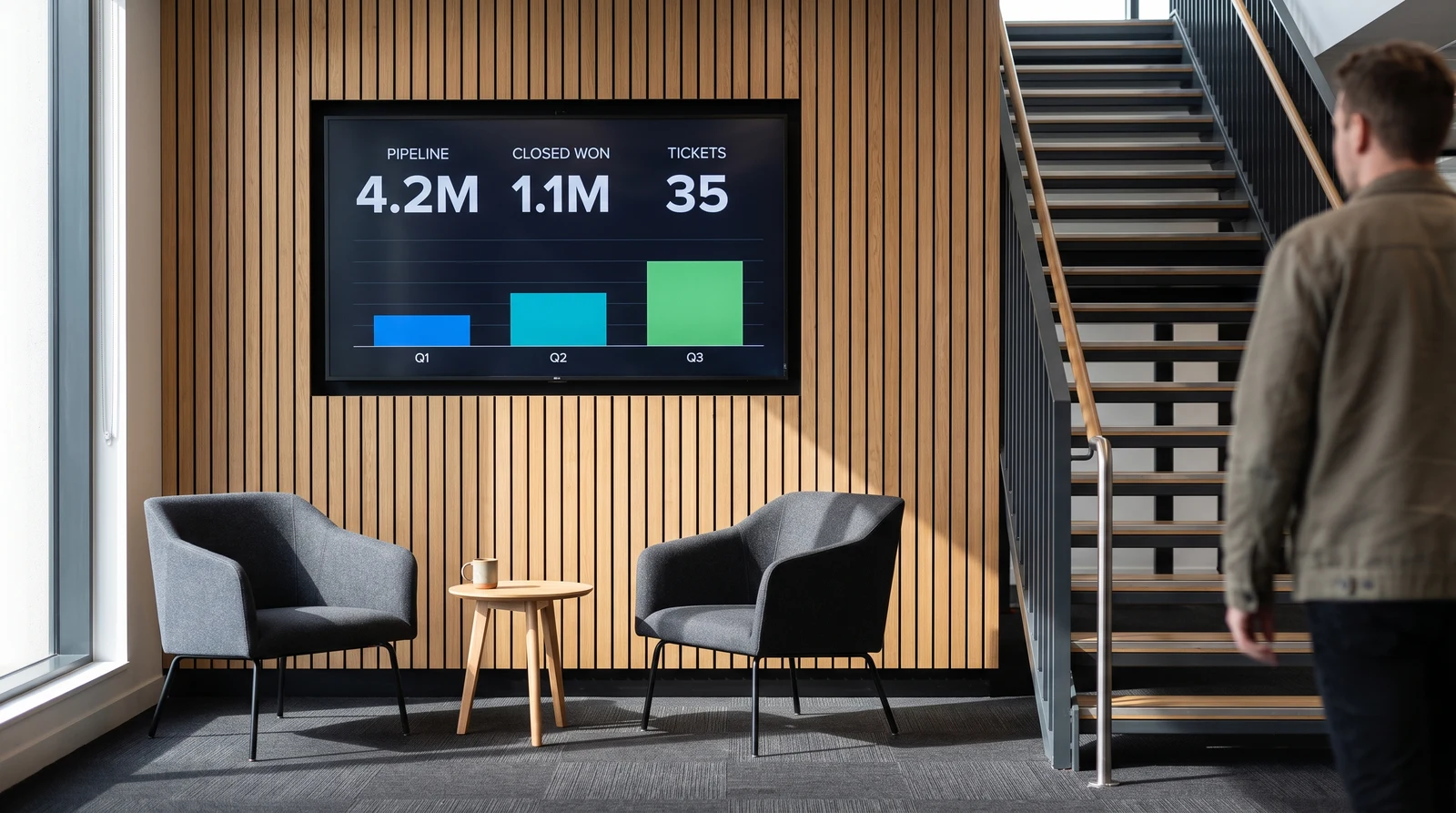
Pull real-time data from Salesforce, Power BI, Looker Studio, Google Sheets, and 40+ other sources to display business metrics the moment they update. Sales teams see pipeline progress, operations teams track fulfilment KPIs, and leadership monitors company-wide performance — all without opening a single app.
Connect the tools your offices already run on
Fugo plugs into the dashboards, calendars and content tools your teams use, so screens stay current without anyone pushing updates by hand.
PowerBI dashboards
Featured
Display your Power BI dashboards to your Digital Signage screens
Looker
Featured
Securely display your Looker dashboards

HubSpot
Featured
Display reports from HubSpot

Google calendar
Misc
Display your Google Calendar in style

Canto
Business
Sync Canto collections to screens for dynamic, auto-updating displays

Grafana
Featured
Display Grafana dashboards
Corporate digital signage FAQs
Answers to the most common questions about deploying and managing digital signage across corporate offices.