







For better or worse, digital signage lives in public view. So it’s a wonderful tool to reinforce customer trust, build up a brand image, or differentiate yourself as a company.
But when things go wrong (and they will go wrong), every little problem is seemingly on the world’s stage.
It’s temptingly easy to write off these issues as ‘little oversights.’ But we both know signage problems are technically management problems. They just so happen to be mounted on a wall. Digital signage is a perfect mirror exposing your inner operations: and if ‘tiny little problems’ start to stack up, it’s time to pay attention.
You can use this diagnostic guide to identify operational problems in your signage and how they reflect your internal operations (and vice versa). It also explains common symptoms of bigger problems, plus how to address them early on.
Why is messy digital signage even a problem?
At least you have a digital signage program, right?
Well, not all publicity is good publicity.
For one thing, digital signage is one of the few systems that lives fully in public view. It can help reinforce trust and consistency when well managed. But when it isn’t well managed, it could potentially signal problems. That’s the last thing you want to convey to potential buyers or stakeholders.
Think about it: consumers trust content that looks good, is refreshed regularly, and shows up whenever it’s supposed to. But stale promos, mismatched layouts, and broken screens may hint toward an operational mess (and plant a seed of doubt in their mind as well).
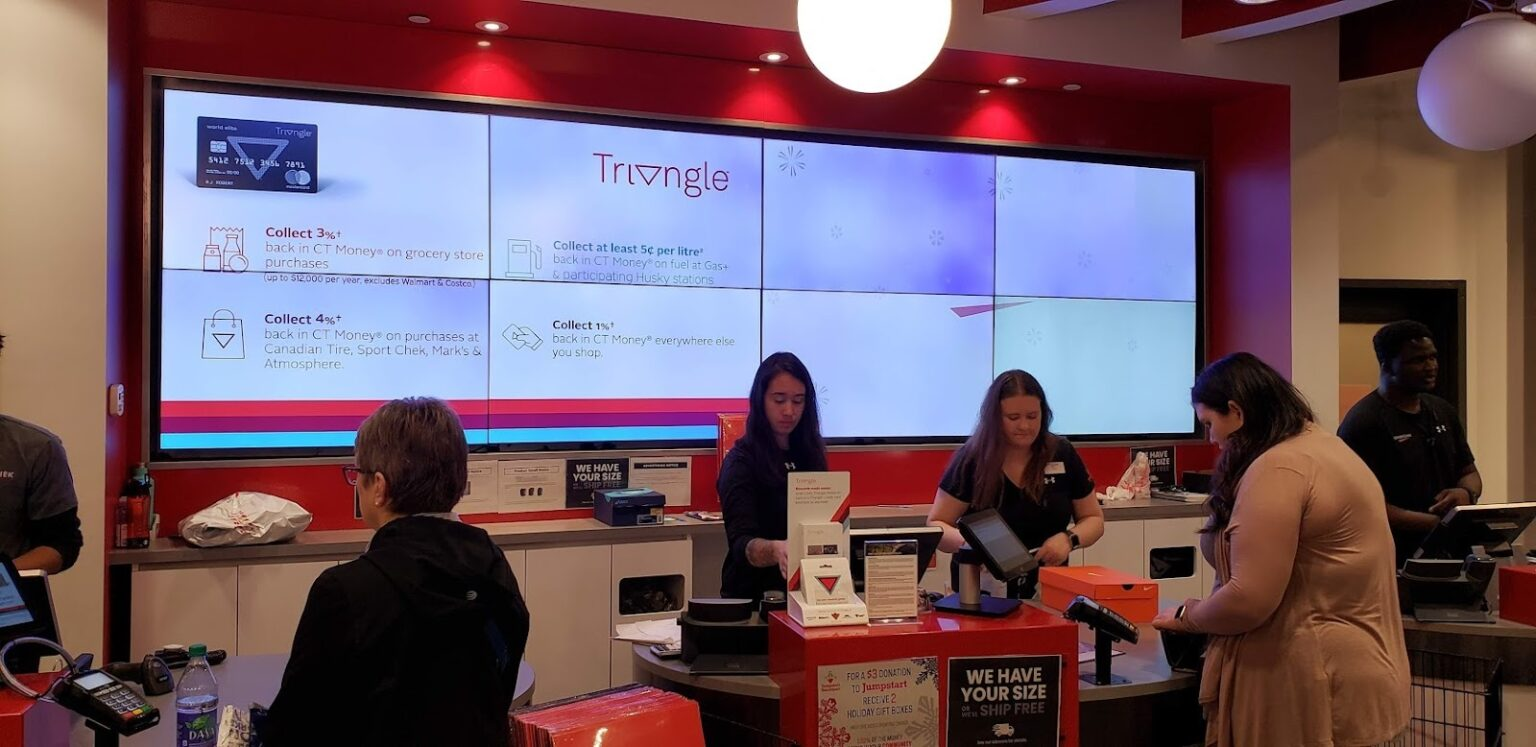
Another thing to consider is internal communications, especially when it comes to frontline staff. Without a clear picture of what’s going on, poorly managed signage could lead to fear or disengagement.
Plus, frontline teams often depend on signage for updates, schedules, KPIs, and safety information to serve your. If you display outdated or incorrect content, it could create extreme confusion, and even negatively affect your customers’ well-being.
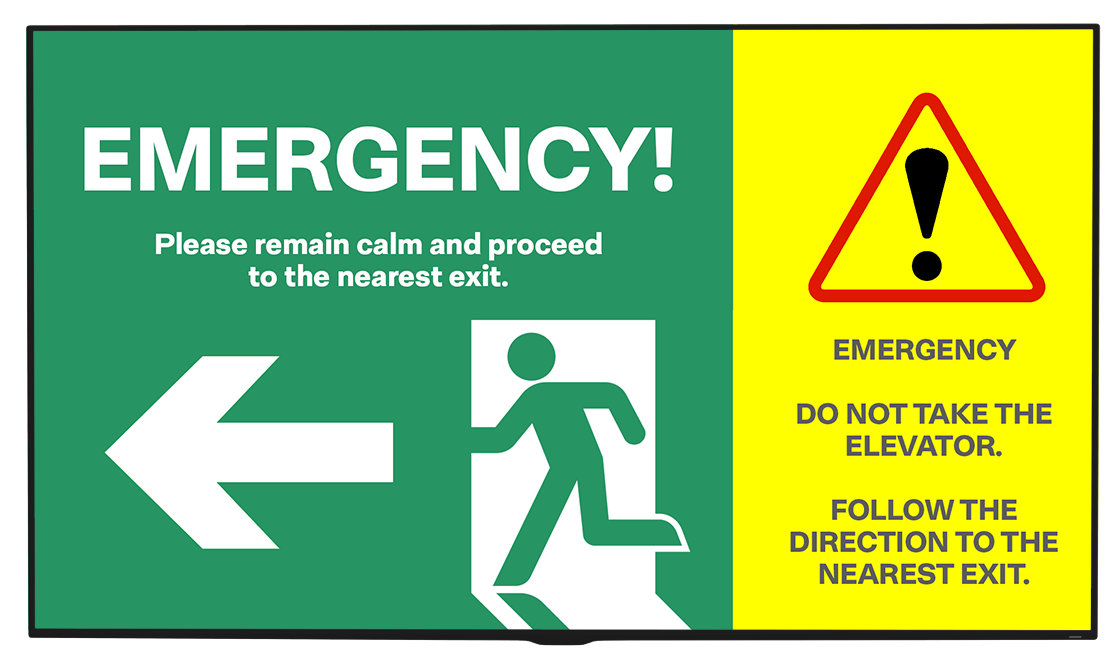
Over time, both your customers and your employees might stop trusting your screens altogether — which very much defeats the purpose of having them in the first place.
So, yes, messy signage is a serious issue. And because it’s always visible, it compounds faster than most operational problems.
Signs of messy or managed internal operations
Digital signage has a particularly nasty habit of exposing whatever’s happening behind the scenes.
Your process gaps might show up as stale content, for example. Or internal delegation and ownership issues might result in broken screens or poorly proofread playlists.
Either way, it’s an incredibly effective diagnostic tool. You just need to know how to check your temperature correctly.
Let’s compare messy versus managed digital signage operations so you can get a better idea of where you stand.
If you’ve checked most of the boxes, congratulations! You’re most likely running a tight ship, and any tinkering or improvements will only make your program stronger.
But if you see a check in less than 75% of these boxes, it may be time to re-evaluate your approach.
Diagnosing and treating messy digital signage
Worried your signage program isn’t up to snuff?
Let’s take a closer look at the symptoms you’re experiencing so you can better ‘diagnose’ and ‘treat’ what’s happening in your business.
Symptom #1: Outdated content
Screens showing outdated content or conflicting messages? Struggling with “temporary” slides that never go away?
You may have created multiple teams to help move your signage content along, but no one seems to know what’s live, or who’s in charge of what after you publish.
Diagnosis: Poor internal governance
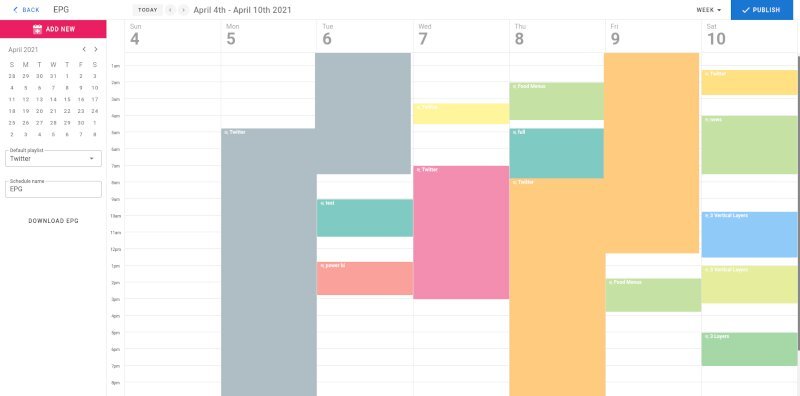
Your signage opps lacks a defined ownership model. You may not have separate roles for people who create content, approve it, or publish it.
How to Treat Unclear Ownership in Digital Signage
- Introduce role-based access control and scoped permissions by screen, region, or department.
- Separate creation, approval, and publishing responsibilities.
- Make ownership hierarchies visible in the system, and adjust immediately whenever team members leave or join your crew.
Symptom #2: Inconsistent content publications
Maybe you’re seeing the wrong content go live. Or, nothing goes live at all because everyone’s waiting on one last sign-off.
If you currently handle content approvals via Slack, email, and hallway conversations, you could be leaving the door open to potential slip-ups or missing pieces
Diagnosis: Ad hoc approval workflows
Your signage operation lacks a defined, enforceable approval process. Content moves forward based on trust and urgency rather than clear states, which increases risk as teams and screen counts grow.
How to treat approval issues in digital signage
- Define explicit content approval stages within your company intranets, like draft, pending review, approved, live, etc.
- Require approvals only where they matter. This could be by screen type, location, or risk level, like legal-sensitive content.
- Tie approvals to roles, not individuals. That way, your approval process is inherently designed to survive team changes.
Symptom #3: Poor visibility into screens and metrics
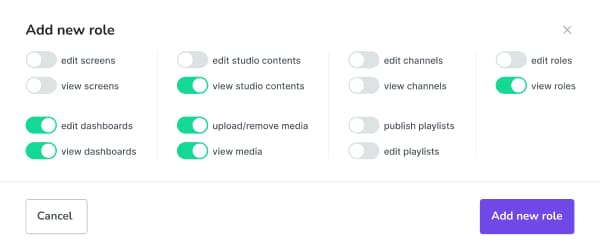
Content goes live late. Campaigns seem to overlap. Holiday promos appear a week after the holiday. And you’re never even notified until a few days into the new year.
Diagnosis: Manual, short-term scheduling
Your team may rely on one-off schedules and last-minute changes instead of a single, shared planning system. Since there’s no easy way to retrieve content reports quickly, there always seems to be a straggler that needs last-minute (read: too late) attention.
How to treat poor visibility in scheduling and planning
- Plan content inside a CRM system. That way, you can quickly see what content is playing, where, and when.
- Use time-bound publishing and automatic expiration to prevent stale content. You can do this automatically with trigger-based signage.
- Separate global schedules from local overrides. For example, you can set global content for all of your locations, then allow localized businesses to set their own specific content (like time zone differences with New Year's sales).
Symptom #4: Missing or wayward assets
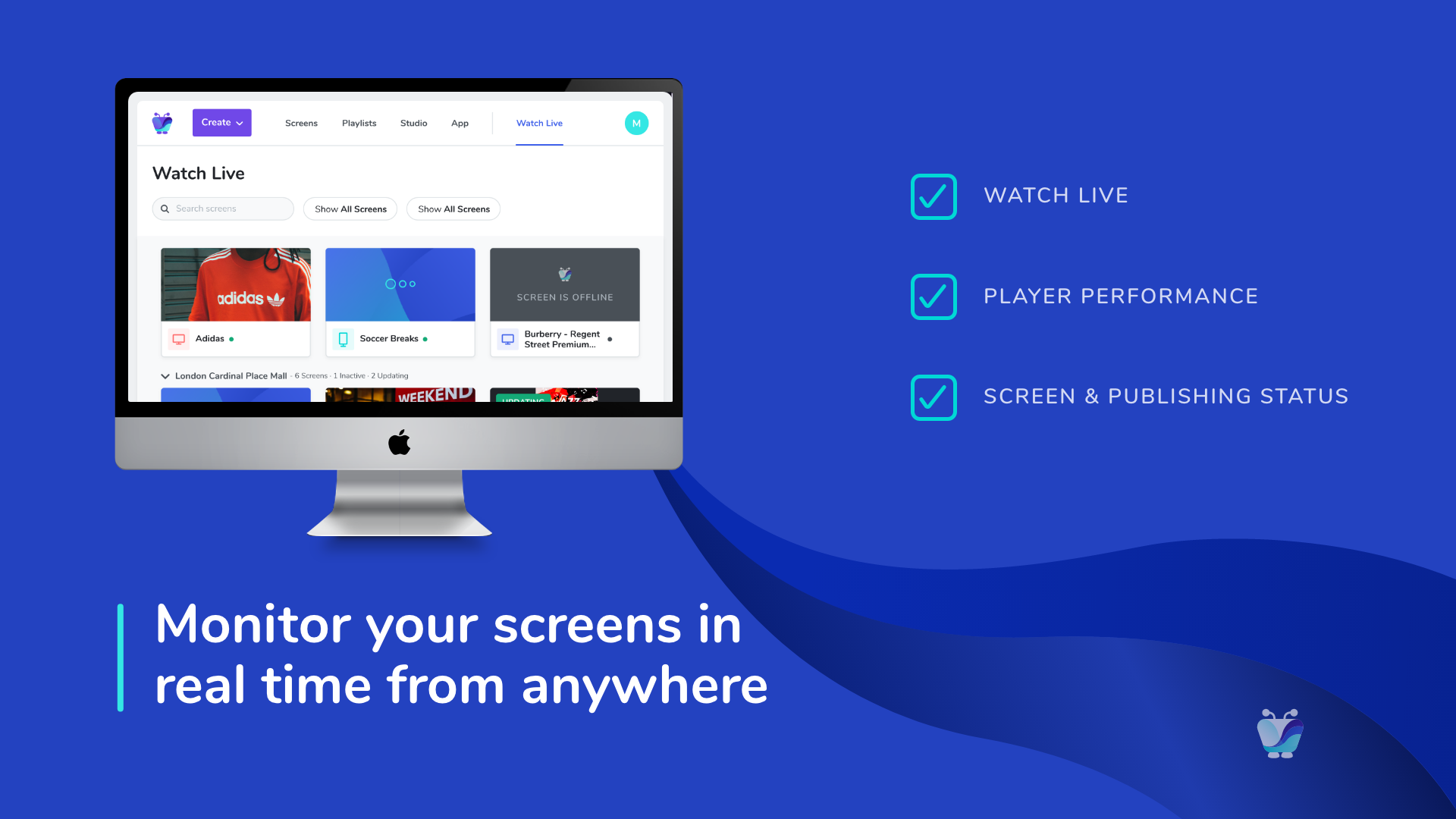
Duplicate assets, inconsistent layouts, and outdated files, oh my! No one knows which version is correct (or safe to use for the legal team). Finding the right one takes longer than creating new ones, which slows down your team and prevents you from moving forward quickly.
Diagnosis: Weak asset management
Your signage content may live in desktop folders, personal drives, or email inboxes. Because there’s no clear ownership, versioning, or lifecycle rules, it’s manual and expensive to clean up assets as your volume increases.
How to treat asset management issues
Your ‘prescription’ is a content management system (CMS) that offers the following capabilities:
- Connect with a digital asset management system (DAM). This will allow you to store assets in one location, add tags and categories, then retrieve them when necessary. The Canto x Fugo integration is a good example of this.
- Centralize assets with tagging, version history, and expiration policies. Pair templates with shared components so teams can move quickly without reinventing or breaking your existing system.
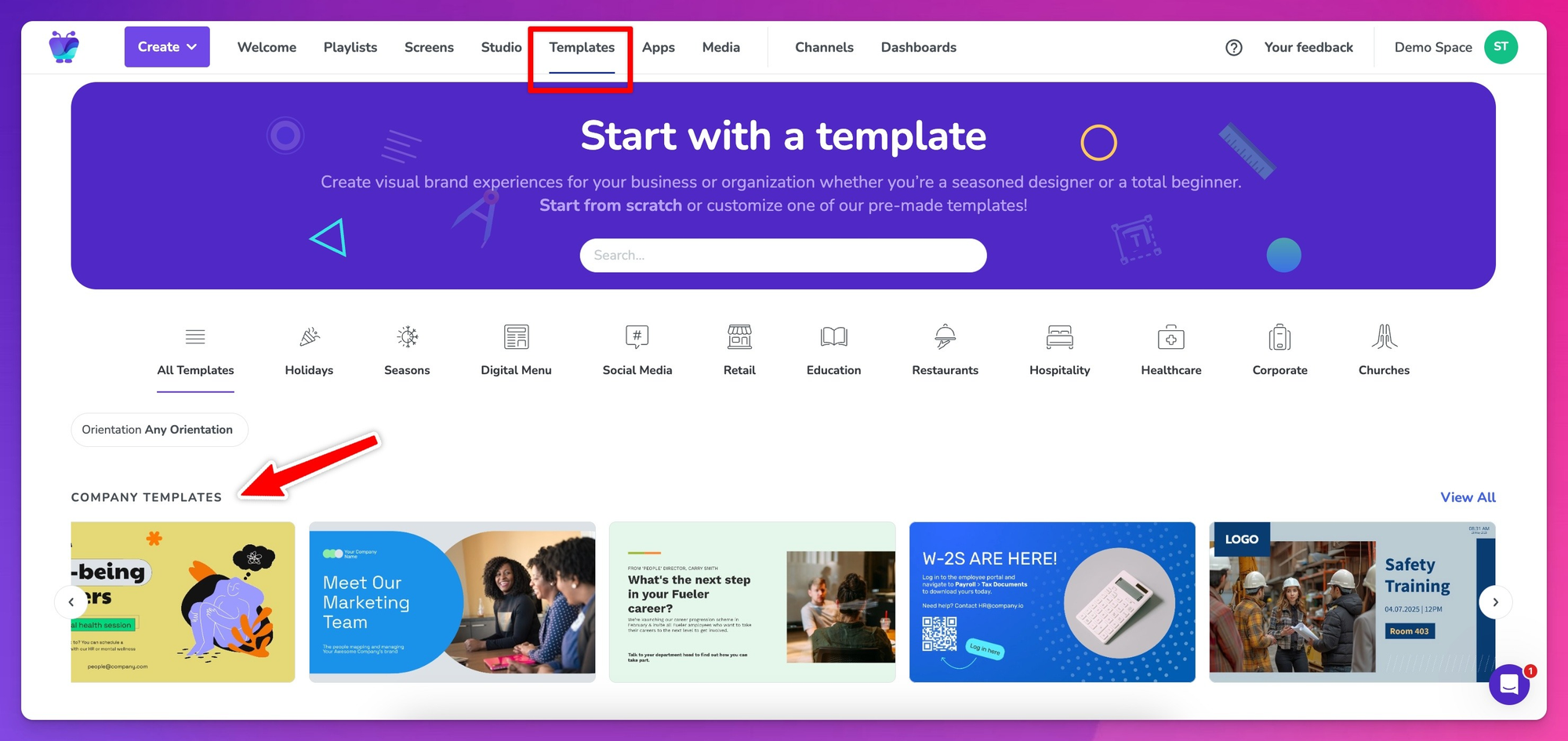
- Reuse templates and shared components instead of duplicating files. In Fugo, you can set up company templates to standardize layouts and prevent teams from re-inventing the wheel every time they need to update content.
Symptom #5: Never-ending troubleshooting problems
You might notice teams scrambling for device manuals, CMS instructions, or network configs. There always seems to be wasting time and introducing errors.
Plus, your team struggles to operate signage efficiently or consistently. This may be especially true of new hires and cross-department staff, who don’t understand workflows, CMS features, or role responsibilities.
Diagnosis: Weak training and onboarding programs
Without structured onboarding, IT documentation, and ongoing training for incoming and outgoing roles, your staff can’t confidently manage content, schedules, or troubleshooting tasks on your behalf.
How to treat training and onboarding gaps
- Develop standardized training materials for all roles, including content creators, editors, and publishers. Then, create a central repository for all technical guides, device manuals, and CMS instructions.
- Encourage teams to contribute updates whenever you spot a bug (and its solution). Just make sure to version this documentation, so it’s already in writing if anyone joins or leaves your team.
- Offer hands-on onboarding sessions for new employees. Include step-by-step procedures for common tasks and troubleshooting, plus refresher programs and documentation for any new skills or tasks.
Symptom #6: Constant fear of downtime
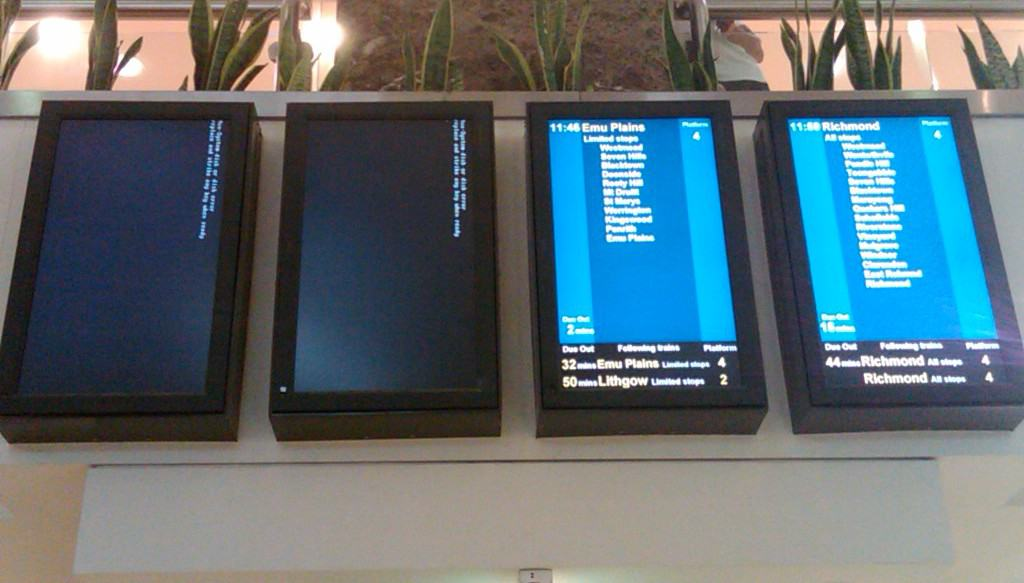
Maybe you’re not losing content due to messy workflows; instead, it gets lost somewhere between your screen and CMS. Your signage system may suffer from extended downtime or regular downtime. Or, with an unreliable WiFi connection, you’re constantly worried if you’re going to lose precious assets.
Diagnosis: Insufficient security, backup, and disaster recovery processes
Enterprise signage without proper backup and failover mechanisms risks downtime, operational disruption, and compliance issues. More often than not, this boils down to your CMS. It may be time to upgrade to a new platform.
How to treat backup and disaster recovery issues
- Implement automatic content backups in the cloud or secure on-premise servers. A good CMS should be able to help.
- Design redundant failover systems to keep content running even if a device or server fails. Relying on a wired connection instead of WiFi, for example, could greatly increase your digital signage reliability.
- Test your CMS’s security features. Worried this is your blind spot? Learn more about what to look for in digital signage security.
Fixing your digital signage operations
Your digital signage program didn’t get this way overnight — and neither did your internal operations. Expect to need several months before seeing any changes. But once you start treating signage like operational infrastructure, most of the chaos will clear up on its own.
Your goal should be creating systems that are safe, scalable, and repeatable, whether you’re cleaning up an existing network or expanding overseas. That way, your teams can move quickly without breaking any workflows.
Looking for more guidance? We’ve got a few resources to get you started:
- 10 Ways To Get Buy-In For Digital Signage
- Cloud-Based vs On-Premise Digital Signage: Which is Right For Your Business?
- Learn Digital Signage in 2026: Pubs, Podcasts, & Experts
- What Features Should Your Digital Signage Software Have? (2026 Edition)
- The Ultimate Digital Signage TV Troubleshooting Guide
Frequently asked questions about messy digital signage
Q: What makes bad digital signage?
Bad digital signage is unclear, outdated, or poorly governed. Common signs that you’re running a messy digital signage program include outdated content, inconsistent branding, broken screens, unclear ownership, and/or messages that don’t match the time, place, or audience. In most cases, bad signage reflects weak processes rather than bad design.
Q: What are the disadvantages of digital signage?
Digital signage can introduce operational complexity if it’s not managed properly. Without the right governance, security, and automation, it can create compliance risk, manual overhead, and device sprawl. But keep in mind these issues come from poor tooling and operational planning, and not necessarily digital signage itself.
Q: How long do digital signs last?
Most commercial-grade digital displays last around five to seven years. But they’ll last even longer if you have the right operational maintenance processes, like minimized usage, brightness management settings, and regular updates and maintenance. You can use consumer TVs for digital signage, but keep in mind they typically last just one to three years on average.
Q: How effective is digital signage?
Digital signage statistics show it’s highly effective when screens deliver the right information at the right time with high uptime and accuracy.

