

Pharmacy digital signage for queues, health information, and in-store messaging
Pharmacy digital signage keeps patients informed while they wait, publishes seasonal campaigns on schedule, and controls what shows on screens in a regulated environment — for one shop or a whole chain.
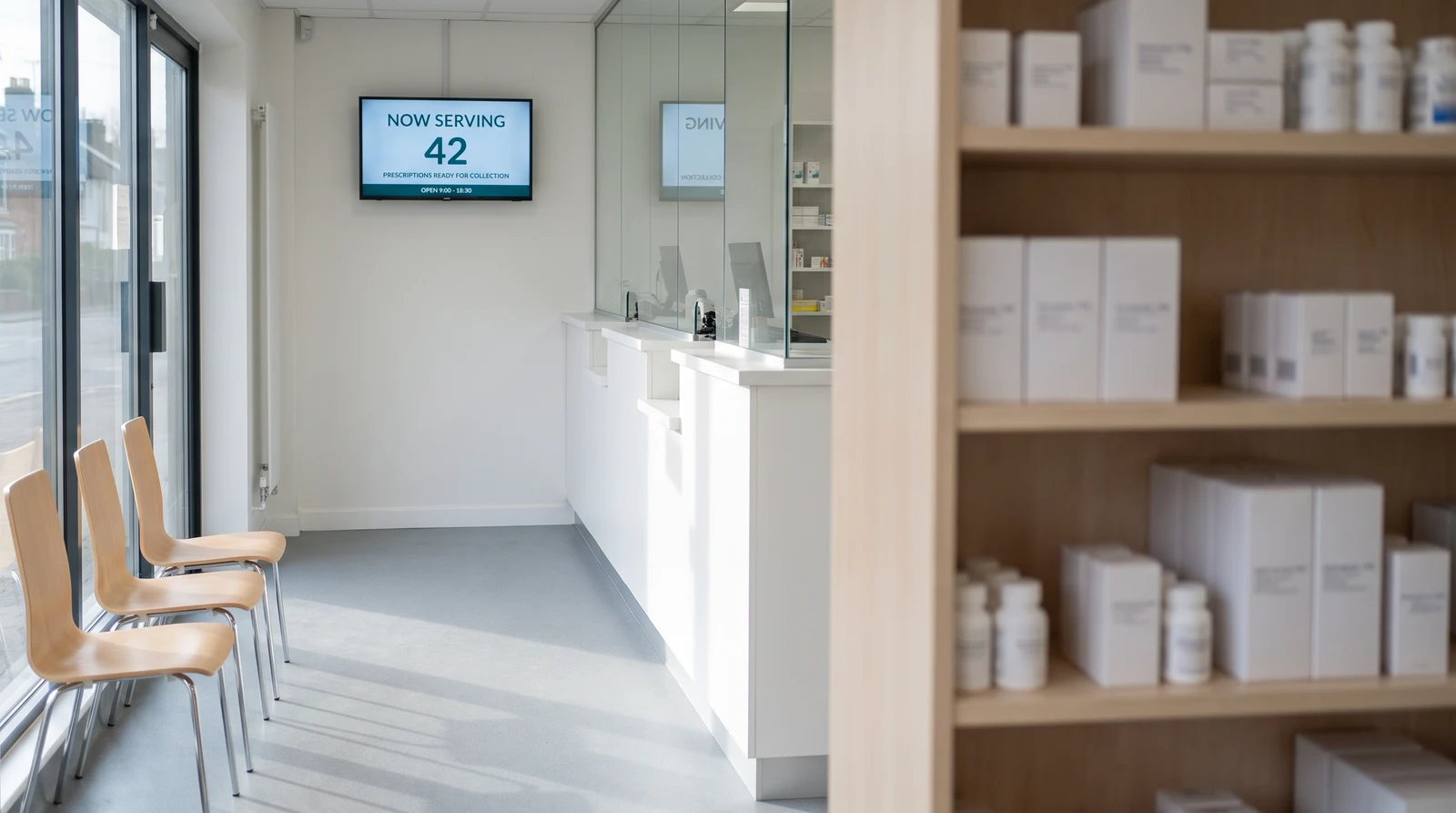
Common pharmacy screen setups
Pharmacy signage serves multiple audiences and purposes. Fugo gives you the flexibility to run different content on every screen while managing everything from one place.
Show waiting information
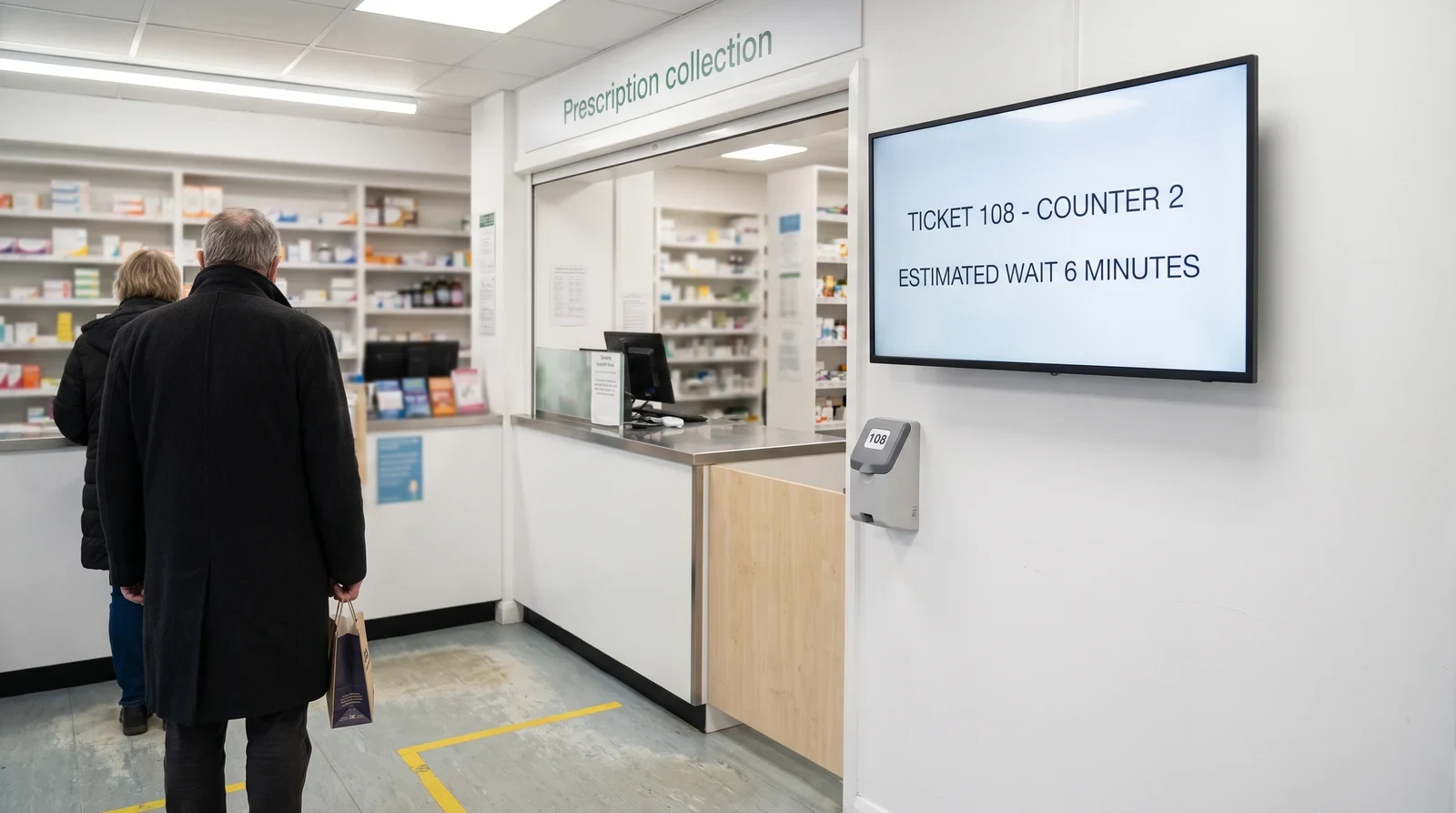
Reduce anxiety and improve patient experience by displaying queue numbers, estimated waiting times, and collection updates on your waiting area screens. Update displays manually from any device, or feed them from the tools you already use, such as a Google Sheet or a data feed. Patients who know where they are in the queue feel more at ease — and are less likely to approach the counter for updates.
Publishing controls for regulated environments
Fugo understands the unique requirements of pharmacy environments — from compliance considerations to multi-location management. The platform is designed for pharmacy managers, not IT teams.
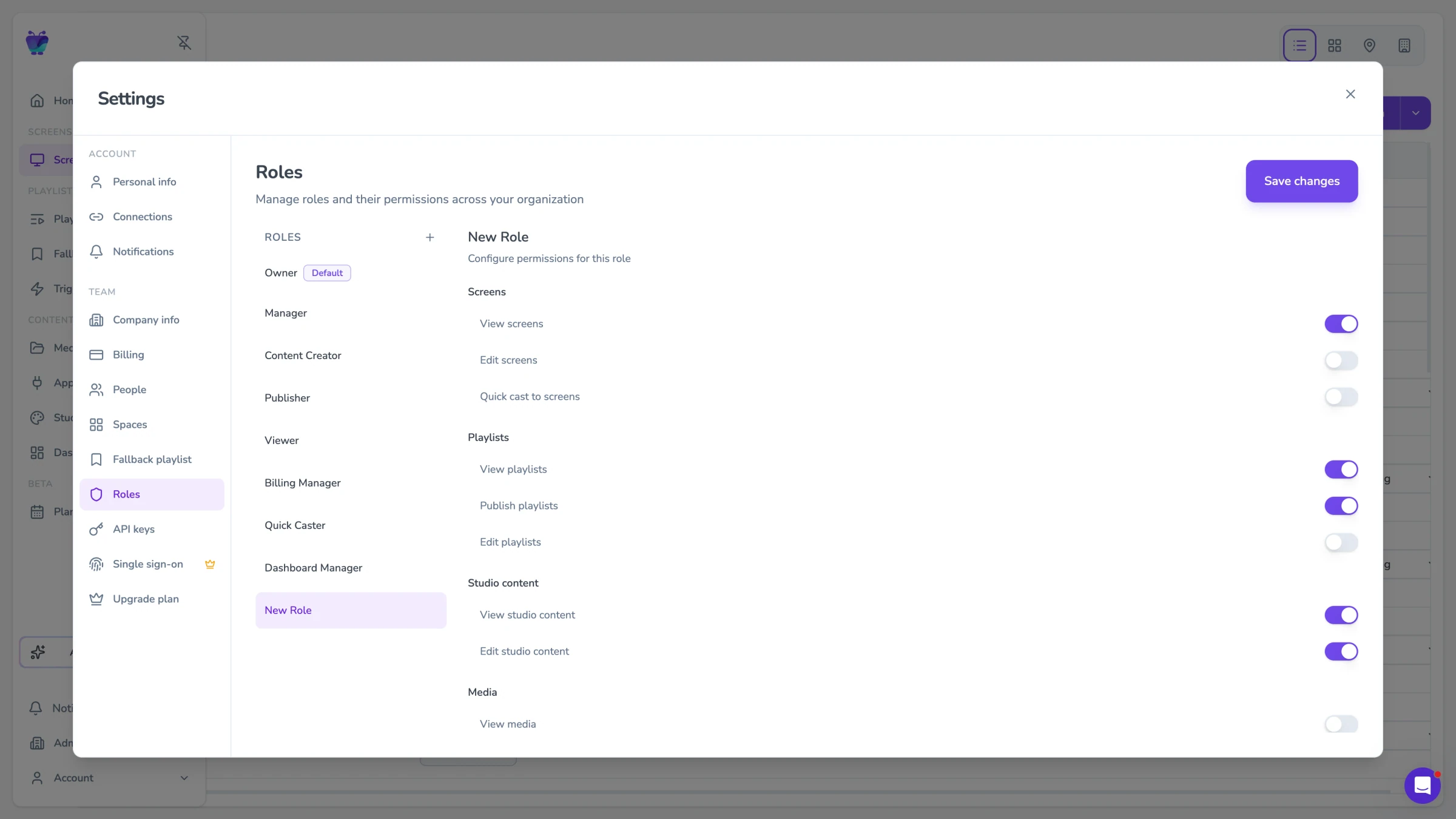
Roles and approvals
Every template in Fugo's pharmacy library is designed with regulatory compliance in mind. Locked template zones prevent unauthorised changes to mandatory disclaimers, dosage information, and regulatory text. An optional content approval workflow ensures all new content is reviewed before it goes live on patient-facing screens.
- Locked zones for regulatory disclaimers
- Content approval workflow
- Audit trail for published content
- Role-based editing permissions
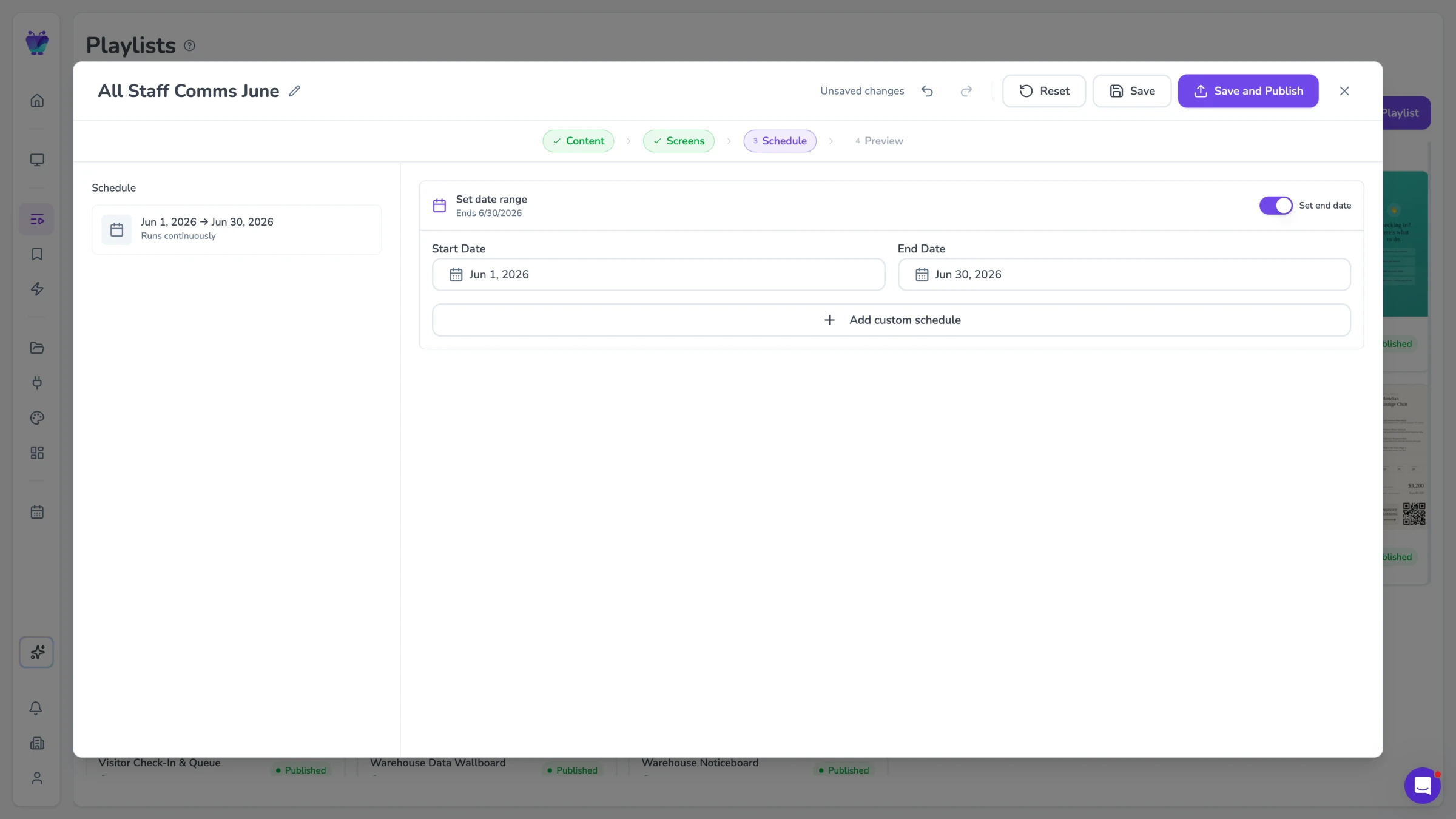
Scheduling for seasonal campaigns
Access a curated library of pharmacy-specific health content covering common conditions, medication guidance, preventive health, and wellness topics. All content is professionally produced and regularly updated to reflect current clinical guidance. Use library content as-is or customise it with your pharmacy's branding before publishing.
- Professionally produced health content
- Regularly updated clinical guidance
- Customisable with pharmacy branding
- Content approval workflow
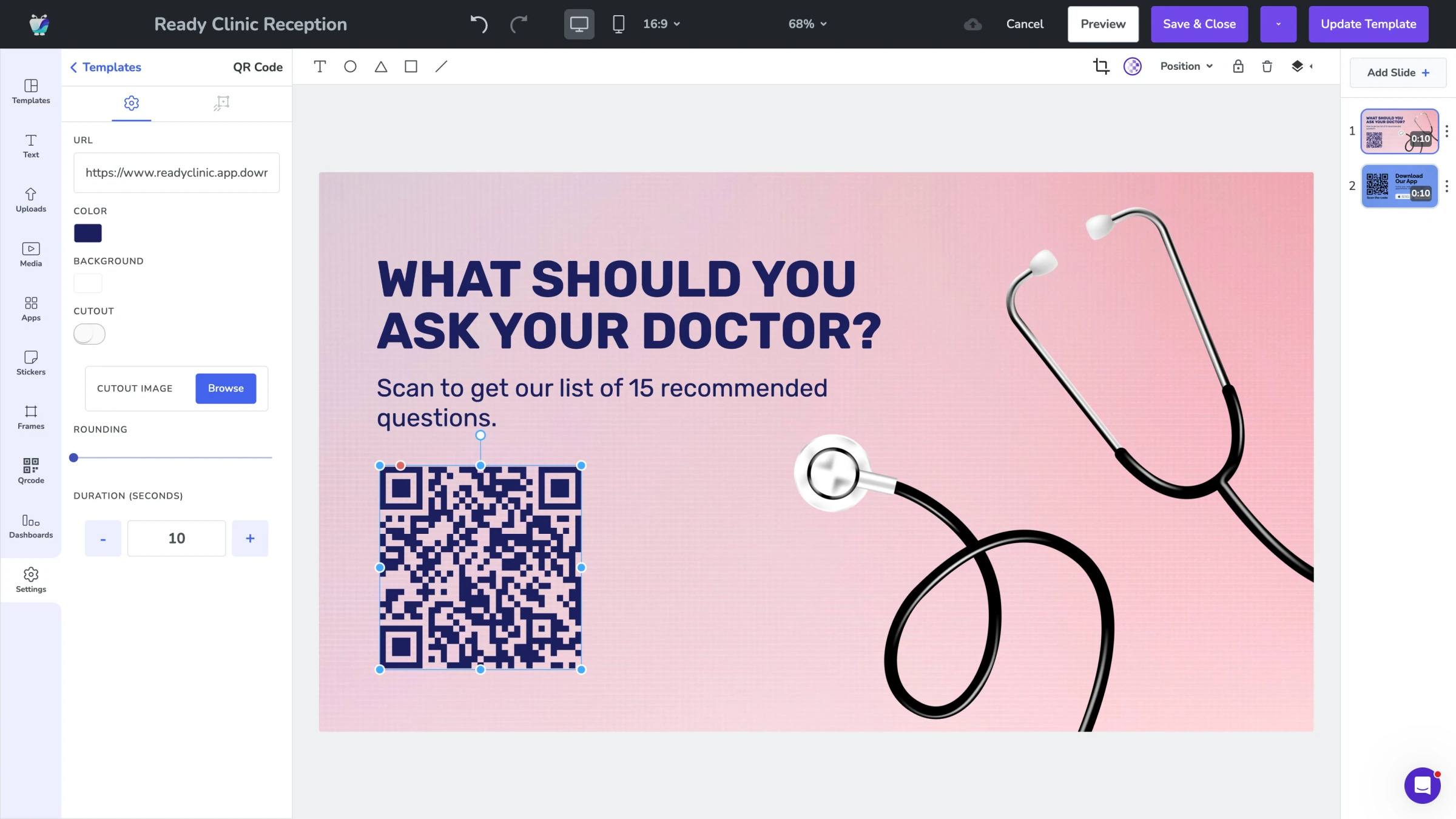
Templates for consistent formats
Keep queue and waiting-area information current with Fugo's built-in tools. Staff can update displays manually from any device in seconds, or feed figures in from a connected data source such as a Google Sheet. Start from pharmacy templates so every screen stays on-brand and consistent.
- Built-in manual queue update tools
- Feed figures from Google Sheets or a data feed
- Consistent, on-brand pharmacy templates
- Estimated wait time displays
Queue times and health information, current while customers wait
Fugo connects to the content and scheduling tools your team already uses, so wait area screens display accurate queue status and health resources without manual intervention.

Google slides
Business
Google Slides

Countdown
Misc
Count down live and in style

Google Sheets
Business
Google Sheets
QR code
Business
QR Code

RSS
Utilities
Live news headlines from your favorite RSS feeds

Google news
News
The latest headlines from Google News

YouTube
Featured
YouTube App

World weather
Featured
Live weather forecast for your screen
Pharmacy digital signage FAQs
Everything you need to know before deploying digital signage in your pharmacy.