

Cafe menu boards you can update in minutes
Update menus, specials, and promotions without reprinting. Schedule dayparts, keep pricing accurate, and manage screens across one or many locations.
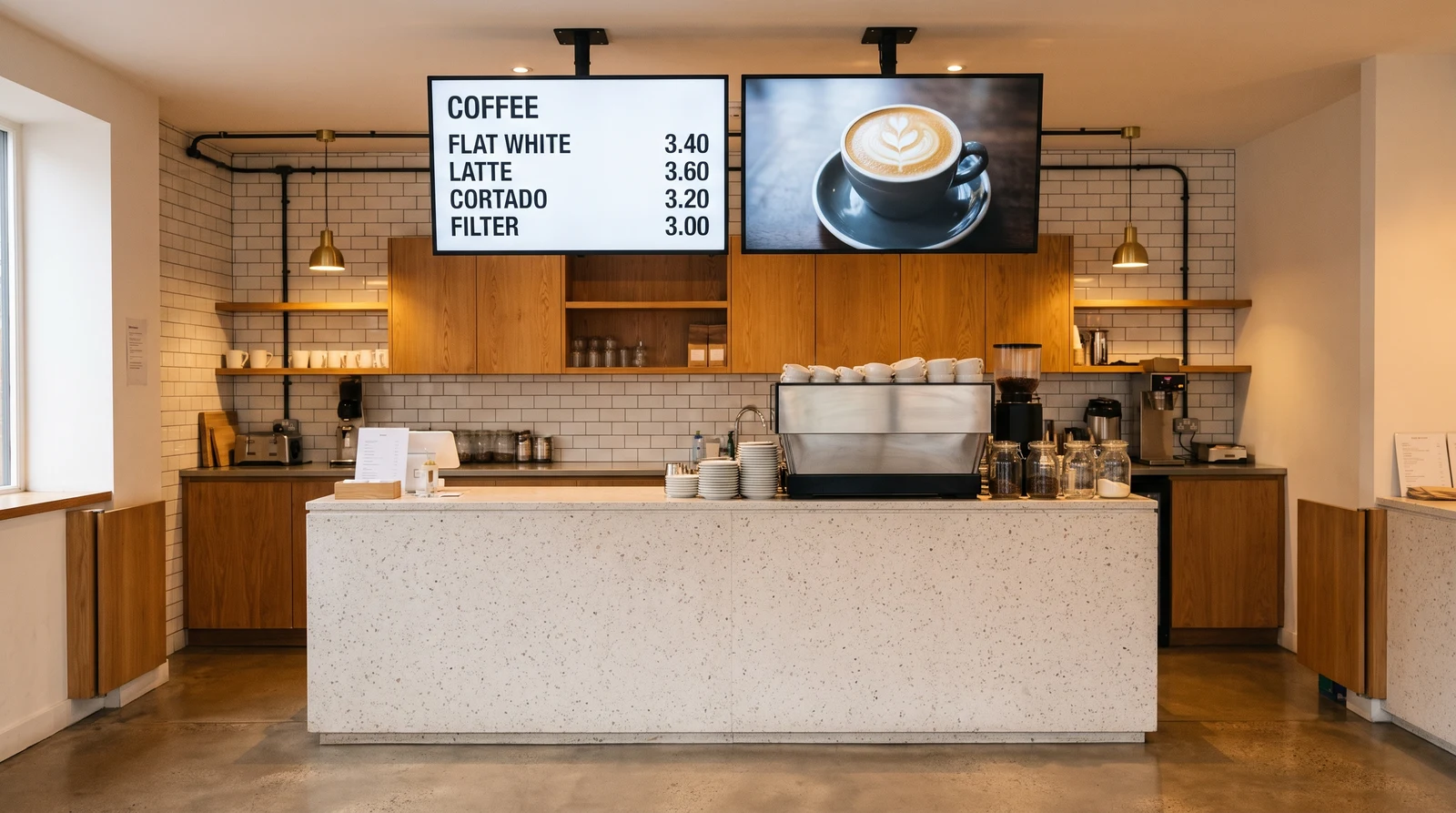
Common cafe screen setups
Cafe signage does more than display your menu. Fugo gives you the flexibility to run the right content on every screen throughout the day.
Keep items and prices current
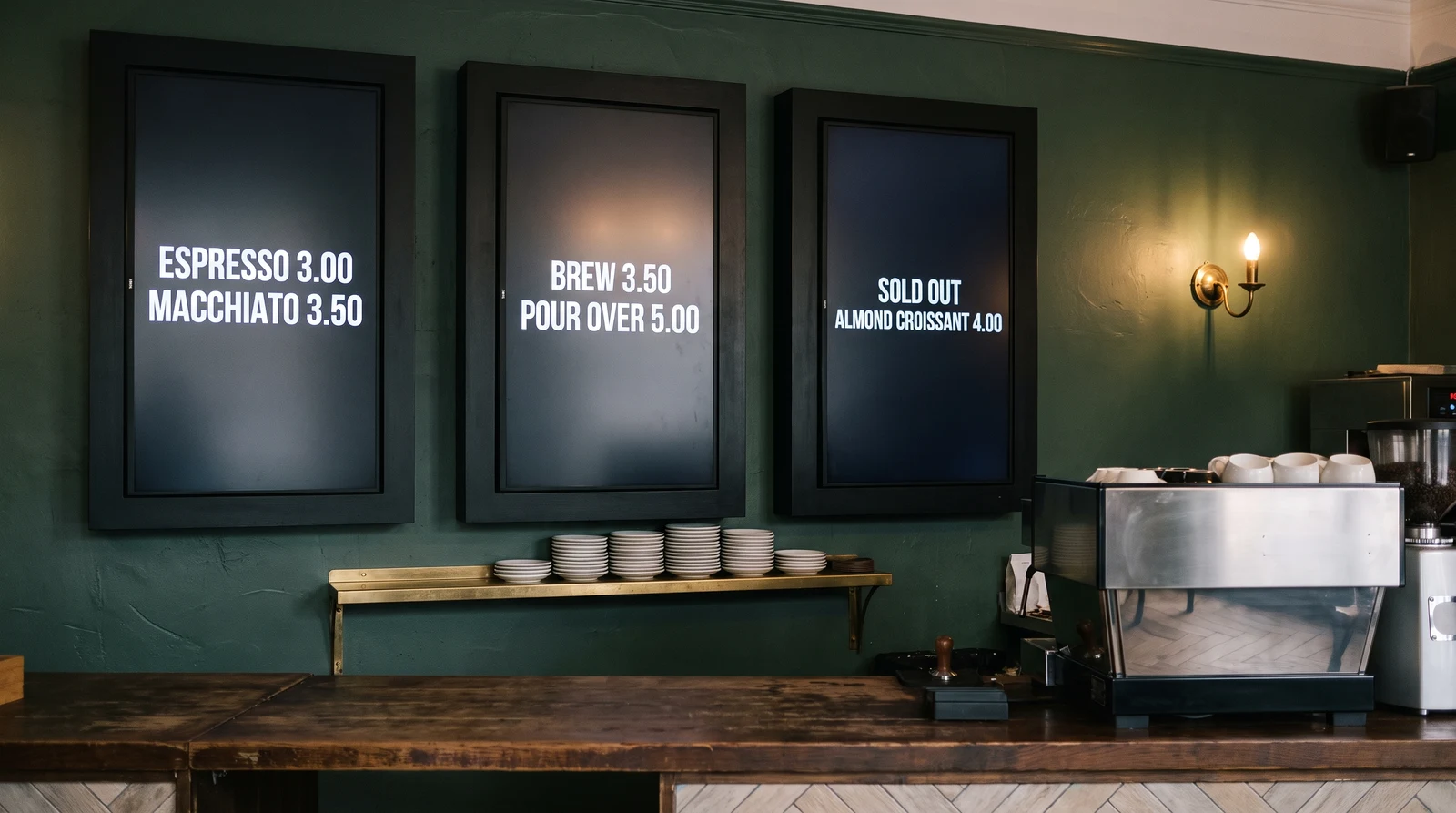
Replace your chalkboard or printed menu with a stunning digital display that showcases your drinks and food in their best light. Fugo's cafe menu templates are designed to look great on any screen size — from a single display behind the counter to a multi-screen menu wall. Update prices, add new items, and mark things as sold out in seconds from your phone or laptop.
Menu control without the overhead
Fugo is designed for cafe owners and managers who need to update their screens quickly between serving customers — not for IT teams or developers.
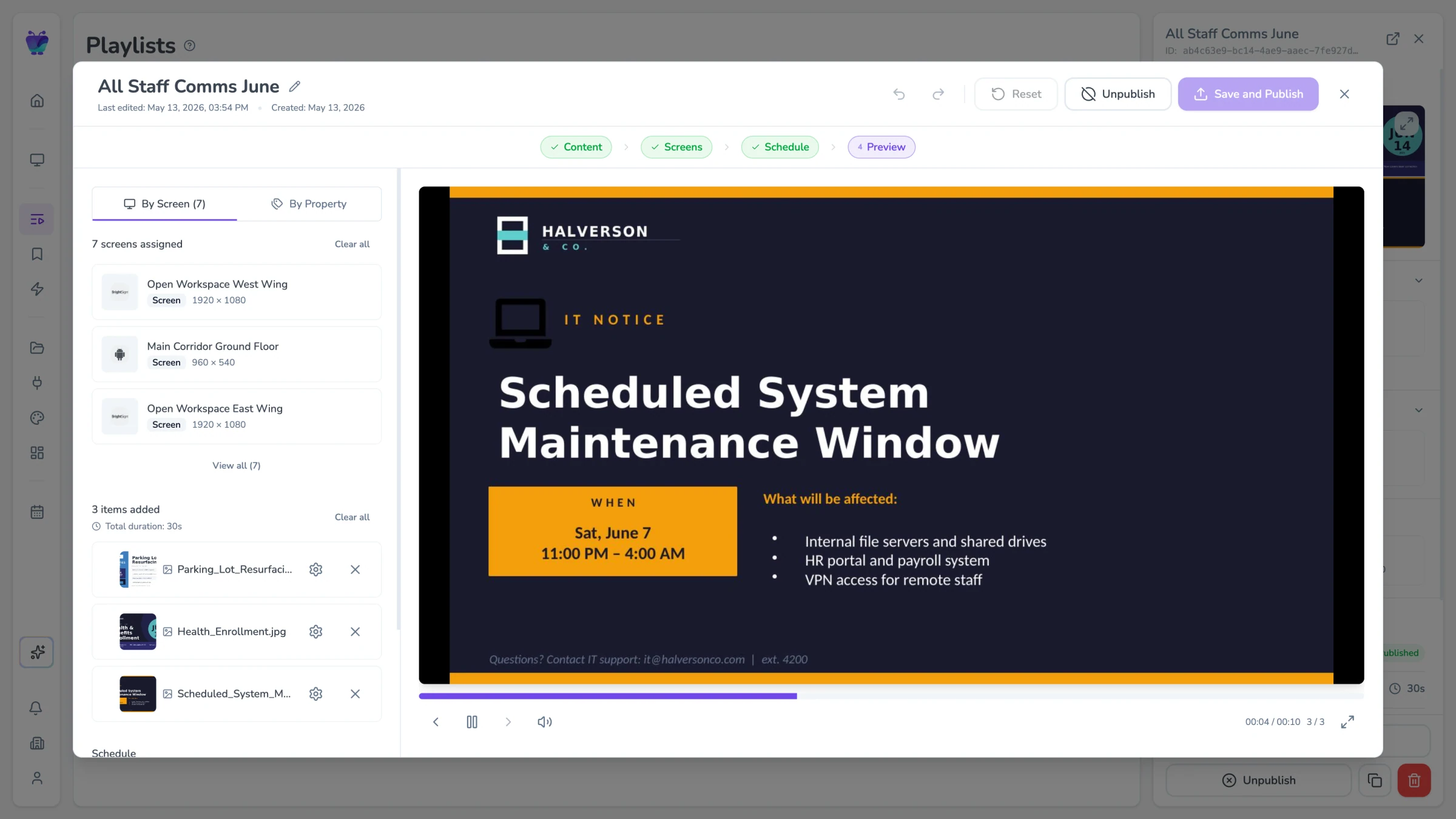
Scheduling and dayparting
Start with a professionally designed cafe menu template and customise it with your own branding, colours, and photography. Fugo's template library includes layouts for single-screen menus, multi-panel menu walls, portrait and landscape orientations, and seasonal variations. Every template is designed to make food and drink look as good as possible.
- Cafe-specific menu board templates
- Portrait and landscape layouts
- Brand colour and font customisation
- Seasonal and promotional template variants
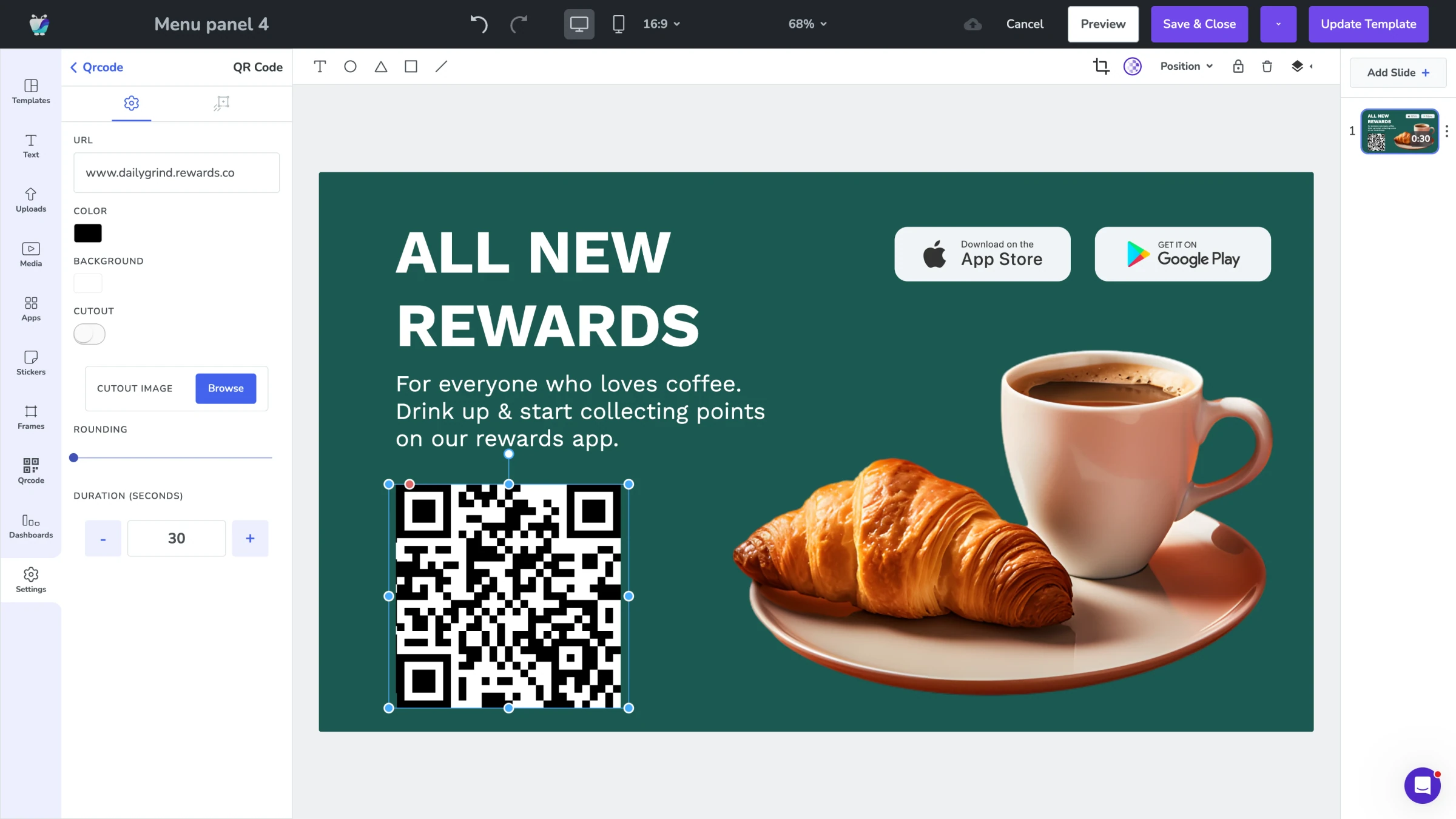
Templates for menu layouts
Your breakfast menu shouldn't be showing at 3pm. Fugo's dayparting feature lets you schedule different menu boards to appear automatically at different times of day. Set your breakfast menu to display from opening until 11am, your lunch menu from 11am to 3pm, and your afternoon treats menu from 3pm until close — all without touching a screen.
- Time-of-day menu switching
- Breakfast, lunch, and afternoon content blocks
- Weekend and weekday schedule variants
- Auto-switching with no manual intervention
Role-based publishing
When your seasonal menu launches, the last thing you want is to spend half a day updating every screen. Fugo lets you prepare your seasonal content in advance and schedule it to go live on a specific date. When the season ends, the content expires automatically and your standard menu returns — no one needs to remember to make the change.
- Advance seasonal content preparation
- Scheduled launch and expiry dates
- Seasonal content libraries
- Automatic return to standard menu
Your specials, your playlists, your boards — always current
Fugo connects to the tools your team already uses for content and music, so specials, pricing, and playlists update from wherever you are before the morning rush.
Digital menu
Business
Build responsive digital menu boards
Google slides
Business
Google Slides

Canto
Business
Sync Canto collections to screens for dynamic, auto-updating displays
PosterMyWall
Business
PosterMyWall
Fugo social wall
Social
Create a custom live social media wall for your screens!
QR code
Business
QR Code
Google Sheets
Business
Google Sheets

YouTube
Featured
YouTube App
Cafe digital signage FAQs
Everything you need to know before adding digital menu boards and signage to your cafe.