
Fugo

Fugo digital signage players

Your digital signage player determines how well your content runs. Make sure it's powered by the right hardware. Choose the Fugo player that gives you the best mix of performance, price, and potential.

Choose your player

Both players are battle-tested by the Fugo team, support Fugo's full feature range, and are easy to pair and manage from Fugo CMS.
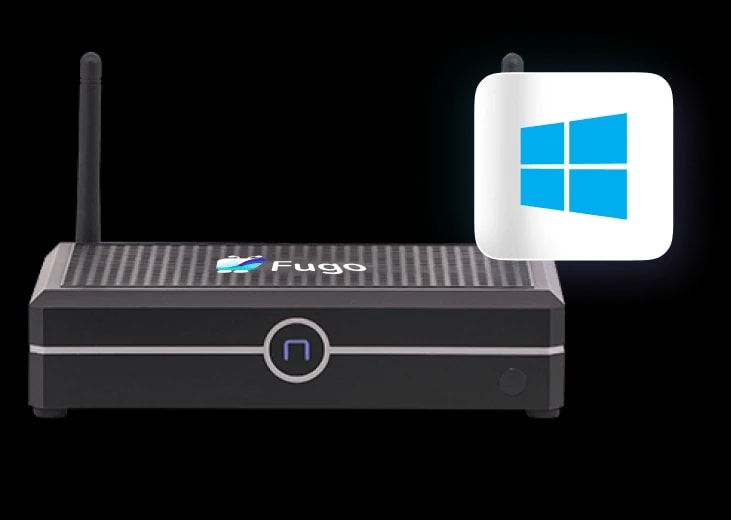
Fugo NUC

Fugo NUC

Contact us for a quote

For teams working with Microsoft & Windows-based peripherals, the Fugo NUC arrives pre-installed with Fugo for quick setup & slots easily into your IT infrastructure.

OS:

Windows 10 IoT Enterprise LTSC

Processor:

Intel Celeron N5105

RAM:

8 GB (up to 32 GB)

Storage:

128 GB SSD

Displays:

Up to 3 (HDMI + DP + USB-C)

Video wall:

Up to 3 displays

  • Windows license included — no recurring OS costs

  • Supports 4K & HTML5 content playback

  • 24/7 continuous operation

  • Gigabit Ethernet + Wi-Fi 5

  • Sturdy, rugged box form factor

  • VESA mount included

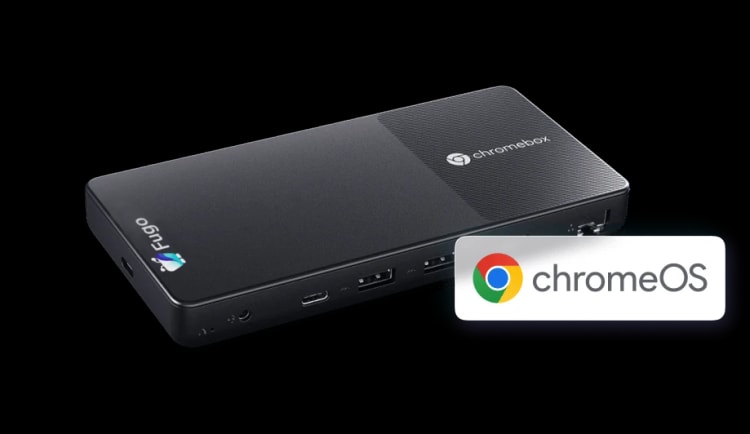
Fugo Chromebox

Fugo chromebox

Contact us for a quote

For teams based in the Google & Chrome ecosystem, the Fugo Chromebox is easy to set up and offers extra device management from your Google Admin console.

OS:

ChromeOS

Processor:

Intel Celeron N4500

RAM:

8 GB (not upgradable)

Storage:

32 GB

Displays:

Up to 2 (HDMI + USB-C)

Video wall:

Up to 2 displays

  • Chrome Kiosk & Signage Upgrade required

  • Supports 4K & HTML5 content playback

  • 24/7 continuous operation

  • Gigabit Ethernet + Wi-Fi 6

  • Slim, smartphone sized form factor

  • Fanless, silent operation

Player Specs

Full specification comparison

Find your fit with a detailed side-by-side look at every spec and capability.

Features
Fugo NUC
Fugo Chromebox

Device capability

Compatible with all Fugo apps & features

Fugo app installed

HTML5 playback

4K

4K

Processor

Intel® Celeron N5105

Intel® Celeron N4500

Operating system

Windows 10 IoT Enterprise LTSC 2021 (Supported until 2032)

ChromeOS

OS license costs

Windows license included

$25 Chrome Enterprise annual license needed

Remote device management support / costs

Limited feature support available in Fugo CMS

Available with Chrome Enterprise annual license

Continuous operation duration

24/7

24/7

Video wall capability

Up to 3 displays

Up to 2 displays

I/O & HW specs

RAM

8 GB, configurable up to 32GB

8 GB, not upgradable

Storage

128 GB

32 GB

Wi-Fi

Wi-Fi 5

Wi-Fi 6

Ethernet

Gigabit Ethernet

Gigabit Ethernet

Display ports

2x HDMI + 1x DisplayPort 1.4 + 1x USB-C

1x HDMI + 1x USB-C

USB

4x USB 3.1 + 2x USB 2.0

2x USB 3.2

Dimensions

6.6" x 4.5" x 1.5" (168 x 115 x 37.4mm)

6.4" x 3.1" x 0.8" (163 x 79 x 19.7mm)

Mounting

VESA mount included

Two mounting screw holes, designed for M2.5 x L6 screws

Digital Signage Software

Digital signage software that covers the full stack

Both players provide a powerful performance of the Fugo app on screen, while Fugo CMS gives you all the features you need for content & screen management.
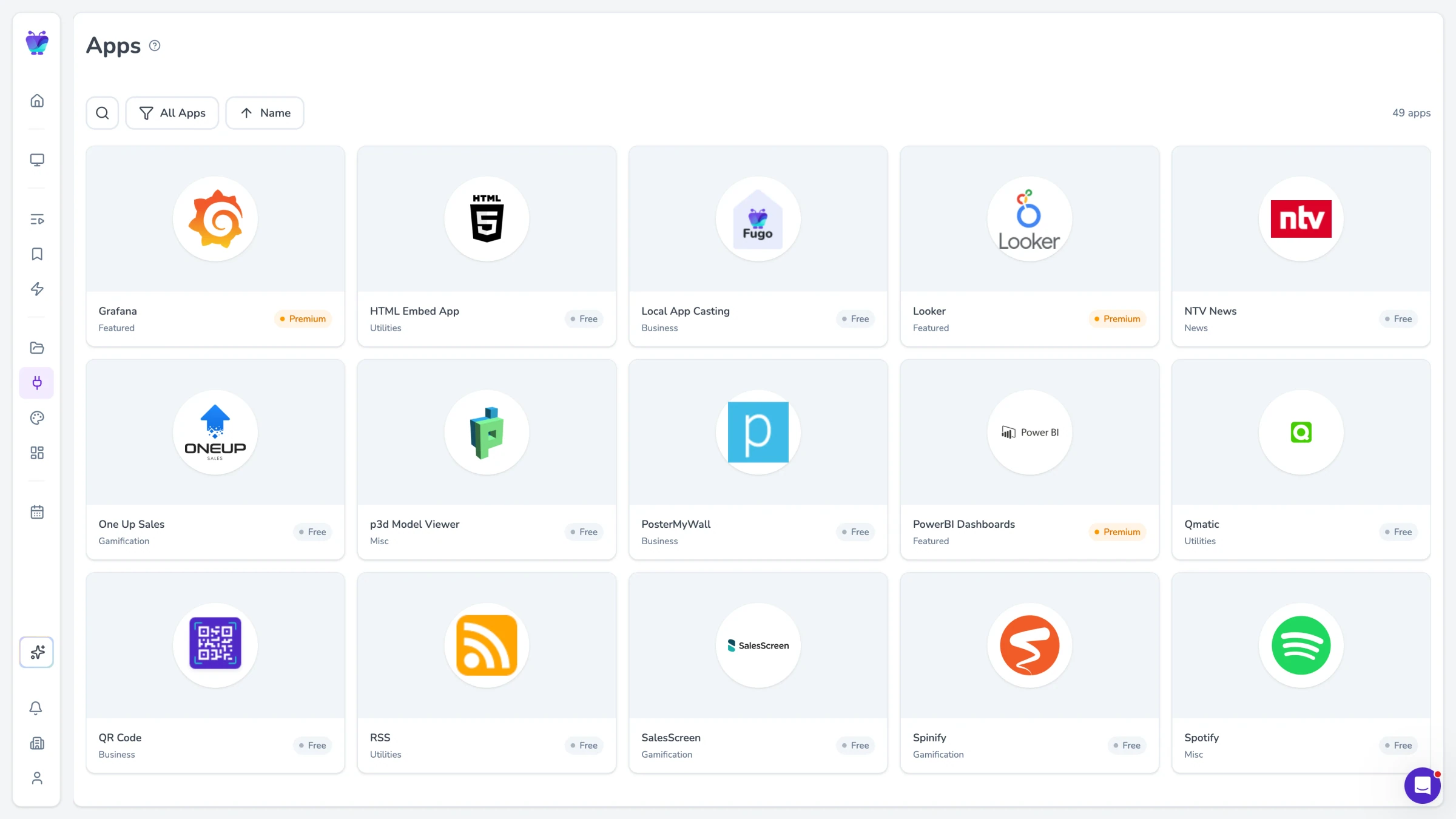
Fugo App Store with available apps and integrations

Content creation & automation

Create content in the Studio, upload media, or pull in dashboards, apps, and internal tools so your screens stay connected to the systems your team already uses.
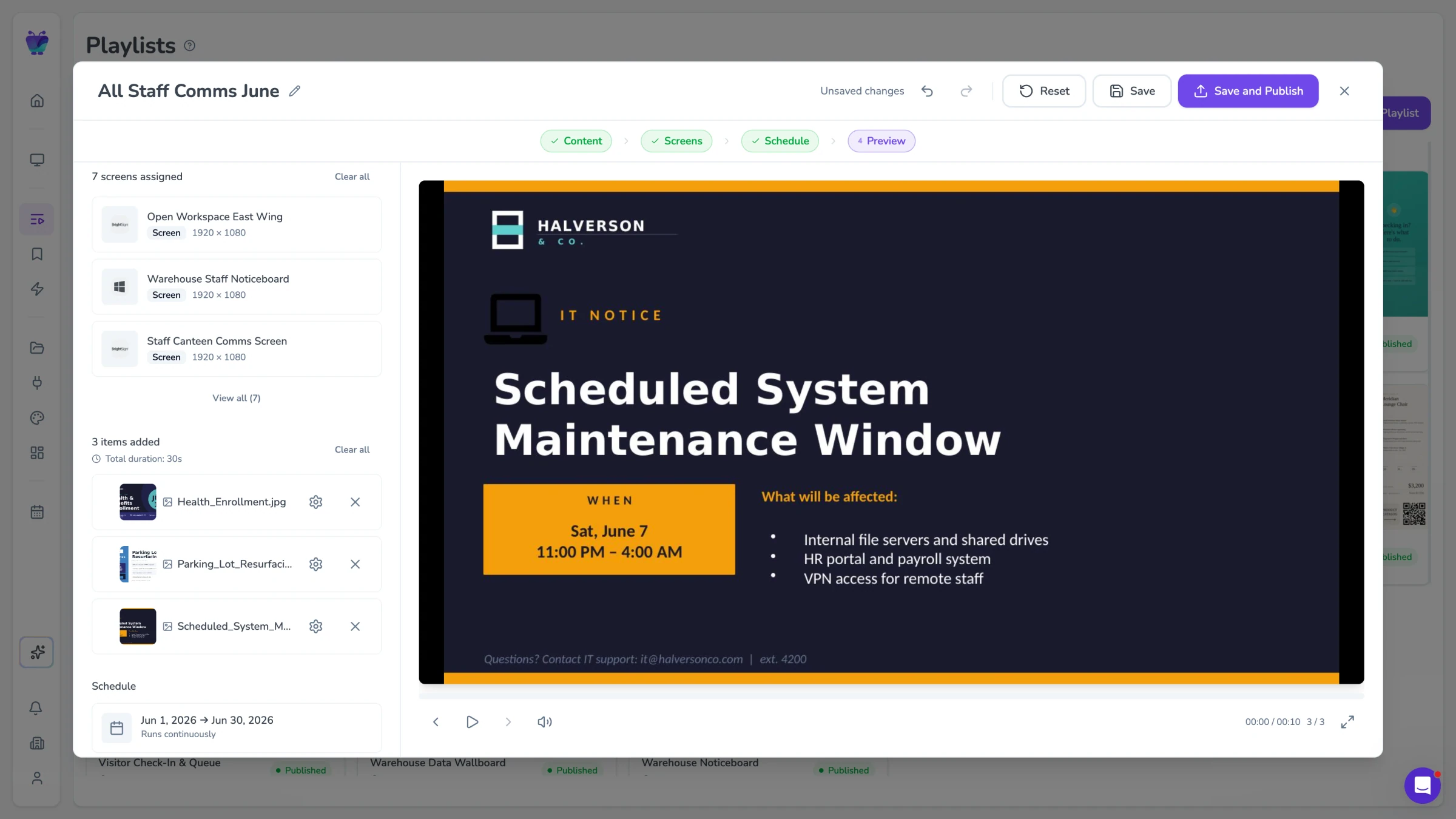
Playlist preview showing a scheduled system maintenance window

Publishing & scheduling

Run content through playlists with clear scheduling, calendar planning, and real time content triggers so updates happen when they should.
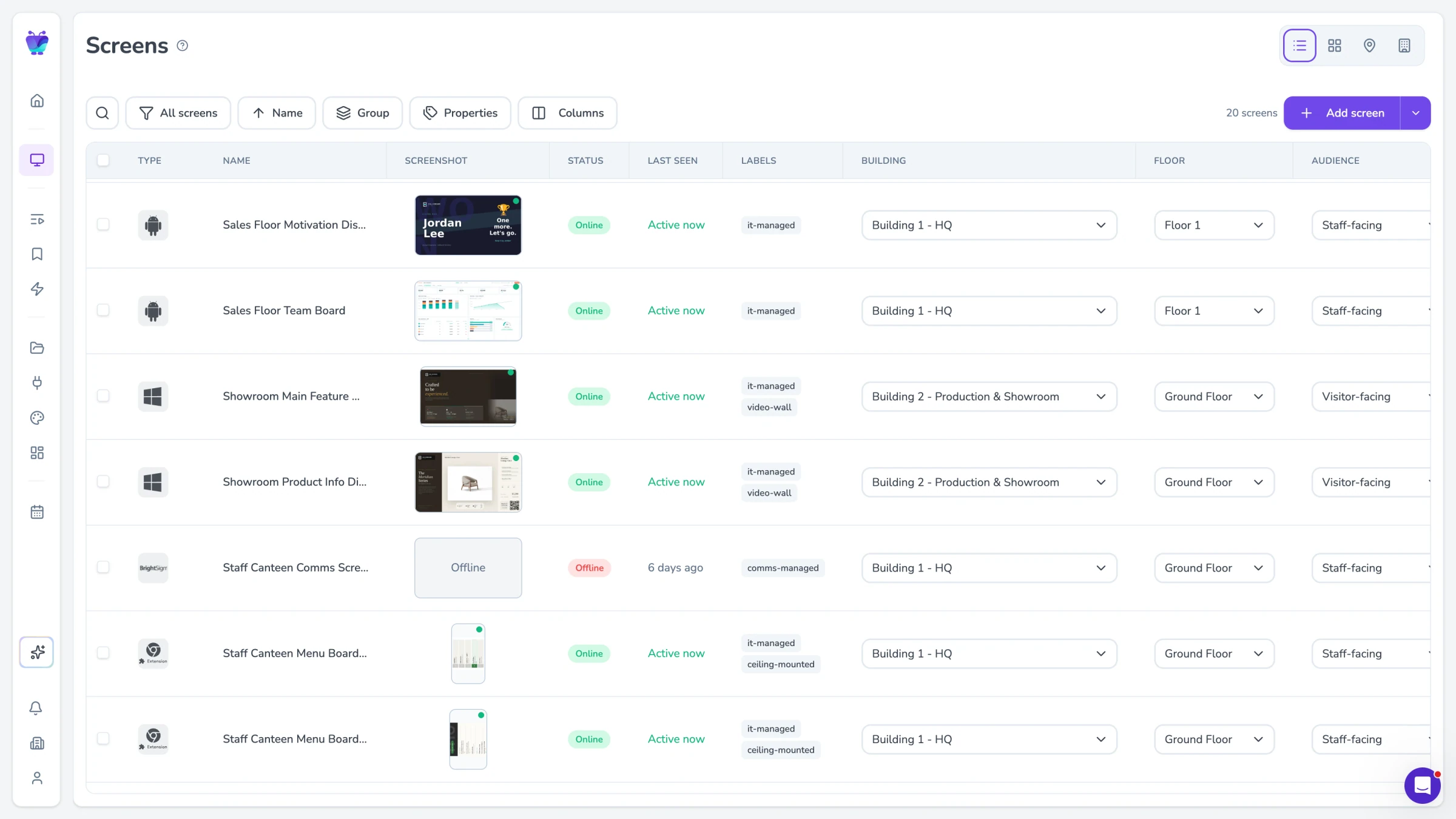
Screens page table view with status, location, and audience columns

Screen management

Group screens, assign content by location or property, and see what is playing across your network from one place.
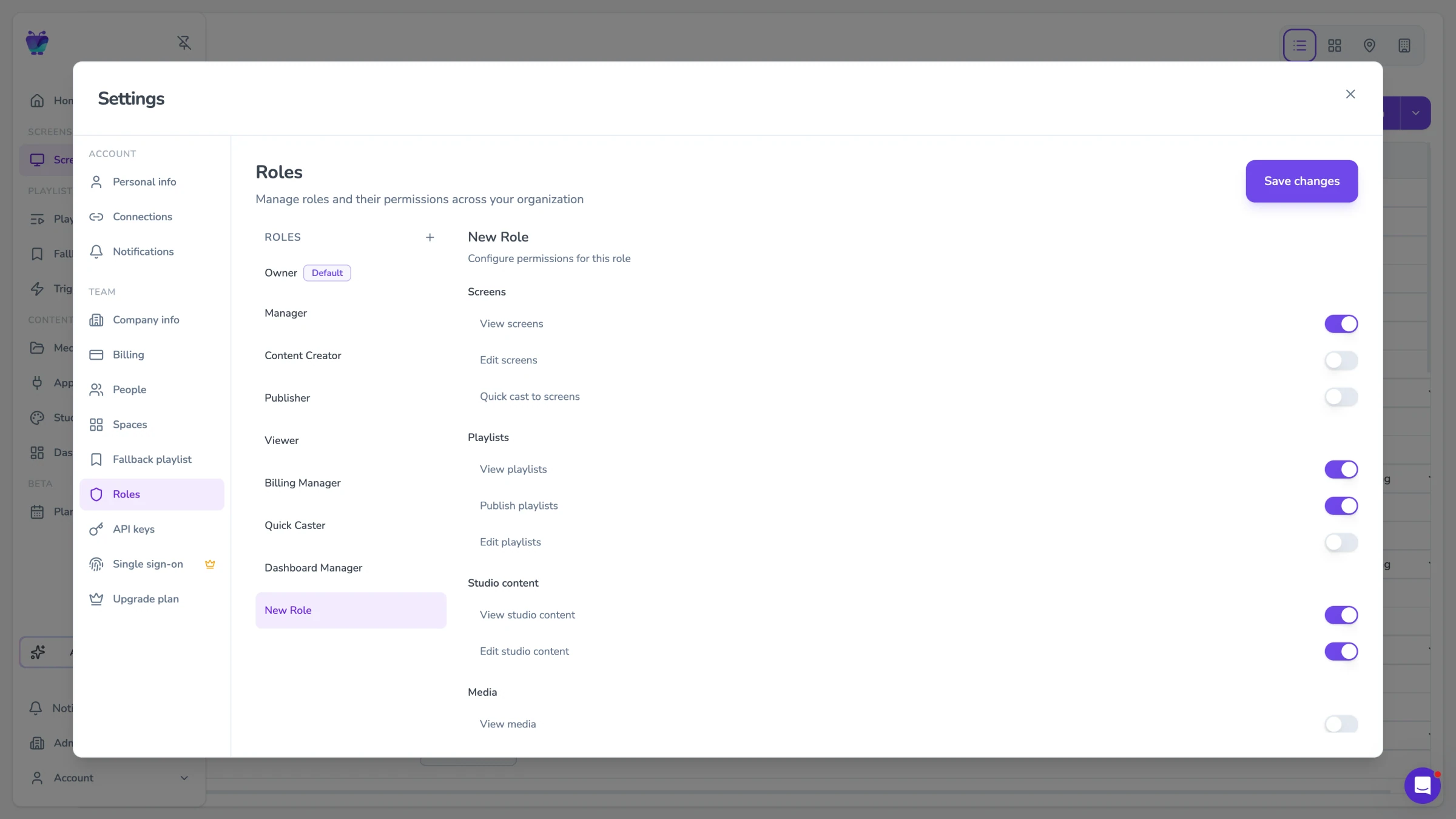
Roles settings with per-feature permission toggles

User roles & access

Control who can access, edit, and publish content with roles, spaces, and SSO so teams can work independently without creating confusion.

Frequently asked questions

Where do you ship to?

We ship worldwide. Quotes are available in USD, EUR, and GBP, with shipping times and costs varying by destination — reach out to sales@fugo.ai and we'll send a quote tailored to your location and quantity.

Is a software license for Fugo included in the price for the player?

No, a software license is not included with the player. Once you've set up your player with your screen & your free trial has ended, you'll be prompted to purchase a Fugo license for your player, which will renew monthly or annually on a subscription basis. You can view our pricing tiers and supported features here. If you're not sure which plan is right for you, reach out to sales@fugo.ai or book a demo call to go over your requirements & find the right option.

Do I need a player for each screen?

If your screens are not within close enough proximity to each other to be connected to a single player, then yes, you'll need a separate player for each screen. For non-video wall scenarios where you intend to display different content on each screen, we recommend one player per screen for ease of management. If you choose to connect multiple screens to one player, Fugo will — by default — treat multiple outputs as a single extended display showing the same content. However, you can use our Design Studio to create a canvas with distinct zones that correspond to each screen, upon which you can build your content for each separate screen.

If I use a single player to power multiple screens, how will my subscription be charged for those screens?

While we commonly refer to all Fugo-connected devices as "screens" in our CMS and documentation, it's important to note that a "screen" denotes the device running the Fugo app, which could be a smart TV, SoC display, tablet, or media player. Fugo charges per device on which our software is installed. For instance, if you use a single Fugo player to power three screens, you'll only incur charges for that one player, not for the three screens it's connected to.

Who do I contact for bigger orders?

If you have a large deployment planned (100+ screens), you may be eligible for a volume discount on Fugo players. Reach out to sales@fugo.ai for more information.

What's your return policy for Fugo players?

We do not accept returns for non-faulty players. If you notice a defect or fault, please notify our team at support@fugo.ai within 14 days of receiving your player.

How do I get started with my new player?

Once your player is delivered, you'll need to follow the appropriate instructions for connecting your Fugo NUC or connecting your Fugo Chromebox to our CMS. You'll also need to start a free trial in order to start creating and connecting content sources like media, apps & integrations, secure dashboards, web pages, and more. Our Getting Started Guide is a great place to start for guidance on your new Fugo account!