
POS digital signage for checkout and shelf displays
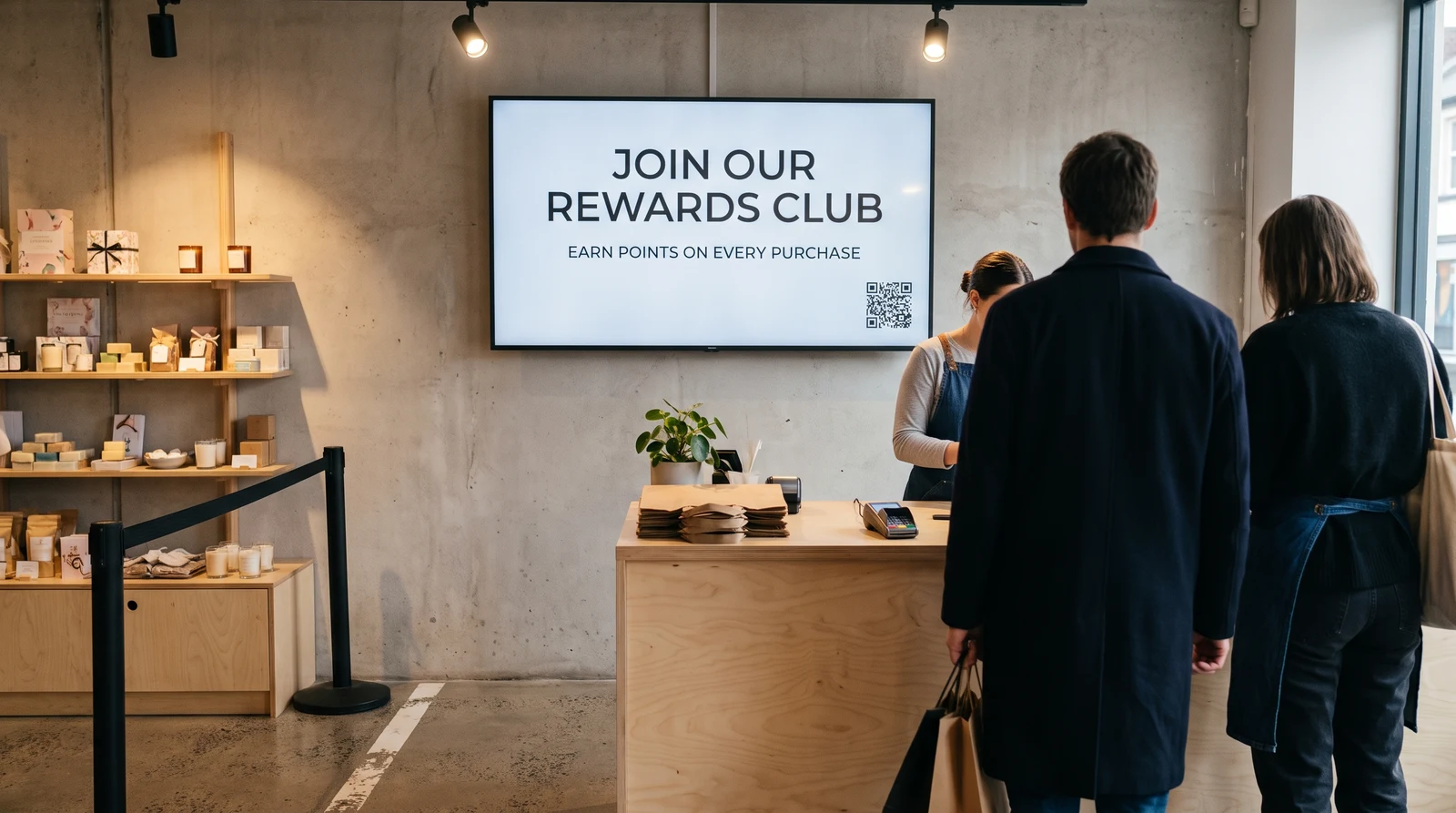
POS digital signage means screens at the checkout counter, shelf edge or till point that promote products, run upsells, or push brand campaigns while a shopper is paying or browsing. Fugo powers the promotional screen itself — the content, the scheduling and the remote management — on hardware you already have or can buy off the shelf.
Trusted by teams in 60+ countries




























What is POS digital signage (and what it isn't)
POS, POSM and POP are overlapping shorthand for a screen placed where a purchase decision happens. Keep the boundary clear: this is about the screen and what plays on it, not the till — the POS terminal handles payments; Fugo handles the promotional display next to, above or near it, a completely separate system that never touches transaction data.
Where retailers put these screens
POS signage covers a few placements, each with its own job at the point of purchase.
Checkout counter and register screens
A small screen at or near the register running promotions, loyalty prompts, or upsell content while customers queue or pay.
Shelf-edge and end-cap displays
Narrower, shelf-mounted screens right where the shopper is choosing — see our dedicated shelf-edge displays page for that format.
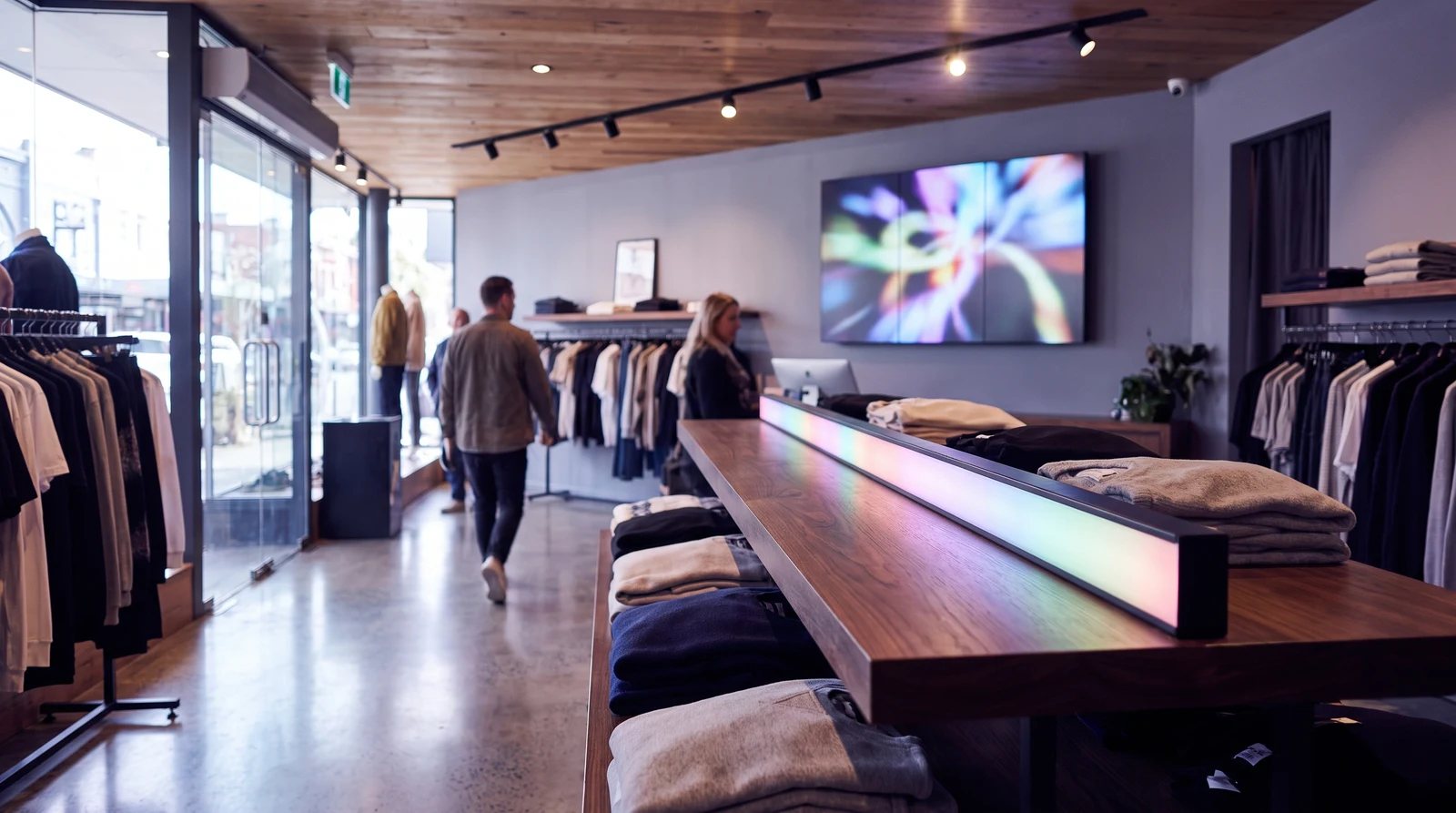
Queue and browsing-area screens
Larger screens for brand campaigns or cross-sell content that doesn't need to be shelf-adjacent.
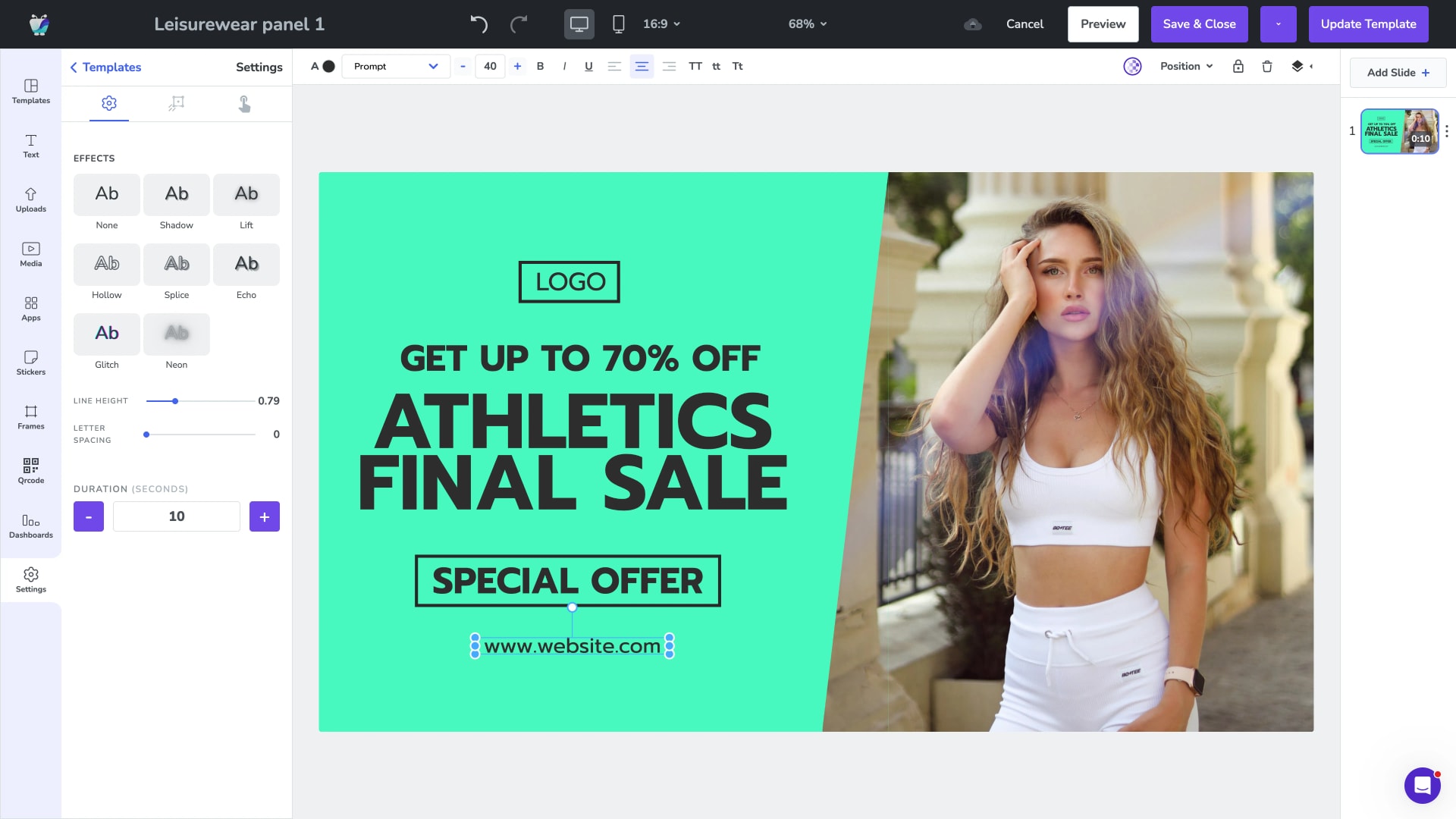
What you can run on a POS screen with Fugo
Build promo content in Design Studio using ready-made templates, or drop in existing brand assets. Group content into playlists with scheduling and day-parting so a lunchtime upsell swaps out for an evening promotion automatically. If your marketing team stores campaign assets in a DAM, Fugo's Canto integration pulls approved creative straight onto the screen. For chains, remote multi-site management pushes one update to every checkout screen at once, and uptime monitoring with remote recovery means a screen that drops offline gets flagged and restarted without a technician visit — important right next to a till, where a blank screen looks worse than no screen.
Hardware that fits any checkout counter
Hardware-agnostic: from a compact stick behind a small countertop screen to a larger webOS display in the queue area, Fugo runs on the players and displays you already have.
Amazon Fire TV and the Amazon Signage Stick
Google TV Streamer and NVIDIA Shield
Android players
Samsung Tizen and LG webOS smart TVs
Windows and ChromeOS
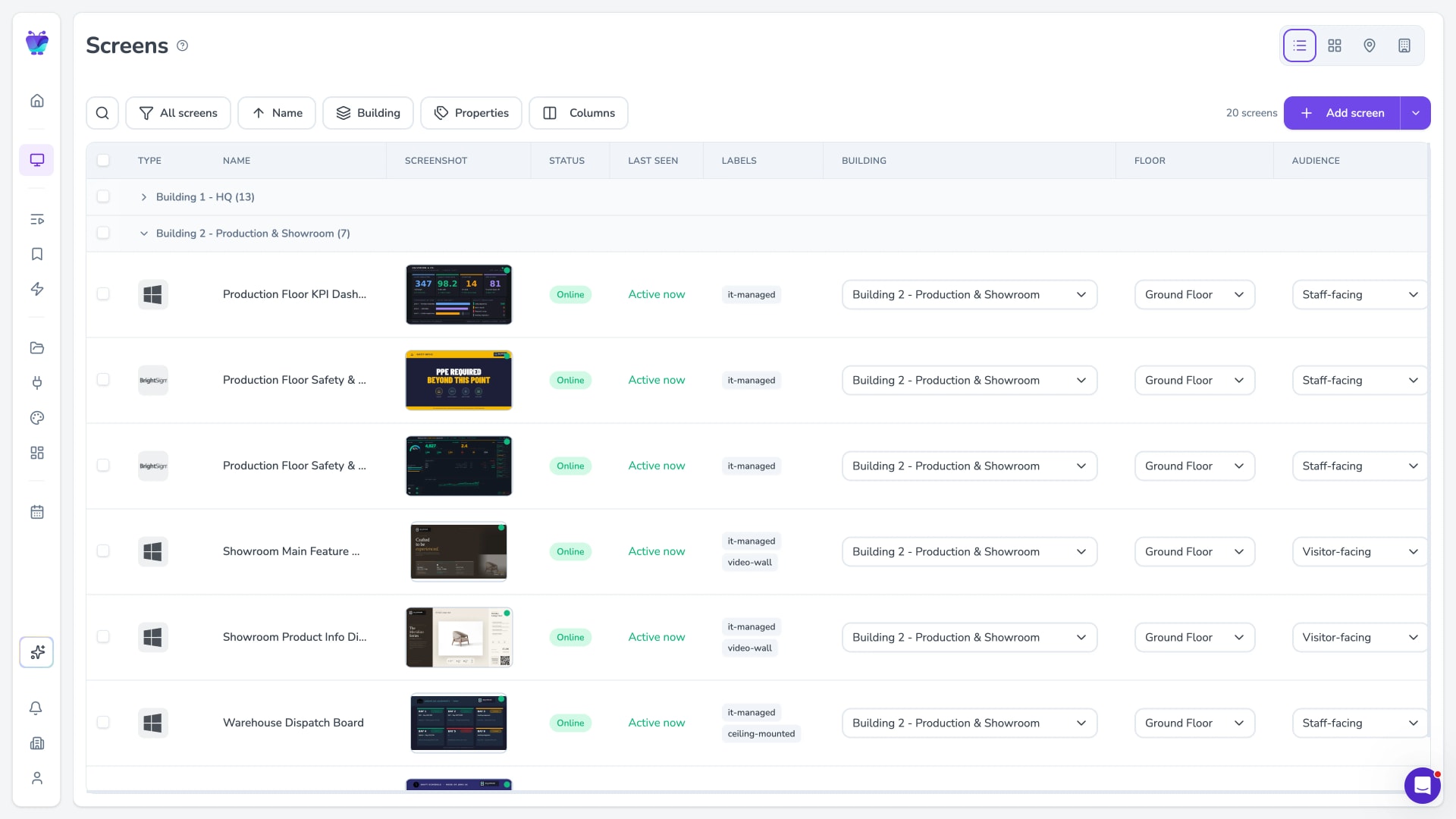
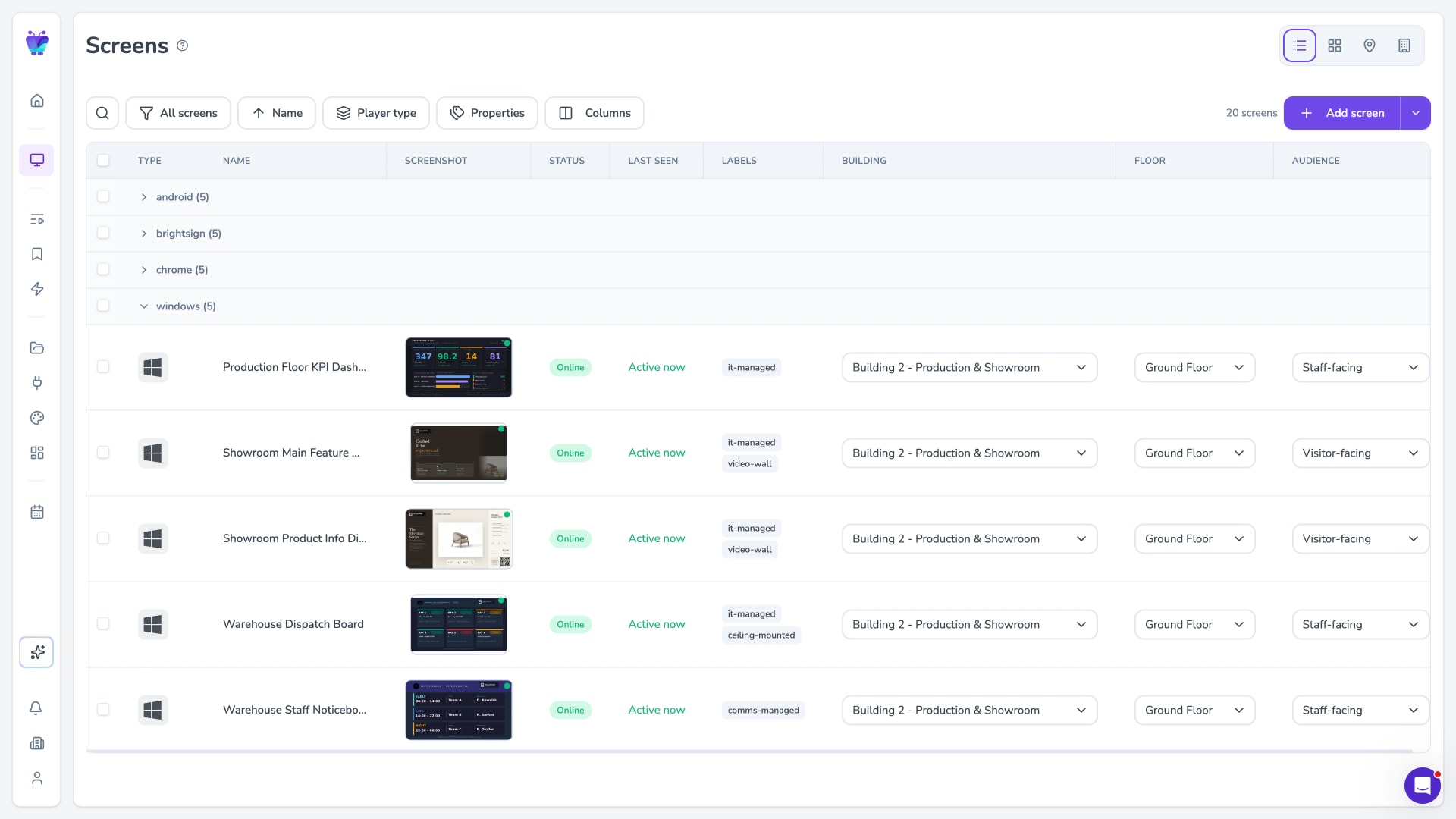
Manage every checkout screen from one place
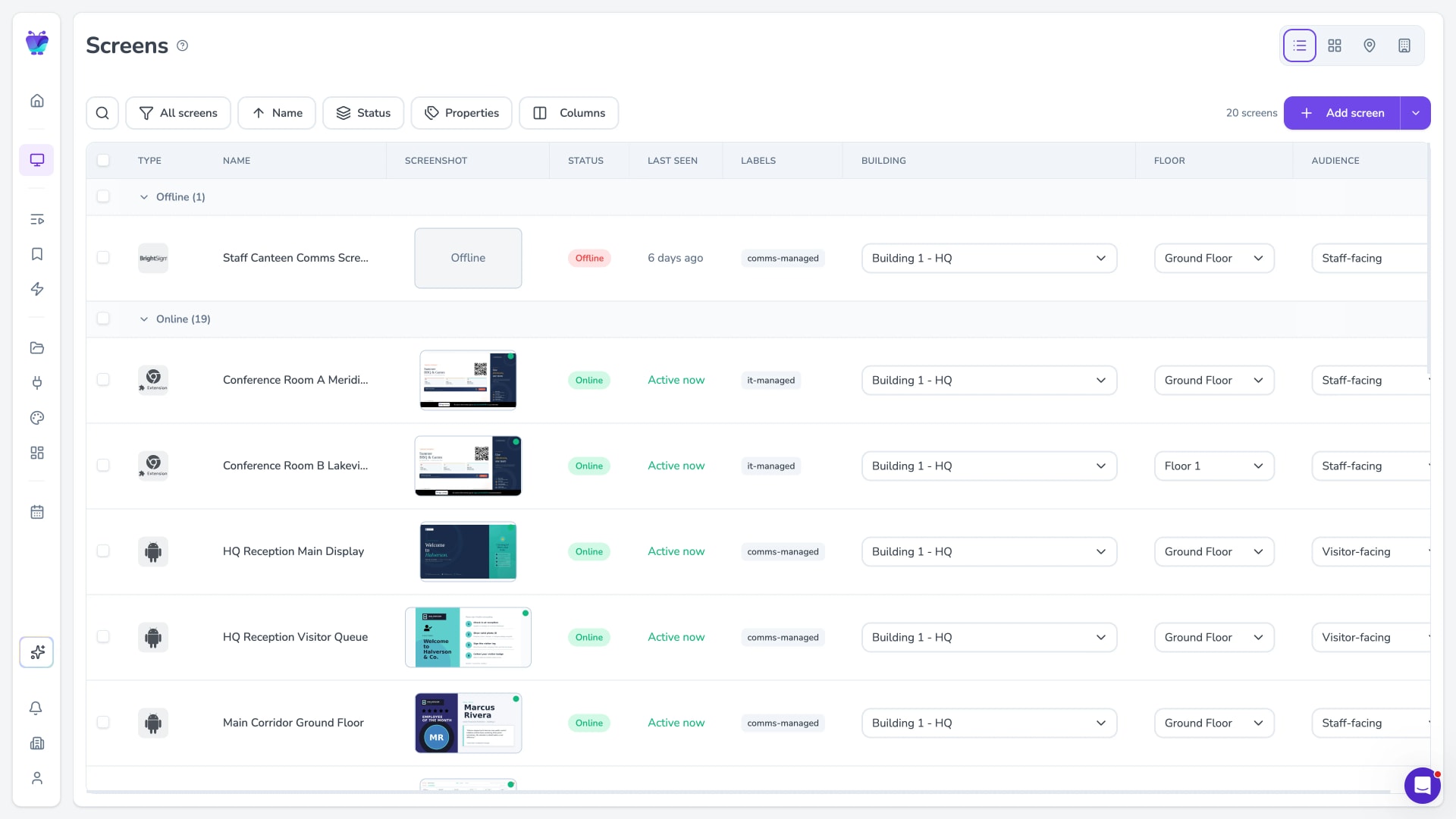
For chains, remote multi-site management pushes one update to every checkout screen at once. Run different promotions in different regions, and check what is playing where without leaving your desk.
Security and reliability
SOC 2 Type II compliant — which matters for retail estates with IT and security sign-off. Combined with uptime monitoring and remote recovery, that means fewer support calls when a checkout screen misbehaves, and no dead screen sitting in front of a paying customer.

Priced per screen
You pay per screen, so a small pilot at one till costs what those screens cost. For wider retail deployments, see retail digital signage and restaurant & food service.
Where POS screens fit in the rest of your store
Point-of-sale screens are one format in a wider store. Here is where the rest lives.
Retail digital signage
Screens across the whole store, not just the checkout — the wider retail estate.
Restaurant & food service
Counter promos and till-point upsells for cafes, QSRs and food retail.
Shelf-edge displays
The narrower, shelf-mounted format right where the shopper is choosing.
What POS display means
The plain-English glossary entry if you want the basics first.