

Bring property listings to life on every screen
Run window displays, office reception screens, and touch kiosks from one place. Push new listings, price changes, and open-house schedules to every office in seconds — without touching a single device.
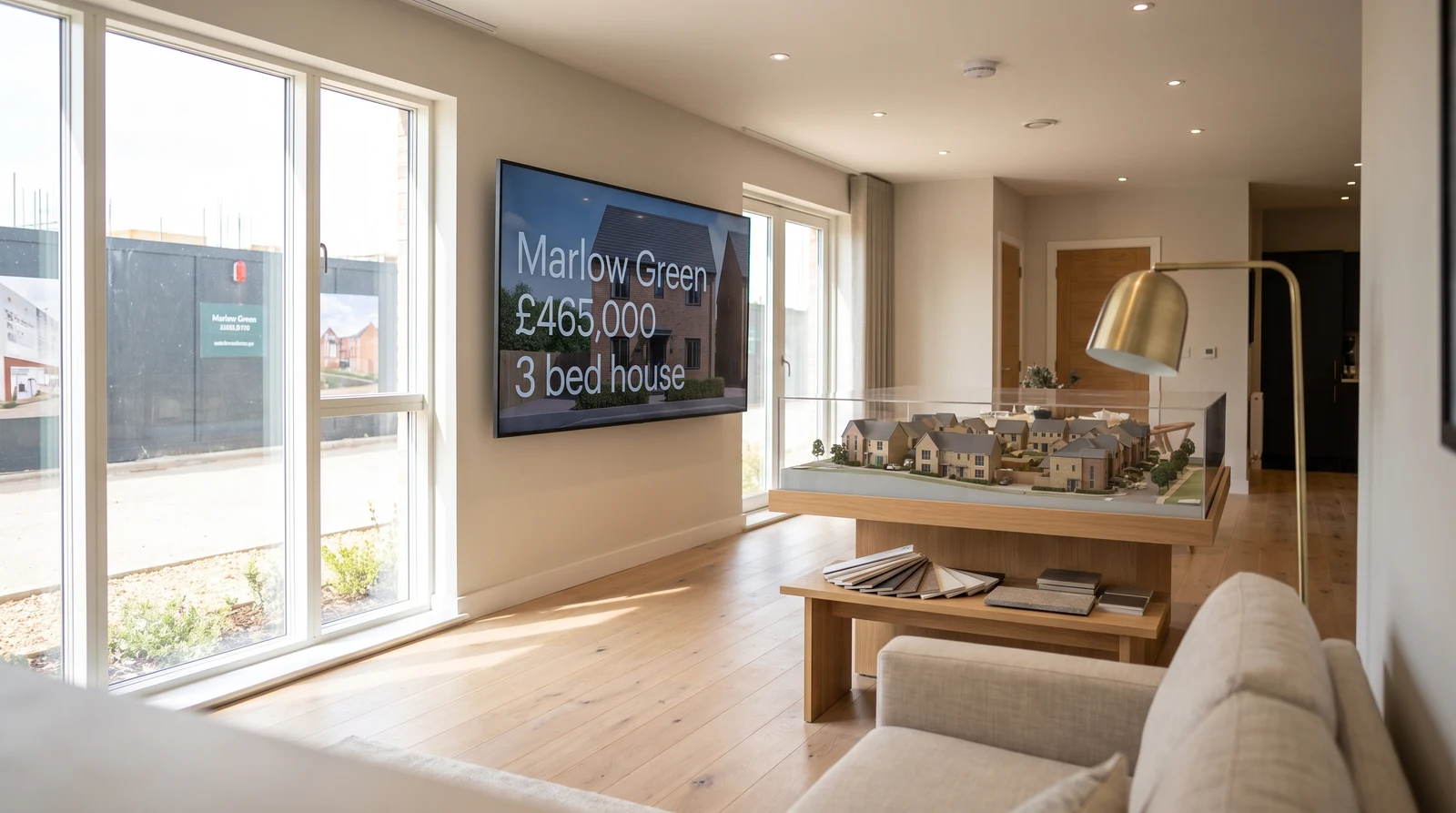
Real estate screens, done right
From the high street window to the agent of the month wall, Fugo runs every screen your agency uses — without an IT ticket.
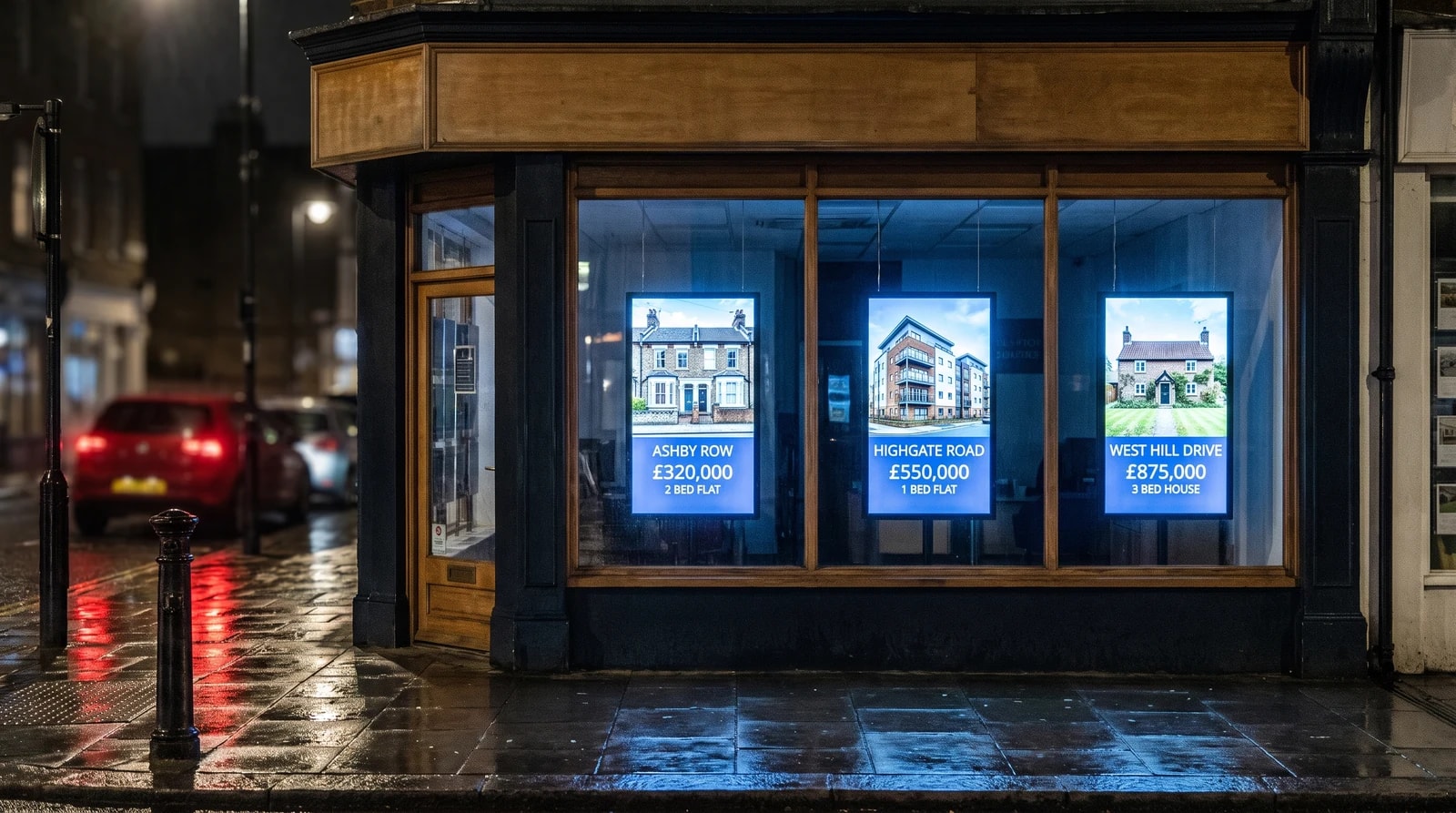
Turn your window into a 24/7 viewing
Your window is your busiest agent — it works after hours, all weekend, and never takes a coffee break. Replace printed cards with a rotating digital display that shows your best listings at full size, with sharp photography, clear pricing, and key features. Update it from the office or your phone the moment a price changes or a property goes under offer.
Listing control without the overhead
Fugo is designed for agencies that want screens working as hard as their agents — without hiring an in-house IT team.
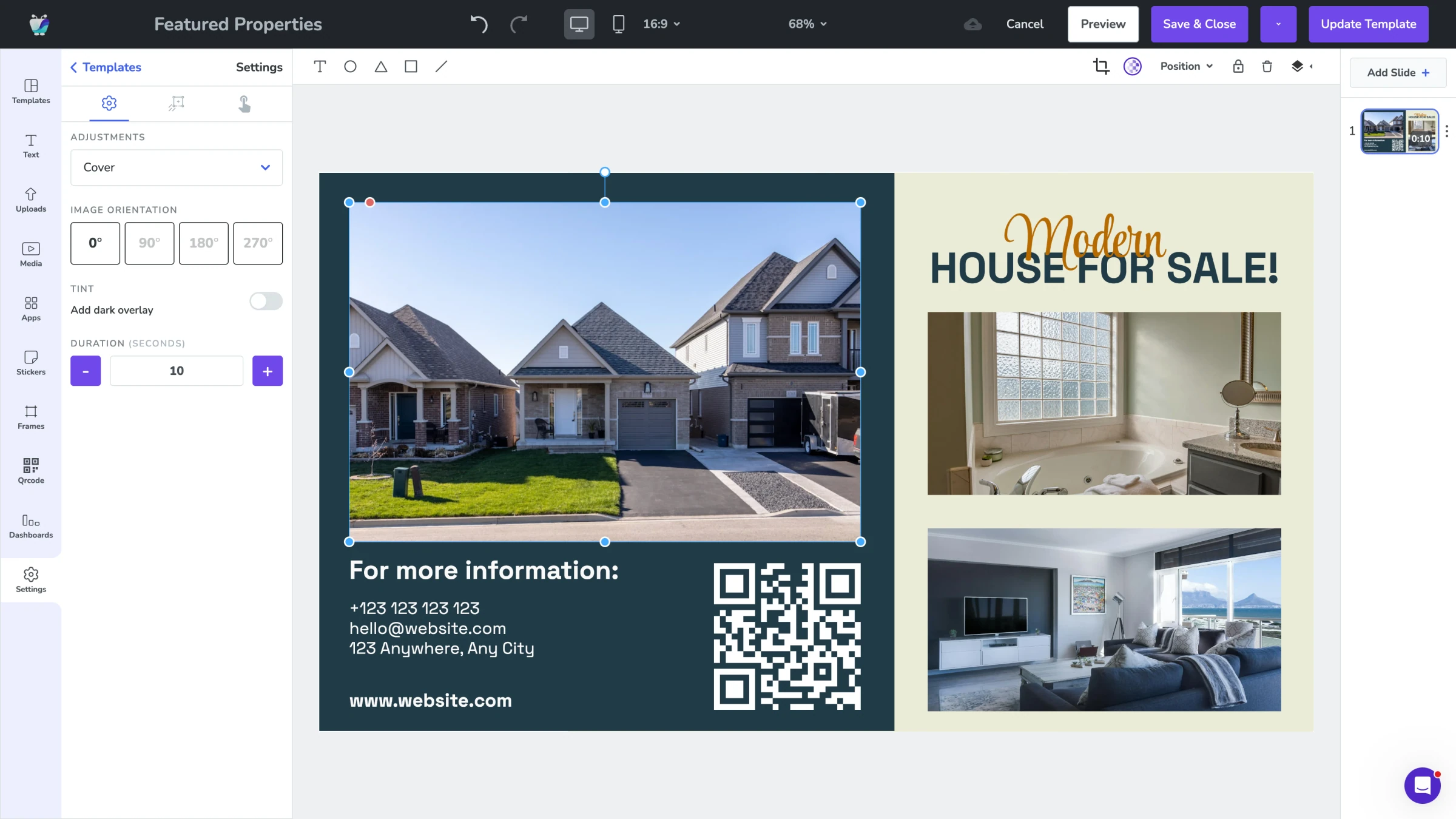
Property listing templates
Start with professionally designed real estate templates and customise them with your branding, photography, and listing data. Portrait and landscape layouts cover everything from a single window screen to a multi-panel office wall. Drop in new listings via Google Sheets, your CRM, or directly in Fugo — each one renders into a consistent, on-brand card.
- Real-estate-specific listing templates
- Portrait and landscape orientations
- CRM and Google Sheets-driven content
- Brand colour, font, and logo customisation
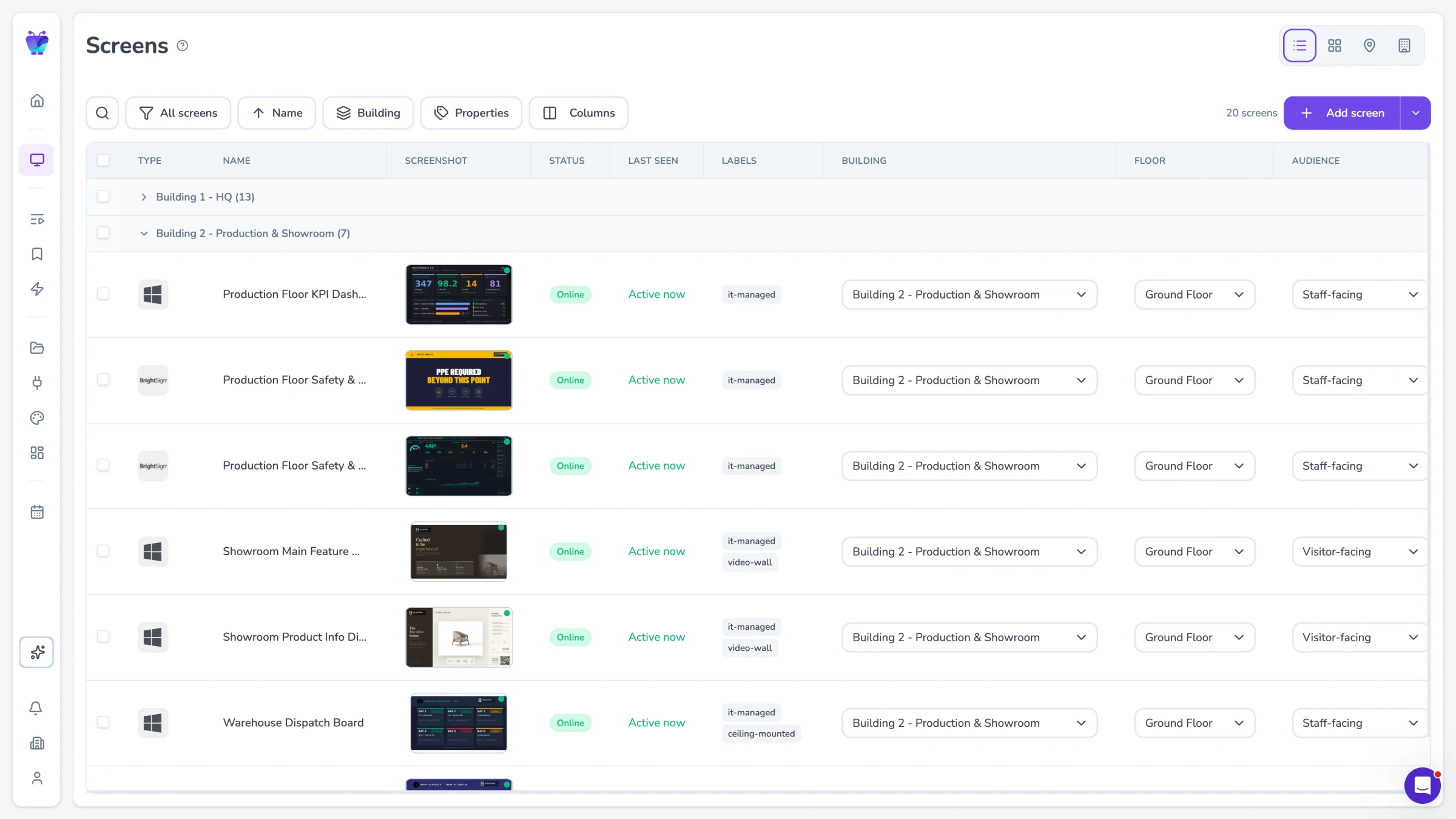
Multi-office management
Run every screen in every branch from a single dashboard. Push a price reduction to one office, a market report to all of them, or hand control to a local manager for branch-specific content. Permissions let head office keep the brand consistent while letting each branch react to its own market — no shared logins, no spreadsheets of who runs which screen.
- One dashboard across every branch
- Branch-level roles and permissions
- Push updates per branch or globally
- No per-office logins or workarounds
Open-house scheduling
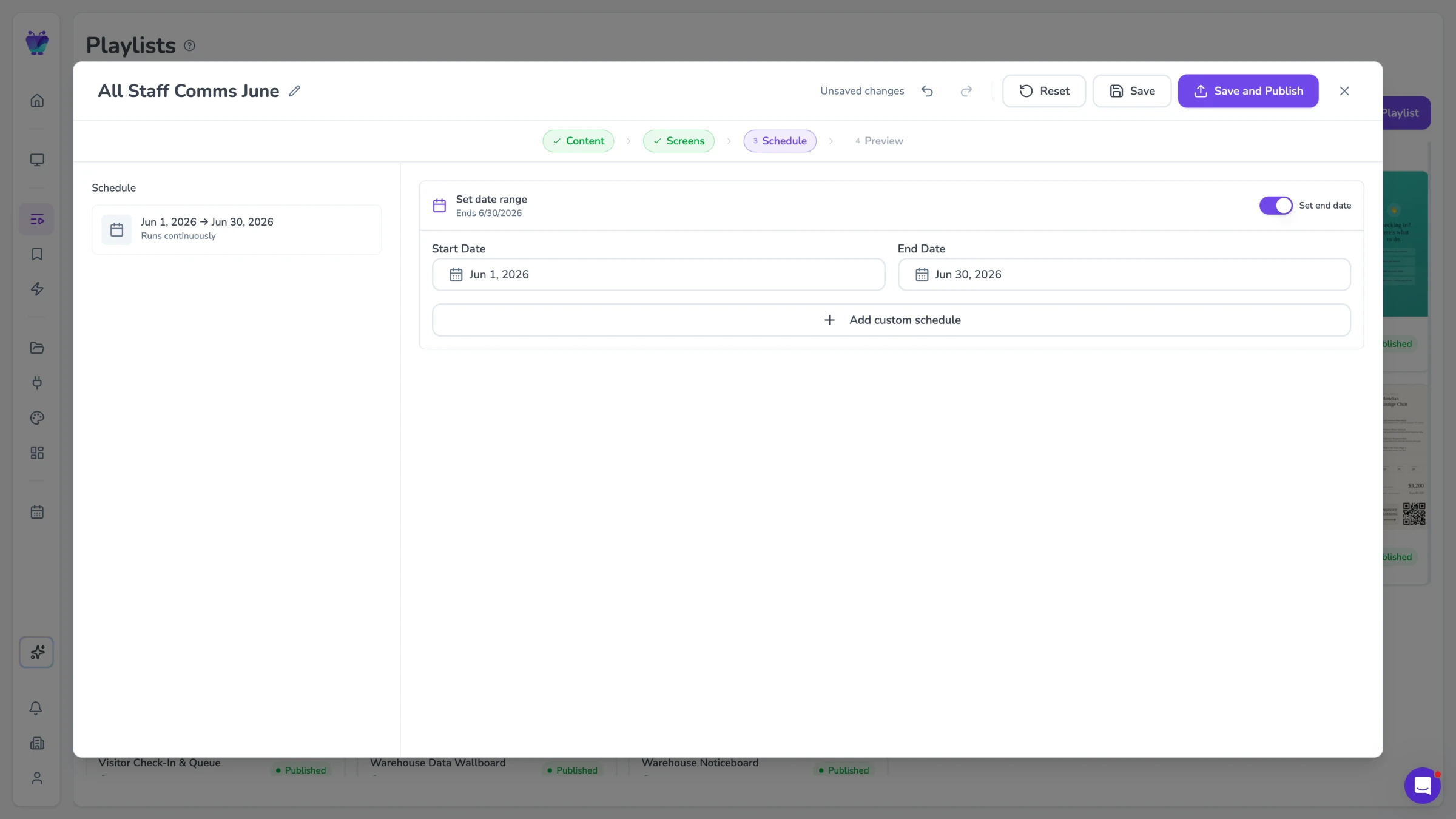
Set a property to feature on a specific screen for a specific window — Saturday morning, 10–4, only the front-of-house display — and Fugo handles the change automatically. When the event ends, the screen returns to its normal rotation. No reminders, no agents calling the office to flip content, no signage left up for the wrong listing.
- Per-property scheduling windows
- Auto-return to default content
- Branch and screen-level targeting
- No manual swap-over needed
Touch screen support
Fugo runs interactive content on any touch-enabled display. Build a kiosk experience in the Design Studio — search, filters, listing pages, contact forms — without writing a line of code. Sessions reset automatically after inactivity, so the next visitor always starts fresh, and every tap can be tracked in analytics so you know which listings get the most attention.
- Drag-and-drop interactive builder
- Auto-reset between visitor sessions
- Tap and dwell analytics
- Works on any touch-enabled display
Connects to the tools your team already uses
Pull listings from a spreadsheet, slides from Google, brand assets from your DAM, and reviews from the web — without rebuilding anything you already have.

Google slides
Business
Google Slides

Google Sheets
Business
Google Sheets

Canto
Business
Sync Canto collections to screens for dynamic, auto-updating displays
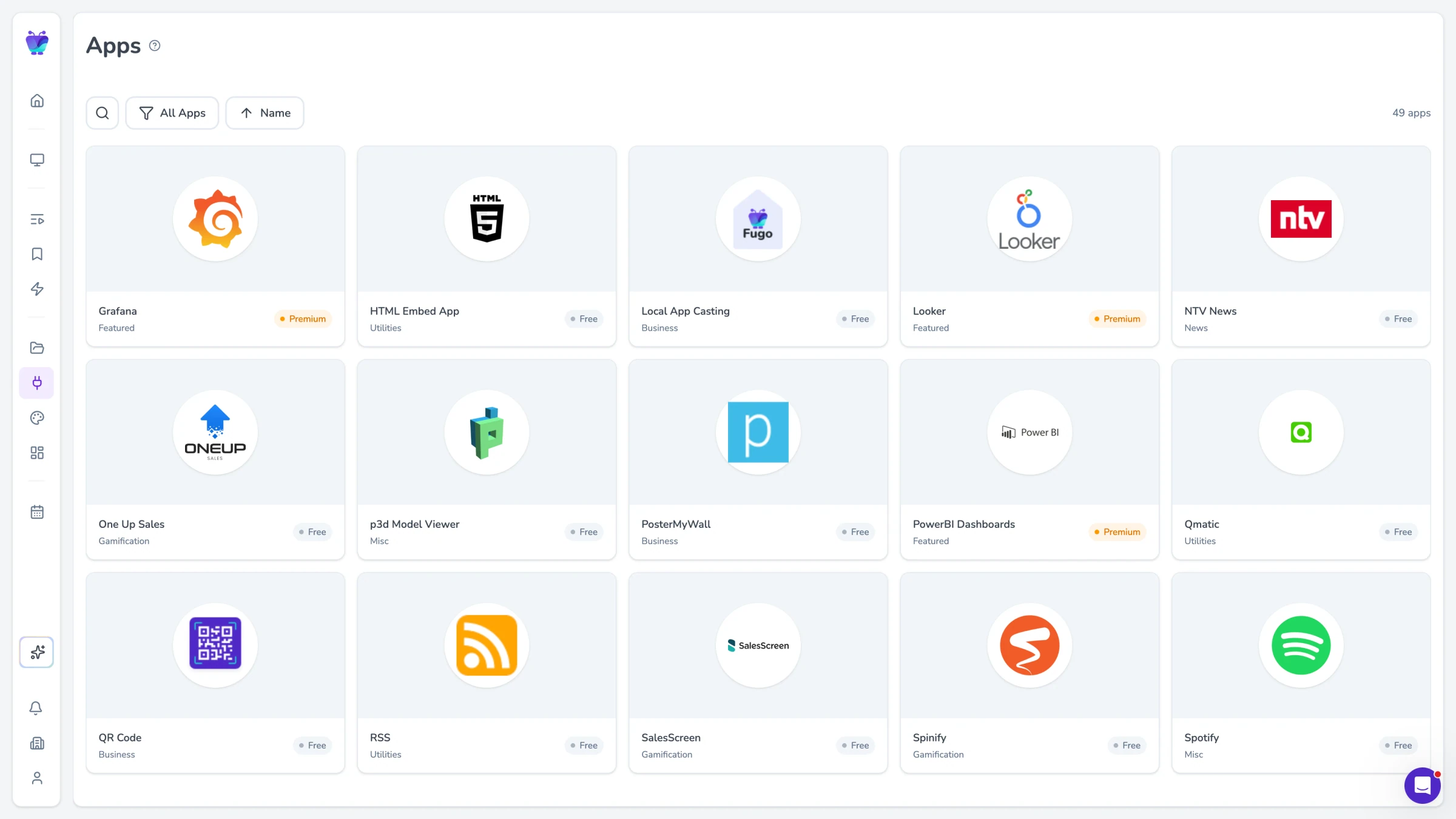
PosterMyWall
Business
PosterMyWall

YouTube
Featured
YouTube App

QR code
Business
QR Code

Walls.io
Social
Walls.io

Web page
Utilities
Showcase your website on screen
Real estate digital signage FAQs
Everything you need to know before rolling out screens across your agency.