

Grocery & supermarket digital signage software
Grocery store digital signage keeps prices and promotions current across aisles and stores, without relying on printed signs. Publish centrally, support local updates, and keep content consistent across every supermarket location.
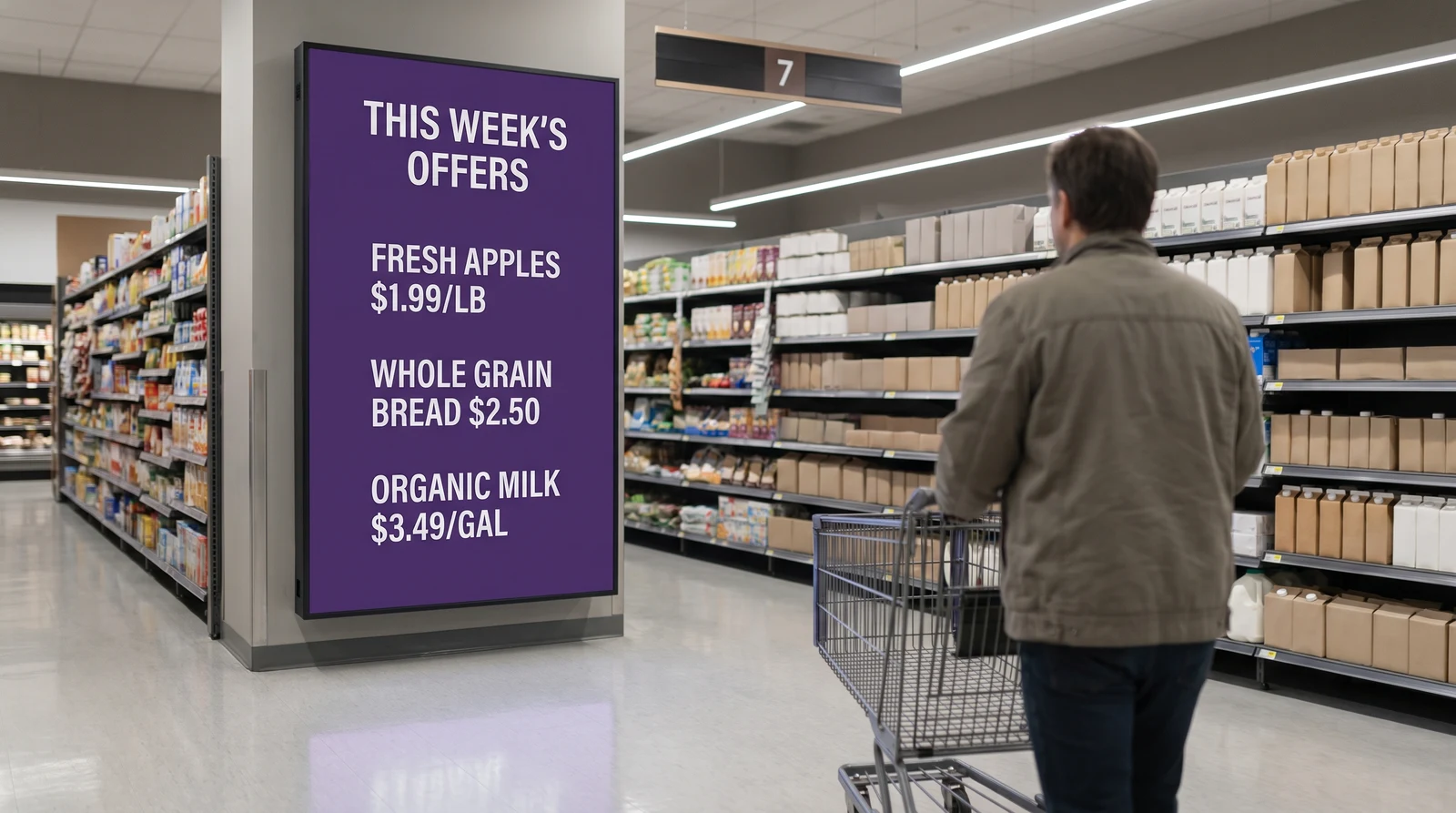
Common grocery screen setups
Grocery stores have unique signage needs at every touchpoint. Fugo gives you the flexibility to run the right content in every zone while managing it all from one central dashboard.
Keep pricing information current
Connect Fugo to your pricing system and have shelf-edge and aisle screens update automatically whenever a price changes. Eliminate the risk of displaying outdated prices and reduce the labour cost of manually updating printed shelf talkers across every aisle.
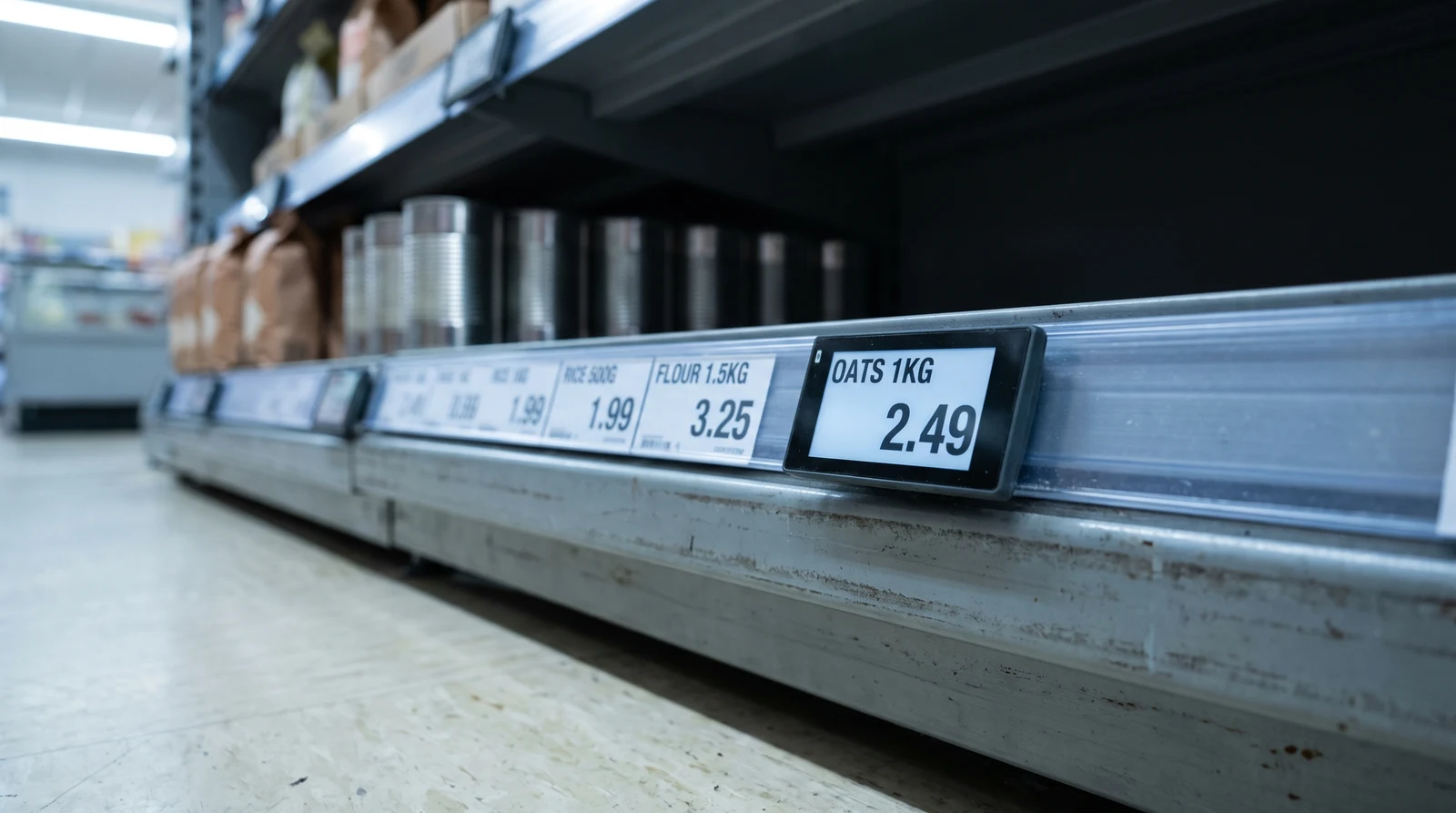
Grocery signage that scales across stores
Grocery moves faster than almost any other retail category. Fugo is designed for store managers and marketing teams who need to make changes in seconds — not IT teams.
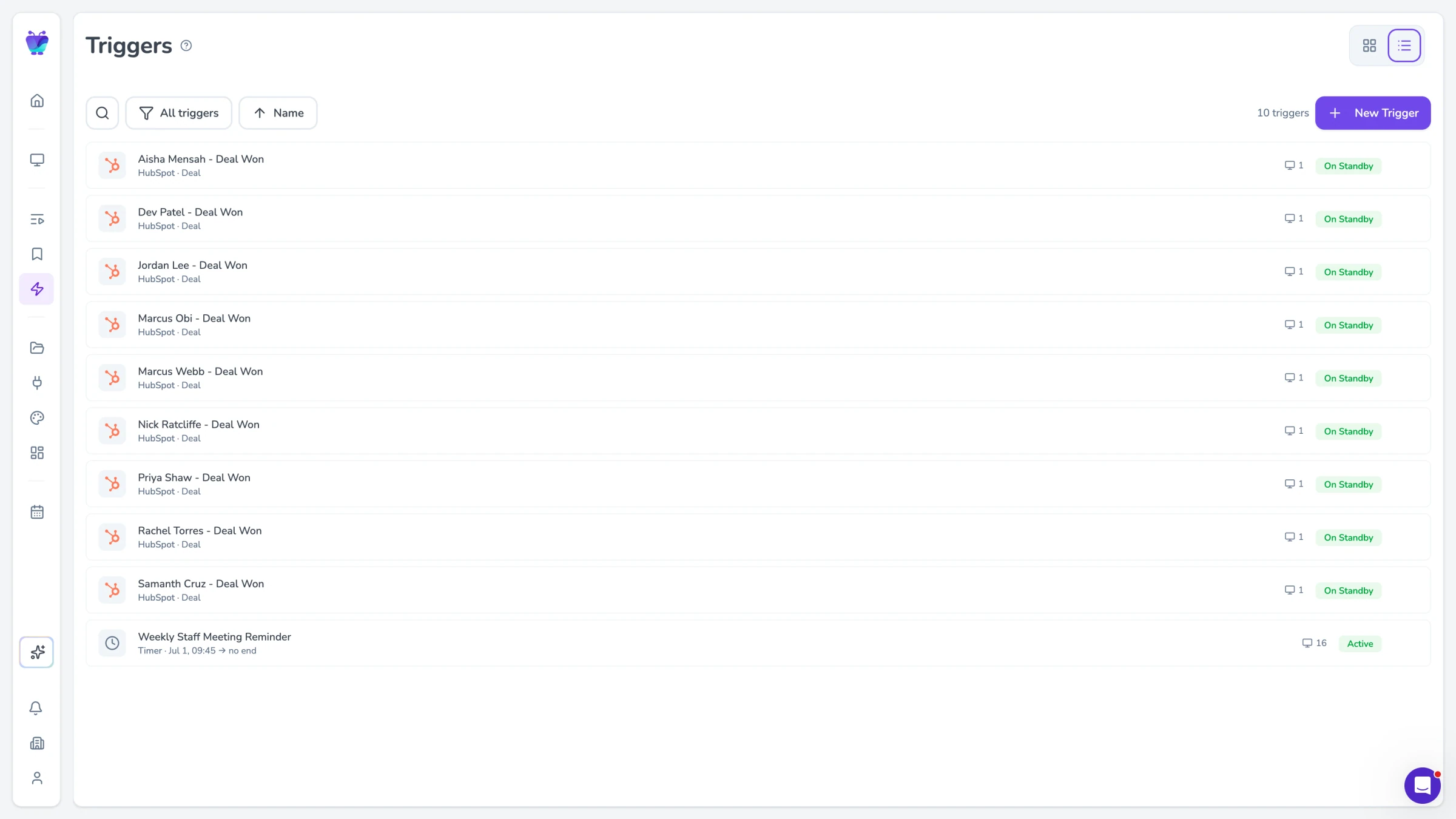
Role-based publishing and approvals
Connect Fugo to your pricing and inventory management systems to display real-time pricing and stock levels on shelf-edge and aisle screens. When a price changes or a product sells out in your system, the screen updates automatically — eliminating the risk of pricing errors and reducing labour costs.
- Direct API connectivity to pricing systems
- Real-time price and stock level updates
- Automated 'sold out' content switching
- Low-stock alert overlays to drive urgency
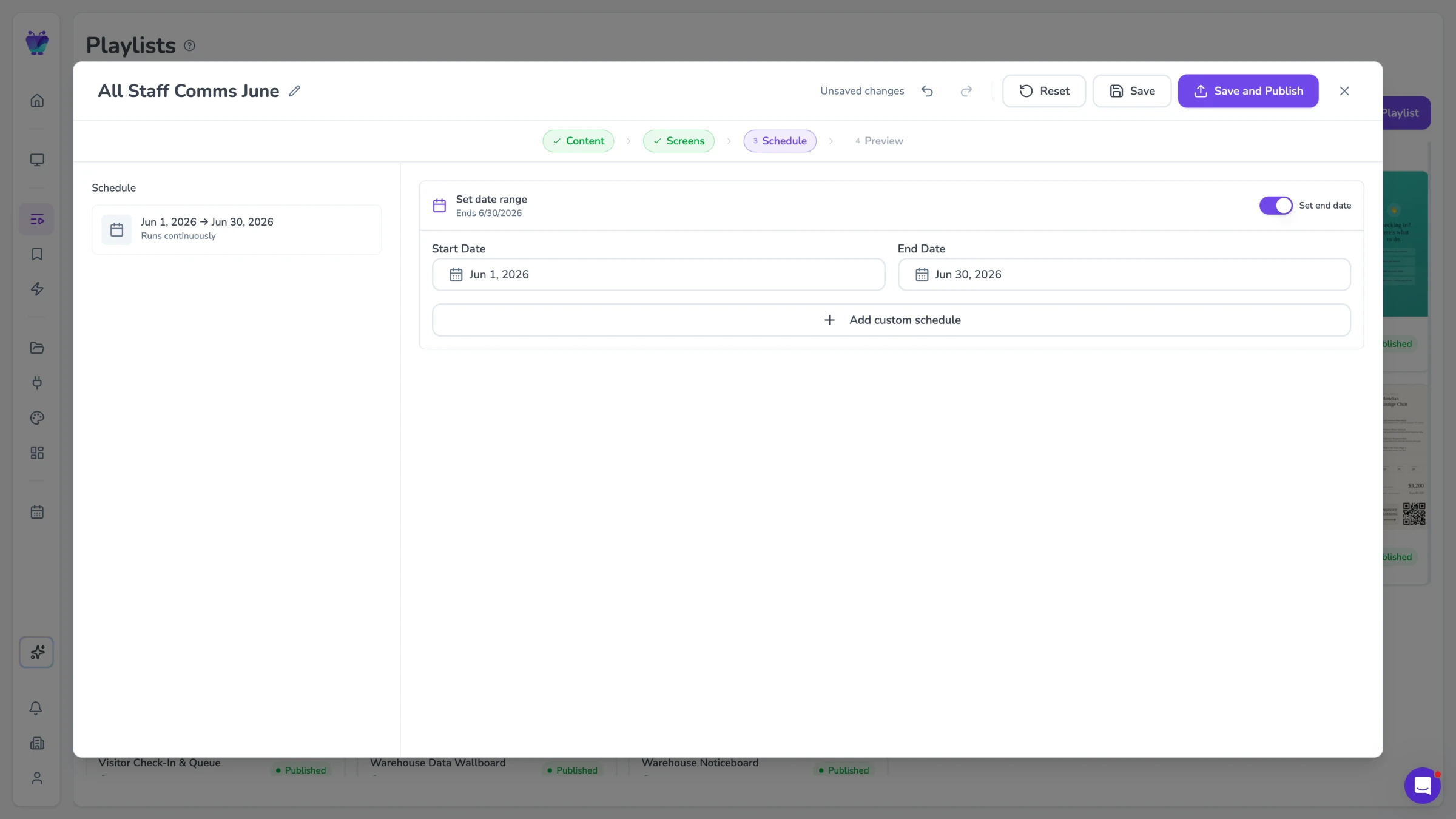
Scheduling for promotions and dayparts
Schedule different content to appear at different times of day across your fresh departments. Show breakfast items in the morning, lunch specials at midday, and end-of-day deals in the afternoon — all without any manual intervention from store staff.
- Time-of-day content rules per screen or zone
- Day-of-week scheduling for weekly specials
- Campaign start and end dates with auto-expiry
- Fresh department menu board management
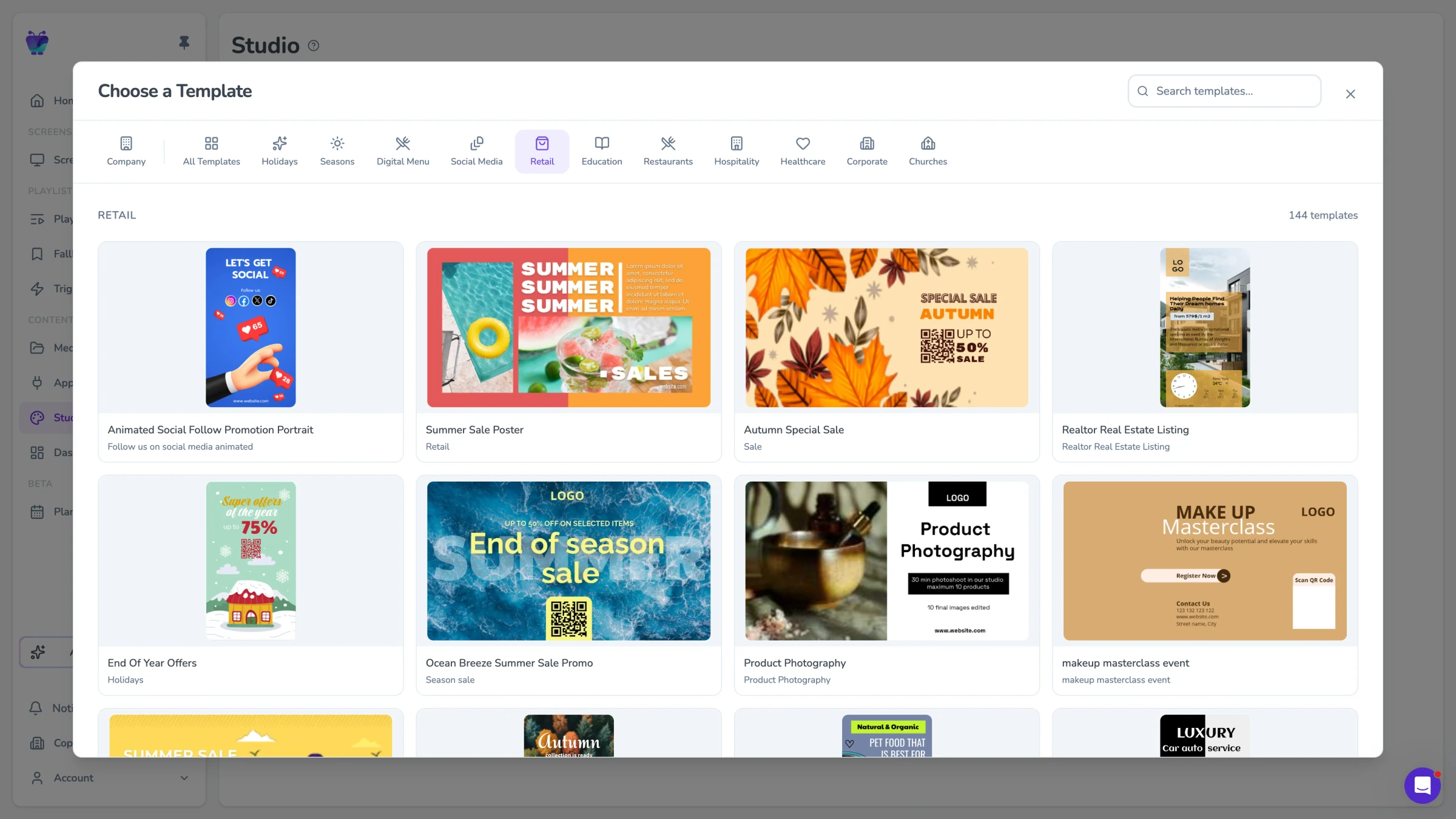
Templates for consistent formats
Manage content for every store in your network from a single dashboard. Push national promotions to every screen simultaneously, or target specific stores with regional offers. Store managers can update local content within boundaries set by head office.
- National and regional content streams
- Store-level content overrides
- Bulk schedule updates across all locations
- Per-store and per-screen performance analytics
Today's promos, live from the produce aisle to the deli counter
Fugo connects to the spreadsheets and content tools your team uses to manage daily offers, so aisle and department screens update as your promotions change without printed signs.

Digital menu
Business
Build responsive digital menu boards

Google slides
Business
Google Slides

Google Sheets
Business
Google Sheets
PosterMyWall
Business
PosterMyWall

Canto
Business
Sync Canto collections to screens for dynamic, auto-updating displays

Countdown
Misc
Count down live and in style
QR code
Business
QR Code

Google drive
Business
Google Drive
Grocery store digital signage FAQs
Everything you need to know before deploying digital signage across your supermarket or food retail locations.