

Gym digital signage for class timetables, live availability and member updates
Keep schedules accurate across studios, update content by location, and publish changes without staff needing to edit content during peak times.
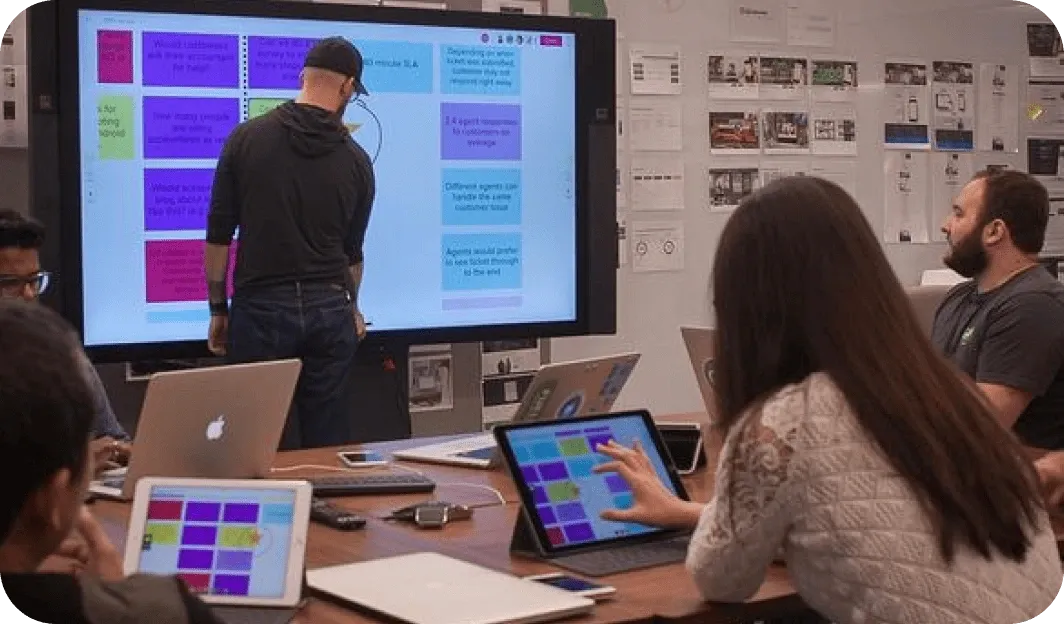
Common fitness screen setups
Fitness facilities have a wide range of communication needs across very different spaces. Fugo handles them all from one simple platform.
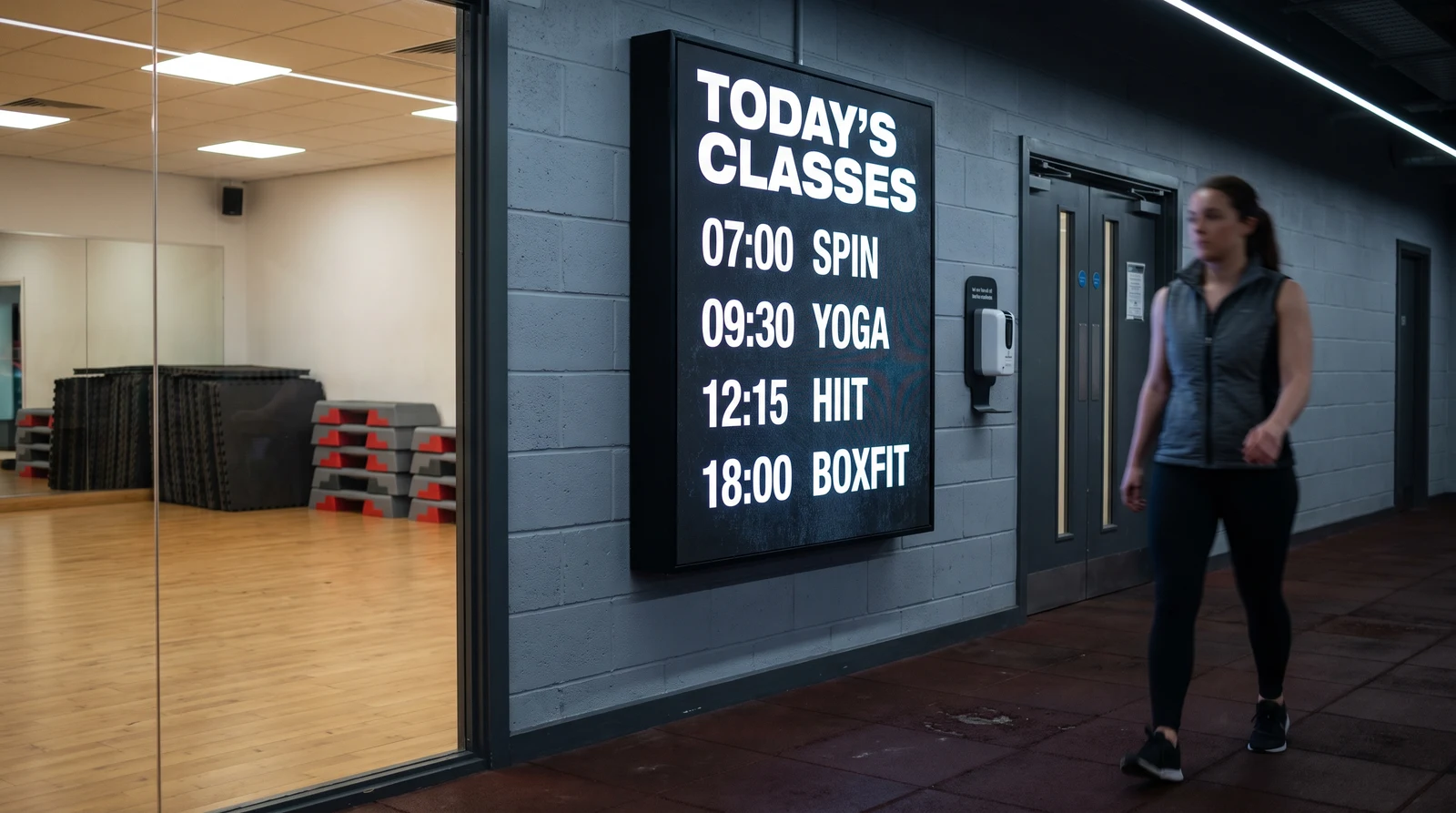
Publish timetables and changes
Display today's and this week's class timetable on screens throughout your facility — at reception, on the gym floor, outside studios, and in changing rooms. Connect Fugo to your booking platform or Google Sheets so the schedule updates automatically when classes are added, cancelled, or fully booked. Members always see accurate, live information.
Screens that work across studios and locations
Fugo is built for facilities where the vibe matters as much as the information. Create high-energy content, sync with your booking systems, and keep every screen on-brand without needing a designer on staff.
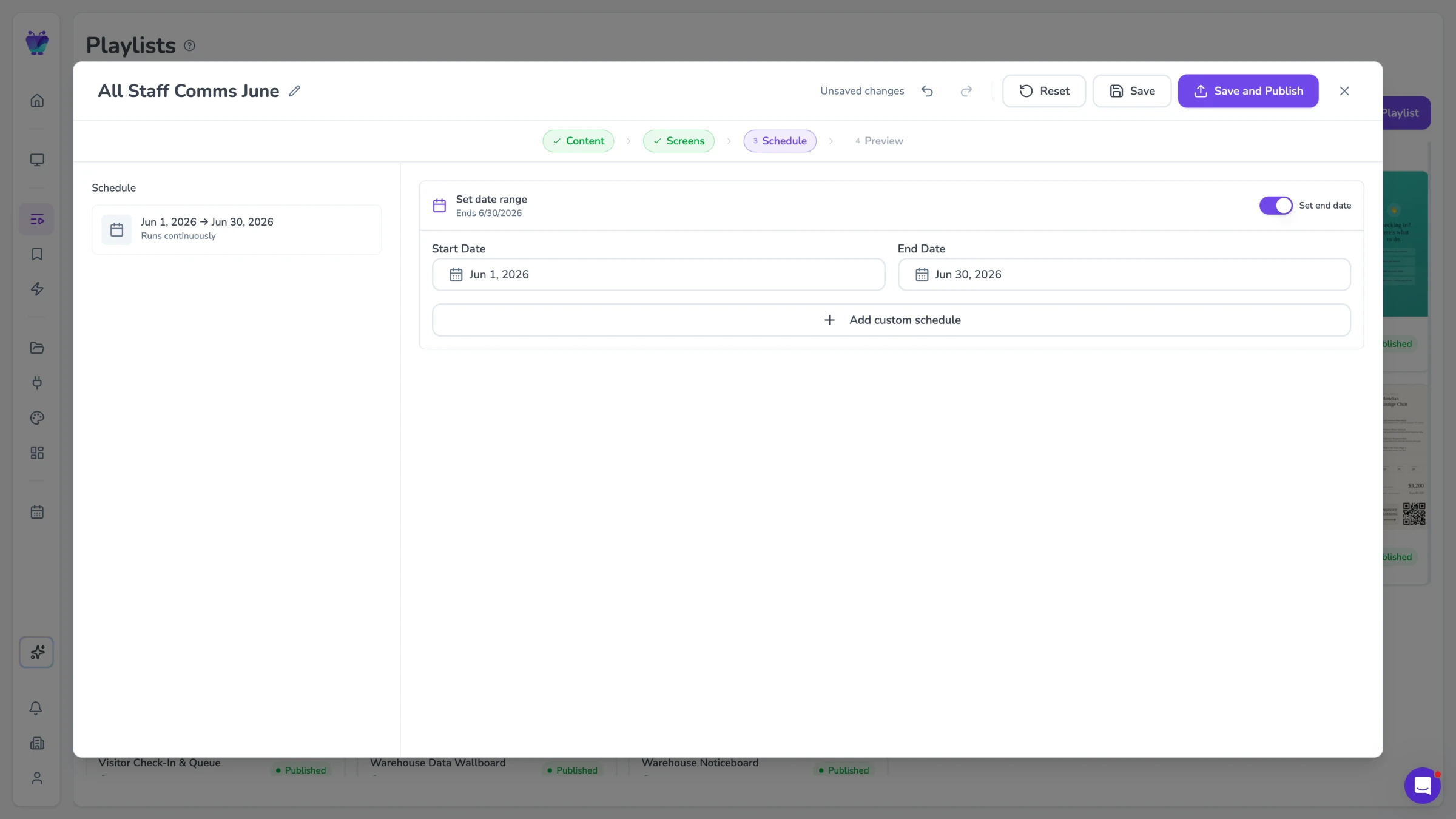
Scheduling for recurring content
Connect Fugo to your class booking system or manage schedules via Google Sheets or Airtable. When a class fills up, gets cancelled, or a new session is added, your screens update automatically. Members see live availability without staff needing to manually update any displays.
- Google Sheets and Airtable schedule sync
- Automatic class availability updates
- Cancelled class alerts on screens
- Upcoming class countdown timers
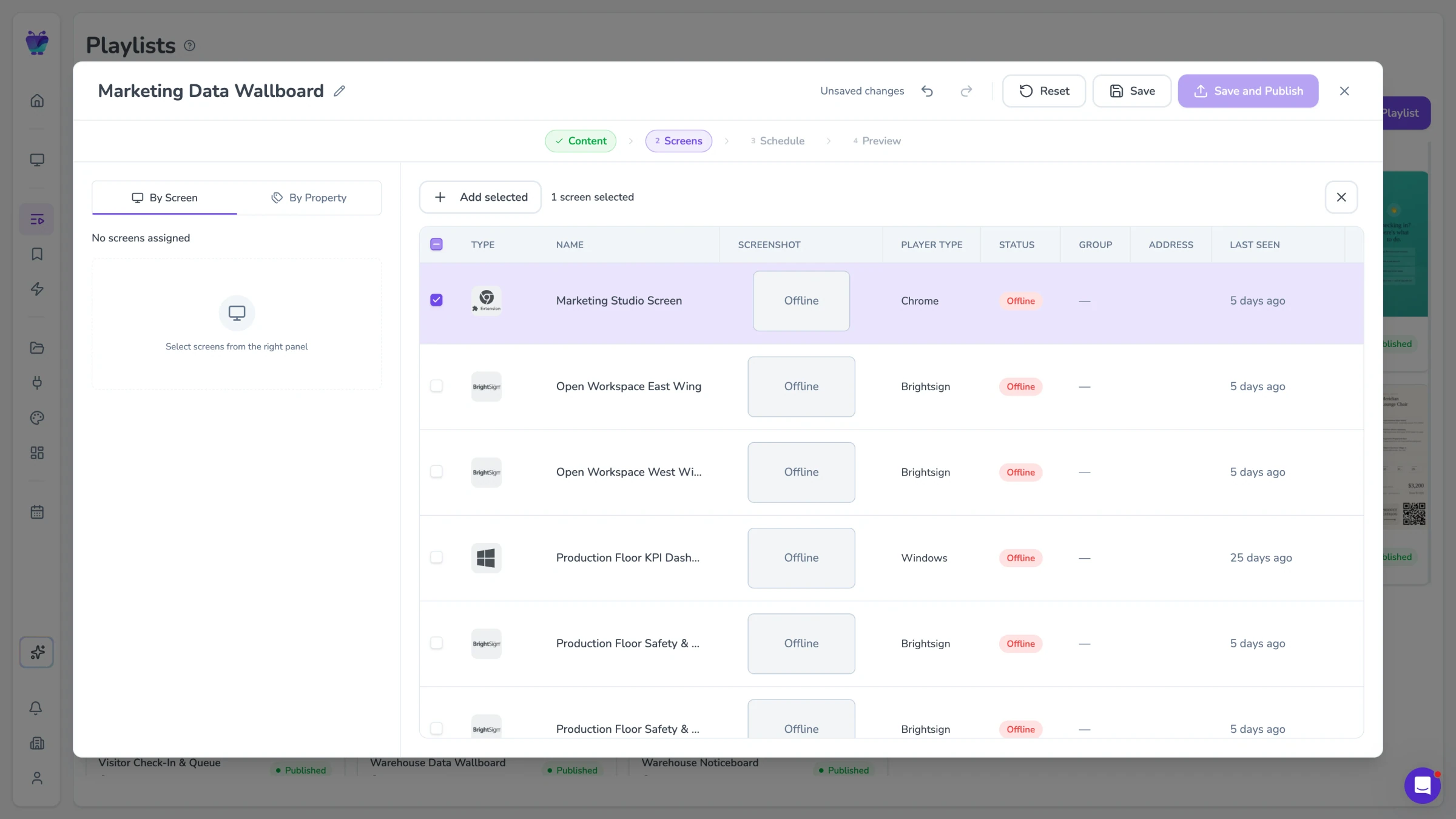
Zone-based publishing by room or area
Different areas of your gym need different content. The weights room needs motivation. The studio entrance needs the class schedule. Reception needs promotions and announcements. Fugo lets you assign specific content to specific screen zones and schedule it to change automatically throughout the day.
- Per-zone content assignment
- Time-of-day content scheduling
- Peak and off-peak content variations
- Emergency override for all zones simultaneously
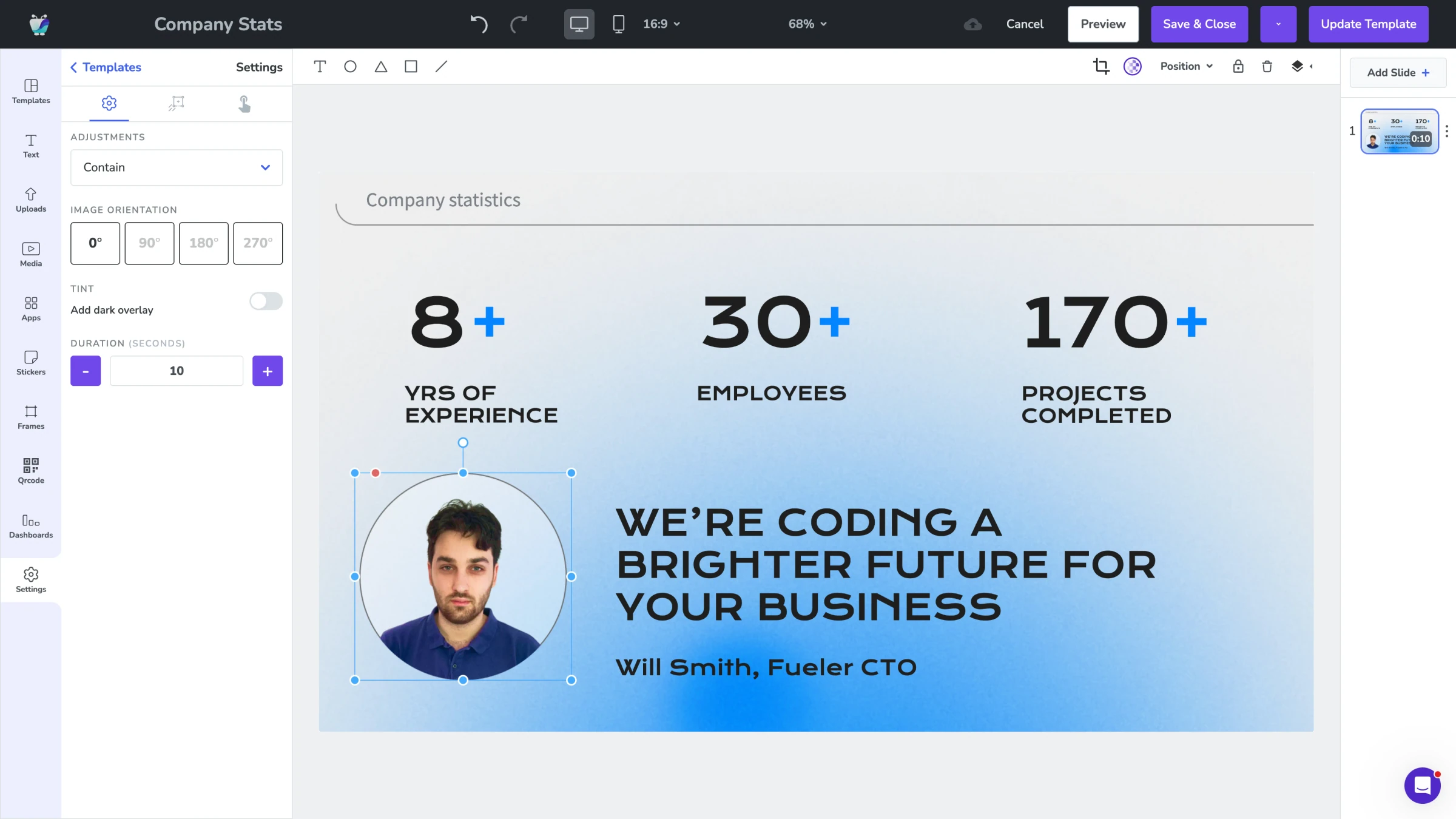
Templates for consistent formats
Fugo includes a library of fitness-specific templates designed to match the energy of a gym environment. Bold typography, dynamic layouts, and high-contrast designs that look great on screens in bright, high-activity spaces. Customise with your brand colours and you're ready to publish in minutes.
- Fitness-specific template library
- Bold, high-contrast screen designs
- Class schedule and timetable layouts
- Motivation and achievement board templates
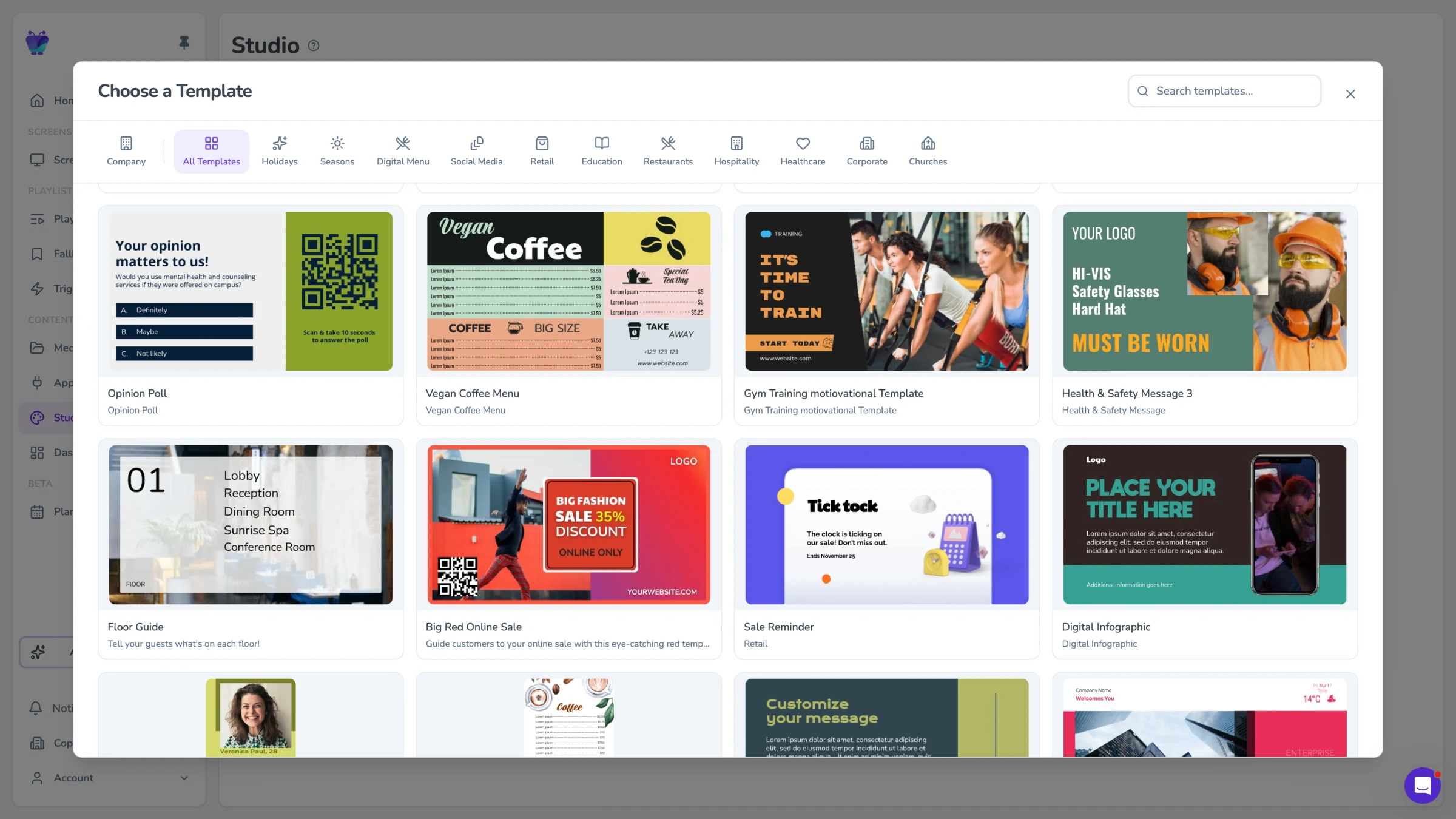
Motivate members and celebrate milestones
Recognition keeps members coming back. Show personal bests, challenge leaderboards and milestone shout-outs on your gym screens, then refresh them in minutes with ready-made Design Studio templates. Pick a layout, drop in the names and numbers, and publish — no designer needed.
Personal best and PR shout-outs
Challenge leaderboards that update as results come in
Milestone badges for 50, 100 and 250 classes
On-brand layouts you edit in Design Studio
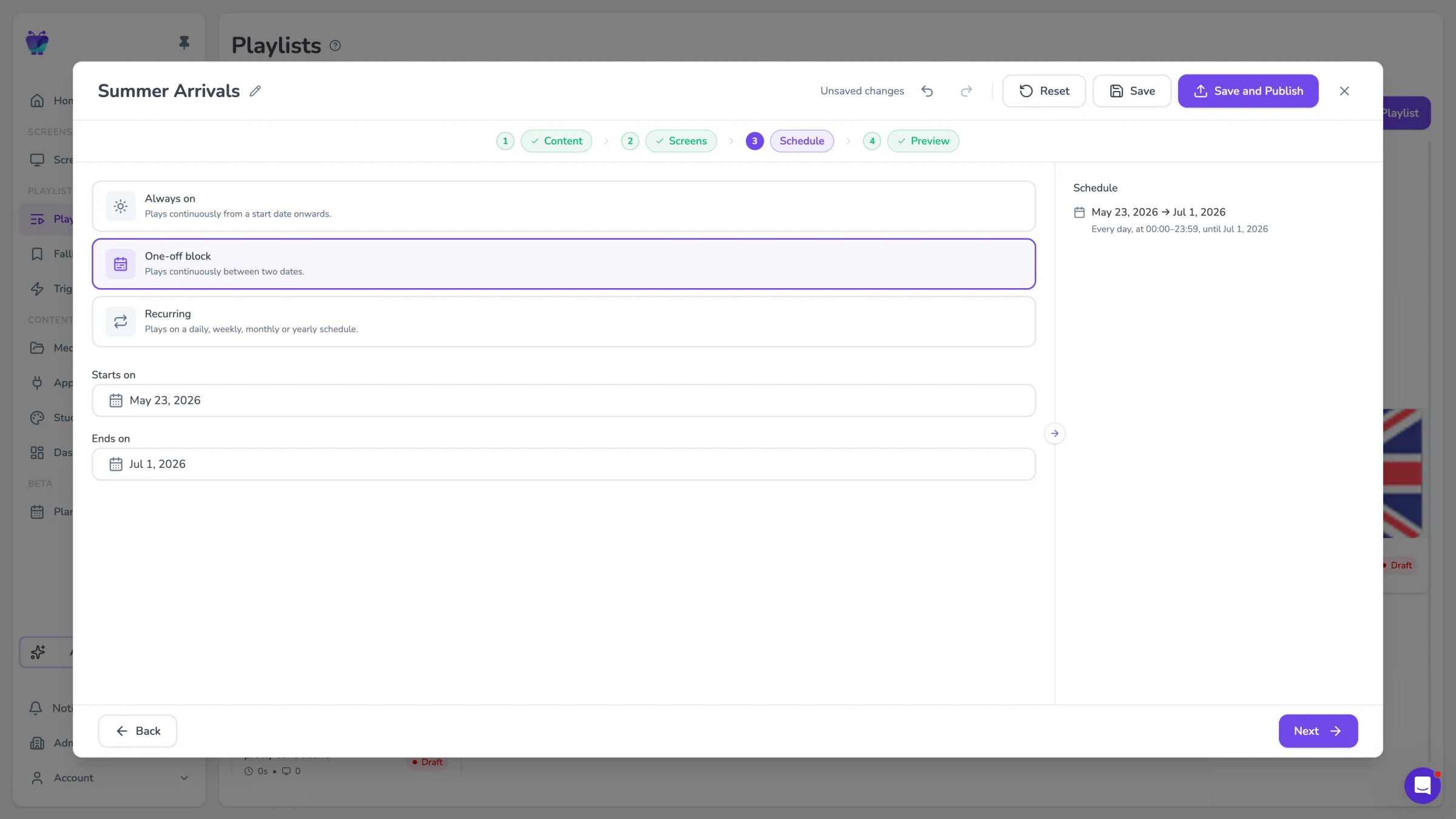
Promotions, PT upsells and member offers
Turn quiet screens into revenue. Digital signage for gyms is a promotion channel too — push personal training packages, class add-ons, supplement deals and joining offers, then swap the creative by location and time of day. Schedule morning offers for early risers and evening offers after work, all from one dashboard.
Day-parting so offers match who is in the building
Different creative per site or studio zone
Promote PT packages and class upgrades
Book campaigns ahead with start and end dates
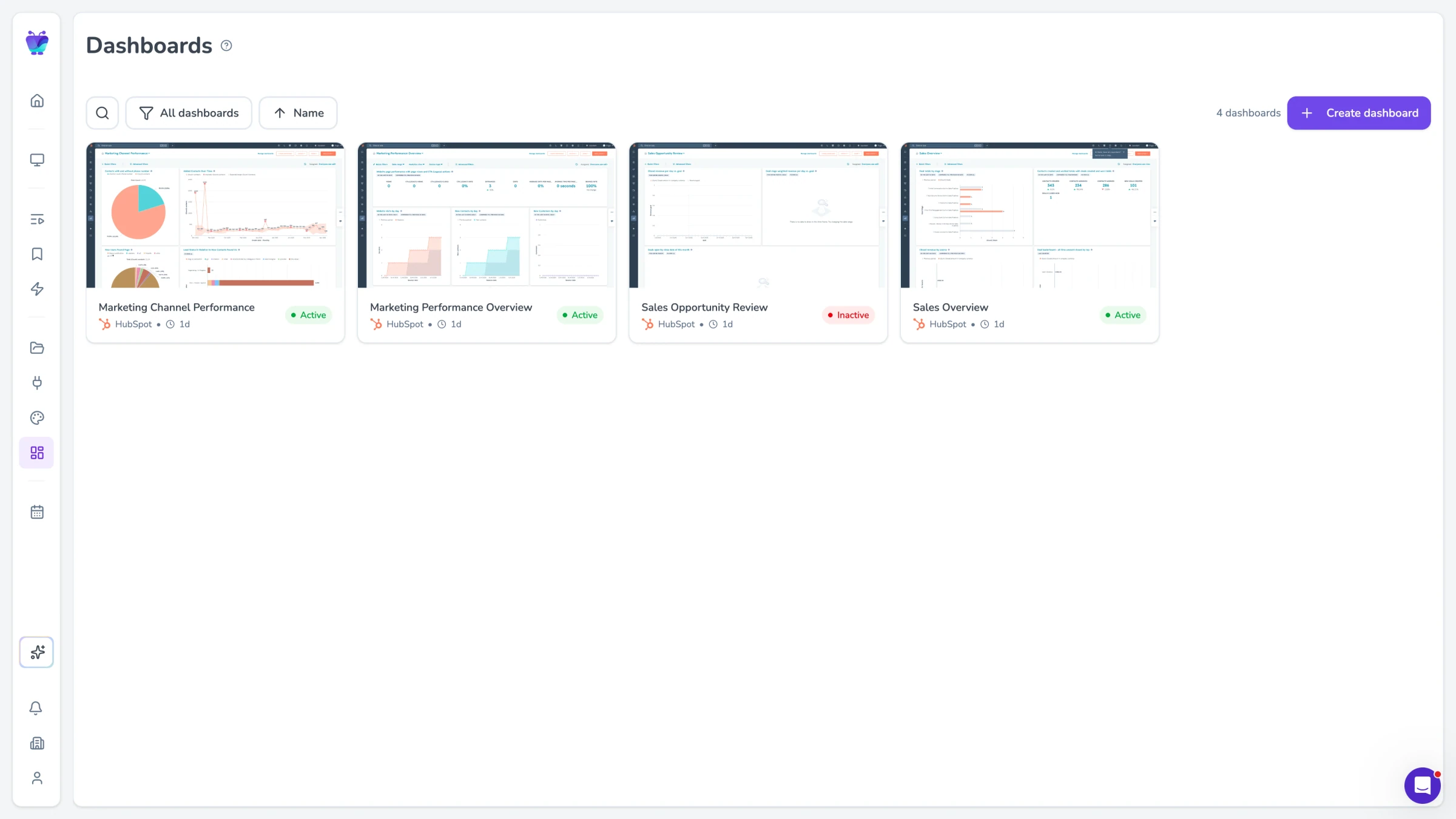
Occupancy and KPI dashboards at reception
Give your front desk a live view of the club. With Fugo TV Dashboards you can put occupancy, class fill rates and daily targets on a reception screen that refreshes on its own. Staff see what is busy, what needs filling and how the day is tracking, without opening a laptop.
Live occupancy and class fill rates
Daily and weekly targets at a glance
Auto-refresh, with no manual updates
Connect the BI tools your team already uses
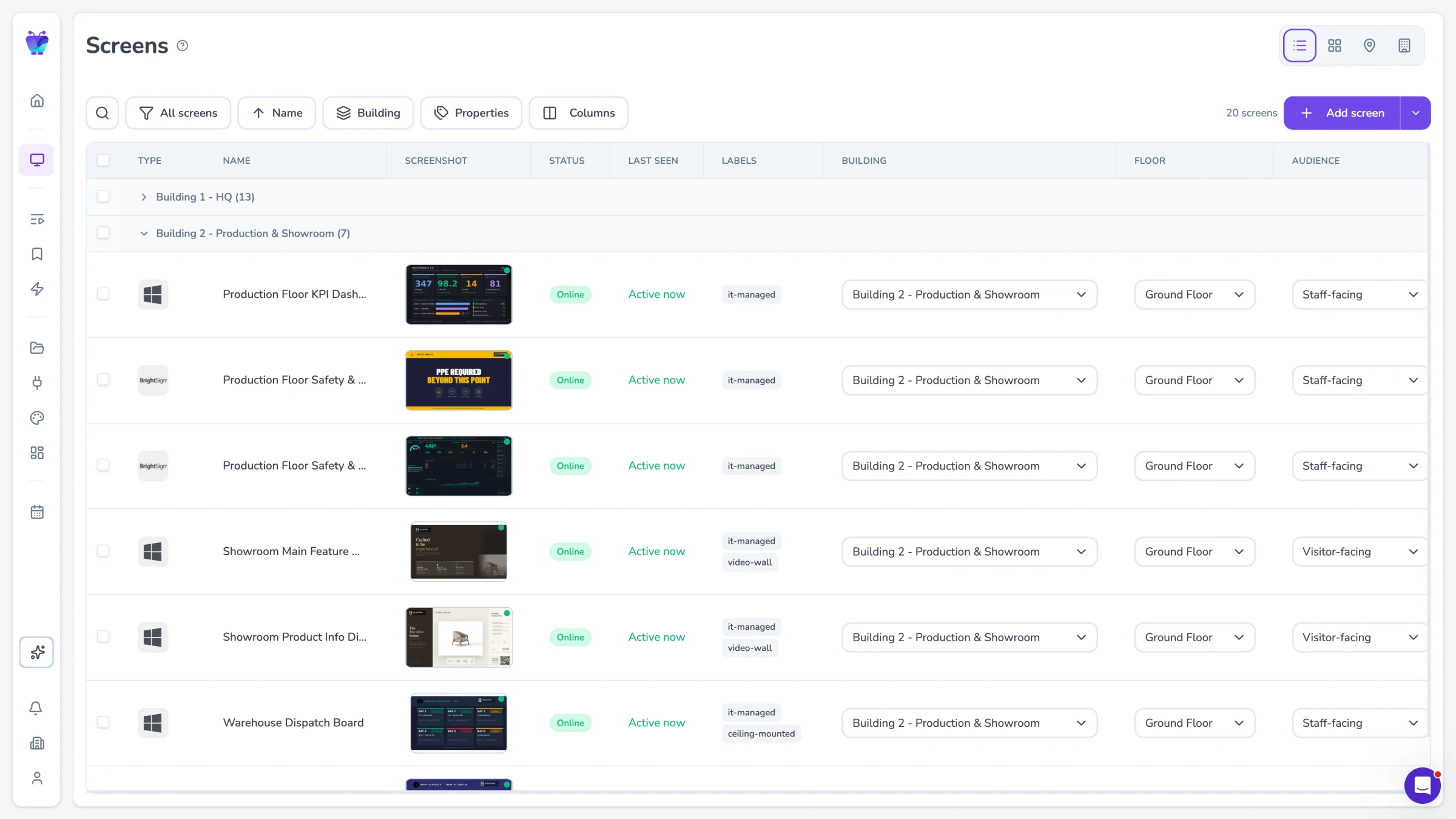
Manage every site from one place
Running more than one gym? Publish to every location from a single dashboard. Lock brand templates so local teams stay on-brand, split control between head office and local zones, and monitor screens remotely so you know they are online and playing the right content.
Brand-locked templates for consistent sites
Head-office and local publishing zones
Remote monitoring of every screen
Group screens by site, property or player type
Your schedule, your coaches, your community
Fugo connects to the tools your team uses to manage classes and content, so members always see what's on, who's teaching, and what's coming up across every studio.
Google calendar
Misc
Display your Google Calendar in style
Google slides
Business
Google Slides

Countdown
Misc
Count down live and in style

YouTube
Featured
YouTube App

Fugo social wall
Social
Create a custom live social media wall for your screens!

Walls.io
Social
Walls.io

Canto
Business
Sync Canto collections to screens for dynamic, auto-updating displays
Fitness digital signage FAQs
Everything gyms and fitness centres ask before deploying Fugo across their facilities.