

Fugo

PosterMyWall integration for digital signage

From digital menus to event notices & sale ads, PosterMyWall is where to go to create digital posters customized for your business. And Fugo is where to go to get them up on your digital signage displays in a snap.
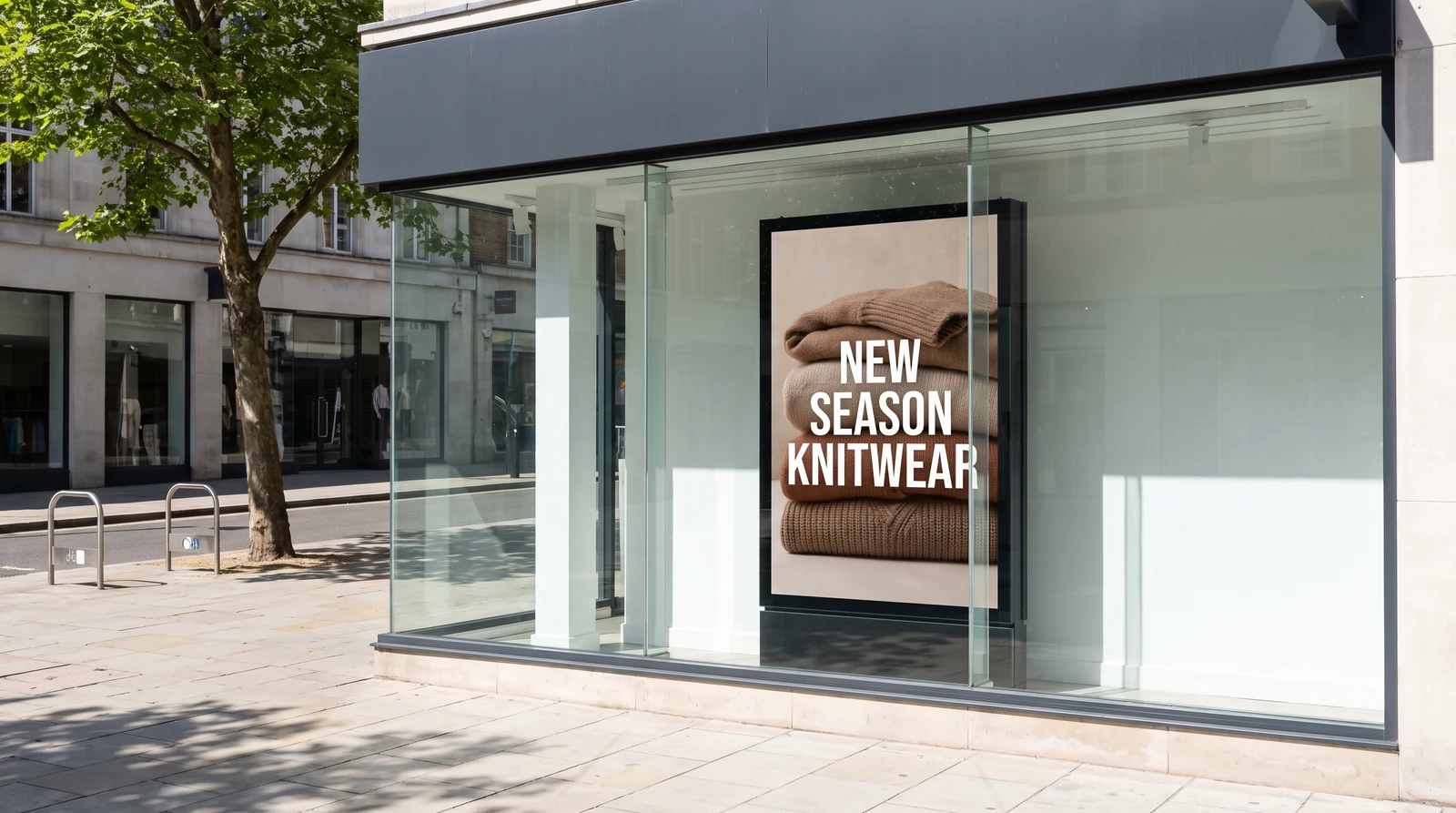
Hero image
Graphic designer editing a promotional poster in Photoshop on a desktop screen at a studio desk
THE CHALLENGE

Going live with your digital posters is harder than IT should be

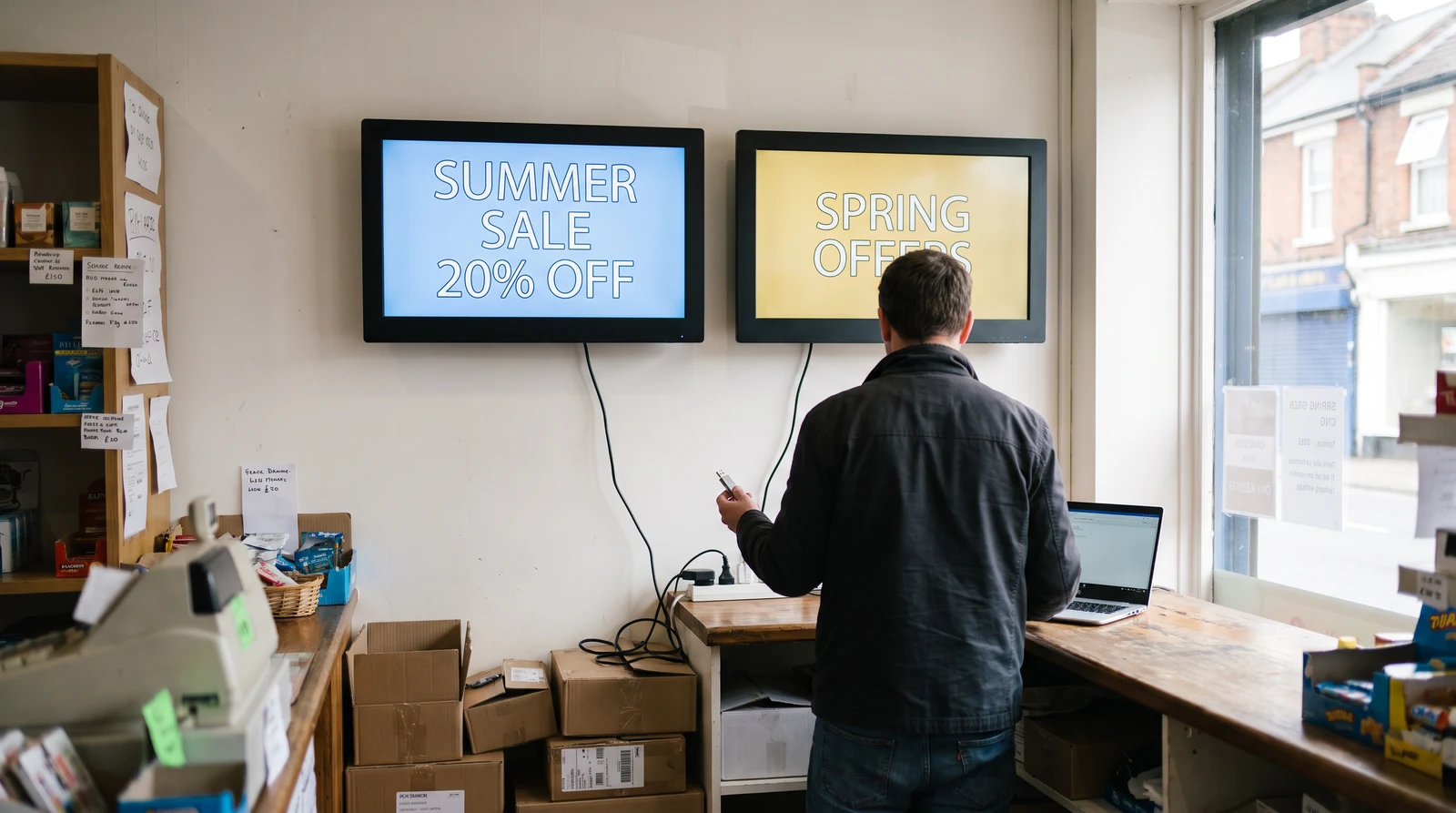
Most teams still create posters in one tool and manage screens in another. They either:

  • Export digital poster files every time something changes

  • Upload the same poster across multiple screens manually

  • Rebuild designs just to match screen orientation

  • Lose track of which poster version is live

  • Turn simple promotions into ongoing file management

THE SOLUTION

A digital poster maker integration built into Fugo

PosterMyWall is a digital poster maker with thousands of templates. Connect your account to Fugo and display those designs directly on your TV screens.
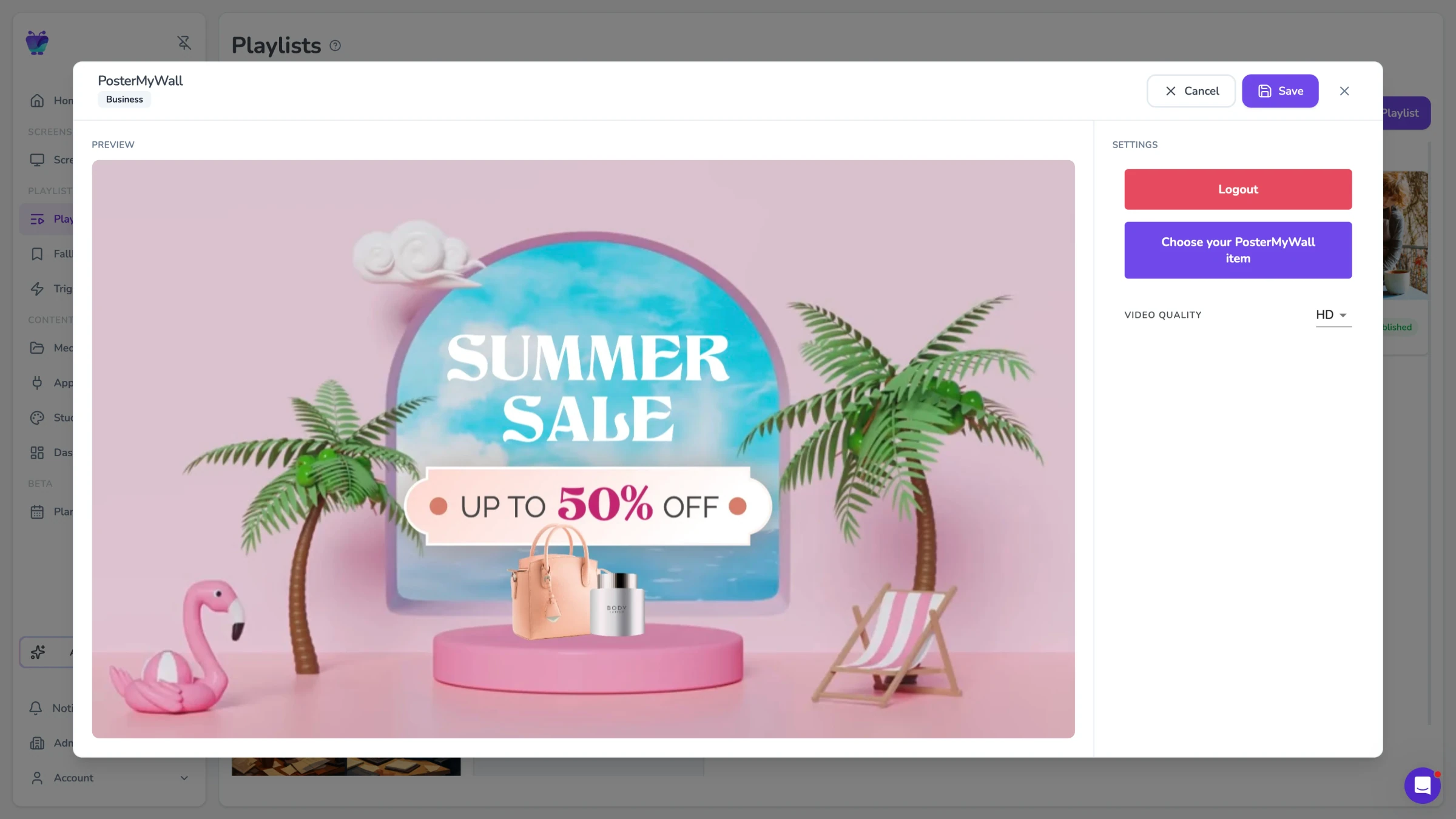
Fugo CMS PosterMyWall app settings modal previewing a Summer Sale poster design ready to publish to screens

Template-based design

Create digital posters quickly using PosterMyWall's template library

Direct posterMyWall connection

Access and select your PosterMyWall designs from inside Fugo

Screen-ready publishing

Send posters to one screen or every location from a single place

FEATURES

What can you do with the posterMyWall app?

PosterMyWall designs can be selected, scheduled, and deployed to your screens directly from Fugo.
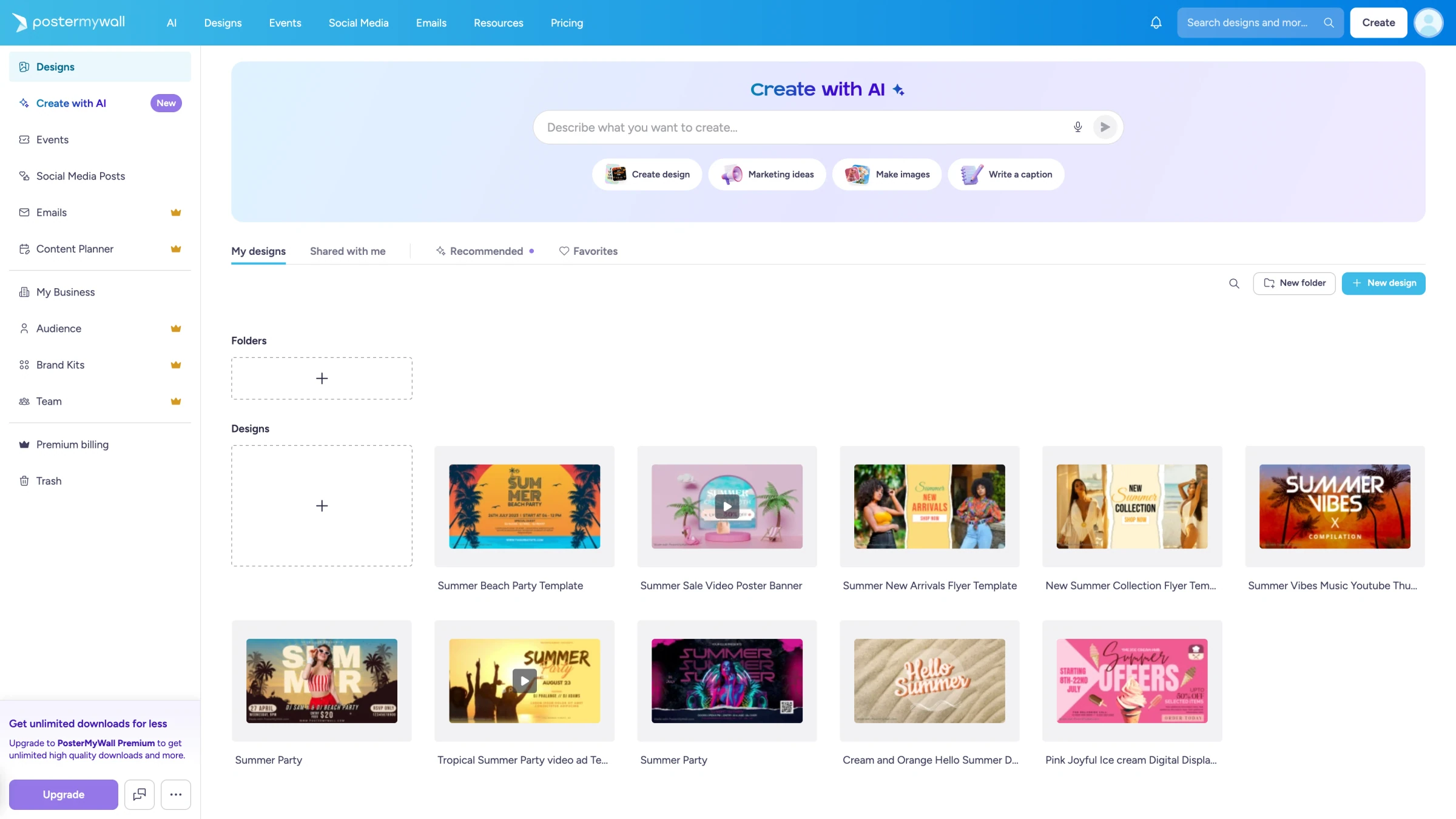
PosterMyWall design library showing folder of saved summer sale, event flyer, and seasonal poster templates
POSTER SELECTION

Choose designs from your posterMyWall library

Browse and select digital posters from your PosterMyWall account without downloading or uploading files.

  • Access your saved PosterMyWall designs
  • Preview posters before adding them to screens
  • Select the poster you want to display
  • Swap posters without replacing media files
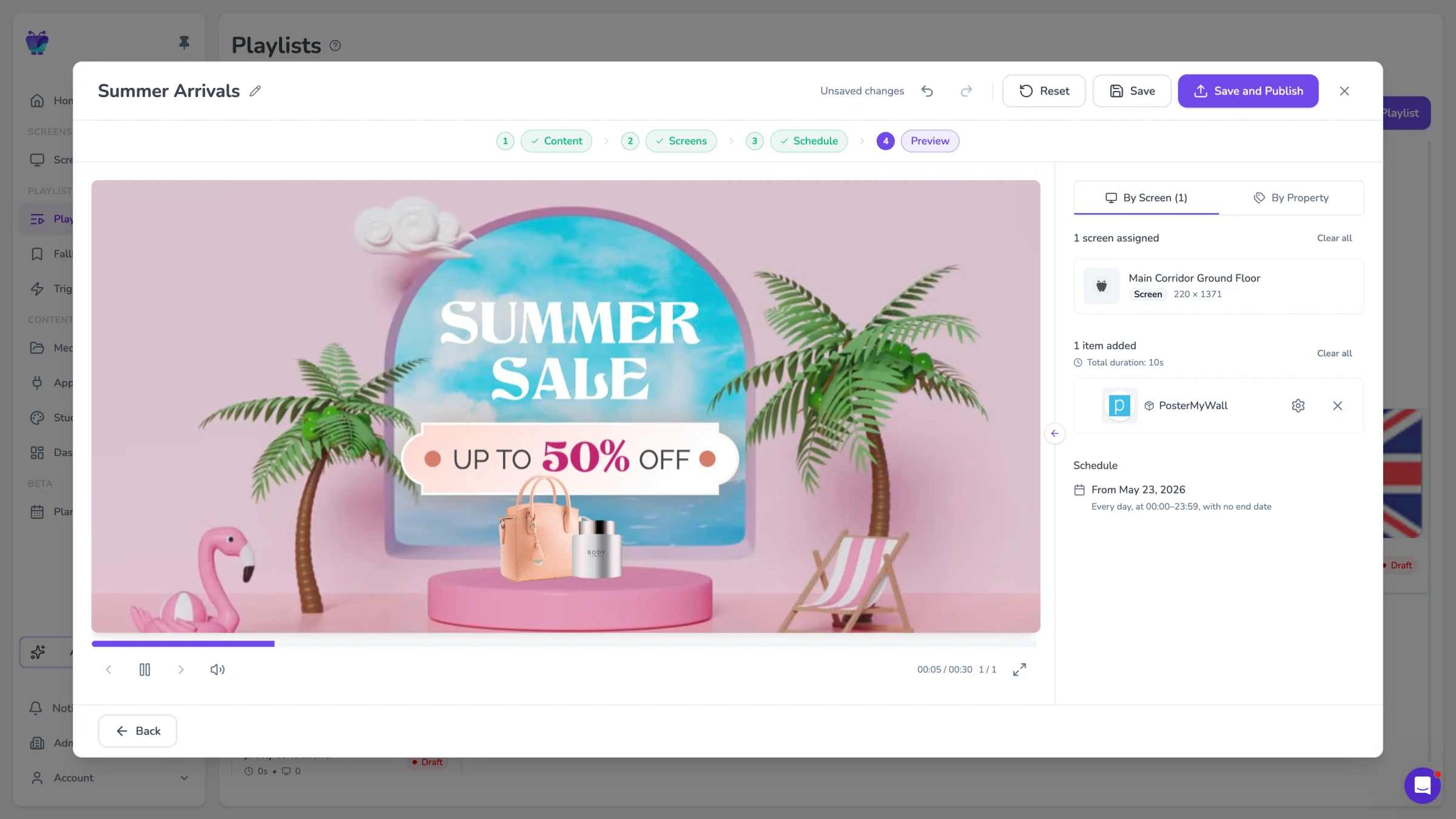
Fugo CMS playlist preview showing a PosterMyWall Summer Sale design assigned to a screen alongside other content
PLAYLIST INTEGRATION

Add digital posters to your screen playlists

PosterMyWall designs behave like any other content source inside Fugo.

  • Rotate posters alongside videos and other content
  • Add posters to existing playlists
  • Display promotions between other screen content
  • Control how long posters appear on screen
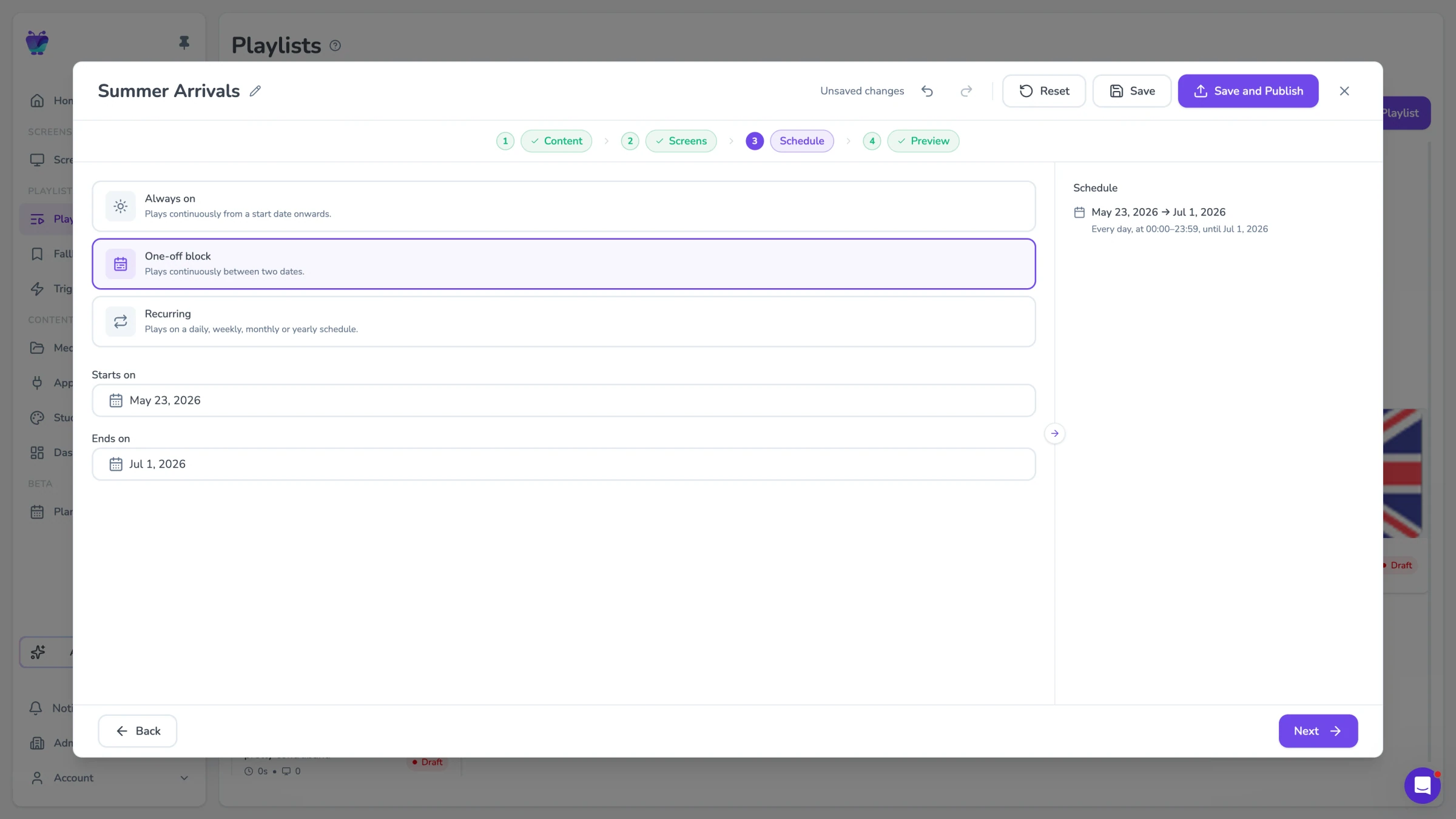
Fugo CMS playlist schedule step showing one-off block dates from May 23 to Jul 1 for a Summer Arrivals campaign
SCREEN SCHEDULING

Control when posters appear on your screens

Use Fugo's scheduling tools to decide when and where posters display.

  • Schedule posters for specific dates or campaigns
  • Run promotions during certain hours
  • Display different posters across locations
  • Update screen content without rebuilding designs
USE CASES

When you need fast, consistent digital posters

PosterMyWall works best where teams need to update promotions, announcements, or menus quickly without redesigning content for every screen.

Retail stores

Promote products and seasonal campaigns across store screens without redesigning graphics for every location.
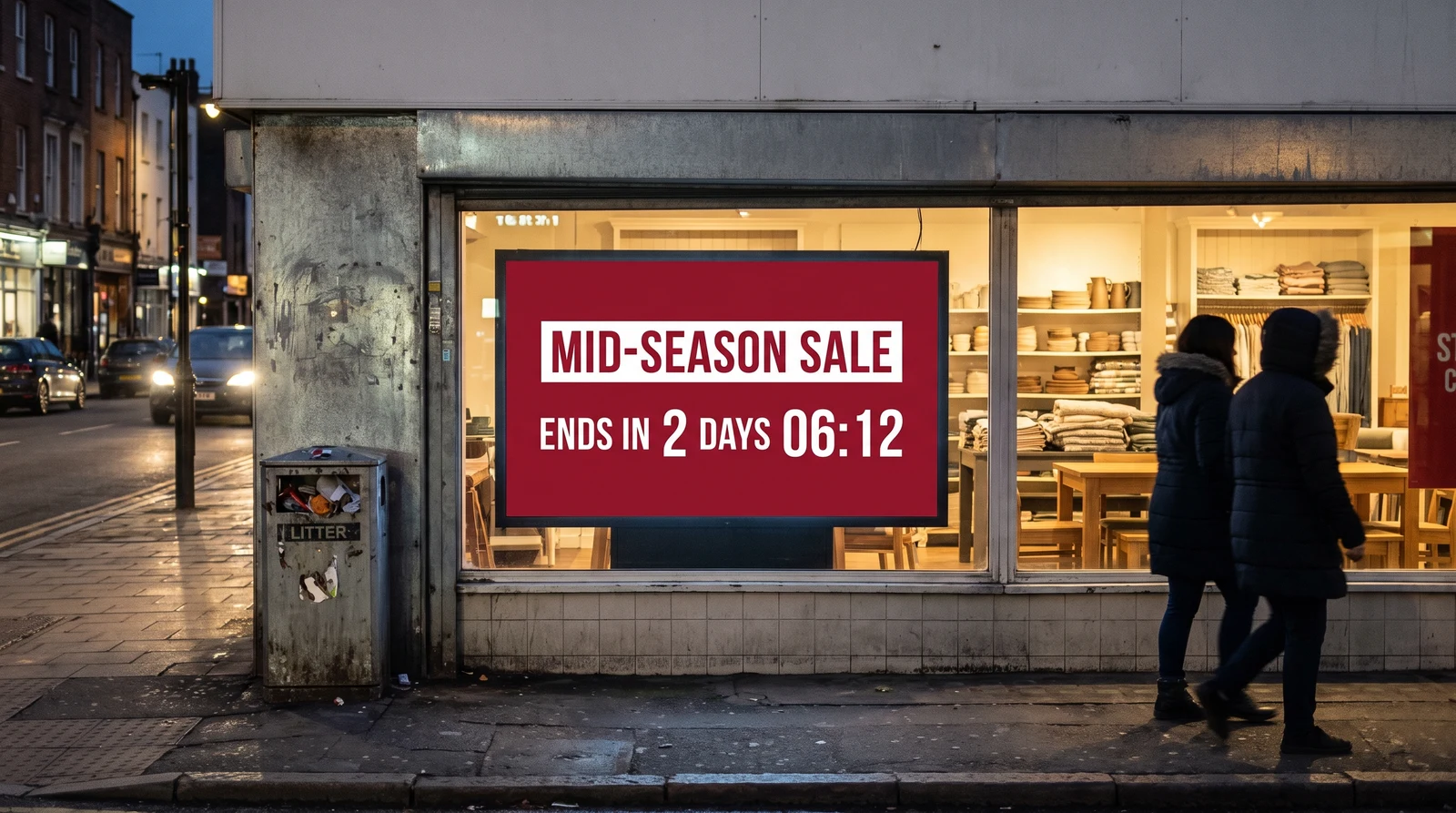
Flash salesNew product launchesSeasonal promotionsIn-store announcements
Shoppers walking past a clothing store storefront window with a portrait digital poster advertising a Huge Sale at 70% off

Frequently asked questions

What is a digital poster?

A digital poster is a graphic designed to appear on screens instead of printed paper posters. Businesses use digital posters to display promotions, announcements, menus, event information, and other messages on digital signage displays.

Unlike printed posters, digital posters can be updated instantly across multiple screens. This allows teams to change promotions, announcements, or schedules without reprinting materials.

Digital posters are commonly used in retail stores, restaurants, offices, schools, and public venues where screens are used to communicate with customers, visitors, or employees.

What is posterMyWall?

PosterMyWall is an online digital poster maker used to create promotional graphics, announcements, and marketing visuals. It includes a large library of templates, stock images, and design tools that make it easy to create professional posters without design software.

Many organizations use PosterMyWall to create content for social media, email campaigns, events, and digital signage displays.

How does posterMyWall work with Fugo digital signage?

Fugo includes a PosterMyWall app that connects directly to your PosterMyWall account. Once connected, you can select designs from your PosterMyWall library and display them on your digital signage screens.

Instead of downloading poster files and uploading them manually, you can choose a PosterMyWall design inside Fugo and add it to a screen, playlist, or layout. This keeps the workflow simple and makes it easier to update screen content when designs change.

Do I need a posterMyWall account to use the integration?

Yes. You need a PosterMyWall account in order to create designs and access them from Fugo.

PosterMyWall offers free & paid subscription tiers depending on the templates, media, and features you want to use.

Is the posterMyWall integration included in Fugo pricing plans?

Yes. The PosterMyWall integration is included on all three Fugo pricing plans.

You can connect your PosterMyWall account and display designs on your screens without purchasing an additional Fugo feature. However, PosterMyWall has its own subscription tiers for creating and downloading designs, so you may need a PosterMyWall plan depending on how you use their service.

What types of content can I create with a digital poster maker like posterMyWall?

PosterMyWall can be used to create many types of digital poster content for screens, including:
- Retail promotions
- Event announcements
- Restaurant menu boards
- Seasonal campaigns
- Public notices
- School or campus announcements

These designs can then be displayed on digital signage screens through Fugo.

Can I schedule posterMyWall posters on my screens?

Yes. Once a PosterMyWall design is added to Fugo, it behaves like any other signage content.

You can add posters to playlists, schedule them for certain times or dates, and rotate them alongside other content such as videos, dashboards, announcements, or social feeds.

Can I display posterMyWall posters on multiple screens or locations?

Yes. Fugo allows you to publish PosterMyWall designs to individual screens, screen groups, or multiple locations at once.

This is useful for organizations that want to run the same promotion or announcement across many displays without updating each screen manually.

What devices support posterMyWall digital posters in Fugo?

PosterMyWall designs can be displayed on any device that supports Fugo's digital signage player app. This includes devices running:
- Windows
- ChromeOS
- Android
- Linux

As long as the device can run the Fugo player or display a persistent signage URL, PosterMyWall designs can appear on the screen.

Can I combine posterMyWall posters with other digital signage content?

Yes. PosterMyWall designs can be used alongside other types of content inside Fugo.

For example, a screen playlist might include:
- Promotional posters created in PosterMyWall
- Videos or brand content
- Live dashboards
- Social media feeds
- Digital menus
- Internal announcements

This allows teams to mix marketing graphics with operational information on the same screens.

Is a digital poster maker better than designing posters manually for signage?

For many teams, yes. A digital poster maker like PosterMyWall makes it easier to create professional graphics quickly using templates and built-in design tools.

Instead of building designs from scratch in presentation software or image editors, teams can start with ready-made layouts and adapt them for promotions, announcements, or events. When those designs are connected to a digital signage platform like Fugo, they can be displayed and updated across screens much more easily.