






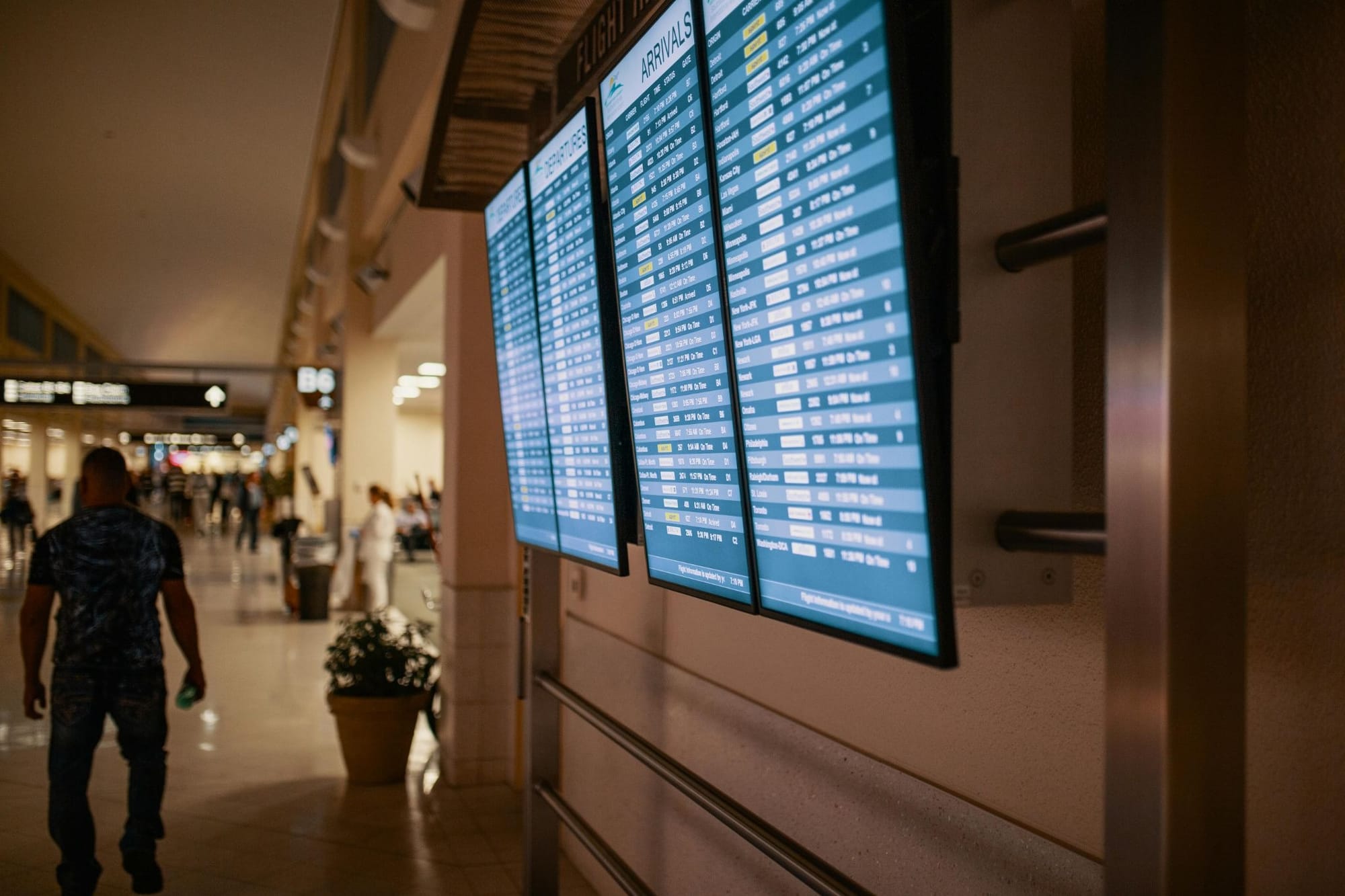
To help, we’re breaking down the best screens for digital signage displays, plus their prices and features. We also provide options for all environments (think indoors, outdoors, and for tight and awkward spaces) so you can make an informed decision for your use case.
The top 5 best screens for digital signage displays, compared
Here’s a side-by-side view of the best screens for digital signage displays:
Now, let’s take a deep dive into every single screen.
1. Xiaomi TV P1E: Best consumer TV
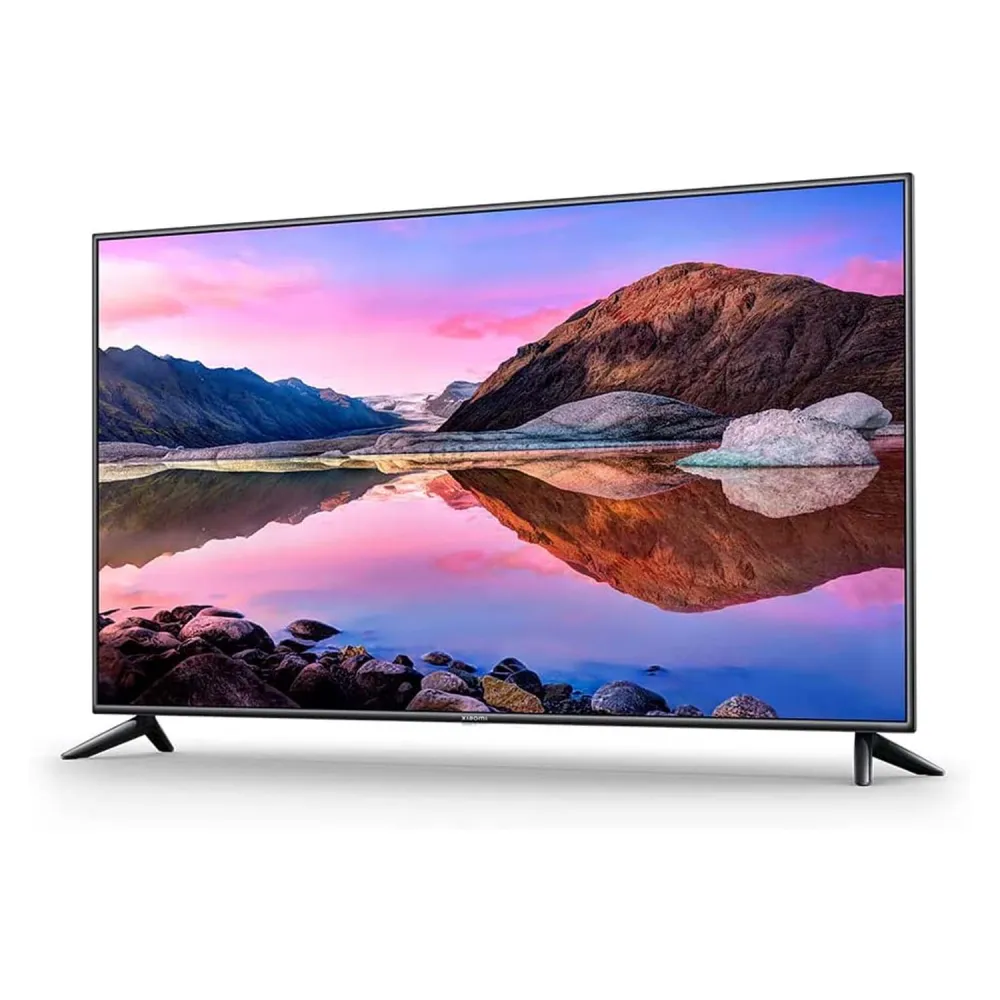
- Resolution: 3,840 x 2,160
- Size range: 65 inches
- Operating system: Android TV
The Xiaomi P1E is the perfect budget option for higher-quality digital signage without the higher price tag. It may not be a 4K QLED or OLED TV, but for a consumer-grade display, it heavily borders on consumer.
You can rely on the P1E for simple use cases like information displays, video walls, and audience entertainment (like visitors waiting in line at a bank). But these aren’t touchscreen models, so you can’t create kiosks or touchscreen workflows. They’re also not designed for commercial use, meaning they’re not extra bright, extra durable, or extra secure compared to other options.
Reviews of the Xiaomi TV P1E
The average rating of the Xiaomi TV P1E is 5.0/5 stars on Amazon.
But we can get a more nuanced look if we go to forums like Reddit and YouTube. Here’s what those reviewers had to say:
“I bought the 75-inch [Xiaomi TV P1E] for [$1,200] & there is no other brand that offers those specs at that price. Even if it works for 3 to 5 years, it will cost me less money than if I go for Samsung or LG.” — Reddit
Pricing for the Xiaomi TV P1E
You can’t buy the Xiaomi TV P1E directly from Xiaomi. But there are still several places you can look for a discounted model:
2. LG G-Series Displays: Best outdoor screens
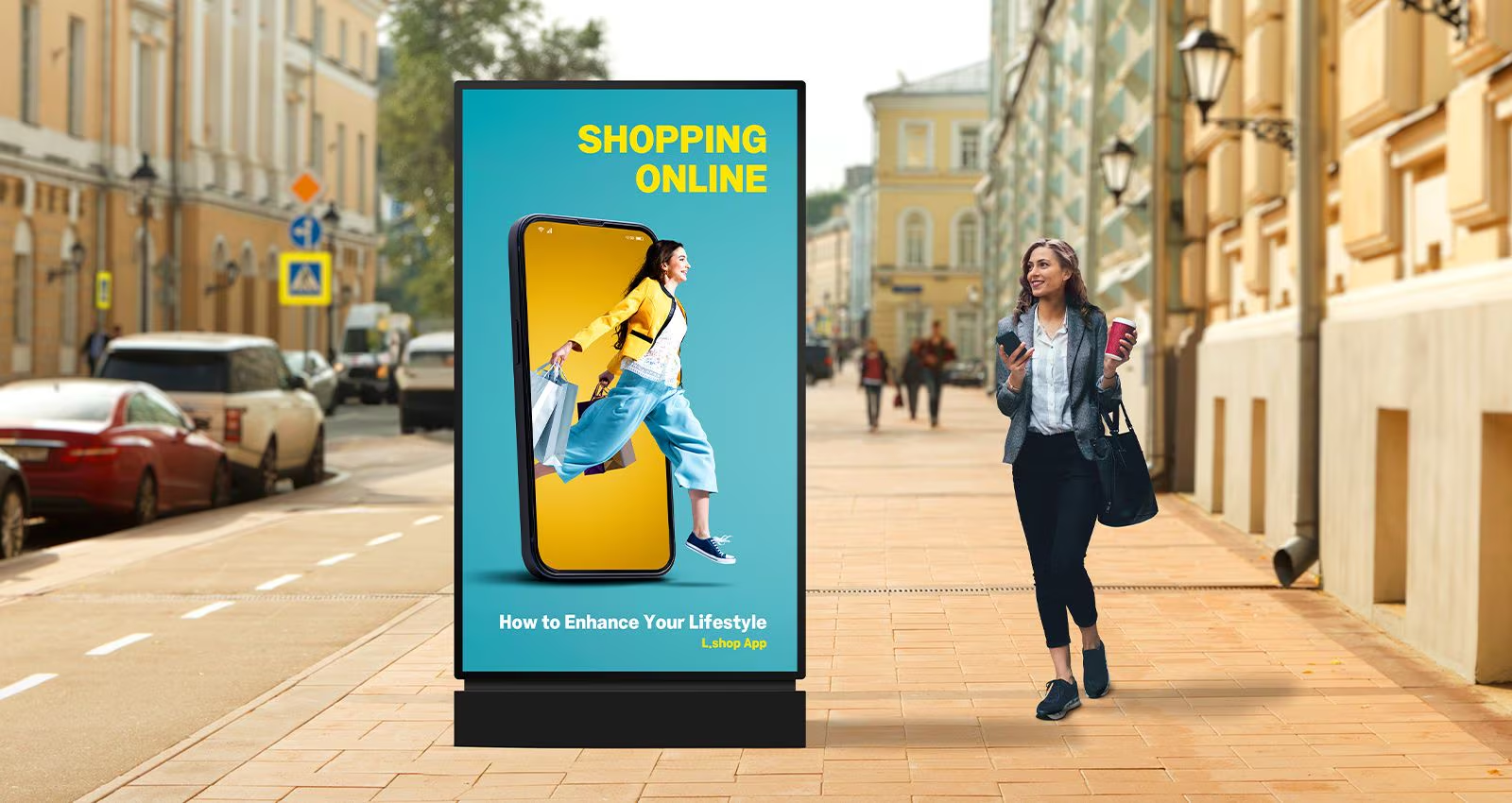
- Resolution: 8 x 80 to 576 x 1024
- Size range: 800 x 900 per screen cabinet to 280 x 2,800 per flexible LED segment
- Operating system: LG OS
LG is perhaps best known for its indoor digital signage displays, but its increasingly popular G-Series is purpose-built for outdoor digital signage. This series works particularly well in direct sunlight and other bright lighting conditions. Plus, it offers wide viewing angles so everyone can see what’s on your screen — things consumer TVs simply aren’t built for.
The biggest differentiator here is brightness. LG G-Series displays can reach 2,000 to over 10,000 nits, which makes content readable even in full daylight. They also maintain wide viewing angles, so messages stay clear whether viewers are walking past, driving by, or standing off to the side.
You might be interested in a G-Series display if you need signage for storefronts, outdoor wayfinding, transportation hubs, stadiums, and large public installations. No, they don’t ship with built-in digital signage software, but they can still integrate seamlessly with LG’s own tools (like SuperSign CMS) or third-party platforms like Fugo.
You can check out the full list of G-Series digital signage here.
Reviews of LG G-Series Displays
The average rating of LG’s outdoor digital signage solutions range from 4.8/5 stars to 5.0/5 stars, depending on the make and model. Here’s what we found when looking at specifics:
“Outdoor technology can be expensive and this TV is no exception, however one could easily argue that the price is justified. It was straightforward to set up the mount. As for the warranty, it comes with 18 months and it is of good quality.” — Reddit
Pricing for LG G-Series Displays
You can purchase LG G-Series TVs in a number of different places:
- LG: Contact for pricing
- B&H Photo-Video-Audio: $3,168 to $3,600
- DirectDial: $2,990
Get the LG Web OS setup guide with Fugo here.
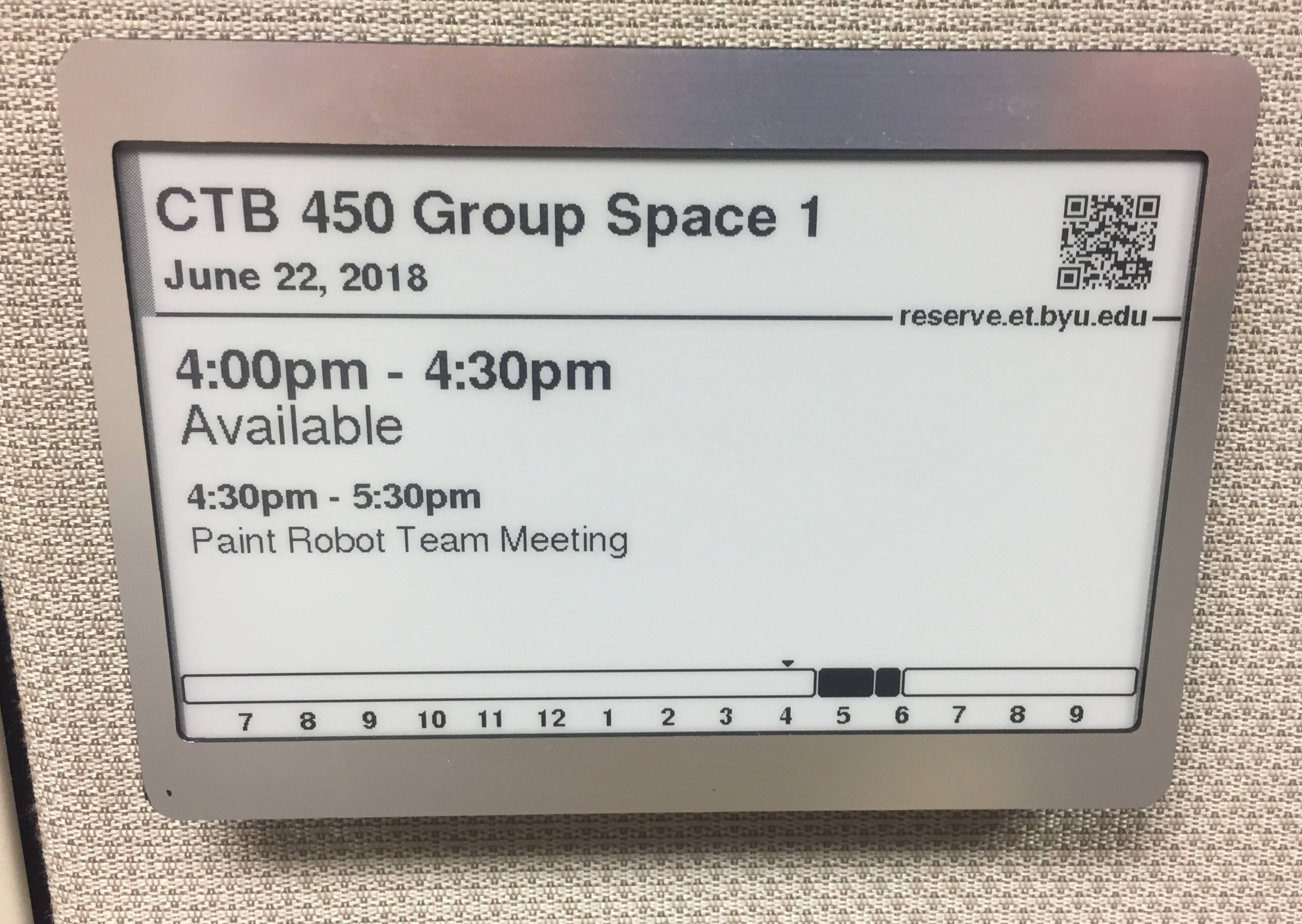
3. E Ink Kaleido Series: Best for tight and awkward spaces
- Resolution: ~ 3200 x 1800
- Size range: 2.84 to 25.3 inches
- Operating system: N/A
The E Ink Kaleido Series isn’t technically a TV — it’s actually a type of e-paper technology. Instead of emitting light like LCD or LED screens, Kaleido uses reflective color e-paper, so it only consumes power when the screen’s content changes.
Kaleido screen displays are ideal for tight, hard-to-wire, or power-constrained spaces. This makes it perfect for shelf edges, elevator placards, transit signage, room schedules, or any other application where running power or replacing screens would be expensive or impractical.
Now, keep in mind Kaleido isn’t meant for video, animation, or rich media. It works well for static or slow-changing content: think pricing, schedules, directions, or compliance messaging. And while it's true that color support has improved significantly over previous generations, it’s still unable to match traditional digital signage in vibrancy.
Learn more about epaper displays.
Reviews of E Ink Kaleido Series
Since Kaledio is a screen tech, not necessarily a specific brand, there aren’t really specific star ratings to pull for this entry.
That said, here is one Reddit reviews of the screen tech rather than individual devices:
“Yes the Colorsoft light is quite good. Can be powerful without washing out dark tones too much. Yes the refresh rate feels fast. But there is still some ghosting, from time to time. Unfortunately the overall color rendering hasn’t improved.” — Reddit
Here’s a breakdown of everything users have said about this tech:
Pricing for the E Ink Kaleido Series
Here are some digital signage solutions you can purchase from E Ink using Kaleido technology:
- 13.3” Kaleido 3 ePaper Display (Outdoor Use): $449.00
- 2.84” Kaleido 3 ePaper Display: Call for pricing
- 25.3" Kaleido™ 3 ePaper Display: Call for pricing
4. Philips Professional Display Solutions 4000 Series: Best for built-in media players
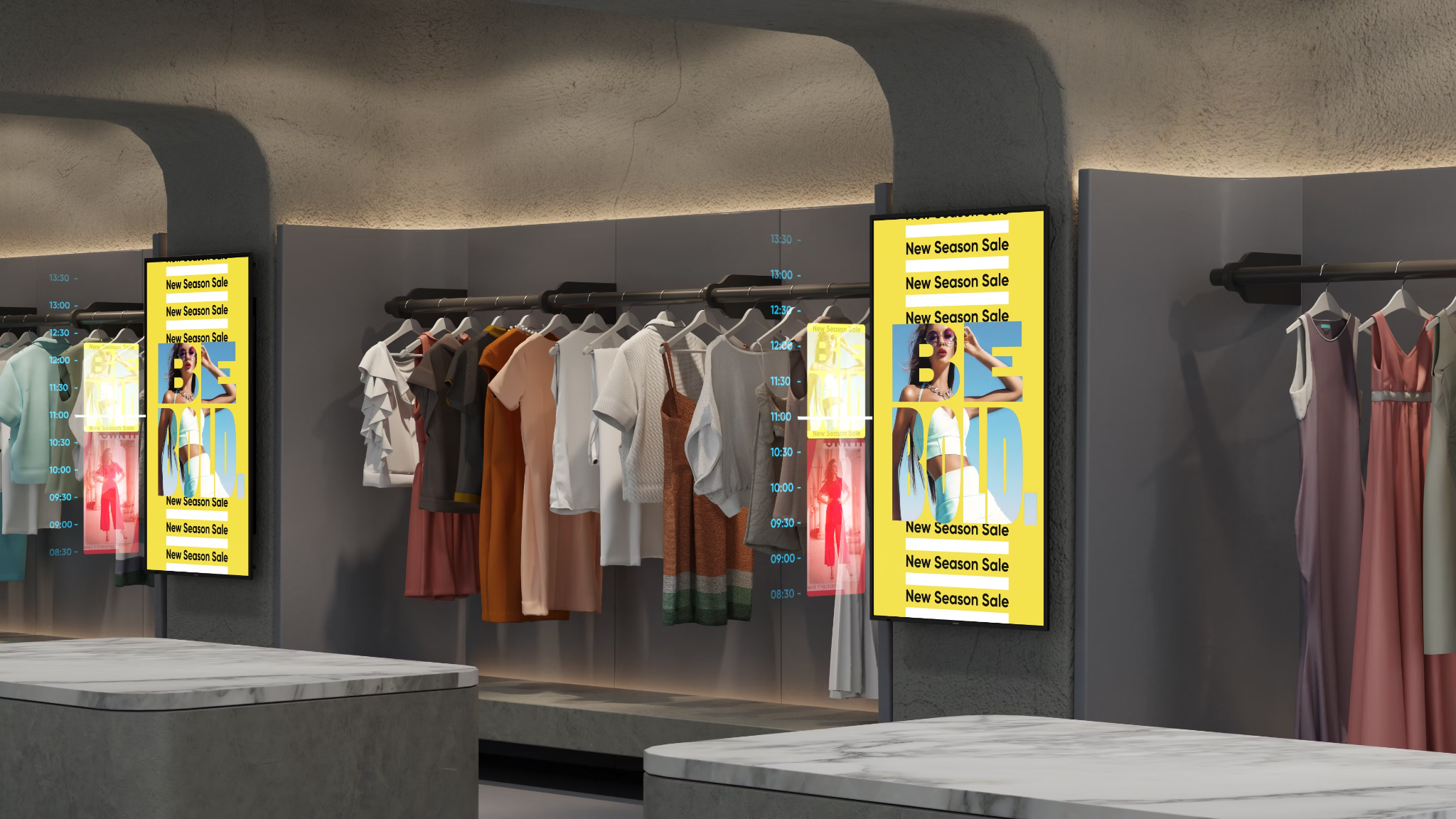
- Resolution: 4K (UHD) to full HD (FHD)
- Size range: 10 inches to 86 inches
- Operating system: Android
The Philips 4000 Series is a solid choice if you want fewer moving parts in your signage setup. Most models include built-in media players with your screen, which means you can run digital signage software directly without an external player required.
But rather than pushing one “perfect” screen, Philips offers multiple lines tuned for different environments and budgets.
We specifically recommend one of the following options:
- Q-Line: Entry-level professional displays for simple signage
- D-Line: Mid-range displays for continuous daily use
- P-Line: Performance-focused screens
Many also support Android OS for digital signage. Although keep in mind that OS isn’t explicitly mandatory. Philips offers alternative system configurations if you’d prefer to use an external media player.
If you run signage in offices, education, hospitality, and/or retail environments, the Philips professional line is likely worth your money.
Reviews of Philips Professional Display Solutions 4000 Series
The average rating of the Philips’ 4000 Series Q-Line is 4.0/5 stars. Let’s take a closer look:
“The Philips D line has rooted Android 8.0 and no play store, so that part of it is pretty useless, also no coaxial input if needed. If you plan to use it as a media centre it should be fine and might even last longer then a normal commercial TV.” — Reddit
Pricing for the Philips Professional Display Solutions 4000 Series (Q-Line)
- Best Buy: Philips - 4000 Series - 32" Class (32" Diag.) - LED - 1080p for $309.99
- Philips: Call for pricing
- Office Depot: Philips 4000 40PFL4707 40" 1080p LED-LCD TV for $464.99
💡Related: Android Digital Signage Buyers Guide For 2025
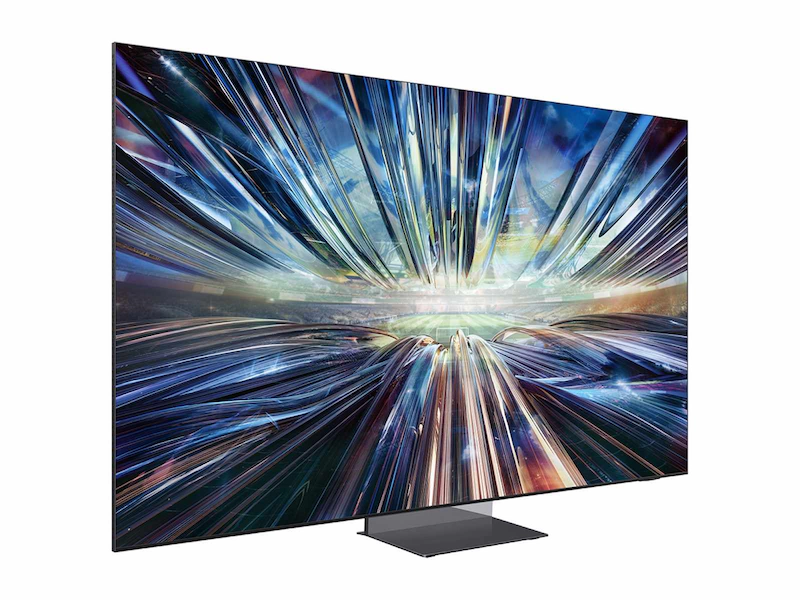
5. Samsung 8K QLED Displays: Best for corporate settings
- Resolution range: 7680 x 4320
- Size range: 82 inches to 98 inches
- Operating system: Tizen OS
Samsung’s 8K QLED displays sit at the premium end of the signage spectrum. They’re specifically designed for corporate headquarters, executive briefing rooms, experience centers, and other types of flagship installations.
This signage’s standout feature is quantum dot technology, which delivers extremely bright, color-accurate images of 7680 x 4320 pixels. For context, most signage content still tops out at 4K. But some very specific footage is filmed in 8K.
Behind these superpowered screens is Tizen OS, which is stable and enterprise-ready, but less intuitive than Android-based systems. These displays also work with external Android TV devices and dedicated media players if you prefer a different CMS workflow.
Reviews of Samsung 8K QLED Displays
Most Samsung 8K displays sport a 4.0/5 stars. Here’s a closer look at why:
“I have both QLED 8K (Q800T) and the S89C 77 inch OLED…. I can tell you that the 8K is absolutely incredible. You’ll get sharper and more crisp images than normal 4k sets… and the colors are outstanding. It doesn’t get as inky black as the OLED, but it gets pretty close. One thing I do have to point out about the QLED is it does have those grey vertical lines which is only noticeable in very light scenes (like the sky for example). It’s barely noticeable unless you’re watching a video with nothing but sky.” — Reddit
Pricing for Samsung 8K QLED Displays
- Samsung: $3,700 to $3,999
- Sarget Appliance: $1,600.99
- B&H Photo-Video-Audio: $2,189 to $4,000
Honorable mentions for the best digital signage screens
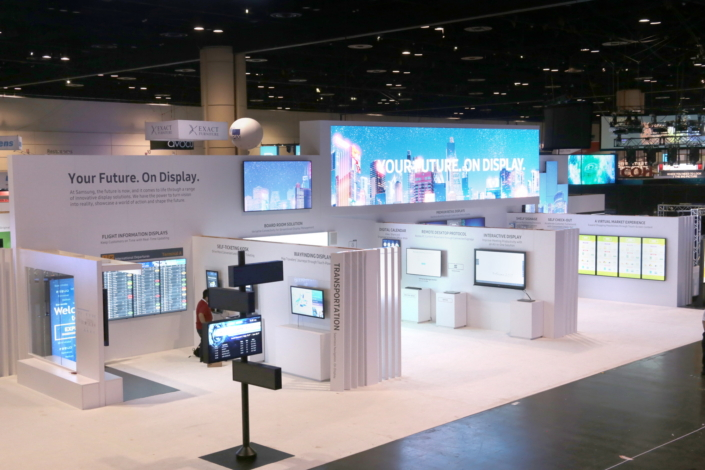
We’ve covered quite a few solid options on this list. But that’s not to say it’s an exhaustive list. There are several other screens that might have a place in your business, depending on your marketing and the types of screens you’re looking for.
A few honorable mentions for the best digital signage screens in 2026 include:
- Sony BRAVIA: The Sony BRAVIA series is a fully commercial set of signage solutions that come with a System on a Chip (SoC) platform. This chip eliminates your need to purchase external hardware like media players. BRAVIA TVs also run off an Android OS, can support interactive touchscreens, and range anywhere from 32 to 100 inches. You can find all the BRAVIA models we recommend on our hardware finder.
- Smart TVs on the Samsung Smart Signage Platform (SSSP): Apart from the QLEDs we covered above, Samsung’s Smart SSSP screens are another solid option. These are commercial-grade smart signage displays that come with built-in digital signage software. That way, you have a helping hand with remote content management and screen management. They’re a must-pick option if you don’t already have a digital signage solution and plan to use screens very heavily in your business. We don’t necessarily recommend a specific model per se, but you could start with the 24" Commercial UHD LED LCD Display at $470.
- Sharp: Sharp is a competitor to both Sony and Samsung, although you’re unlikely to hear of them often. That’s because Sharp spends most of its money on building ultra-high-definition screens and tailored solutions for specific retail, hospitality, and commercial environments. Not only do Sharp displays offer simple setup wizards for connectivity, but they also support 24-hour playback. We recommend looking at the Sharp PN series to start.
How to choose the best digital signage screen for your business
Now that you’ve had a chance to survey your options, how do you choose the right hardware for your business?
In almost all cases, it boils down to your specific setup.
Here’s a quick checklist that can help you make a more informed decision.
- Where does your screen need to go? A public space with heavy foot traffic (and thus, something that should offer a better customer experience)? Or, will this be a screen for your frontline crews? Smaller screens without wide viewing angles may fall short for the first use case, although they’ll work perfectly fine for the second.
- What brightness levels are you working with? Will your screens sit in the bright white lighting of a commercial building or hospitality location? Does it need to run in multiple meeting room switch various lighting conditions? Or, are you installing an outdoor screen that requires higher brightness and better contrast? Select your TV model accordingly.
- How high does the resolution need to be? A full HD, professional-grade TV makes sense when you’re building out front-facing networks for customer engagement (think advertising and interactive displays). But for routine signage in less demanding environments, you can probably get away with something a little more ‘standard.’
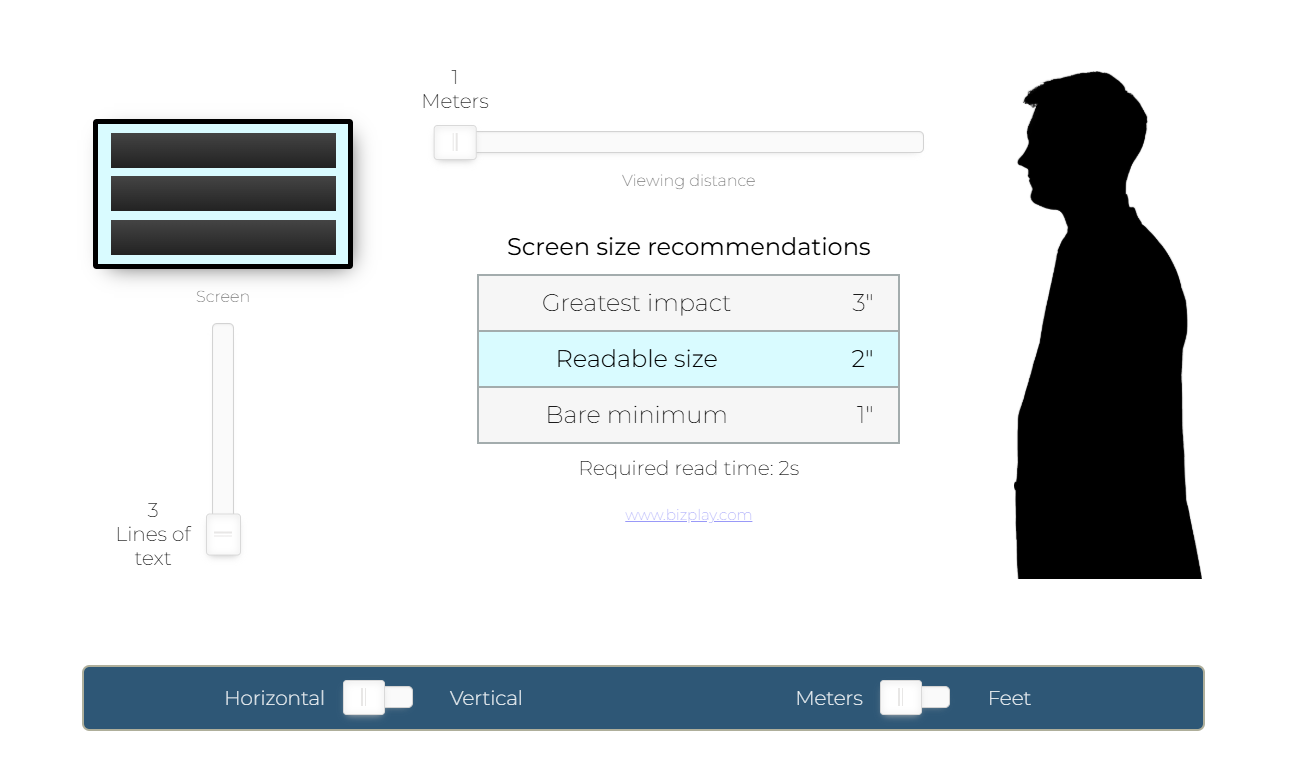
- How big should your screen be? This is probably linked with the first question of ‘where your screen needs to go.’ But as a general rule of thumb, optimal viewing distances for digital signage should be 1 to 1.5x the size of the TV. That means smaller signage solutions — think 32 inches — should be around 22 to 32 inches away from your customers or staff members. Large format displays, like an 84-inch television, can accommodate viewing distances of 56 to 84 inches (around 4.5 to 7 feet). And keep in mind this doesn’t factor in content: the number of lines and size of your text can also have an impact on size and distance.
No need to calculate all this freehand, though. You can use this helpful calculator to pick the perfect screen size and view distance:
Frequently asked questions about the best displays for digital signage screens
Q: What do you need for a digital signage display?
To set up a proper digital signage display, you’ll need:
- A digital signage screen
- Cords and cables
- A media player
- A WiFi connection or Ethernet router
- A content management system, or CMS
You can sign up to try Fugo’s CMS 100% free.
Q: How much do digital screens cost?
Digital signage screens typically range from $300 to $2,500+, depending on size, brightness, and durability. Commercial-grade displays cost more than consumer TVs but are designed to run longer hours without overheating or degrading. You’ll also want to budget for a media player and software, which are usually separate.
Q: Can I use a regular TV for digital signage?
You can technically use a regular TV for digital signage, especially for small setups or short daily runtimes. But you should know that consumer TVs aren’t built for continuous use, and they may wear out faster in high-traffic or always-on environments.
Q: What is a digital signage screen?
A digital signage screen is a display for content like menus, promotions, announcements, dashboards, or wayfinding. Unlike static posters, you can update the content instantly from a central system. You'll typically find them in retail, hospitality, offices, healthcare, and public spaces.
Q: What are the different types of digital signage displays?
Common types of digital signage displays include:
- Standard flat-panel displays
- Interactive touchscreens
- Video walls
- High-brightness outdoor displays
- Kiosk and standalone displays

