

Warehouse operations displays
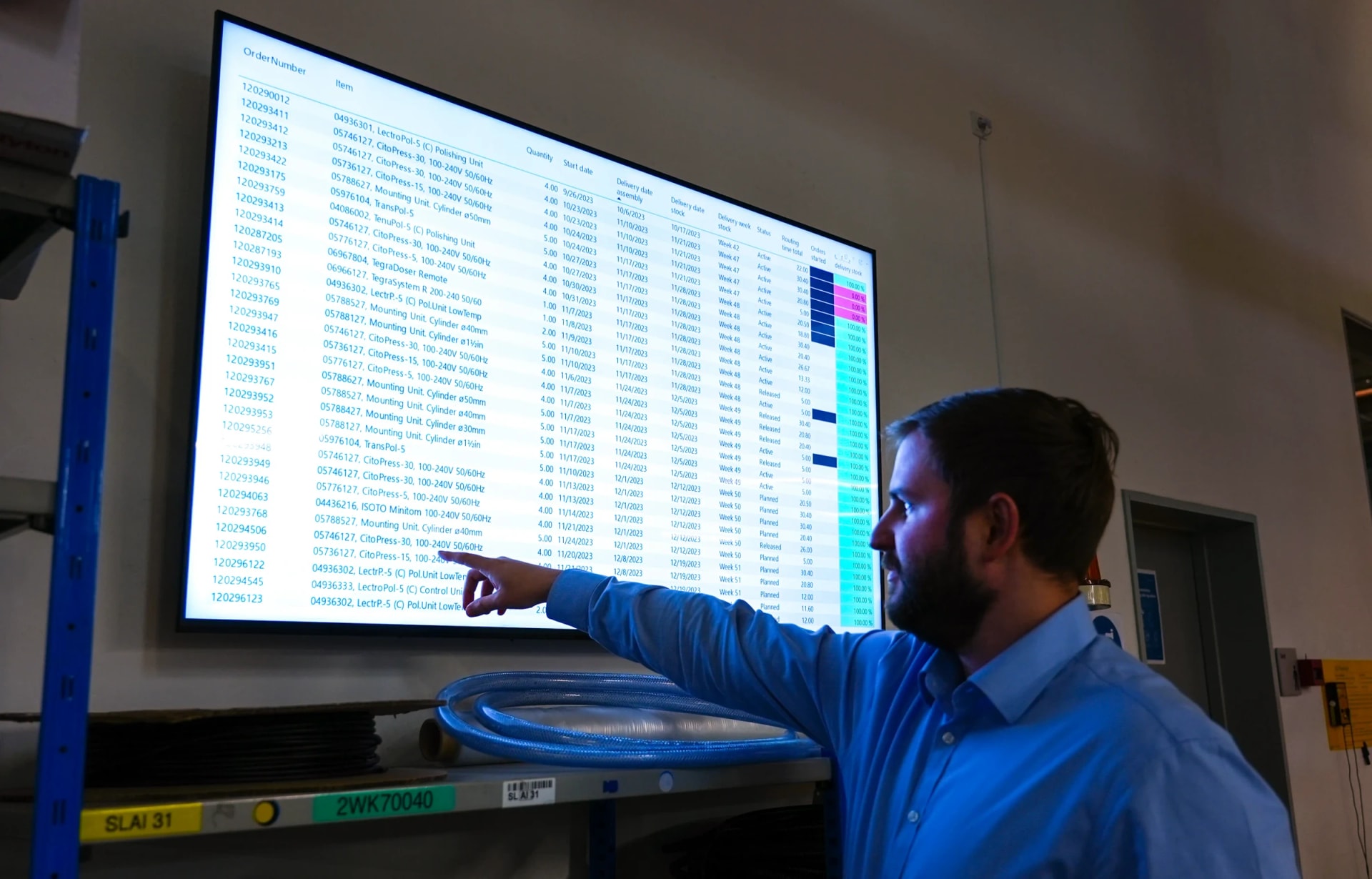
Put warehouse metrics from your existing tools on shared screens. Floor teams stay aligned on pick targets, safety counts, and inventory levels without logging into separate systems.
Why warehouse teams put metrics on screens
Warehouse workers spend their shifts away from desks. Screens bring the data to the floor so teams act on it instead of searching for it.
Make safety incidents visible immediately
Display days-without-incident counters, hazard alerts, and near-miss reports where every worker sees them. Visibility keeps safety top of mind between formal briefings.
Reduce time spent checking WMS for status
Instead of supervisors pulling reports or walking to a terminal, current order and inventory status is on the wall. Teams self-correct without waiting for updates.
Keep shift teams aligned on pick and pack targets
When the whole shift sees the same pick rate and order backlog, teams coordinate naturally. No one needs to ask how far behind or ahead the floor is.
Support compliance signage requirements
OSHA and local regulations require certain notices to be posted visibly. Digital screens let you update compliance content across all locations from one place.
Track throughput without pulling reports
Live throughput numbers on a shared screen replace the morning report email. Supervisors see trends forming during the shift, not after it ends.
Surface inventory alerts before they cause stockouts
Low-stock warnings and receiving discrepancies appear on screen as they happen. Teams can act on replenishment before a stockout disrupts outbound orders.
What warehouse teams show on screens
Most warehouse displays combine a few of these content types, rotated on a schedule or shown on different screens by zone.
Safety metrics and incident alerts
Days without incident, near-miss counts, hazard warnings, and PPE reminders.
Throughput and pick rates
Units picked per hour, orders packed, and current rates against shift targets.
Inventory levels and stock alerts
Real-time stock counts, low-inventory warnings, and receiving discrepancies.
Shift schedules and staffing
Current shift assignments, break rotations, and team zone allocations.
Compliance and regulatory notices
OSHA-required postings, facility rules, and updated safety procedures.
Order fulfillment status
Orders in queue, orders in progress, shipments staged, and carrier ETAs.
Fugo features for warehouse displays
Fugo connects to your warehouse tools and puts live data on screens you manage remotely.
Content triggers
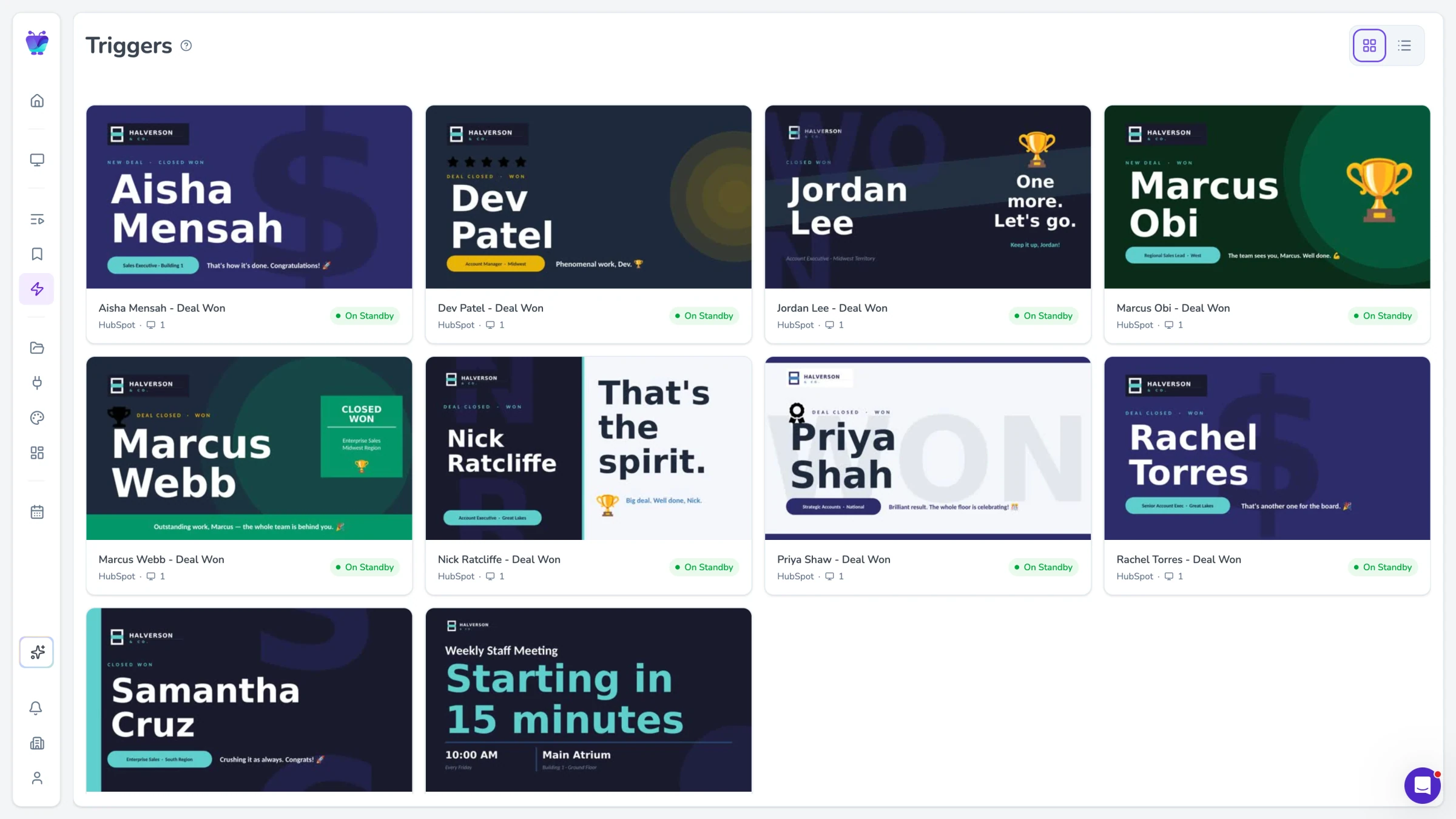
Change what screens show based on data conditions. When pick rates drop below target or a safety alert fires, the display updates automatically.
See content triggers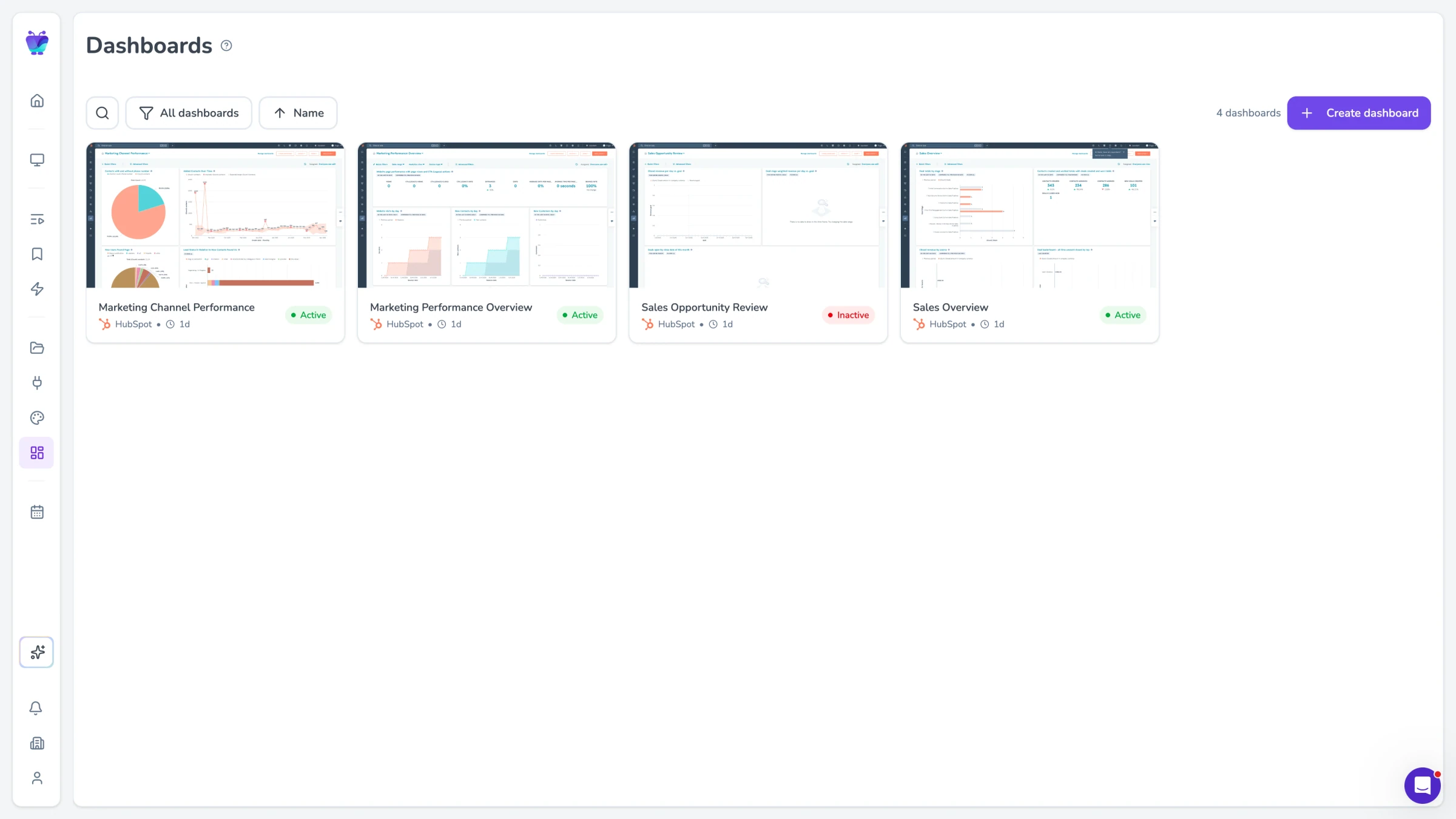
Dashboard integrations
Display dashboards from your WMS, Power BI, Tableau, Grafana, or any tool with a web-based reporting view. No custom development required.
Explore TV dashboards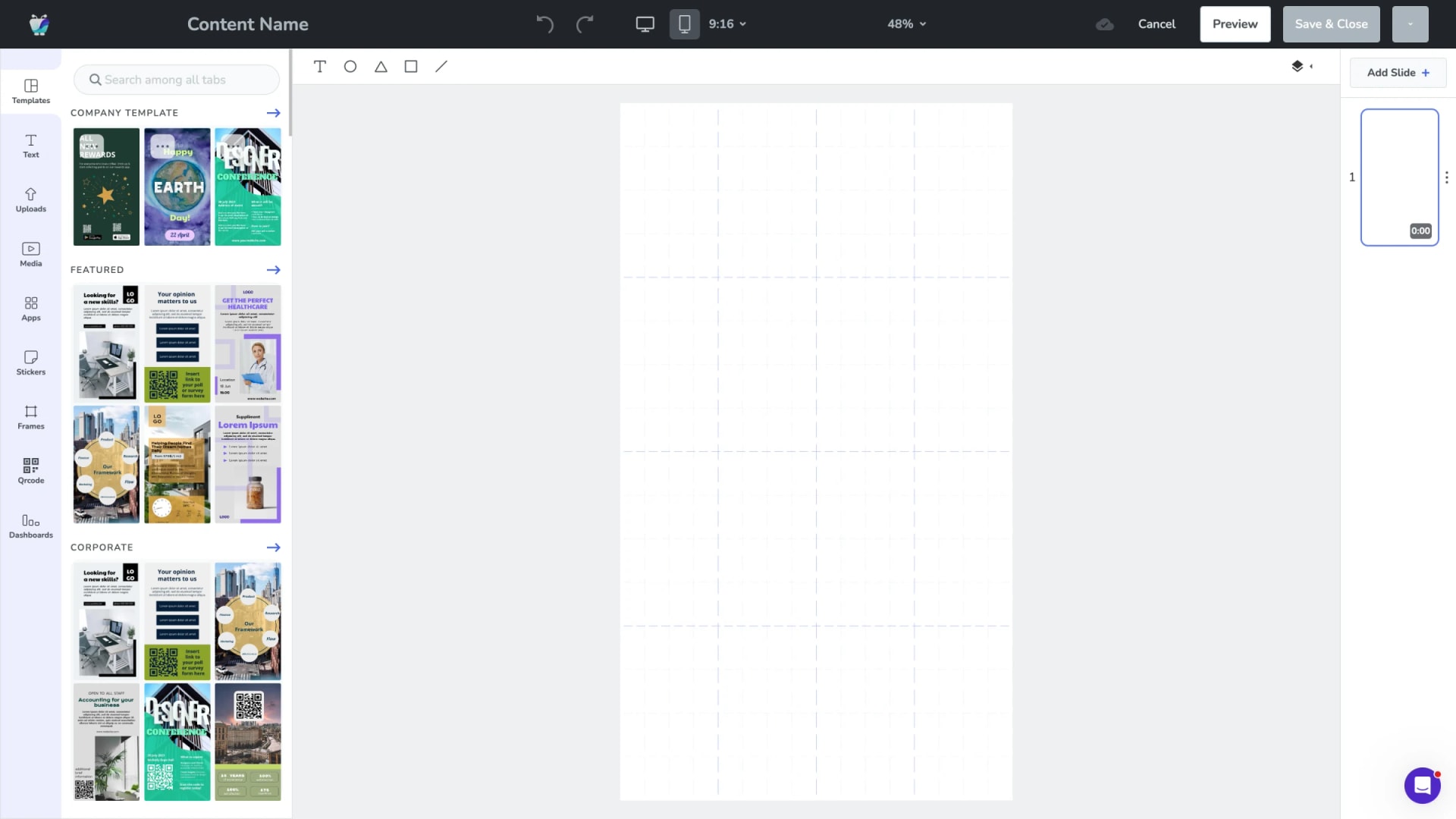
Design Studio
Build custom layouts that combine metrics, safety notices, and schedules on one screen. Drag-and-drop editor, no design skills needed.
Explore Design Studio
Screen mirroring
Mirror any application or browser tab directly to warehouse displays. Useful for tools that do not have a shareable dashboard URL.
See screen mirroring