

Digital signage for internal communications
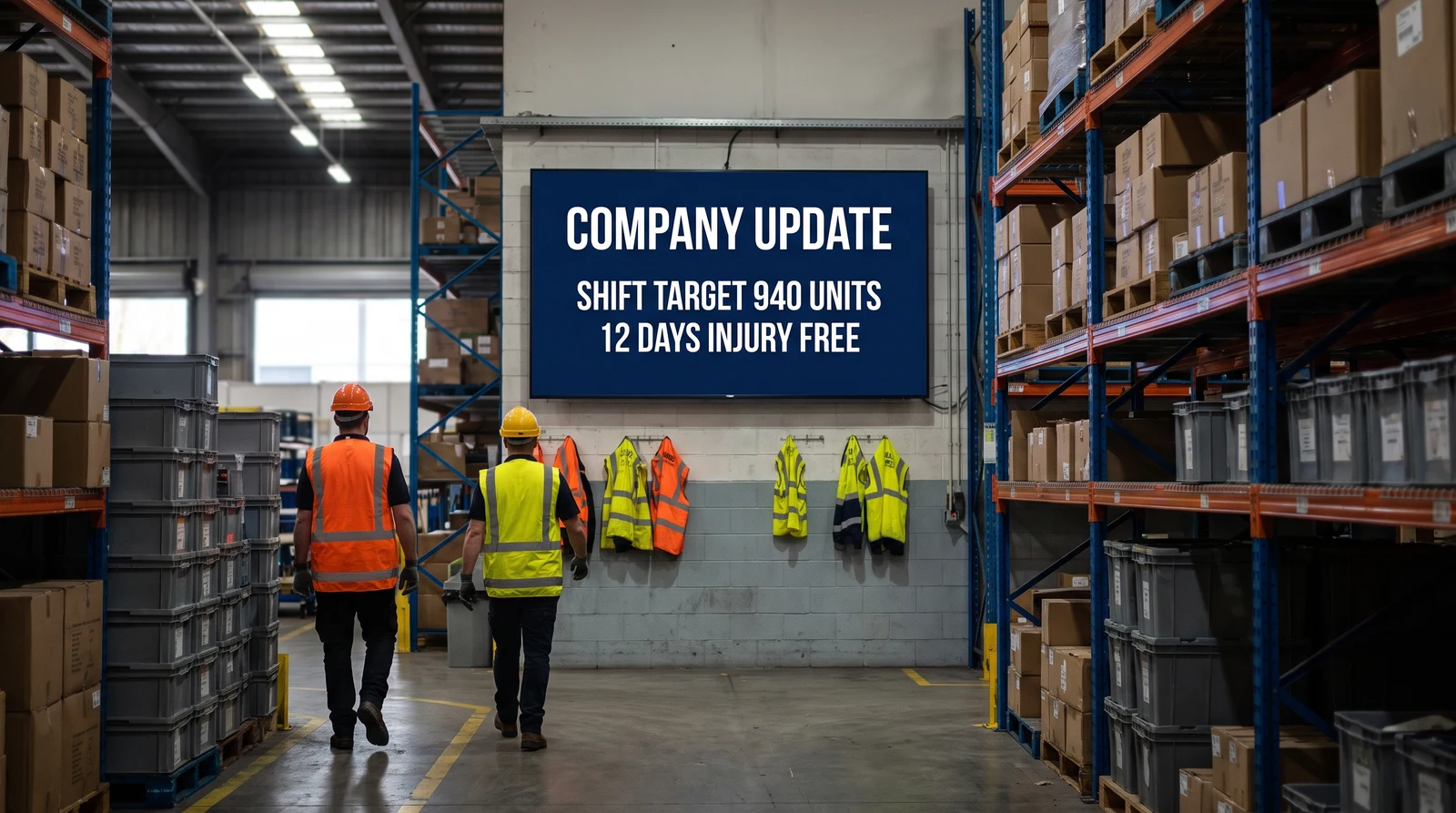
Email and Slack get buried, and deskless staff miss updates entirely. Digital signage for internal communications puts company news, KPIs, and safety messaging on always-on office screens, managed centrally and updated in seconds.
Why teams put communications on screens
Internal communications digital signage reaches everyone in the building (including the people who never open the company intranet) and keeps the message in front of them all day.
Reach deskless staff
Frontline and shop-floor teams rarely sit at a computer. Screens in shared spaces put updates where those people actually are, no login required.
Cut through inbox noise
Important announcements get lost in email and chat. An always-on screen keeps the message visible long after a notification would have scrolled away.
Make performance visible
Put live KPIs and dashboards on the wall so teams see how the business is doing in real time, not in a monthly deck.
Reinforce culture and recognition
Celebrate wins, welcome new starters, and share shout-outs on screen so the whole office sees them, not just the people cc’d.
Keep safety front of mind
Rotate safety reminders, compliance notices, and emergency procedures so they stay visible rather than buried in a handbook.
Update everything in seconds
Change a message once and it appears on every screen, in every office, immediately: no posters to reprint, no IT ticket to raise.
What to put on internal comms screens
Most teams rotate a mix of news, live data, and recognition so screens stay fresh and worth looking at.
Company news and announcements
Leadership updates, policy changes, and org-wide announcements that everyone needs to see.
Live KPIs and dashboards
Sales, support, and operational metrics pulled from your tools and shown on screen as dashboards-on-TV.
Recognition and shout-outs
Celebrate milestones, new hires, and team wins to reinforce culture across the office.
Safety and compliance
Rotating safety reminders, compliance notices, and emergency procedures kept permanently visible.
Events and onboarding
Upcoming events, training sessions, and onboarding information for new and existing staff.
Production and ops metrics
Output, targets, and status boards for warehouses, factories, and operations teams.
How Fugo runs your internal comms screens
Design the content, pull in live data, schedule it, and manage every office from one dashboard.
Dashboards on TV
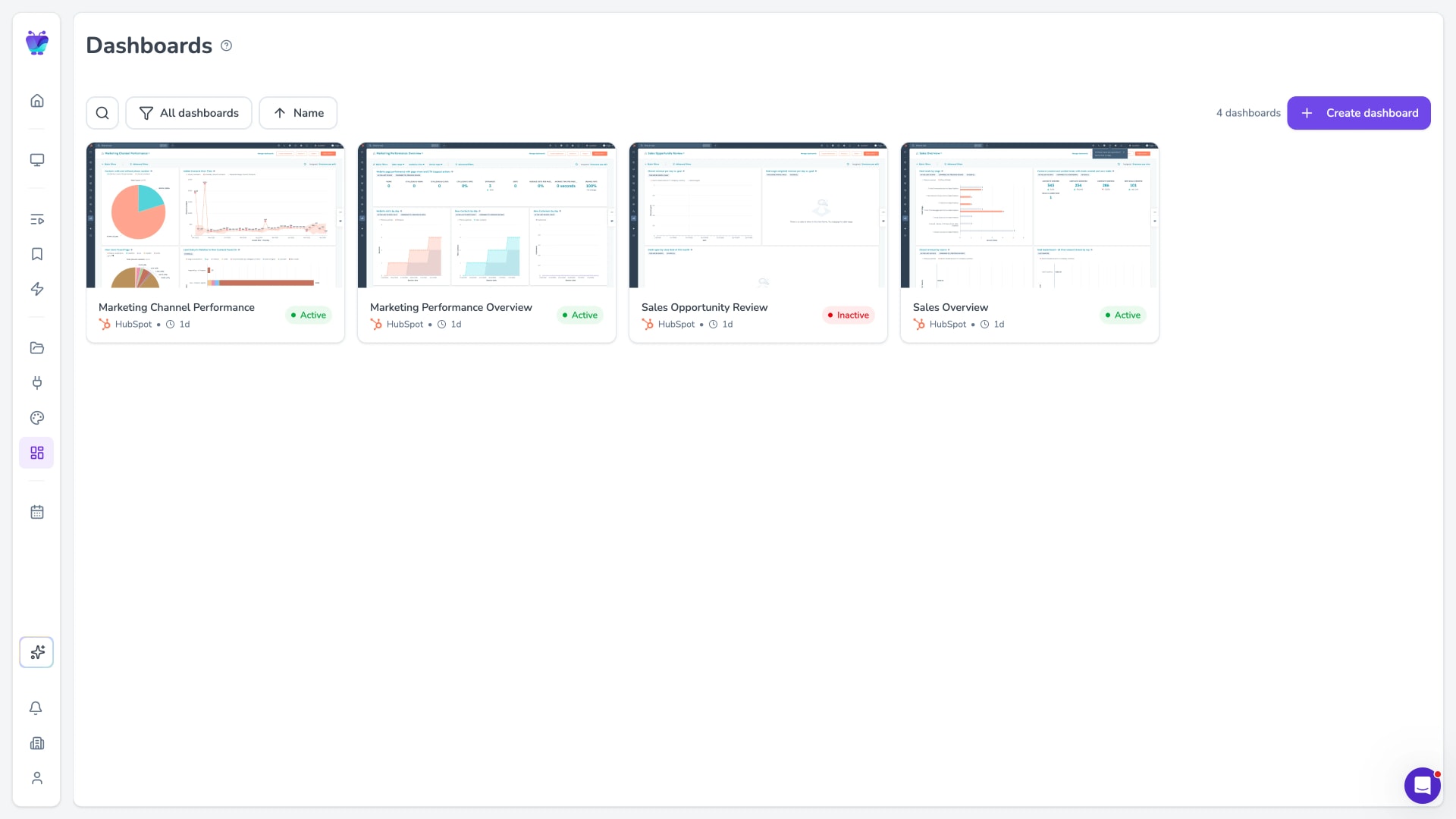
Pull in live data from tools like Power BI, Grafana, or Google Sheets and show real-time KPIs on any office screen.
Explore TV dashboards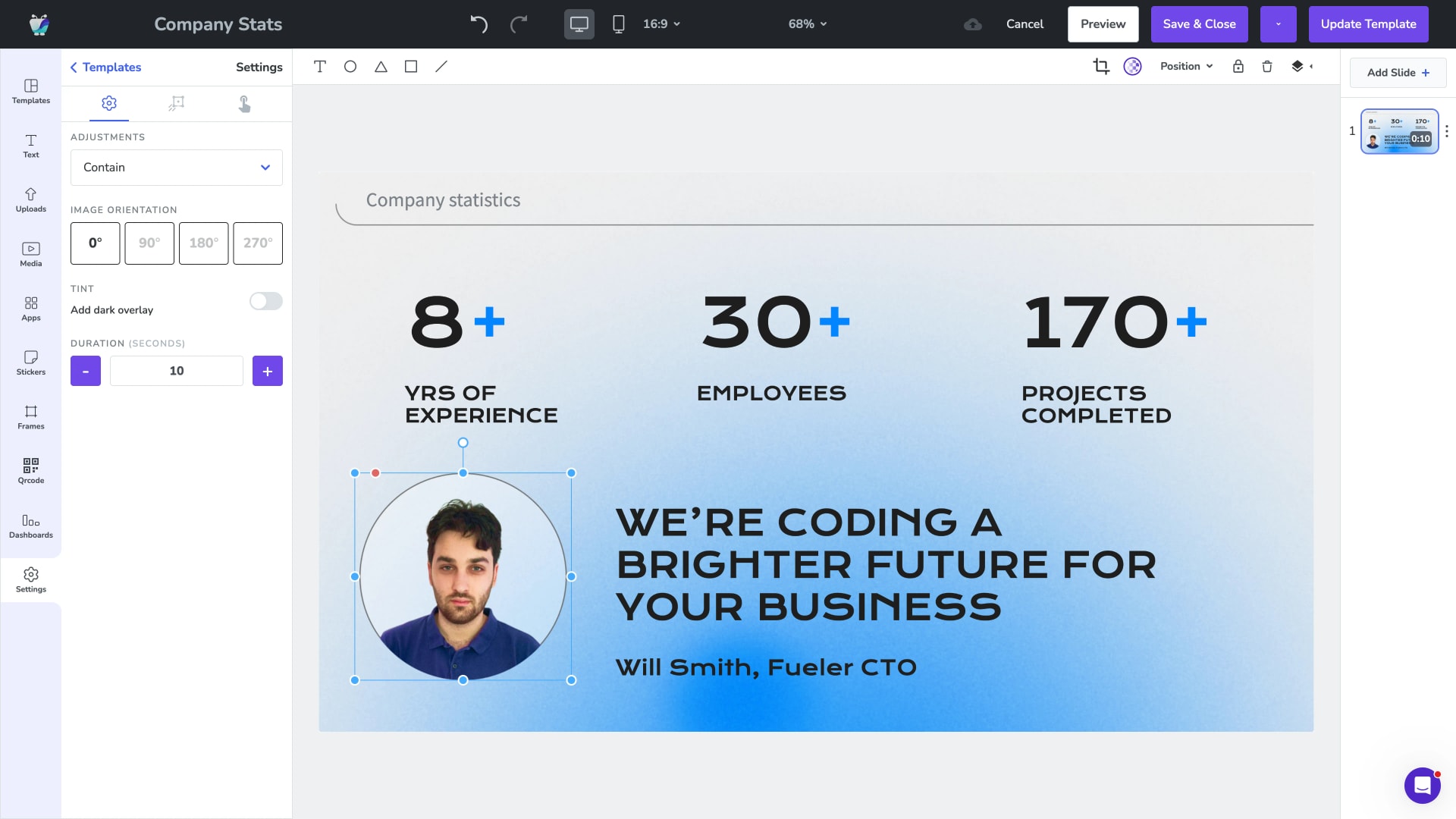
Templates and Design Studio
Build on-brand announcement, recognition, and news layouts with drag-and-drop tools and reusable templates. No design software required.
Explore Design Studio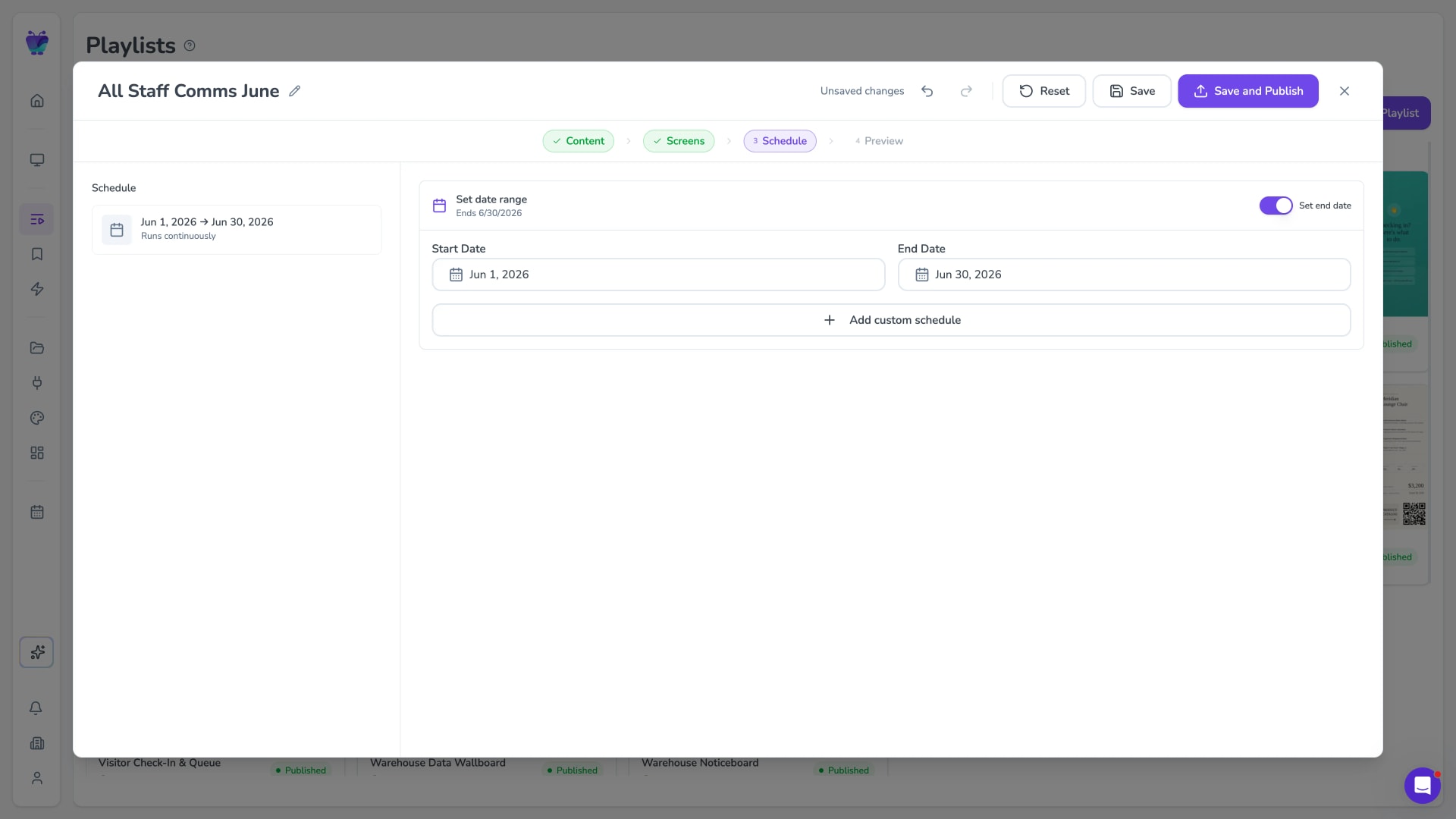
Scheduling and playlists
Rotate content automatically and schedule messages to appear and expire on set dates, so screens are always current without manual effort.
See content scheduling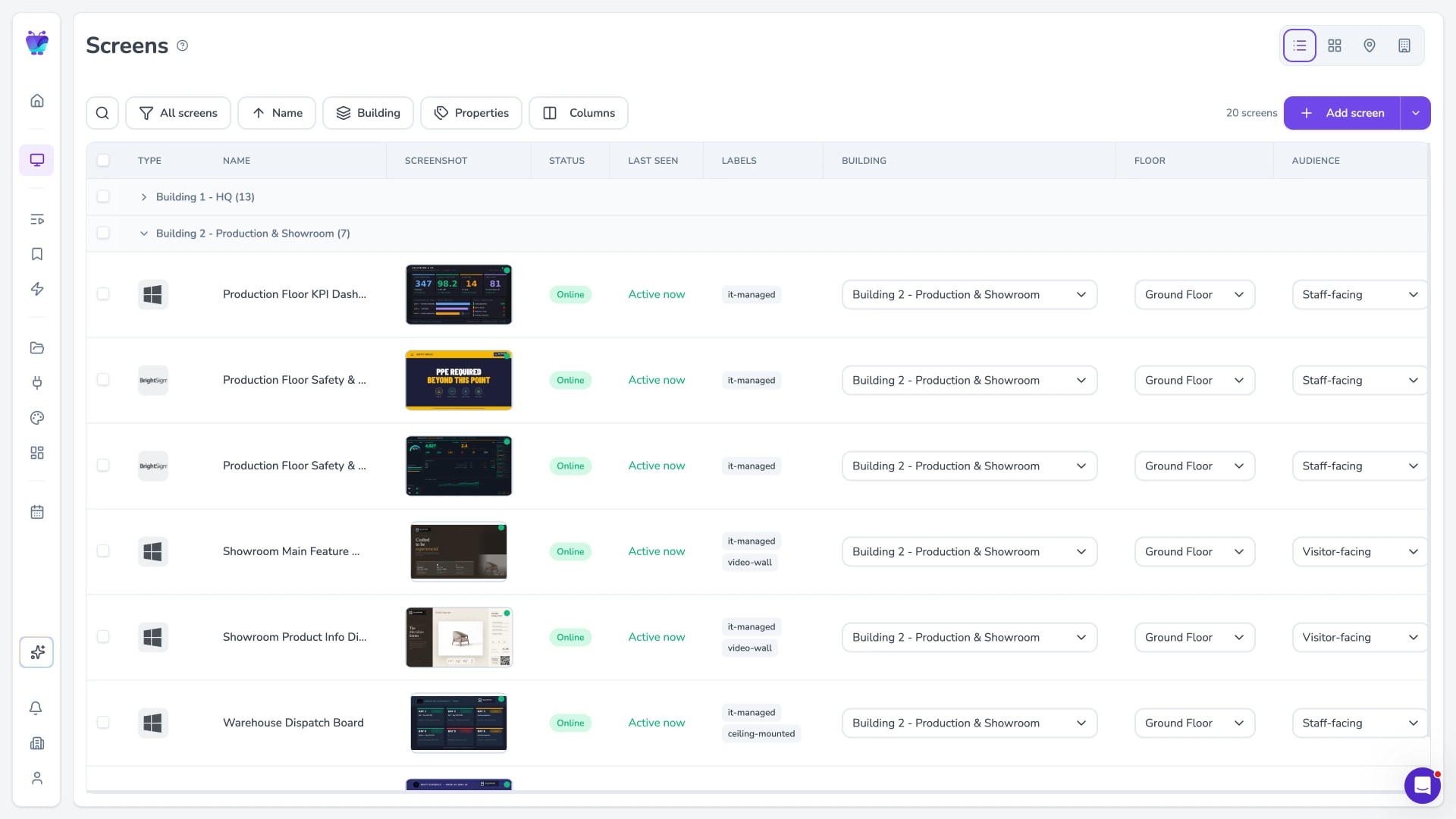
Manage every office centrally
Group screens by office, floor, or region. Push content to everyone at once or target a single location, all from one dashboard.
See enterprise signage