
Transportation & transit digital signage
Transit screens have to be accurate, always-on, and managed across many sites at once. Run schedules, wayfinding, and service alerts across stations, airports, and transit hubs, and monitor every screen’s health from one dashboard.
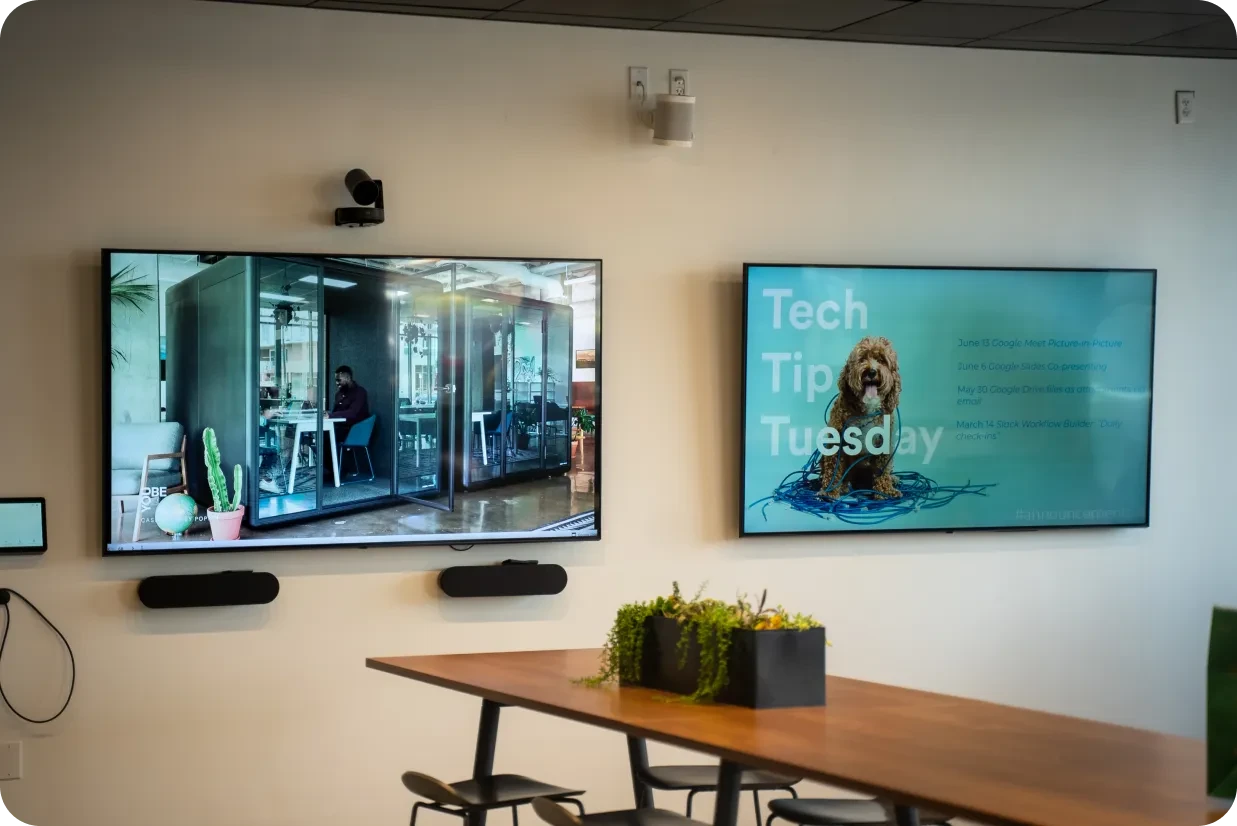
Where transit signage works
From the concourse to the platform, transit screens keep passengers informed and surface alerts the moment something changes.
Show arrivals, departures, and timetables
Display timetables and service information on screens across the concourse and platforms. Connect the data source or dashboard that already produces your live times so passengers see current information rather than a printed board.

Reliability at scale
Unattended screens spread across many sites need to stay online and stay current. Fugo gives you central control and visibility of the whole fleet.
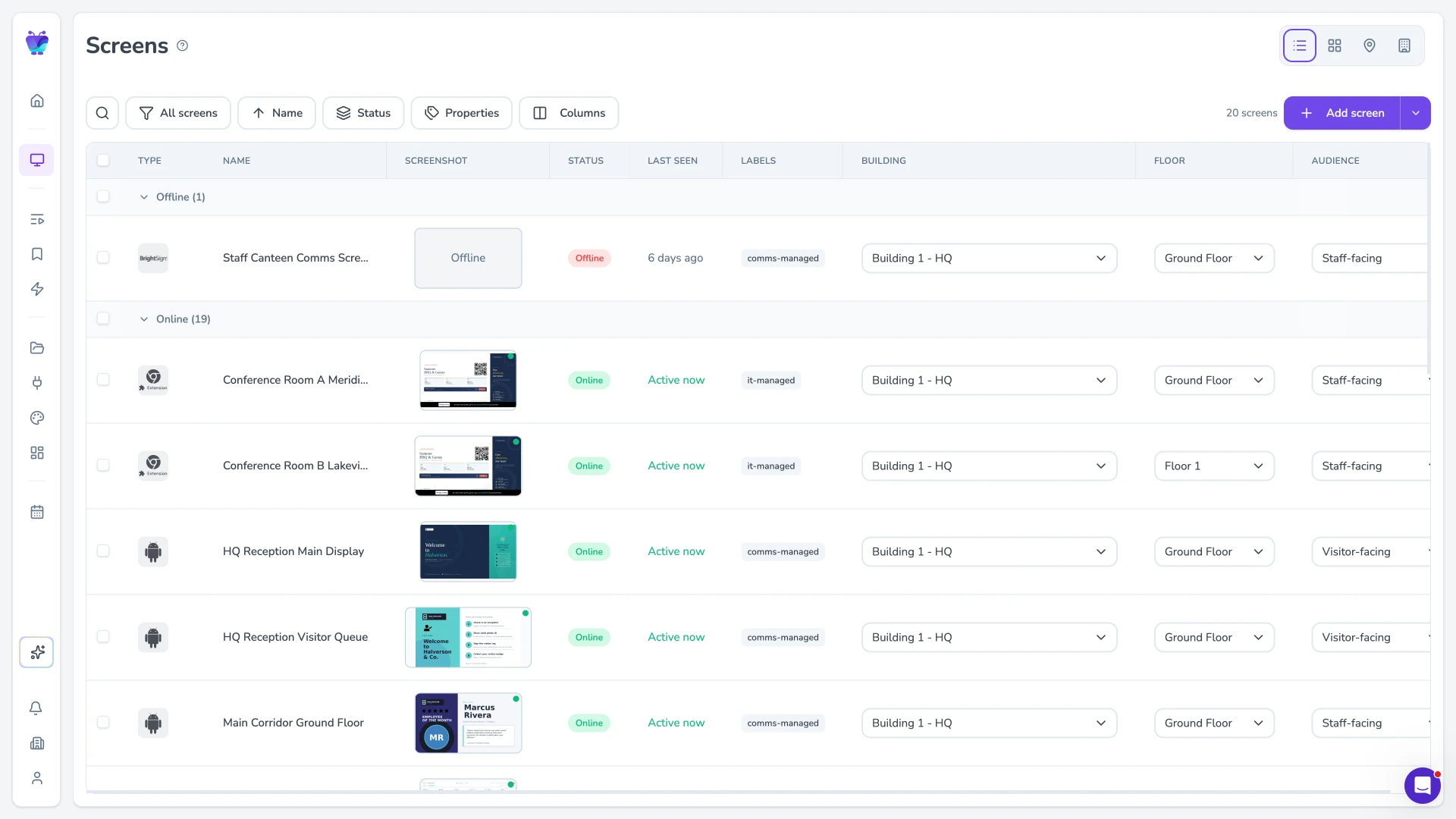
Monitor every screen
Track screen health in real time: know which screens are online, what is playing, and when each was last seen. Get alerted when a screen goes offline so you can act before passengers notice.
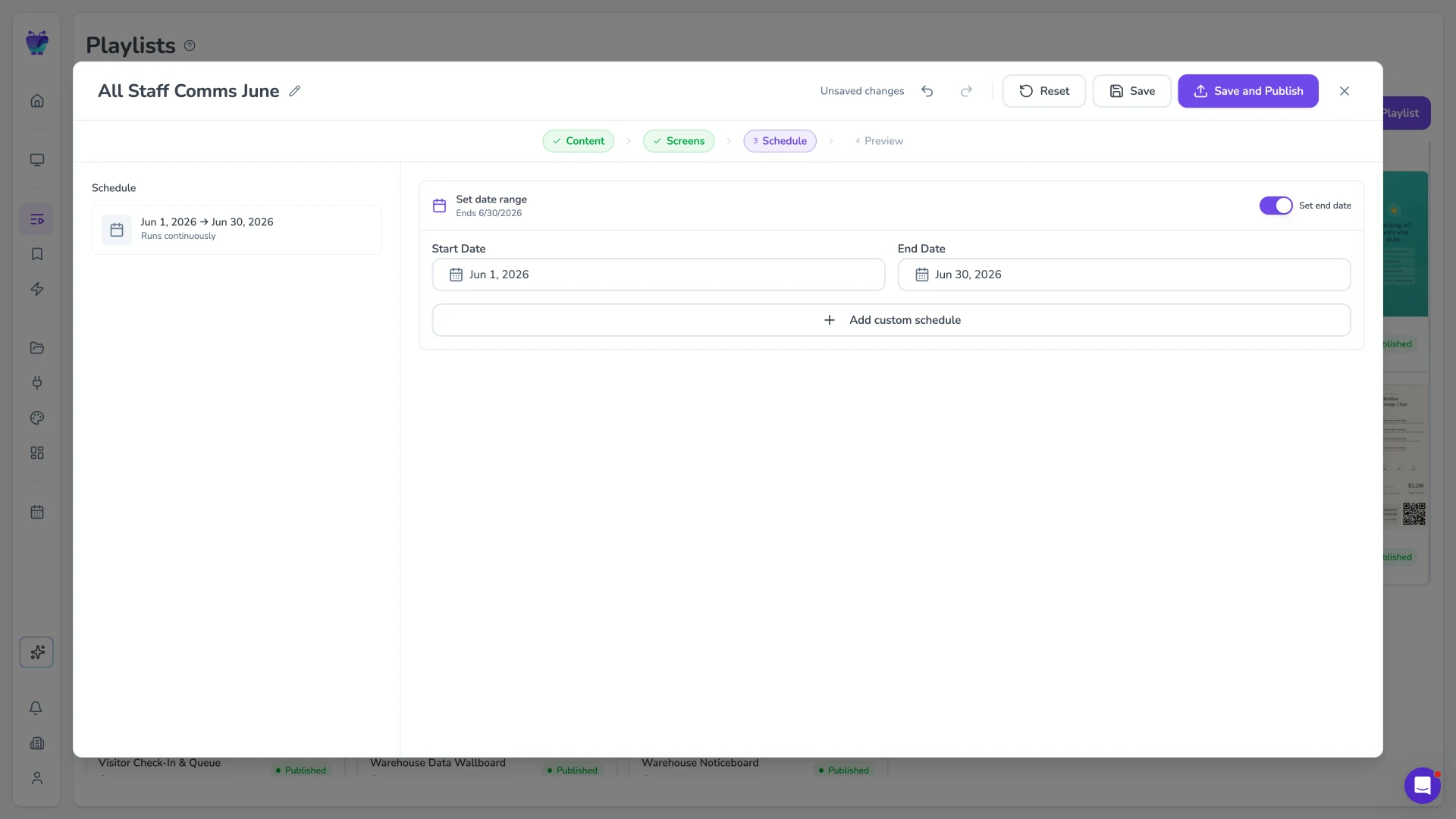
Scheduling and instant alerts
Schedule routine content and override any screen instantly when a service changes. Set content to appear and expire automatically so the board is always current without manual effort.
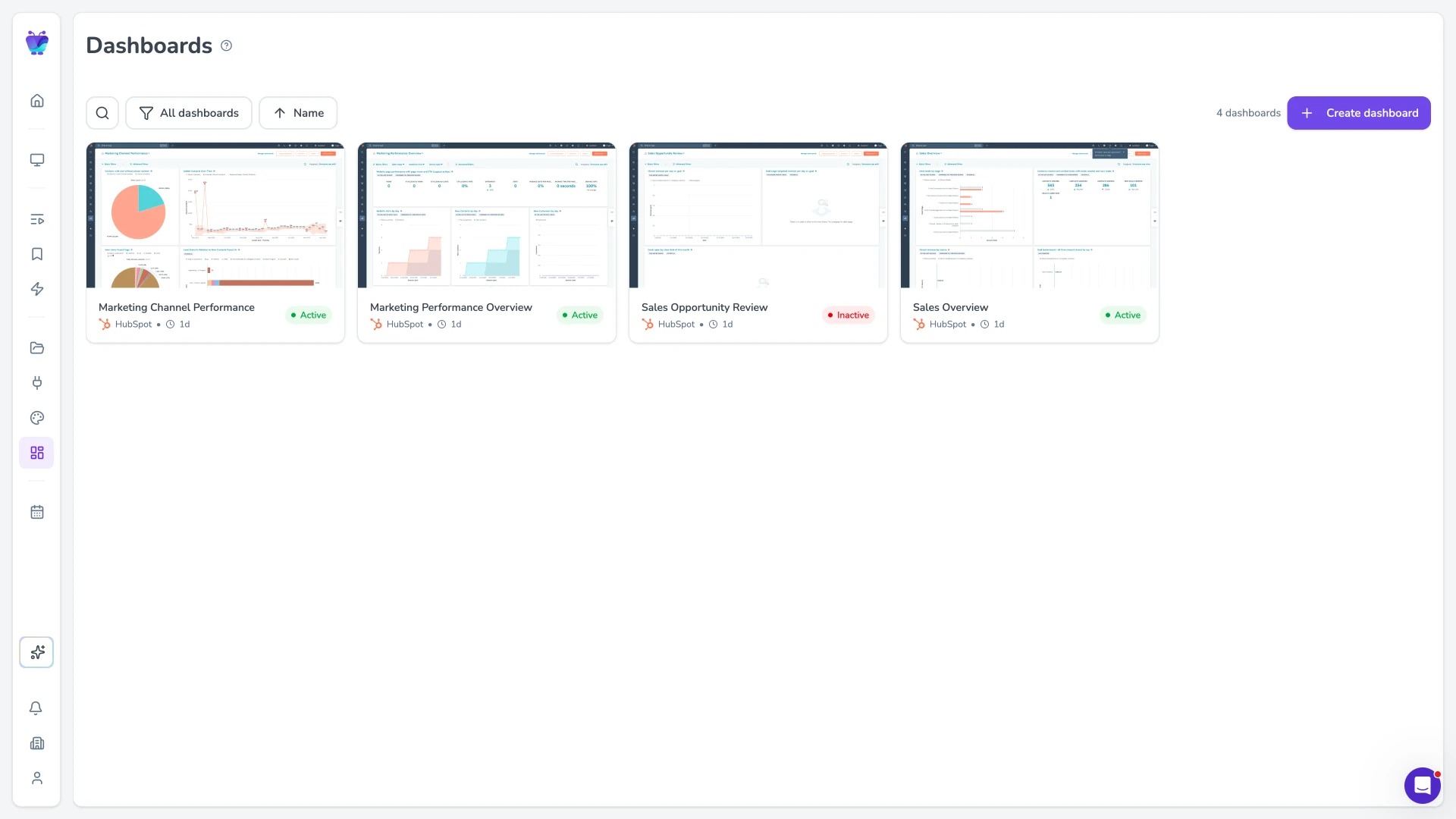
Live data on screen
Show live data as dashboards-on-TV, pulling from the tools and feeds you already run. Connect your timetable or operations dashboard to surface real-time information on passenger screens.
Connect the tools your operation already runs
Fugo pulls content and live data from the platforms transit teams already use, so passenger screens stay current without manual exports.

Google slides
Business
Google Slides

PosterMyWall
Business
PosterMyWall

Google drive
Business
Google Drive

Google sheets
Business
Google Sheets
QR code
Business
QR Code

YouTube
Featured
YouTube App

Fugo social wall
Social
Create a custom live social media wall for your screens!

RSS
Utilities
Live news headlines from your favorite RSS feeds
Transportation digital signage FAQs
What transit operators ask before rolling out screens.