

Mall screens for directories, wayfinding, and tenant messaging
Keep directories and wayfinding accurate, and make it clear who owns updates. Publish centrally, support tenant submissions with approvals, and keep screens reliable across zones.
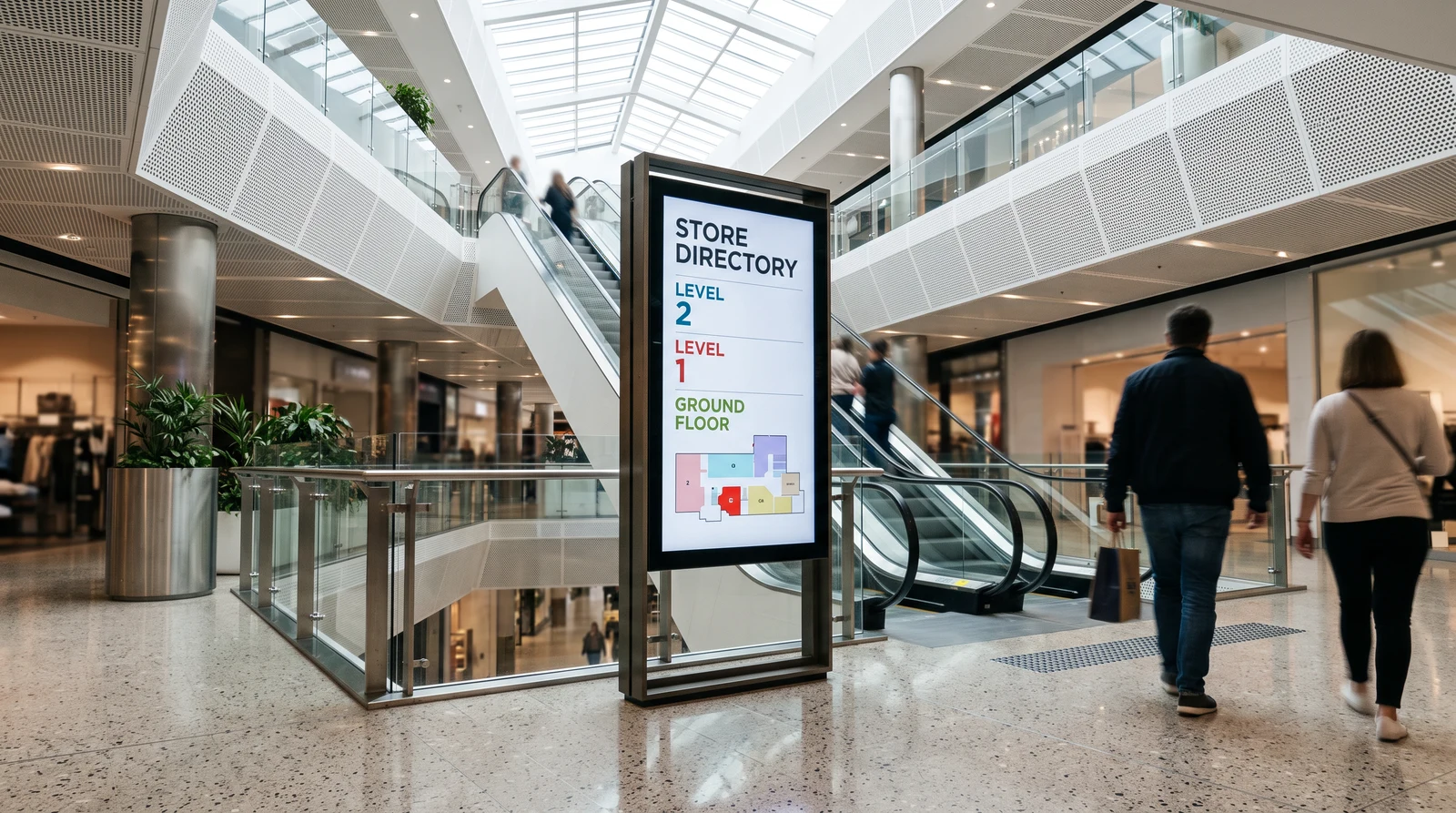
Common shopping centre screen setups
Shopping centres have complex, multi-zone signage requirements. Fugo gives you the flexibility to run the right content in every area while managing it all from one place.
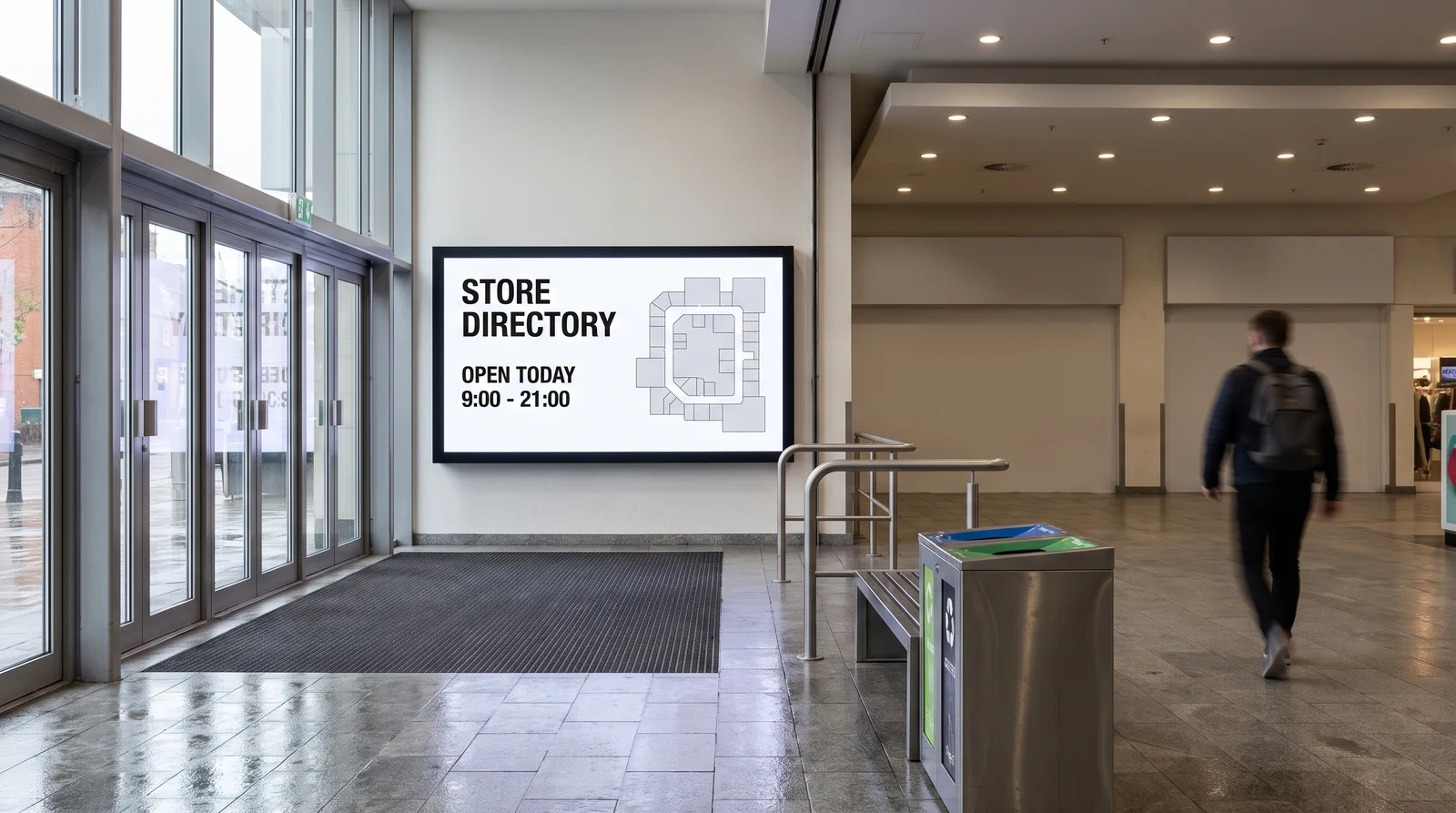
Keep listings current
Display up-to-date tenant information on entrance screens, atrium displays, and interactive kiosks. When a new tenant opens, an existing tenant moves, or trading hours change, update every directory screen in the centre from a single dashboard — no reprinting, no contractor visits.
Controls for shared ownership environments
Managing signage across a large shopping centre requires tools built for scale, complexity, and multiple stakeholders. Fugo delivers all of that in one platform.
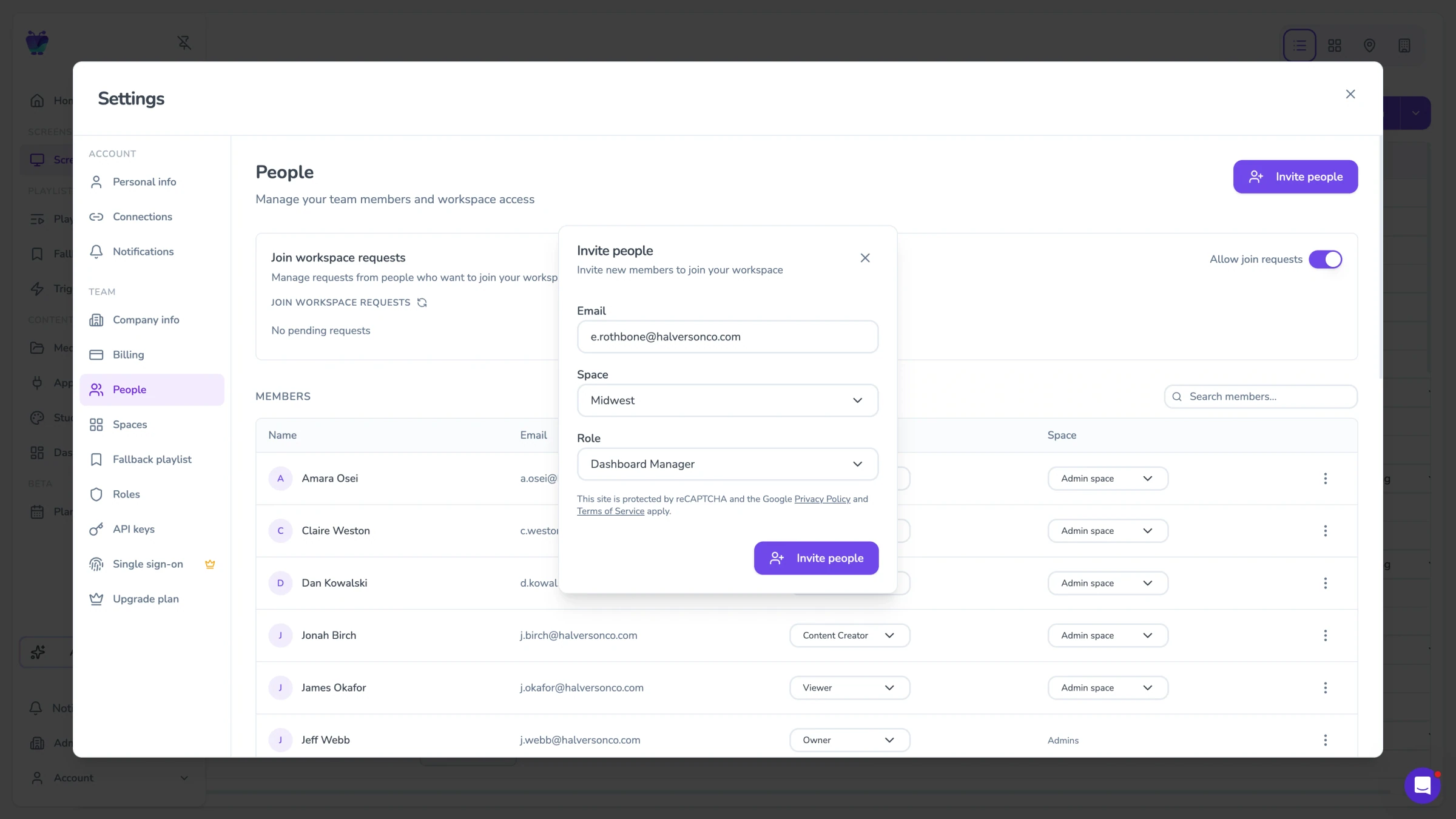
Approvals and governance workflows
Give tenants the ability to submit and update their own promotional content through a dedicated self-service portal — without giving them access to the wider screen network. Centre management reviews and approves submissions before they go live, maintaining quality control while reducing the administrative burden on the management team.
- Dedicated tenant login and content submission
- Management approval workflow before content goes live
- Tenant-specific screen zones and time slots
- Proof-of-display reporting for tenants
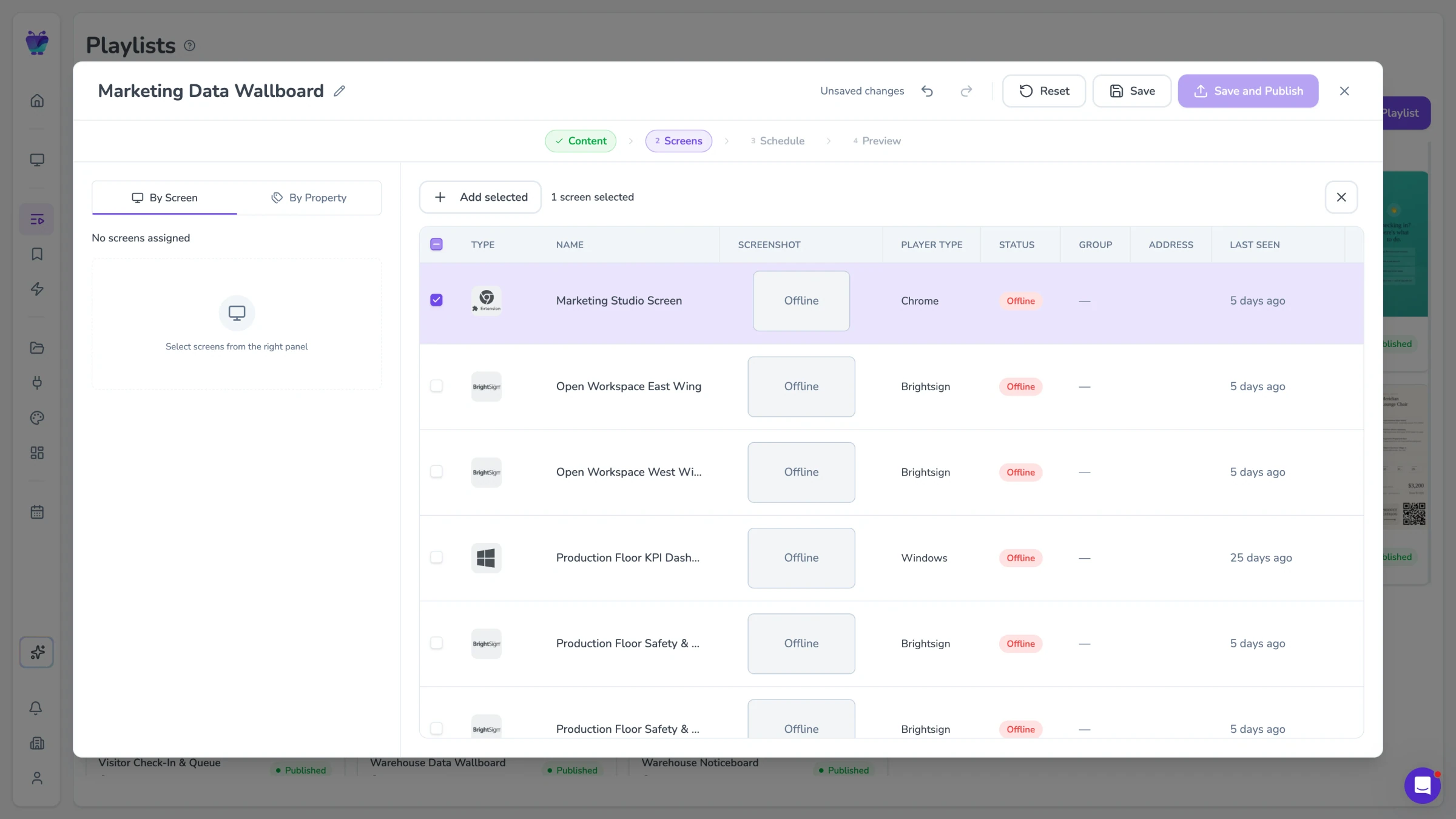
Zone-based publishing
Divide your centre into content zones — entrance, atrium, food court, car park, individual wings — and manage content for each zone independently. Different zones can run different content simultaneously, with the ability to push centre-wide broadcasts to all zones at once when needed.
- Unlimited content zones per centre
- Zone-specific content playlists and schedules
- Centre-wide broadcast override capability
- Per-zone and per-screen analytics
Scheduling for campaigns
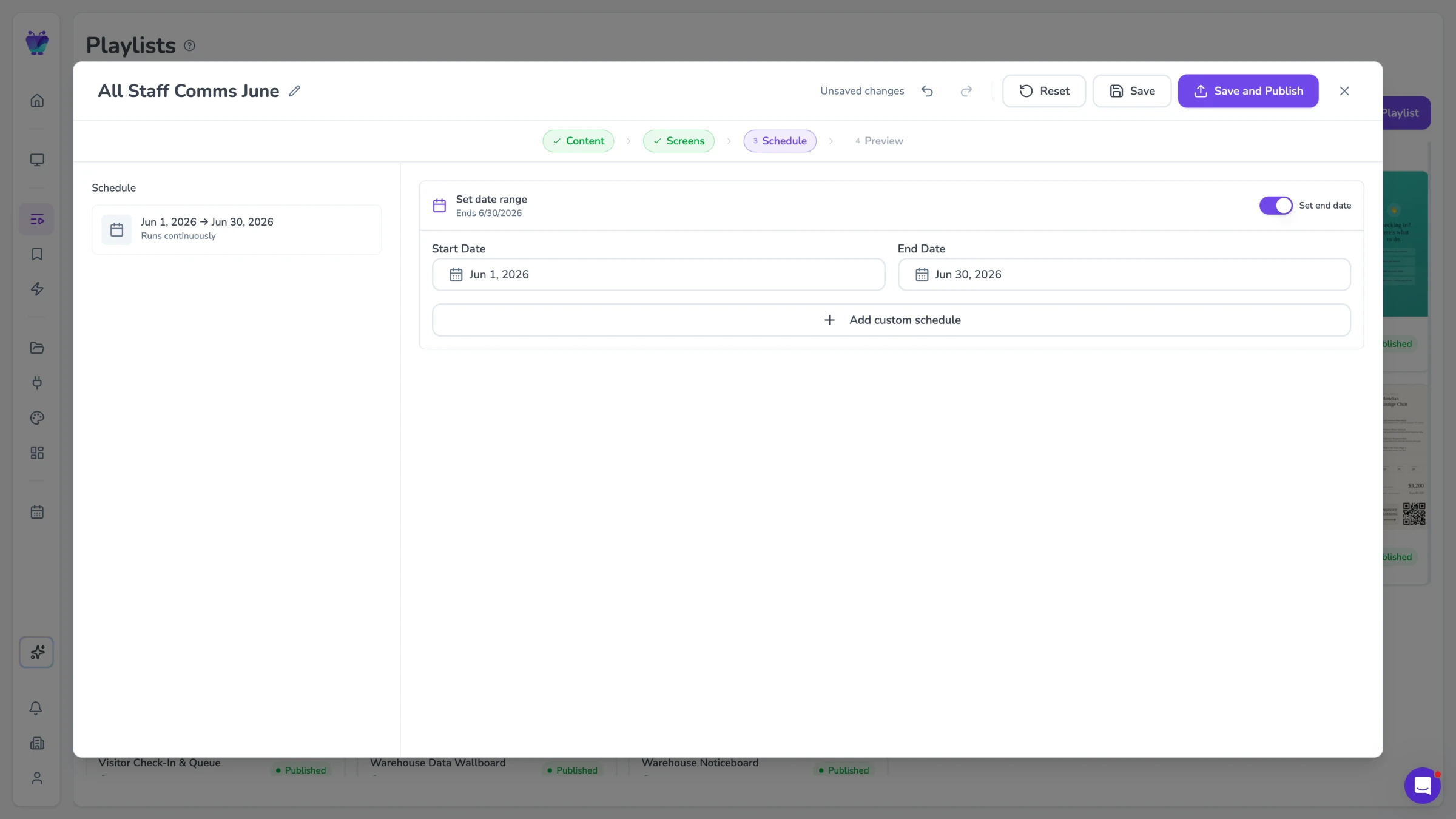
Plan and schedule content for the entire retail calendar in advance. Create campaigns for Christmas, summer sales, back-to-school, and centre events, then schedule them to go live and expire automatically. Fugo handles the transition between campaigns so your team can focus on planning rather than execution.
- Campaign calendar with drag-and-drop scheduling
- Automatic campaign start and end dates
- Seasonal template library
- Multi-zone campaign coordination
Events, tenant offers, and directions that update themselves
Fugo connects to the calendars, social feeds, and content libraries that keep concourse screens current with events, tenant activity, and shopper information.

Google slides
Business
Google Slides

Google calendar
Misc
Display your Google Calendar in style

Fugo social wall
Social
Create a custom live social media wall for your screens!

Walls.io
Social
Walls.io

Countdown
Misc
Count down live and in style
QR code
Business
QR Code

YouTube
Featured
YouTube App

World weather
Featured
Live weather forecast for your screen
Mall digital signage FAQs
Everything you need to know before deploying digital signage across your shopping centre.