
macOS digital signage software
Put your Mac minis & MacBooks to work as digital signage players, with Fugo handling the content, scheduling, and screen management.
The power & reliability of macOS for digital signage
Deploying your digital signage on Apple hardware delivers a flawless, zero-maintenance viewer experience that keeps your screens running uninterrupted.
Stutter-free video
Dedicated video processors handle heavy 4K loops effortlessly so your content stays perfectly smooth without dropping frames.
Lag-free dashboards
The modern internal design removes data bottlenecks, allowing live metrics & web widgets to refresh without delay.
Overheat protection
The system draws minimal power and generates almost no heat, preventing hardware crashes behind tight commercial displays.
Reliable screen wakes
The player locks its digital connection to the TV, ensuring layouts never scramble or go black after nightly reboots.
Tamper-proof defense
Built-in hardware security blocks digital threats at the chip level to protect your public-facing displays.
Built for 24/7 duty
Premium desktop-grade components handle non-stop commercial workloads, eliminating the constant replacement costs of cheap media sticks.
Set up in just 5 minutes
Fugo installs directly on supported Macs and pairs to your account with an on-screen PIN, making it easy to bring new screens online.
Set up Fugo on macOS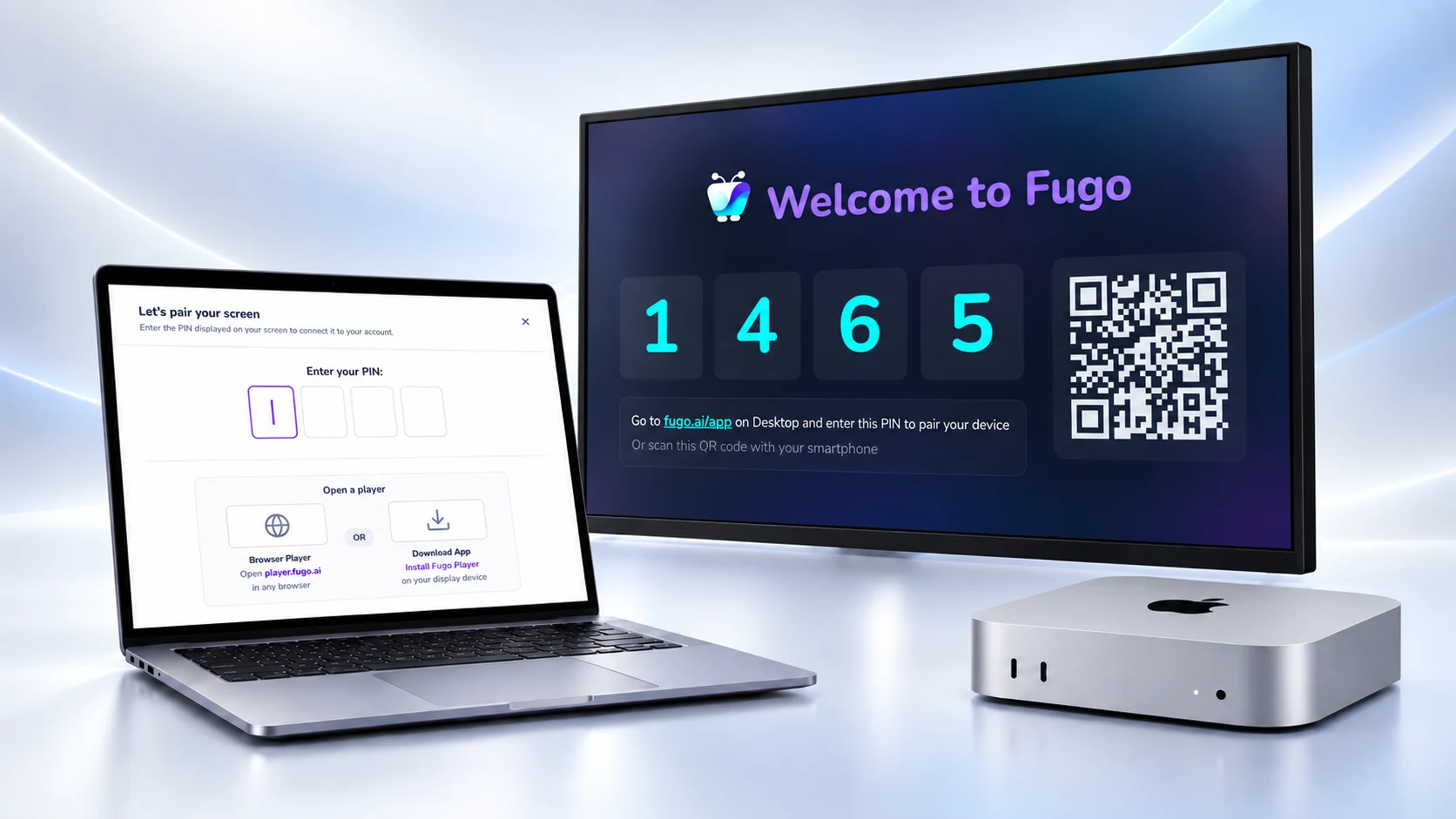
Serious CMS power behind the screens
Fugo brings enterprise intelligence to your screens and gives you total governance over your network.
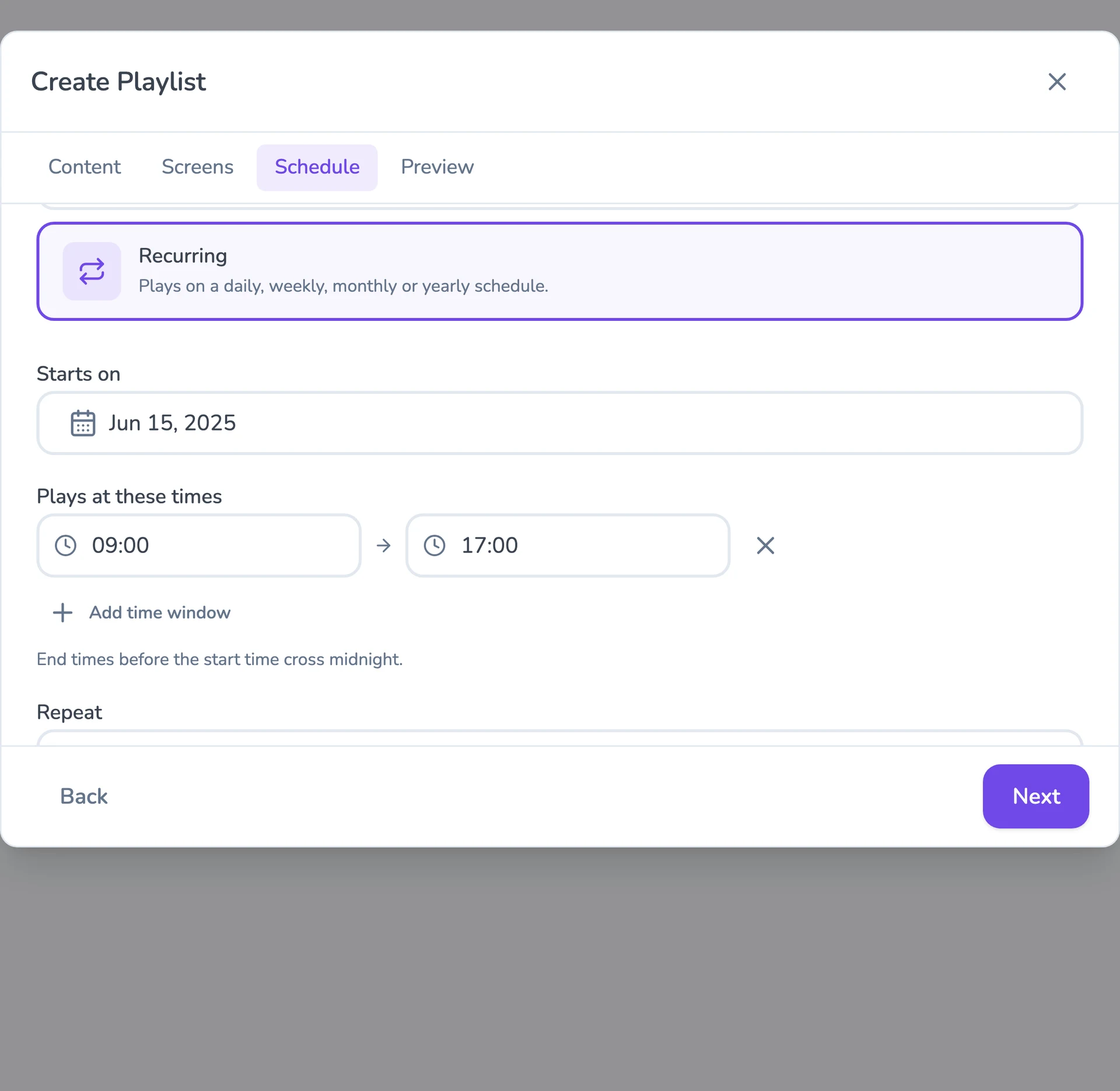
Flexible content scheduling
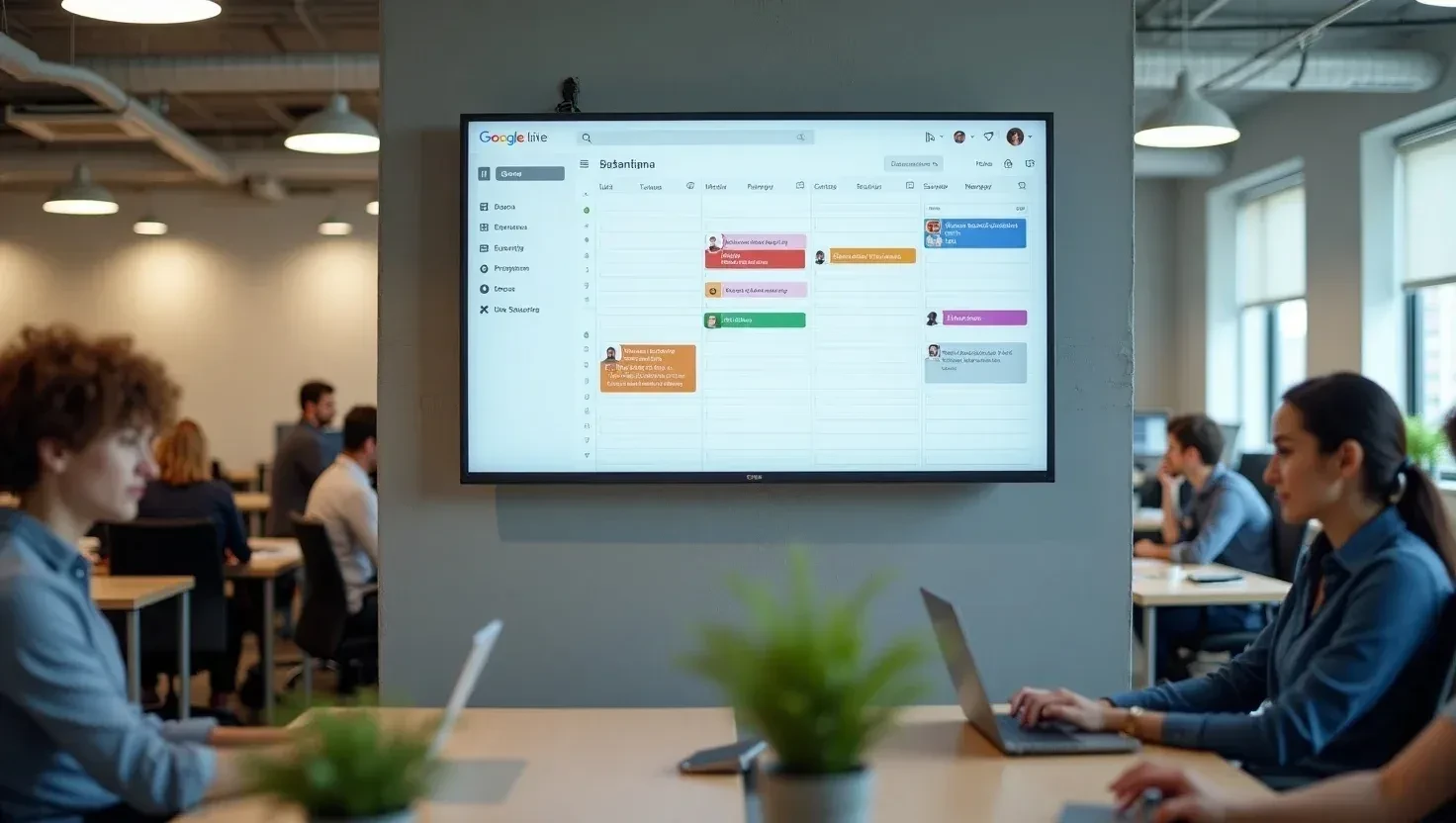
Keep even complex content calendars easy to manage. Schedule & target content to the right screens with flexible timing and automatic expiry.
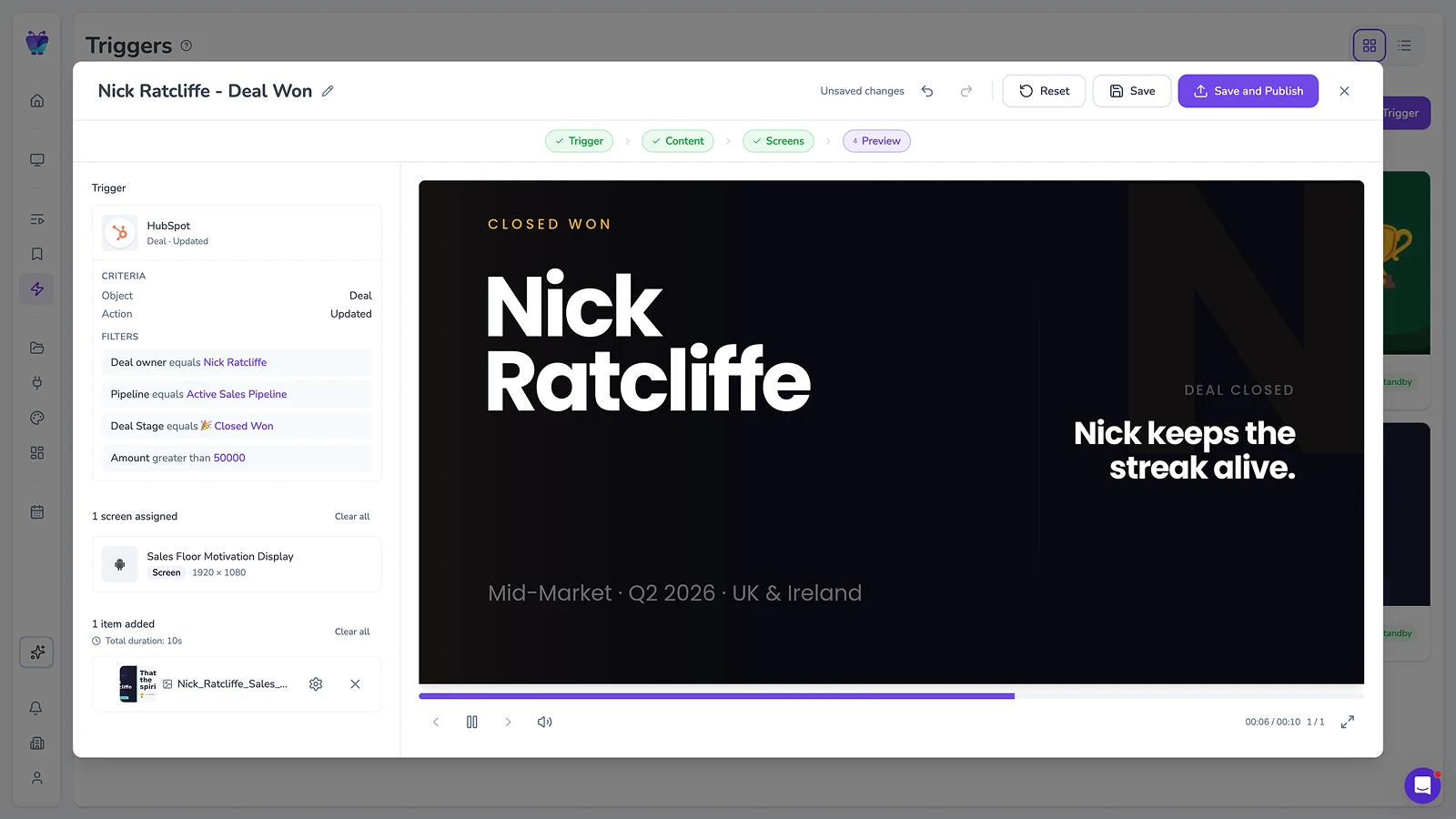
Event-driven content triggering
Let events in your connected systems decide when screens should update. Surface timely takeovers for alerts, milestones, or moments that need attention.
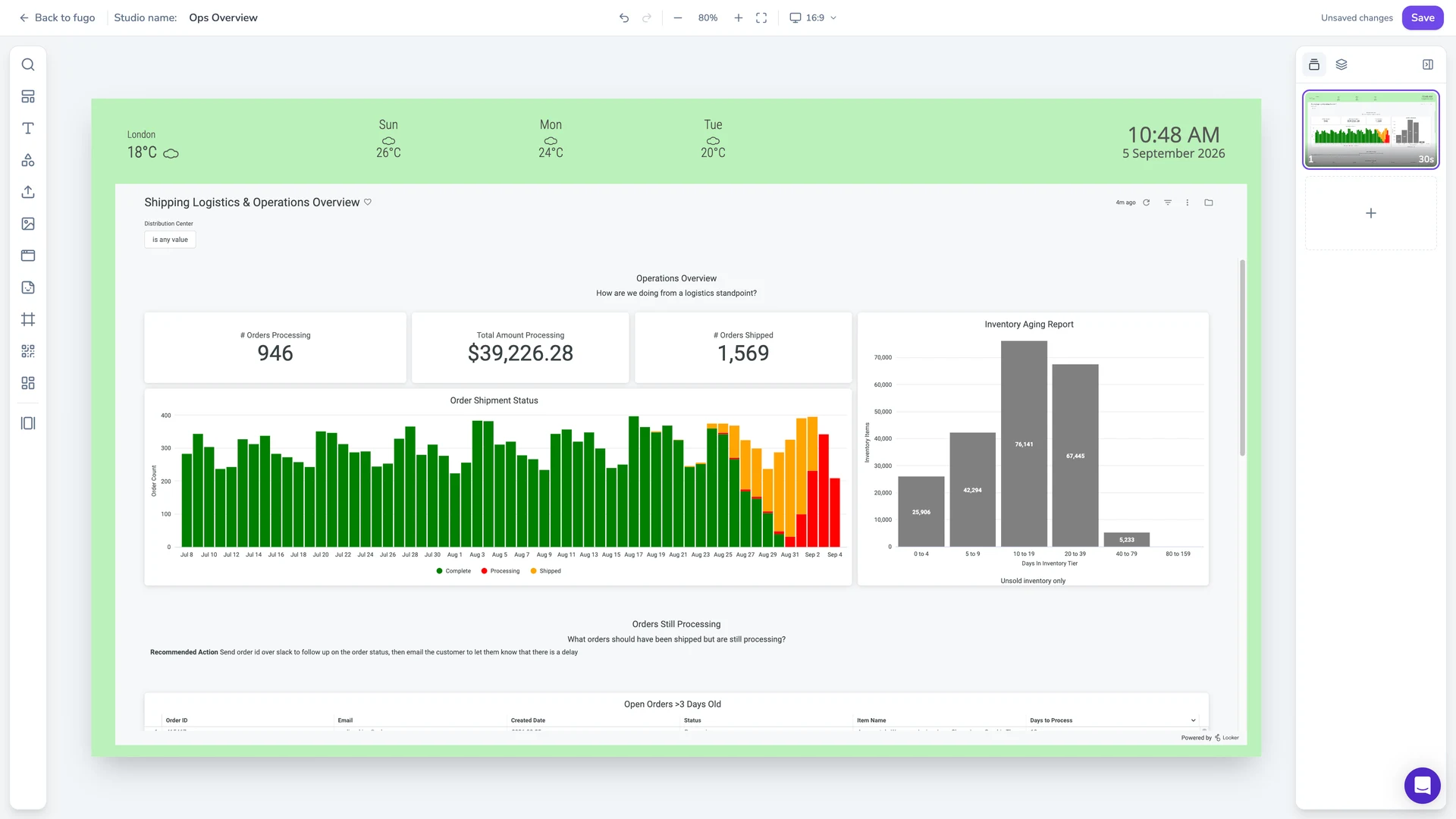
Full-featured content design
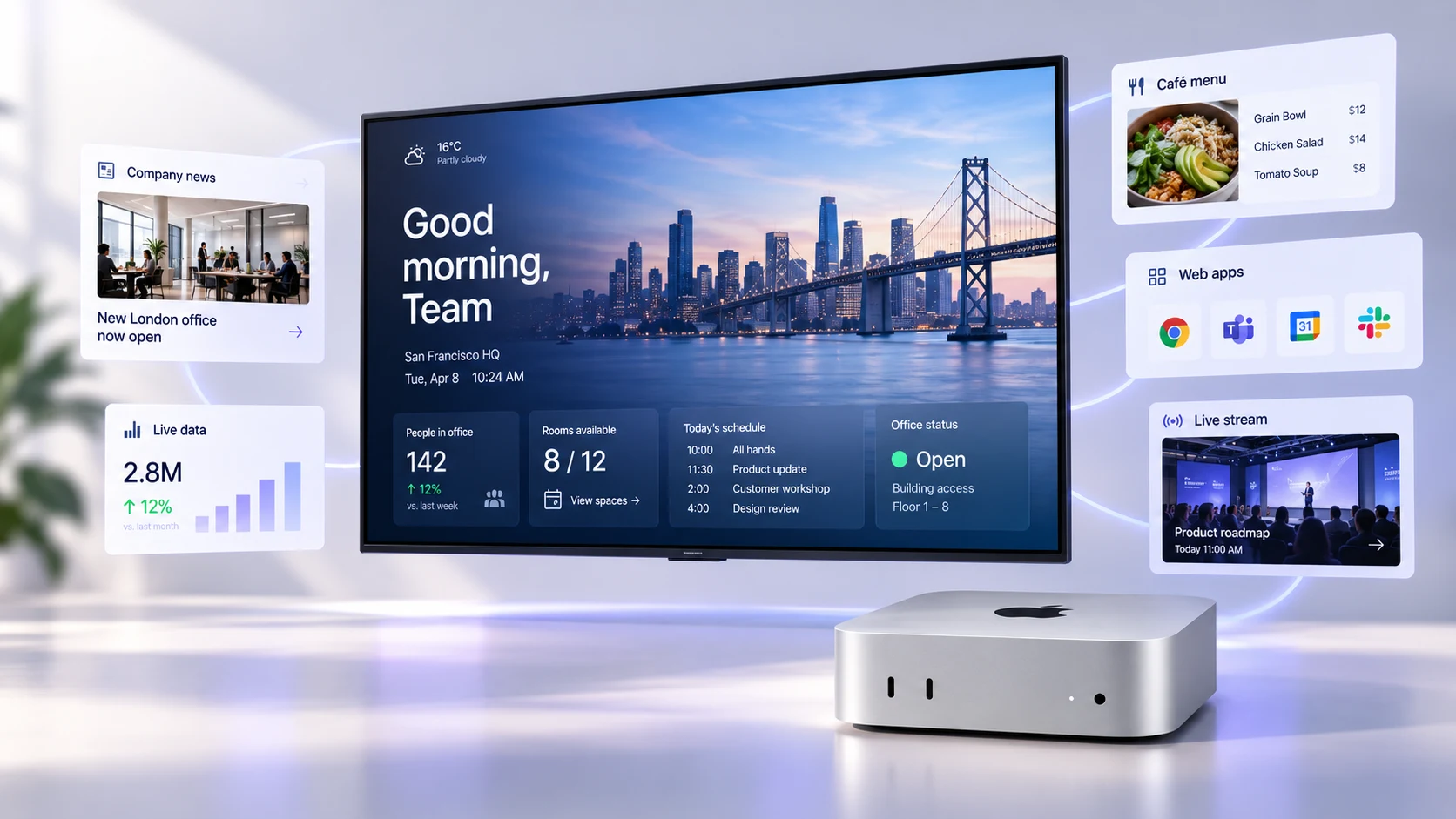
Combine your own media, live data, and connected apps into polished multi-zone layouts using an editor that feels as easy as Canva.
Centralized screen management
Organize and control your entire screen network from one place, without losing the flexibility to manage each screen according to its setup.
Live data on screen
Put BI dashboards and KPIs on the display through Fugo’s integrations, and keep them refreshing without anyone signing in on site.
Built-in remote monitoring
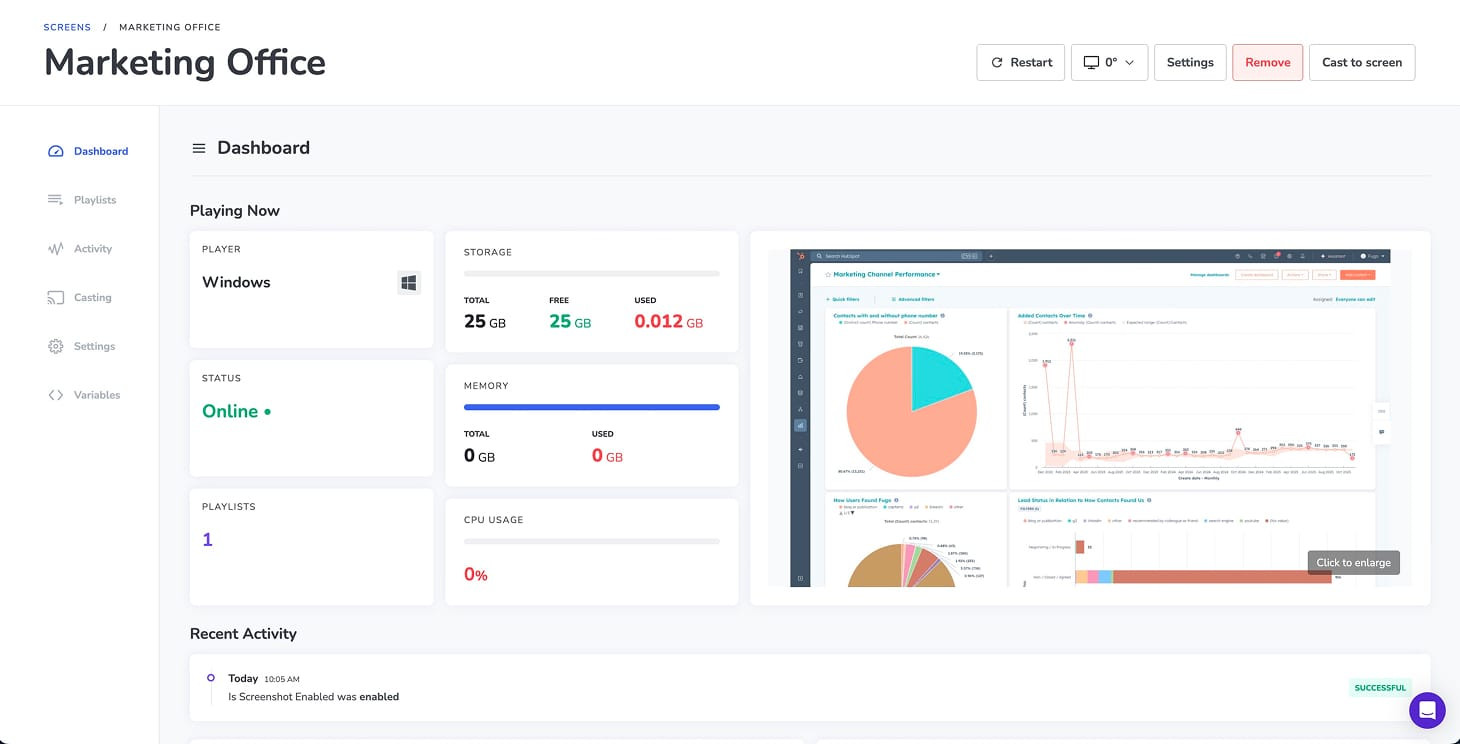
See what’s happening on remote screens from Fugo. Verify playback and investigate problems without sending someone on site.
Granular user management
Give teams access to the screens and content they own without opening the rest of the network.
Recommended Mac devices for Fugo
Our top Mac mini picks for Fugo, whether you’re buying new hardware or repurposing devices already in your fleet.
View the full macOS hardware directory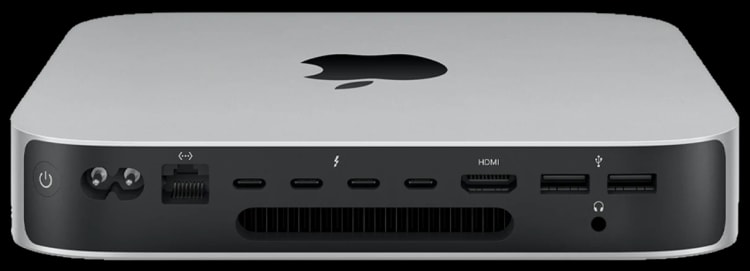
Mac mini M2 / M2 Pro
Our recommended Mac mini generation for new signage deployments, with Apple silicon and dedicated media engines for smooth high-resolution video playback.
Apple M2 or M2 Pro
Hardware-accelerated H.264 and HEVC
HDMI + Thunderbolt 4
Gigabit Ethernet
Wi-Fi 6E
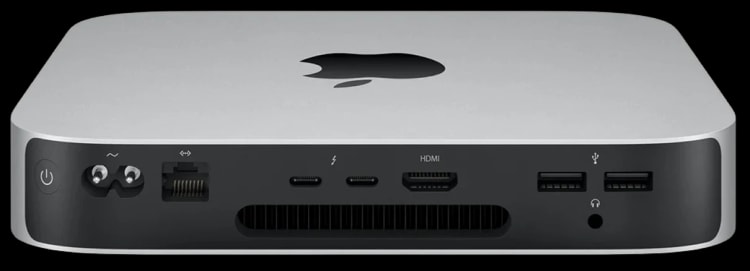
Mac mini M1
A strong option for putting an existing Mac mini back to work, with Apple silicon performance for video, dashboards, web content, and multi-zone layouts.
Apple M1
Up to 4K output over HDMI
HDMI + Thunderbolt / USB 4
Gigabit Ethernet
Wi-Fi 6
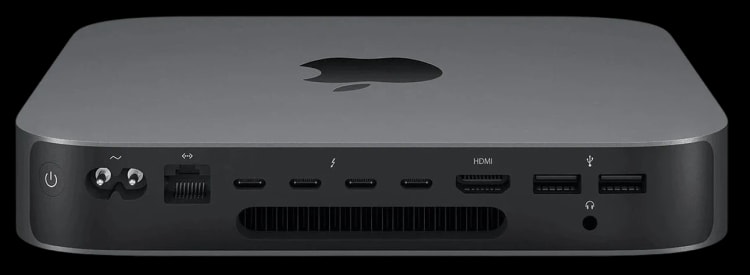
Mac mini 2018
A practical way to extend the life of Intel-based Mac minis you already own without replacing capable hardware solely for signage.
Quad- or 6-core Intel processors
Intel UHD Graphics 630
HDMI 2.0 + Thunderbolt 3
Gigabit Ethernet
Up to 64 GB memory
Dive deeper on digital signage
Practical guides for making better decisions about how you build and run your signage.