
Android digital signage software
Transform everyday Android hardware into dedicated signage displays while Fugo handles playback, scheduling, and network health from one central dashboard.
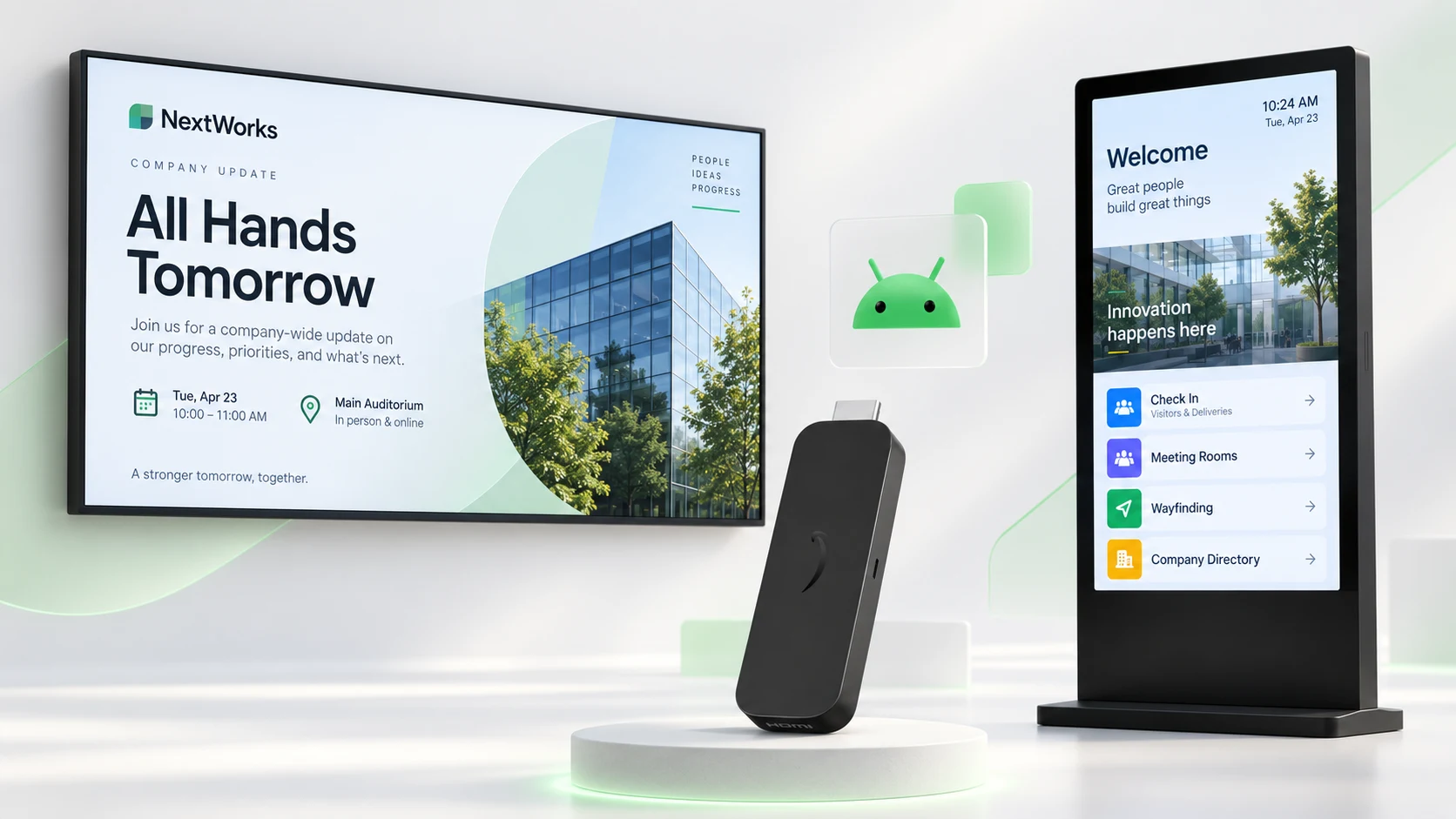
The versatility & performance of Android for digital signage
Deploying digital signage on Android hardware offers a great balance of affordability, native screen flexibility, and easy scaling across displays.
Native SoC integration
Install directly onto Android-powered smart TVs without adding external media players, extra HDMI cables, or bulky mounting hardware.
Zero OS license fees
Scale your display network without per-device operating system fees or recurring software taxes driving up rollouts.
Instant boot-to-app
Take advantage of native OS permissions that allow Fugo to take over the screen automatically as soon as the device powers on.
Kiosk app lockdown
Prevent unwanted tampering by locking Fugo as the single active app, complete with auto-reboot recovery if a screen loses power.
Lightweight footprint
Android's lean Linux-based kernel runs reliably on minimal system resources without requiring heavy desktop OS background tasks.
Easy network expansion
Deploy identical app builds across varied hardware types, keeping fleet management unified as your network grows.
Fast setup from the Google Play Store
Install the Fugo player app straight from the Google Play Store and pair it to your account with a quick PIN to launch your digital sign. Using custom AOSP hardware? Sideload our APK directly for an equally smooth deployment.
Set up Fugo on Android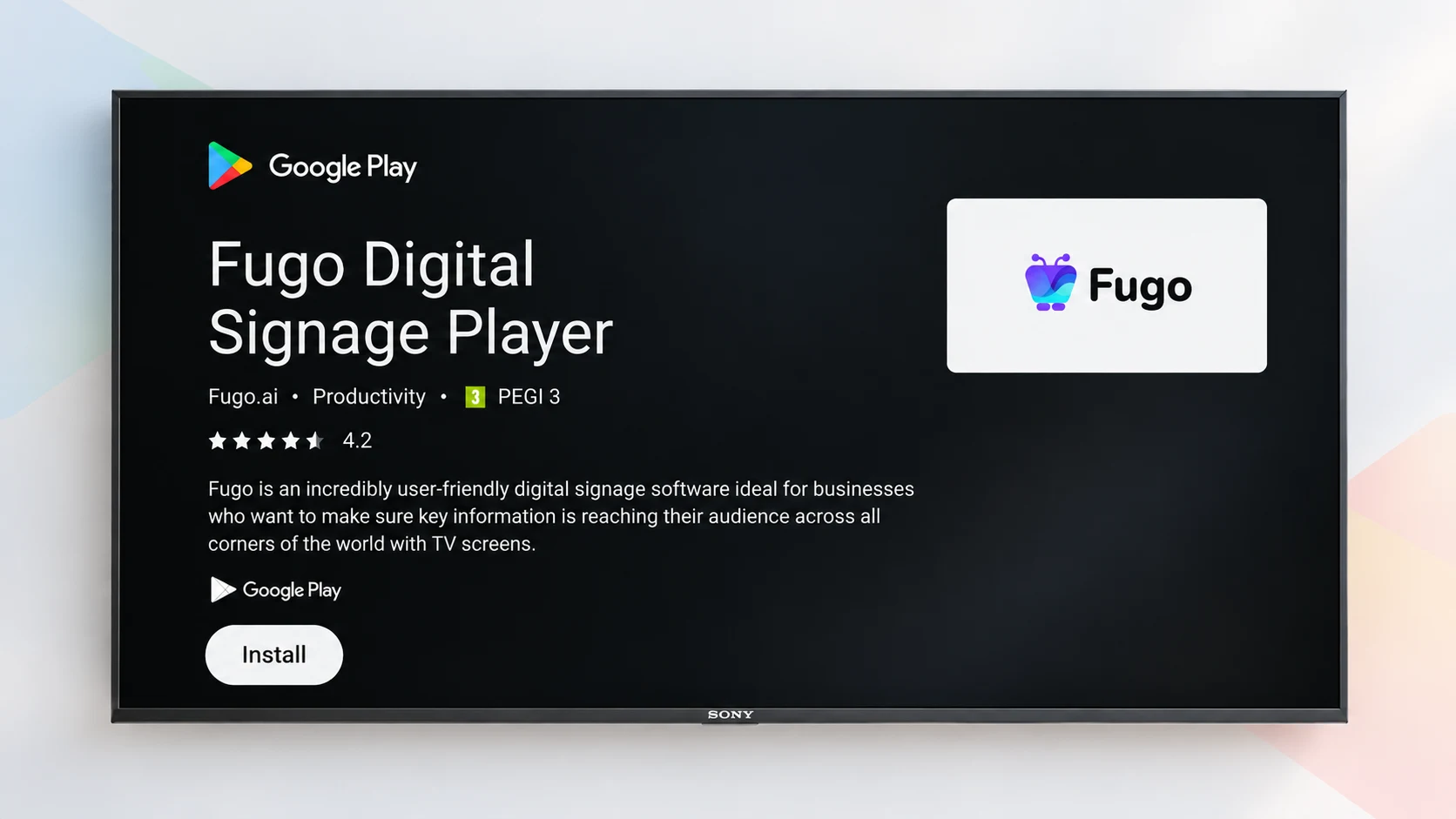
Put smarter digital signage software behind your Android displays
Fugo’s cloud CMS puts absolute command of your screen network in your hands - governing what airs, targeting where it lands, and automating when it changes.
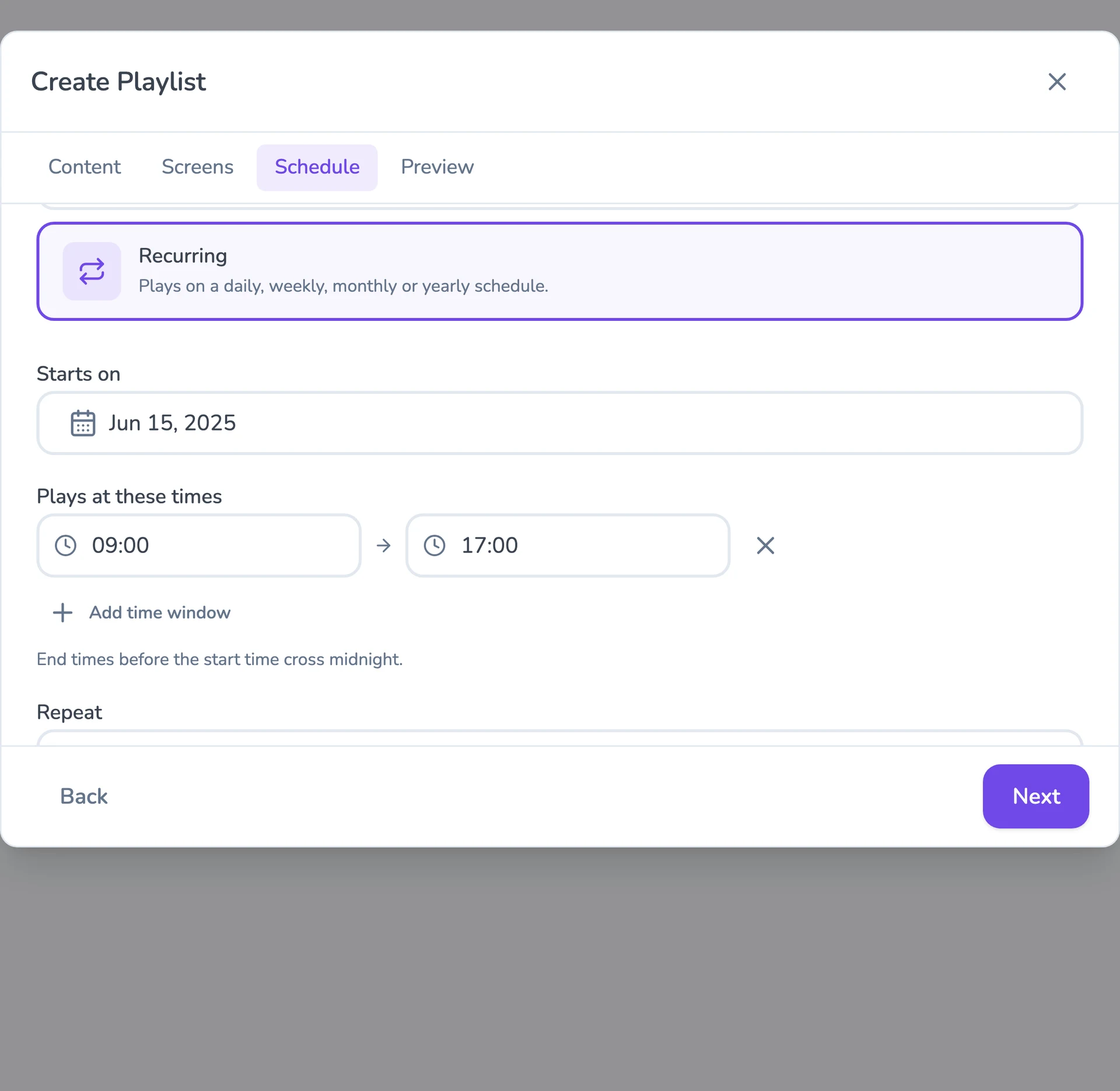
Explore all Fugo featuresFlexible content scheduling
Keep even complex content calendars easy to manage. Schedule & target content to the right screens with flexible timing and automatic expiry.
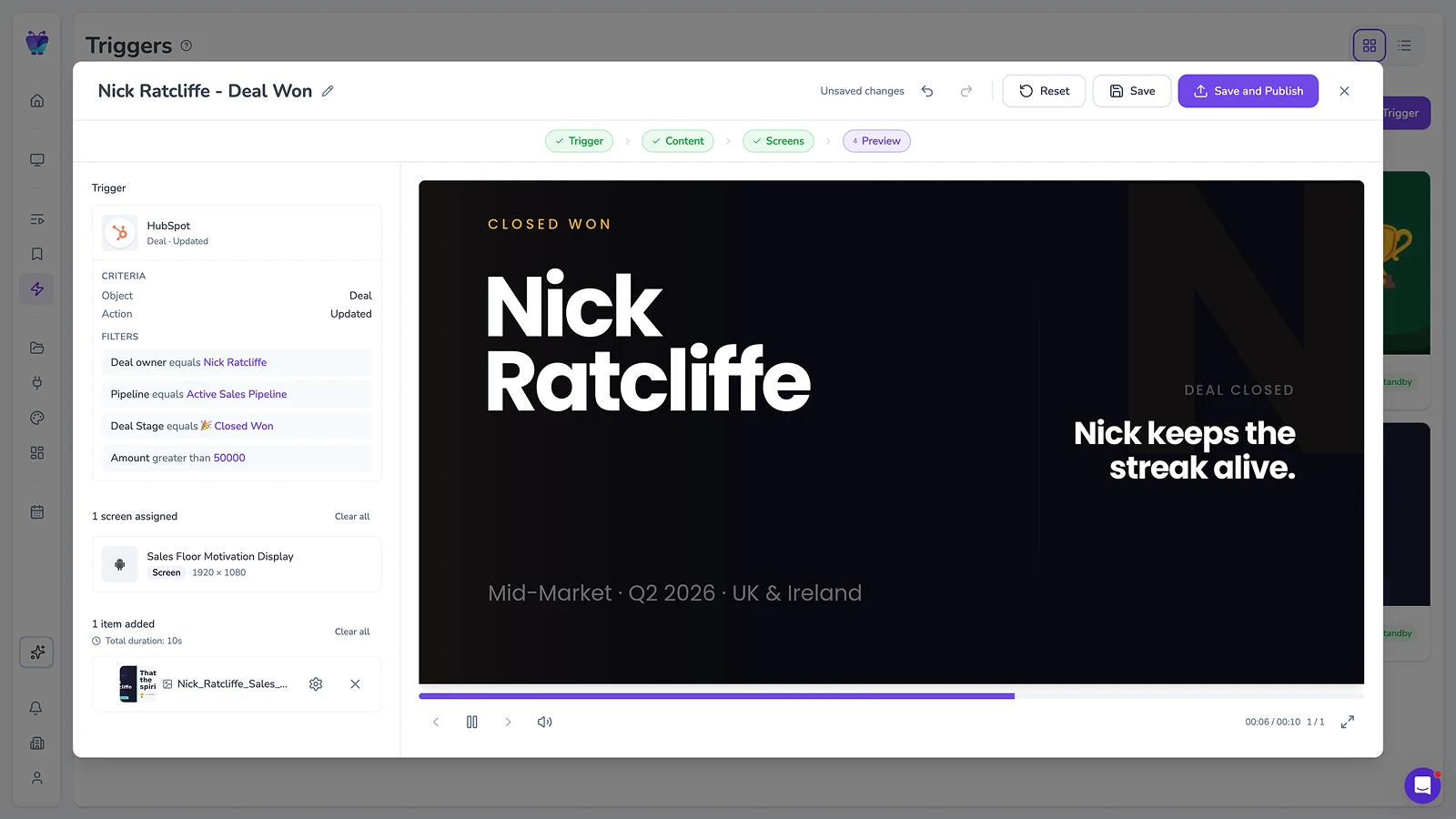
Event-driven content triggering
Let events in your connected systems decide when screens should update. Surface timely takeovers for alerts, milestones, or moments that need attention.
Full-featured content design
Combine your own media, live data, and connected apps into polished multi-zone layouts using an editor that feels as easy as Canva.
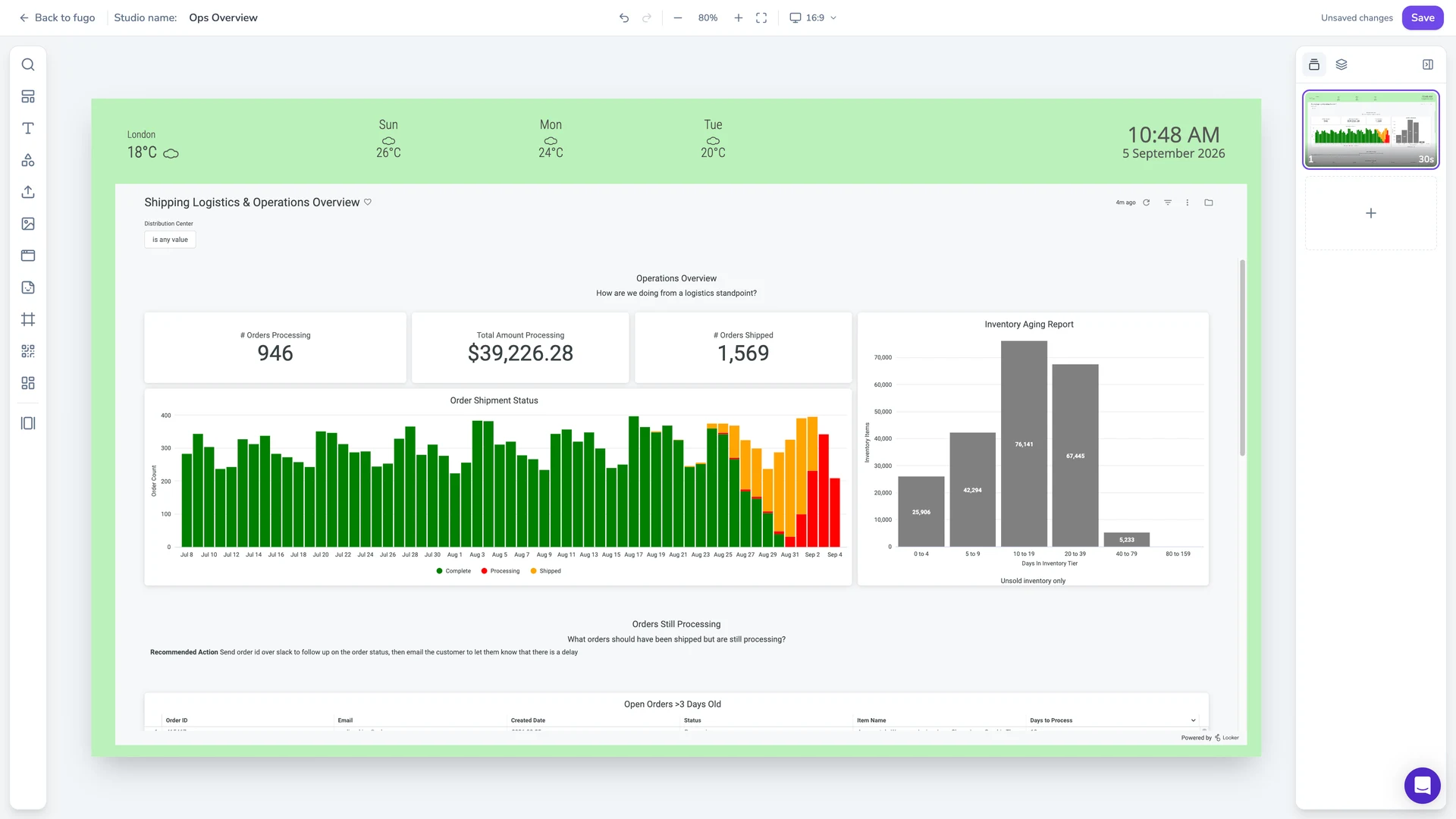
Centralized screen management
Organize and control your entire screen network from one place, without losing the flexibility to manage each screen according to its setup.
Works across mixed hardware
Sticks, SoC TVs, and tablets sit in one account — group and target them however you operate the estate.
Built-in remote monitoring
See what’s happening on remote screens from Fugo. Verify playback and investigate problems without sending someone on site.
Granular user management
Give teams access to the screens and content they own without opening the rest of the network.
Recommended Android devices
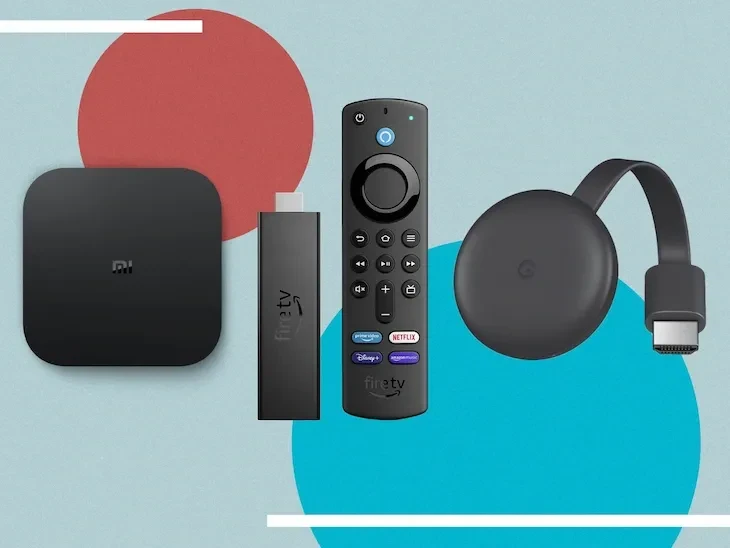
Fugo supports a wide range of Android hardware, from media players and smart TVs to kiosk displays and professional signage screens.
View all supported Android hardware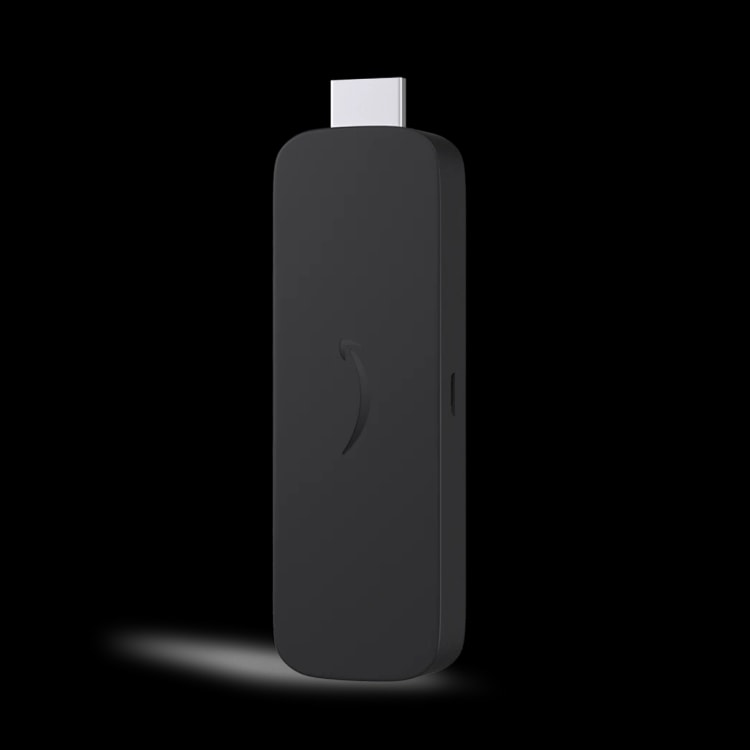
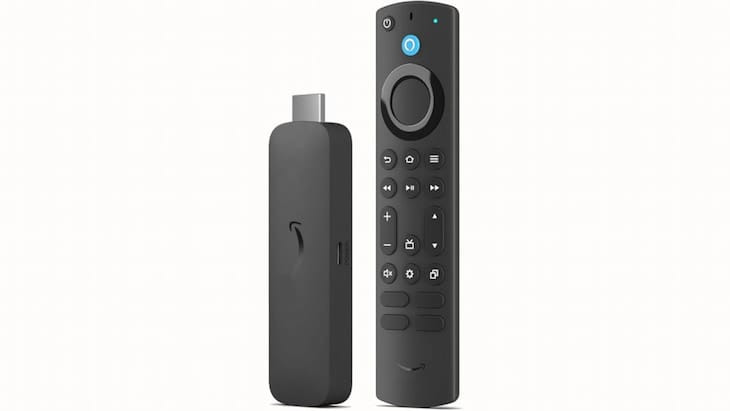
Amazon Signage Stick
A purpose-built device from Amazon that plugs into an existing display and runs Fugo without replacing the screen.
Around $100 per screen
Auto-launches into signage mode
Select Fugo during setup
Provision devices remotely
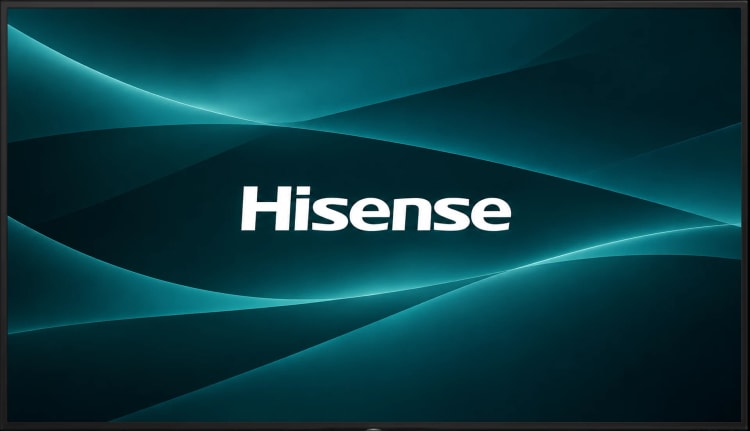
Hisense UH8 Series
A Google TV with Fugo running directly on the display, suited to everyday signage with lighter content requirements.
Google TV built in
Install Fugo from Google Play
No external player required
Easy to source at retail
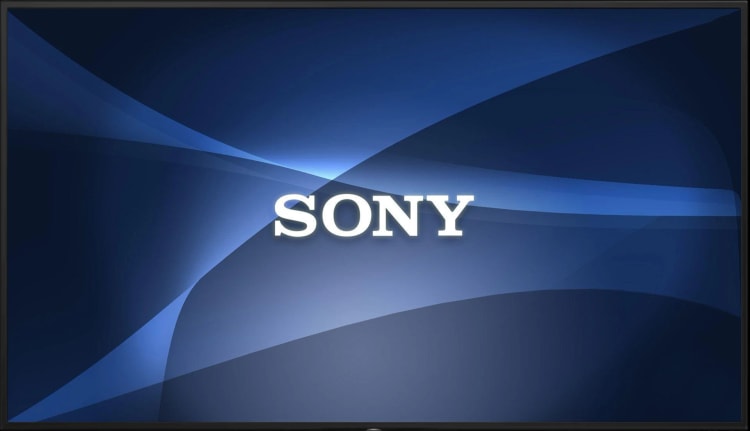
Sony BRAVIA BZ30L
A professional Android display built for continuous signage and more demanding content, with Fugo running directly on the screen.
Rated for 24/7 operation
Android built in
Professional display controls
Supports dual video zones
More on choosing Android hardware
What to buy, what it costs, and what’s changing in the player market.