

Secure screens for branches, offices, and trading floors
Publish compliance-approved content to screens without IT bottlenecks. Keep messaging consistent across branches, and manage access with role-based permissions.
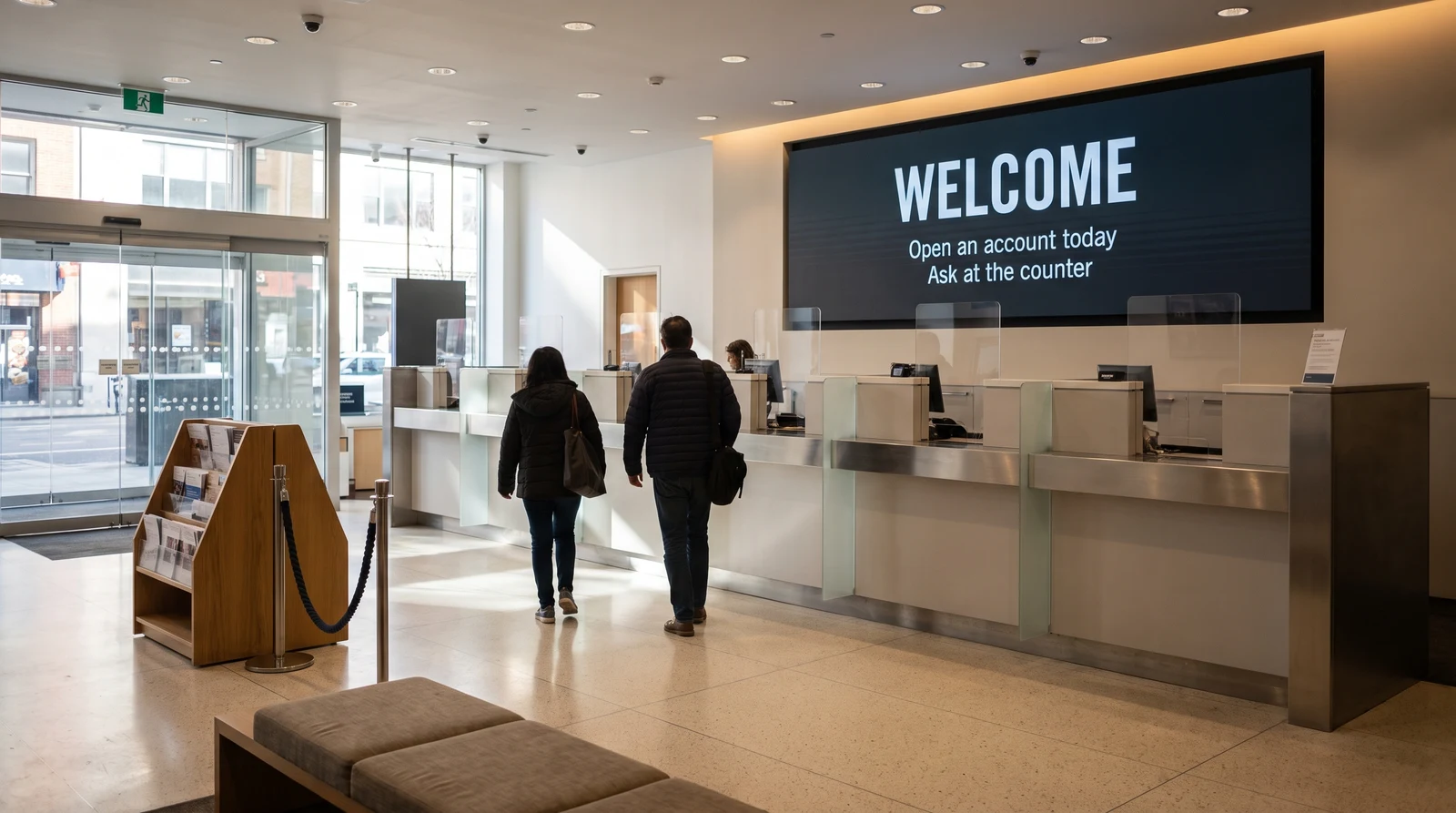
Common financial services screen setups
Financial services environments have unique display needs across very different contexts. Fugo serves all of them from a single, secure platform.
Show client-facing information
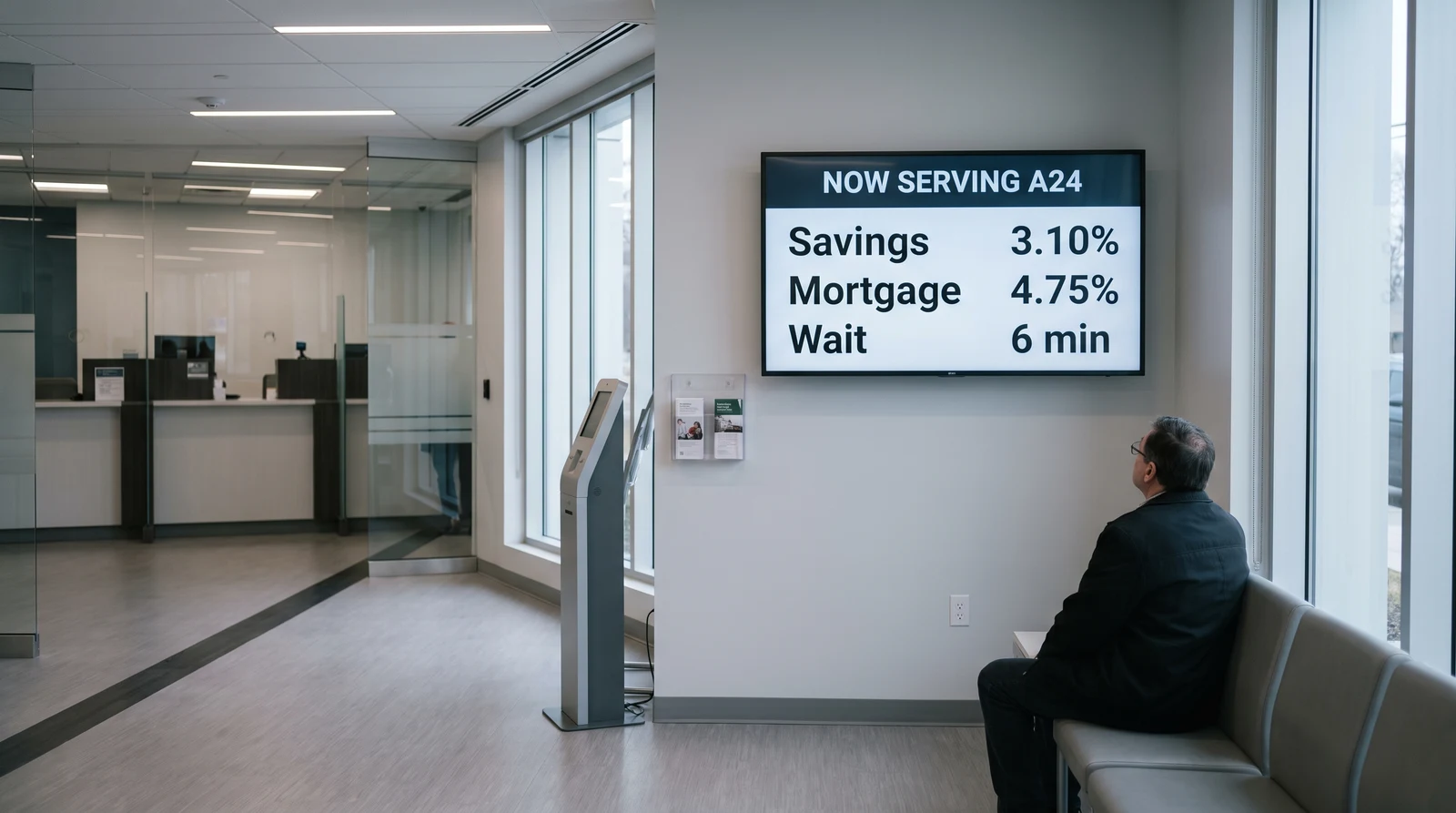
Display current interest rates, exchange rates, product promotions, and service information on screens throughout your branch lobby and waiting areas. Use queue management displays to show customer positions and estimated wait times, reducing frustration and perceived wait duration.
Governance and control for sensitive environments
Fugo is built to meet the security and governance requirements of the financial services industry — without sacrificing the ease of use that keeps content fresh and relevant.
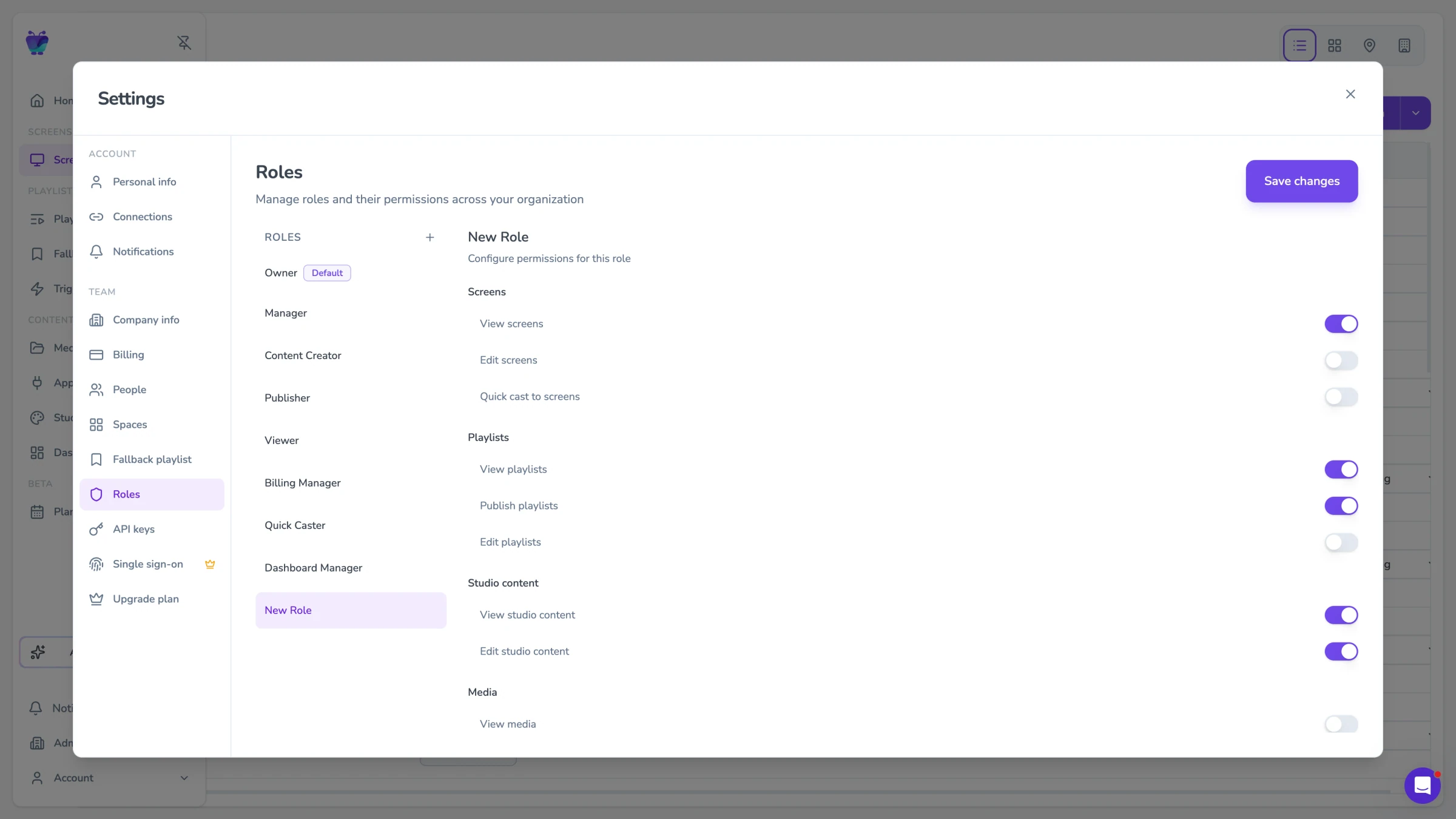
Roles, permissions, and approvals
Financial services content often requires multiple levels of approval before it can be displayed to clients. Fugo supports multi-stage review processes — content can require approval from a line manager, a compliance officer, and a marketing lead before going live.
- Multi-stage content approval workflows
- Timestamped approval audit trail
- Designated approver roles by content type
- Automatic escalation if approvals are delayed
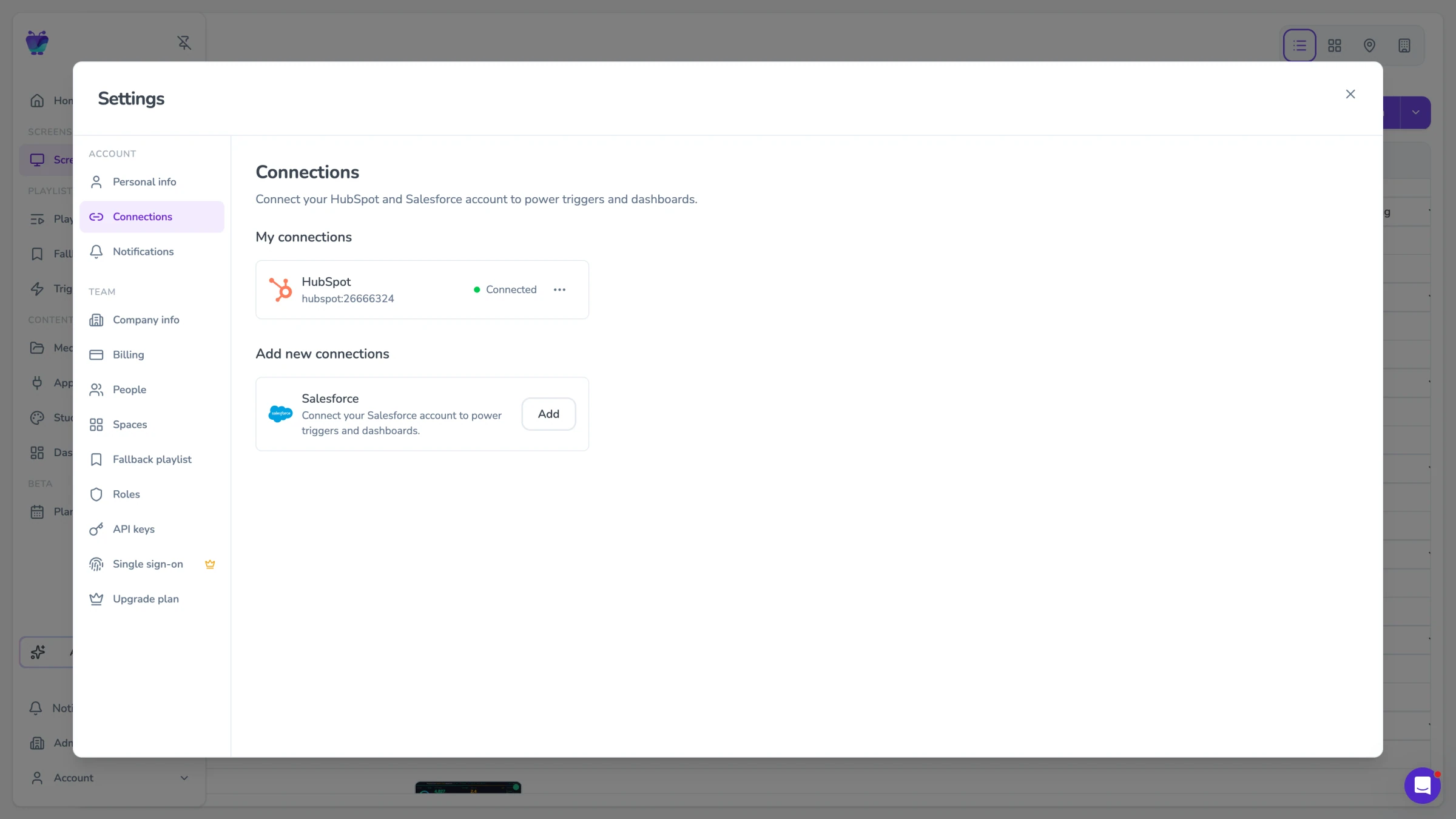
SSO-based access control
Fugo integrates with enterprise identity providers including Okta, Azure Active Directory, and Google Workspace via SAML 2.0 for single sign-on. SCIM provisioning allows automated user account management.
- SAML 2.0 SSO via Okta, Azure AD, Google Workspace
- SCIM automated user provisioning
- Granular role-based access controls
- Full audit log of all user and content actions
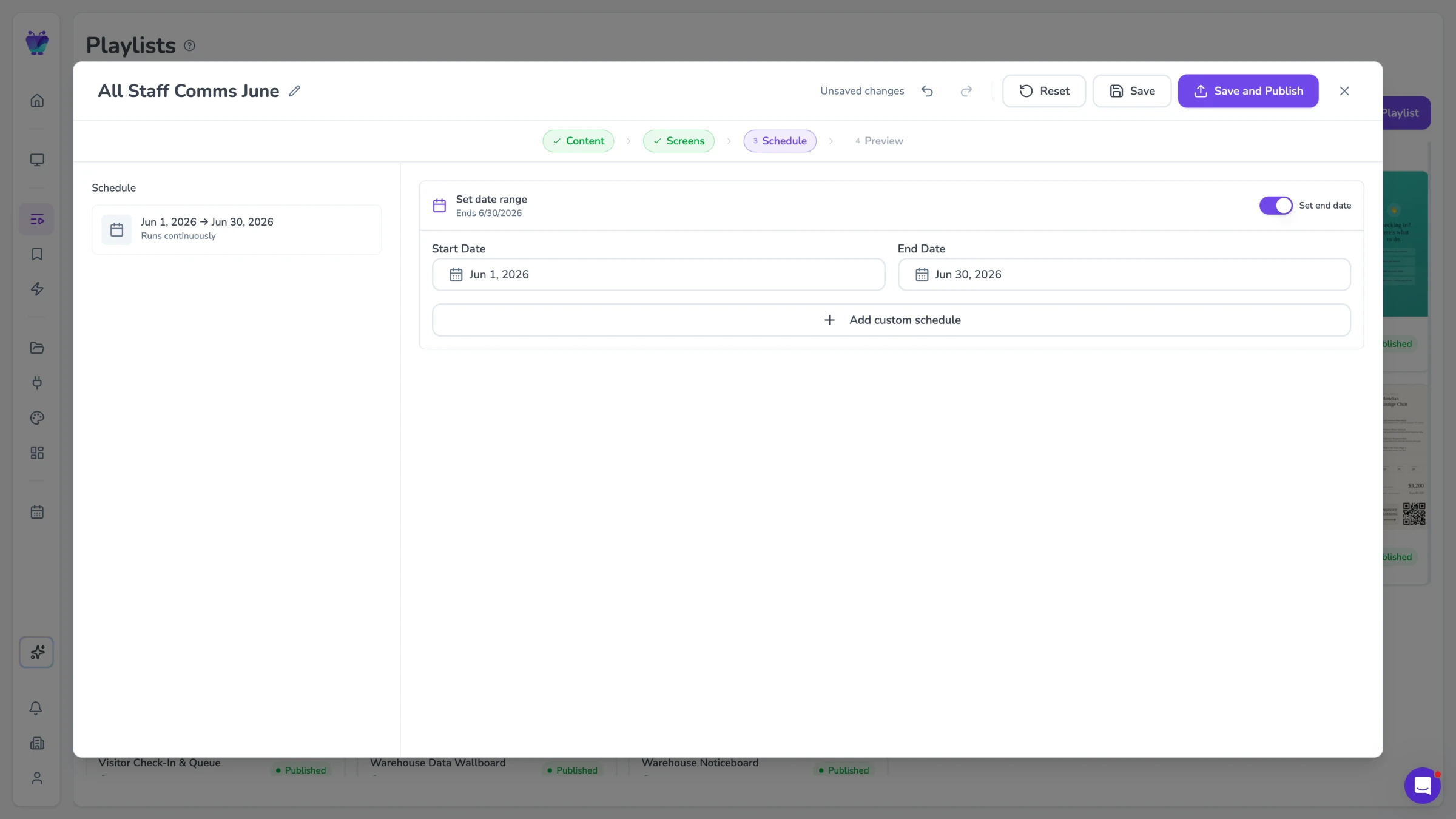
Scheduling for recurring compliance content
Connect Fugo to any financial data source that provides an API or data feed. Display real-time exchange rates, interest rates, market indices, stock tickers, and portfolio summaries on screens across your branches and offices.
- REST API connector for any financial data source
- Configurable data refresh intervals (as frequent as 30 seconds)
- Support for JSON and CSV data formats
- Custom display templates for rate tables and market tickers
Approved content across every branch, without the IT bottleneck
Fugo connects to the dashboards and content tools your teams already use, so branch screens display approved, current information without requiring a custom deployment for every location.

Qmatic
Utilities
Display live queue status and customer calls on your digital screens
PowerBI dashboards
Featured
Display your Power BI dashboards to your Digital Signage screens

Google slides
Business
Google Slides

QR code
Business
QR Code

Google news
News
The latest headlines from Google News
Countdown
Misc
Count down live and in style
Financial services digital signage FAQs
Answers to the security, compliance, and operational questions financial services firms ask most.